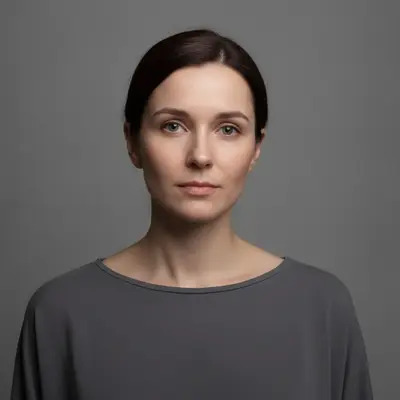
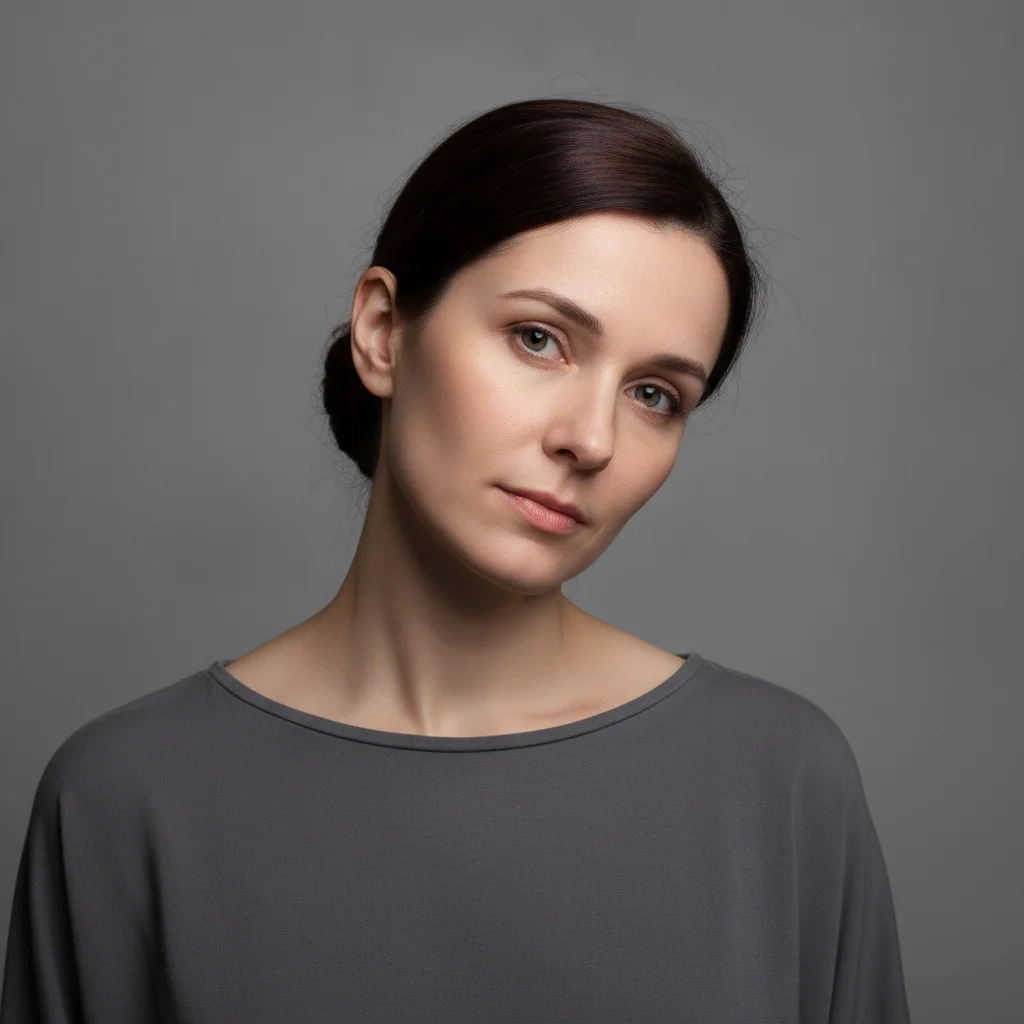
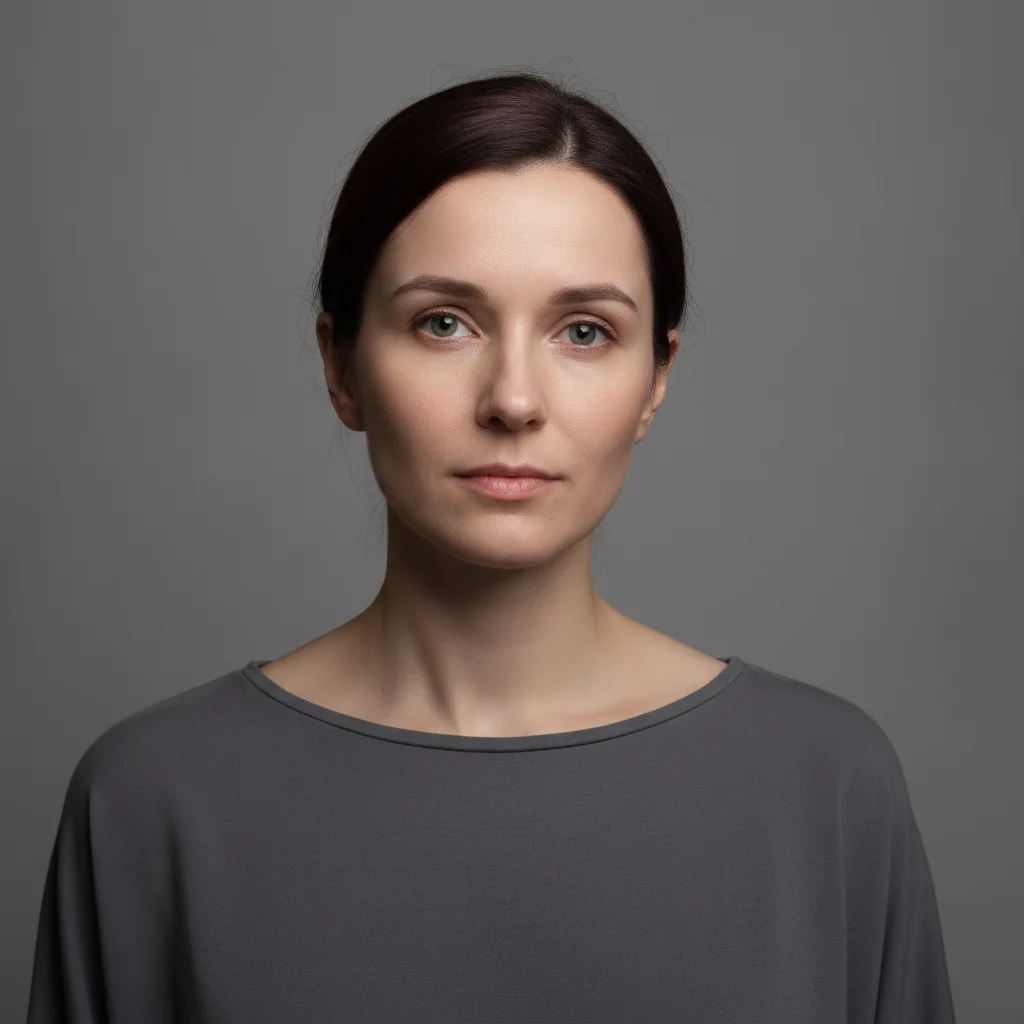
Do I need to mark my face before fixing asymmetry?
No. Type what should end up level — 'rotate my head upright so my eyes rest on the same horizontal line and level my shoulders' — and the AI finds the face on its own. No selection or marking is needed.
How do I fix facial asymmetry in a photo?
Upload your portrait to EditThisPic and ask for the levelling you want: 'rotate my head upright so my two eyes rest on the same horizontal line, and level my shoulders.' The result comes back level in 20-45 seconds, still recognisably you. Free, no account required.
Is there a free face symmetry fixer that doesn't require signup?
Yes. EditThisPic fixes facial asymmetry for free with no account needed. Upload, describe the correction you want, and download the result. No watermarks on outputs. Works on selfies, headshots, and group photos.
What does the symmetry fixer actually change?
It levels the pose: the head is rotated upright so both eyes rest on the same horizontal line, and uneven shoulders are brought even. It does not resize, reshape or recontour features — no eye is enlarged, no jaw is recontoured, no cheekbone is rebuilt. Those asks come back as an unchanged photo.
What is the best AI tool for fixing face symmetry in photos?
EditThisPic straightens the pose rather than mirroring one half of your face onto the other, which is why the result still looks like you. What it corrects is a tilted head, a slanted eye line or uneven shoulders — the crookedness that comes from how the photo was taken.
Will the symmetry fix look natural or obviously edited?
It reads as a better-taken photo rather than an edited face, because what changes is the angle of your head and shoulders, not the shape of your features. Everything else — hair, expression, clothing, background — stays where it was.
Can I make one eye, one eyebrow or one side of my jaw match the other?
No — reshaping an individual feature is the one thing this does not do, and asking for it usually returns your photo untouched. What works is levelling: rotating a tilted head so the eyes sit on one horizontal, and evening up shoulders that sit at different heights.
Does the face symmetry fixer work on selfies taken at an angle?
Yes for the tilt — a selfie held at an angle is exactly the case a levelling fixes. What it will not do is turn a three-quarter or profile shot into a frontal one; that is a new pose rather than a correction.
Can I fix face symmetry on my phone?
Yes. EditThisPic works in any mobile browser — iPhone, Android, tablet. No app download needed. Upload from your camera roll and get results in under a minute.
How much does EditThisPic cost?
You get 1 free edit per week — no account needed. After that, one-time credit packs start at $4.99 for 10 edits, valid 12 months, no subscription. Power users who edit daily can pick Studio Membership, a monthly workspace at $49.99/mo for 300 edits. Purchased downloads are clean with no watermark.