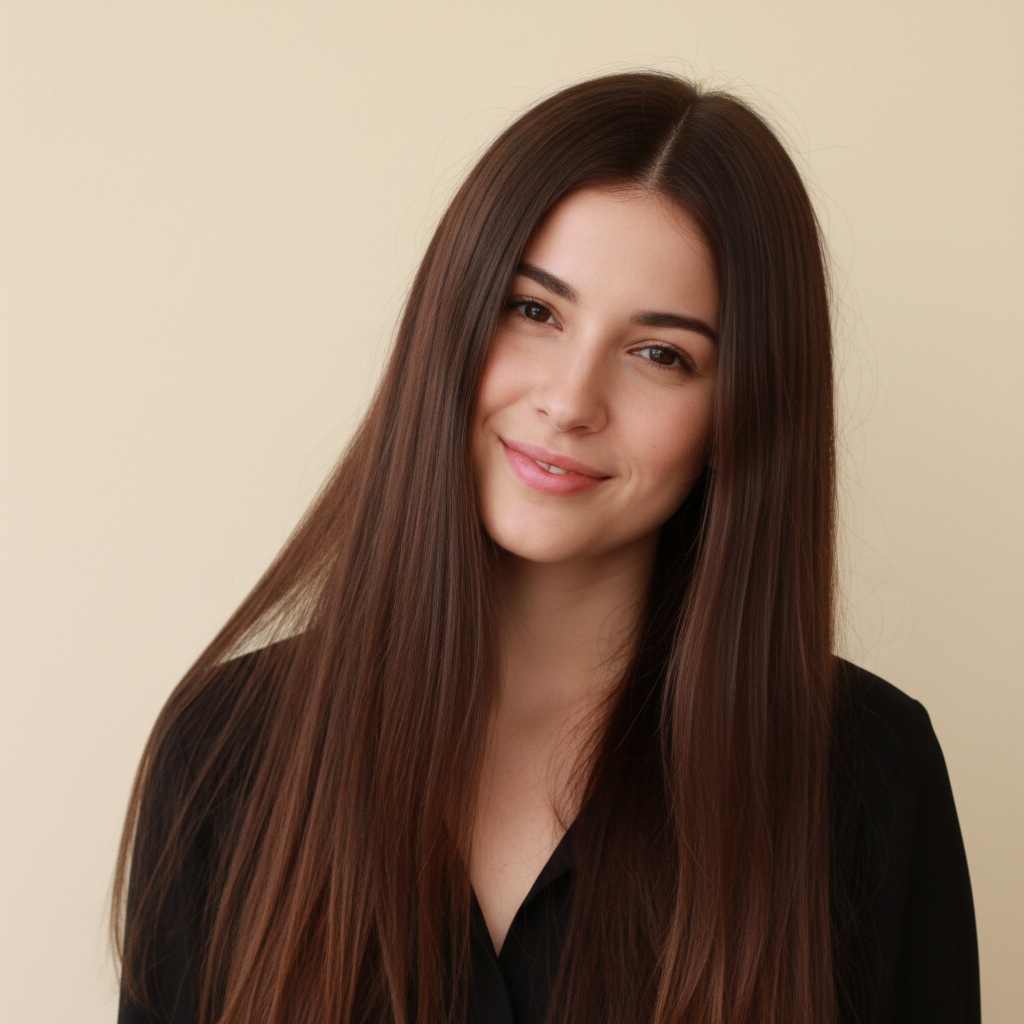
Do I need to mark my hair before previewing extensions?
No! Just describe the length and volume you want. The AI automatically detects your hair and adds realistic extensions. Only use markers if you want extensions in specific unusual sections or if the AI needs clarification about where your hair is.
Can I try different extension lengths and styles on the same photo?
Yes! After seeing one result, describe different length or volume and the AI replaces the previous extensions. Try shoulder-length, then mid-back, then waist-length - compare as many options as you want. Each generation replaces the previous preview.
What types of extensions can I preview?
You can preview any extension style: added length only, volume only, or both. Any texture: straight, wavy, curly. Any amount: subtle (few inches), medium (6-8 inches), dramatic (12+ inches). Specify what you want and the AI shows you how it would look.
Will the extensions match my natural hair color?
The AI attempts to color-match by default, but you can be explicit: 'matching my natural hair color' for same shade, or request different: 'extensions in lighter blonde' or 'darker extensions'. For multi-tonal hair, mention 'blend with my highlights' for best matching.
Can I see how much volume extensions would add?
Yes! Specify volume-focused requests: 'add volume and thickness without changing length' or 'volumizing extensions to make thin hair look fuller'. The AI shows increased fullness. This helps decide if you need extensions primarily for length, volume, or both.
How do I know what length extensions to get?
Experiment with this tool! Try 'add 6 inches', then 'add 10 inches', then 'extend to mid-back' and compare. You can test various lengths before buying. When you find a look you love, note the description and show it to your stylist or use when ordering extensions.
Can I preview extensions with different texture than my natural hair?
Yes! You can request any texture: 'straight extensions' even if your hair is curly, or 'wavy extensions' for straight hair. This lets you see how texture change would look. However, for most realistic daily look, extensions matching your texture blend best.
Is EditThisPic's AI hair extensions previewer really free?
Yes β you get 1 free edit per week, no account needed. For unlimited edits, plans start at $3.99/month.