Pricing Add Fireplace fire · Free

AI Fireplace Fire Adder

← Browse all change & replace tools

Last updated

Upload the room, describe the fire, and it is lit. Free, no account.
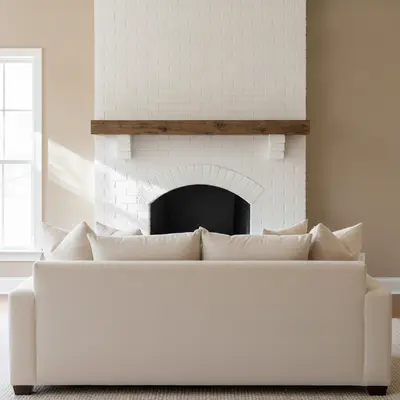
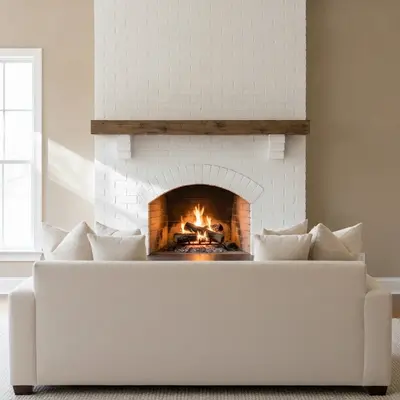
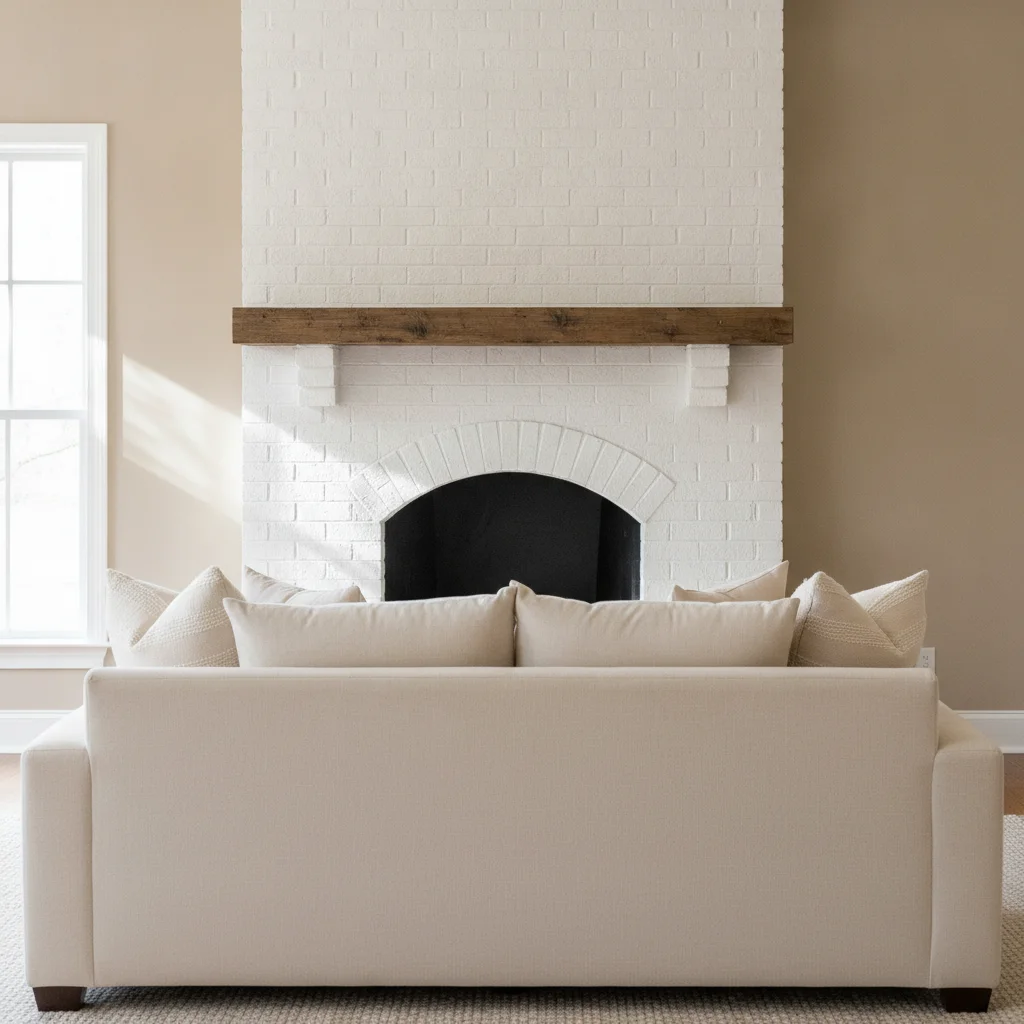
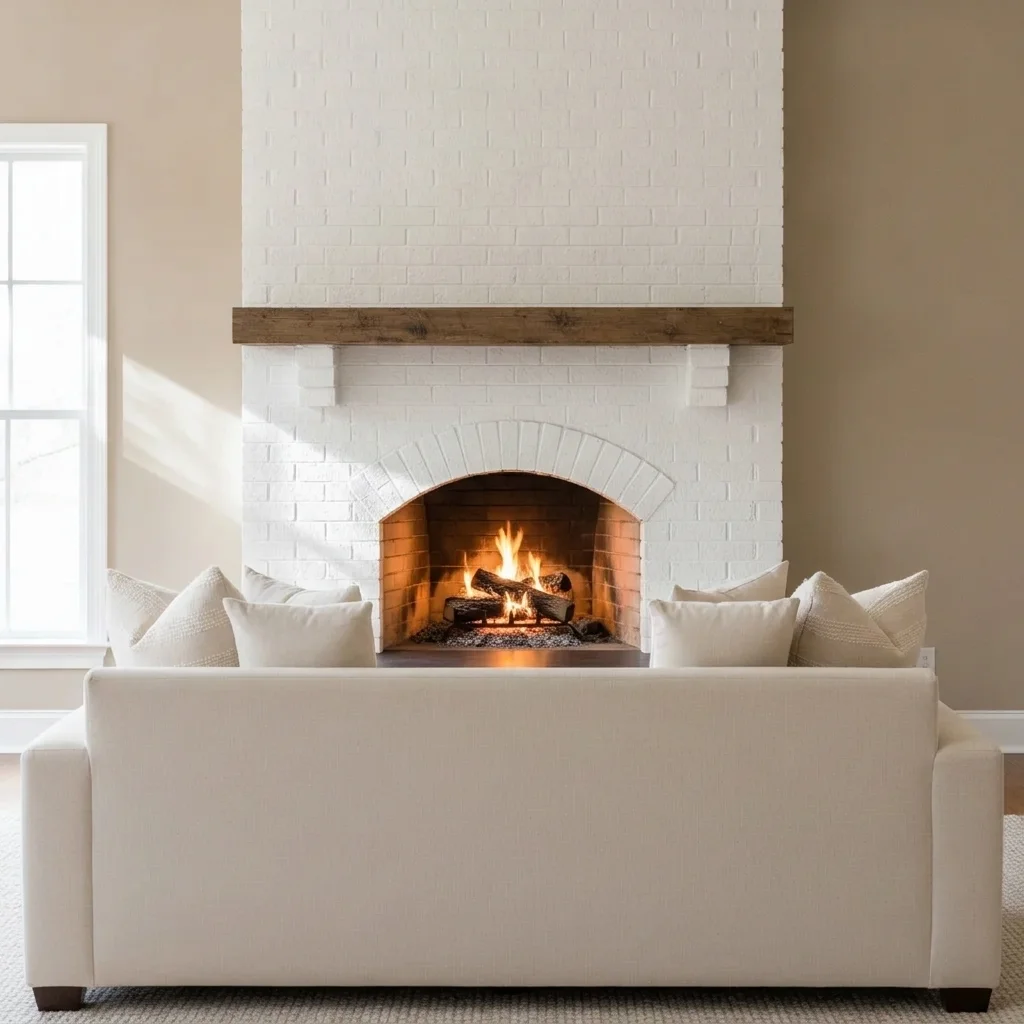
Living room with an empty brick fireplace Same fireplace with a small lit fire and a warm glow

Upload photo to add fireplace fire

"add a gentle lit fire in the fireplace with a faint warm glow reflected on the nearby floor and sofa, keep the room unchanged"

Free to try · no sign-up · never used for AI training

Release to upload

<30stypical edit
1 freeedit weekly
Photo on your phone? Scan to open this editor there — free edit works on your phone too.

1 free edit every week·paid packs after

How it works

  1. Upload the fireplace photo

    Use a photo where the whole fireplace opening is visible and not hidden by a screen. Natural light and a clear hearth give the AI more to work with. JPG, PNG or WebP.

    Expect: About 30 seconds. Dark interiors or busy hearths may need a retry.
  2. Describe the fire

    Say how big and what kind of fire: 'add a small lit fire with three burning logs in the fireplace, with a soft warm glow on the hearth, keep the mantel and room unchanged.' Mention logs, flame size and the glow. No marking is needed.

    Tip: Ask for a 'small' or 'gentle' fire. Large flames can look fake.

    Copy one of these to get started:

    Small lit fire with logs add a small lit fire with three burning logs in the empty fireplace, with a soft warm glow on the hearth, keep the mantel and room unchanged
    Cosy glow on the room add a gentle lit fire in the fireplace with a faint warm glow reflected on the nearby floor and sofa, keep the room unchanged
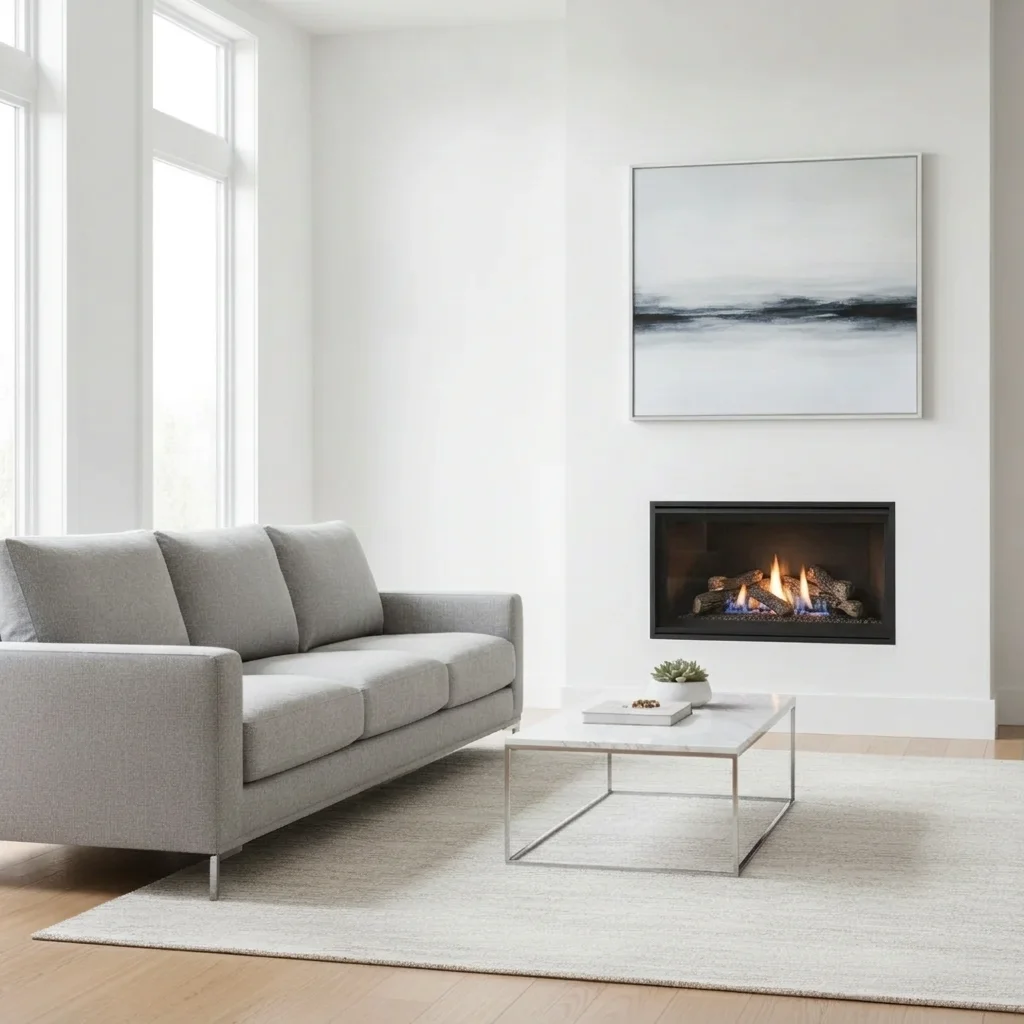
    Gas fireplace flames add low blue-and-orange gas flames over ceramic logs inside this fireplace, keep the surround and room unchanged
    Wood stove fire add a lit fire with glowing embers visible through the glass door of the wood stove, keep the stove and wall unchanged
    3 more prompts
    Stone fireplace with a big fire add a larger roaring fire with stacked logs in this stone fireplace, with sparks kept inside the opening, keep the mantel unchanged
    Christmas room fireplace add a gentle lit fire in the fireplace under the hanging stockings, keep the decorations and mantel unchanged
    Outdoor fire pit or patio fireplace add a medium lit fire in this outdoor fireplace with glowing logs, keep the stone and patio unchanged
  3. Review the fire

    Check that the flames sit inside the opening, the logs rest on the grate, the glow matches the room light, and smoke or sparks do not cross the mantel.

  4. Refine with markers if needed

    If the AI changed the wrong thing, like a lamp or a candle, tap a marker inside the fireplace opening and regenerate. Markers are optional.

    Tip: Markers are for precision, not a required step.

See it in action

Living room with an empty brick fireplace
Before
->
Same fireplace with a small lit fire and a warm glow
After

Living room, small lit fire

An empty brick fireplace in a living room. The owner wanted a cosier photo.

Prompt: add a small lit fire with three burning logs in the empty fireplace, with a soft warm glow on the hearth, keep the mantel and room unchanged
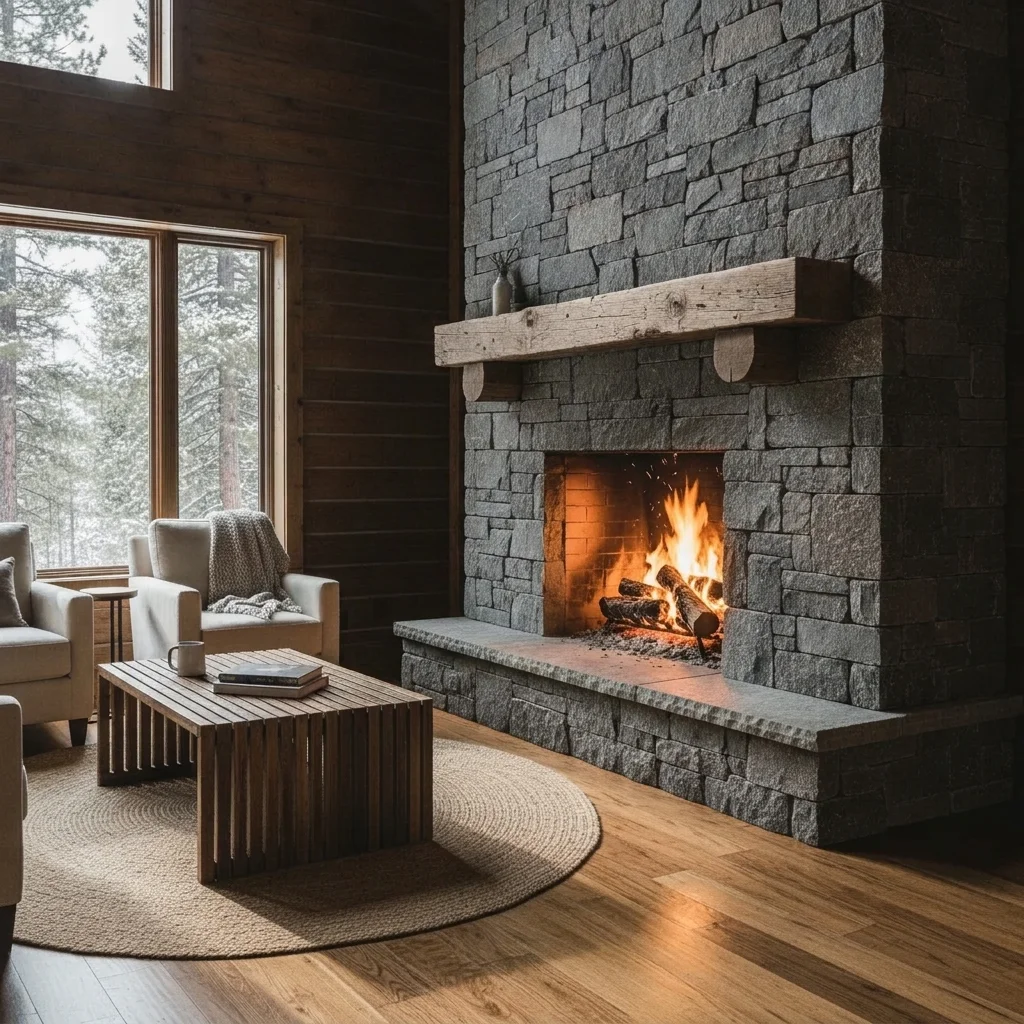
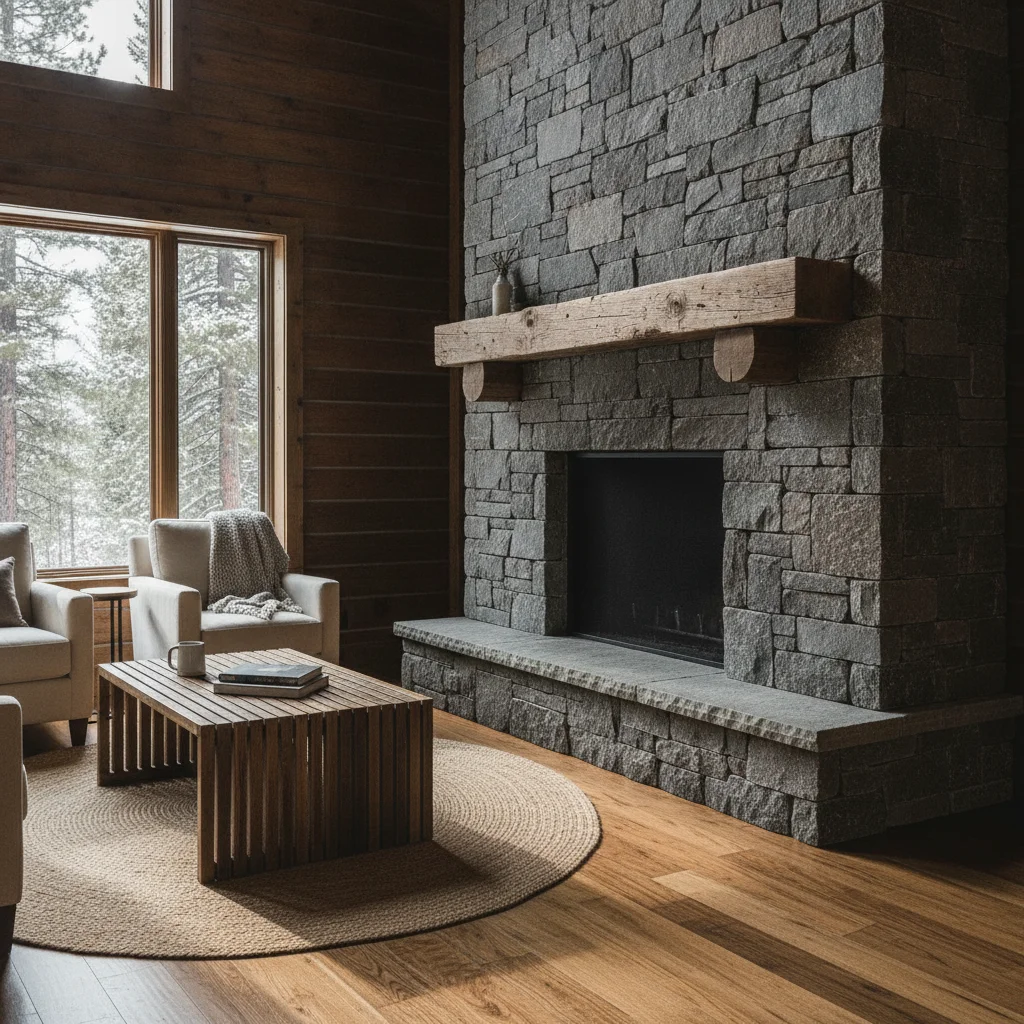
Cabin lounge with an empty stone fireplace
Before
->
Same fireplace with a larger fire and stacked logs
After

Stone fireplace, bigger fire

A stone fireplace in a cabin lounge.

Prompt: add a larger fire with stacked logs in this stone fireplace, with sparks kept inside the opening, keep the mantel unchanged
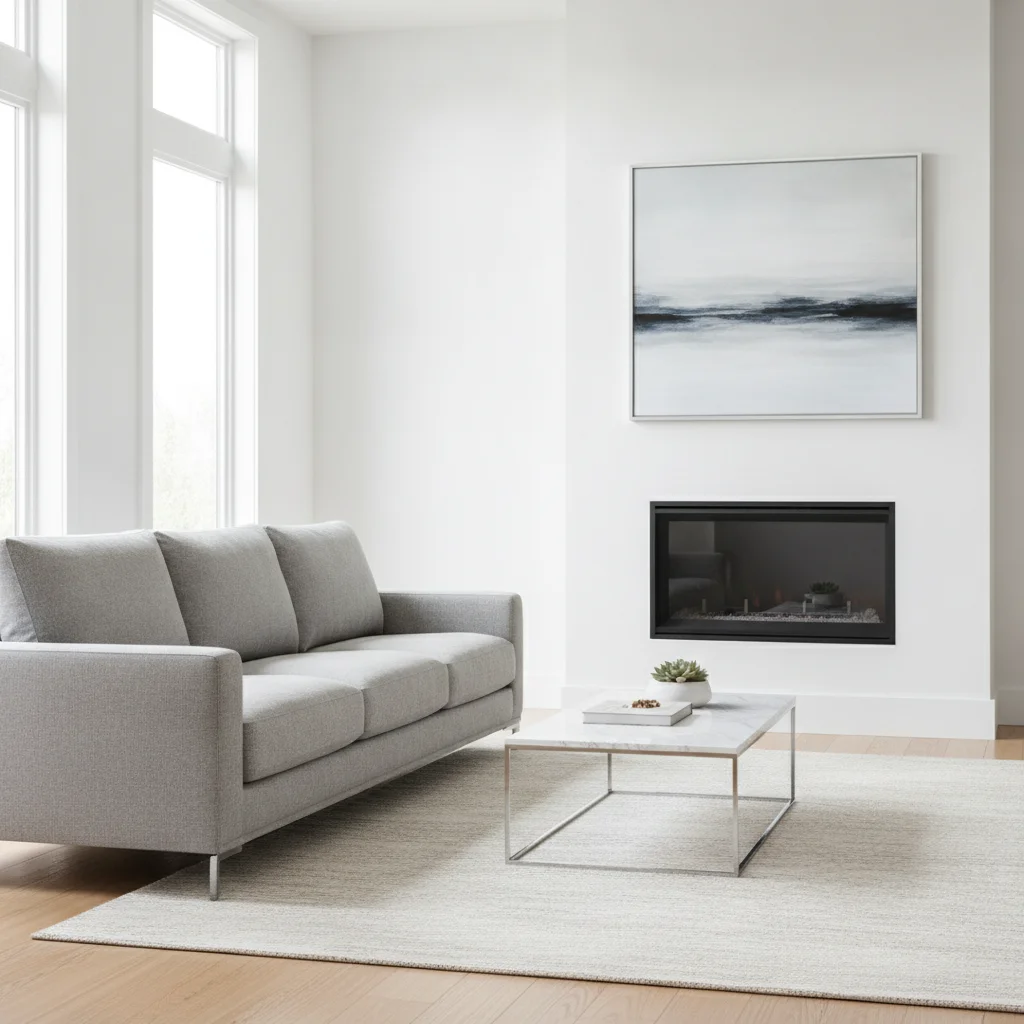
Modern room with an unlit gas fireplace
Before
->
Same fireplace with low gas flames
After

Gas fireplace, low flames

A modern gas fireplace in a white wall.

Prompt: add low blue-and-orange gas flames over ceramic logs inside this fireplace, keep the surround and room unchanged

Quick answers

Do I need to mark the fireplace before adding a fire?

No. Describe it, for example 'add a lit fire in the empty fireplace.' Use markers only if the AI edits a different spot.

Is there a free tool to add a fire to a fireplace photo with no signup?

Yes. EditThisPic gives you a free preview edit, no account and no watermark. Upload a room photo and describe the fire.

Can I use this for a property listing?

You can, but listing photos should not misrepresent the property. A fire is fine as a mood, but do not show a fireplace that does not work as working.

Will it work with a gas fireplace or wood stove?

Yes. Say gas, wood stove or open hearth in the prompt. Check the flames and glass edges.

Can I add a fire to a Christmas photo?

Yes. Mention the decorations to keep, such as stockings, so the AI leaves them alone.

How much does EditThisPic cost?

You get 1 free Standard edit per week — no account needed. After that, one-time credit packs start at $4.99 for 10 credits, valid 12 months, no subscription. A Standard edit uses 1 credit, Pro 2 and Ultra 3. Purchased downloads are clean with no watermark.

Ready to light your fireplace?

Free to try. No signup required.

1 free edit included·paid credit packs after