Pricing Change Head · Free

AI Head Replacer — Free

← Browse all change & replace tools

Last updated

Use a description or reference image, identify the right person, and specify the head angle, expression, hair, neck, and lighting that should match.
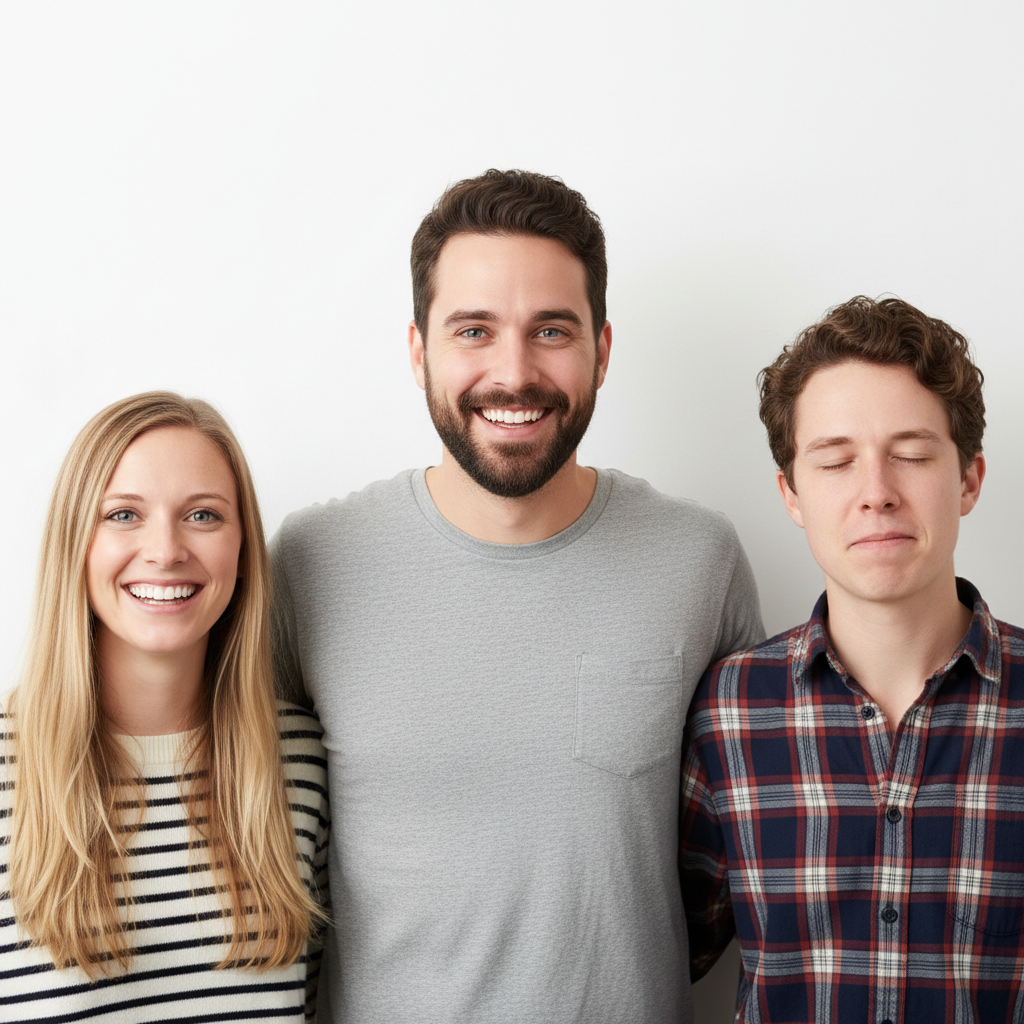
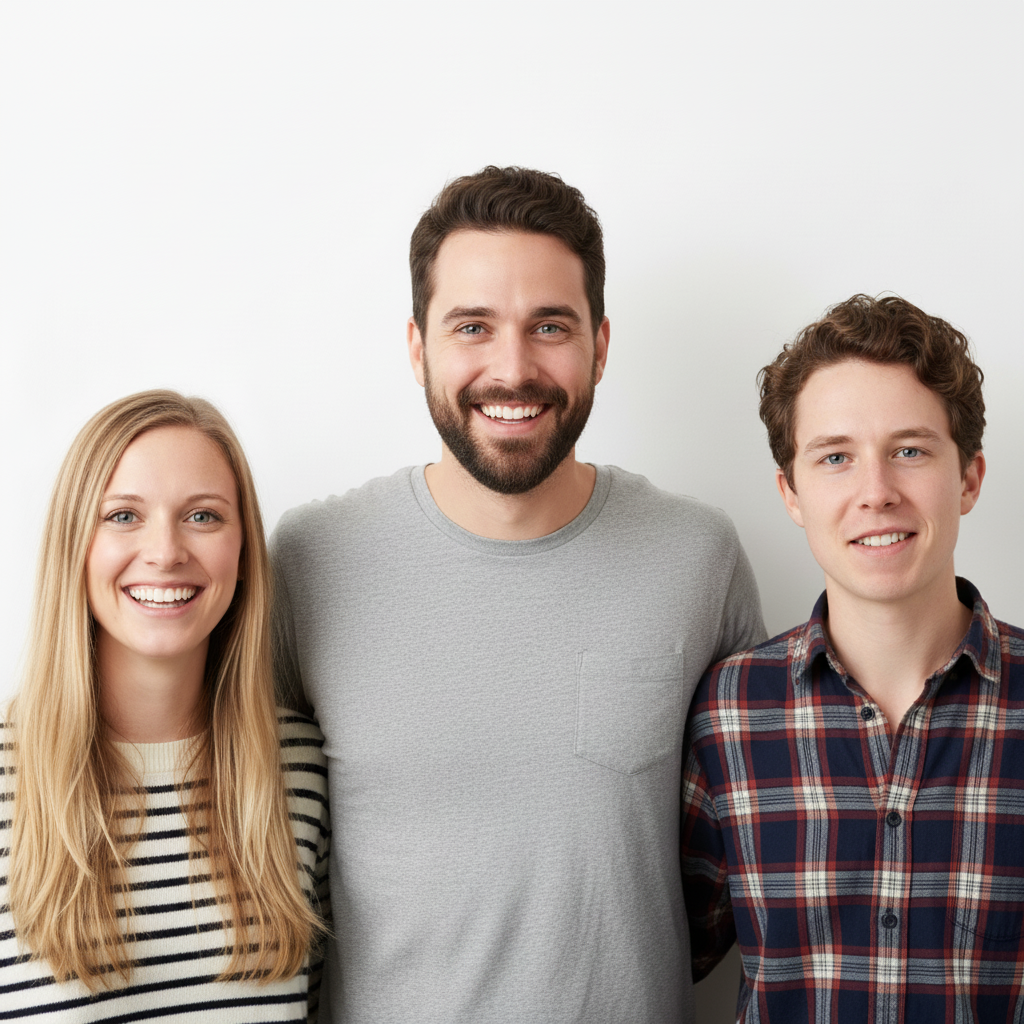
Group of three people, person on right has eyes closed Same group photo with the blinking person replaced with natural open-eyed expression

Upload photo to replace head

"replace the head in this photo with the face from the reference image, blend the neck and hair edges naturally, match the lighting direction"

Free to try · no sign-up · photos are never shared

Release to upload

<30stypical edit
1 freeedit weekly
Photo on your phone? Scan to open this editor there — free edit works on your phone too.

1 free edit every week·packs from $4.99

How it works

  1. Upload your photo

    Upload the photo containing the head you want to replace. Group photos, portraits, and full-body shots all work. If you want to replace with a specific person's face, upload that as a reference image using the '+ Add reference image' button. JPG, PNG, WebP up to 7MB.

    Expect: Single head replacement: 25-40 seconds. Group photo with specific reference face: 40-55 seconds.
  2. Describe the replacement

    Tell the AI what you want: 'replace the person on the right whose eyes are closed — give them an open-eyed, smiling expression, match the lighting' or 'swap the head in this photo with the face from the reference image, blend the neck and shoulders naturally.' You don't need to mark the head first — describe the person by position (left, right, center, back row) and the AI finds them.

    Tip: Position descriptions work well: 'the person on the far left,' 'the person in the back row,' 'the man in the red shirt.' Combine with an expression note for best results.

    Copy one of these to get started:

    Fix blinking/eyes closed in group photo replace the head of the person on the right who has their eyes closed — give them an open-eyed natural smiling expression, match the skin tone and lighting

    Swap head with reference photo replace the head in this photo with the face from the reference image, blend the neck and hair edges naturally, match the lighting direction
    Replace head with better expression replace this person's head with a version where they're smiling naturally with teeth showing, keep the hair, skin tone, and lighting consistent
    Swap head in funny photo (humor) replace this person's head with a dramatically surprised expression — eyes wide, mouth open, everything else stays the same
    3 more prompts
    Fix turned-away head in group replace the head of the person in the back row who is looking away from the camera — give them a forward-facing smile matching the others in the photo
    Swap cartoon head onto real body replace the person's head with a cartoon version that matches their hair color and features, blend it naturally onto the real body
    Pet head swap (for fun) replace the human head in this photo with a friendly golden retriever dog head, blend the neck naturally, keep the rest of the photo unchanged
  3. Check the blend at the neck

    Zoom into the neck and collar area — that's where head replacements most often show a seam. The lighting direction on the new head should match the original photo. Hair edges should look natural, not cut-out.

See it in action

Group of three people, person on right has eyes closed
Before
->
Same group photo with the blinking person replaced with natural open-eyed expression
After

Fixing a blinking head in a group photo

A group photo where one person had their eyes closed, fixed by replacing just that head with a natural open-eyed expression.

Prompt: replace the head of the person on the right who has their eyes closed — give them an open-eyed natural smiling expression, match the skin tone and lighting
Person in red blazer against grey background
Main Photo
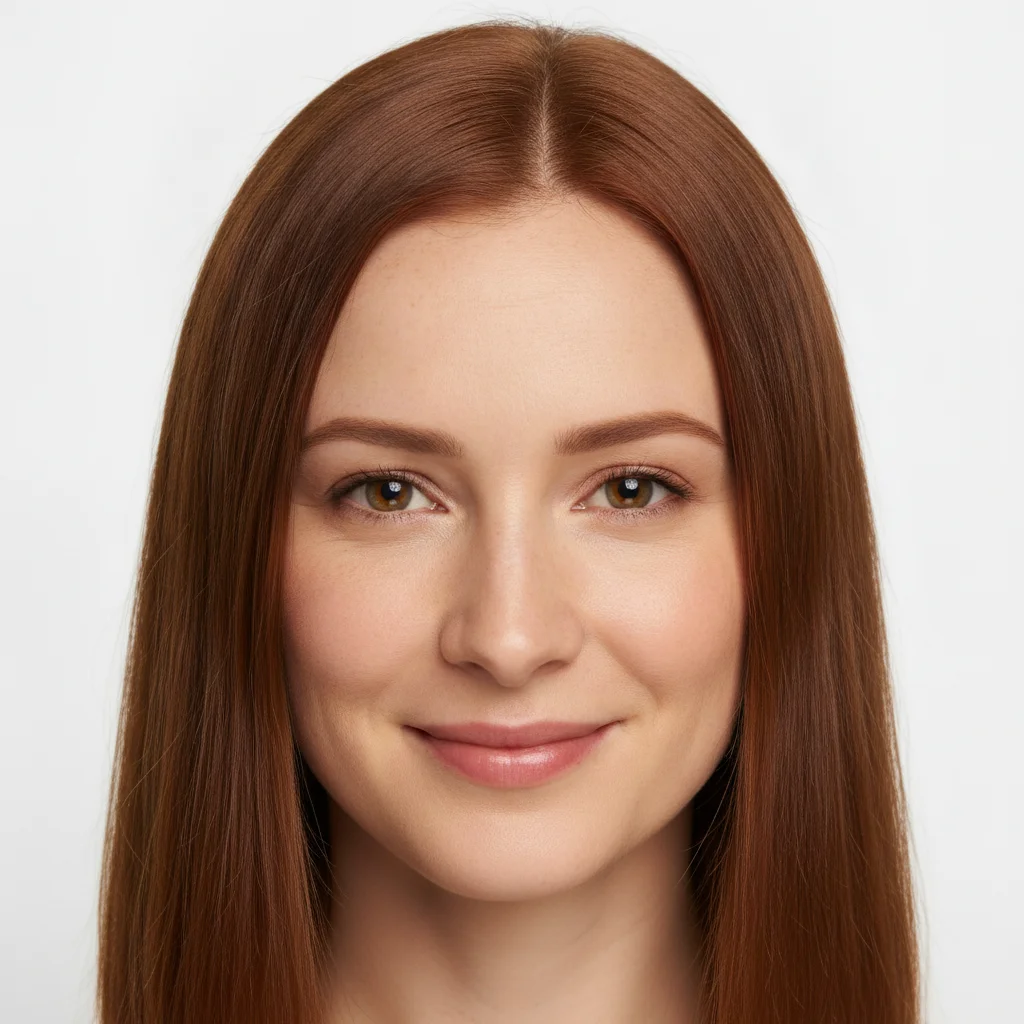
Reference image for AI Head Replacer — Free
Reference
Same photo with head replaced from reference image, natural neck blend
Result

Head swap with reference photo

A portrait with the head swapped to match a reference image, with natural neck blending.

Prompt: replace the head in this photo with the face from the reference image, blend the neck and hair edges naturally, match the lighting direction

Quick answers

Do I need to mark the head before replacing it?

No. Describe which person's head to replace using position: 'the person on the right,' 'the person in the back row,' 'the man in the red shirt.' The AI locates them.

How do I replace a head in a photo for free?

Upload the photo, identify the person by position or clothing, and describe the replacement. You can try a preview without an account; inspect the hairline, neck, lighting, and identity before purchasing a clean download.

Is there a free head replacer with no login required?

You can try a preview edit without creating an account. Purchased downloads are clean and full quality. The editor works in a modern desktop or mobile browser.

What's the difference between a head replacer and a face swapper?

A head replacer replaces the entire head — hair, ears, and face — which creates a more complete replacement. A face swapper only swaps the face area, keeping the original hairline. Head replacement is better when the hair or head angle are also wrong in the original photo.

Can I use a reference photo to specify the replacement head?

Yes. Click '+ Add reference image,' upload the photo of the face you want to use, then say 'replace the head in this photo with the face from the reference image, blend the neck naturally.' The AI uses the reference face as the source.

Does head replacement work in group photos?

Yes, and it's one of the most common use cases — fixing one person blinking or looking away in a group shot while keeping everyone else unchanged. Describe the person by position or what they're wearing to target them accurately.

How much does EditThisPic cost?

You get 1 free edit per week — no account needed. After that, one-time credit packs start at $4.99 for 10 edits, valid 12 months, no subscription. Power users who edit daily can pick Studio Membership, a monthly workspace at $49.99/mo for 300 edits. Purchased downloads are clean with no watermark.

Ready to replace a head in your photo?

Free to try. No signup required.

1 free edit included·Credit packs from $4.99