Pricing Remove Lint · Free

AI Lint Remover

← Browse all remove tools

Last updated

Type 'remove the lint from the sweater' and the AI cleans the fabric in seconds — no marking needed.
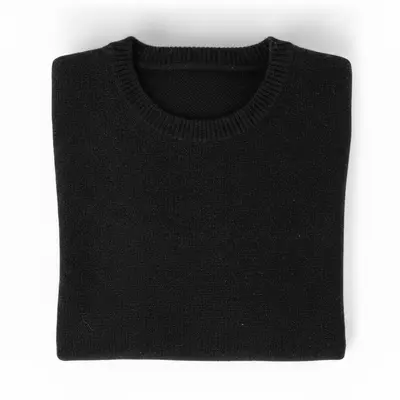
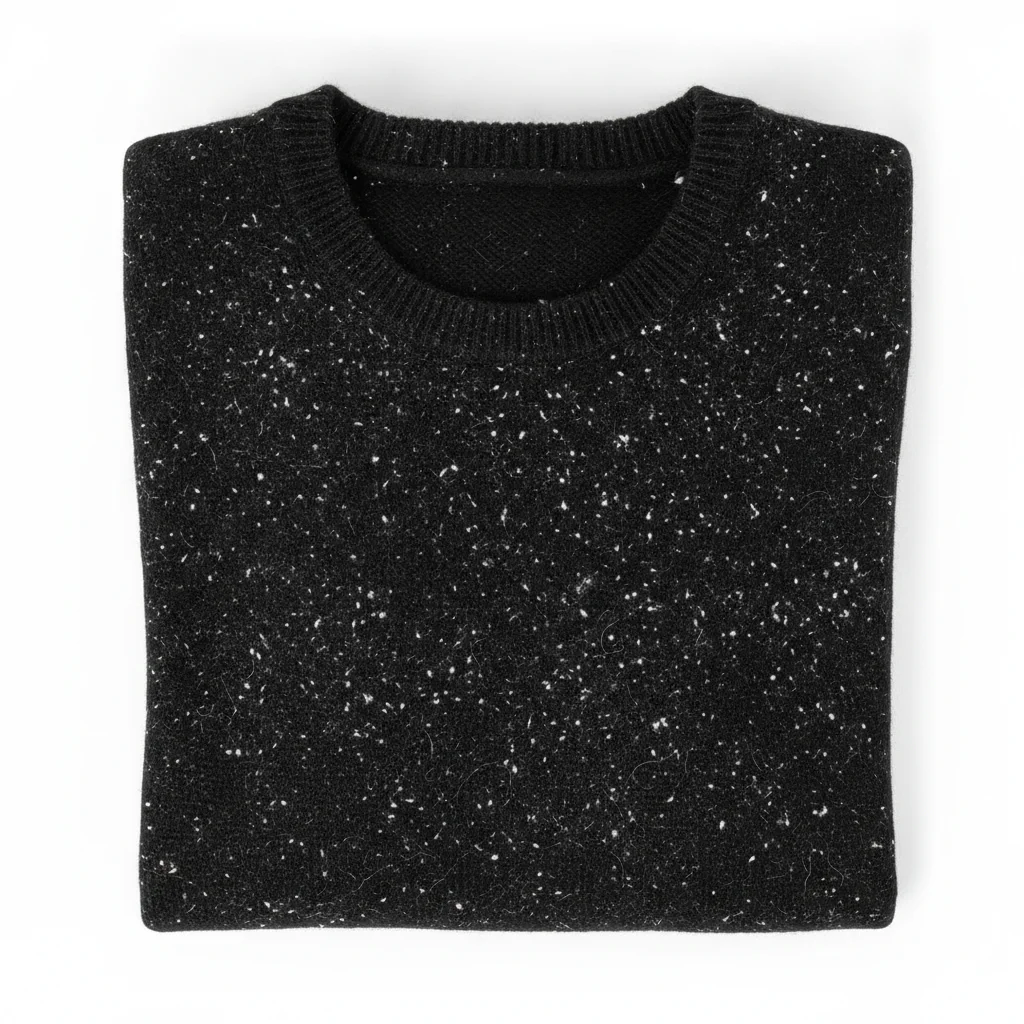
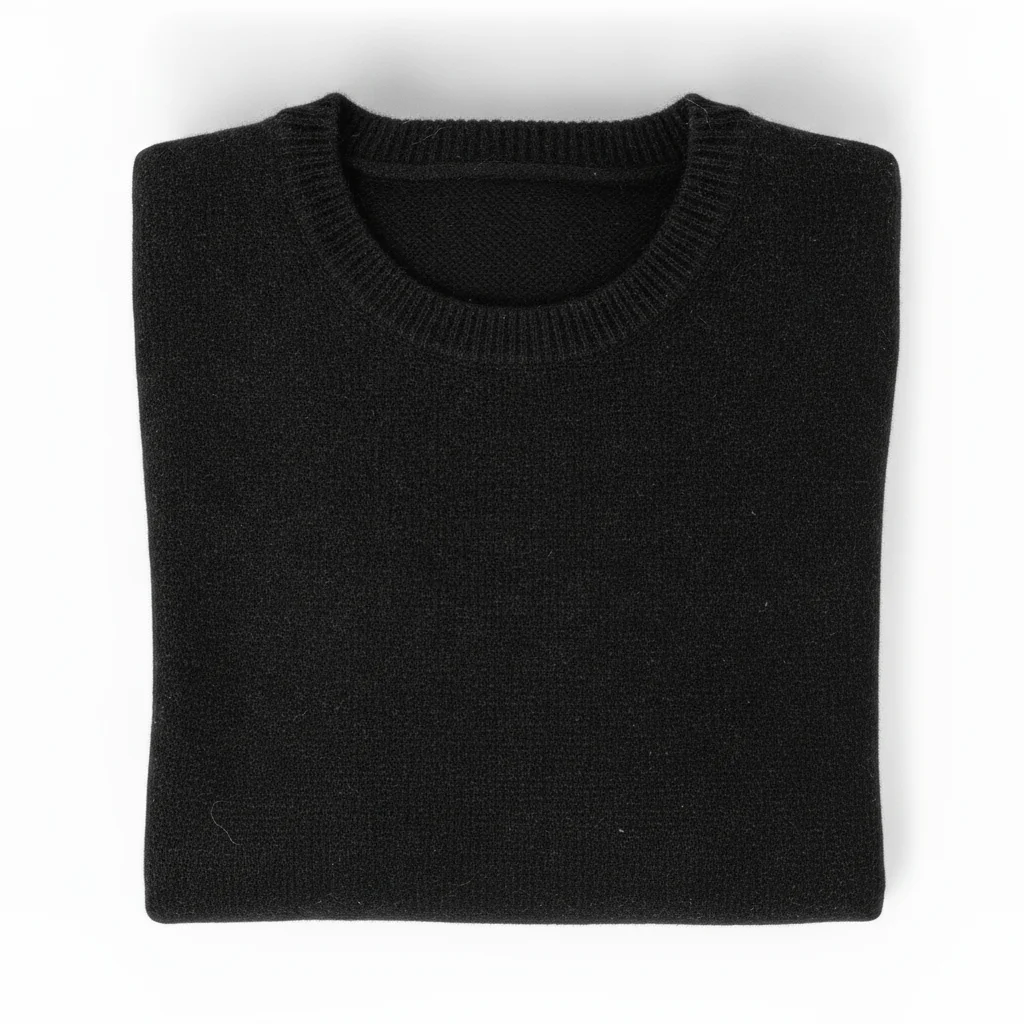
Black wool sweater flat-lay with heavy white lint scattered across the fabric Same black sweater with lint removed and clean dark fabric texture restored

Upload photo to remove lint

"remove all lint balls and pilling from the sweater fabric, restore the clean knit texture underneath"

Free to try · no sign-up · photos are never shared

Release to upload

<30stypical edit
1 freeedit weekly
Photo on your phone? Scan to open this editor there — free edit works on your phone too.

1 free edit every week·packs from $4.99

How it works

  1. Upload your clothing photo

    Drop your photo into EditThisPic. JPG, PNG, or WebP up to 7MB. High-contrast photos where lint is clearly visible against the fabric (like white lint on black fabric) produce the cleanest results.

    Expect: Lint on solid-color fabric: done in 15–30 seconds. Heavy pilling on textured knitwear may need one refinement pass to fully clean the surface without losing the knit texture.
  2. Describe the lint and the clean surface underneath

    Type your instruction: 'remove all lint and fuzz from the sweater, restore the clean fabric surface.' The AI understands lint — no marking needed. Mention the fabric type if it will help the AI reconstruct the correct surface texture.

    Tip: For dark fabrics with light lint: 'remove all white lint from the black fabric, restore the smooth matte surface.' The color contrast description helps the AI distinguish lint from the fabric itself.

    Copy one of these to get started:

    Light lint on dark clothing — easy remove all white lint and fuzz from the black fabric, restore the smooth clean surface while preserving the fabric texture

    Pilling on a sweater — easy remove all lint balls and pilling from the sweater fabric, restore the clean knit texture underneath
    Product photo full cleanup — easy clean all visible lint, fuzz, and surface debris from this clothing product photo, make the fabric look fresh and lint-free
    Lint on a specific area (collar, cuffs) — easy remove the lint and fuzz from the collar and cuffs of this sweater, restore the clean fabric surface in those areas only
    2 more prompts
    Pet hair on dark clothing — medium remove all pet hair and lint from the black fabric, restore the clean dark surface without any light-colored fibers remaining
    Fuzz on textured fabric (wool, fleece) — medium remove surface fuzz and loose fibers from the wool fabric, preserve the natural wool texture and slight surface variation — do not over-smooth
  3. Check the cleaned area at full zoom

    Zoom to 100% across the fabric surface. The lint should be gone with the underlying fabric texture intact. Check that the fabric's natural nap, weave, or knit texture hasn't been over-smoothed in the process.

  4. Refine stubborn areas with markers if needed

    If lint remains in a specific area — like dense pilling on a cuff or collar — tap a marker on that area and regenerate with 'clean the remaining lint and fuzz in the marked area.' Markers are optional for most lint removal jobs.

    Tip: Dense pilling clusters on knit fabric sometimes need a second focused pass. A marker on the affected area gives the AI a precise target.

See it in action

Black wool sweater flat-lay with heavy white lint scattered across the fabric
Before
->
Same black sweater with lint removed and clean dark fabric texture restored
After

White lint removed from black wool sweater for resale listing

A secondhand black wool sweater had heavy white lint across the chest before being photographed for a resale listing. One prompt cleaned the surface without affecting the knit texture.

Prompt: remove all white lint and fuzz from the black fabric, restore the smooth clean surface while preserving the fabric texture

Portrait with visible pet hair on navy blazer shoulders and lapels
Before
->
Same portrait with pet hair removed, clean blazer surface, face unchanged
After

Pet hair cleaned from dark blazer in portrait

A portrait photo of a person in a navy blazer had visible pet hair across the shoulders and lapels. The AI removed all visible fibers without touching the face, background, or jacket structure.

Prompt: remove all pet hair and lint from the navy blazer, restore the clean dark fabric surface, keep the face and background unchanged
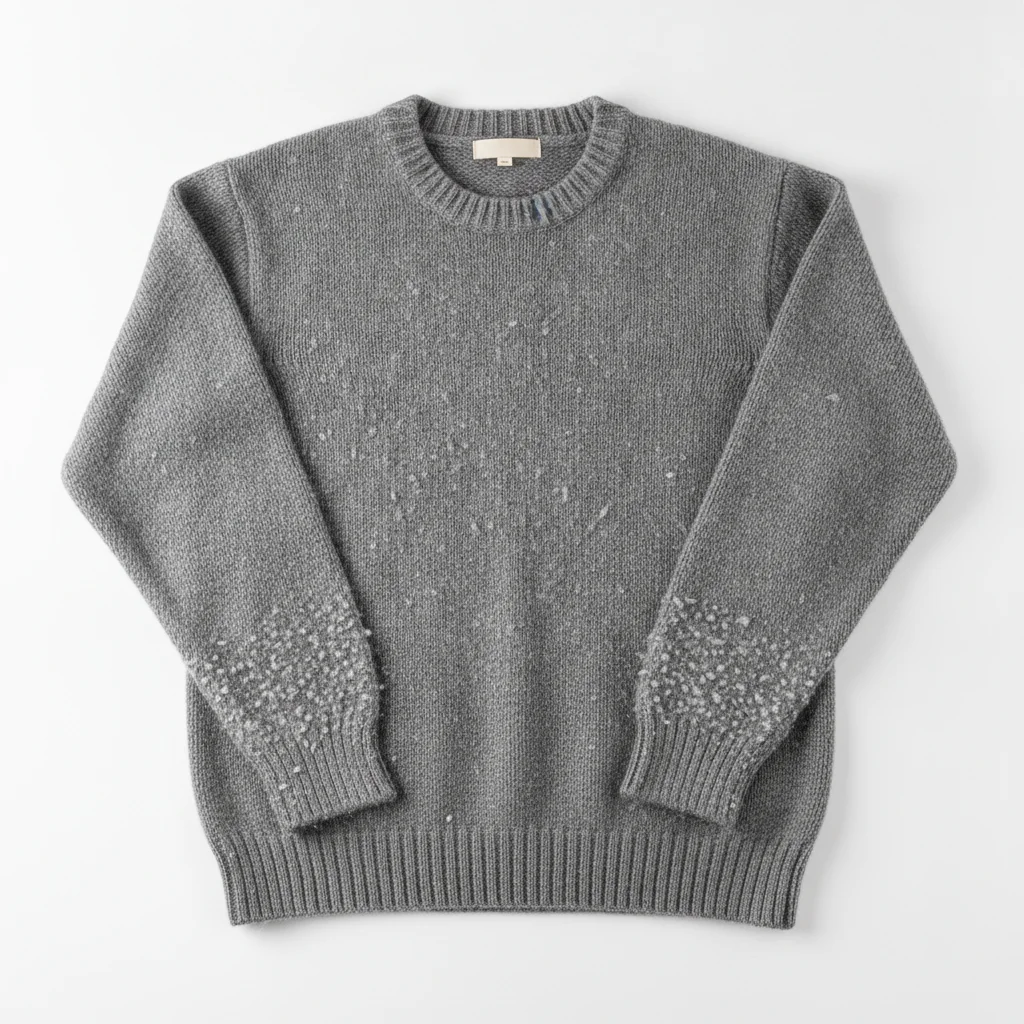
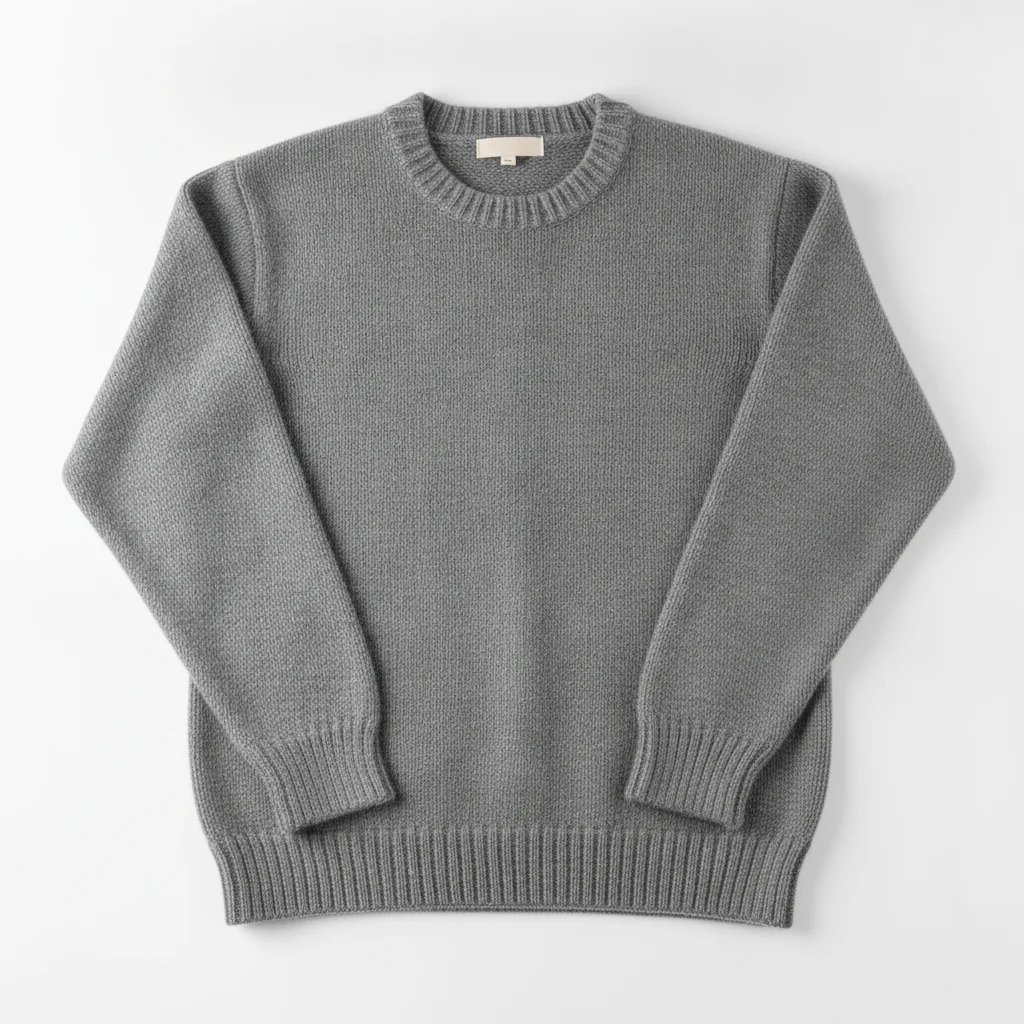
Grey knit sweater with pilling and lint balls across the body and cuffs
Before
->
Same grey sweater with pilling removed and clean knit texture visible
After

Pilling removed from knitwear product photo

A grey knit sweater photographed for e-commerce had pilling clusters on the body panel and cuffs. The AI cleaned the pilling while preserving the knit stitch texture.

Prompt: remove all lint balls and pilling from the sweater fabric, restore the clean knit texture underneath

Quick answers

Do I need to mark the lint before describing it?

No. Just type 'remove all lint and fuzz from the sweater.' EditThisPic's AI identifies and removes visible lint automatically. Use a marker only if the AI cleans the wrong area — which is uncommon when the fabric and lint color are clearly described.

Is there a free AI lint remover for clothing photos without signing up?

Yes. EditThisPic removes lint from clothing photos for free with no account, no login. Upload, describe the lint, and download the cleaned result in about 30 seconds. Works in any browser on desktop or mobile. The free edit is a preview — purchased downloads are clean, full quality.

How do I remove lint from a clothing photo with AI?

Upload your photo to EditThisPic and type 'remove all lint and fuzz from the fabric, restore the clean surface texture.' The AI cleans the lint in under 30 seconds. No signup required.

Can AI remove pilling as well as surface lint?

Yes. Use 'remove all lint balls and pilling from the fabric, restore the clean knit texture underneath.' Pilling (the small fabric balls that form on knitwear) responds well to this prompt. Heavy pilling clusters may need a second targeted pass.

How much does EditThisPic cost?

You get 1 free edit per week — no account needed. After that, one-time credit packs start at $4.99 for 10 edits, valid 12 months, no subscription. Power users who edit daily can pick Studio Membership, a monthly workspace at $49.99/mo for 300 edits. Purchased downloads are clean with no watermark.

Ready to clean up that fabric?

Free to try. No signup required.

1 free edit included·Credit packs from $4.99