Pricing Visualize Outdoor kitchen · Free

AI Outdoor Kitchen Visualizer

← Browse all creative effects

Last updated

Describe an outdoor kitchen or grill island and see it on a photo of your own patio.
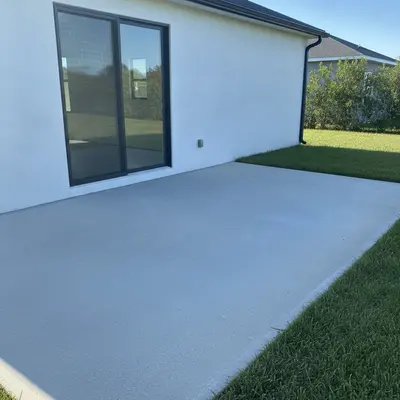
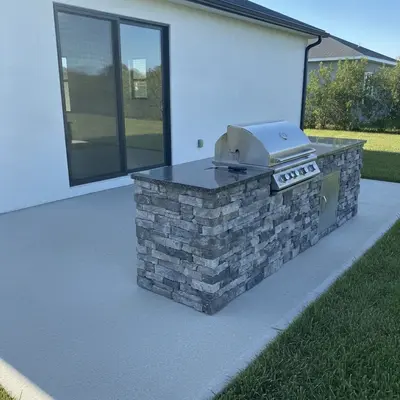
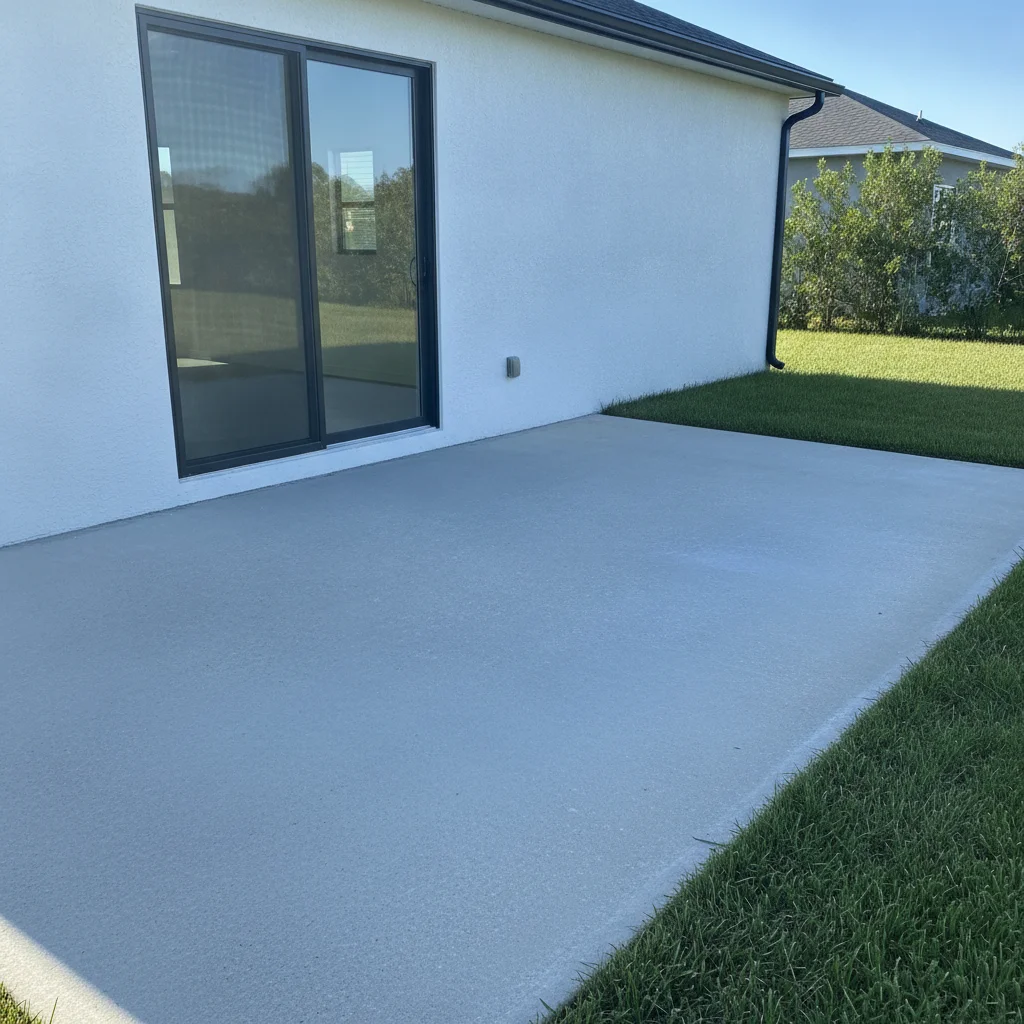
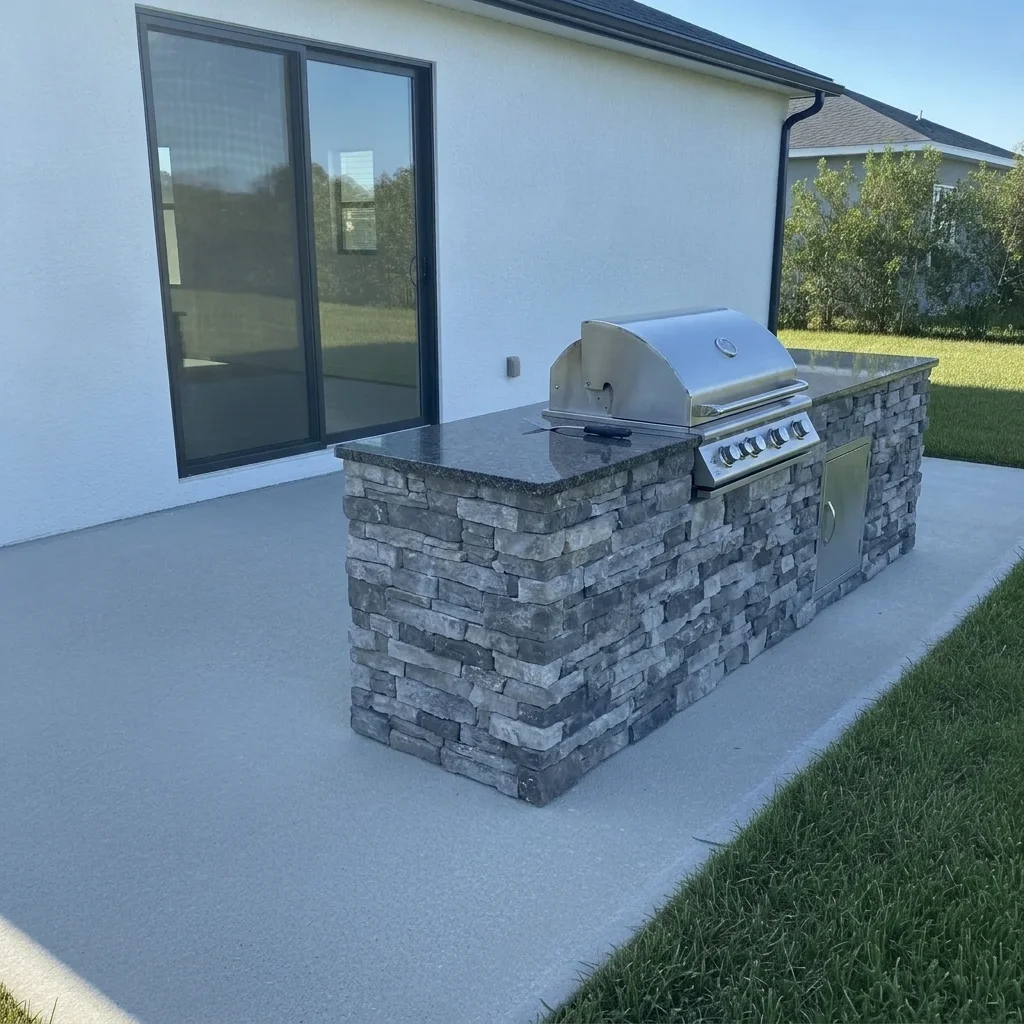
Empty concrete patio next to a white house Same patio with a stacked-stone grill island and granite counter

Upload photo to visualize outdoor kitchen

"add an L-shaped outdoor kitchen with white stucco base, light quartz-look counter, built-in grill and three black bar stools on the customer side, keep the patio unchanged"

Free to try · no sign-up · never used for AI training

Release to upload

<30stypical edit
1 freeedit weekly
Photo on your phone? Scan to open this editor there — free edit works on your phone too.

1 free edit every week·paid packs after

How it works

  1. Upload a photo of the patio

    Stand back so the wall or open area where the kitchen will go is visible along with some of the floor. Straight-on or slight angles both work. Clear the space of clutter if you can, because less in the way means a cleaner result.

    Expect: A mostly empty patio works well. A crowded one may need a refinement pass.
  2. Describe the kitchen you want

    Name the layout (straight run, L-shape, island with bar seating), the base finish (stacked stone, stucco, painted brick), the countertop (granite, concrete, tile) and any appliances such as a built-in grill, side burner, sink or fridge. No marking needed.

    Tip: Pick one base finish and one countertop. Too many materials tends to make the preview look cluttered.

    Copy one of these to get started:

    Stacked-stone grill island add a straight outdoor kitchen island with stacked gray stone base, a stainless steel built-in grill and a dark granite countertop on the patio, keep the house and patio unchanged
    L-shaped kitchen with bar seating add an L-shaped outdoor kitchen with white stucco base, light quartz-look counter, built-in grill and three black bar stools on the customer side, keep the patio unchanged
    Kitchen with sink and fridge add an outdoor kitchen along the house wall with a built-in grill, a sink, a small stainless fridge and a concrete countertop, keep the wall and windows unchanged
    Brick pizza oven corner add a red-brick pizza oven with a chimney and a small stone prep counter in the corner of the patio, keep the fence and house unchanged
    3 more prompts
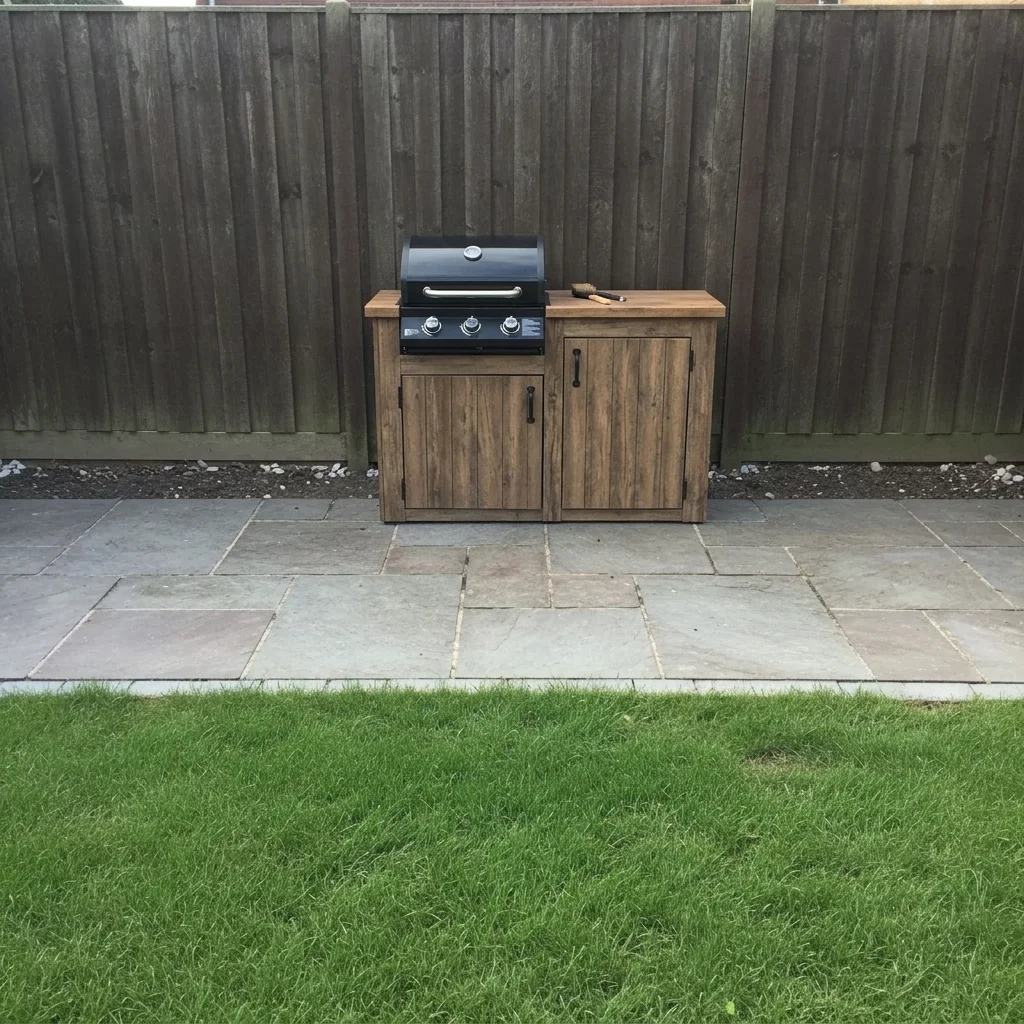
    Compact grill station add a compact grill station with a black built-in grill, a small wood-look counter and two cabinet doors against the back fence, keep the rest of the yard unchanged
    Modern outdoor kitchen under a roof add a modern outdoor kitchen with charcoal cabinets, a stainless grill and a white concrete counter under the covered patio roof, keep the posts and roof unchanged
    Island with an overhead pergola add a rectangular grill island with stone base and granite counter, with a cedar pergola overhead, on the paver patio, keep the pavers unchanged
  3. Check the layout and surfaces

    Look at how the island meets the patio and wall, whether the counter reads as the material you named, and whether the grill looks built in. Treat spacing as a rough impression, not a plan.

  4. Refine with markers if needed

    Markers are optional. If the kitchen appears in the wrong place or the AI changes the house wall, tap a marker where the kitchen should go and regenerate.

    Tip: A marker on the floor at the desired location is usually enough.

See it in action

Empty concrete patio next to a white house
Before
->
Same patio with a stacked-stone grill island and granite counter
After

Stone grill island on a concrete patio

A homeowner wanted to see a built-in grill island before getting quotes.

Prompt: add a straight outdoor kitchen island with stacked gray stone base, a stainless steel built-in grill and a dark granite countertop on the patio, keep the house and patio unchanged
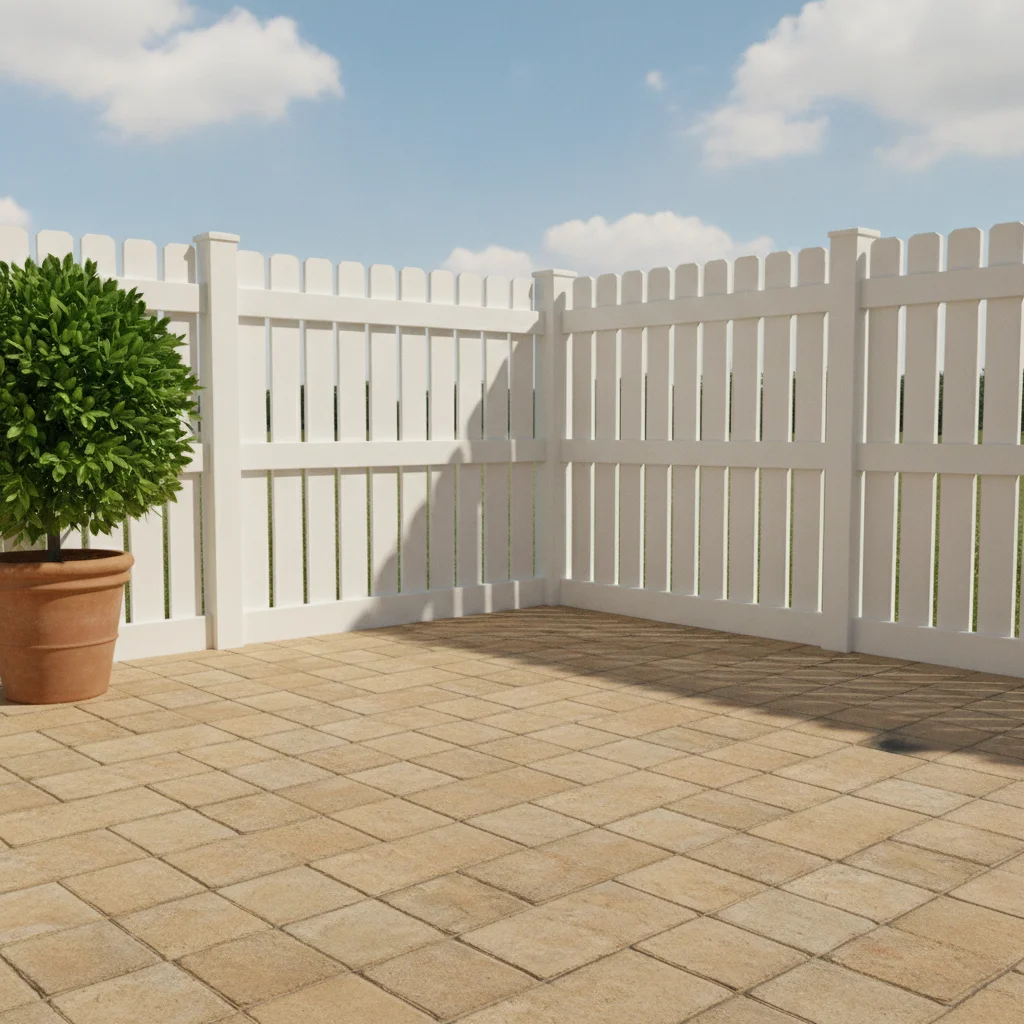
Empty paver patio corner with white fence
Before
->
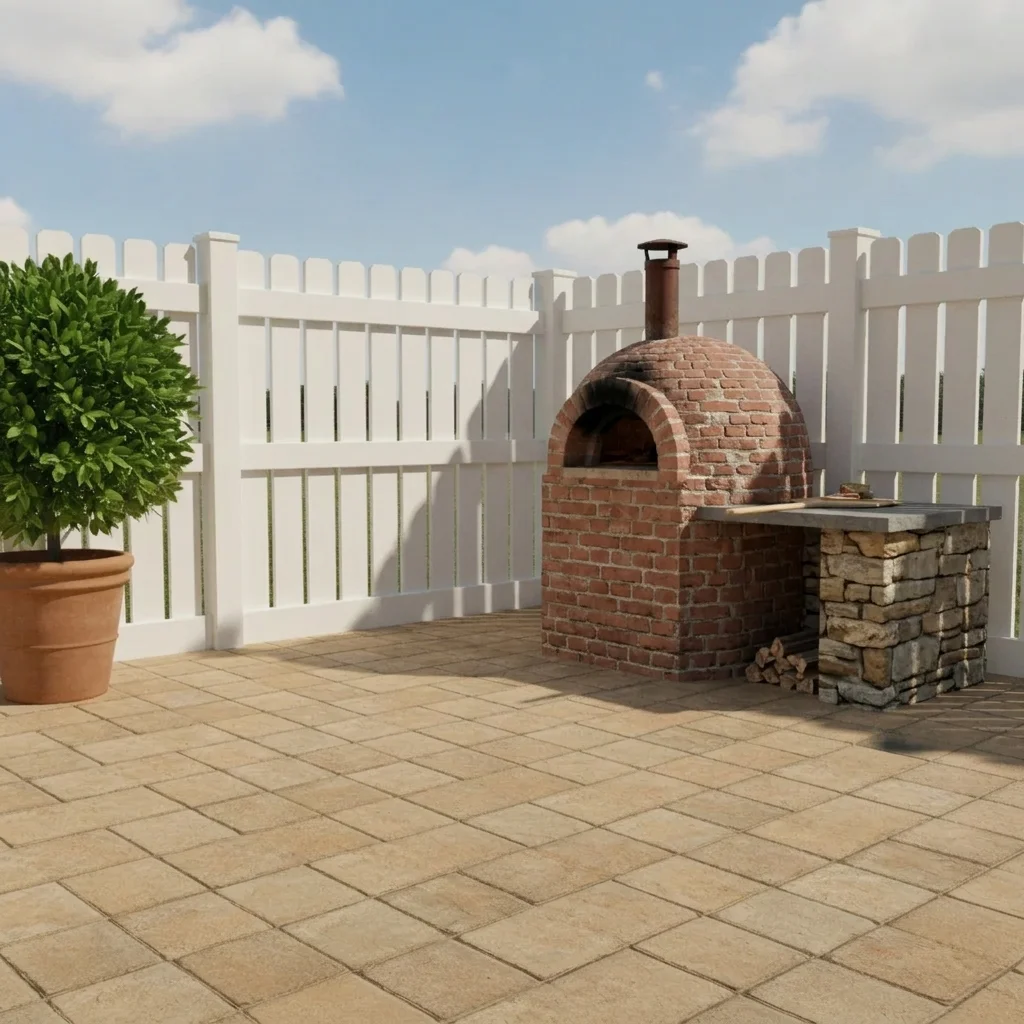
Same corner with a red-brick pizza oven and prep counter
After

Pizza oven in a patio corner

A family wanted a pizza oven and prep counter for weekend cooking.

Prompt: add a red-brick pizza oven with a chimney and a small stone prep counter in the corner of the patio, keep the fence and house unchanged
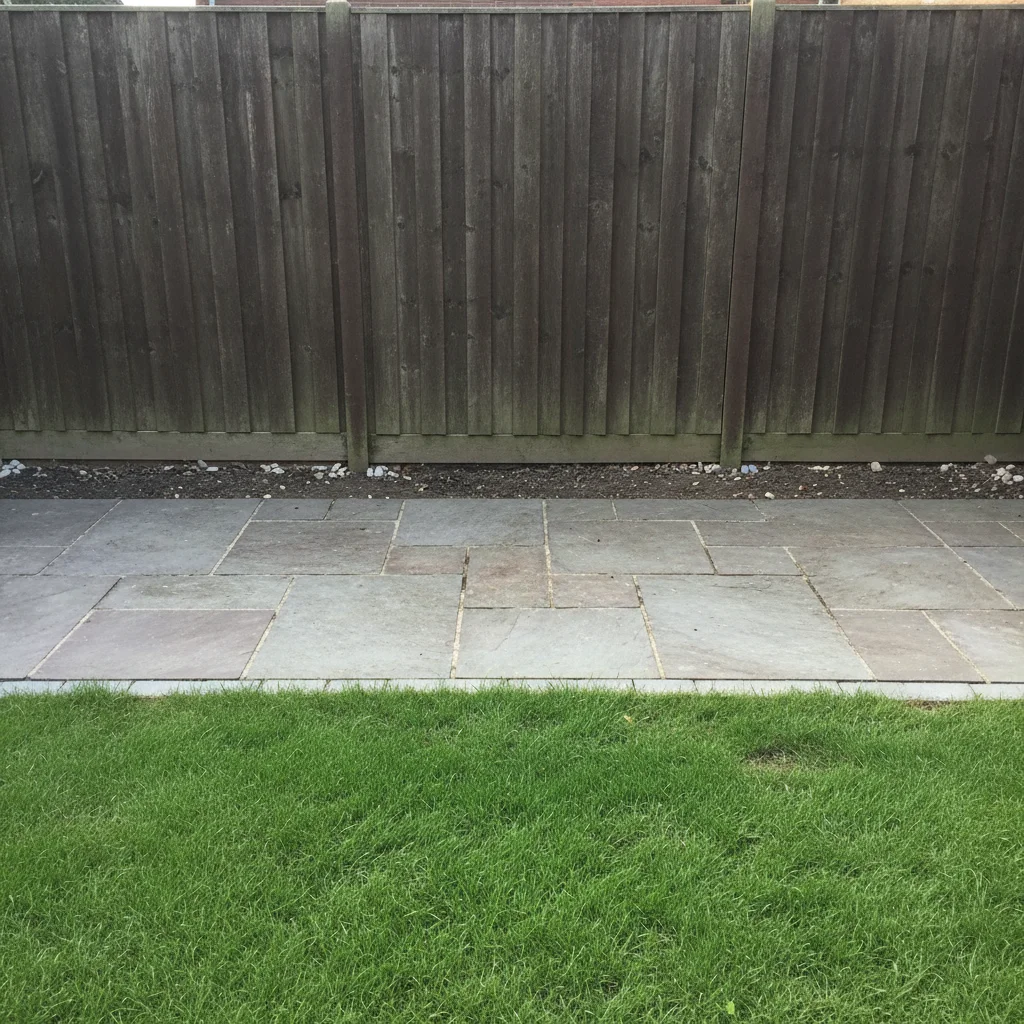
Small patio with a plain brown fence
Before
->
Same patio with a compact grill station along the fence
After

Compact grill station by the fence

A small townhouse patio needed a grill station that did not take over the space.

Prompt: add a compact grill station with a black built-in grill, a small wood-look counter and two cabinet doors against the back fence, keep the rest of the yard unchanged

Quick answers

Do I need to mark where the kitchen goes?

No. Describe the kitchen and where it should stand, for example 'along the house wall'. Markers are optional and help only if the AI picks the wrong spot.

Is there a free outdoor kitchen visualizer with no login?

Yes. EditThisPic offers a free preview edit with no signup and no watermark. Upload your patio photo, describe the kitchen and see the result in your browser.

Will it show the exact layout I should build?

No. It is a visual preview for style, finishes and rough placement. A designer or contractor should handle measurements, utilities and code requirements.

Can I compare different countertops or base finishes?

Yes. Keep the same photo and swap one detail each time, such as stacked stone versus stucco, or granite versus concrete, then compare the results.

Can I add a pergola or roof over it?

Yes. Add it to the same prompt, for example 'with a cedar pergola overhead'. For more control over the shade structure, try the pergola visualizer on the same photo.

How much does EditThisPic cost?

You get 1 free Standard edit per week — no account needed. After that, one-time credit packs start at $4.99 for 10 credits, valid 12 months, no subscription. A Standard edit uses 1 credit, Pro 2 and Ultra 3. Purchased downloads are clean with no watermark.

Ready to see an outdoor kitchen on your patio?

Free to try. No signup required.

1 free edit included·paid credit packs after