Pricing Visualize Backyard pond · Free

AI Pond Visualizer

← Browse all creative effects

Last updated

Describe a pond or water feature and see it placed in your own yard photo.
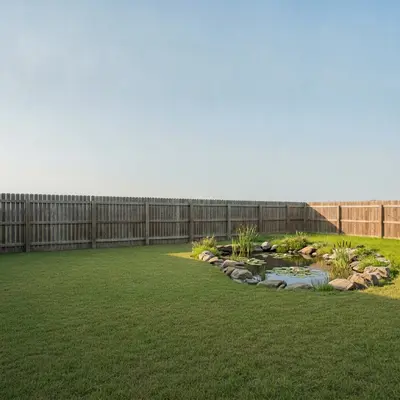
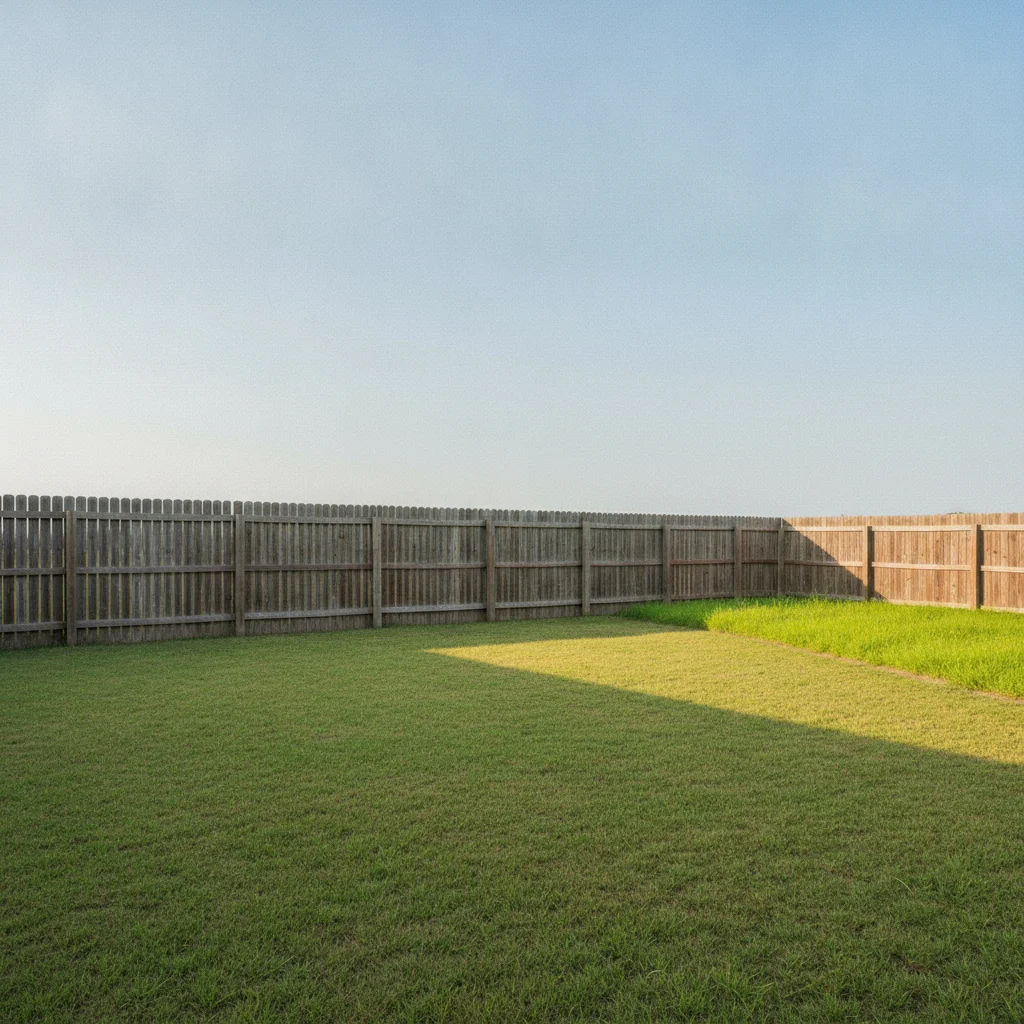
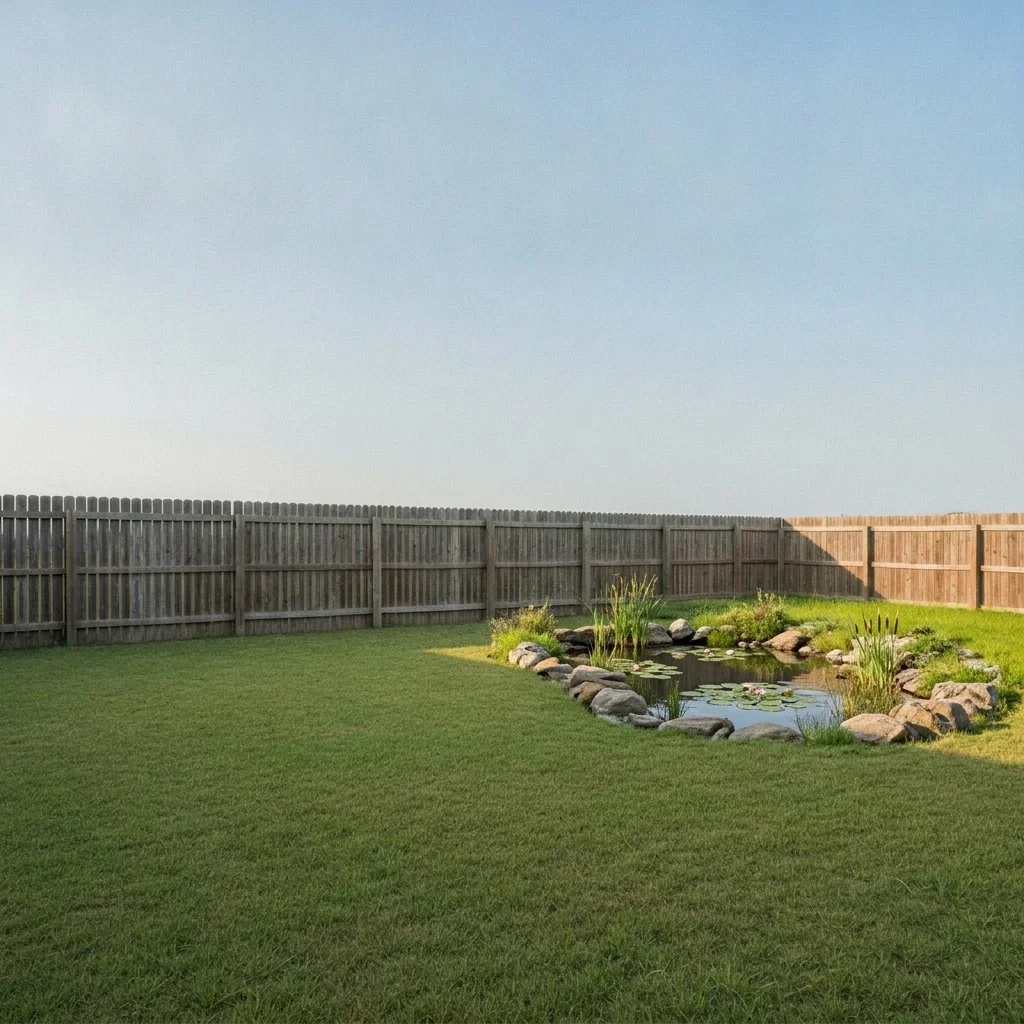
Plain lawn corner beside a wooden fence Same corner with a natural rock-edged pond and lily pads

Upload photo to visualize backyard pond

"add a natural pond with a small stacked-stone waterfall flowing in from the back, surrounded by ferns and river rocks, keep the lawn and fence unchanged"

Free to try · no sign-up · never used for AI training

Release to upload

<30stypical edit
1 freeedit weekly
Photo on your phone? Scan to open this editor there — free edit works on your phone too.

1 free edit every week·paid packs after

How it works

  1. Upload a photo of the yard

    Photograph the area where the pond might go, from standing height, with the lawn or ground and some surroundings visible. A fairly open patch is easiest. Daylight gives the cleanest result.

    Expect: A plain lawn usually works first time. Busy planting may need one refinement.
  2. Describe the pond or water feature

    Say the style (natural pond, formal rectangular pool, bubbling rock fountain, stream with waterfall), the edge (boulders, flagstone, pebbles), the plants (lily pads, reeds, ferns) and whether there is a bridge or fish. No marking needed.

    Tip: Pick natural or formal first. They produce quite different results, and the AI follows the lead.

    Copy one of these to get started:

    Natural pond with rock edge add a small natural kidney-shaped pond with a rock boulder edge, lily pads and reeds in the corner of the lawn, keep the fence and patio unchanged
    Pond with waterfall add a natural pond with a small stacked-stone waterfall flowing in from the back, surrounded by ferns and river rocks, keep the lawn and fence unchanged
    Formal rectangular water feature add a formal rectangular reflecting pond with a clean stone coping and a few water lilies next to the patio, keep the patio unchanged
    Koi pond with a bridge add a koi pond with orange and white fish visible, a small arched wooden bridge and flat stones around the edge on the lawn, keep the house unchanged
    3 more prompts
    Bubbling rock fountain add a bubbling rock fountain with a round basin and smooth gray boulders on the patio corner, small and low, keep everything else unchanged
    Stream through the garden add a narrow winding stream with pebble banks and a few flat stepping stones crossing the lawn, keep the fence and beds unchanged
    Pond with a patio view add a small round pond with a flagstone edge and water lilies beside the patio table, keep the table, chairs and house unchanged
  3. Check shape and surroundings

    Look at the water, the edge and how the pond meets the lawn. Check that the size feels right and that the edge looks natural rather than cut out. It is a visual idea only, not a depth, liner or safety plan.

  4. Refine with markers if needed

    Markers are optional. If the pond lands in the wrong spot or the AI alters your patio or fence, tap a marker where the pond should be and regenerate.

    Tip: A marker at the planned center is usually enough.

See it in action

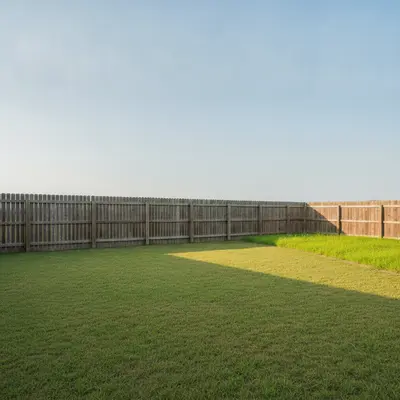
Plain lawn corner beside a wooden fence
Before
->
Same corner with a natural rock-edged pond and lily pads
After

Natural pond in a lawn corner

A homeowner wanted a wildlife pond but was unsure about the look.

Prompt: add a small natural kidney-shaped pond with a rock boulder edge, lily pads and reeds in the corner of the lawn, keep the fence unchanged
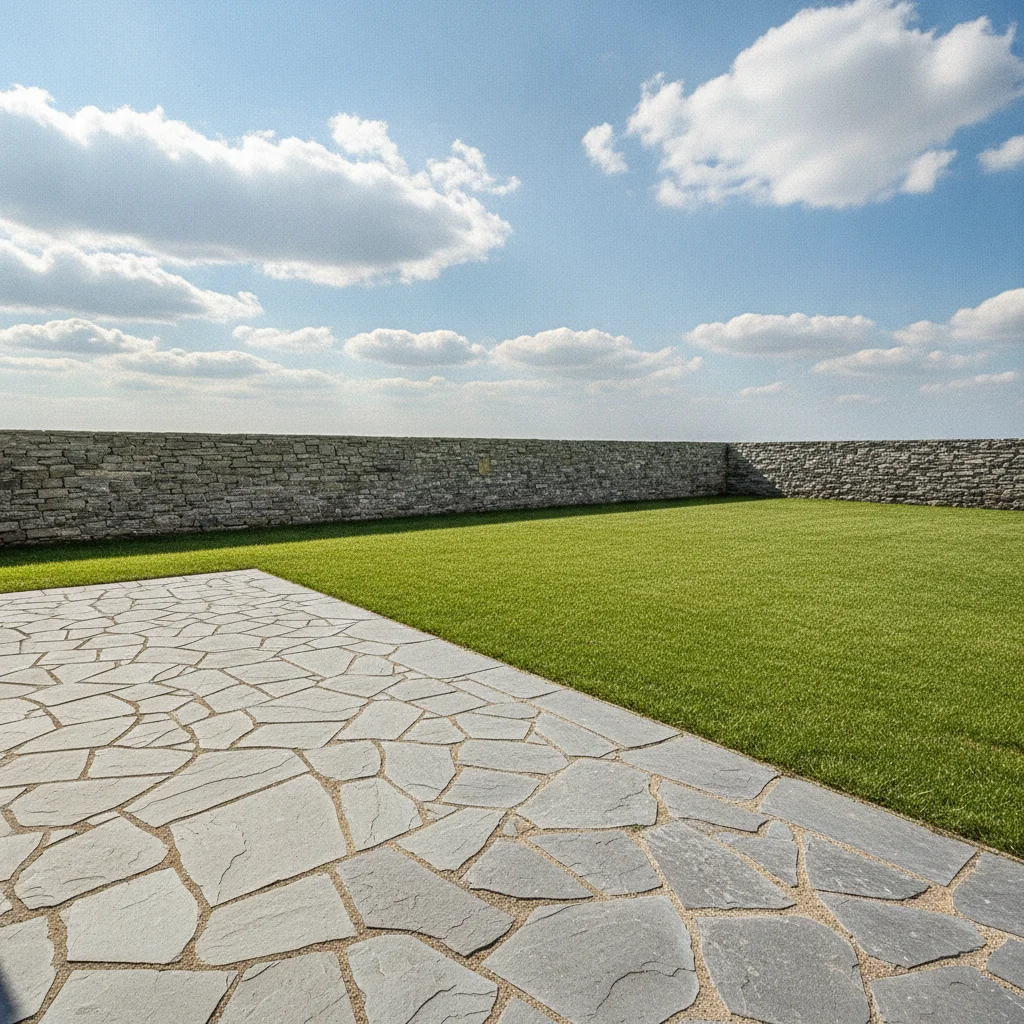
Stone patio beside an empty lawn area
Before
->
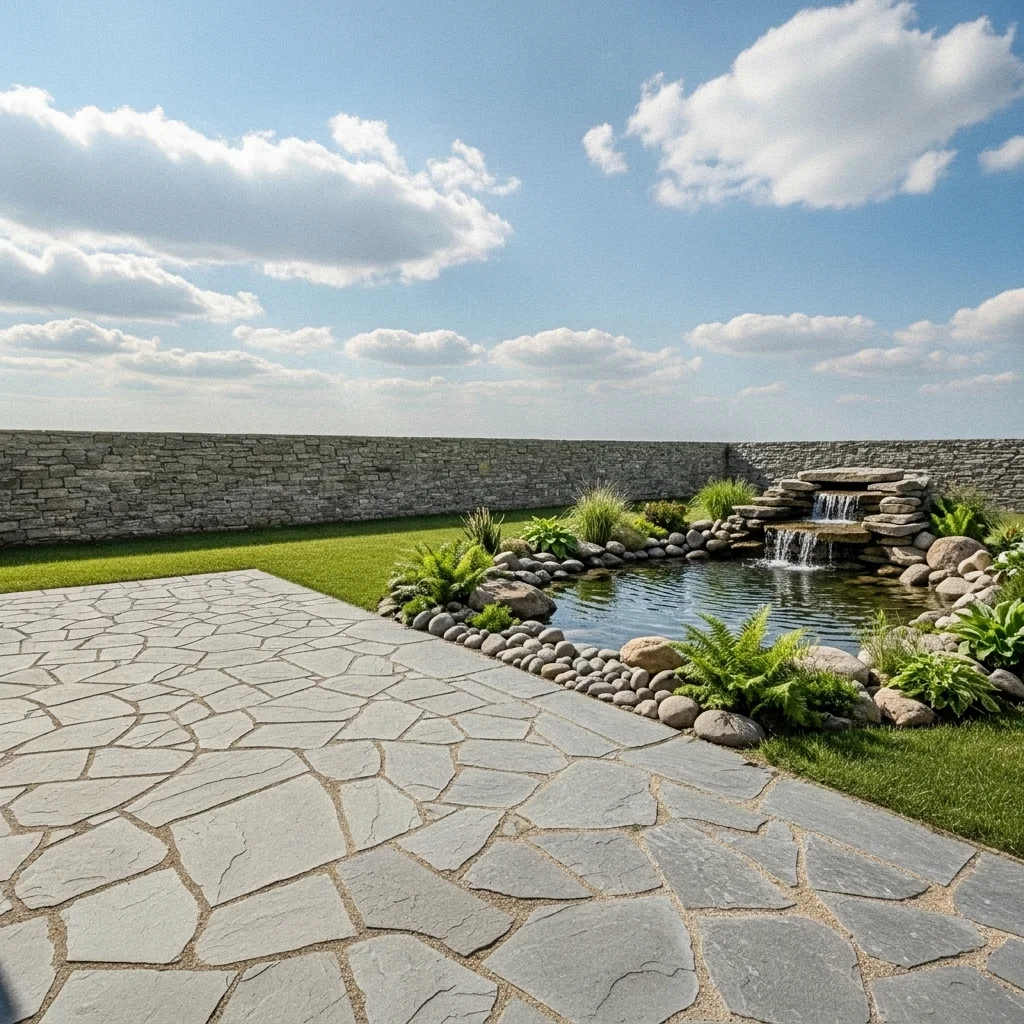
Same garden with a waterfall pond beside the patio
After

Waterfall pond beside a patio

A family wanted the sound and sight of water near the patio.

Prompt: add a natural pond with a small stacked-stone waterfall at the back, surrounded by ferns and river rocks, keep the patio unchanged
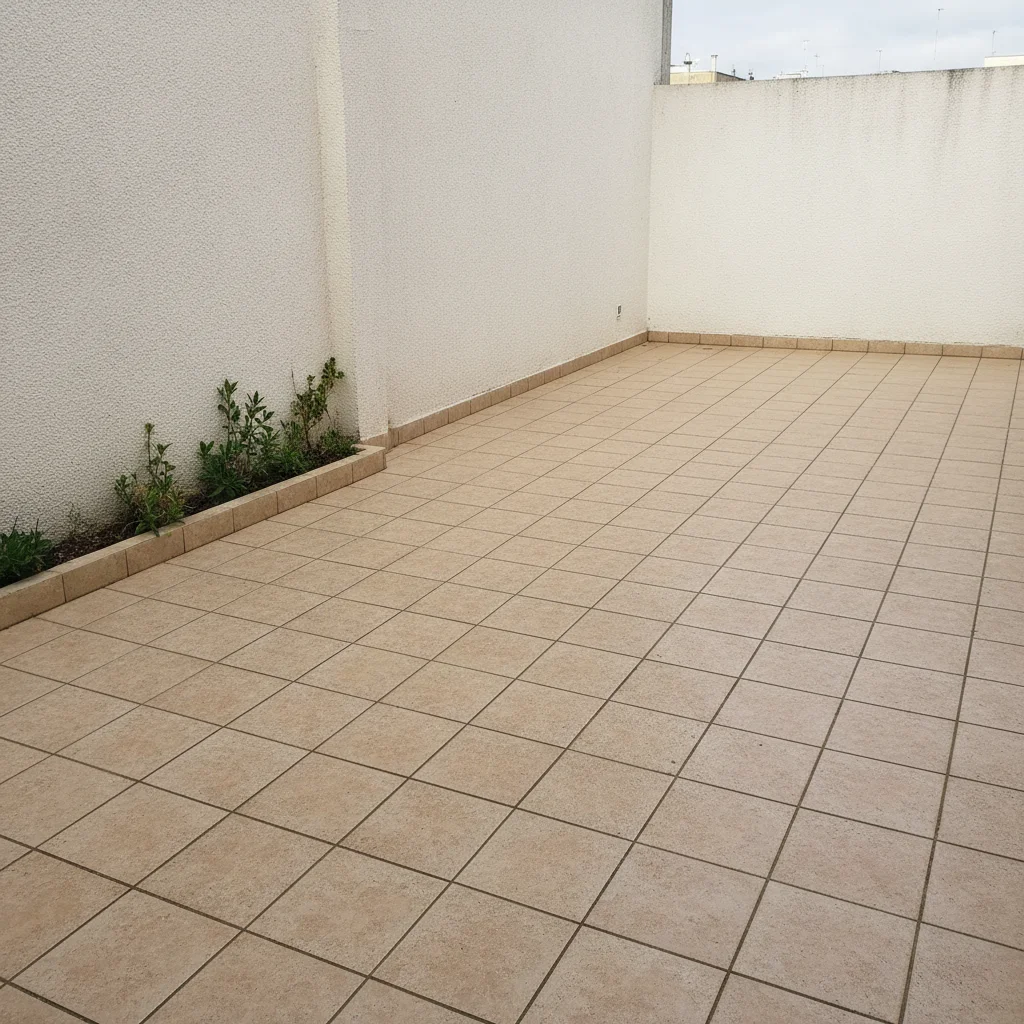
Small tiled patio with an empty corner
Before
->
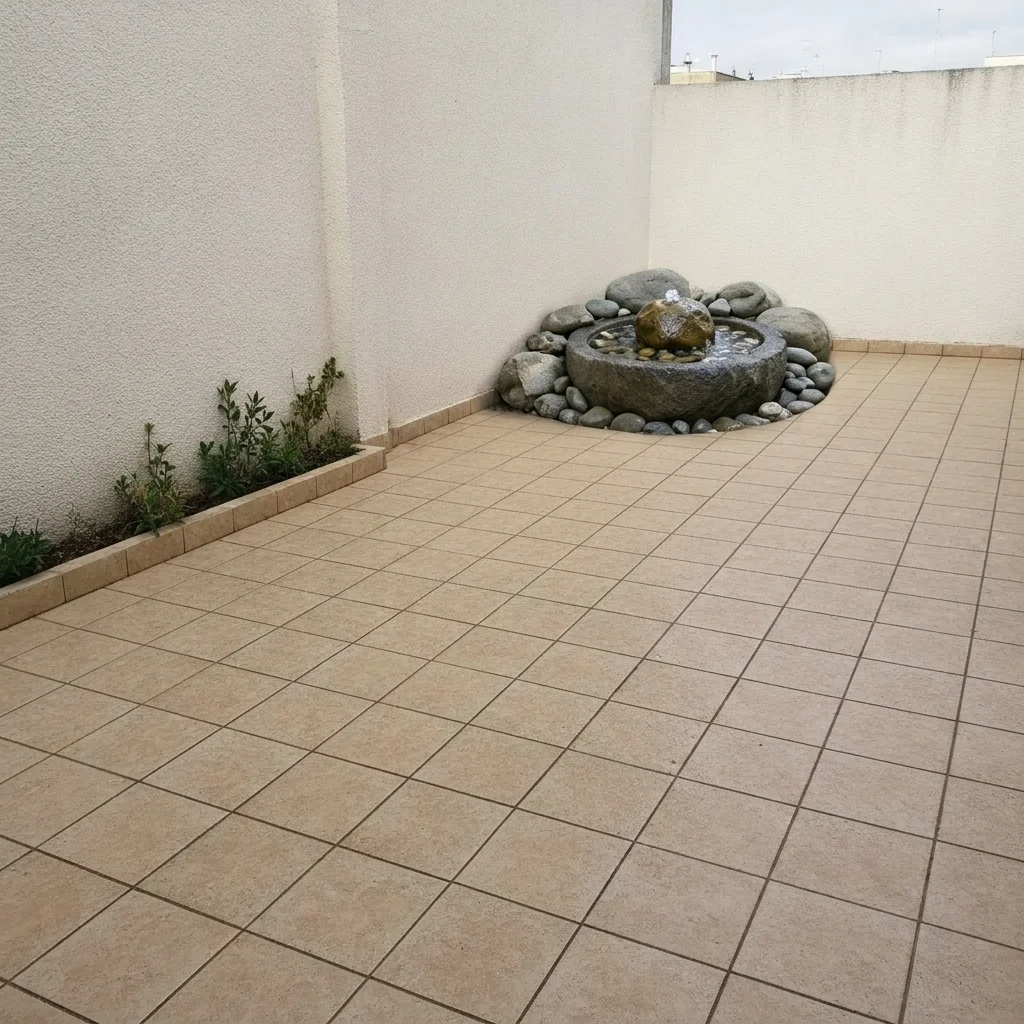
Same patio with a small bubbling rock fountain
After

Rock fountain on a small patio

A small patio needed a calm focal point without digging.

Prompt: add a bubbling rock fountain with a round basin and smooth gray boulders in the corner, small and low, keep everything else unchanged

Quick answers

Do I need to mark where the pond goes?

No. Describe the pond and where it should be, such as 'in the corner of the lawn'. Markers are optional and help only if the AI picks the wrong spot.

Is there a free pond visualizer with no login?

Yes. EditThisPic gives you a free preview edit with no signup and no watermark. Upload your yard photo, describe the pond and see the result in your browser.

Can it plan the depth, liner or filtration?

No. It only shows how a pond might look. Digging, depth, safety fencing and equipment need a qualified installer and local rules.

Can I preview a waterfall or fountain instead of a pond?

Yes. Describe a stacked-stone waterfall, a bubbling rock or a tiered fountain, and the AI adds it in place. Fountains suit small spaces.

Can I try different styles on one photo?

Yes. Keep the photo and change the prompt between natural and formal, with or without a waterfall, then compare the results side by side.

How much does EditThisPic cost?

You get 1 free Standard edit per week — no account needed. After that, one-time credit packs start at $4.99 for 10 credits, valid 12 months, no subscription. A Standard edit uses 1 credit, Pro 2 and Ultra 3. Purchased downloads are clean with no watermark.

Ready to see a pond in your yard?

Free to try. No signup required.

1 free edit included·paid credit packs after