Pricing Visualize Sofa color · Free

AI Sofa Color Visualizer

← Browse all creative effects

Last updated

Upload your room photo and describe the sofa color you want — the AI changes it in 30 seconds. Free, no account needed.

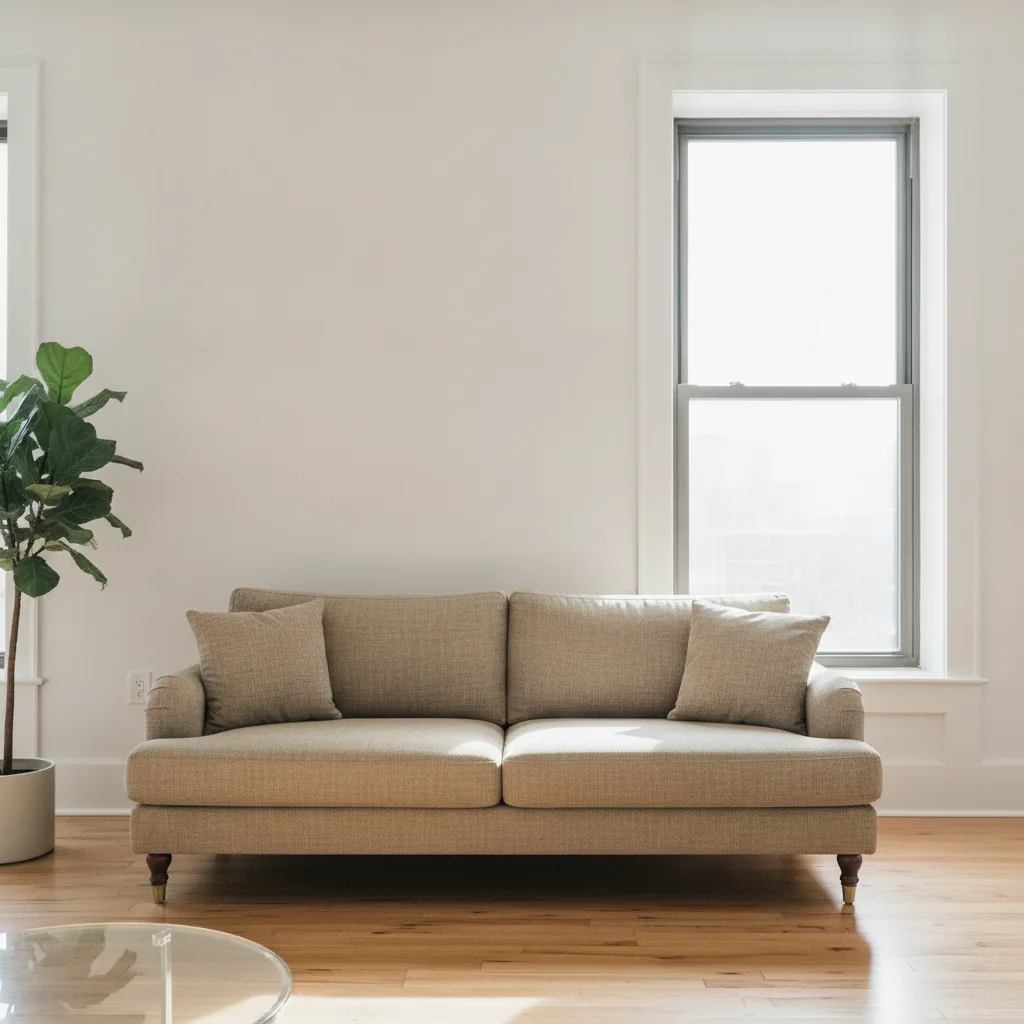
Living room with bold red velvet sofa and white walls Same living room with sofa changed to warm greige linen, room lighting preserved

Upload photo to visualize sofa color

"change the sofa color to deep forest green velvet, rich jewel-toned finish with natural fabric sheen, preserve the sofa shape and cushion details"

Free to try · no sign-up · photos are never shared

Release to upload

<30stypical edit
1 freeedit weekly
Photo on your phone? Scan to open this editor there — free edit works on your phone too.

1 free edit every week·packs from $4.99

How it works

  1. Upload a photo of the room with the sofa

    Use a photo where the sofa is clearly visible and not obscured by people or objects. Good lighting shows fabric texture, which helps the AI match the new color more accurately. JPG, PNG, or WebP up to 7MB.

    Expect: Straightforward color changes on a solid sofa finish in about 30 seconds. Complex patterned or heavily textured fabrics may benefit from one refinement pass.
  2. Describe the sofa color and fabric you want

    Type your instruction directly: 'change the sofa to dusty rose performance fabric' or 'visualize the couch in midnight navy velvet with a matte finish.' Naming the fabric type (velvet, linen, leather, boucle) produces a more realistic texture match. No marking or selection needed — the AI understands what 'the sofa' means.

    Tip: Include the current sofa color in your prompt for better precision: 'change the grey sectional to warm camel leather.' This prevents ambiguity when other furniture in the photo shares similar tones.

    Copy one of these to get started:

    Neutral staging color for listing photos change the sofa to a warm greige linen with natural fabric texture, keep all room lighting and other furniture unchanged
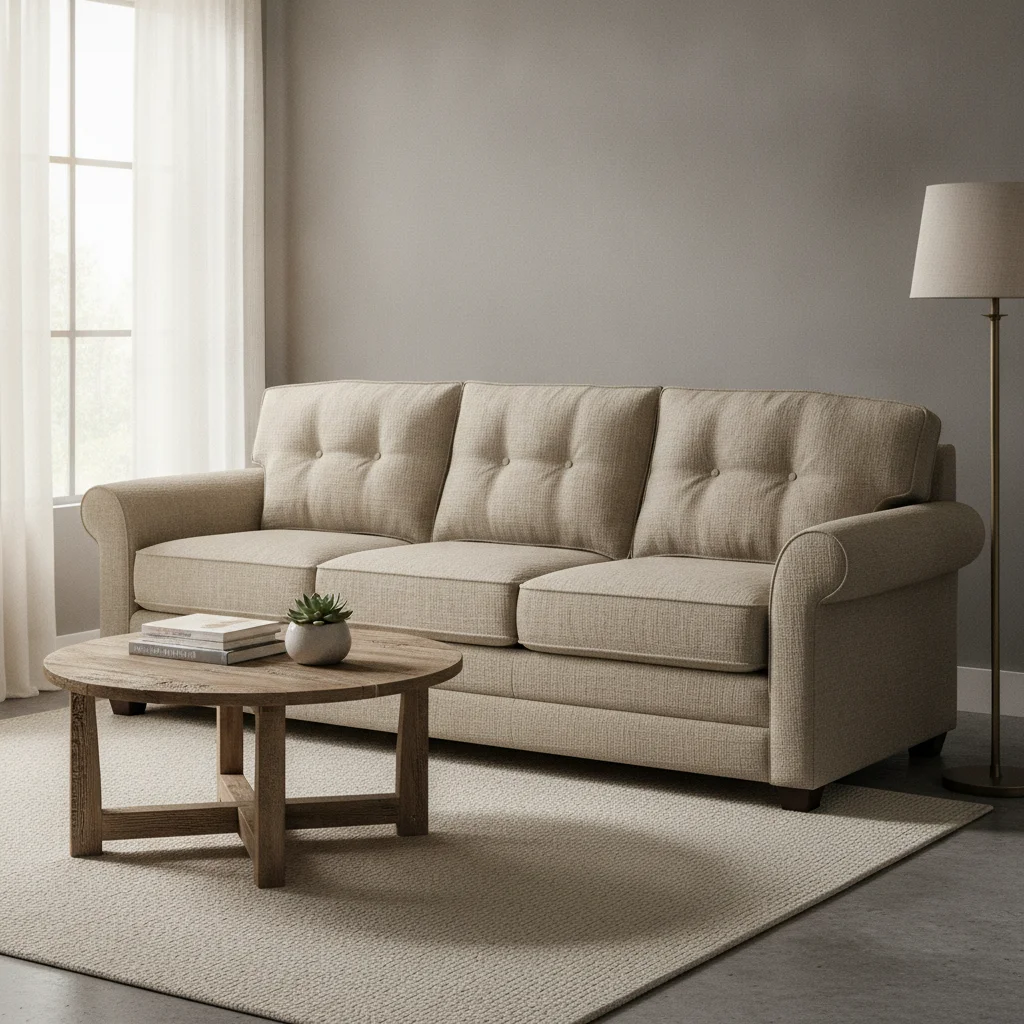
    Bold velvet for interior design mockup change the sofa color to deep forest green velvet, rich jewel-toned finish with natural fabric sheen, preserve the sofa shape and cushion details
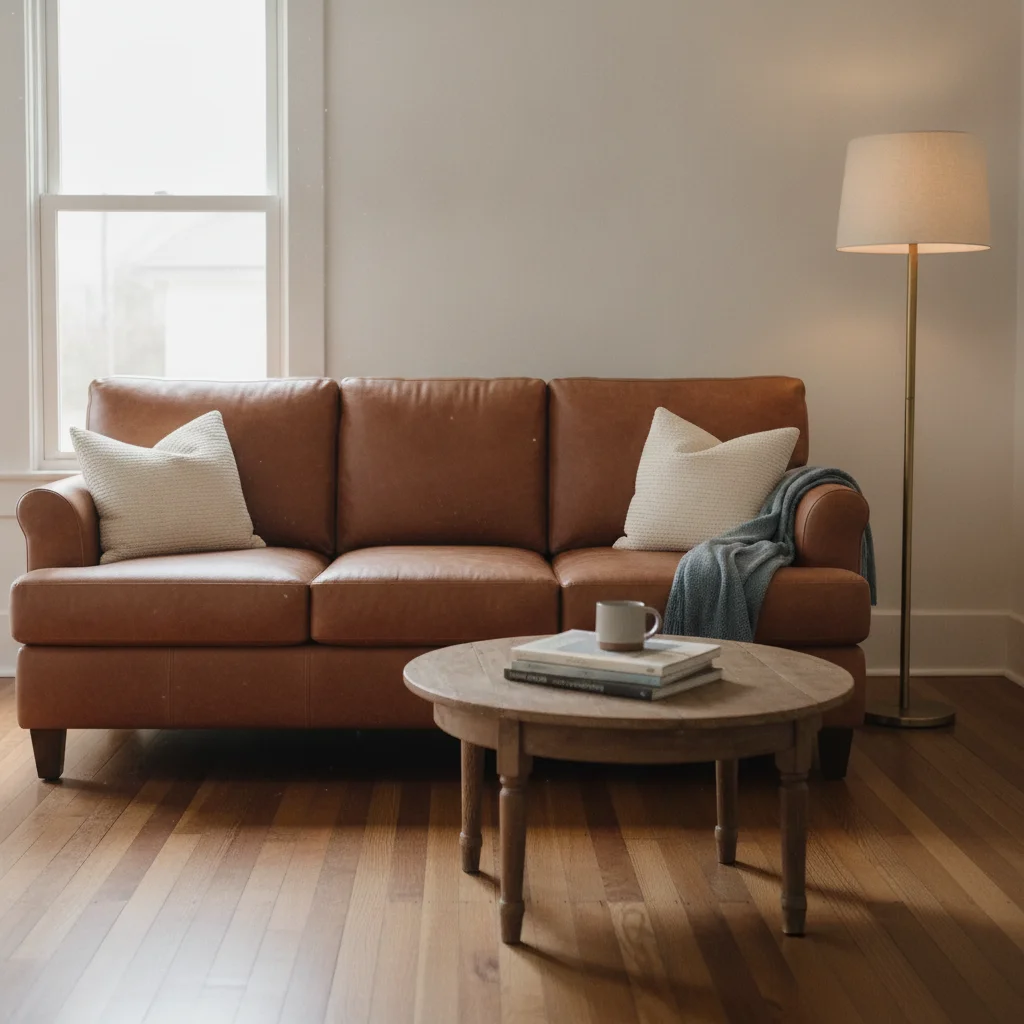
    Leather sofa for renovation planning visualize the sofa in cognac brown leather, smooth top-grain texture, natural crease lines at cushion fold, preserve room background
    Light color preview for small spaces change the sofa to ivory bouclé fabric, textured off-white with visible woven loops, keep the surrounding walls and floor unchanged
    3 more prompts
    Airbnb or short-term rental staging change the sofa to a slate blue performance fabric, clean matte finish, durable-looking texture appropriate for a rental property
    Sectional with accent color change the sectional sofa to warm terracotta orange fabric with a subtle weave texture, keep the chaise end the same color as the main sofa
    Dark sofa for dramatic design concept visualize the sofa in charcoal black microfiber with a soft matte surface, no sheen, preserve all cushion tufting and piping details
  3. Review texture, shadows, and cushion details

    Zoom to 100% and check the armrests, seat cushion seams, and any tufting or piping. These fine details confirm whether the fabric texture rendered correctly. Verify that the room's shadows on the sofa still align with the original light source.

  4. Refine with markers if the AI changed the wrong piece

    If the AI recolored an adjacent armchair or rug instead of the sofa, tap a marker directly on the sofa seat cushion and regenerate. Markers resolve ambiguity in rooms with multiple similar-colored furniture pieces.

    Tip: Markers are for precision refinement — try without them first. Most living room sofa changes work from description alone.

See it in action

Living room with bold red velvet sofa and white walls
Before
->
Same living room with sofa changed to warm greige linen, room lighting preserved
After

Red sofa to neutral greige — listing photo staging

A bold red velvet sofa in a living room made the space feel smaller and narrowed buyer appeal. One prompt changed it to a warm greige linen that photographs well across different buyer preferences.

Prompt: change the sofa to warm greige linen with natural fabric texture, keep all room lighting and other furniture unchanged
Living room with beige linen sofa and neutral grey walls
Before
->
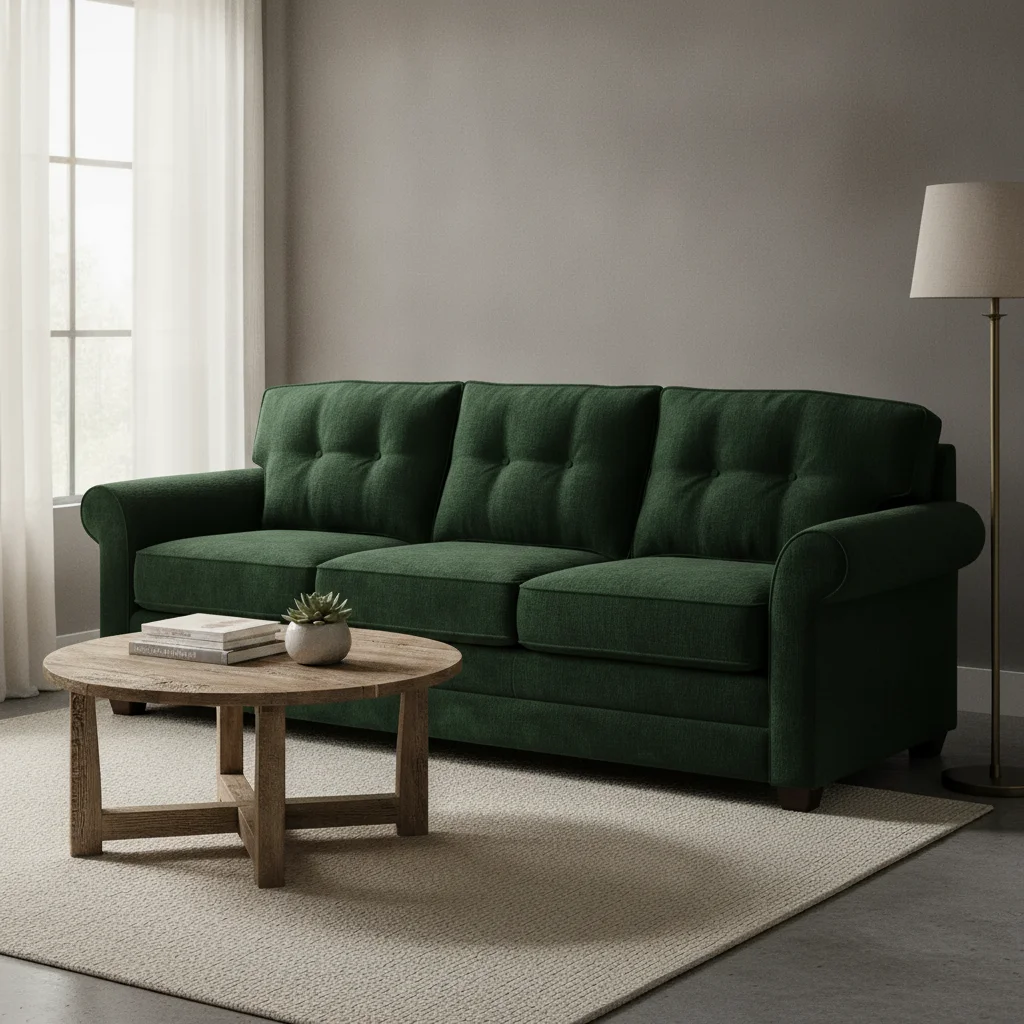
Same living room with sofa changed to deep forest green velvet, tufting preserved
After

Beige sofa to deep green velvet — interior design concept

An interior designer needed to show a client how a deep jewel-toned sofa would look in their existing room before the purchase. The AI preserved the room's natural lighting and the sofa's tufted cushion structure.

Prompt: change the sofa color to deep forest green velvet, rich jewel-toned finish with natural fabric sheen, preserve the sofa shape and cushion details
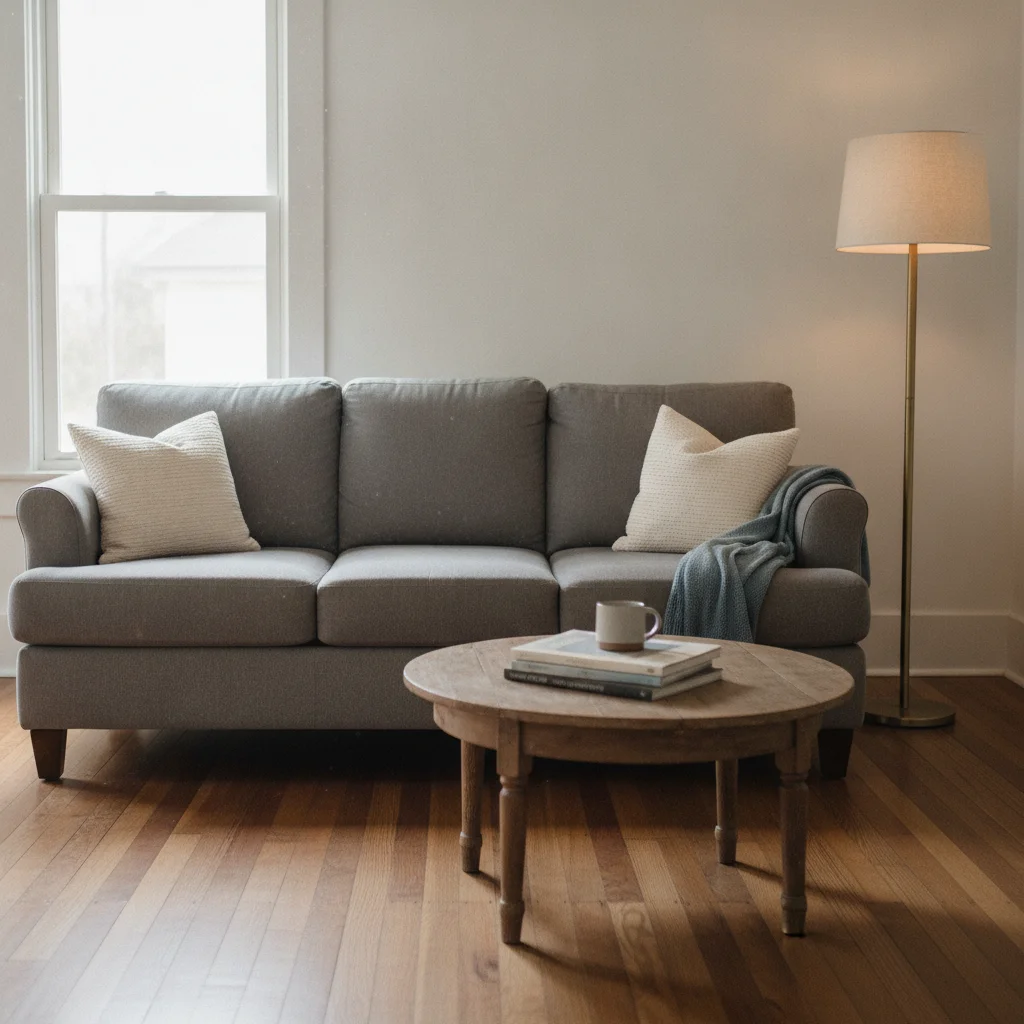
Living room with medium grey fabric sofa on walnut hardwood floors
Before
->
Same living room with sofa changed to cognac leather with natural crease lines
After

Worn grey sofa to cognac leather — renovation planning

A homeowner planning a living room renovation wanted to see whether a leather sofa in cognac would work with their existing floors and walls before shopping. The prompt specified leather texture detail to get a realistic material render.

Prompt: visualize the sofa in cognac brown leather, smooth top-grain texture, natural crease lines at cushion fold, preserve room background

Quick answers

Do I need to mark the sofa before describing the color change?

No. Just type what you want: 'change the sofa to deep navy velvet' and the AI identifies and recolors it from the description alone. Markers are only needed if the room has multiple similar-colored pieces and the AI recolors the wrong one — tap a marker on the sofa seat and regenerate.

Is there a free sofa color visualizer that doesn't need an account?

Yes. EditThisPic visualizes sofa colors for free with no account, no signup. Upload your room photo, describe the color and fabric you want, and download the result in about 30 seconds. Works in any browser on desktop or mobile. The free edit is a preview — purchased downloads are clean, full quality.

How do I visualize what a sofa looks like in my room before buying?

Upload a photo of your living room to EditThisPic, then type the sofa color and fabric you're considering — for example, 'visualize the sofa in warm camel leather with a smooth top-grain texture.' The AI recolors the existing sofa in about 30 seconds. This works for renovation planning, purchase decisions, and client mockups.

Can I visualize different fabric types — velvet, leather, linen?

Yes. Include the fabric type in your prompt: 'deep green velvet,' 'cognac leather,' 'ivory bouclé,' or 'slate blue performance fabric.' Each material name triggers a different texture rendering. Without a material descriptor, the AI defaults to a generic flat fabric that may not look realistic.

What's the best sofa color for real estate listing photos?

Warm neutrals — greige, warm white, soft camel, or warm grey — photograph best for MLS listings because they don't compete with the room and appeal broadly to buyers. Use EditThisPic to preview different neutral tones on your actual sofa before staging or purchasing a new one.

Can interior designers use this for client mockups?

Yes. Upload a photo of the client's existing space and generate sofa color options to present at concept review. The AI preserves the room's lighting, flooring, and other furniture so the client sees an accurate representation of how each color would look in their specific room — not a generic product shot.

How much does EditThisPic cost?

You get 1 free edit per week — no account needed. After that, one-time credit packs start at $4.99 for 10 edits, valid 12 months, no subscription. Power users who edit daily can pick Studio Membership, a monthly workspace at $49.99/mo for 300 edits. Purchased downloads are clean with no watermark.

Ready to visualize your sofa in a new color?

Free to try. No signup required.

1 free edit included·Credit packs from $4.99