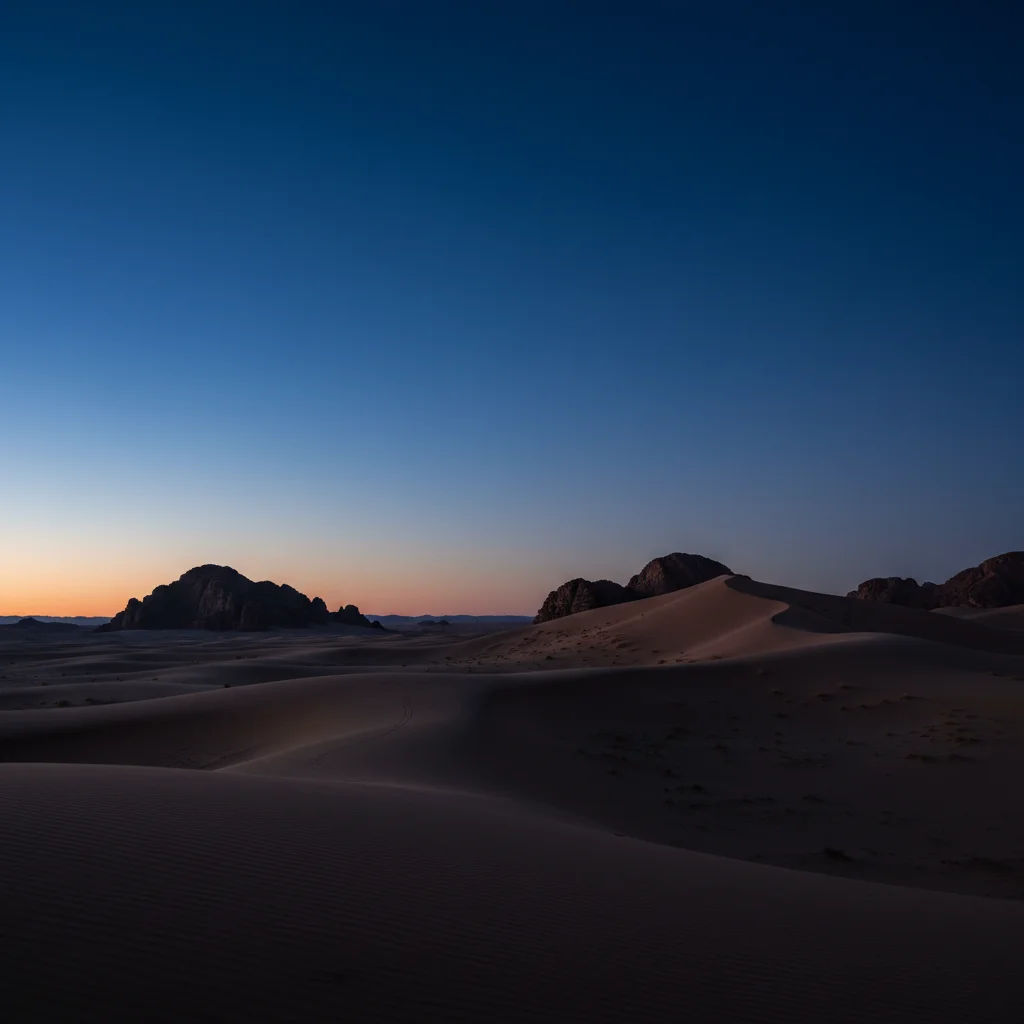
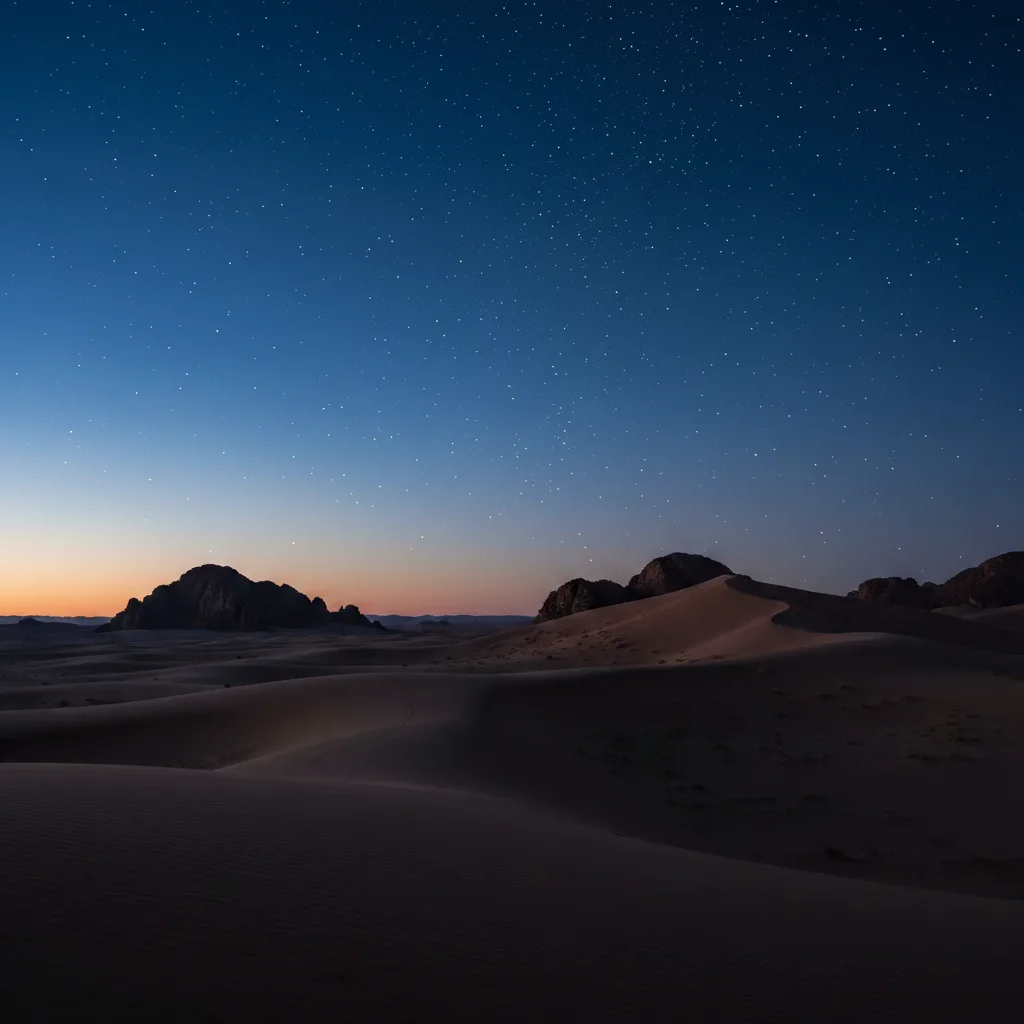
Do I need to select the sky before adding stars?
No! Just describe what you want: 'add a dense starry sky with the Milky Way' or 'add scattered stars across the night sky.' The AI identifies sky areas and avoids placing stars over foreground objects automatically. Only use markers if you need to define specific sky boundaries around complex silhouettes or adjust star concentration in certain areas.
How do I make stars look realistic and not obviously added?
Include natural variation in your prompt: 'varied brightness levels', 'random distribution', 'different sizes from tiny pinpoints to brighter stars'. Also mention viewing conditions: 'remote location with no light pollution' for dense stars, or 'suburban area with some light pollution' for fewer stars. Natural star fields are never uniform—variation is key to realism.
What is the best free AI tool to add stars to night photos?
EditThisPic's AI Starry Sky Maker adds realistic star fields and Milky Way effects by analyzing your sky darkness and foreground elements. Just describe star density and whether you want the Milky Way visible—no overlays or brushes needed. Creates natural-looking astrophotography in 15-30 seconds. Free to try with no signup or watermark.
Can I add the Milky Way galaxy or just stars?
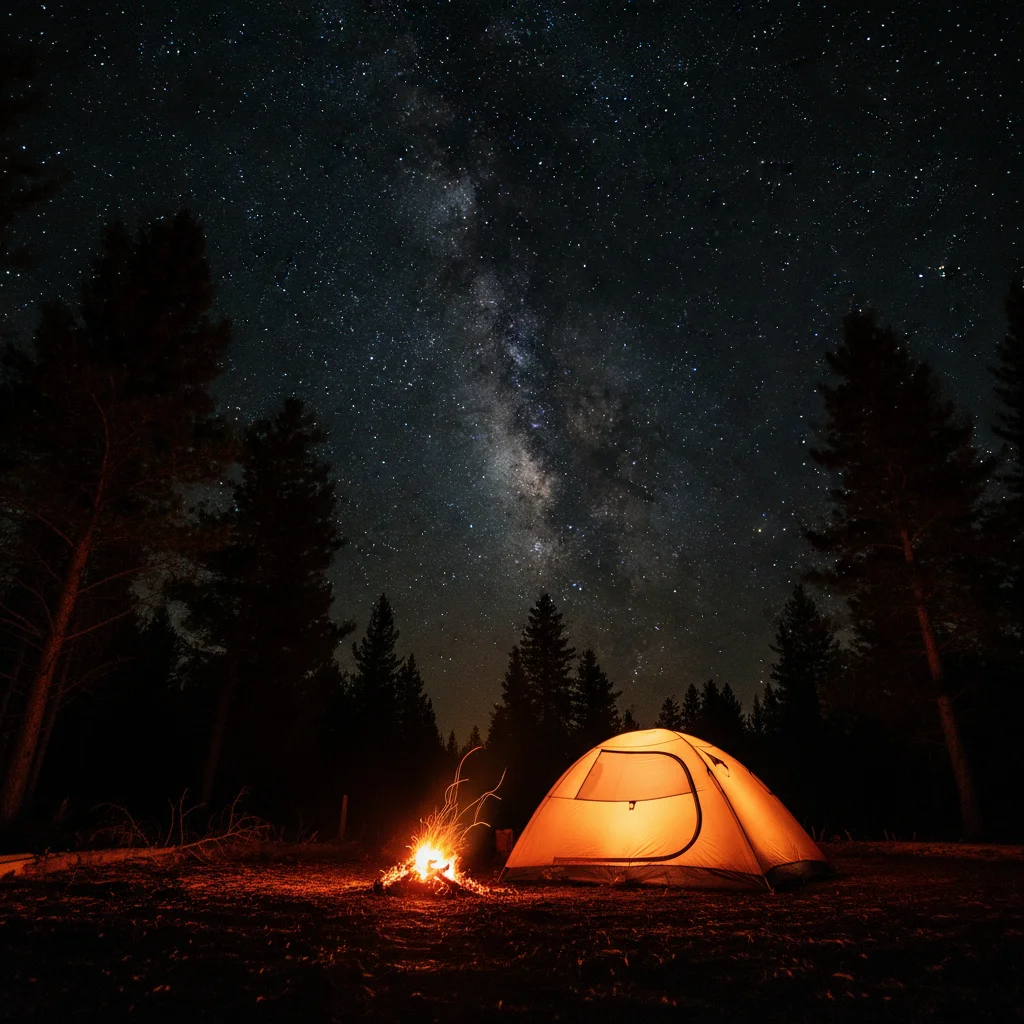
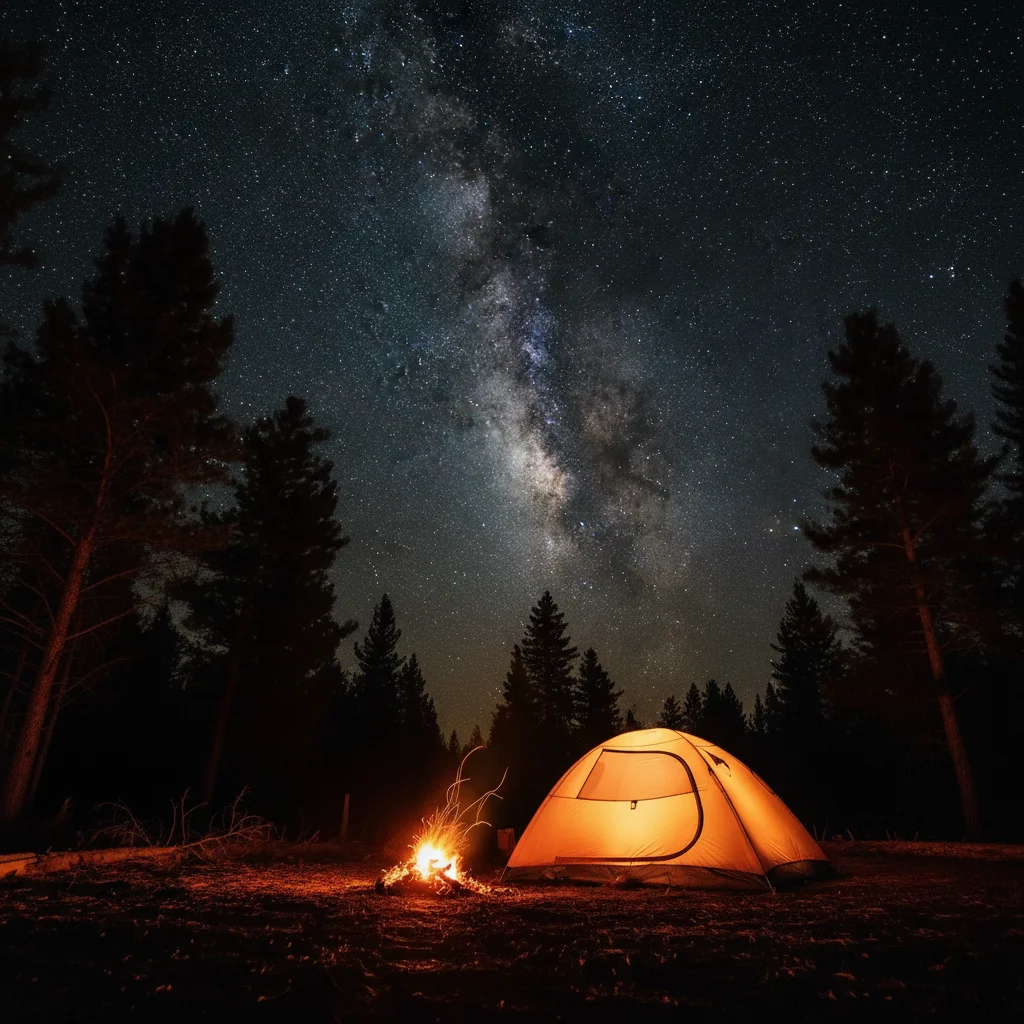
Yes! You can add just stars ('add scattered stars with moderate density'), just the Milky Way ('add the Milky Way stretching across the sky'), or both ('add dense stars with the Milky Way galactic core visible on the right'). For maximum drama, request the galactic core specifically—it's the brightest, most colorful part of the Milky Way with orange and purple nebula regions.
Will stars appear over my foreground objects like trees or mountains?
The AI automatically detects foreground silhouettes and keeps stars in the sky area only. For complex skylines with many overlapping objects, you may need to use markers to define the exact boundary between sky and foreground. Most simple compositions (mountain peaks, single trees, tents) work perfectly without markers.
How many stars should I add to look realistic?
It depends on your scene's location. Remote wilderness with no light pollution: 'dense star field with thousands of visible stars'. Rural areas: 'moderate star density'. Suburban or near cities: 'sparse stars with some light pollution'. The key is matching star count to realistic viewing conditions. More stars isn't always better—it needs to make sense for the location.
Is EditThisPic's AI starry sky adder really free?
Yes — you get 1 free edit per week, no account needed. For unlimited edits, plans start at $3.99/month.
Can I add starry sky on my phone?
Yes. EditThisPic works in any mobile browser — iPhone, Android, tablet. No app download needed.