Free • No signup Stage Dining room · Free

AI Virtual Dining Room Staging

Stage an empty dining room with tables, chairs, and decor using AI — no staging company needed.

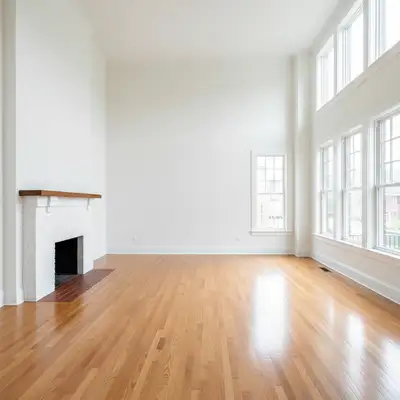
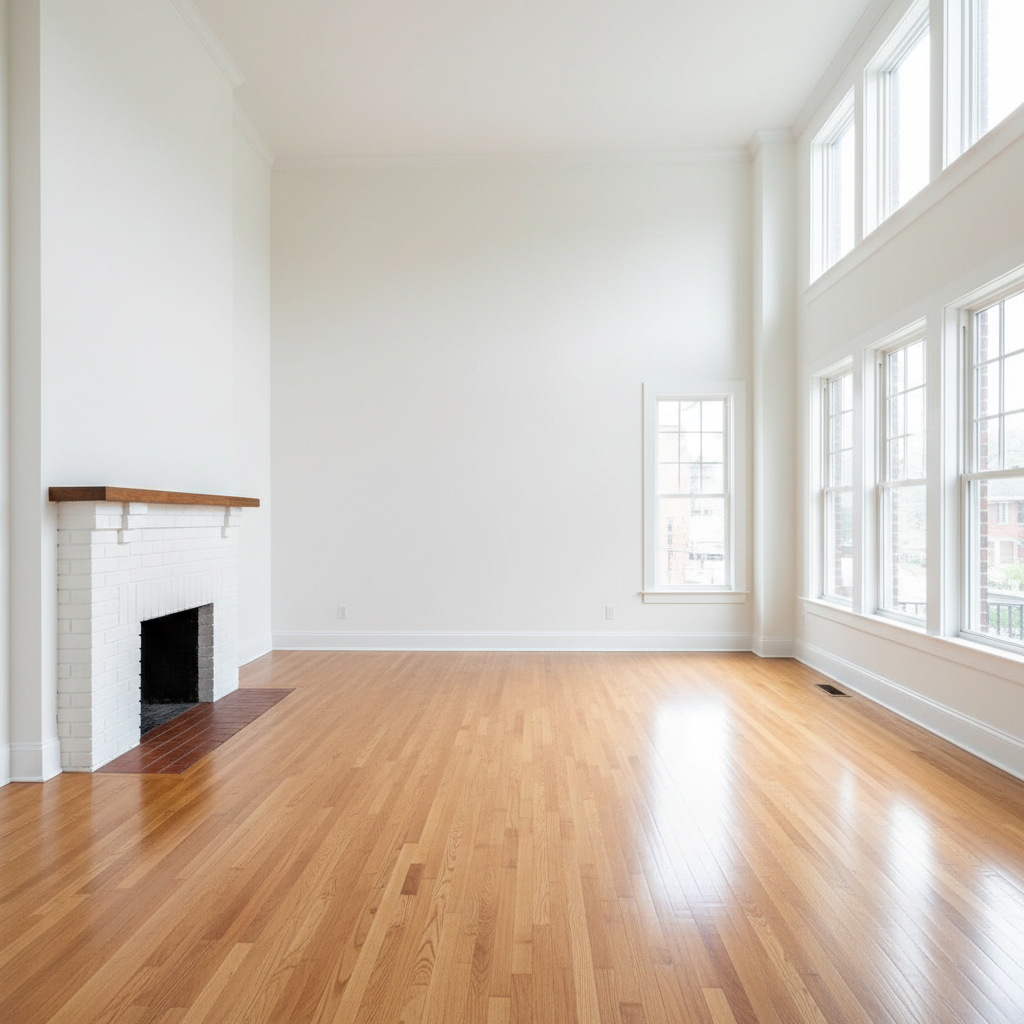
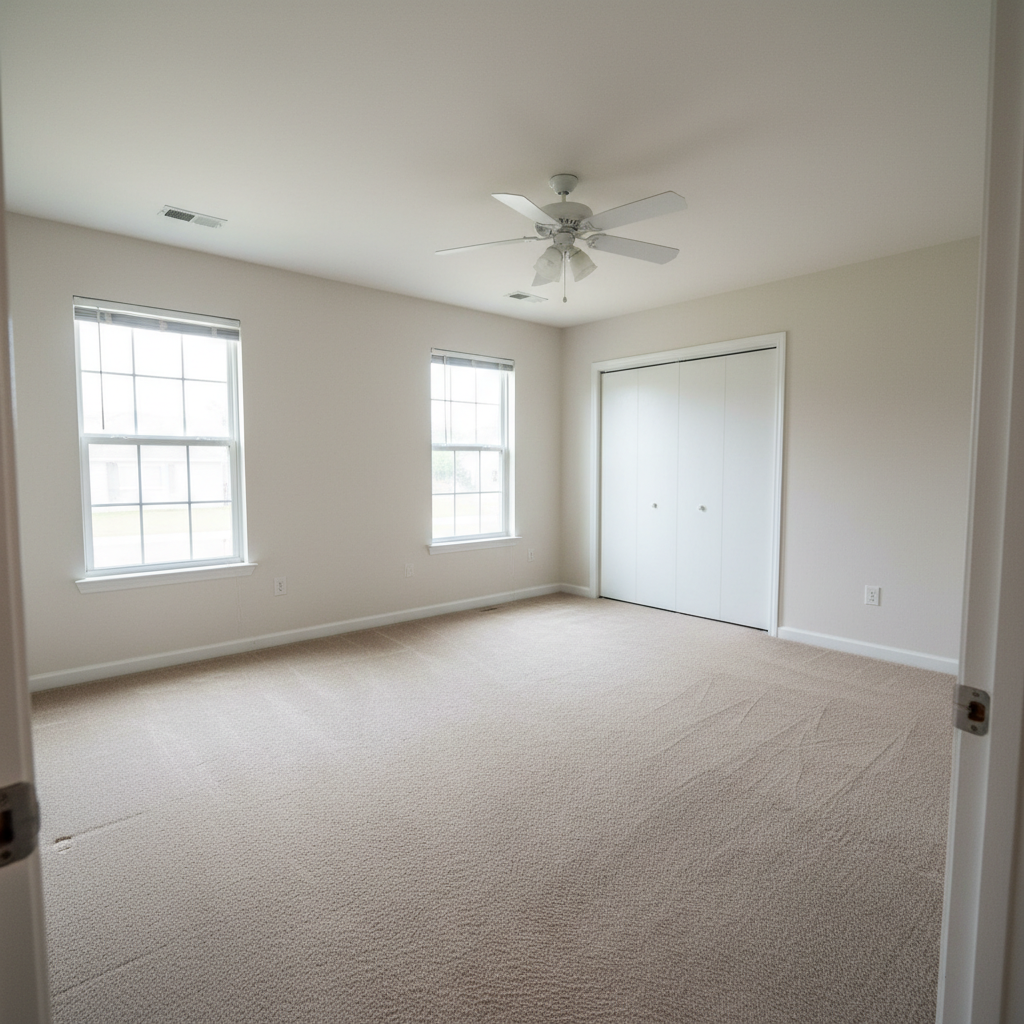
Empty dining room with hardwood floors, chandelier, and wainscoting
Before
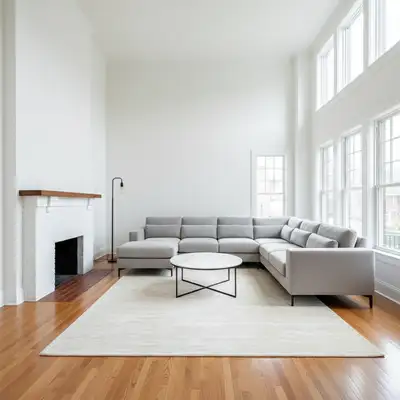
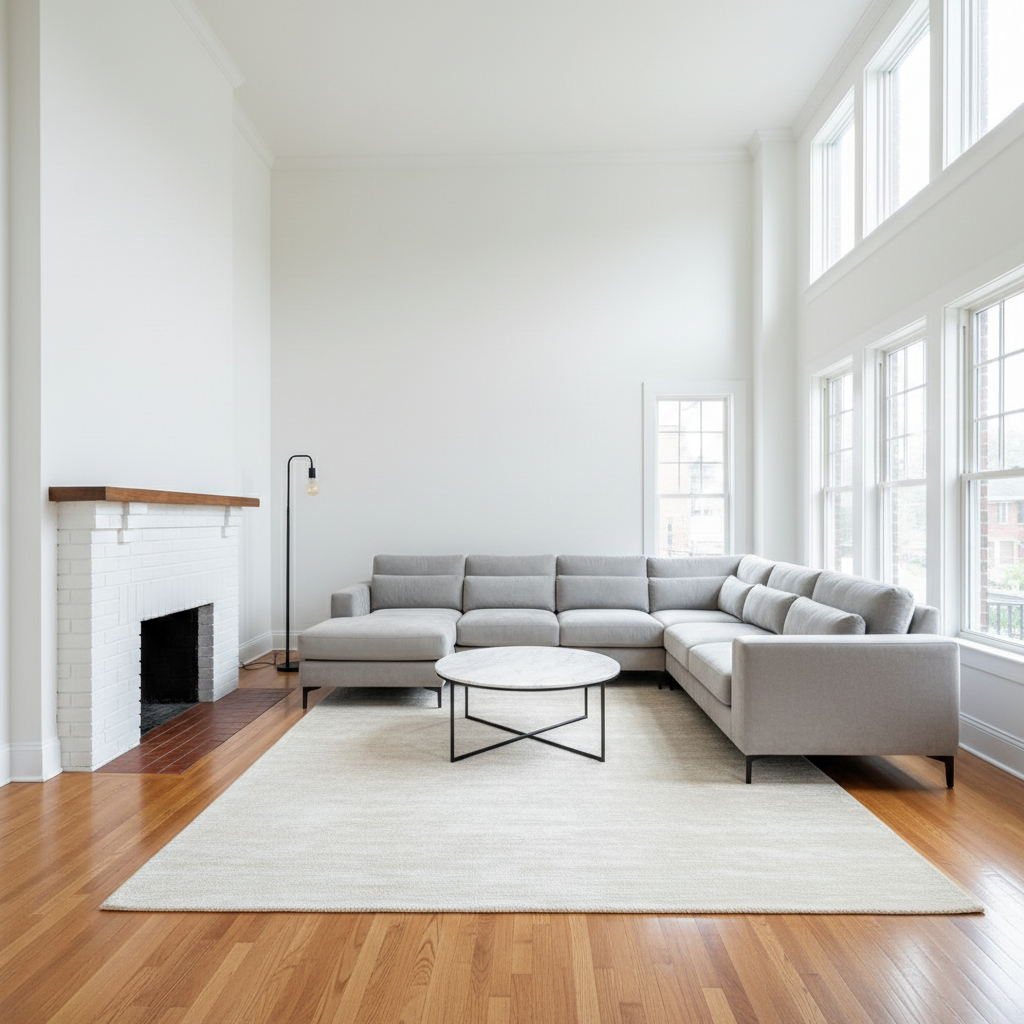
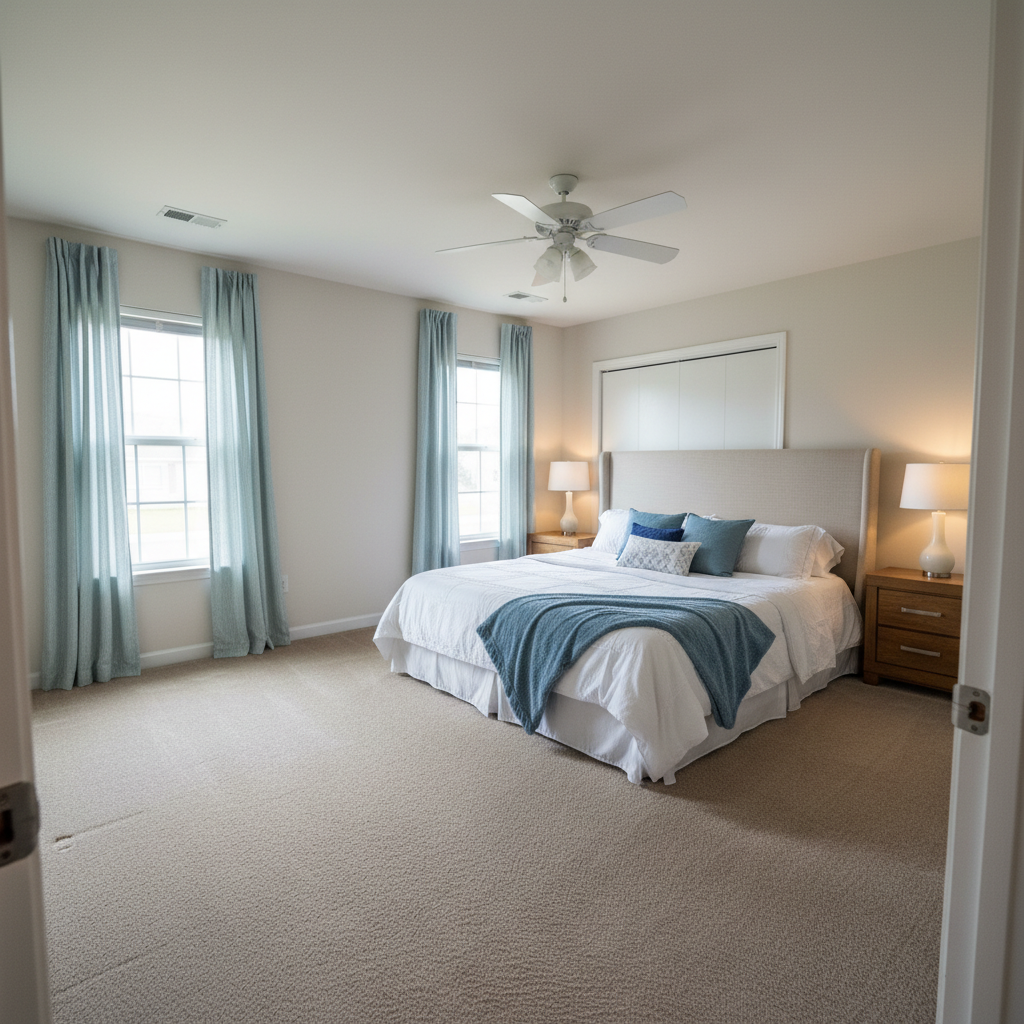
Same dining room staged with dark wood table for eight, cream chairs, and table setting
After

Free AI Virtual Dining Room Staging

Drop your photo here

or click to browse

Release to upload

Free • No signup

Popular use cases:
  • real estate staging
  • dining room staging
  • virtual staging
  • MLS photos
  • property marketing
  • interior design visualization
  • home selling
  • empty room staging
  • rental property photos
  • dining room design ideas

Cost
Free No signup required
Time
Instant results in 15-30 seconds
Works on
Any device - browser, phone, tablet, desktop
Powered by
AI-powered photo editing
Scenario Prompt Time
Formal dining dark wood table for eight, upholstered chairs, chandelier, table runner 25s
Casual nook round pedestal table for four, wood chairs, simple centerpiece 20s
Modern dining marble-top table, modern chairs, pendant light, minimal decor 25s

How it works

  1. Upload your dining room photo

    Drop your empty dining room photo into EditThisPic. Capture the full space including any windows, light fixtures, and architectural details like wainscoting or built-in cabinets. JPG, PNG, WebP up to 7MB.

    Expect: Simple dining staging: 20-30 seconds. Formal dining with chandelier, buffet, and table settings: may need 2-3 passes.
  2. Describe your dining setup

    Type what you want: 'rectangular wooden dining table for six with upholstered chairs, centered under the chandelier, with a simple table runner and candles.' Mention the table shape, seating capacity, chair style, and any centerpieces. No marking needed — the AI centers dining furniture naturally under light fixtures and within the room.

    Tip: Mention the light fixture if there is one ('centered under the chandelier') to ensure the table aligns with the room's focal point.

    Copy one of these to get started:

    Formal dining for 8 stage this dining room with a large rectangular dark wood table set for eight, upholstered parsons chairs in cream, a chandelier above, white table runner, and simple centerpiece
    Casual breakfast nook stage this breakfast nook with a round pedestal table for four, white spindle-back chairs, a small vase of flowers, and a woven placemat set
    Modern dining room stage this dining room with a sleek rectangular white marble-top table, six modern black dining chairs with metal legs, a low-profile pendant light, and minimalist table decor
    Rustic farmhouse table stage this dining room with a large rustic farmhouse table made of reclaimed wood, a bench on one side and wooden chairs on the other, mason jar centerpiece, and industrial pendant lights
    3 more prompts
    Open-plan dining area stage this open-plan dining area with a mid-sized table for six that defines the dining zone, chairs matching the adjacent kitchen style, and a pendant light to anchor the space
    Luxury chandelier dining stage this dining room with an oval dark walnut table for ten, high-backed velvet chairs in navy, a crystal chandelier, gold-framed mirror on the wall, and elegant place settings
    Small apartment dining stage this small dining area with a compact round table for two, two upholstered chairs, wall-mounted shelf with decor, and a small pendant light above the table
  3. Review the staged dining room

    Check that the table is centered and proportional to the room, chairs have space to pull out, and the style matches the home. Verify the table setting and decor don't overcrowd the surface.

  4. Refine with markers if needed

    If the table position needs adjusting or you want to add a buffet or sideboard to a specific wall, tap a marker on that spot and describe the addition. Most dining room staging works without markers on the first try.

    Tip: Add a sideboard or buffet against the longest wall after the main table is staged for a polished, complete look.
Try it free

Free AI Virtual Dining Room Staging

Drop your photo here

or click to browse

Release to upload

Free • No signup

"Staged the dining room and suddenly the listing had a lifestyle feel. Buyers started asking about hosting Thanksgiving there." @LuxuryListings_ATL

See it in action

Empty dining room with hardwood floors, chandelier, and wainscoting
Before
->
Same dining room staged with dark wood table for eight, cream chairs, and table setting
After

Empty dining room staged for formal entertaining

A vacant dining room transformed with a formal table setup to help buyers visualize dinner parties.

Prompt: stage this dining room with a rectangular dark wood table for eight, cream upholstered parsons chairs, a white table runner, candle centerpiece, and chandelier lighting
Small empty breakfast nook with tile floor and window
Before
->
Same nook staged with round pedestal table, wood chairs, and casual place settings
After

Breakfast nook staged with casual dining set

A small eating area by the kitchen staged with a compact dining setup for everyday living.

Prompt: stage this breakfast nook with a round white pedestal table for four, natural wood chairs, a small succulent plant centerpiece, and woven placemats
Large empty formal dining room with high ceilings and crown molding
Before
->
Same dining room staged with oval walnut table, velvet chairs, crystal chandelier, and sideboard
After

Large dining room staged for luxury listing

A spacious formal dining room staged with premium furniture for a high-end property listing.

Prompt: stage this dining room with an oval walnut table for ten, high-backed navy velvet chairs, a crystal chandelier, gold-framed wall mirror, elegant place settings with cloth napkins, and a sideboard with decor

Detailed Guides by Scenario

📷

Real Estate Listing Photography

Stage empty dining rooms for MLS listings to help buyers envision family dinners, holidays, and entertaining.

Common Scenarios

  • Staging vacant dining rooms to show buyers the space's entertaining potential
  • Creating lifestyle shots that suggest holiday gatherings and dinner parties
  • Staging formal dining rooms in luxury listings to justify premium pricing

Best Practices

  • Center the table under existing light fixtures for a natural, intentional look
  • Keep table decor simple — a runner and centerpiece suggest entertaining without clutter
  • Match dining furniture style to the home's architecture (traditional furniture for traditional homes)
📷

Interior Design Visualization

Preview dining room furniture and layout options before purchasing tables, chairs, or dining sets.

Common Scenarios

  • Testing different table shapes (round vs. rectangular) in your actual dining space
  • Comparing dining chair styles to find the right match for your existing table
  • Visualizing how a specific dining set would look in the room before ordering online

Best Practices

  • Specify exact dimensions or seating count so the AI sizes furniture realistically
  • Generate versions with different table shapes to compare which works best in the space
  • Mention existing elements you want to keep — 'keep the chandelier, add a table below it'
📷

Social Media & Design Portfolio

Create compelling dining room transformations for social media content and professional staging portfolios.

Common Scenarios

  • Building a portfolio showcasing dining room transformations from empty to styled
  • Creating Instagram-worthy tablescape content for design inspiration accounts
  • Producing client presentations with multiple dining style options

Best Practices

  • Before-and-after dining room content performs especially well during holiday seasons
  • Show the same room styled for different occasions — casual brunch vs. formal dinner
  • Include overhead or detail shots of table settings alongside the full room view

If something looks off

AI changed the wrong area or something I didn't want changed

Why: The AI couldn't determine exactly which area you meant from description alone. This happens with ambiguous requests.

Try: Tap a marker on the specific area you want to change, then regenerate with the same prompt

Tip: Markers tell the AI 'I mean THIS one specifically.' Use them when description alone is ambiguous.

Table looks too big or too small for the room

Why: The AI misjudged room dimensions and placed a table that doesn't match the space.

Try: stage with a table proportional to this room that seats six with chairs that can fully pull out

Tip: Specify seating count ('table for six' vs. 'table for ten') and the AI will size the table accordingly.

Table not centered under the light fixture

Why: The AI placed the table based on room geometry without considering the chandelier position.

Try: center the dining table directly beneath the existing light fixture

Tip: Always mention 'centered under the chandelier' or 'under the light fixture' in your prompt for proper alignment.

Chairs too close together or overlapping

Why: The AI fit too many chairs around the table for the available space.

Try: stage with fewer chairs — four chairs with comfortable spacing around a table for four

Tip: Allow 24 inches per place setting as a rule. If the room is tight, reduce seating count rather than cramming chairs.

Style clashes between dining furniture and the room

Why: The AI generated furniture that doesn't match the home's architectural style.

Try: stage with dining furniture matching the home's traditional style — dark wood, classic lines, upholstered seats

Tip: Describe the home's era or style so dining furniture feels like it belongs: 'craftsman-style home' or 'modern condo.'

Quick answers

Do I need to mark where the table should go?

No! Just describe the table and seating arrangement: 'rectangular table for six centered under the chandelier.' The AI understands dining room layouts and places the table centered in the space, aligned with light fixtures. Only use markers if you need to position a buffet or sideboard on a specific wall.

How do I stage an empty dining room for a real estate listing?

Upload the empty room photo and describe a complete dining setup: 'rectangular wood table for six with upholstered chairs, table runner, and centerpiece.' Keep styling neutral and inviting. Set the table lightly (runner and centerpiece, not full place settings) to suggest entertaining without feeling staged.

What table size looks best in staging photos?

Match seating to room size: 4 seats for small dining areas, 6-8 for standard rooms, 10+ for large formal dining. The table should leave 36 inches of walkway around all sides. Oversized tables in small rooms make the space feel cramped in photos.

Can I stage an open-plan dining area that connects to the kitchen?

Yes. Describe the dining furniture and mention the adjacent space: 'stage the dining area with a table for six that complements the modern kitchen.' The AI will style the dining zone to flow with surrounding areas and use the table as a natural room divider.

Is there a free AI dining room staging tool without signup?

Yes. EditThisPic stages dining rooms with AI for free, no account needed. Upload your photo, describe the dining setup, and download the result. One free edit per week, unlimited with plans starting at $3.99/month.

Can I stage a dining room on my phone?

Yes. EditThisPic works in any mobile browser — iPhone, Android, tablet. No app download needed.

Should I include place settings in dining room staging?

Light place settings (runner, candles, simple centerpiece) work best for real estate. Full formal settings with plates and silverware can look overdone. The goal is to suggest entertaining, not set for an actual dinner.

What photo formats does the AI dining room stager support?

JPG, PNG, WebP, and HEIC. Upload any common photo format and EditThisPic handles the rest.

Ready to stage your dining room?

Free to try. No signup required.

Try it free