Fix photos for Google Ads
Last updated
Ad rejections from non-compliant images cost time and money. Fix compliance issues in 20 seconds.
Upload photo to fix photos for Google Ads
"replace messy background with clean professional setting that meets Google Ads requirements"
Free to try · no sign-up · photos are never shared
Release to upload
<30stypical edit
1 freeedit weekly
Photo on your phone?
Scan to open this editor there — free edit works on your phone too.
How it works
See it in action
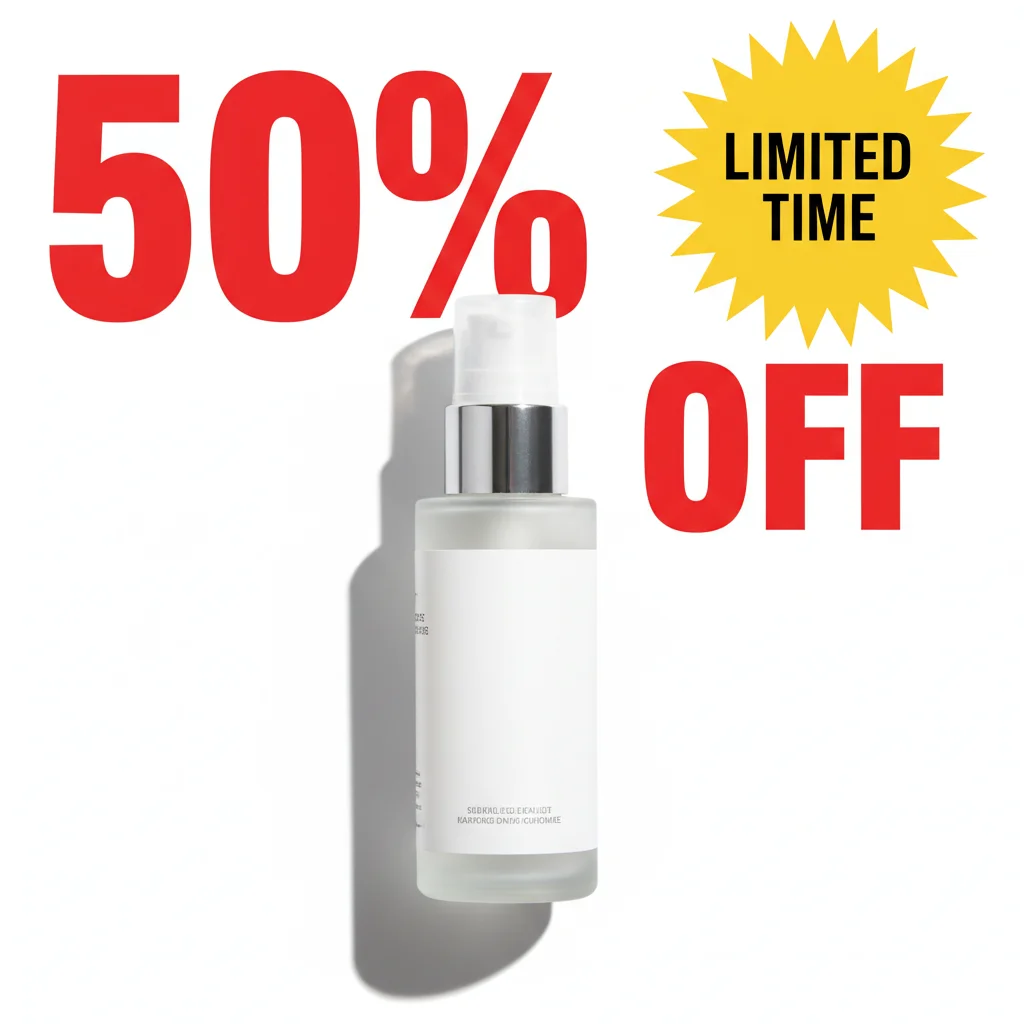
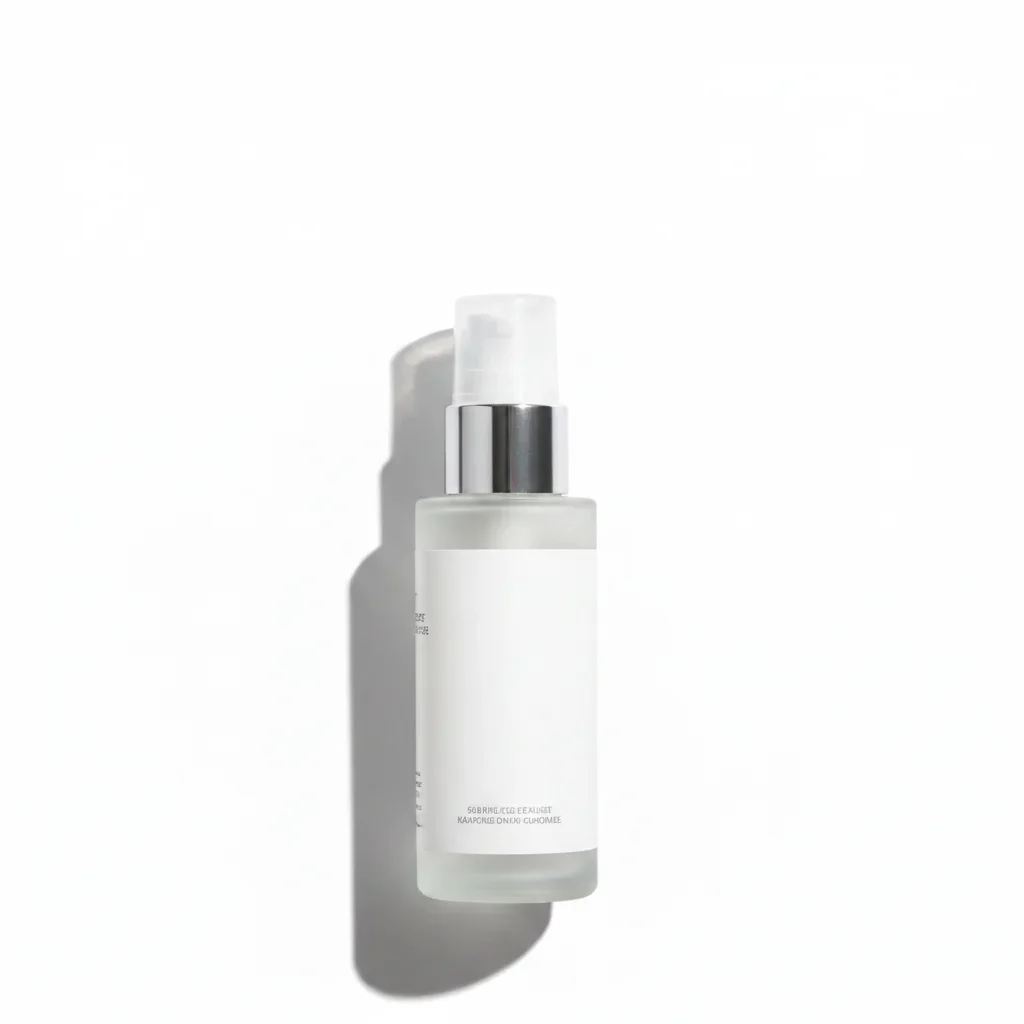
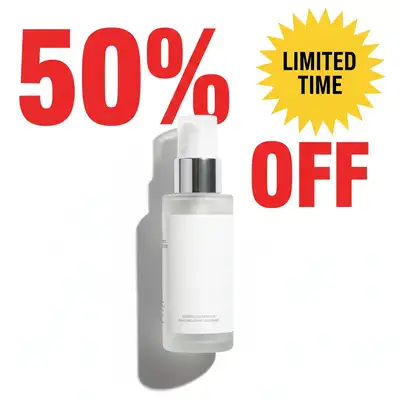
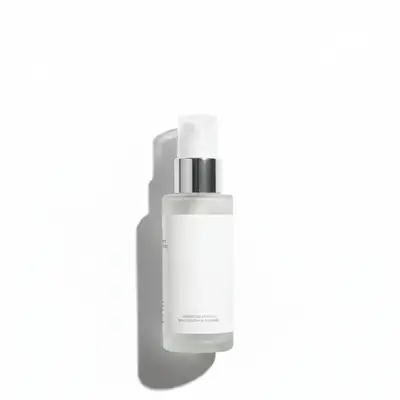
E-commerce ad with excessive text overlay
Product ad rejected for 'excessive text in image'—had large '50% OFF' and 'LIMITED TIME' text covering 40% of image. Removed all promotional text, kept only product. Approved immediately.
Prompt:
remove all text overlays and decorative text, keep only essential product packaging text
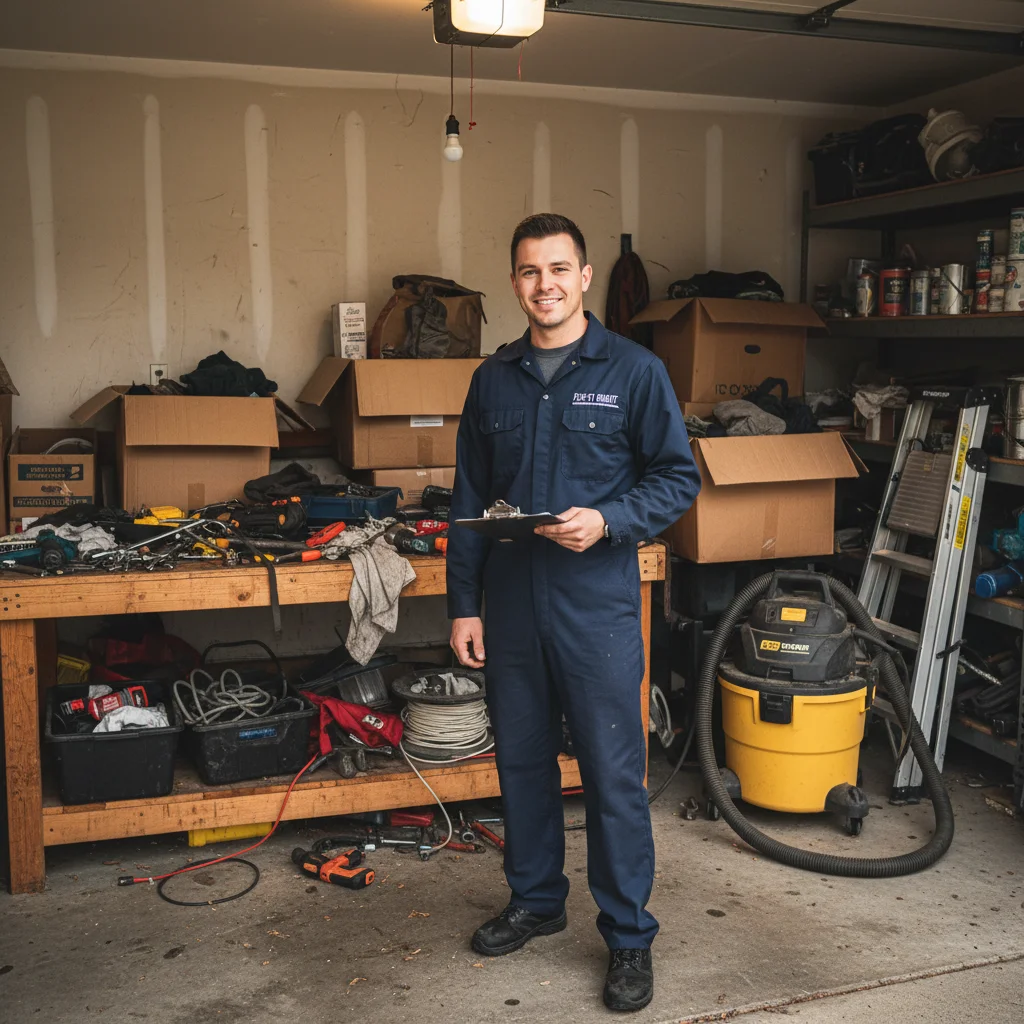

Service ad with unprofessional background
Home service ad showing technician in messy garage background with tools and clutter visible. Low CTR and poor quality score. Fixed to professional setting, CTR jumped 35%.
Prompt:
replace messy background with clean professional setting that meets Google Ads requirements
Quick answers
Popular use cases
Ready to fix your Google Ads images?
Free to try. No signup required.