Pricing Remove Canva watermark · Free

Remove Canva Watermark from Photo

← Browse all remove tools

Last updated

Describe the Canva mark and its position; the AI reconstructs the pixels behind it.
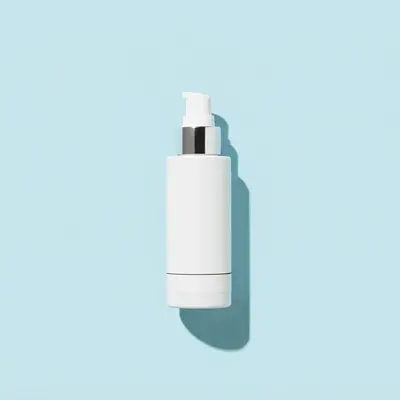
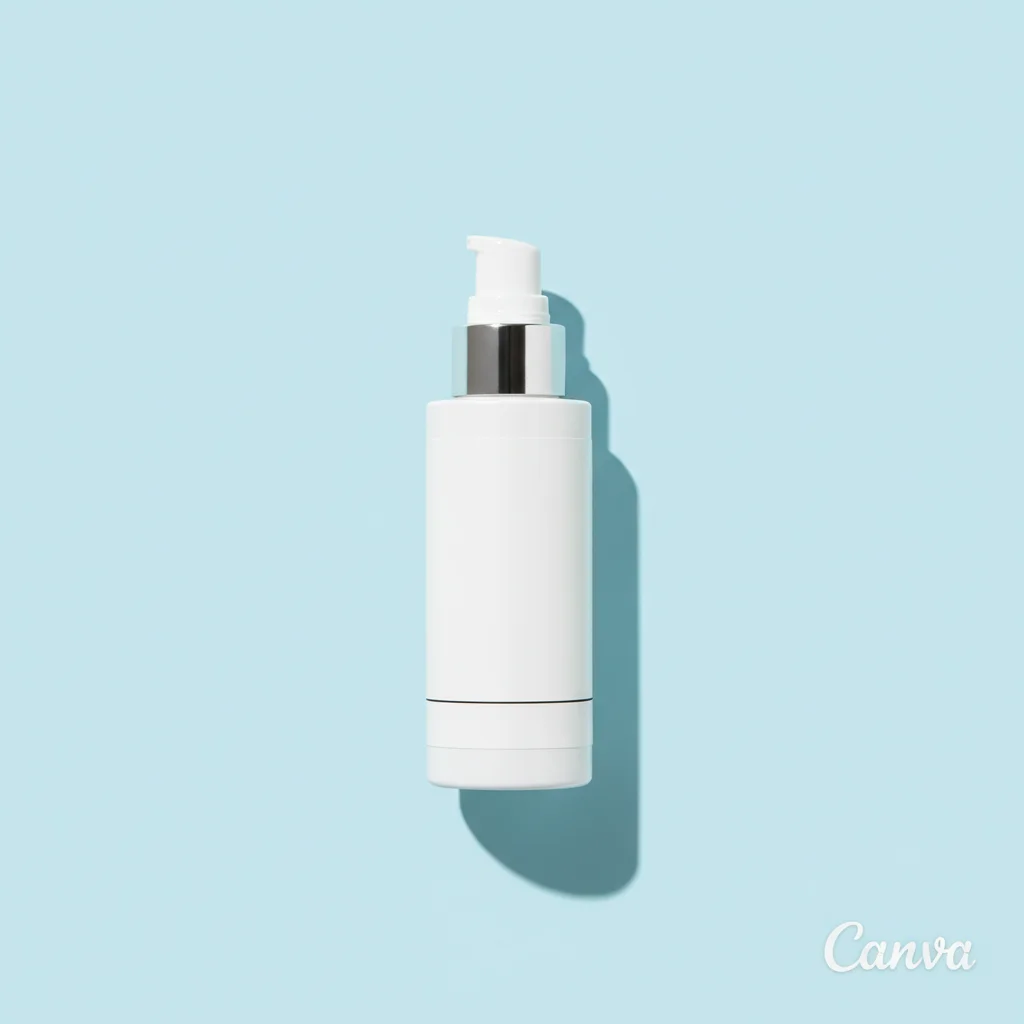
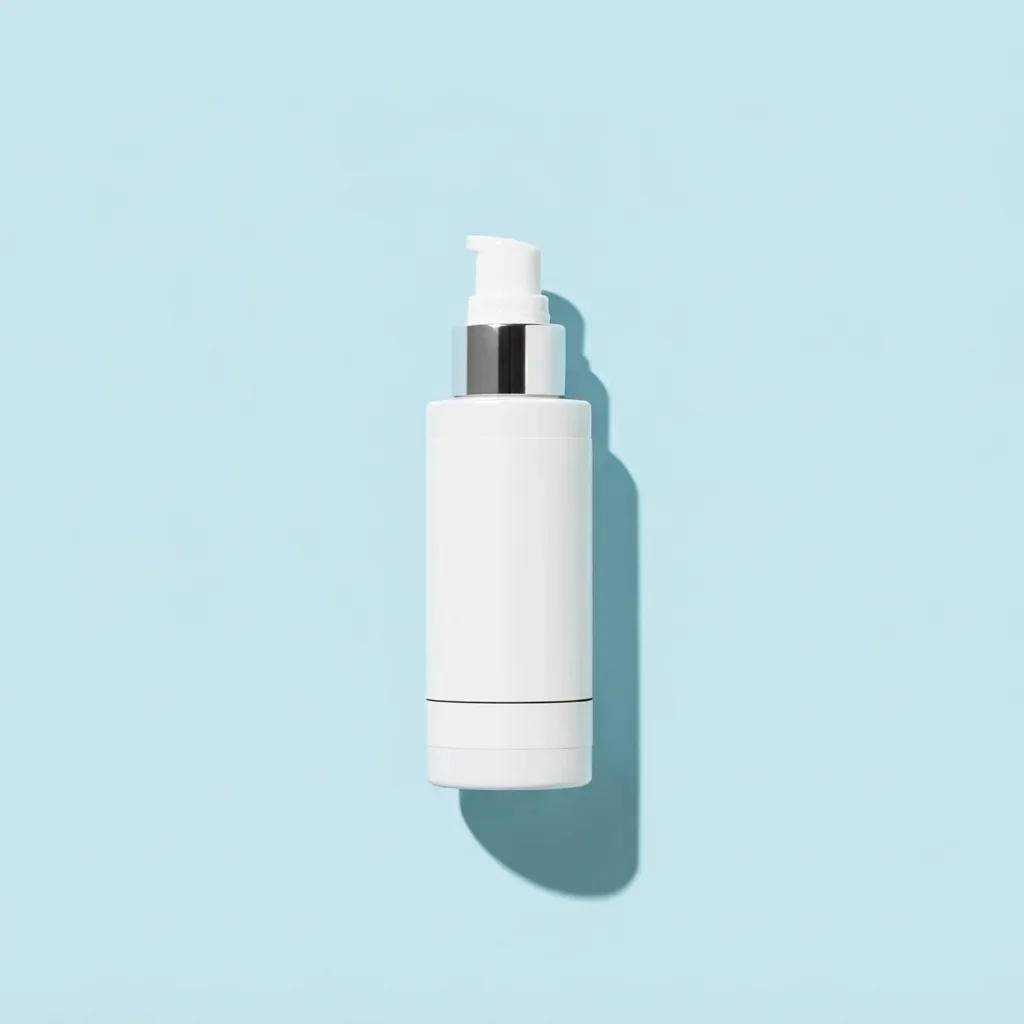
Skincare bottle graphic on pale blue with a small Canva watermark in the corner Same skincare graphic with the watermark removed and the pale blue background intact

Upload photo to remove Canva watermark

"remove the Canva watermark at the lower-left edge and continue the pink-to-orange gradient smoothly"

Free to try · no sign-up · never used for AI training

Release to upload

<30stypical edit
1 freeedit weekly
Photo on your phone? Scan to open this editor there — free edit works on your phone too.

1 free edit every week·paid packs after

How it works

  1. Upload your photo

    Upload the owned social graphic image you are authorized to edit. Keep the Canva watermark visible and use JPG, PNG, or WebP up to 7MB.

    Expect: Simple edits: about 20–40 seconds. Fine detail or complex reconstruction: may need 2–3 refinements.
  2. Describe what you want

    Type a complete instruction that identifies small semi-transparent CANVA watermark in the BOTTOM-RIGHT CORNER. State the desired result as the matching background texture and say to preserve the product and all intentional design text. No marking is needed.

    Tip: Use position, color, exact text, visible damage, or clothing details to remove ambiguity.

    Copy one of these to get started:

    Corner mark on a product graphic remove only the small Canva watermark in the bottom-right corner and rebuild the pale blue background, preserve the product and headline

    Watermark over a simple gradient remove the Canva watermark at the lower-left edge and continue the pink-to-orange gradient smoothly
    Mark on a catalog image remove only the Canva watermark at the top-right and restore the plain cream wall behind it
    Preserve nearby details remove only the Canva watermark described here and preserve the product and all intentional design text
    2 more prompts
    Match the surrounding scene remove the Canva watermark and make the result match the matching background texture, without changing anything else
    Refine an imperfect result redo the Canva watermark edit with clean edges, consistent lighting, and the product and all intentional design text unchanged
  3. Generate and review

    Generate the edit, then zoom to 100%. Inspect the changed area and confirm that the product and all intentional design text remain consistent before downloading.

See it in action

Skincare bottle graphic on pale blue with a small Canva watermark in the corner
Before
->
Same skincare graphic with the watermark removed and the pale blue background intact
After

Corner mark on a product graphic

A skincare product graphic with a small Canva watermark in the bottom-right corner; the mark is gone and the pale blue background continues cleanly.

Prompt: remove only the small Canva watermark in the bottom-right corner and rebuild the pale blue background, preserve the product and headline

Wooden chair against a cream wall with a Canva mark in the top-right corner
Before
->
Same chair photo with the mark removed and the plain cream wall restored
After

Mark on a catalog image

A catalog photo of a wooden chair with a Canva mark in the top-right corner; the mark is removed and the cream wall rebuilt behind it.

Prompt: remove only the Canva watermark at the top-right and restore the plain cream wall behind it

Quick answers

How do I remove Canva watermark?

Upload the photo and describe the exact change in one sentence. Identify the target by text, color, position, or condition, state the desired result, then review the generated image at full zoom.

Is there a free Canva watermark tool that doesn't require login?

Yes. EditThisPic lets you try this remove edit free with no login. Upload a supported image, enter a complete instruction, generate the result, and review it before downloading.

What is the best AI tool for owned social graphic edits?

A useful tool should accept natural-language instructions, preserve unrelated details, and let you refine the result. EditThisPic is designed around that description-first workflow.

Do I need to mark the Canva watermark first?

No. Start by describing the target precisely. Mention its position, color, visible text, or distinguishing feature. Clear requests usually work without any manual selection.

Which image formats can I upload?

EditThisPic accepts JPG, PNG, and WebP images up to 7MB. A clear source helps the AI distinguish the requested edit from details that should remain.

How long does the edit take?

A straightforward edit usually generates in 20–40 seconds. Detailed reconstruction, small lettering, or clothing edges may need another prompt refinement and take longer.

How do I stop the AI from changing other details?

Name what must stay unchanged. Add 'preserve the product and all intentional design text' and identify the target by its location or a visually distinctive feature.

Can I use the result for commercial work?

Use only images and content you own or are authorized to edit. You are responsible for permissions, licenses, brand rules, and any disclosure requirements that apply to the final image.

Will the downloaded image have an EditThisPic watermark?

No. EditThisPic does not add its own watermark to your generated result.

Does it work on a phone?

Yes. The editor runs in a modern mobile browser. Upload the photo, type the instruction, generate, zoom in to inspect, and download the result.

What should I check before downloading?

Zoom to 100% and inspect the edited boundary, repeated textures, lettering or garment edges, and the product and all intentional design text. Regenerate with a narrower instruction if anything unrelated changed.

What if the first result is not exact?

Refine the same request with more detail: identify the Canva watermark by location, specify the matching background texture, and repeat what must remain unchanged.

How much does EditThisPic cost?

You get 1 free edit per week — no account needed. After that, one-time credit packs start at $4.99 for 10 edits, valid 12 months, no subscription. Power users who edit daily can pick Studio Membership, a monthly workspace at $49.99/mo for 300 edits. Purchased downloads are clean with no watermark.

Ready to remove Canva watermark?

Free to try. No signup required.

1 free edit included·paid credit packs after