Pricing Remove Drink · Free

Remove Drink from Photo

← Browse all remove tools

Last updated

Take the beer can or cocktail out of a photo when you want a shot that reads professional or family-friendly.

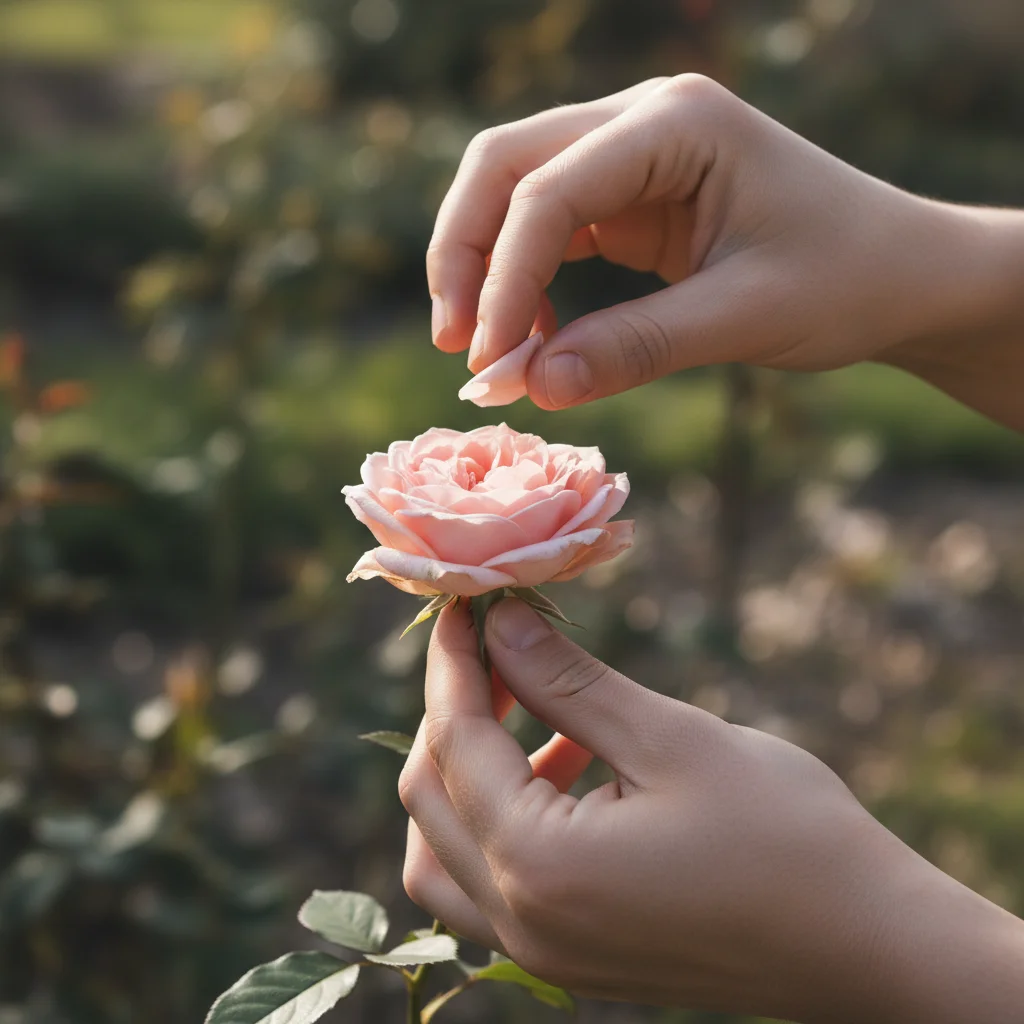
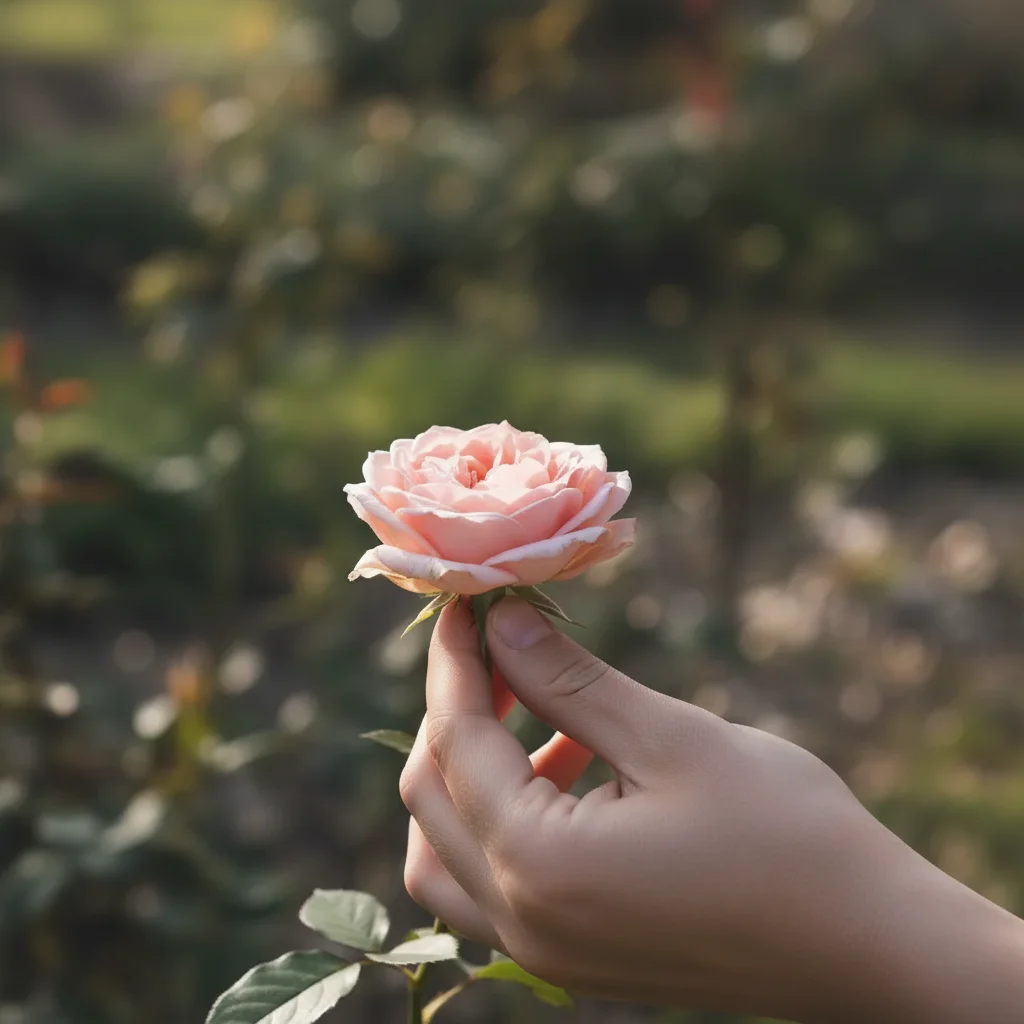
Portrait of a person holding a beer can Portrait with the beer can removed

Upload photo to remove drink

"remove the cocktail glass from the table in front of me and rebuild the table surface"

Free to try · no sign-up · never used for AI training

Release to upload

<30stypical edit
1 freeedit weekly
Photo on your phone? Scan to open this editor there — free edit works on your phone too.

1 free edit every week·paid packs after

How it works

  1. Upload the photo

    Drop in the picture with the drink — a can or bottle in your hand, a cocktail on the table, or a red cup at a party. JPG, PNG or WebP up to 7MB.

    Expect: A drink in the hand clears in 15-30 seconds. A glass overlapping your face is harder.
  2. Ask to remove the drink

    Type 'remove the beer can from my hand and rebuild my fingers,' or 'remove the cocktail from the table.' Name the drink and where it is.

    Tip: If your hand was wrapped around it, add 'rebuild my hand in a natural resting position.'

    Copy one of these to get started:

    Beer can in hand remove the beer can from my hand and rebuild my fingers in a natural relaxed position
    Cocktail on the table remove the cocktail glass from the table in front of me and rebuild the table surface
    Red party cup remove the red cup from my hand and rebuild my hand, keep my pose natural
    Wine glass near the face remove the wine glass I'm holding near my face and rebuild the cheek and jaw it overlaps
    2 more prompts
    Bottle in the background remove the beer bottles on the table in the background, keep the foreground people unchanged
    Whole tray of drinks remove all the drinks from the table in this photo and rebuild a clean tabletop
  3. Check the hand or surface

    Zoom into where the drink was. The hand should be complete and the table or background seamless — no floating condensation ring or half a glass. Regenerate if needed.

  4. Download the clean photo

    Save the result. With the drink gone, the shot works for a professional profile, a resume photo, or a family-friendly post.

See it in action

Portrait of a person holding a beer can
Before
->
Portrait with the beer can removed
After

Remove Drink — Beer Can

A casual portrait with a beer can cleared from the hand.

Prompt: remove the beer can from my hand and rebuild my fingers naturally
Party photo with a red cup in hand
Before
->
Party photo with the cup removed
After

Remove Drink — Party Cup

A party photo with a red cup and its hand-grip rebuilt.

Prompt: remove the red cup from my hand and rebuild my hand

Quick answers

How do I remove a drink from a photo for free?

Upload the photo to EditThisPic, type 'remove the beer can from my hand and rebuild my fingers,' and download. The free tier is one edit per week with no signup or watermark.

Why remove a drink from a photo?

A neutral, drink-free version reads better for professional profiles, resumes, and family-friendly posts. It's an easy way to reuse a good photo for a more formal setting.

Will my hand look natural after the drink is gone?

If you ask for it. Add 'rebuild my hand in a relaxed position' so the fingers don't look like they're still gripping the glass or can.

Can it clear drinks from the background too?

Yes. Ask to 'remove the bottles on the back table and keep the people,' and the AI clears background drinks without touching the foreground subjects.

What about a glass overlapping my face?

That's the hardest case, because the AI has to rebuild the part of your face the glass covered. It produces a plausible result — check the jaw and cheek closely.

Is there a watermark?

No. EditThisPic doesn't watermark output on any tier.

Do I need to sign up?

No. Upload, describe, and preview the result without an account; purchased downloads are clean. Signing up only helps you save edits.

Which photo works best?

A drink held clearly in the hand or sitting on a table gives the cleanest result. A glass overlapping your face or another person is harder.

How much does EditThisPic cost?

You get 1 free edit per week — no account needed. After that, one-time credit packs start at $4.99 for 10 edits, valid 12 months, no subscription. Power users who edit daily can pick Studio Membership, a monthly workspace at $49.99/mo for 300 edits. Purchased downloads are clean with no watermark.


Ready for a professional version of that photo?

Free to try. No signup required.

1 free edit included·paid credit packs after