Free β€’ No signup Remove Hospital equipment Β· Free

AI Hospital Equipment Remover

Transform hospital photos into peaceful memories that focus on your loved one, not the medical equipment around them.

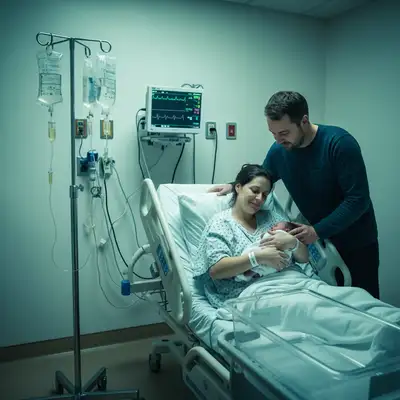
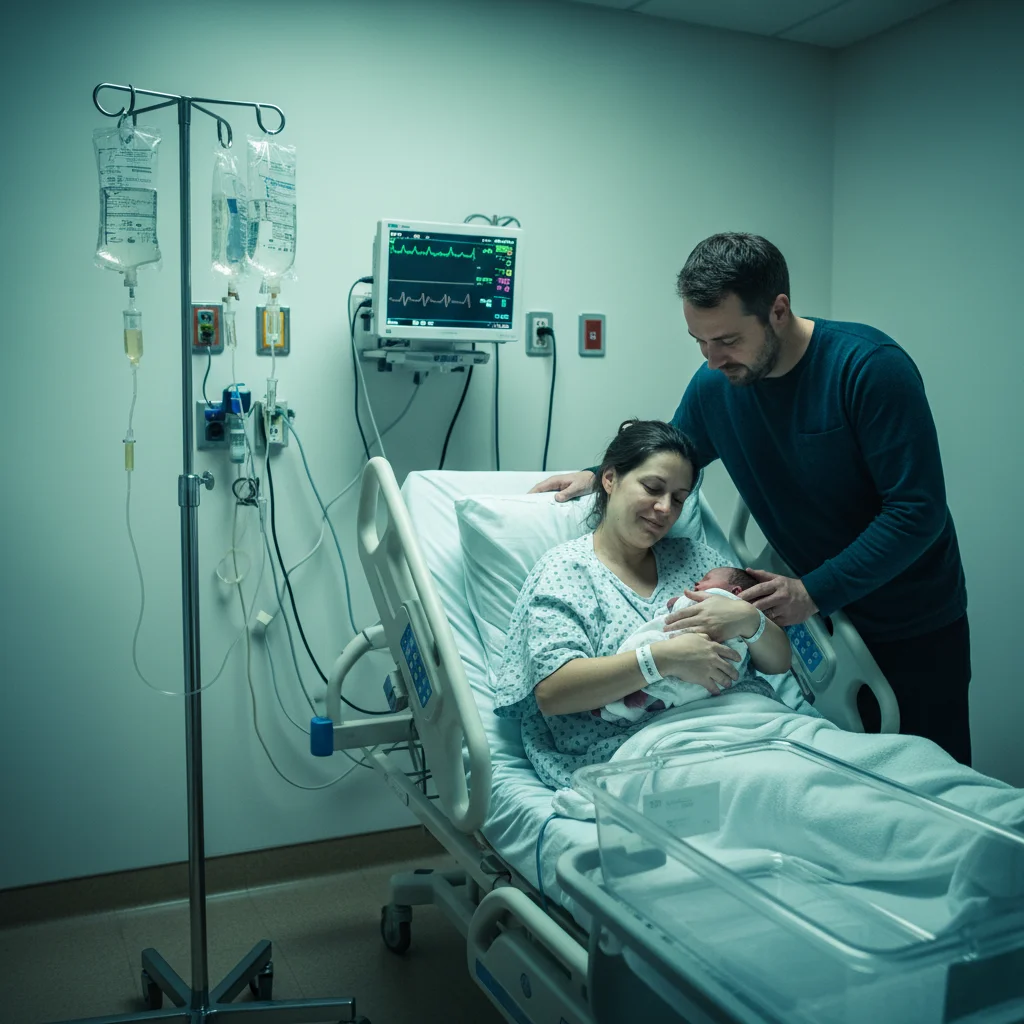
Hospital room with patient and visible medical equipment
Before
β†’
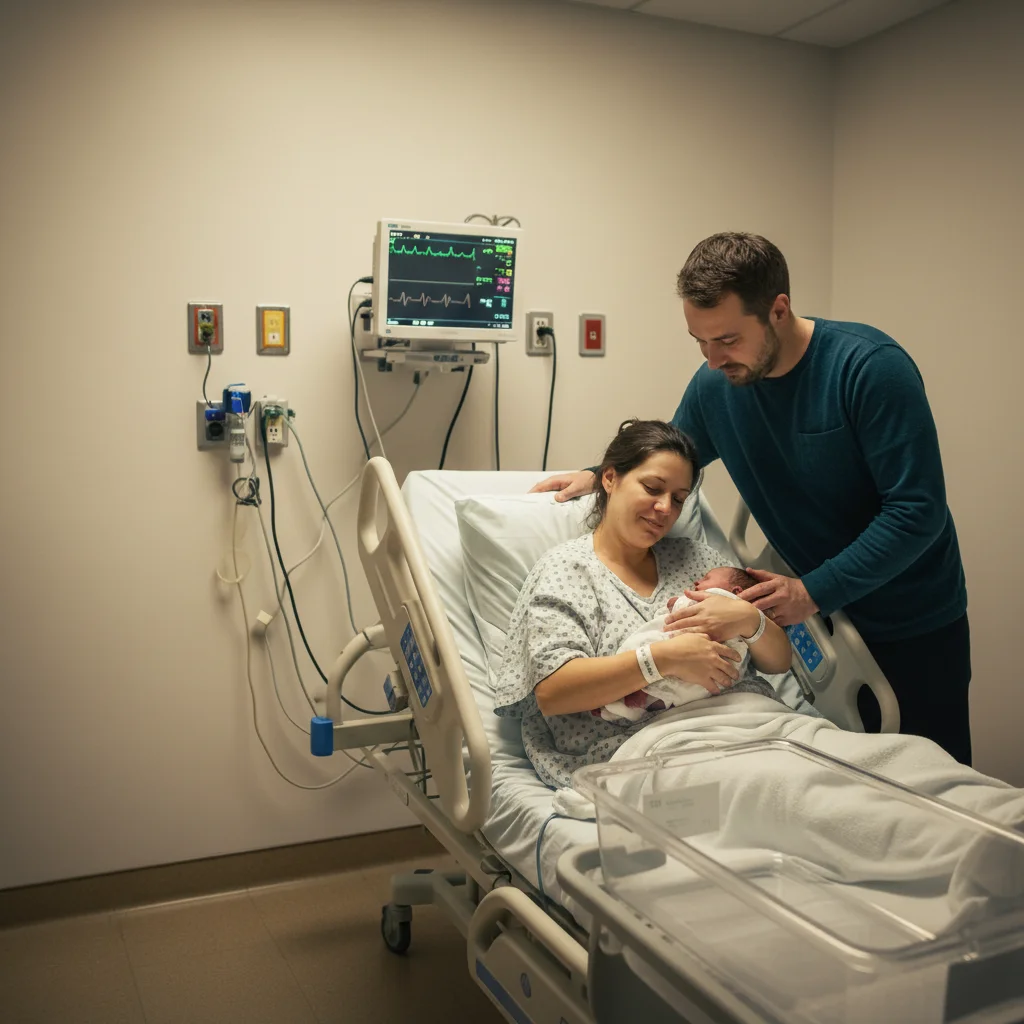
Same photo with medical equipment removed, peaceful scene
After

AI Hospital Equipment Remover

Upload photo to remove hospital equipment

Free β€’ Results in 30 seconds β€’ No signup

Release to upload

FreeNo signupPrivate & Respectful
Popular use cases:
  • remove IV from photo
  • remove hospital equipment from photo
  • remove oxygen tube from photo
  • remove medical equipment from picture
  • clean up hospital photo
  • remove tubes from photo
  • remove monitors from hospital photo
  • memorial photo without equipment

Cost
Free No signup required
Time
Instant results in 15-30 seconds
Works on
Any device - browser, phone, tablet, desktop
Powered by
AI-powered photo editing

How it works

  1. Upload your hospital photo

    Drop your photo into EditThisPic. Hospital photos with various medical equipment - IV poles, oxygen lines, monitor screens, bed rails - can all be cleaned up. The AI handles multiple types of equipment in a single edit.

    Expect: Most hospital equipment removal takes 30-45 seconds. Photos with extensive equipment may need 2-3 passes to clean everything up - that's normal.
  2. Describe what to remove

    Type what you want removed: 'remove all the IV lines, tubes, and medical monitors' or 'remove the hospital equipment and fill naturally.' Be specific if you want to remove certain things: 'remove the oxygen tube on their face.' No marking needed for most removals.

    Tip: 'Remove all medical equipment' handles multiple items at once. For delicate facial areas like nasal cannulas, you may want to process those separately with more specific instructions.

    Copy one of these to get started:

    Remove all medical equipment remove all the IV lines, tubes, monitors, and medical equipment from this photo and fill the areas naturally
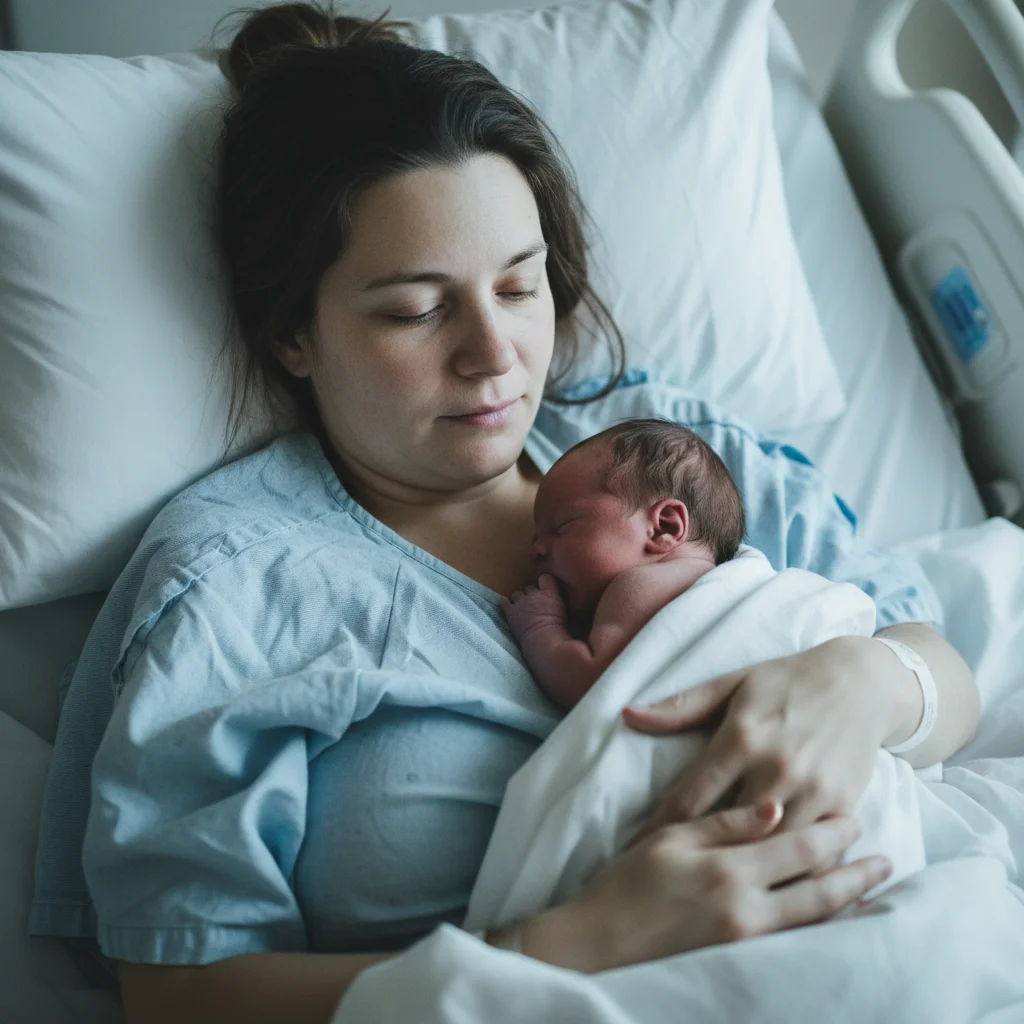
    Remove nasal cannula (oxygen tube) remove the nasal oxygen tube from their face and restore their natural appearance
    Remove IV lines and pole remove the IV lines from their arm and the IV pole from the background, fill naturally
    Remove monitors and screens remove the hospital monitors and medical screens from the background of this photo
    4 more prompts
    Remove hospital bed rails remove the hospital bed rails from this photo and fill with neutral background
    Remove oxygen mask remove the oxygen mask from their face and restore their natural appearance, showing their peaceful expression
    Remove wires and sensors remove the heart monitor wires and sensors from their chest and restore natural clothing
    Create peaceful background remove all hospital equipment and replace the clinical background with a soft, peaceful neutral background
  3. Review carefully

    Check that the equipment has been removed naturally. Look at areas where tubes were attached to skin or clothing. Verify that the fill looks appropriate - the AI will reconstruct clothing, skin, or background as needed.

  4. Refine specific areas if needed

    If some equipment remains or an area looks unnatural, tap a marker on that spot and describe the fix: 'remove this tube and restore natural skin.' Take your time - these photos matter.

    Tip: For faces with nasal cannulas or oxygen masks, markers help the AI understand exactly what to remove and restore naturally.
Try it free ↓

AI Hospital Equipment Remover

Upload photo to remove hospital equipment

Free β€’ Results in 30 seconds β€’ No signup

Release to upload

Free β€’ No signup

"The last photos we have of mom are from the hospital. I removed all the tubes and monitors - now we have peaceful pictures of her smiling, not surrounded by machines. It means everything to our family." @FindingPeace_James

See it in action

Hospital room with patient and visible medical equipment
Before
->
Same photo with medical equipment removed, peaceful scene
After

IV lines and monitors removed

A family photo taken in the hospital, transformed by removing the IV stand and bedside monitors to focus on the meaningful moment.

Prompt: remove all the IV lines, tubes, monitors, and medical equipment from this photo and fill the areas naturally
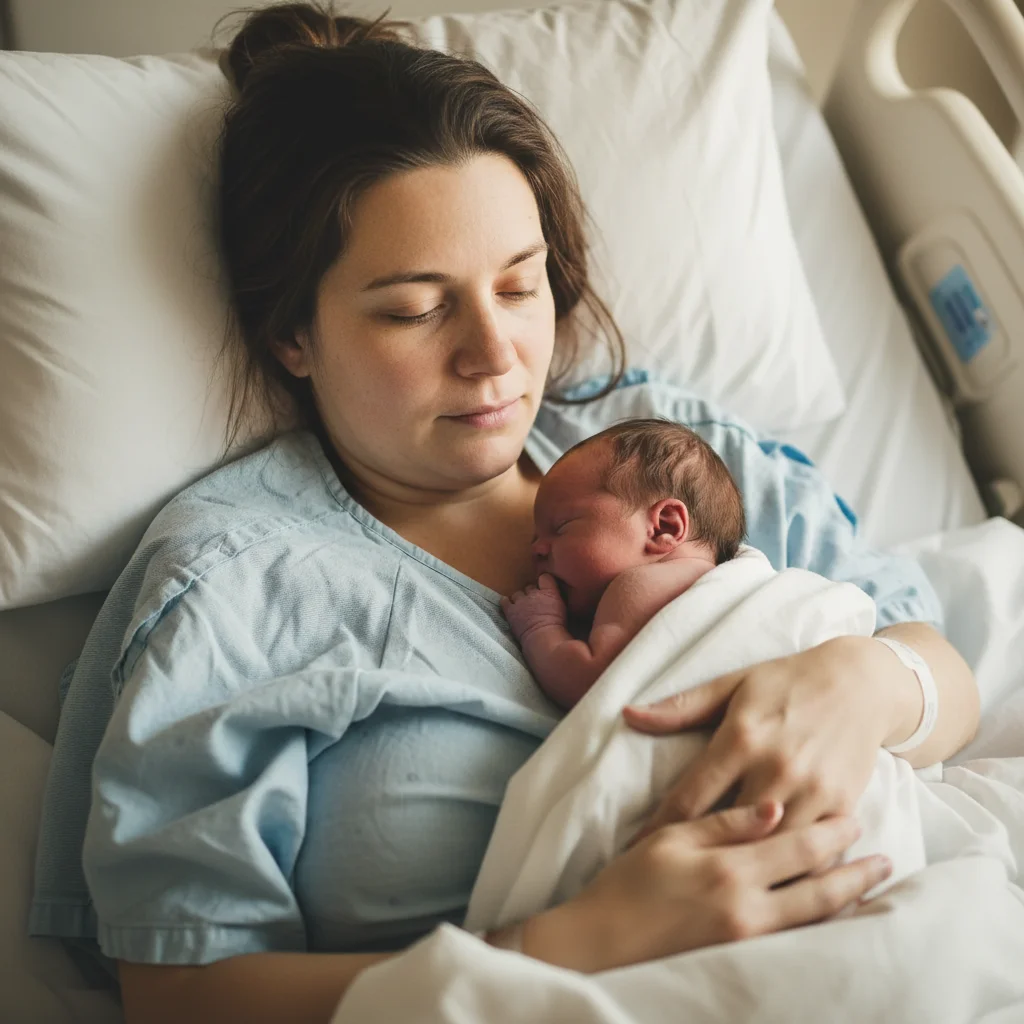
Close-up portrait with nasal cannula visible
Before
->
Same portrait with oxygen tube removed, natural face
After

Nasal cannula removed from face

A close-up portrait where the oxygen tube was gently removed, revealing the person's natural, peaceful face.

Prompt: remove the nasal oxygen tube from their face and restore their natural appearance

Detailed Guides by Scenario

πŸ“·

Professional Photography

Remove unwanted hospital equipment from professional photo shoots, client deliverables, and stock photography to achieve clean, polished results.

Common Scenarios

  • Client portrait sessions where the hospital equipment appeared unexpectedly in frame
  • Stock photography that needs the hospital equipment removed for broader commercial appeal
  • Product photography with distracting hospital equipment in the background

Best Practices

  • Zoom in and place a marker directly on the hospital equipment for the most accurate removal
  • Run a second pass if any faint outlines or shadows remain after the first edit
  • Describe the desired background fill β€” e.g., 'replace the hospital equipment with clean wall' for predictable results
πŸ“·

Real Estate & Property Listings

Clean up property photos by removing hospital equipment that distract buyers and lower perceived home value.

Common Scenarios

  • Listing photos where the hospital equipment clutters the frame and makes rooms look smaller
  • Exterior shots with hospital equipment that hurt curb appeal
  • Open house photos that need the hospital equipment removed before uploading to MLS

Best Practices

  • Shoot the space first, then edit β€” AI removal works better than awkward staging workarounds
  • After removing the hospital equipment, check that floor lines and wall edges still look straight
  • Process all listing photos in one session so lighting and style stay consistent
πŸ“·

Personal & Social Media

Fix personal photos by removing hospital equipment before sharing on social media, printing, or gifting.

Common Scenarios

  • Vacation photos where the hospital equipment appeared in an otherwise perfect shot
  • Family photos with hospital equipment that distract from the people in the frame
  • Profile pictures and dating app photos that need the hospital equipment cleaned out

Best Practices

  • Save the original photo first β€” edit a copy so you can always go back
  • For group photos, mark the hospital equipment carefully to avoid affecting nearby people
  • If the first result isn't perfect, try rewording your prompt with more detail about the background

If something looks off

Some equipment still visible after edit

Why: Hospital photos often have multiple pieces of equipment that may not all be removed in one pass.

Try: Tap markers on the remaining equipment, then describe: 'remove this equipment and fill naturally'

Tip: For extensive equipment, you may need multiple passes - remove the major items first, then clean up details

Skin looks unnatural where tube was removed

Why: Removing equipment from skin (IV sites, nasal cannulas) requires careful reconstruction.

Try: restore natural skin texture and tone where the tube was attached, matching the surrounding skin

Tip: For facial areas, zoom in on the result and use markers if needed for precision

AI changed something other than the equipment

Why: The AI may have interpreted 'equipment' too broadly and affected other items.

Try: Tap a marker on ONLY the medical equipment you want removed, then regenerate with 'remove only this item'

Tip: Markers tell the AI exactly what you mean - use them when general descriptions affect too much

Fill area looks too smooth or artificial

Why: The AI's reconstruction may not match the texture of surrounding areas perfectly.

Try: restore natural texture to this area, matching the surrounding clothing/skin/background

Tip: Words like 'natural texture' and 'matching surroundings' help achieve realistic fills

Hospital gown still looks clinical

Why: Removing equipment doesn't change the hospital gown, which still signals the clinical setting.

Try: change the hospital gown to a comfortable cardigan while preserving their face and expression

Tip: Changing clothing requires careful attention to preserve the person - use specific colors and styles

Quick answers

Do I need to mark all the equipment before removing it?

No. For most hospital photos, just describe what you want: 'remove all the IV lines, tubes, and medical equipment.' The AI recognizes common hospital equipment. Only use markers if you need to specify exact items or if the AI misses something on the first try.

How do I remove medical equipment from hospital photos for free?

Upload your hospital photo to EditThisPic and describe what to remove: 'remove the IV lines, monitors, and tubes and fill naturally.' The AI removes the equipment and reconstructs the image in about 30 seconds. It's completely free, requires no account, and your personal photos remain private.

Can I remove oxygen tubes from someone's face?

Yes. Describe what you want: 'remove the nasal oxygen tube and restore their natural appearance.' The AI carefully reconstructs the face without the cannula. For complex facial equipment like full oxygen masks, you may need to try a few times or use markers for precision.

Will removing equipment damage the photo quality?

No. The AI reconstructs the areas where equipment was removed, matching the surrounding photo quality. The result maintains the same resolution and style as your original, just without the medical equipment.

Is there a free tool to remove hospital equipment without login?

Yes. EditThisPic removes hospital equipment from photos for free without requiring any account or signup. Upload your photo, describe what to remove, and download the result with no watermark. Your photos are processed privately.

Can I also change the hospital background?

Yes. You can remove equipment and change the background in one edit: 'remove all medical equipment and replace the background with a soft neutral backdrop.' This transforms a clinical hospital photo into a warmer, more peaceful image.

Is EditThisPic's AI hospital equipment remover really free?

Yes β€” you get 1 free edit per week, no account needed. For unlimited edits, plans start at $3.99/month.

Can I remove hospital equipment on my phone?

Yes. EditThisPic works in any mobile browser β€” iPhone, Android, tablet. No app download needed.

Create a peaceful photo of your loved one

Remove the medical equipment and focus on what matters.