Pricing Remove Logo on shirt · Free

Remove Logo from Shirt in Photo

← Browse all remove tools

Last updated

Upload a photo and type 'remove the logo from the shirt' — the AI erases the printed graphic and reconstructs the fabric texture behind it. Works on t-shirts, hoodies, jackets, and jerseys. The AI matches the fabric color and weave for a natural result. Free, no account needed.

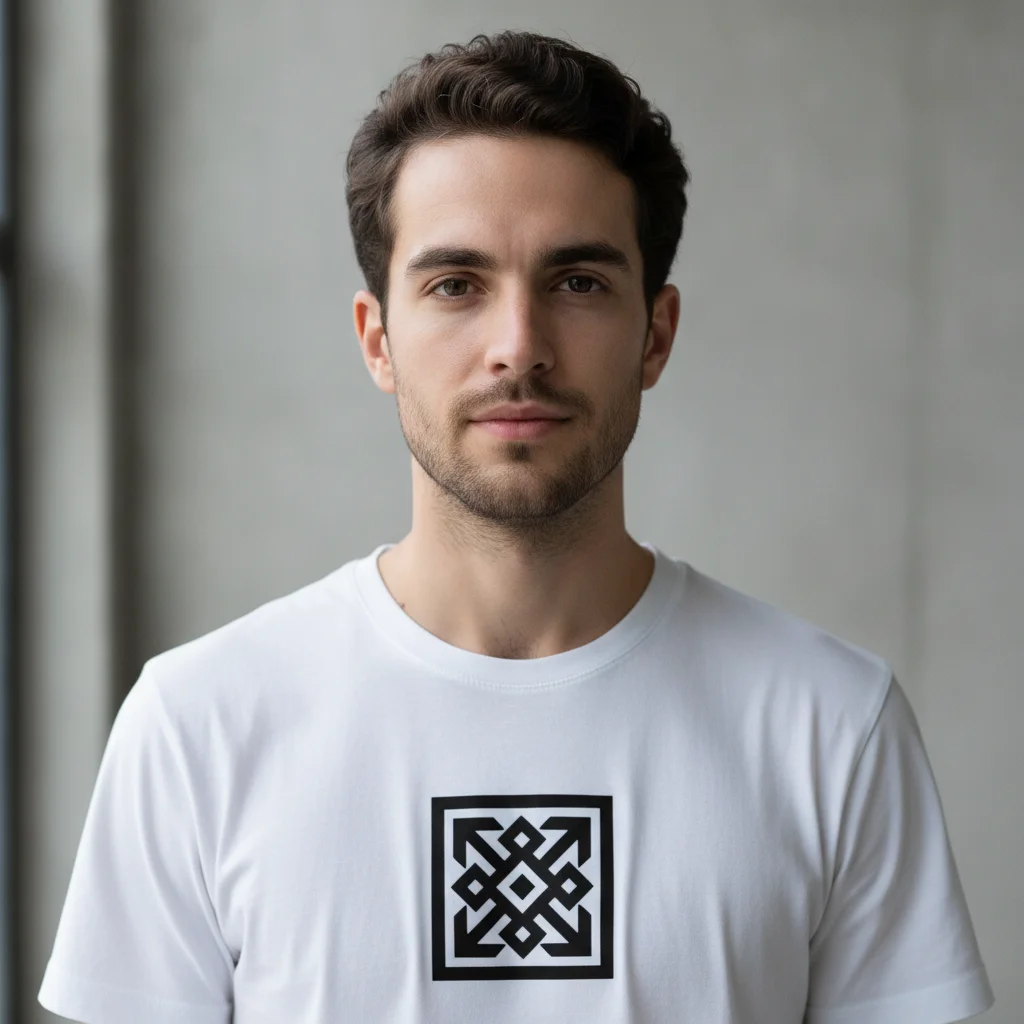
Man wearing white t-shirt with large black chest logo Same man wearing plain white t-shirt with logo removed

Upload photo to remove logo on shirt

"erase the brand graphic from the front of the hoodie, restore the plain hoodie fabric behind it"

Free to try · no sign-up · photos are never shared

Release to upload

<30stypical edit
1 freeedit weekly
Photo on your phone? Scan to open this editor there — free edit works on your phone too.

1 free edit every week·packs from $4.99

How it works

  1. Upload the clothing photo

    Upload your photo — a portrait, product flat-lay, or full-body shot. JPG, PNG, WebP up to 7MB. Photos where the shirt fabric is clearly visible and uncrumpled give the best results.

    Expect: Simple flat logos on plain fabric: 25-35 seconds. Detailed or multi-color graphics on textured fabric: 40-55 seconds and may need refinement.
  2. Describe the logo on the shirt

    Type 'remove the logo from the shirt' or describe the location: 'remove the chest logo on the shirt.' Include the shirt color if helpful: 'remove the printed graphic on the white t-shirt.' No marking, brushing, or selection needed.

    Tip: For logos on wrinkled or creased fabric, add 'preserve the fabric texture and folds' to get a natural result rather than a flat fill.

    Copy one of these to get started:

    Chest logo on a t-shirt remove the printed logo from the chest of the shirt and fill with matching fabric texture
    Brand graphic on a hoodie erase the brand graphic from the front of the hoodie, restore the plain hoodie fabric behind it
    Small embroidered or printed logo remove the small logo on the left chest of the shirt, keep the shirt and everything else unchanged
    Logo on a sports jersey remove the team logo from the jersey and fill with the jersey's base color and texture
    3 more prompts
    Logo on a jacket or outerwear erase the brand logo from the jacket, match the jacket's material and color in the area
    Large graphic print remove the large graphic print from the front of the shirt and replace with plain fabric matching the shirt color
    Logo on a product flat-lay remove the printed logo from the shirt in this flat-lay photo, fill with the shirt's plain fabric
  3. Check the fabric fill

    Verify the logo is gone and the fabric looks continuous — no visible seam or color change where the graphic was. Zoom in on the edges of the former logo area. Download when satisfied.

  4. Refine if the fabric fill needs adjustment

    If the fill color or texture doesn't match, upload the result and describe the fix: 'the fabric fill is too smooth, add natural cotton texture' or 'the color in the chest area is slightly off, match the surrounding fabric.'

    Tip: For patterned fabrics like stripes or checks, describe the pattern: 'match the striped pattern of the shirt in the filled area.'

See it in action

Man wearing white t-shirt with large black chest logo
Before
->
Same man wearing plain white t-shirt with logo removed
After

Brand logo removed from white t-shirt

A portrait photo of someone wearing a white t-shirt with a large chest logo, removed to reveal clean plain fabric.

Prompt: remove the printed logo from the chest of the shirt and fill with matching fabric texture
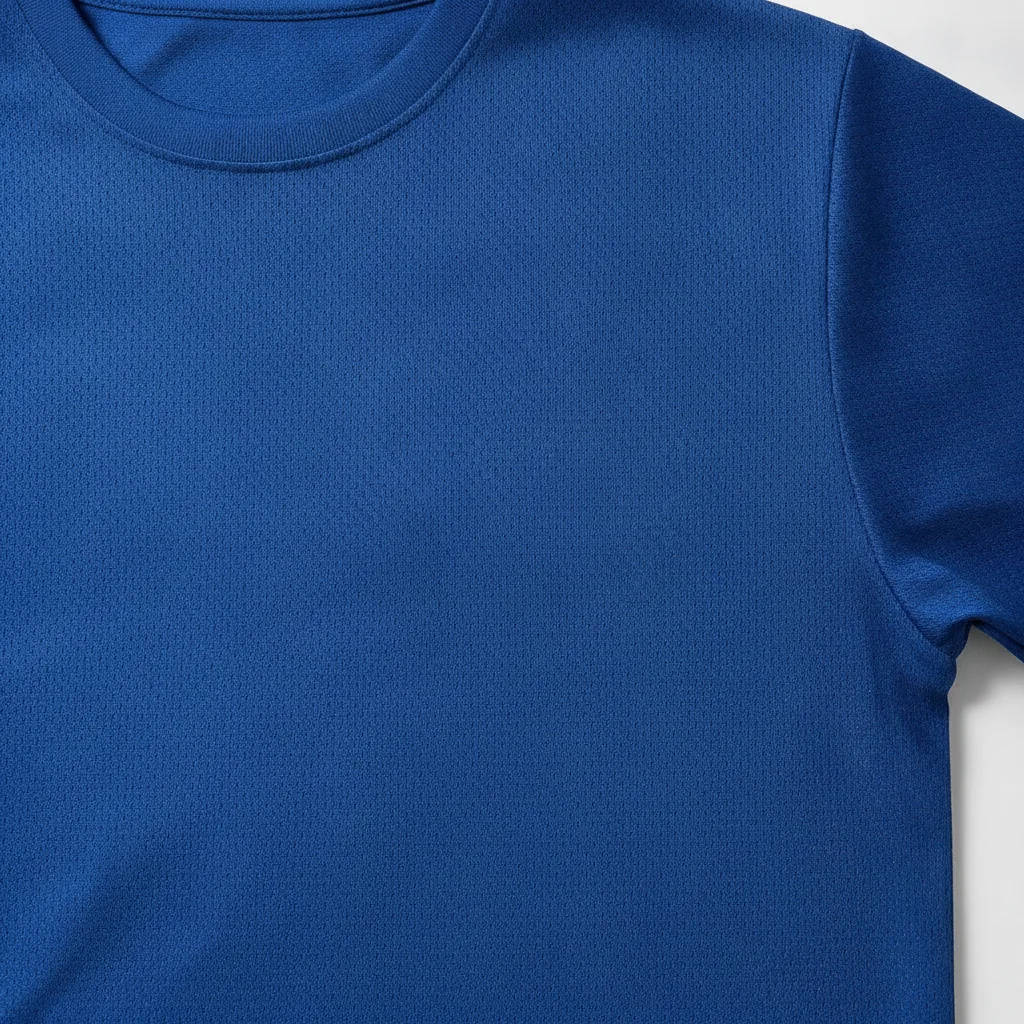
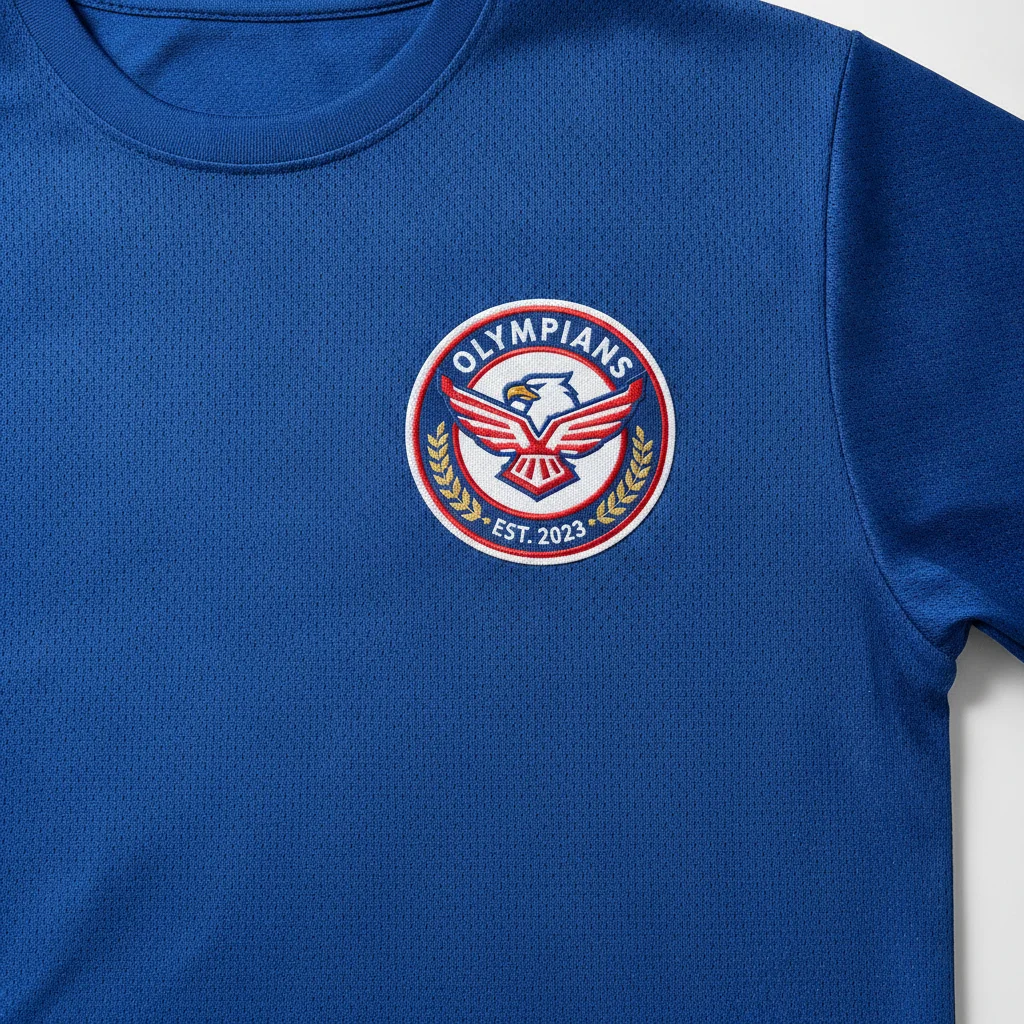
Blue sports jersey flat-lay with a circular team logo on the chest
Before
->
Same blue jersey with the team logo removed and plain fabric visible
After

Sports team logo removed from jersey

A jersey flat-lay with a team logo on the chest, erased cleanly with the fabric pattern preserved.

Prompt: remove the team logo from the jersey and fill with the jersey's base color and texture
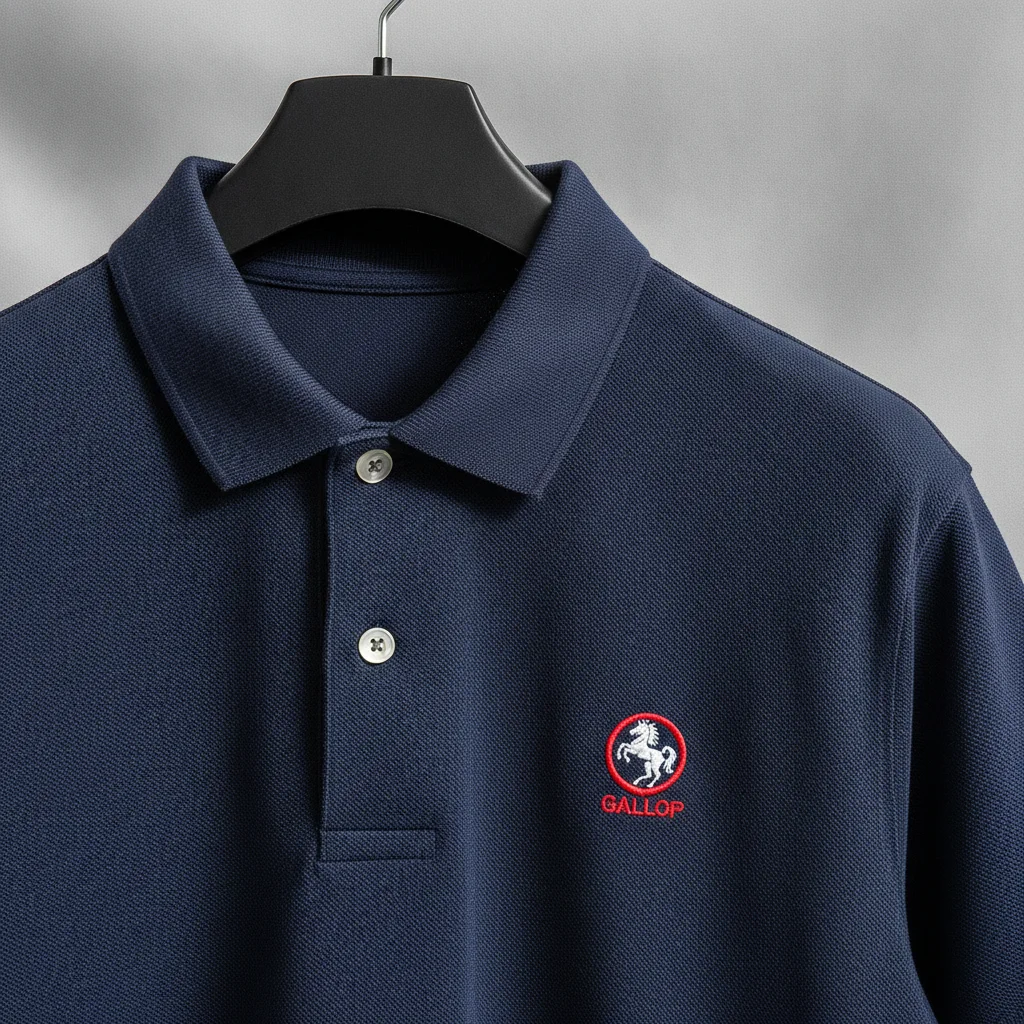
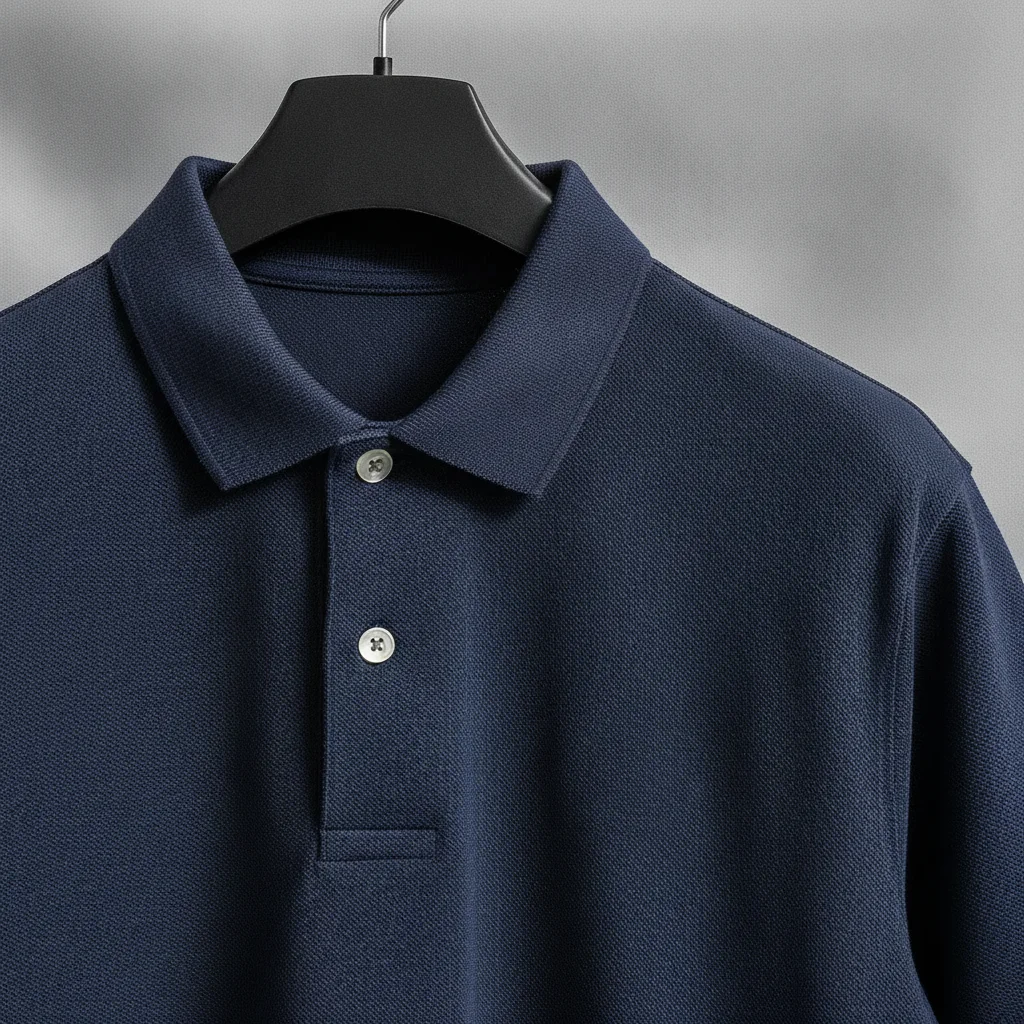
Navy polo shirt with small red embroidered logo on left chest
Before
->
Same navy polo with the chest logo removed showing clean pique fabric
After

Small embroidered-style logo removed from polo shirt

A business casual polo shirt in a product photo with a small left-chest logo, cleanly erased.

Prompt: remove the small logo on the left chest of the shirt, keep the shirt and everything else unchanged

Quick answers

Do I need to mark or outline the logo on the shirt before removing it?

No. Upload your photo and type 'remove the logo from the shirt.' EditThisPic's AI identifies the printed graphic on the clothing automatically and erases it, then fills in the fabric behind it. No selection tools or brush marking needed.

How do I remove a brand logo from a shirt photo for free?

Upload your shirt photo to EditThisPic and type 'remove the printed logo from the chest of the shirt and fill with matching fabric texture.' The AI erases the graphic and reconstructs the fabric in about 30-45 seconds. Free, no signup required, no watermark on the result.

Does this work for resale listing photos where I want a plain shirt?

Yes. Flat-lay shots and model photos both work. Describe the logo location clearly and the shirt color, and the AI will produce a clean plain-fabric version suitable for resale listings or lookbook photos.

Can I remove logos from patterned shirts like stripes or plaids?

Yes, but results vary. For patterned fabrics, add 'match the striped/plaid pattern of the shirt in the filled area' to your prompt. Simple patterns (even stripes, small checks) fill well. Complex or irregular patterns may need a second refinement pass.

Will removing a logo look natural on a photo taken of someone wearing the shirt?

Yes. The AI accounts for fabric folds, body curves, and lighting on the garment. For best results, mention 'preserve the fabric folds and lighting' in your prompt. Flat-lays and front-facing portraits give the cleanest results.

How much does EditThisPic cost?

You get 1 free edit per week — no account needed. After that, one-time credit packs start at $4.99 for 10 edits, valid 12 months, no subscription. Power users who edit daily can pick Studio Membership, a monthly workspace at $49.99/mo for 300 edits. Purchased downloads are clean with no watermark.

Ready to remove the logo from your shirt photo?

Free to try. No signup required.

1 free edit included·Credit packs from $4.99