Remove a Passerby from a Photo
← Browse all remove toolsLast updated
Someone walked into the frame at the wrong moment. Describe them and the AI takes them out, continuing the street, path, or wall they crossed — nothing else changes.
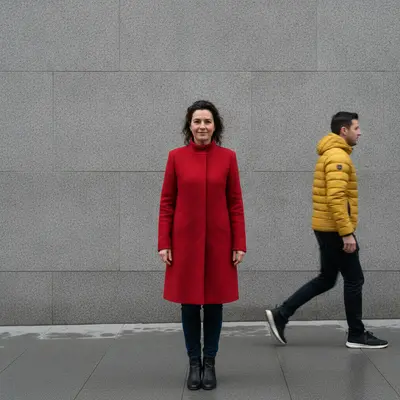
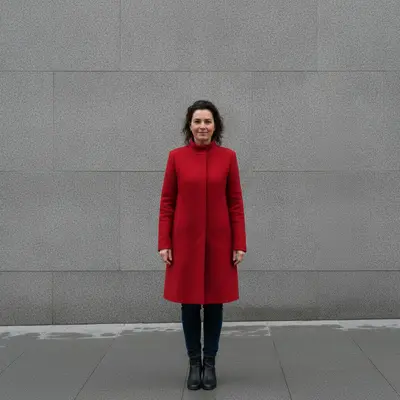
Upload photo to remove passerby
"remove the motion-blurred person crossing the frame in front of the shop and continue the shopfront and pavement behind them"
Free to try · no sign-up · photos are never shared
Release to upload
<30stypical edit
1 freeedit weekly
Photo on your phone?
Scan to open this editor there — free edit works on your phone too.
How it works
See it in action
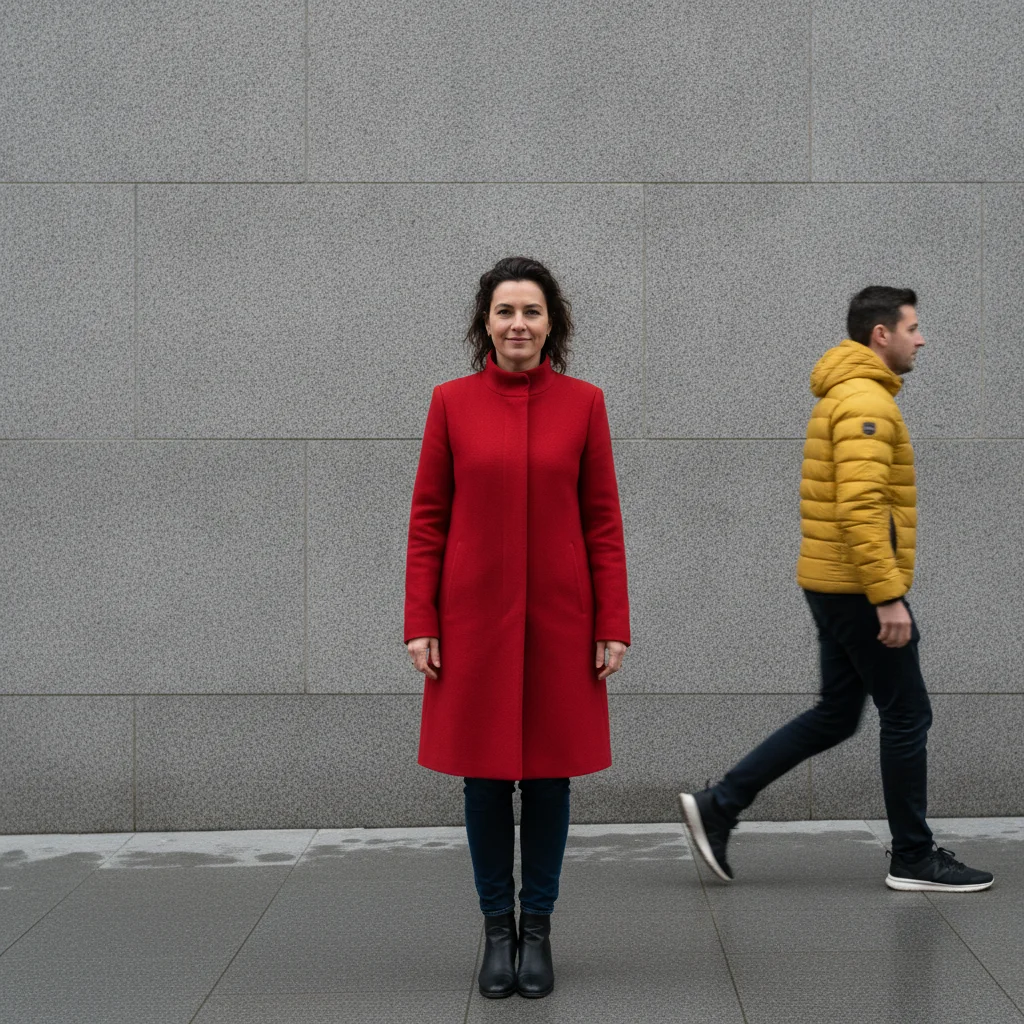
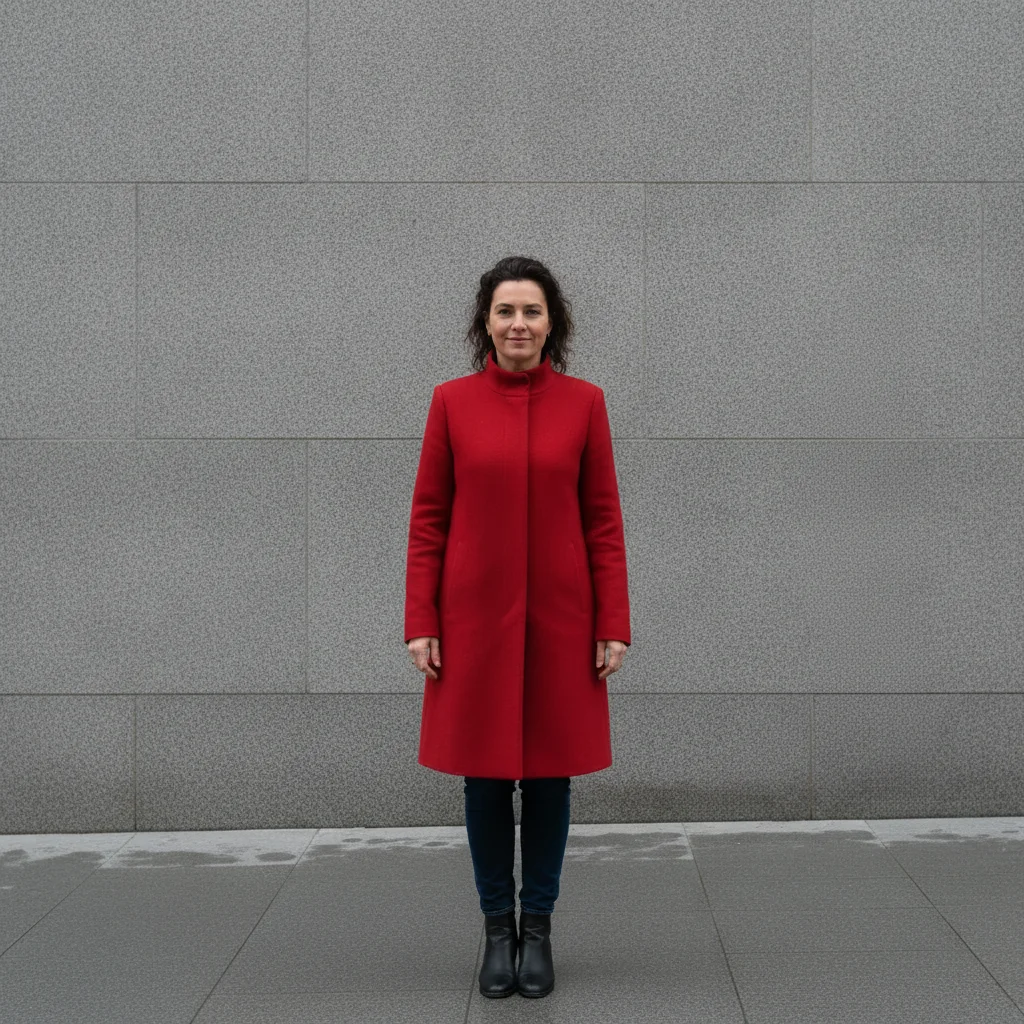
Passerby at the edge of a street portrait removed
A man walking through the far right of the frame erased and the wall and pavement continued; the subject is untouched.
Prompt:
remove the man in the bright yellow jacket walking past at the far right edge of the photo and continue the plain grey stone wall and pavement where he was; keep the woman in the red coat exactly as she is
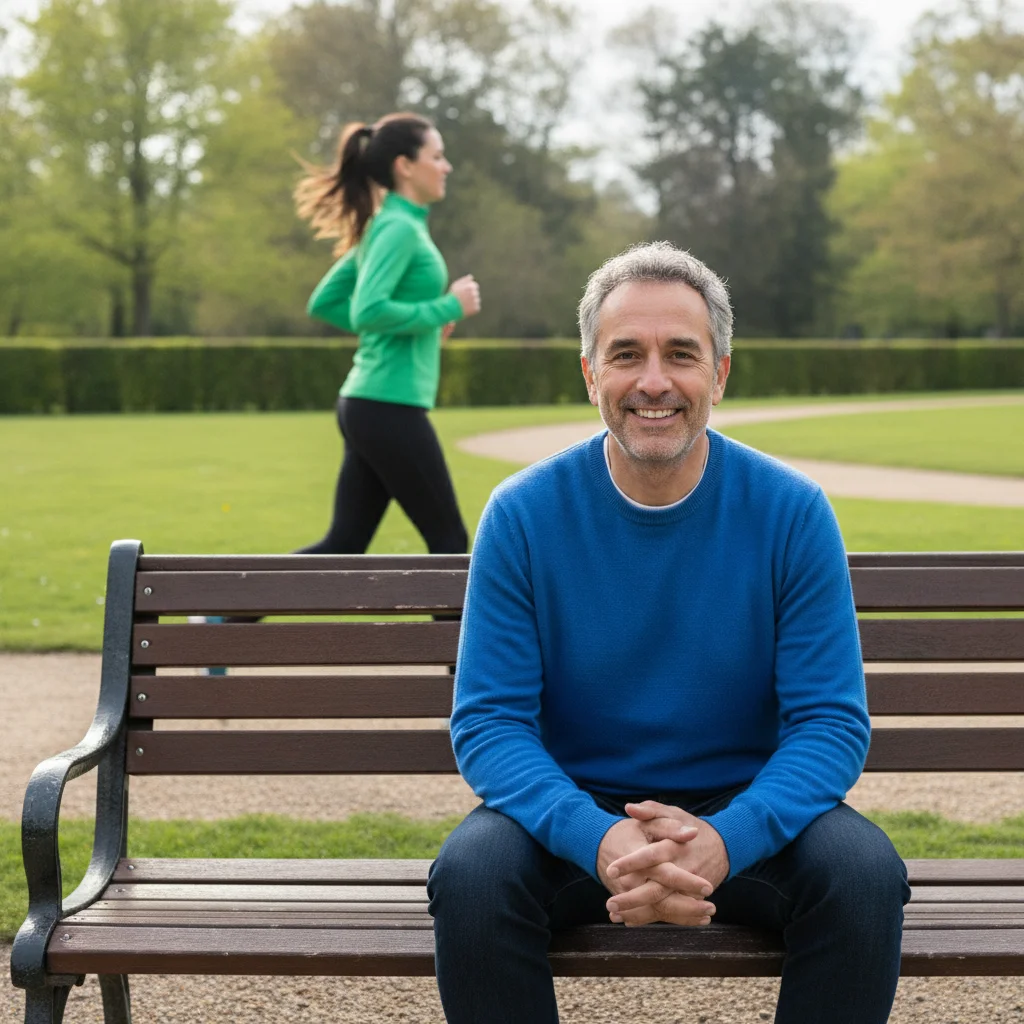

Jogger behind a park bench removed
A runner crossing the path behind the subject erased and the path, grass, and hedge continued; the man on the bench is unchanged.
Prompt:
remove the jogger in the bright green top running along the path behind the bench and continue the gravel path, grass, and hedge where she was; keep the man on the bench exactly as he is
Quick answers
Popular use cases
Ready to take the passerby out of your photo?
Free to try. No signup required.