Pricing Restore Wedding photo · Free

Restore an Old Wedding Photo

← Browse all restore tools

Last updated

Repair fading, scratches, and stains in a parents' or grandparents' wedding photo for framing or an anniversary gift.
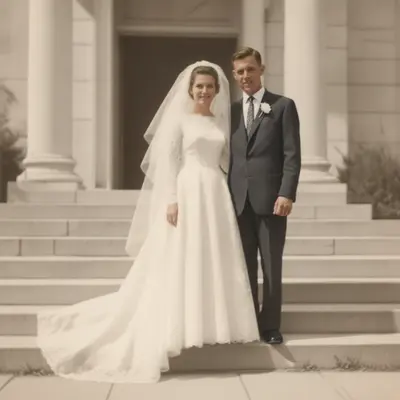
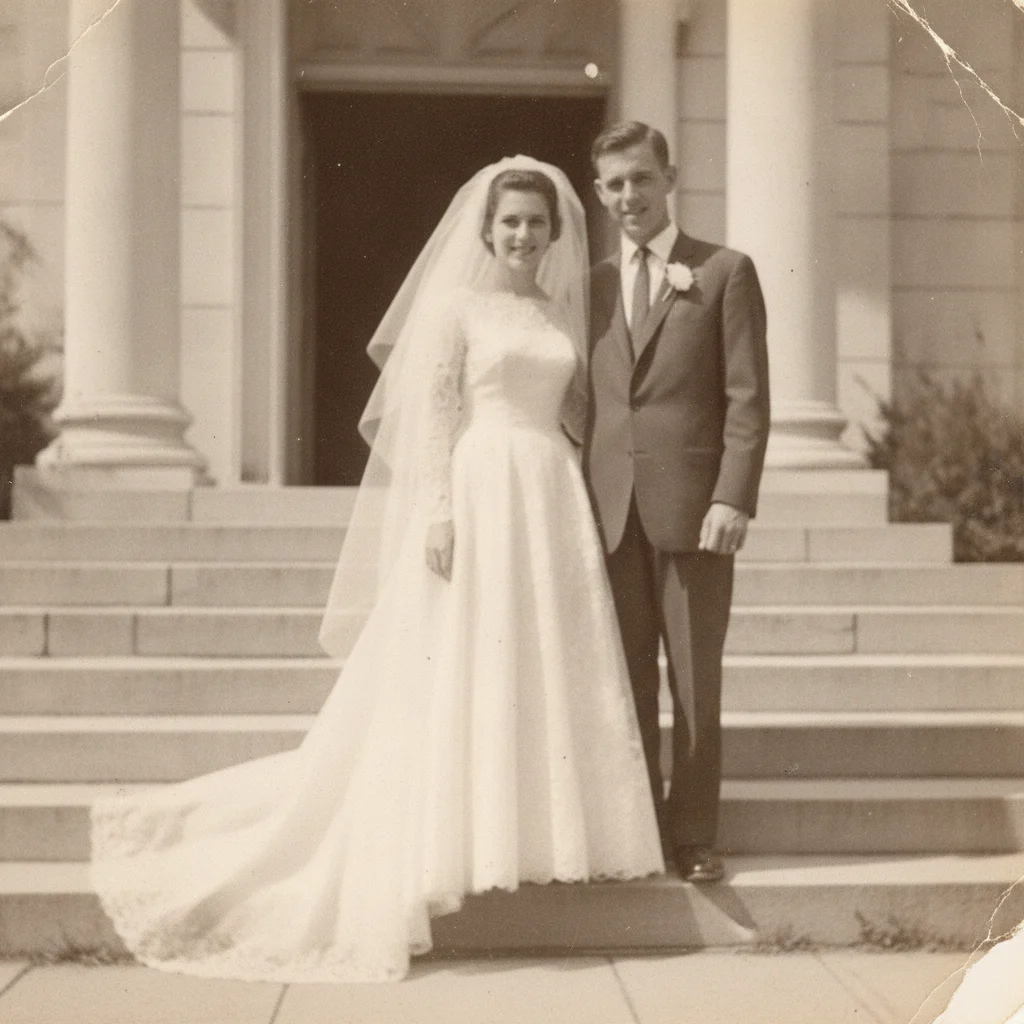
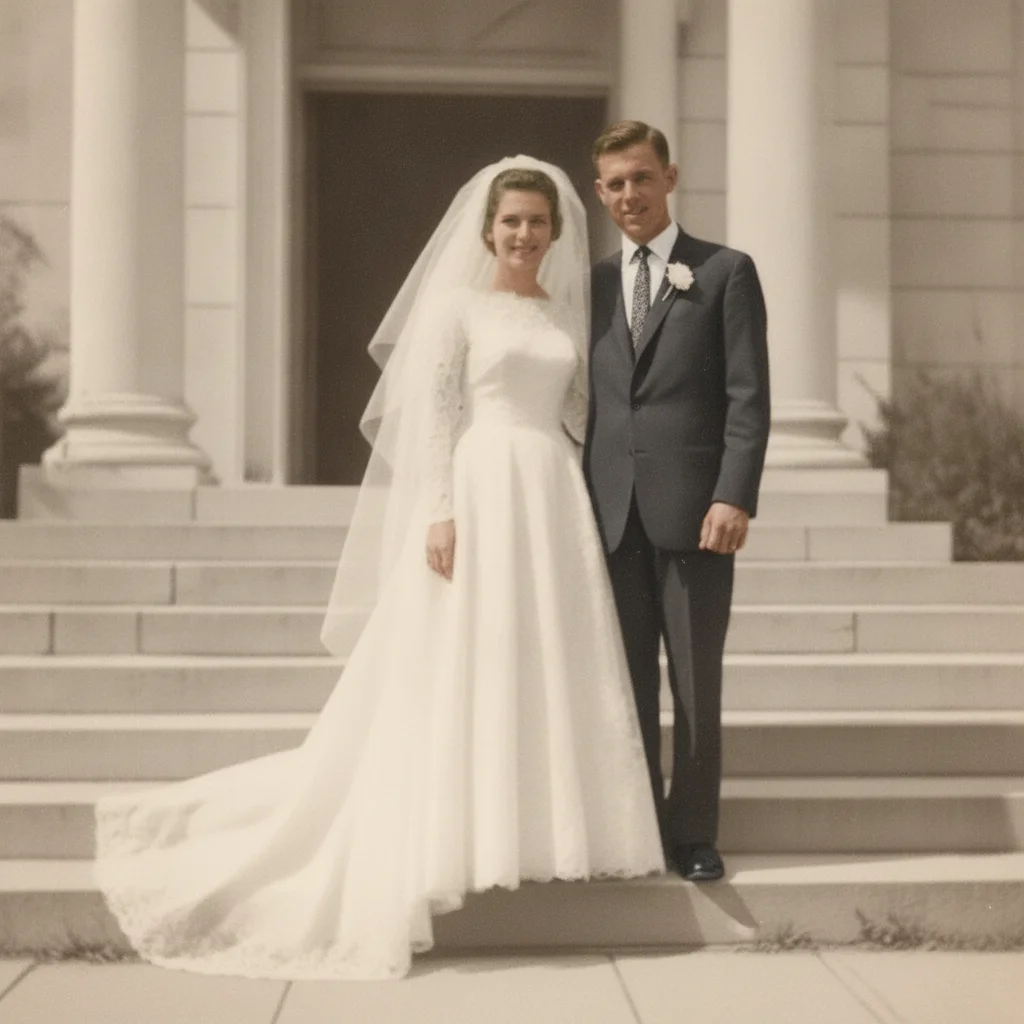
Faded old wedding portrait photo Wedding portrait restored with natural contrast and color

Upload photo to restore wedding photo

"remove the stain from this wedding photo and restore the detail underneath, keep the dress and background natural"

Free to try · no sign-up · photos are never shared

Release to upload

<30stypical edit
1 freeedit weekly
Photo on your phone? Scan to open this editor there — free edit works on your phone too.

1 free edit every week·paid packs after

How it works

  1. Upload or scan the wedding photo

    Scan the photo if you can, or photograph it flat in even daylight with no glare — JPG, PNG, or WebP up to 7MB. A flat, well-lit scan preserves fine detail in dresses, veils, and rings that the AI can use.

    Expect: Fading, scratches, and small stains restore well. Heavier damage over a face or over fine details like lace or jewelry takes more careful review.
  2. Describe the restoration

    Type what you want: 'fix the fading and scratches, remove the stain near the bottom, keep the couple's faces and the dress detail natural.' Naming who's in the photo helps nothing technically, but naming what to preserve does.

    Tip: If it's for an anniversary gift, mention that you want print-ready quality so the AI's output is treated at full resolution.

    Copy one of these to get started:

    Fading and general wear restore this old wedding photo — fix the fading and improve contrast while keeping the couple's likeness natural
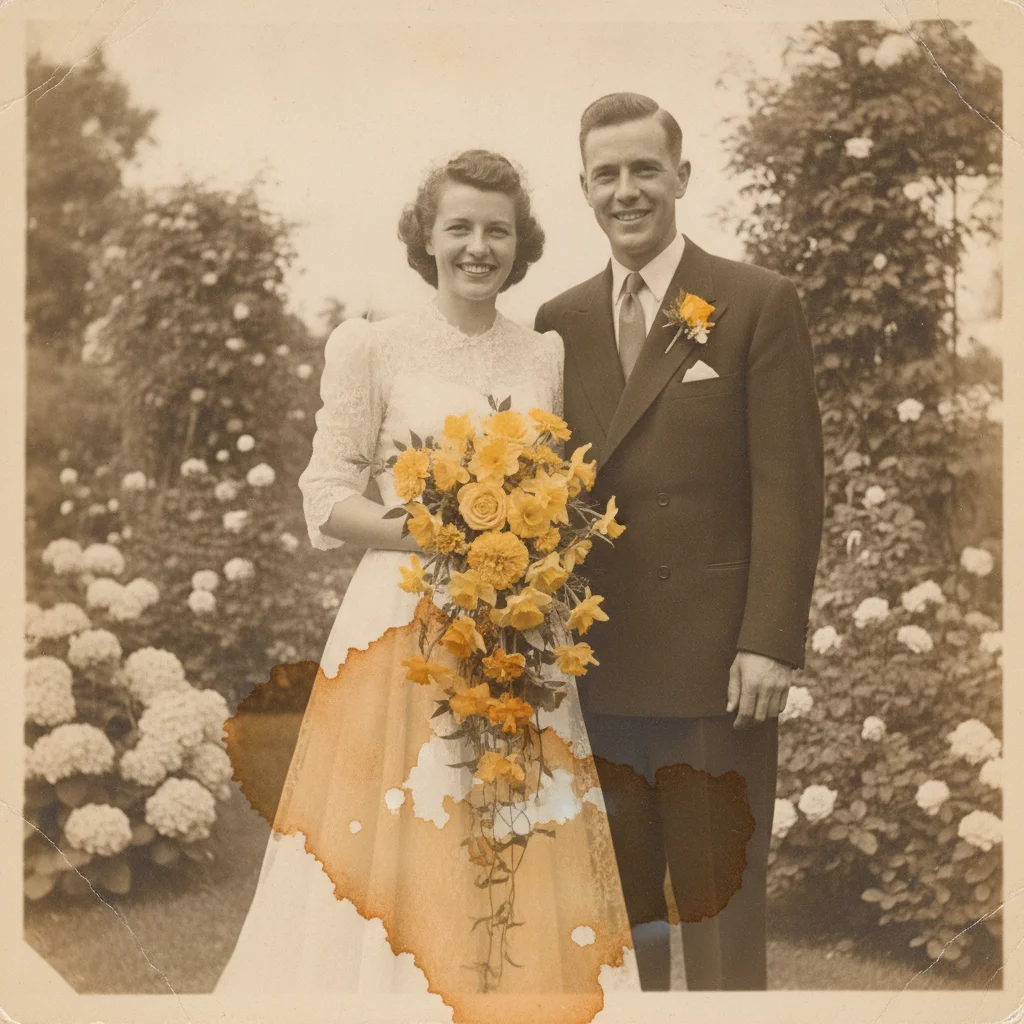
    Stain removal remove the stain from this wedding photo and restore the detail underneath, keep the dress and background natural
    Scratches across the couple remove the scratches from this wedding photo, especially where they cross the couple's faces, keeping their features natural
    Anniversary gift, print-ready restore this wedding photo for a print, fix all fading, scratches, and stains, and preserve the dress and ring detail
    3 more prompts
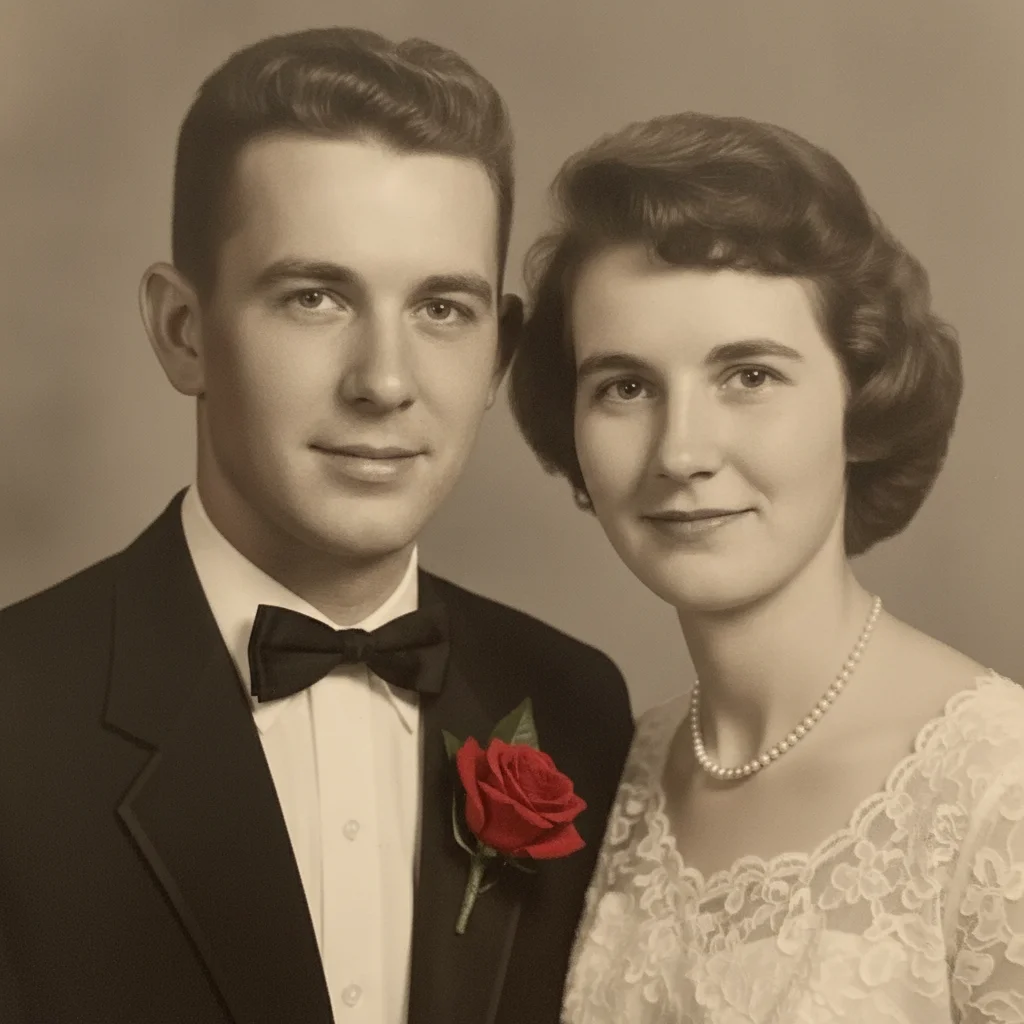
    Colorize a black and white wedding photo restore and colorize this black-and-white wedding photo, using natural, period-appropriate colors
    Gentle, minimal touch gently restore this wedding photo — fix only the fading and light scratches, keep the vintage character intact
    Full restoration pass restore this old wedding photo completely — fix fading, scratches, and stains, keep both faces and the dress detail natural
  3. Review closely

    Zoom in on both faces, the dress, and any jewelry or rings. These are the details people notice first in a wedding photo, so check them against the original before you rely on the result.

  4. Refine with a marker if needed

    If one area — a stain, a scratch across a face, a faded patch on the dress — still needs work, tap a marker on that spot and describe it. Markers are optional and only needed for precision touch-ups.

See it in action

Faded old wedding portrait photo
Before
->
Wedding portrait restored with natural contrast and color
After

Restore an Old Wedding Photo — Faded Print

A faded wedding portrait restored with natural contrast and color.

Prompt: restore this old wedding photo — fix the fading and improve contrast while keeping the couple's likeness natural
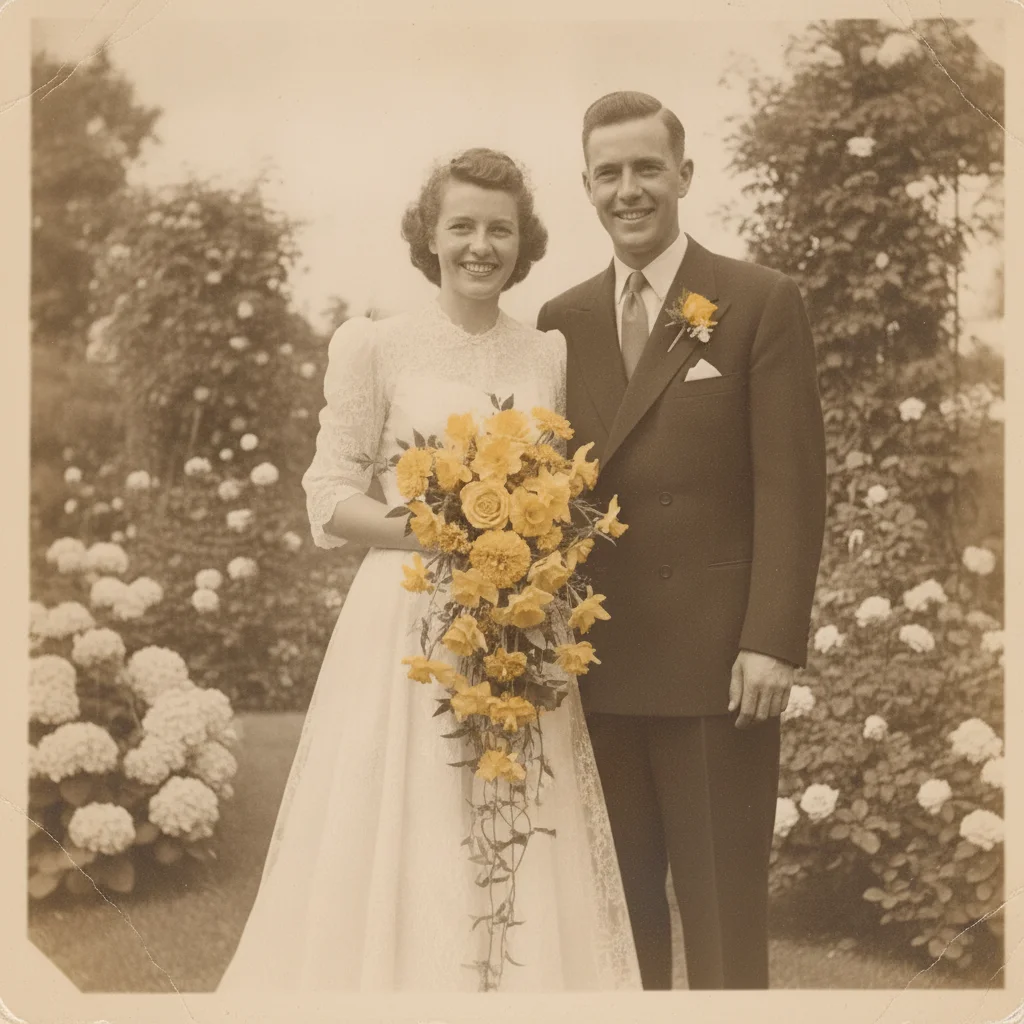
Wedding photo with a stain near the bouquet
Before
->
Wedding photo restored with the stain removed
After

Restore an Old Wedding Photo — Stain

A wedding photo with a visible stain near the bouquet, cleared to reveal the detail beneath.

Prompt: remove the stain from this wedding photo and restore the detail underneath, keep the dress and background natural
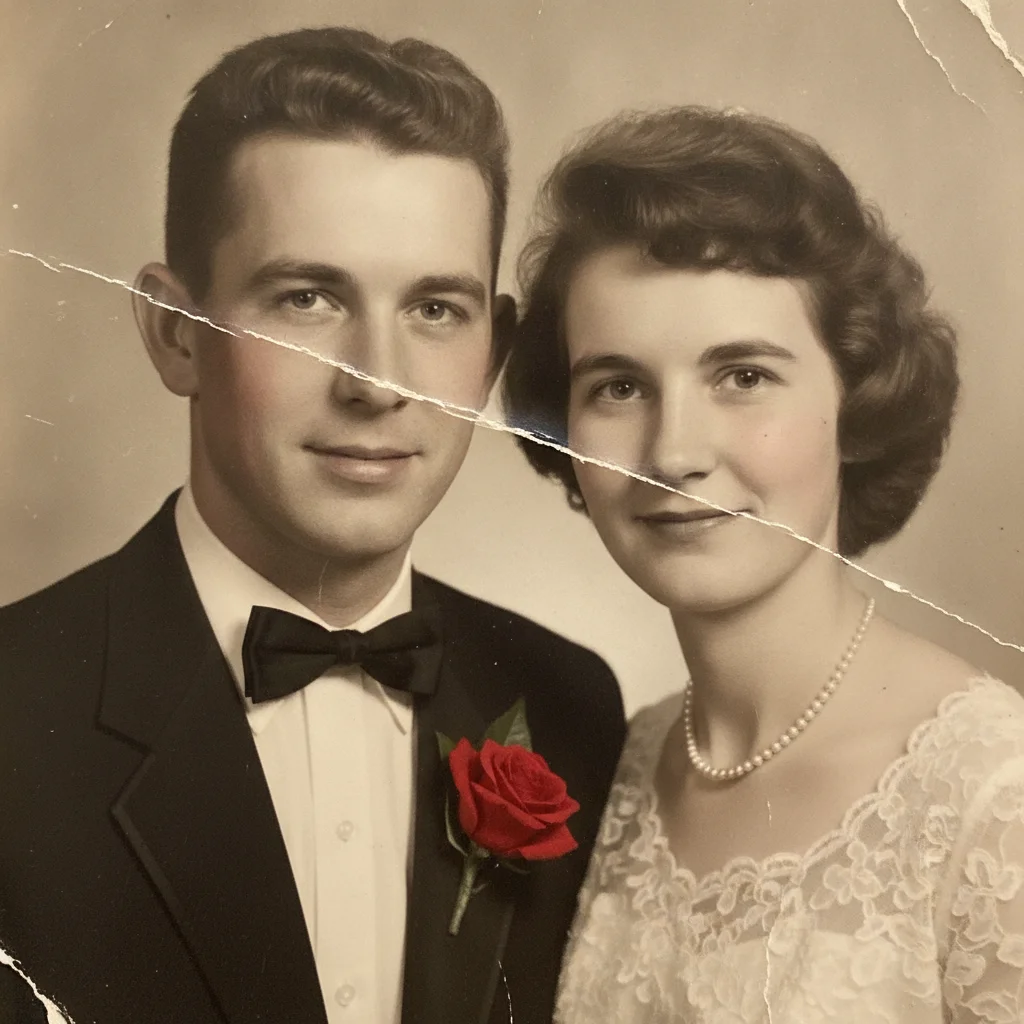
Wedding photo with scratches across both faces
Before
->
Wedding photo restored with the scratches removed
After

Restore an Old Wedding Photo — Scratches

A wedding photo with scratches across the couple, repaired without altering their likeness.

Prompt: remove the scratches from this wedding photo, especially where they cross the couple's faces, keeping their features natural

Quick answers

Do I need to mark or select the damage before restoring a wedding photo?

No. Describe the damage in plain language — 'fix the fading and remove the stain' — and the AI locates it across the photo. Tap markers are only for refining one specific spot afterward.

Is restoring an old wedding photo free?

Yes. EditThisPic restores a wedding photo for free with one Fast edit per week, no signup or credit card required. Credit packs and a subscription are available for more edits, including print-ready output for a gift.

Will the restored photo look good enough to print for an anniversary gift?

Yes, for most fading, scratches, and stains — review faces and fine detail like lace or jewelry closely first, since that's what a gift recipient will look at most carefully.

Will the couple's faces come back looking exactly the same?

They come back as a close, natural likeness, not a guaranteed exact match, especially if damage crossed the faces directly. Compare against another photo from the same day if one exists.

Can I colorize a black-and-white wedding photo at the same time?

Yes. Ask to 'restore and colorize this wedding photo using natural, period-appropriate colors' in one prompt, or keep it black and white if you prefer the original look.

What photo formats can I upload?

JPG, PNG, and WebP up to 7MB. The restored photo downloads in the same format you uploaded.

How much does EditThisPic cost?

You get 1 free edit per week — no account needed. After that, one-time credit packs start at $4.99 for 10 edits, valid 12 months, no subscription. Power users who edit daily can pick Studio Membership, a monthly workspace at $49.99/mo for 300 edits. Purchased downloads are clean with no watermark.

Ready to restore that wedding photo?

Free to try. No signup required.

1 free edit included·paid credit packs after