Pricing Restore Scratches on old photo · Free

Remove Scratches from Old Photo

← Browse all remove tools

Last updated

Upload a scanned or photographed old print and describe the damage — 'remove the white scratches across the face', 'fix the surface marks on the right side', or 'repair the crease running through the center'. The AI fills in the damaged areas from the surrounding context. Free, no account needed.

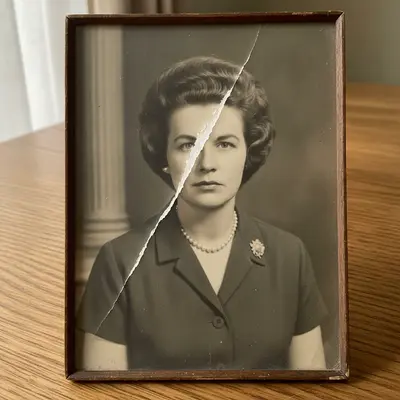
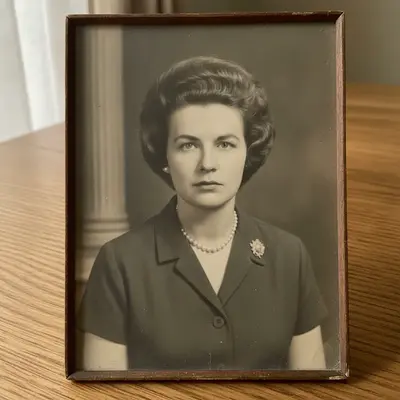
1960s formal portrait with a deep white scratch running across the subject's face Same portrait with the scratch completely removed and facial features naturally reconstructed

Upload photo to restore scratches on old photo

"remove the white scratch running across the face in this photo, reconstruct the facial features underneath naturally"

Free to try · no sign-up · photos are never shared

Release to upload

<30stypical edit
1 freeedit weekly
Photo on your phone? Scan to open this editor there — free edit works on your phone too.

1 free edit every week·packs from $4.99

How it works

  1. Upload your scratched photo

    Upload a scan of the damaged print or a digital photo of it. Scanning at 600 DPI gives the AI more detail to work with for scratch removal. JPG, PNG, WebP up to 7MB.

    Expect: Light surface scratches and marks: 20-35 seconds. Deep scratches across important areas like faces may need a second refinement pass.
  2. Describe the damage

    Type what you want fixed: 'remove the white scratches across the photo', 'fix the surface marks in the bottom-left corner', or 'repair the crease running diagonally through the center'. You do not need to mark or select anything. Describing where the damage is — 'across the face', 'upper right corner' — helps the AI prioritize.

    Tip: If the scratch crosses someone's face, add 'repair the scratch without altering the face underneath' — the AI will try to reconstruct facial detail rather than just smearing the area.

    Copy one of these to get started:

    General scratch removal remove all the scratches and surface marks from this old photo, fill them in naturally
    Scratch across a face remove the white scratch running across the face in this photo, reconstruct the facial features underneath naturally
    Crease or fold line remove the crease line running through the center of this photo and smooth the paper texture
    Multiple scratches throughout repair all the surface scratches and white marks throughout this old photo, blend each repair with the surrounding area
    3 more prompts
    Corner or edge damage fix the scratches and scuff marks in the top-right corner of this old photo, fill them to match the background
    Fine hairline scratches remove the fine hairline scratches covering the surface of this old photo without affecting the underlying detail
    Scratch plus fading remove the scratches from this old photo and restore the faded colors at the same time
  3. Review the repair

    Check that the repaired area blends naturally. Look closely where a scratch crossed a face, clothing, or detailed background — these are where errors most commonly appear. Use the compare slider to verify against the original.

  4. Download the repaired photo

    Download the clean image with no watermark. For heavy scratch coverage, you can also use the optional marker tool to circle specific damaged areas and run a second targeted repair pass.

See it in action

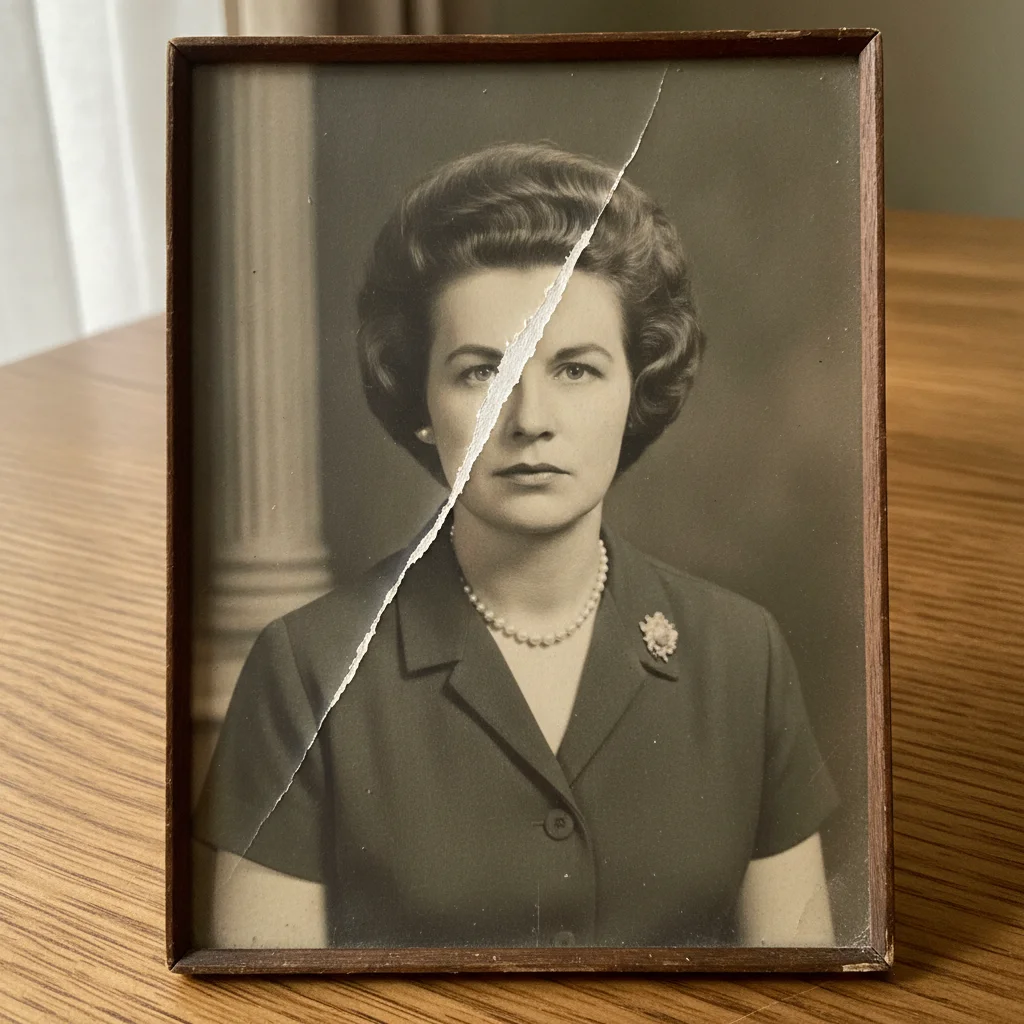
1960s formal portrait with a deep white scratch running across the subject's face
Before
->
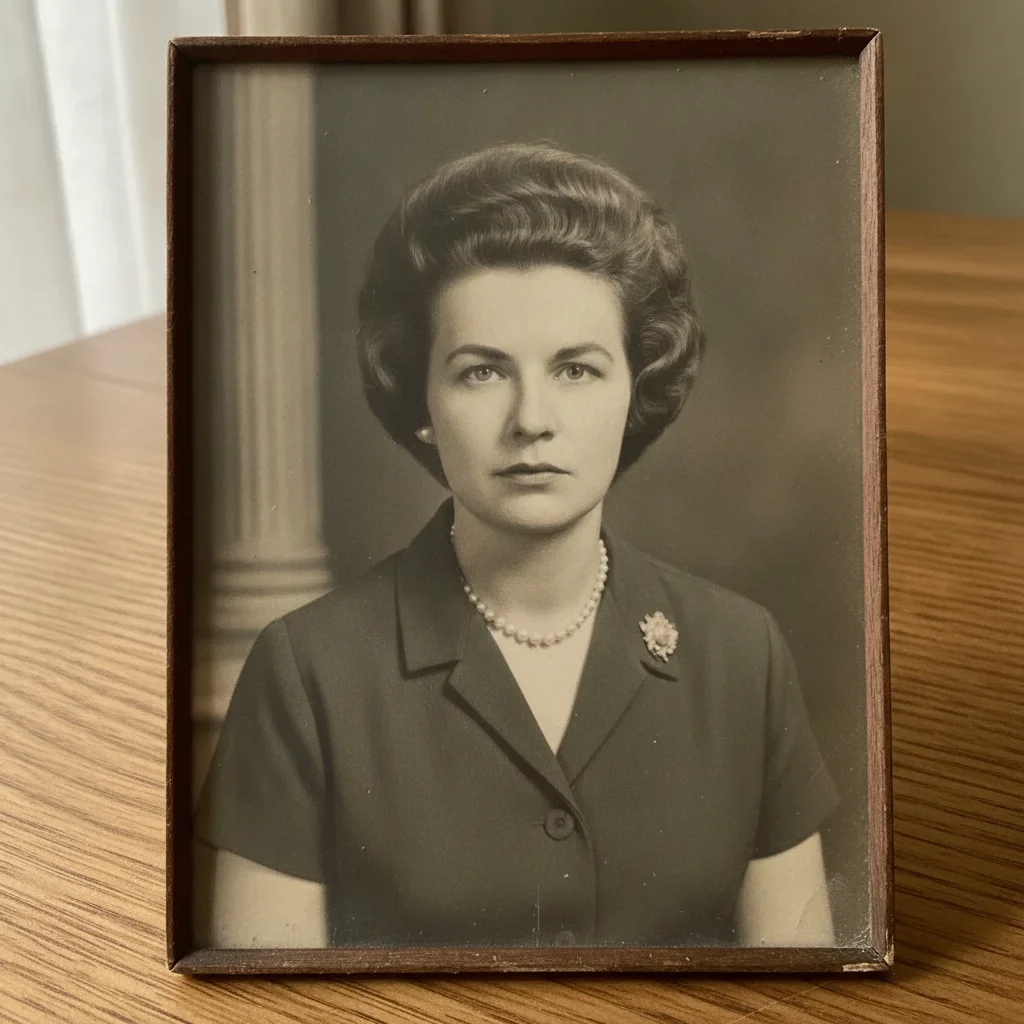
Same portrait with the scratch completely removed and facial features naturally reconstructed
After

Deep scratch across a portrait — removed and repaired

A treasured family portrait with a deep white scratch running across the subject's face. The AI removed the scratch and reconstructed the facial features underneath.

Prompt: remove the white scratch running across the face and reconstruct the facial features underneath naturally
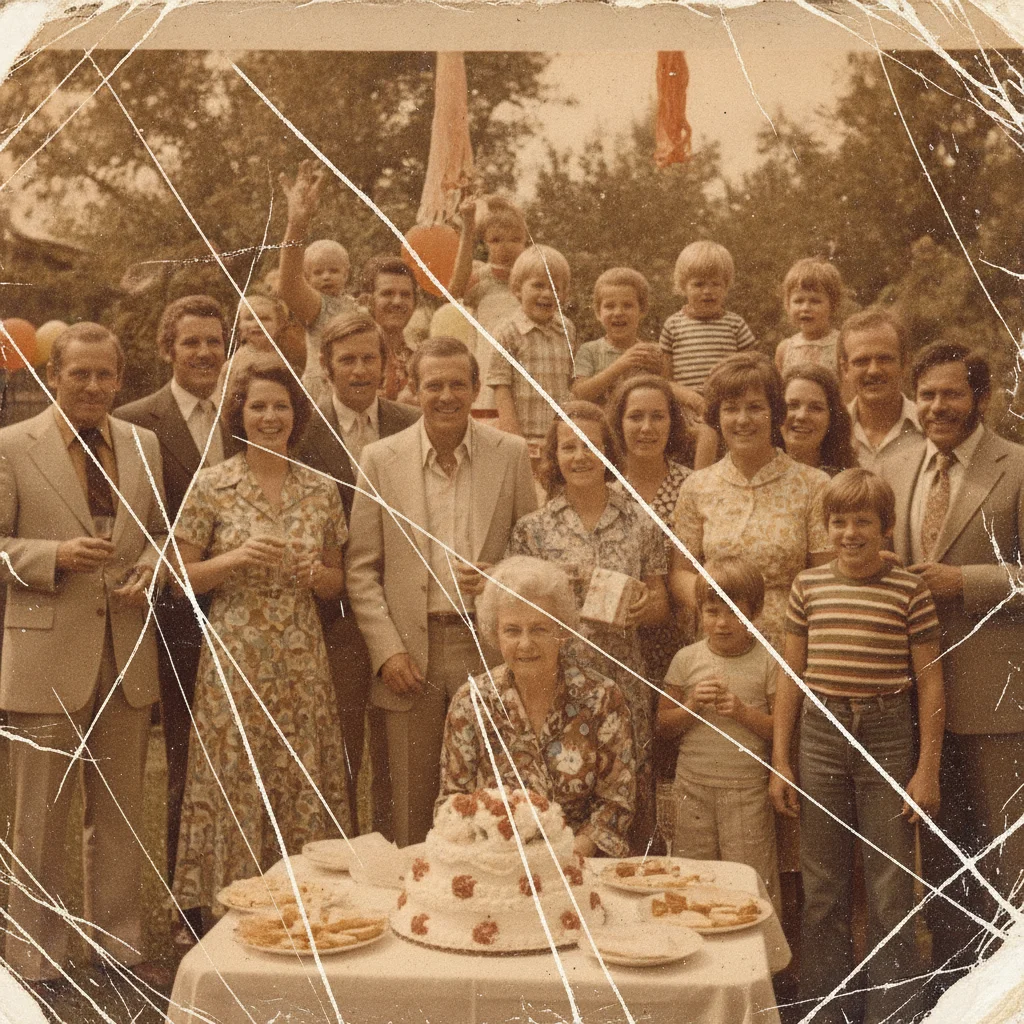
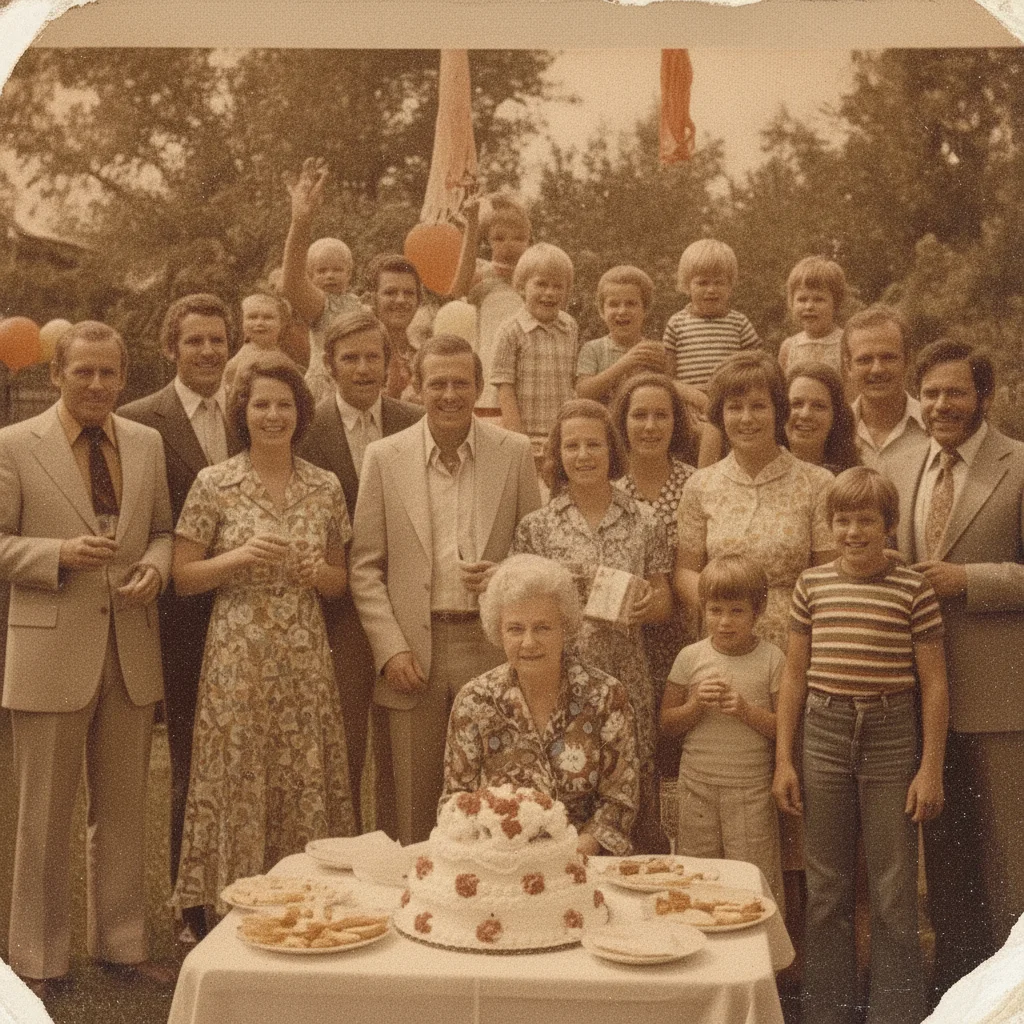
1970s family group photo with multiple white scratches crossing the image from storage damage
Before
->
Same group photo with all scratches removed and content seamlessly reconstructed
After

Multiple surface scratches across a group photo

An old group photo with several scratches from years of being stored loose in a box. All surface marks removed and blended naturally.

Prompt: remove all the white surface scratches from this old group photo, blend each repaired area with the surrounding content
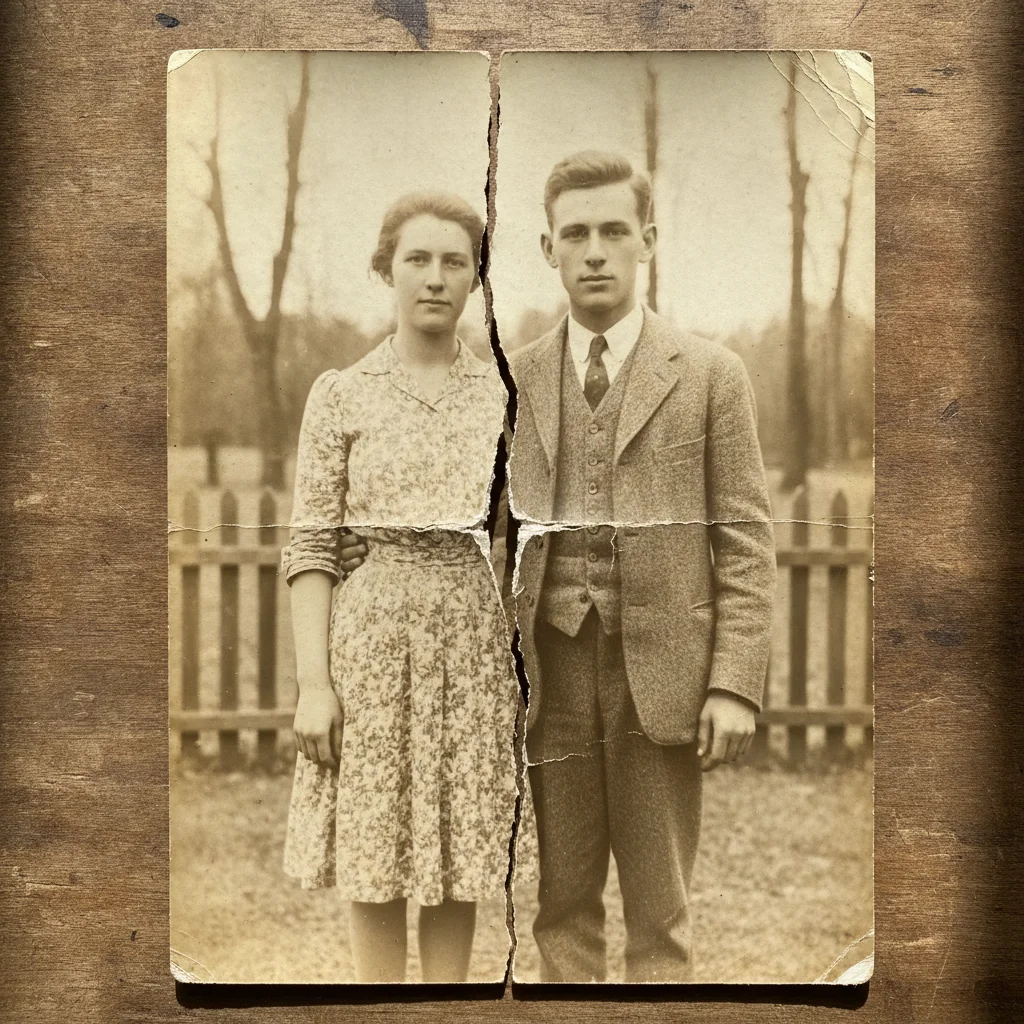
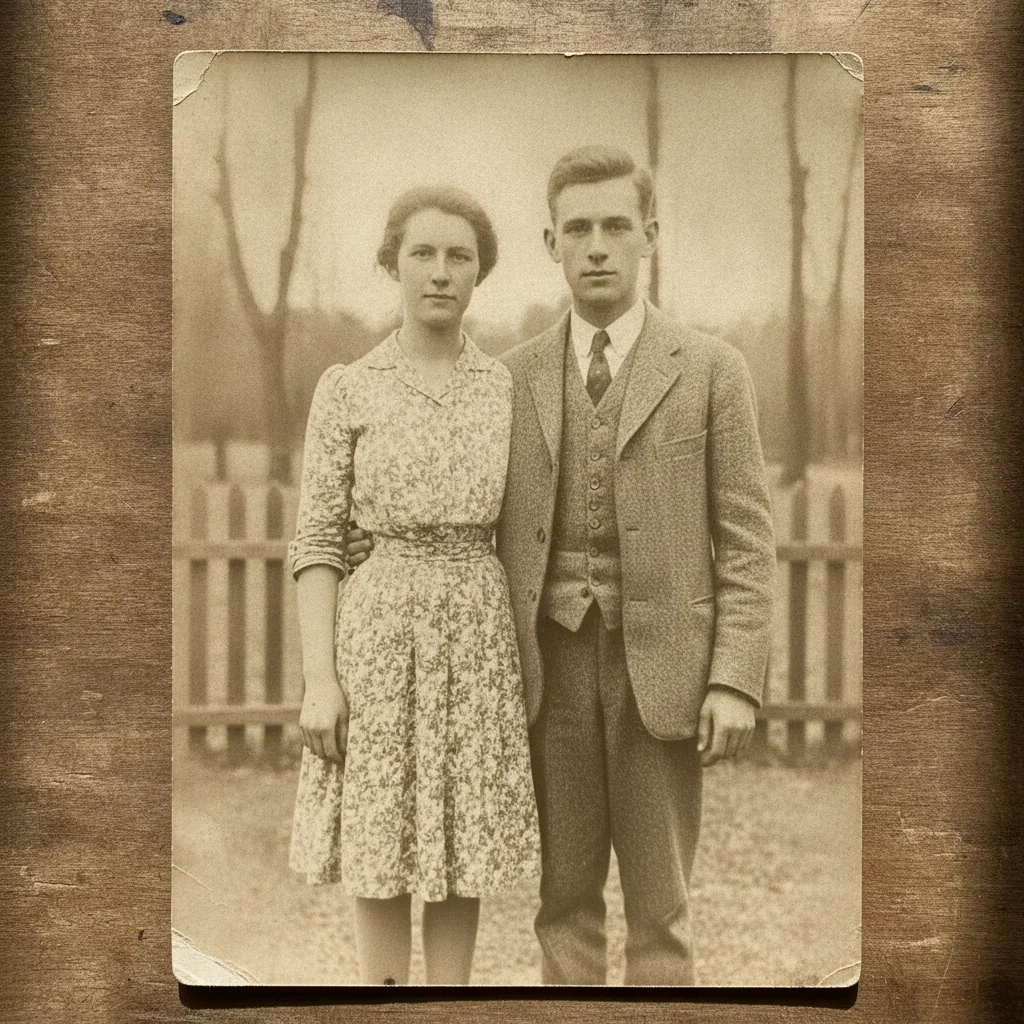
Old outdoor couple photo with a hard fold crease running vertically through the center
Before
->
Same photo with the crease completely removed and content seamlessly blended
After

Fold crease through center — flattened

A photo that had been folded in half for storage, leaving a hard crease line through the middle. The crease line and paper texture disruption were removed.

Prompt: remove the fold crease running through the center of this photo and smooth the paper texture along it

Quick answers

Do I need to trace or mark the scratches before removing them?

No. Just describe what needs fixing: 'remove the white scratches across the photo' or 'fix the surface marks in the upper corner'. EditThisPic's AI identifies the damage from your description without any marking. If you want to target a specific scratch precisely, the optional marker tool is available — but most scratch removals work without it.

Can AI remove scratches from an old photo for free?

Yes. Upload your scratched photo to EditThisPic and type 'remove the scratches and surface marks from this old photo'. The AI detects and fills them in about 30 seconds. Free, no login required, no watermark on the result. Works on scanned prints and digital photos of physical prints.

What types of photo damage can the AI fix?

EditThisPic handles surface scratches, fine hairline marks, crease lines from folding, scuff marks, and small tears or missing corners. Deep physical damage where part of the print is completely gone is harder — the AI has to invent what was there — but often produces a usable result.

Will the repaired area look natural or patchy?

Good repairs are seamless. Including 'blend naturally with the surrounding area' in your prompt helps. If the result looks patchy, run a second pass asking the AI to smooth the texture around the repaired area.

Can scratches that cross someone's face be fixed?

Yes, though it takes more care than background scratches. The AI reconstructs the facial features underneath using the surrounding facial context. For best results, add 'reconstruct the facial features underneath' to your prompt. A second refinement pass focused just on the face often improves the result further.

Should I scan the photo first before uploading?

Scanning gives the AI more to work with. A 300–600 DPI scan of the print captures the scratches clearly and provides the surrounding detail the AI needs to fill them accurately. A phone photo of the print works too — just make sure the scratches are clearly visible and the photo is in focus.

How much does EditThisPic cost?

You get 1 free edit per week — no account needed. After that, one-time credit packs start at $4.99 for 10 edits, valid 12 months, no subscription. Power users who edit daily can pick Studio Membership, a monthly workspace at $49.99/mo for 300 edits. Purchased downloads are clean with no watermark.

Ready to remove scratches from your old photo?

Free to try. No signup required.

1 free edit included·Credit packs from $4.99