Pricing Remove Water damage · Free

Remove Water Damage from an Old Photo

← Browse all remove tools

Last updated

Clear water stains, tide marks, and blotches so a soaked print reads evenly again.
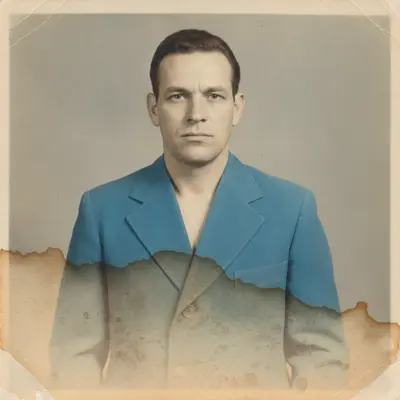
Vintage portrait with a hard brown water tide line across the lower half Same portrait with the tide line removed and the tone evened out

Upload photo to remove water damage

"remove the yellow-brown water blotches from this photo and even out the color across the whole image"

Free to try · no sign-up · photos are never shared

Release to upload

<30stypical edit
1 freeedit weekly
Photo on your phone? Scan to open this editor there — free edit works on your phone too.

1 free edit every week·paid packs after

How it works

  1. Scan the stained print

    Let the print dry completely and flatten it as far as it safely will before scanning — JPG, PNG, or WebP up to 7MB. If the surface bloomed or stuck to glass, scan it as it is; the AI works from the image, not the physical print.

    Expect: Staining over a background clears cleanly in one pass. Where emulsion bloomed and the image lifted away, the result is a rebuild of what was probably there.
  2. Describe the water damage

    Say what the damage looks like and where it sits: 'remove the brown tide line across the lower third and the yellow blotches in the top corner, and even out the tone.' Naming the stain colors separates them from the real image content.

    Tip: Tide marks and blotches behave differently — a hard-edged tide line needs 'remove the tide line and blend across it,' while soft blotches need 'even out the discoloration.'

    Copy one of these to get started:

    Brown tide marks remove the brown water tide lines from this old photo and blend the tone evenly across where they ran
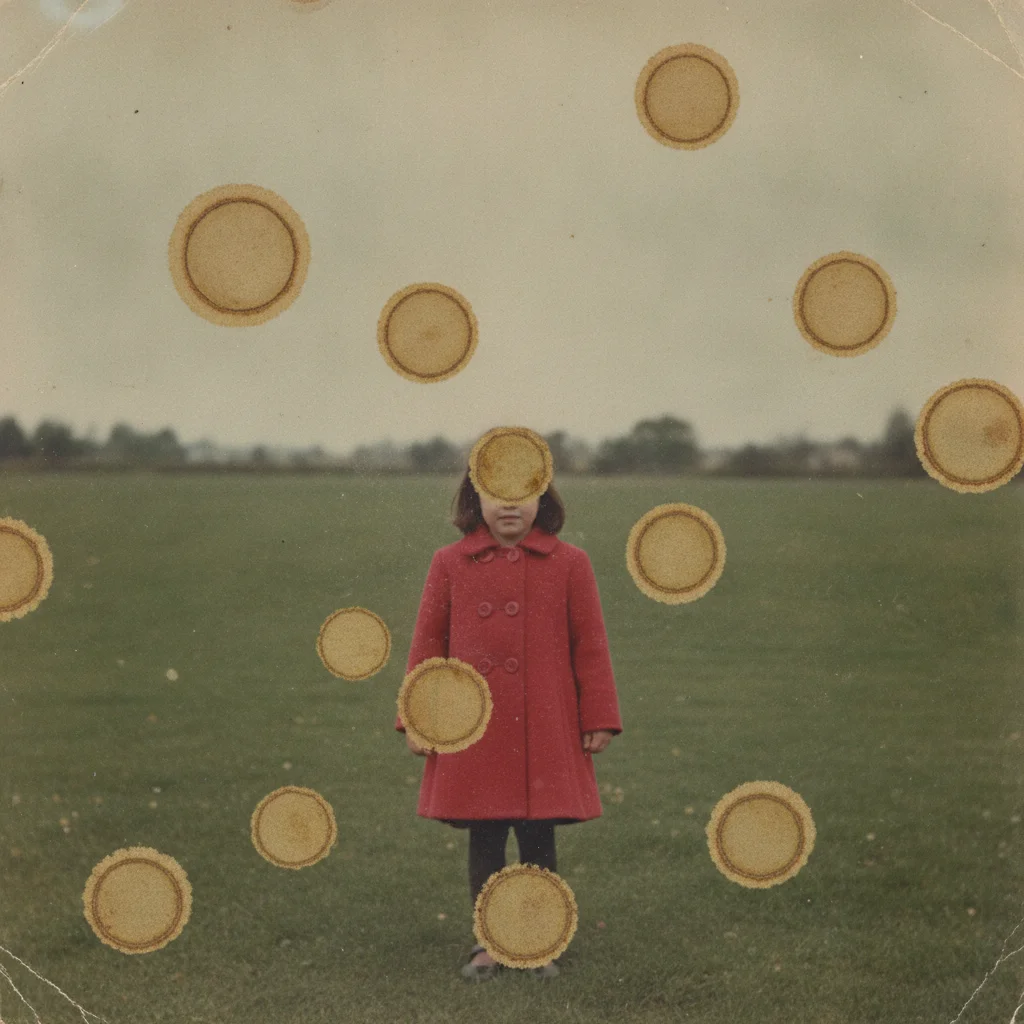
    Yellow-brown blotches remove the yellow-brown water blotches from this photo and even out the color across the whole image
    Stain across a face remove the water stain covering the face in this photo and reconstruct the skin tone and features underneath naturally
    Emulsion bloom repair the areas where the photo emulsion bloomed and lifted from water, rebuilding the image from the surrounding detail
    3 more prompts
    One damaged corner remove the water staining in the bottom left corner of this photo and leave the rest of the image untouched
    Water damage plus fading remove the water stains from this photo and even out the tone, keeping the rest of the photo's existing color as it is
    Keep the print's character remove the water damage from this old photo while keeping the original film grain and print texture intact
  3. Check the tone across the whole frame

    Water staining shifts local color, so look for a residual band where the tide line was and for patches that came back brighter than their surroundings. Faces inside a stained area are the most likely place to see a reconstruction rather than a repair.

  4. Refine a stubborn stain with a marker

    If one blotch survived the pass, tap a marker on it and describe only that patch. Markers are optional and used for cleanup, not for the main restoration.

See it in action

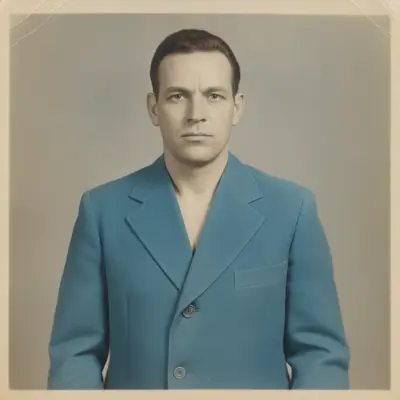
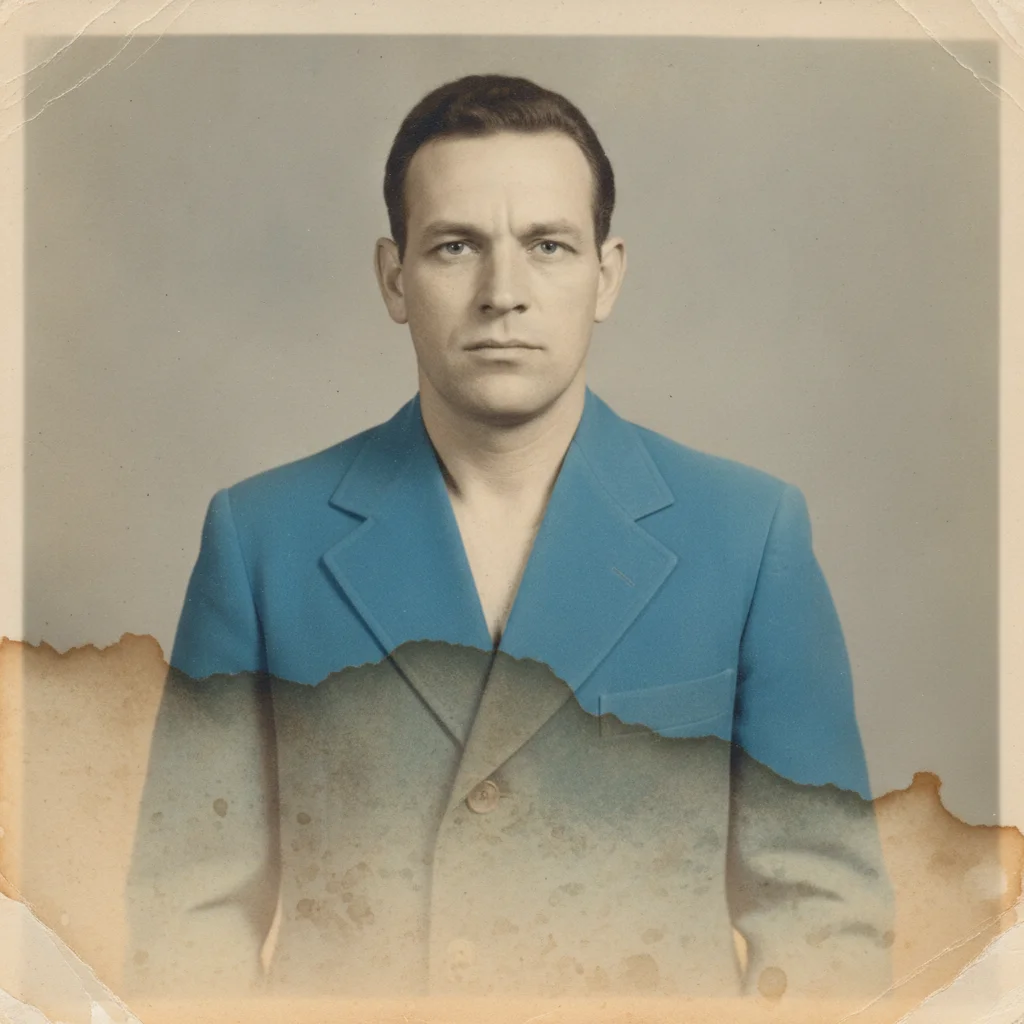
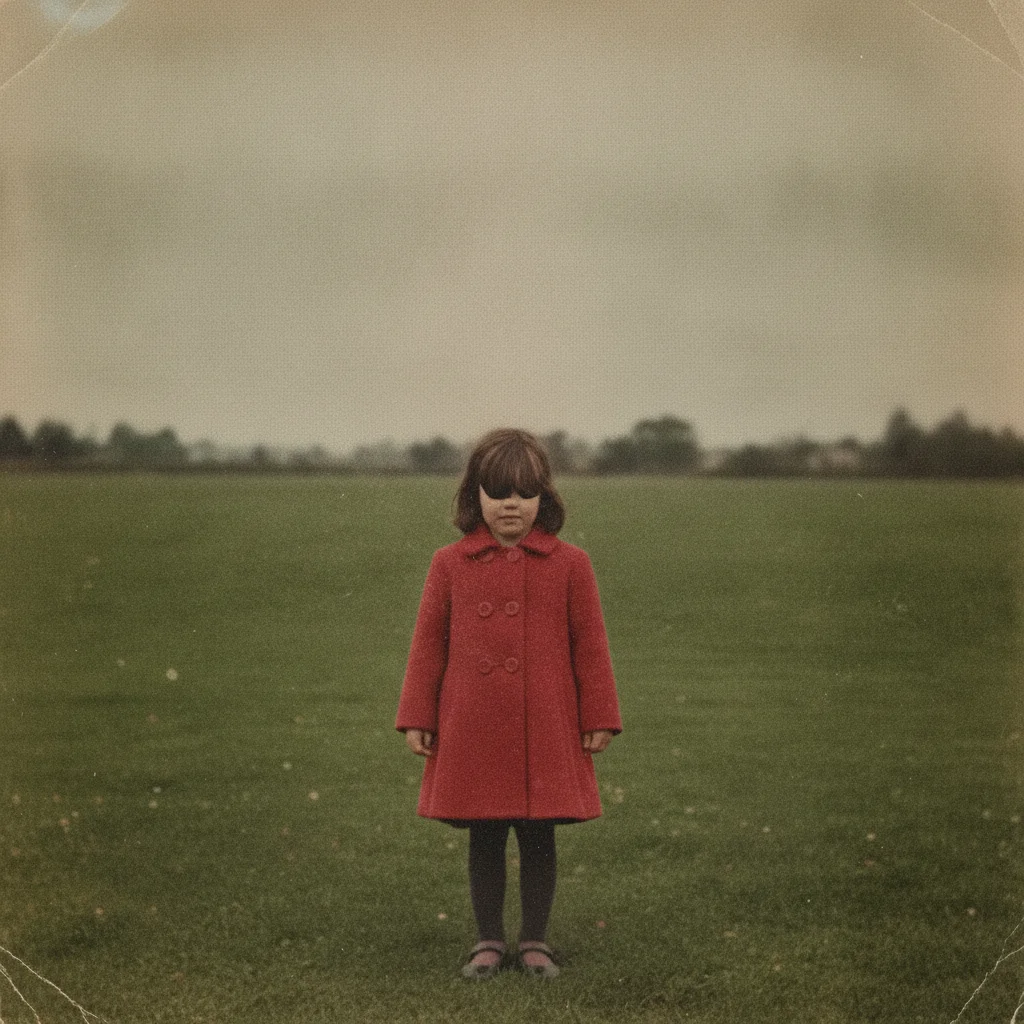
Vintage portrait with a hard brown water tide line across the lower half
Before
->
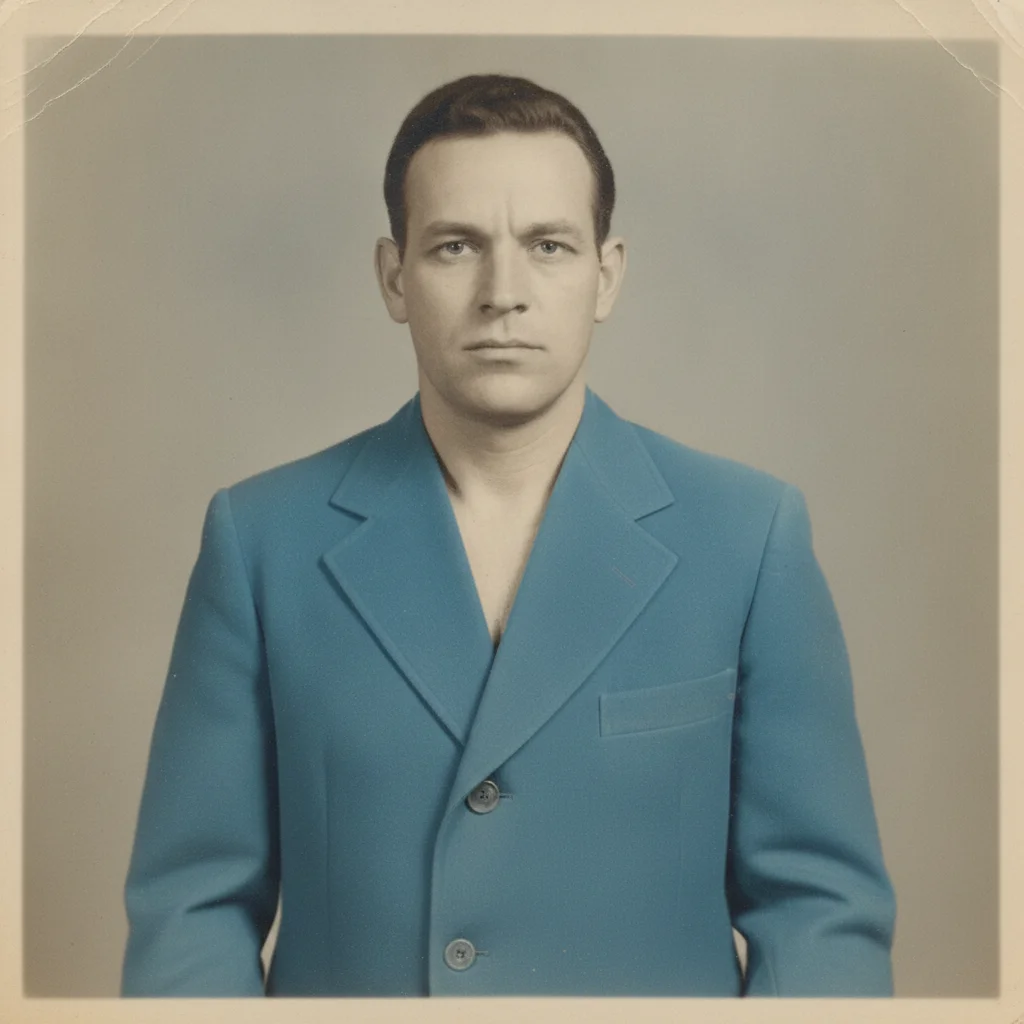
Same portrait with the tide line removed and the tone evened out
After

Remove Water Damage — Tide Line Across a Portrait

A soaked portrait with a hard brown tide line across the lower half, cleared to an even image.

Prompt: remove the brown water tide lines from this old photo and blend the tone evenly across where they ran
Old outdoor photo covered in yellow-brown water blotches with dark ring edges
Before
->
Same outdoor photo with the blotches cleared and the color evened out
After

Remove Water Damage — Blotched Outdoor Photo

An outdoor photo covered in yellow-brown water blotches, evened back out to clean color.

Prompt: remove the yellow-brown water blotches from this photo and even out the color across the whole image

Quick answers

Can water damaged photos be restored?

Yes, in most cases. Staining, tide marks, and blotches sit over an image that is usually still intact underneath, so AI can clear the discoloration and even the tone back out. Where water lifted the emulsion and took the image with it, what comes back is a plausible rebuild rather than a recovery.

Do I need to select the stained areas first?

No. Describe the damage and where it sits — 'brown tide line across the bottom, yellow blotches in the corner' — and the AI finds it. Tap markers are optional and only useful for a stubborn patch after the first pass.

Is water damage restoration free?

Yes. EditThisPic gives you one Fast edit per week, no signup or credit card required. You can run the edit, review it at full size, and download the result without making an account.

Should I dry and flatten the print before scanning it?

Yes, if it is safe to do so. Let it dry fully and flatten it gently, then scan it flat. If the print stuck to glass or another photo, scan it as it is — the AI works from the image you upload, and a risky physical separation can destroy more than it saves.

What if a water stain covers someone's face?

Ask for the skin tone and features to be reconstructed, not just the stain lightened. The result is a close natural likeness inferred from the rest of the photo — compare it against another photo of the same person before treating it as accurate.

My photo is water damaged and faded — can it fix both?

Do them in order rather than at once. Clear the water staining here, then run the result through the faded photo tool. A combined instruction usually leaves both jobs half-done.

What photo formats can I upload?

JPG, PNG, and WebP up to 7MB. The restored photo downloads in the same format you uploaded.

How much does EditThisPic cost?

You get 1 free edit per week — no account needed. After that, one-time credit packs start at $4.99 for 10 edits, valid 12 months, no subscription. Power users who edit daily can pick Studio Membership, a monthly workspace at $49.99/mo for 300 edits. Purchased downloads are clean with no watermark.

Ready to clear the water damage from your photo?

Free to try. No signup required.

1 free edit included·paid credit packs after