Pricing Remove Cracks · Free

Remove Cracks from an Old Photo

← Browse all remove tools

Last updated

Smooth out cracked emulsion and crazing so a brittle old print reads as one clean image again.
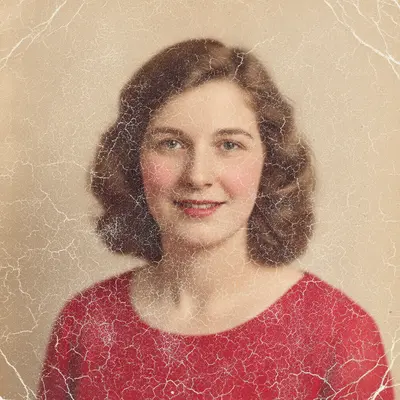
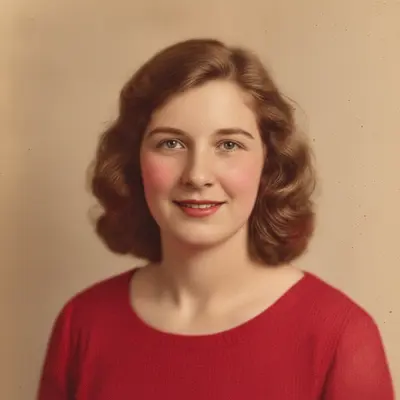
Vintage studio portrait covered in a network of fine white emulsion cracks Same studio portrait with all crack lines removed and the surface smooth

Upload photo to remove cracks

"remove the deep crack running through this photo and rebuild the image along the crack to match both sides"

Free to try · no sign-up · photos are never shared

Release to upload

<30stypical edit
1 freeedit weekly
Photo on your phone? Scan to open this editor there — free edit works on your phone too.

1 free edit every week·paid packs after

How it works

  1. Scan the cracked print flat

    Cracked emulsion catches light, so a scan beats a phone photo — raking light turns fine crazing into hard black lines that are harder to repair. Keep the print as flat as it will safely go. JPG, PNG, or WebP up to 7MB.

    Expect: Fine crazing across a background disappears in one pass. A wide crack where emulsion has lifted away is rebuilt from context, so review it before printing.
  2. Describe the crack pattern

    Type what the damage looks like and where it runs: 'remove the spiderweb of fine cracks across the lower half and the deep crack line through the middle.' Distinguishing fine crazing from a deep crack changes how each is treated.

    Tip: Say whether the cracks are light-colored or dark. Emulsion cracks usually read white; a crack in a dark print can read black, and naming it helps.

    Copy one of these to get started:

    Fine crazing across the print remove the fine network of cracks across this old photo and restore a smooth, even surface with the detail intact
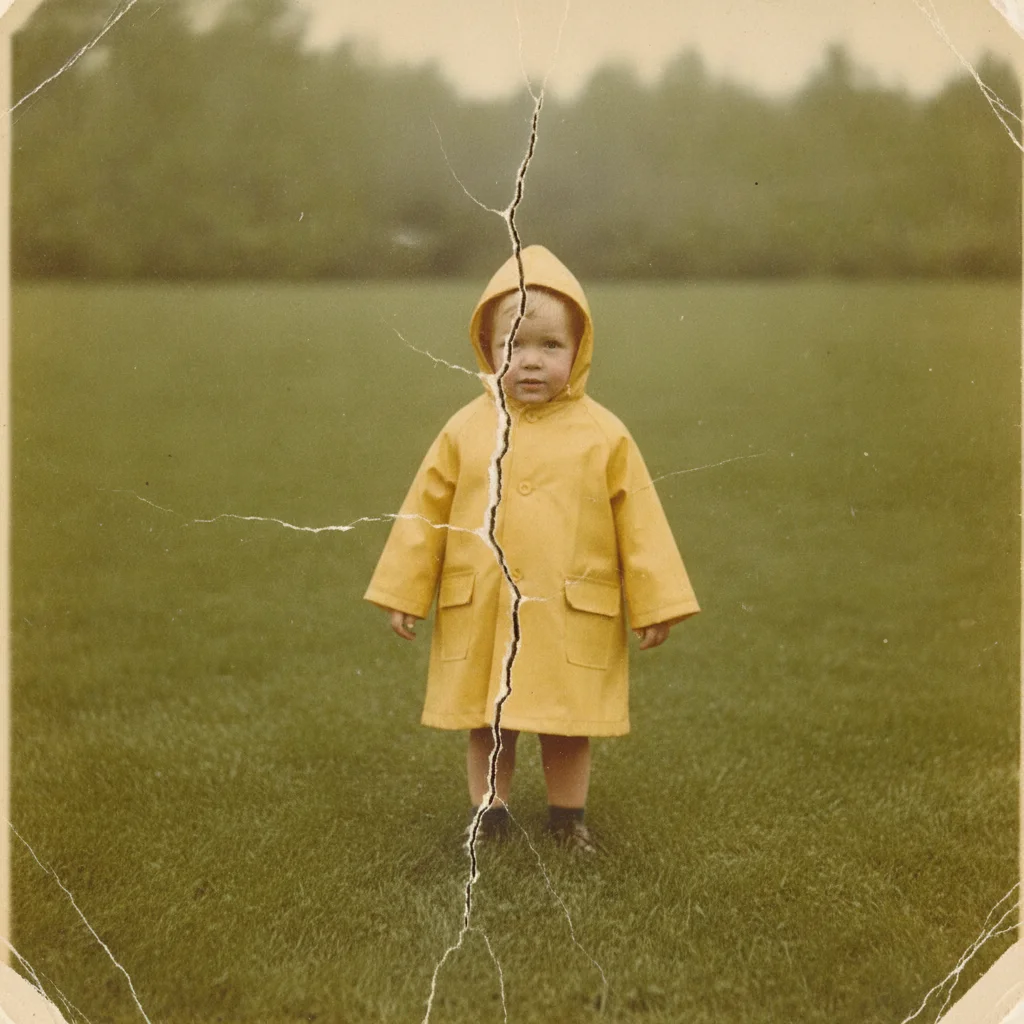
    One deep crack line remove the deep crack running through this photo and rebuild the image along the crack to match both sides
    Cracks across a face remove the crack lines crossing the face in this photo and reconstruct the facial features naturally underneath
    Cracks from a rolled print remove the parallel crack lines left by this photo being rolled up, and even out the surface across them
    3 more prompts
    Cracks with flaking emulsion repair the cracks where the photo emulsion has flaked off, rebuilding the missing patches from the surrounding image
    Cracks only in one corner remove the cracks in the bottom right corner of this photo and leave the rest of the image untouched
    Keep the print's texture remove the cracks from this old photo while keeping the original film grain and paper texture, without smoothing the image
  3. Check along each crack path

    Zoom in and follow where the deepest cracks ran, particularly over faces and hands. Fine crazing usually vanishes cleanly; a wide crack leaves a rebuilt strip that should match the sharpness and texture around it.

  4. Clean up a remaining crack with a marker

    If one crack survived the pass, tap a marker on it and describe only that line. Markers are optional — the main crack repair works from your description alone.

See it in action

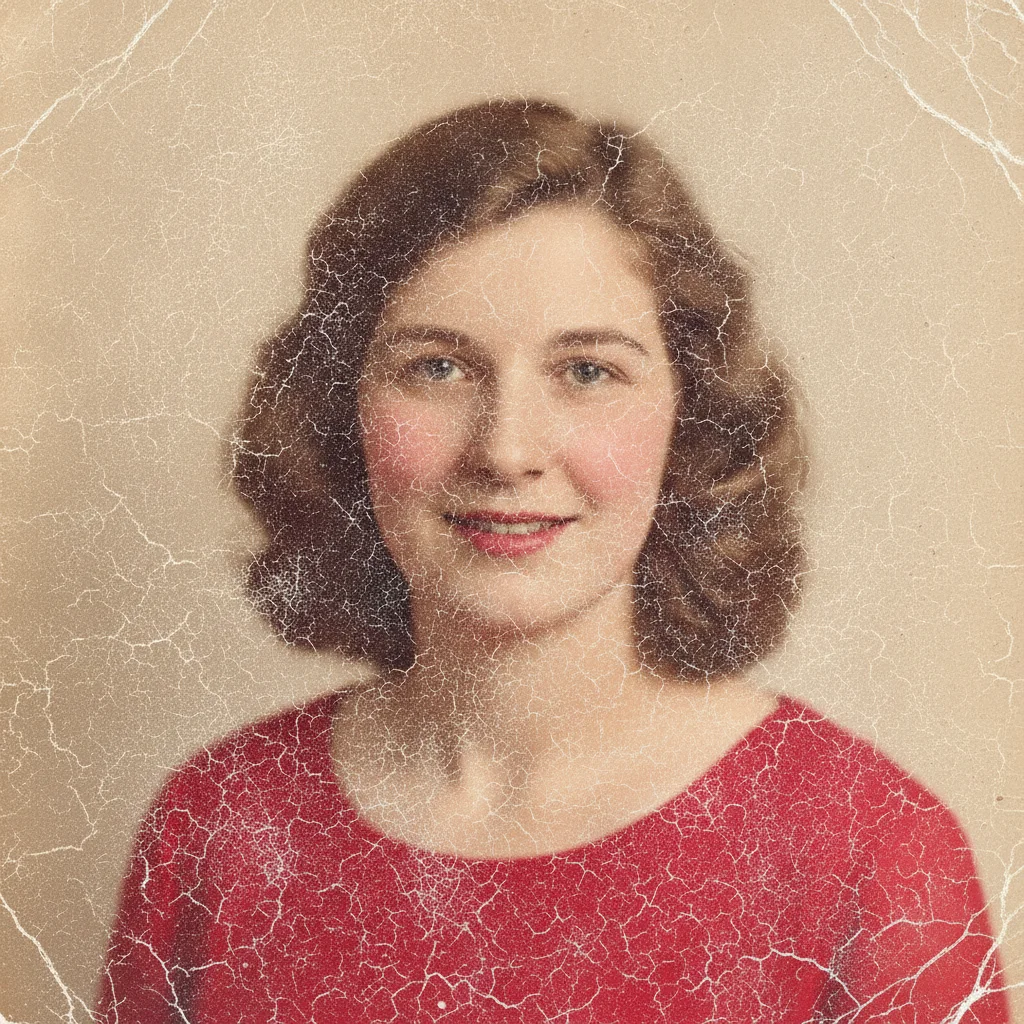
Vintage studio portrait covered in a network of fine white emulsion cracks
Before
->
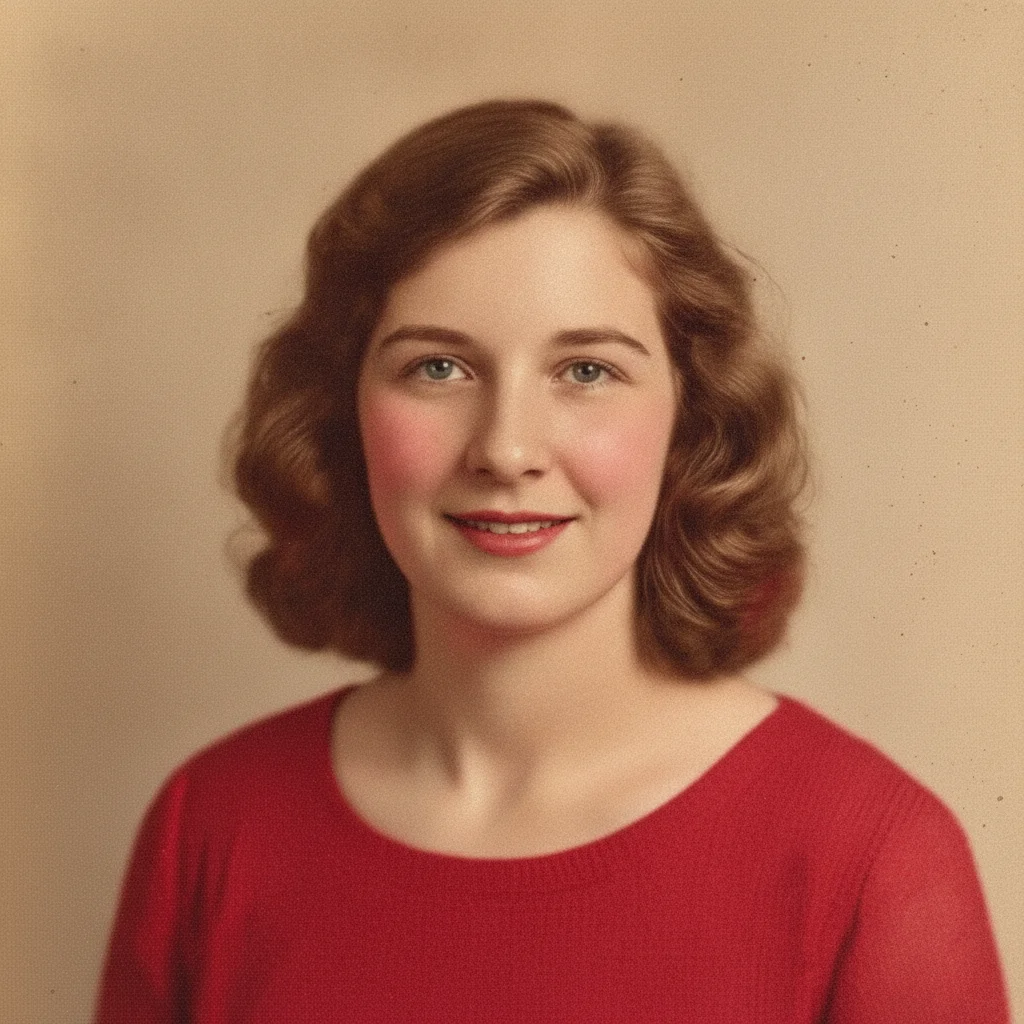
Same studio portrait with all crack lines removed and the surface smooth
After

Remove Cracks — Cracked Studio Portrait

A brittle studio portrait covered in fine crack lines, smoothed back into one clean image.

Prompt: remove the fine network of cracks across this old photo and restore a smooth, even surface with the detail intact
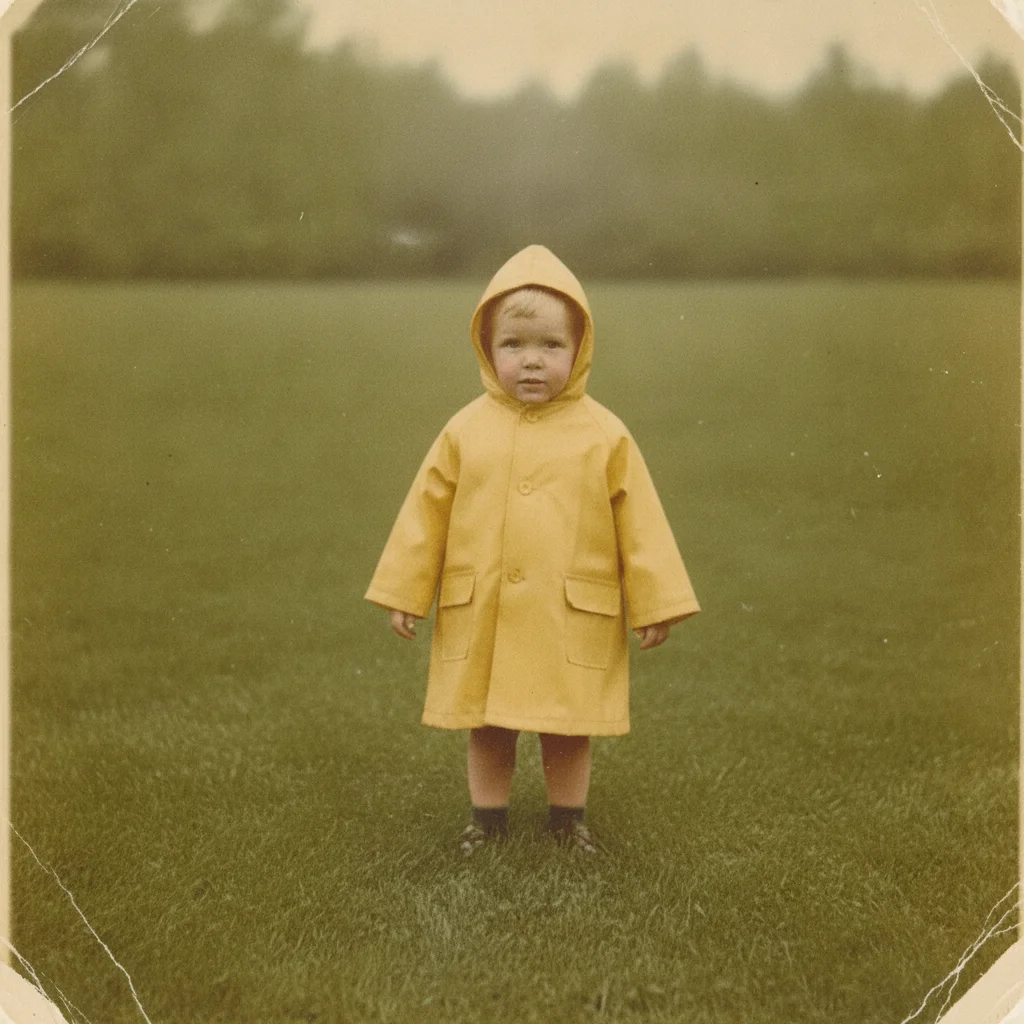
Old outdoor photo split by one wide deep crack down the center
Before
->
Same outdoor photo with the deep crack removed and the image rebuilt
After

Remove Cracks — Deep Crack Through a Print

One wide crack splitting an outdoor photo, rebuilt to match the image on both sides.

Prompt: remove the deep crack running through this photo and rebuild the image along the crack to match both sides

Quick answers

How do you fix cracks in an old photograph?

Scan the print flat, upload it, and describe the cracks — 'remove the fine crack lines across this photo and rebuild the image underneath.' The AI clears the cracked emulsion and reconstructs the detail along each line in under a minute, without any masking or retouching by hand.

Do I need to trace or mark the cracks first?

No. Describe the crack pattern in plain language and the AI locates it. Tap markers are optional and only useful when one crack survives the first pass and you want to point straight at it.

Is removing cracks from a photo free?

Yes. EditThisPic gives you one Fast edit per week, no signup or credit card required. You can run the edit, review it at full size, and download the result without making an account.

What is the difference between cracks and scratches on a photo?

Cracks come from the emulsion becoming brittle and breaking — usually a network of fine lines or one wide split, often with lifted edges. Scratches are cuts across an otherwise intact surface. If your print has both, run the crack repair here and then use the scratch tool on the result.

Can it repair cracks where the emulsion has flaked off?

It fills those patches plausibly from the surrounding image. Small flakes rebuild convincingly. A large flaked area is a reasonable reconstruction of what was probably there, not a recovery of what actually was.

Why do my cracks look darker after scanning?

Light hitting a cracked surface at an angle throws a shadow into every crack. Scan the print flat with the scanner lid closed, or photograph it in soft even light, and the cracks read as the pale lines they actually are.

What photo formats can I upload?

JPG, PNG, and WebP up to 7MB. The repaired photo downloads in the same format you uploaded.

How much does EditThisPic cost?

You get 1 free edit per week — no account needed. After that, one-time credit packs start at $4.99 for 10 edits, valid 12 months, no subscription. Power users who edit daily can pick Studio Membership, a monthly workspace at $49.99/mo for 300 edits. Purchased downloads are clean with no watermark.

Ready to remove the cracks from your photo?

Free to try. No signup required.

1 free edit included·paid credit packs after