Pricing Restore Polaroid · Free

Restore a Polaroid Photo

← Browse all restore tools

Last updated

Fix the brown-yellow color shift and low contrast in a faded instant photo — keep the polaroid look or modernize it fully.
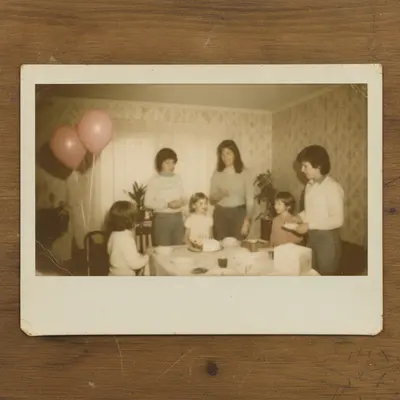
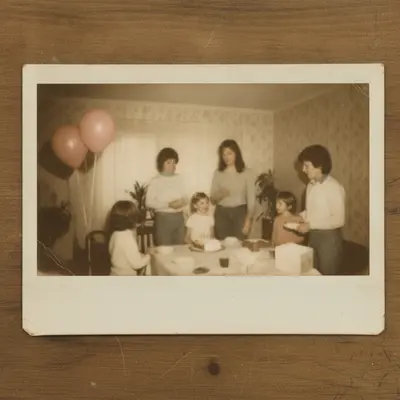
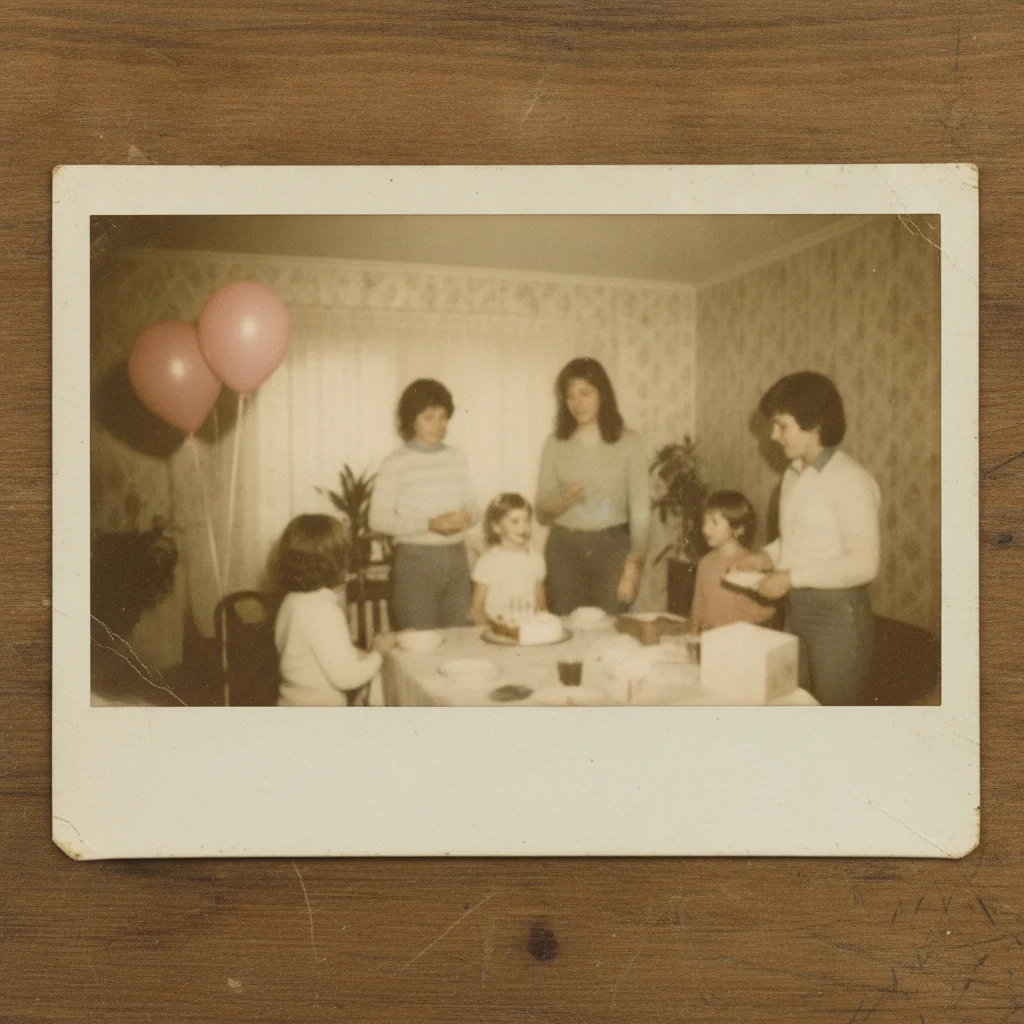
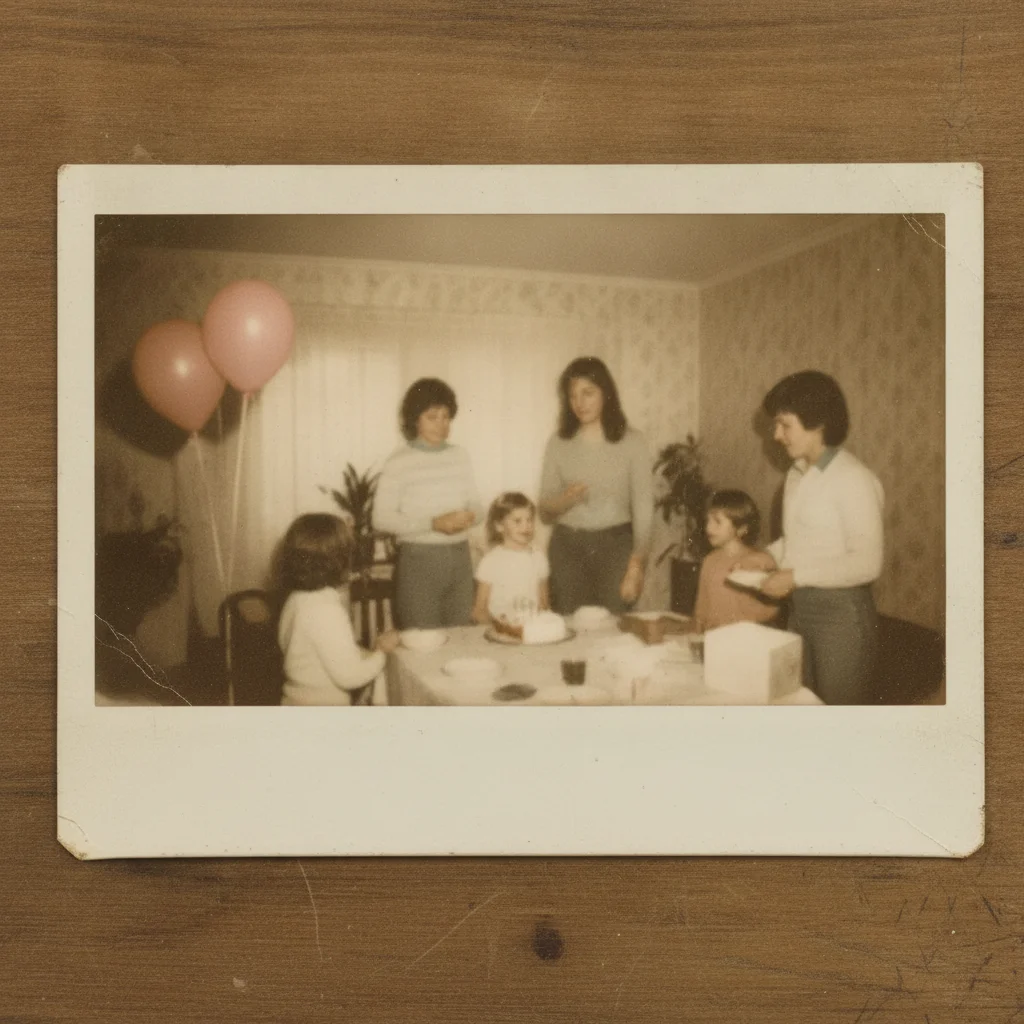
Faded polaroid with a yellow-brown color shift Polaroid restored with natural color and contrast

Upload photo to restore polaroid

"restore this polaroid's color and contrast while keeping the white frame and soft instant-film character"

Free to try · no sign-up · photos are never shared

Release to upload

<30stypical edit
1 freeedit weekly
Photo on your phone? Scan to open this editor there — free edit works on your phone too.

1 free edit every week·paid packs after

How it works

  1. Upload or scan the polaroid

    Scan the polaroid if you can, or photograph it flat in even daylight with no glare — JPG, PNG, or WebP up to 7MB. Include the white frame in your scan if you want to keep the classic instant-film look.

    Expect: Color shift and low contrast correct well in most cases. Very badly faded polaroids with almost no visible image left have less detail for the AI to work from.
  2. Describe the restoration

    Say what you want: 'correct the brown-yellow color shift and restore natural contrast, keep the white polaroid frame.' Or, for a modern look: 'fully modernize the color and remove the instant-film look.'

    Tip: Decide up front whether you want the vintage instant-film character kept or removed — the same faded polaroid can go either way.

    Copy one of these to get started:

    Classic color-shift fix correct the brown-yellow color shift in this polaroid and restore natural skin tones and contrast
    Keep the polaroid look restore this polaroid's color and contrast while keeping the white frame and soft instant-film character
    Fully modernize restore this faded polaroid and fully modernize the color and clarity, remove the vintage instant-film softness
    Low contrast, washed out restore contrast and depth to this washed-out polaroid without changing the overall color balance
    3 more prompts
    Polaroid with scratches correct the color shift and remove the surface scratches from this old polaroid
    Faces on a faded polaroid restore the color and contrast in this polaroid, keeping the faces natural and correctly toned
    Full restoration pass restore this polaroid completely — correct the color shift, boost contrast, and clean up surface wear
  3. Review closely

    Zoom in on faces and skin tones — color-shift correction is the part most likely to look slightly off if pushed too far. Compare against the original for the direction of the fix.

  4. Refine with a marker if needed

    If one area still looks off — a patch of remaining discoloration, for example — tap a marker on that spot and describe it. Markers are optional for most polaroid restorations.

See it in action

Faded polaroid with a yellow-brown color shift
Before
->
Polaroid restored with natural color and contrast
After

Restore a Polaroid Photo — Color Shift

A faded polaroid with a strong yellow-brown cast, corrected to natural color.

Prompt: correct the brown-yellow color shift in this polaroid and restore natural skin tones and contrast
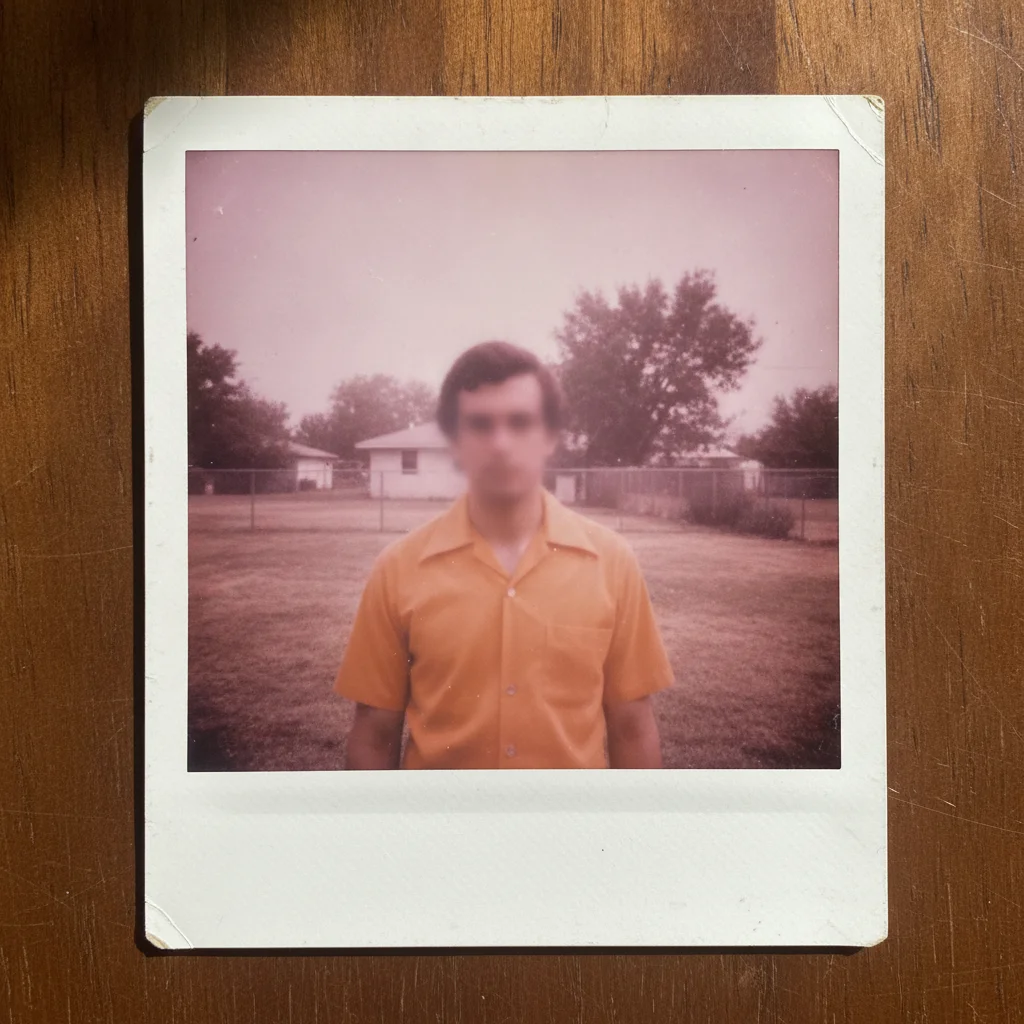
Washed-out polaroid with a magenta tint
Before
->
Polaroid restored with the instant-film character kept
After

Restore a Polaroid Photo — Keep the Look

A washed-out polaroid restored while preserving its instant-film character.

Prompt: restore this polaroid's color and contrast while keeping the white frame and soft instant-film character
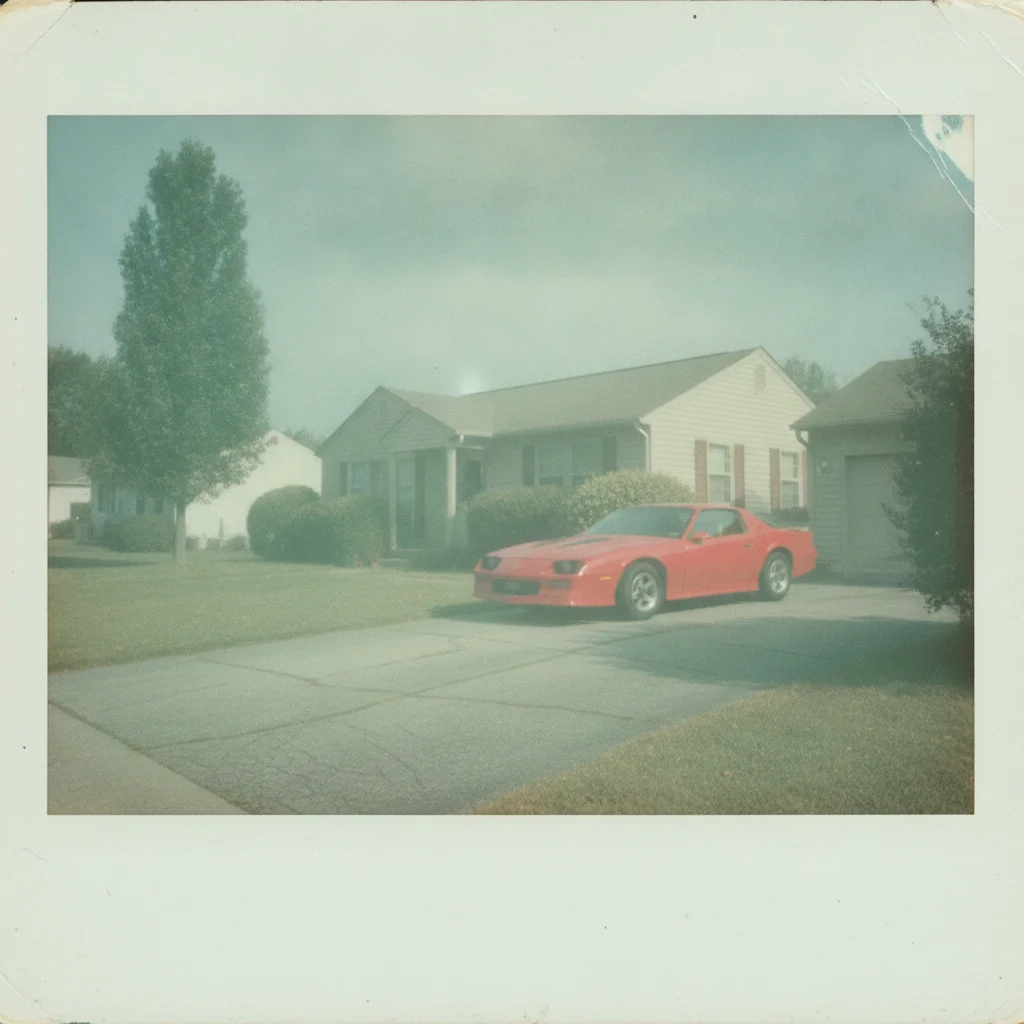
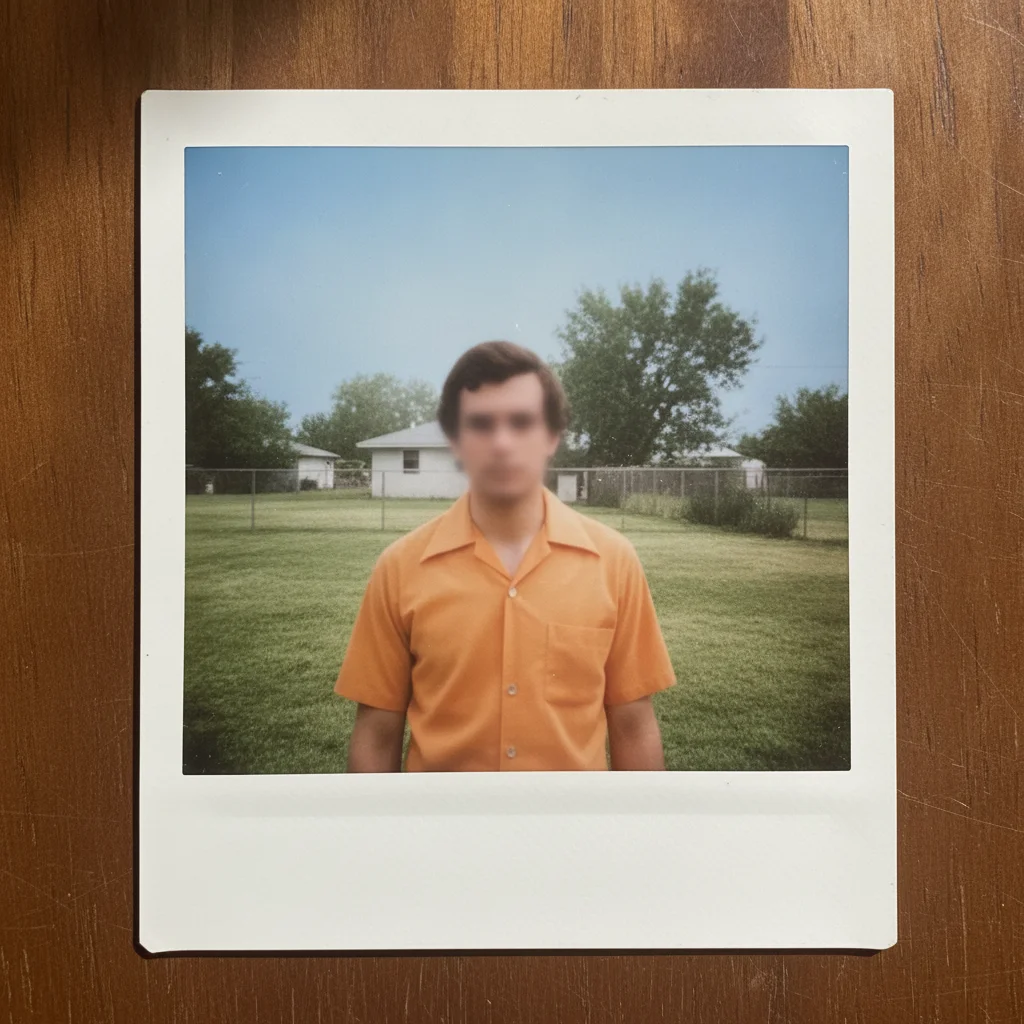
Faded polaroid with a greenish tint and soft focus
Before
->
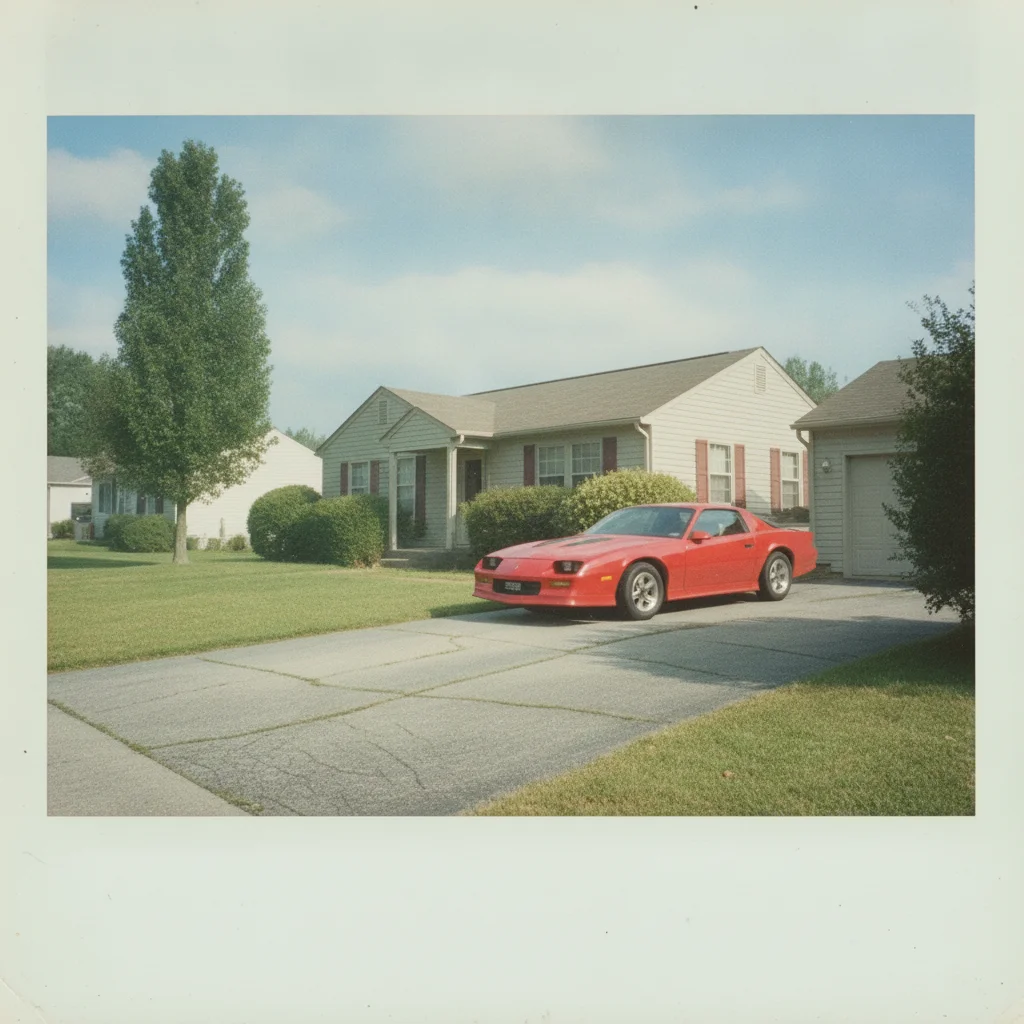
Polaroid restored with crisp, modernized color and clarity
After

Restore a Polaroid Photo — Full Modernize

A faded polaroid modernized into a crisp, contemporary-looking photo.

Prompt: restore this faded polaroid and fully modernize the color and clarity, remove the vintage instant-film softness

Quick answers

Do I need to mark or select the faded area before restoring a polaroid?

No. Describe what you want in plain language — 'correct the color shift and restore contrast' — and the AI handles the whole photo. Tap markers are only for refining one specific spot afterward.

Is restoring a polaroid photo free?

Yes. EditThisPic restores a polaroid for free with one Fast edit per week, no signup or credit card required. Credit packs and a subscription are available for more edits.

Can I keep the polaroid's vintage look after restoring it?

Yes. Say 'keep the white frame and soft instant-film look' in your prompt and the AI corrects color and contrast without modernizing the overall style.

Can a faded polaroid be fully modernized instead?

Yes. Ask to 'fully modernize the color and remove the vintage softness' for a crisp, contemporary-looking result instead of a preserved instant-film character.

Will a face on a badly faded polaroid come back exactly right?

It comes back as a close, natural likeness based on what's still visible, not a guaranteed exact match — especially on a very badly faded print with little surviving detail.

What photo formats can I upload?

JPG, PNG, and WebP up to 7MB. The restored photo downloads in the same format you uploaded.

How much does EditThisPic cost?

You get 1 free edit per week — no account needed. After that, one-time credit packs start at $4.99 for 10 edits, valid 12 months, no subscription. Power users who edit daily can pick Studio Membership, a monthly workspace at $49.99/mo for 300 edits. Purchased downloads are clean with no watermark.

Ready to restore your polaroid?

Free to try. No signup required.

1 free edit included·paid credit packs after