Virtual Try-On with Reference Image
← Browse all add & replace toolsLast updated
Upload a photo of yourself and a reference image of what you want to try on. See how it looks instantly.
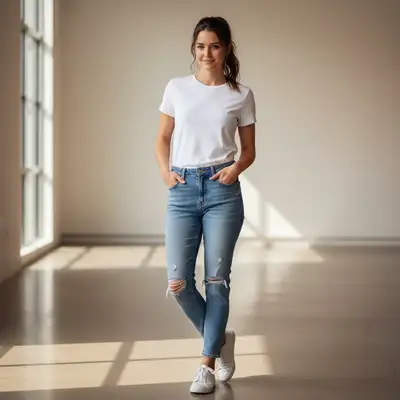

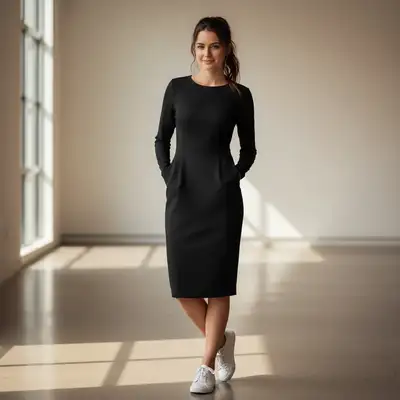
Upload photo to try on clothing
"apply this hairstyle from the reference to my photo, keep my face exactly the same"
Drag & drop, or paste · JPG · PNG · WEBP
Free to try · no sign-up · never used for AI training
Release to upload
How it works
-
1
Upload your photo
Drop a photo of yourself into EditThisPic. JPG, PNG, WebP up to 7MB. Works best with clear photos where your body/face is visible and well-lit. Full body shots work for clothes, head-and-shoulders for hairstyles and accessories. The AI needs to see your current appearance clearly.
Expect: Virtual try-on typically takes 40-60 seconds. Complex transfers with detailed patterns may need refinement. -
2
Upload the reference image
Click '+ Add reference image' and upload a photo showing the clothing, hairstyle, or accessory you want to try. This could be a product photo, Instagram screenshot, magazine photo, or any image showing the look you want. The reference should clearly show the item's style, color, and details.
Tip: Reference images work best when the item is clearly visible and well-lit. Product photos from online stores are ideal because they show clean, detailed views.Copy one of these to get started:
Try on outfit from referenceput me in this outfit from the reference image, make it fit my body naturallyTry hairstyle from referenceapply this hairstyle from the reference to my photo, keep my face exactly the sameTry on glasses or sunglassesshow me wearing these glasses from the reference image, positioned naturally on my faceTry jewelry or accessoriesadd this necklace from the reference image to my photo, hanging naturally4 more prompts
Try makeup look from referenceapply the makeup style from the reference image to my face, matching the colors and intensityTry hair color from referencechange my hair to the exact color shown in the reference image, keep the same hairstyle I haveTry outfit combinationput me in the dress from the reference and add the shoes I see in the reference photoTry wedding dress or formal wearshow me in this wedding dress from the reference, fitted to my body with natural draping -
3
Describe what you want to try
Type your instruction: 'put me in this outfit from the reference image' or 'apply this hairstyle from the reference to my photo' or 'show me wearing these glasses from the reference.' The AI knows to look at the reference image and transfer that look onto your photo.
Tip: Be specific about what part of the reference to use: 'try on the dress from the reference' or 'apply the hair color and style from the reference photo.'Copy one of these to get started:
Try on outfit from referenceput me in this outfit from the reference image, make it fit my body naturallyTry hairstyle from referenceapply this hairstyle from the reference to my photo, keep my face exactly the sameTry on glasses or sunglassesshow me wearing these glasses from the reference image, positioned naturally on my faceTry jewelry or accessoriesadd this necklace from the reference image to my photo, hanging naturally4 more prompts
Try makeup look from referenceapply the makeup style from the reference image to my face, matching the colors and intensityTry hair color from referencechange my hair to the exact color shown in the reference image, keep the same hairstyle I haveTry outfit combinationput me in the dress from the reference and add the shoes I see in the reference photoTry wedding dress or formal wearshow me in this wedding dress from the reference, fitted to my body with natural draping -
4
Review the virtual try-on result
Check that the item from the reference fits naturally on your body/head. Look for realistic lighting that matches your original photo. Verify colors and patterns transferred accurately from the reference. Zoom in to check edges and details.
-
5
Refine if needed
If the fit looks unnatural or the style didn't transfer perfectly, regenerate with more specific instructions: 'make the outfit fit more closely to my body shape' or 'match the exact color from the reference.' Most try-ons work well on the first attempt.
Tip: For hairstyles, specify 'keep my face exactly the same, only change the hair' to ensure face identity is preserved.
See it in action
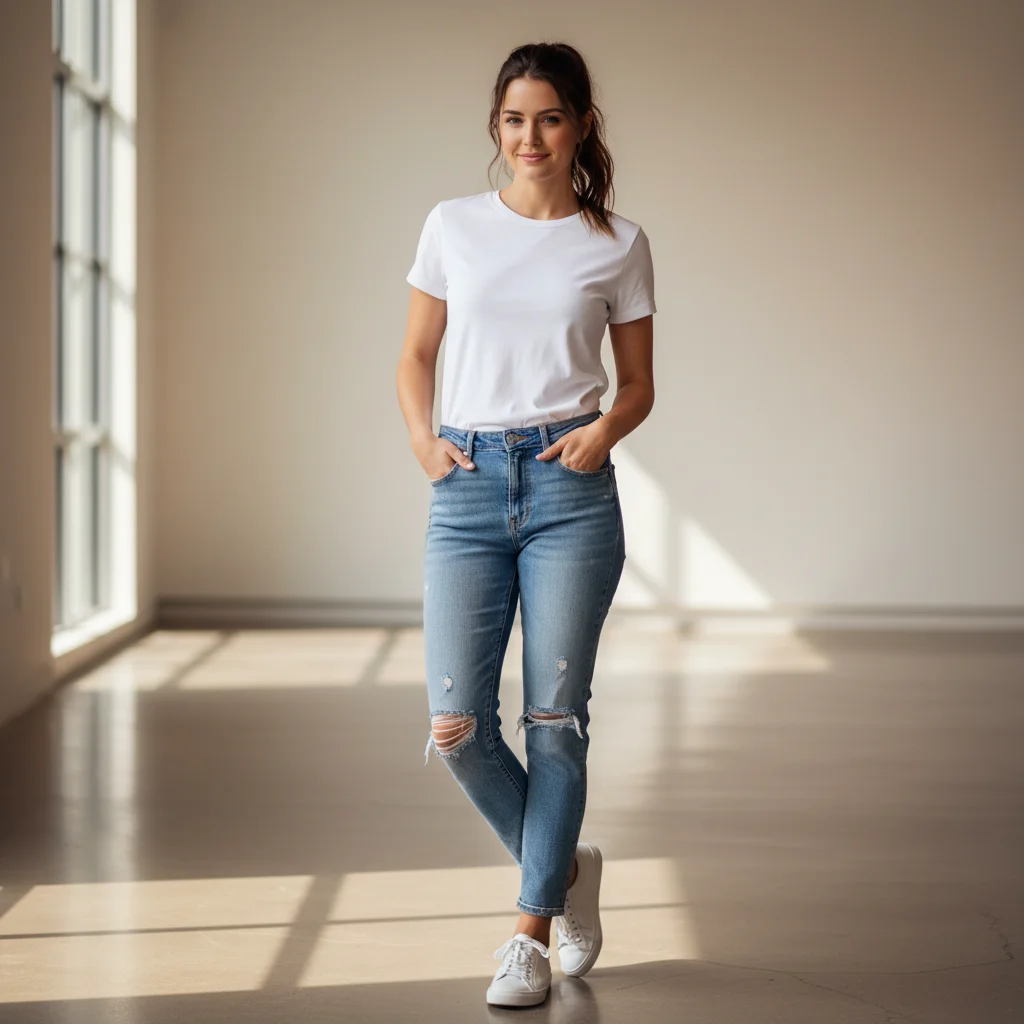
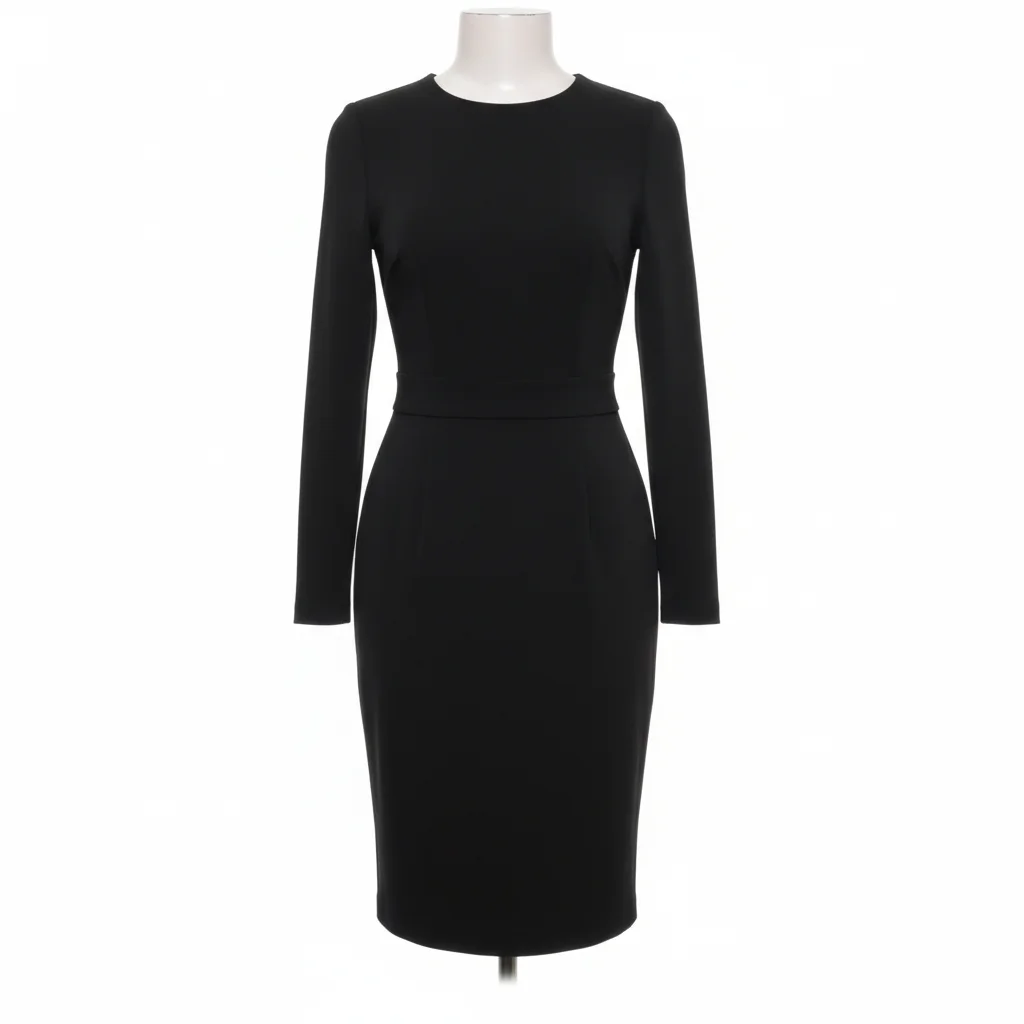
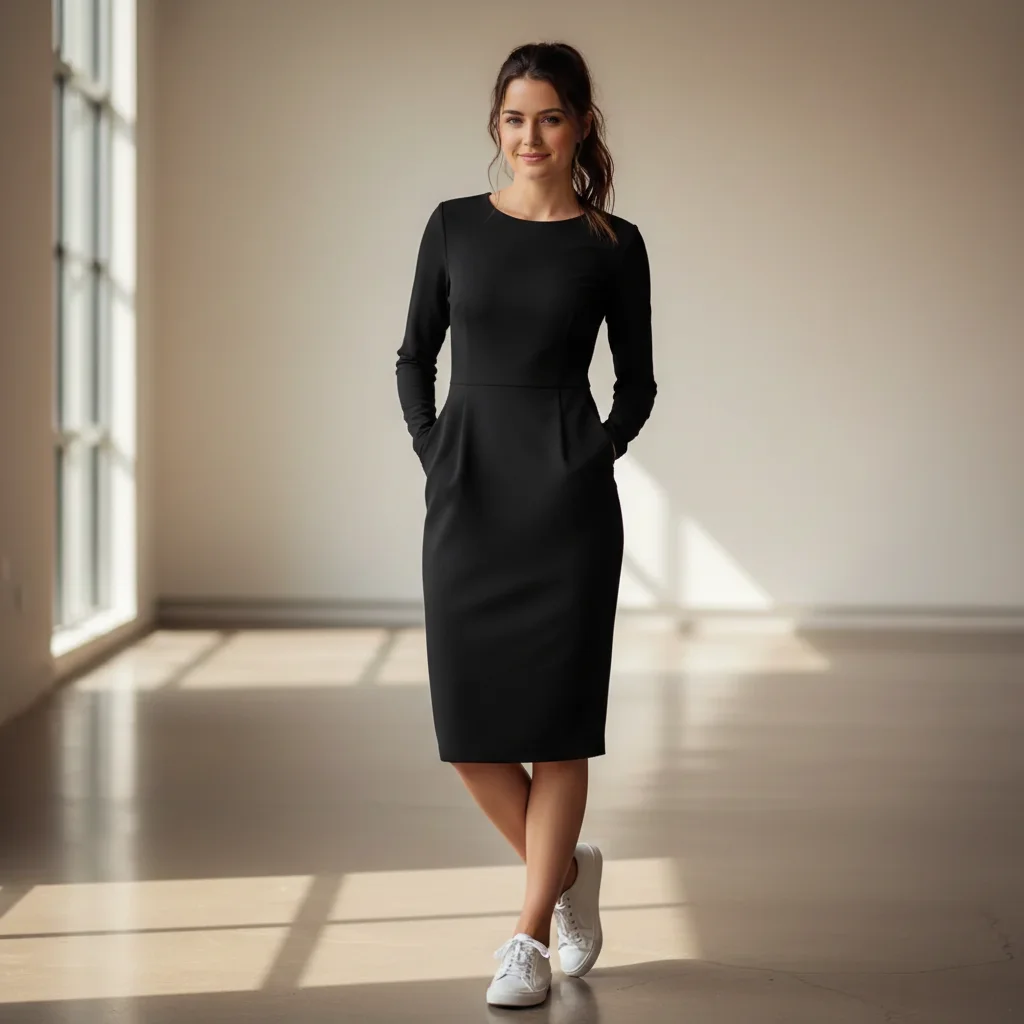
Try on dress from online store photo
A woman in casual clothes virtually tries on an elegant cocktail dress from an e-commerce product photo to see how it would look before purchasing.
put me in the dress from photo 2 (the reference), make it fit my body in photo 1 naturally
Quick answers
Do I need to upload a reference image or can I just describe what I want?
You can do either! Upload a reference image (click '+ Add reference image') when you have a specific photo of clothing, hairstyle, or accessory you want to try. This works great for online shopping or copying a look from social media. Or describe what you want without a reference: 'put me in a red cocktail dress' works too. Reference images give more accurate, specific results because the AI sees exactly what you want.
What types of items can I try on with reference images?
Clothing (dresses, suits, casual wear, formal wear), hairstyles (cuts, colors, styles), accessories (glasses, sunglasses, jewelry, hats, scarves), makeup looks, hair colors, shoes, and bags. Basically anything visible in fashion or style photos. The reference should clearly show the item you want to try.
Will the try-on look realistic or obviously edited?
Very realistic when your photo and reference are both clear and well-lit. The AI adapts the item to your body shape, pose, and lighting. Results look natural for most clothing and accessories. Hairstyles are convincing when you specify to keep your face identical. Complex patterns or very detailed items may show minor imperfections, but overall realism is high.
Can I try on items from any photo I find online?
Yes! Screenshot outfits from Instagram, save product photos from stores, use magazine photos, or celebrity style shots. Any clear image showing the clothing/hairstyle/accessory works. Product photos from e-commerce sites typically give the best results because they're high-resolution with clear views of the item.
Does virtual try-on work for different body types and sizes?
Yes! The AI adapts the clothing from the reference to fit your specific body shape and size. It doesn't just paste the reference - it understands how fabric drapes, where clothing should fit, and adjusts accordingly. This makes it useful for seeing how styles designed for different body types would look on you before purchasing.
Can I try multiple items from one reference image?
Yes, if they're visible in the reference! Say 'put me in the dress and shoes from the reference' or 'apply the hairstyle and makeup from the reference.' The AI can handle multiple elements when you name them specifically. For best results, try one item at a time first, then combine.
Is EditThisPic's AI clothing try oner really free?
Yes — you get 1 free edit per week, no account needed. Credit packs start at $4.99 for 10 edits.
Can I try on clothing on my phone?
Yes. EditThisPic works in any mobile browser — iPhone, Android, tablet. No app download needed.
How much does EditThisPic cost?
You get 1 free edit per week — no account needed. After that, one-time credit packs start at $4.99 for 10 edits, valid 12 months, no subscription. Power users who edit daily can pick Studio Membership, a monthly workspace at $49.99/mo for 300 edits. Purchased downloads are clean with no watermark.
Related Tools
Browse all add & replace tools →Explore More Add & Replace Tools
View all add & replace tools →Popular use cases
Ready to try on anything from a photo?
Free virtual try-on. No signup required.