AI Photo Editor for Real Estate Agent Headshots
Look like a million-dollar agent without the $400 photographer session.

Drop your photo here
or click to browse
Release to upload
Free • No signup
"Needed a new headshot for my broker profile update but didn't want to spend $300. Uploaded a good photo from a client dinner, swapped the restaurant backdrop for a luxury home exterior. Clients say it looks way more professional than my old studio shot." @TopProducerTexas
Built for Real Estate Professionals
In real estate, your headshot appears everywhere: yard signs, business cards, Zillow profile, email signatures, direct mail. It's often a buyer's first impression before they even call you. Professional photographer sessions are expensive and time-consuming. EditThisPic lets you create multiple professional headshots with property backgrounds in minutes, not weeks. Look approachable and trustworthy without breaking your marketing budget.
Tools for Realtor Headshots
Replace Background
Swap to luxury home exterior or property landscape
Enhance Lighting
Warm, approachable realtor lighting that builds trust
Blur Background
Professional depth blur for property context shots
Enhance Face
Subtle professional retouching for approachable look
Remove Background
Clean cutout for custom property backgrounds
Step-by-Step Guide
-
Choose your best photo
Pick a photo where you're smiling naturally and looking at the camera. Real estate is about trust - your expression matters more than the background. Outdoor photos with natural lighting work great. Avoid harsh shadows or extreme angles. Business casual or professional attire works best.
Background replacement: 25-35 seconds. Lighting enhancement: 20 seconds.Photos taken in natural light (shade or overcast) have the most flattering, even lighting for realtor headshots. -
Upload and describe your professional look
Drop your photo into EditThisPic and describe what you want: 'replace background with blurred luxury home exterior, add warm professional lighting' or 'replace background with property landscape, professional blur, approachable lighting.'
Combine edits in one prompt: 'replace with luxury home exterior, enhance lighting for warm realtor look, slight smile enhancement' -
Review for brand consistency
Check that you look approachable and professional. Verify the background blur is smooth and doesn't distract from your face. Make sure lighting looks warm and natural, not harsh or artificial. Your headshot should match your personal brand and market positioning.
-
Create variations and download
Generate 2-3 versions with different property backgrounds or lighting styles. Test which performs best on yard signs versus online profiles. Download high-resolution versions for print materials and web-optimized versions for Zillow and social media.
Yard signs need high contrast and clear facial features visible from the street. Test your headshot by viewing it small and from a distance.
Copy-Paste Prompts for Realtor Headshots
replace background with blurred luxury home exterior, professional architectural blur, warm afternoon lighting
Luxury backgrounds work for high-end markets and premium property specialists
replace background with property landscape, professional blur, enhance lighting for warm approachable realtor look
Property landscapes suggest expertise in the local market and community knowledge
add professional realtor lighting, warm and approachable, blur existing background softly
Warm lighting builds trust and makes you appear more approachable to potential clients
replace background with modern home exterior blurred, professional depth of field, enhance face lighting subtly
Modern architecture backgrounds appeal to buyers looking for contemporary properties
Show 4 more prompts
replace background with professional office environment, neutral and clean, corporate realtor lighting
Office backgrounds work for commercial real estate agents and broker profiles
blur background to soft natural bokeh, golden hour warm lighting, professional but friendly realtor feel
Natural outdoor backgrounds work well for residential agents in suburban markets
replace with gradient gray to white studio backdrop, professional portrait lighting, timeless realtor headshot
Neutral studio look never goes out of style and works for any real estate market
replace background with soft neutral blur, even professional lighting, match team headshot style
Consistent backgrounds across team members create professional cohesion on brokerage websites
| Edit Type | Prompt | Time | |
|---|---|---|---|
| Luxury property background | replace with blurred luxury home exterior |
30s | Try This → |
| Property landscape | replace with property landscape, professional blur |
25s | Try This → |
| Warm realtor lighting | enhance lighting warm and approachable |
20s | Try This → |
| Full yard-sign ready | luxury exterior, warm lighting, high contrast |
35s | Try This → |
Real Examples
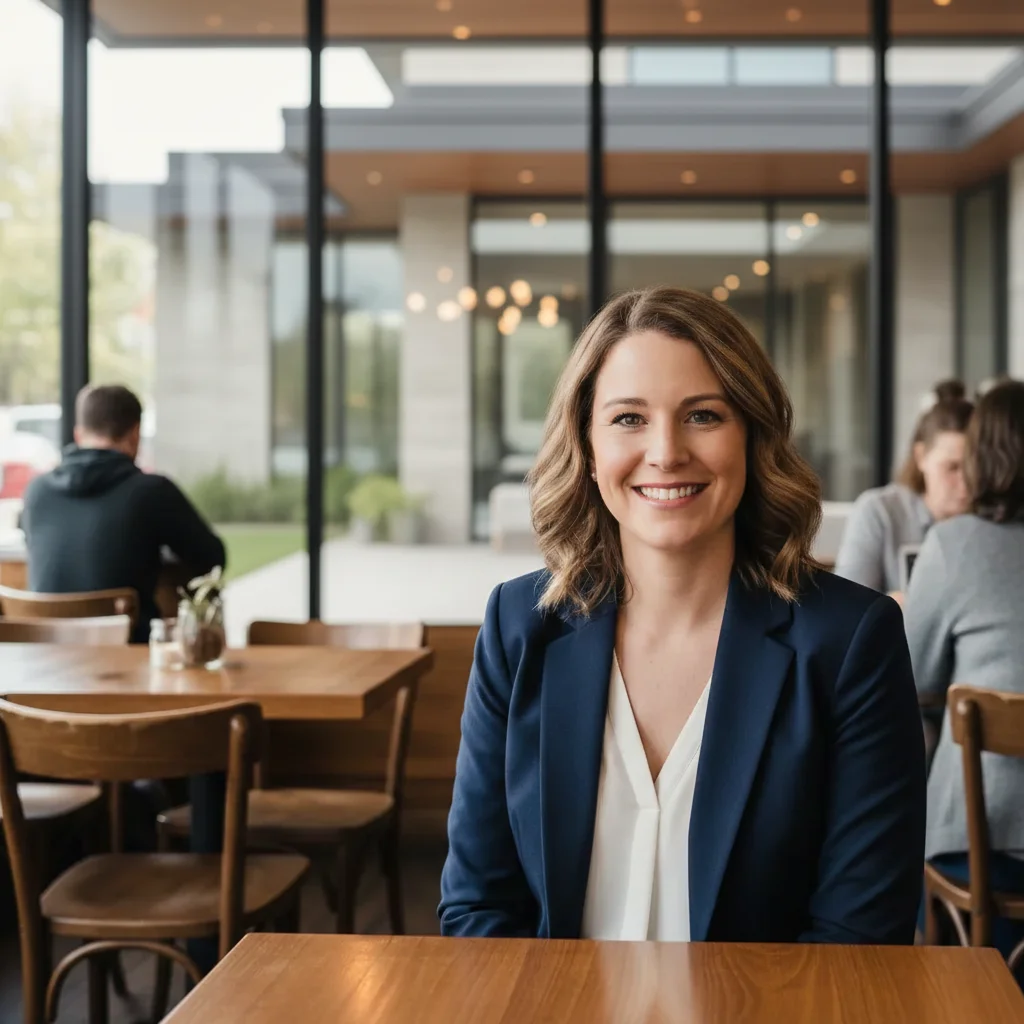
From coffee shop to luxury listing agent
Great smile from a casual photo with clients, but the coffee shop background doesn't match the luxury market you serve.
replace coffee shop background with blurred luxury modern home exterior, floor-to-ceiling windows visible, add warm professional realtor lighting


Yard sign ready from home office
Perfect professional smile but the home office clutter and bookshelf don't work for outdoor signage and marketing materials.
replace home office background with blurred residential property exterior, natural landscape, warm approachable realtor lighting for yard sign visibility


Open house photo to professional profile
Candid shot from an open house where you looked great, but the staged living room and furniture in the background distract from your face.
replace staged living room with professional property exterior blur, enhance lighting for warm trustworthy realtor appearance, keep natural expression


Broker update from conference photo
Best photo of you is from a real estate conference, but the convention center banners and crowd in the background aren't right for your new broker profile.
remove conference background and crowd, replace with modern professional office environment blurred, executive realtor lighting, polished broker appearance
When Things Go Wrong
Property background looks fake or too perfect
Why: The AI generated an unrealistic luxury home that doesn't match your market.
replace with realistic suburban home exterior blurred, natural residential property, keep it believable
Specify 'realistic' and your market type (suburban, luxury, urban) for more authentic-looking backgrounds.
Lighting makes me look too corporate or stiff
Why: Strong professional lighting can look harsh if overdone.
enhance lighting subtly for warm approachable realtor feel, soft natural light, not corporate
Real estate is personal - 'warm and approachable' works better than 'executive' or 'corporate' for most markets.
Hair edges have halos against property background
Why: Fine hair against complex backgrounds can create visible edge artifacts.
Tap markers on hair edges, then: blend hair naturally with background, smooth transition, no halos
Photos where your hair color contrasts with the background work best. Darker hair on lighter backgrounds is easier.
Background blur looks unnatural or has weird artifacts
Why: Complex property details (windows, rooflines) can create strange blur patterns.
replace with simpler property landscape, soft professional blur, avoid complex architectural details
Simpler backgrounds (landscape, sky, trees) blur more naturally than detailed architecture.
Don't look approachable enough for client-facing role
Why: Expression or lighting may appear too formal or distant.
enhance for warm approachable realtor appearance, friendly trustworthy feel, soften any harsh shadows
Start with a photo where you're smiling naturally. AI can enhance lighting but can't create genuine warmth.
Frequently Asked Questions
What photo works best for a realtor headshot?
Start with a recent photo where you're smiling naturally and looking at the camera. Business casual or professional attire works best. Natural outdoor lighting is ideal. You need to look approachable and trustworthy - in real estate, your smile matters more than perfect hair. The background doesn't matter since we'll replace it with a property setting.
Should I use a property background or studio backdrop?
Property backgrounds (blurred luxury home, landscape) work better for most real estate agents because they suggest market expertise and context. Studio backdrops work for broker profiles or commercial agents. Avoid busy property details - blur should be professional with property hints visible but not distracting.
Will this work for yard sign photos?
Yes. Yard signs need high contrast and clear facial features visible from the street. After creating your headshot, test it by viewing it small on your phone from across the room. Your face should be clearly recognizable. Avoid backgrounds that are too busy or similar in tone to your clothing.
Can I create matching headshots for my team?
Yes. Use the same background style and lighting prompt for all team members to create consistent professional headshots. For example: 'replace background with soft neutral blur, even professional lighting' applied to each photo creates cohesive team pages on your brokerage website.
How is this different from AI headshot generators?
AI headshot generators create completely synthetic faces that may not look like you. EditThisPic enhances YOUR actual photo - replacing backgrounds and improving lighting while keeping your real face. Clients will recognize you when they meet you in person. It's authentically you, just professionally presented.
What should I avoid in realtor headshots?
Avoid: overly corporate stiff poses (you need to look approachable), heavy filters or obvious editing (trust is key), backgrounds that distract from your face, extreme close-ups, sunglasses or hats, group photos cropped awkwardly. Keep it simple, warm, and professional.
Ready to upgrade your realtor marketing photos?
Free to try. No signup required. No watermarks.
Create Your Headshot