Senior Portrait Photo Editor
Professional senior portrait retouching without the studio markup.

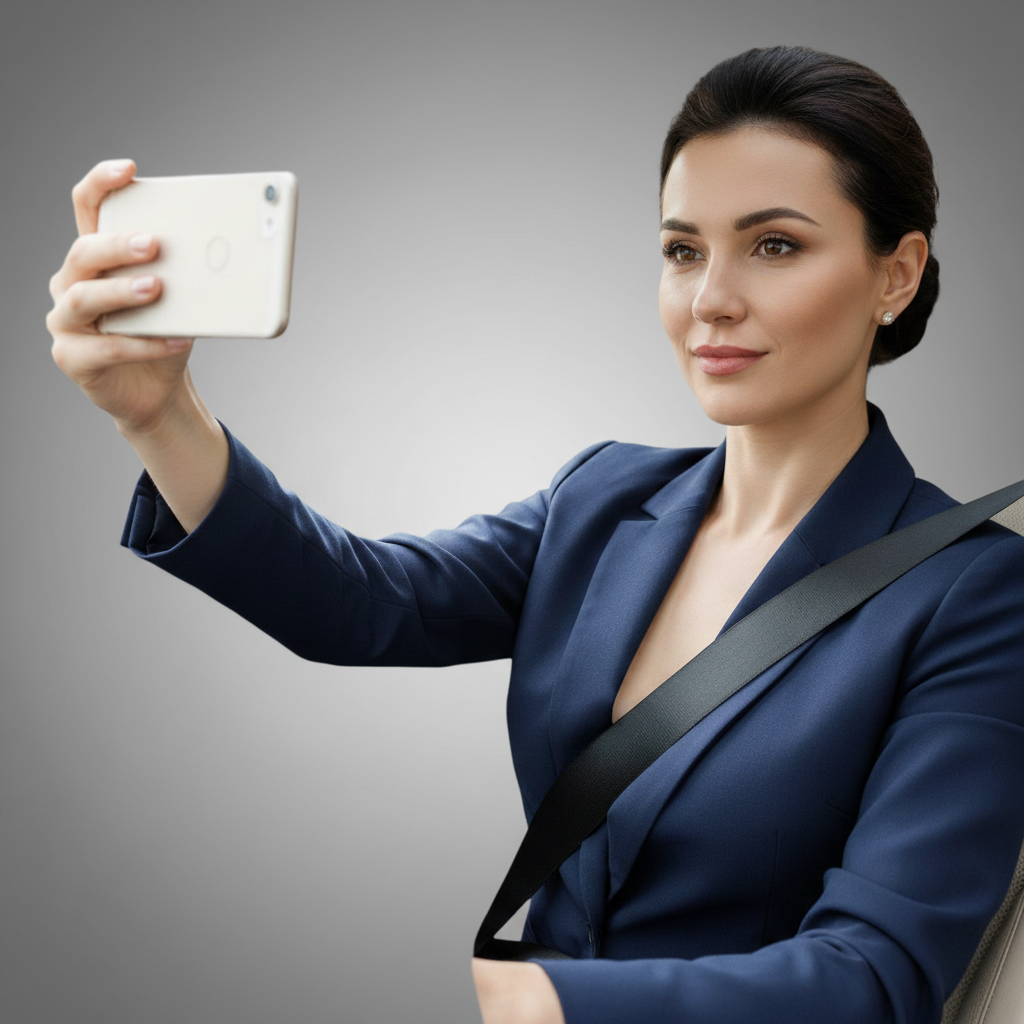
Drop your photo here
or click to browse
Release to upload
Free • No signup
"My photographer wanted $175 extra for retouching. Used EditThisPic to smooth my skin, remove my braces, and change the background to autumn leaves. Looks way better than my friend's expensive package." @GradClass2026_Jordan
Built for High School Seniors
Senior portraits are already expensive. Between sitting fees, prints, and packages, families spend hundreds. EditThisPic lets you do your own retouching - smooth skin, remove braces, swap backgrounds, adjust outfit colors - for free. Get the professional look without the professional price tag.
Most Popular for Senior Portraits
Smooth Skin
Natural blemish reduction that doesn't look fake
Remove Braces
See your smile without the metal
Replace Background
Swap boring studio backdrop for something better
Change Outfit Color
Make your outfit work with any background
Step-by-Step Guide
-
Upload your senior portrait
Drop your portrait into EditThisPic. JPG, PNG, WebP up to 7MB. Works with professional studio shots, outdoor sessions, and even selfies you want to upgrade for yearbook use.
Skin smoothing: 20 seconds. Background replacement: 30 seconds. Braces removal: 25 seconds. Multiple edits may need 2-3 passes. -
Describe what you want changed
Type your edit in plain English: 'smooth my skin and remove my braces' or 'replace the grey backdrop with an outdoor autumn scene with warm lighting.' Be specific about what you want. The AI understands portrait editing and knows the difference between natural enhancement and over-processed Instagram looks.
Add 'keep it natural' to skin edits. You want to look like yourself on a good day, not a different person. -
Review and download
Check the result at full size. Skin should still have texture, not look plastic. Teeth should look real, not glowing. Background edges should blend naturally with your hair. Download your enhanced portrait when satisfied.
-
Refine specific areas if needed
If something needs adjustment - skin too smooth, background edge looks off, teeth too white - tap a marker on that area and regenerate with more specific instructions. Most portraits work on the first try.
For multiple major edits (skin + braces + background), do them one at a time for best control over each change.
Copy-Paste Prompts for Senior Portraits
smooth my skin naturally and clear up the blemishes, keep natural skin texture and pores visible so it doesn't look fake
'Natural texture and pores' prevents the airbrushed look that screams 'edited'
remove my braces and show natural straight teeth, keep my smile shape and lip position the same
'Keep my smile shape' ensures your expression stays genuine
replace the background with a blurred autumn forest with golden and orange leaves, warm afternoon sunlight filtering through
Autumn backgrounds are timeless for senior portraits - warm, colorful, seasonal
change my shirt color from bright red to deep navy blue, keep the fabric texture and shadows the same
Specify 'keep fabric texture' so the color change looks realistic, not painted on
Show 4 more prompts
whiten my teeth naturally, just a healthy white not blindingly bright or fake looking
'Not blindingly bright' prevents the glowing teeth that look unnatural
add warm golden hour lighting that makes my skin glow naturally, soft and flattering shadows
Golden hour lighting is universally flattering for portraits
blur the background into a smooth bokeh effect, keep me perfectly sharp and in focus
Blurring creates depth and draws attention to you
smooth my skin naturally, brighten my smile slightly, enhance the lighting to be warmer, and blur the background - keep everything looking real
Combining edits in one prompt works but doing them separately gives more control
| Edit Type | Prompt | Time | |
|---|---|---|---|
| Smooth skin | smooth skin naturally, keep texture |
20s | Try This → |
| Remove braces | remove braces, show natural teeth |
25s | Try This → |
| Replace background | replace with autumn trees |
30s | Try This → |
| Change outfit color | change shirt to navy blue |
20s | Try This → |
Real Examples
Natural skin smoothing
Senior portrait with visible acne from picture day stress. Skin smoothed while preserving natural texture.
smooth my skin naturally and clear up the blemishes, keep natural skin texture visible
Braces removed from smile
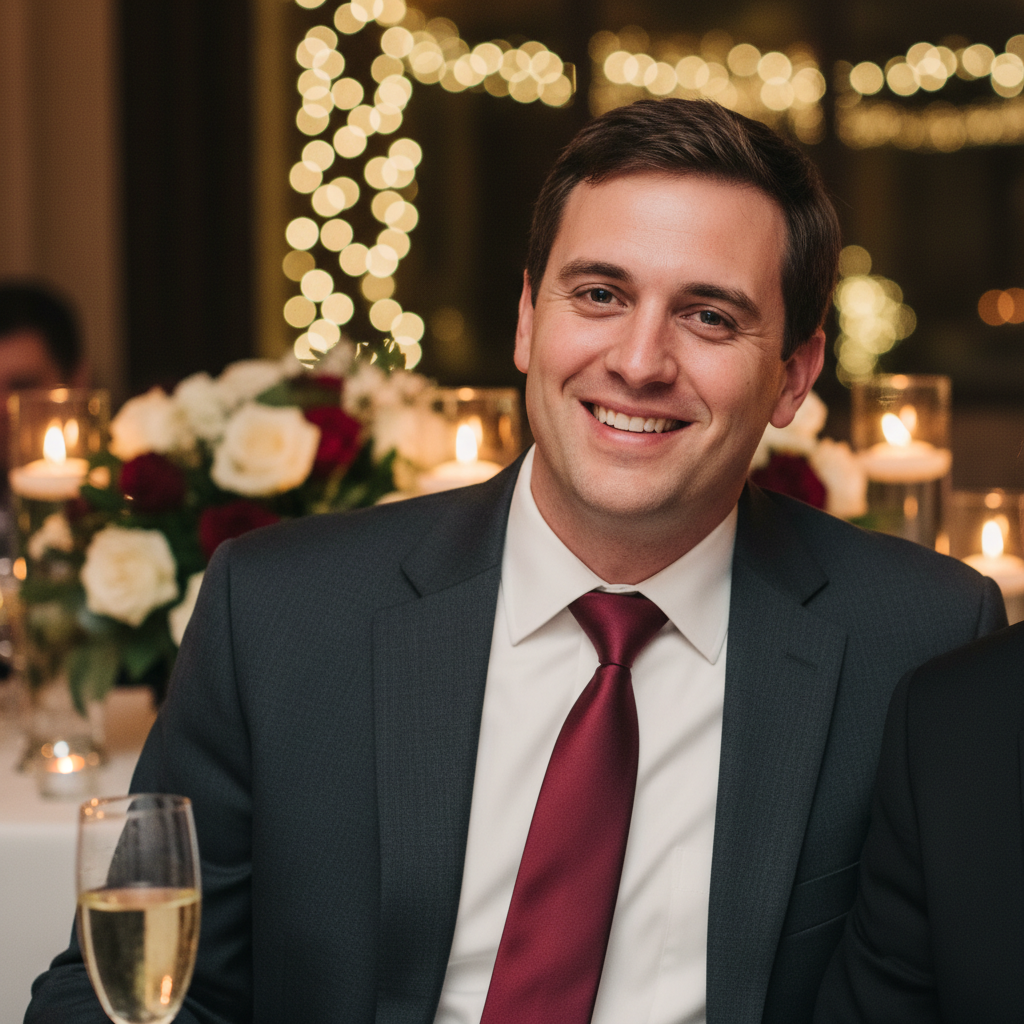
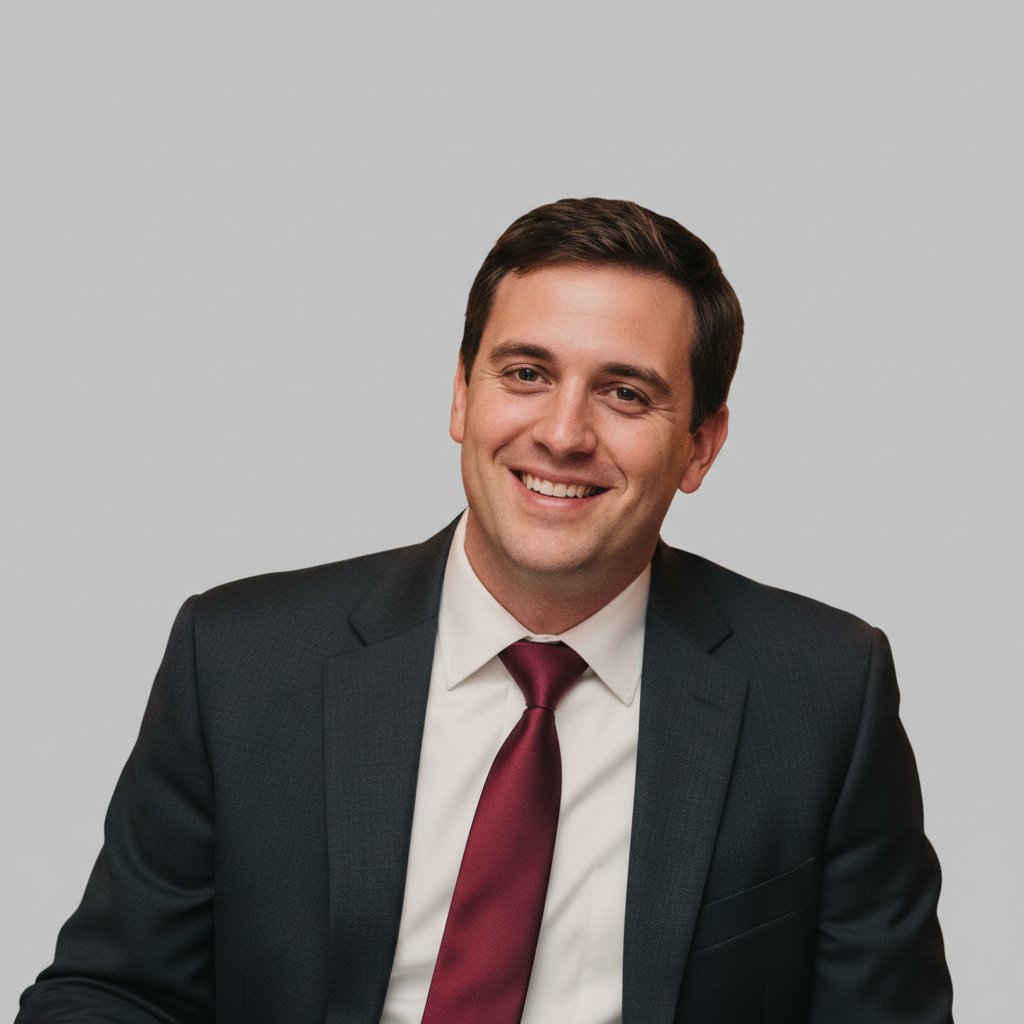
Senior portrait with metal braces. Braces removed to reveal natural teeth underneath.
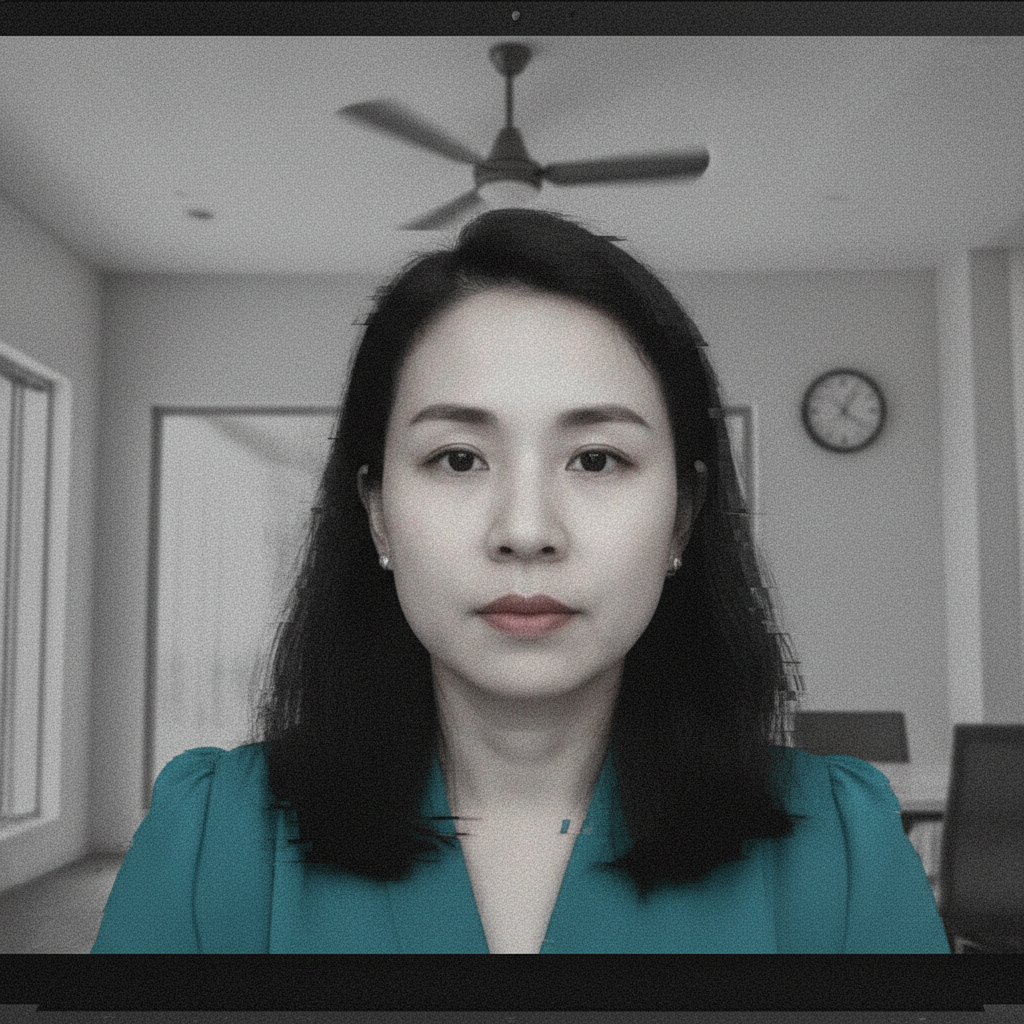
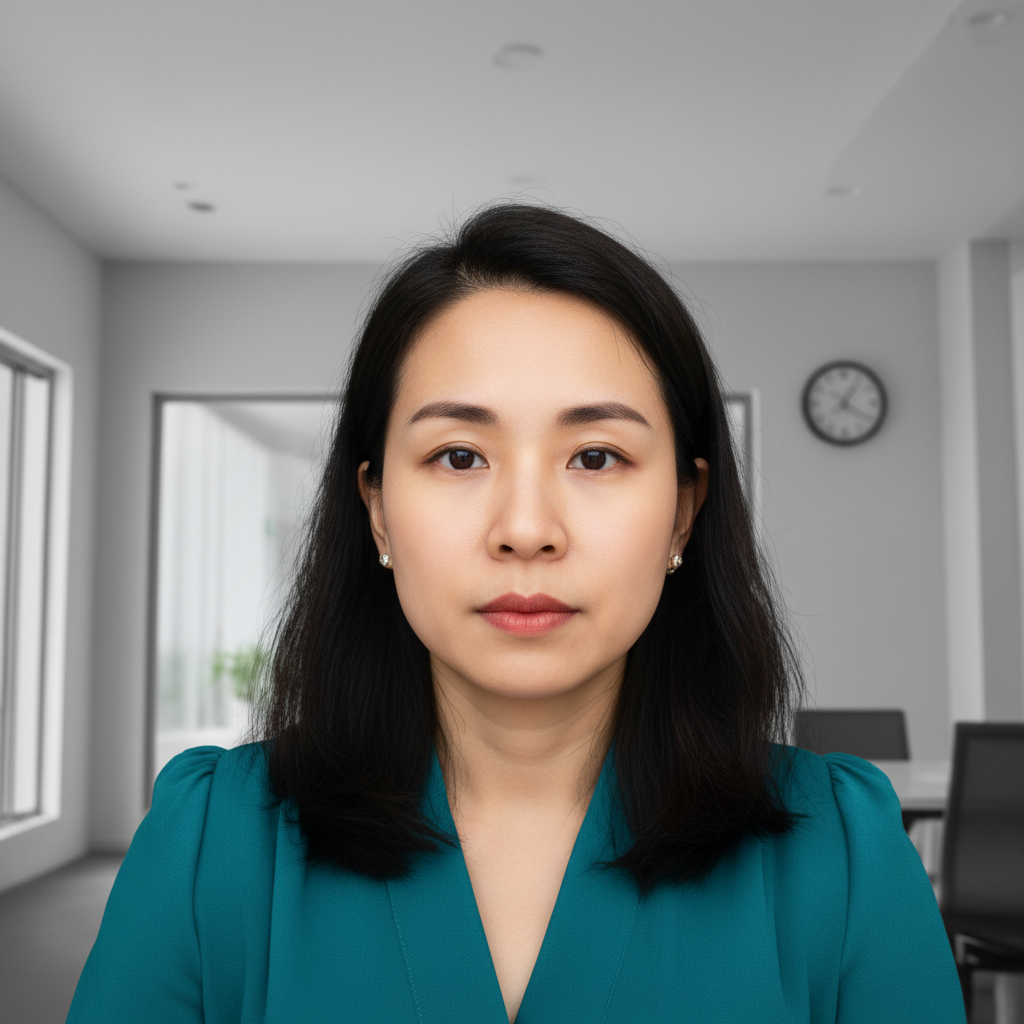
Background swap to autumn scene
Plain grey studio backdrop replaced with beautiful autumn forest scene.
replace the background with blurred autumn trees with golden leaves and warm sunlight
When Things Go Wrong
Skin looks plastic or over-smoothed
Why: The AI interpreted 'smooth' too aggressively and removed natural skin texture.
restore natural skin texture, keep slight smoothing but show pores and real skin detail
Always include 'natural texture' or 'keep pores visible' in skin smoothing prompts.
Teeth look fake after braces removal
Why: The AI may have generated idealized teeth that don't match your mouth shape.
Include 'keep my smile shape' when removing braces for more realistic results.
Hair edges look choppy against new background
Why: Fine hair strands and flyaways are challenging for automatic edge detection.
Tap markers on choppy hair areas, then: blend hair edges naturally into the background, preserve hair detail
Add 'keep hair edges natural' to background replacement prompts.
Outfit color change looks painted on
Why: The AI may have applied flat color without preserving fabric texture and shadows.
Specify 'keep fabric texture and shadows' when changing clothing colors.
AI changed the wrong area
Why: The AI couldn't determine exactly which area you meant from the description alone.
Tap a marker on the specific area you want to change, then regenerate with the same prompt
Markers tell the AI 'I mean THIS one specifically.' Use them when description alone is ambiguous.
Frequently Asked Questions
Do I need to mark areas before describing what I want?
No. For most senior portrait edits, just describe what you want: 'smooth my skin' or 'remove my braces.' The AI understands these concepts. Only use markers when you need precision - like specifying which blemish to remove or refining edges after your first attempt.
Will my yearbook committee accept edited photos?
EditThisPic exports high-resolution images with no watermarks. They're indistinguishable from studio-retouched photos. Most schools accept any professional-quality portrait that meets their technical specs. Check your school's guidelines for specific requirements.
How do I remove braces from my senior portrait?
Upload your photo and type 'remove my braces and show natural straight teeth.' The AI generates a realistic braces-free smile. For best results, use a clear, well-lit photo where your smile is clearly visible. Works on metal braces, ceramic braces, and Invisalign.
Is there a free senior portrait editor that doesn't require login?
Yes. EditThisPic is free to try with no account required. You get one free edit per week. Upload your portrait, describe what you want, and download the result. No watermarks on the free tier.
What's the best free AI tool for senior portrait retouching?
EditThisPic handles the most common senior portrait needs: skin smoothing, braces removal, background replacement, and color correction. Unlike apps that only do one thing, you can describe any edit in plain English. Free to try, professional-quality results.
Can I change my outfit color in the photo?
Yes. Type something like 'change my shirt from red to navy blue, keep the fabric texture.' The AI adjusts the color while preserving shadows and fabric detail. Useful when your outfit clashes with the background or you want to match school colors.
Ready to perfect your senior portrait?
Free to try. No signup required. No watermarks.
Upload Your Portrait