AI Photo Editor for Food Photos
Last updated
Make every dish look as good as it tastes, instantly.
Drop your photo here
"enhance the food colors to look vibrant and appetizing, make it look fresh and delicious while keeping colors natural"
Release to upload
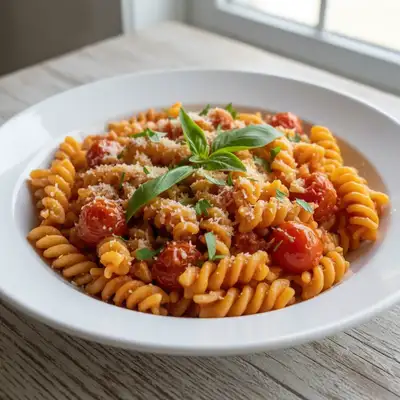
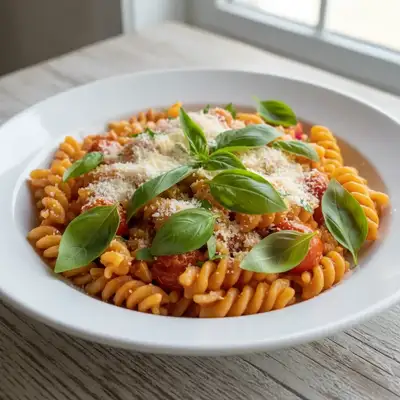
Built for Food Content Creators
Food photography is all about making viewers hungry. Bad lighting, messy plates, and dull colors kill appetite appeal. EditThisPic lets you describe what needs fixing in plain English - no complicated color grading or manual retouching. The AI understands food photography and makes dishes look fresh, vibrant, and delicious.
Tools Food Photographers Use Most
Enhance Colors
Make food colors vibrant and appetizing without looking artificial
Enhance Lighting
Fix dim restaurant lighting and harsh shadows
Remove Objects
Clear away crumbs, drips, and unwanted items from the scene
Blur Background
Create depth of field that focuses attention on the dish
How to AI Photo Editor for Food Photos
-
Upload your food photo
Drop your food image into EditThisPic. JPG, PNG, WebP up to 7MB. Works with plated dishes, drinks, ingredients, flat lays, and action shots. Restaurant photos, home cooking, professional setups - upload what you have.
Color enhancement: 20 seconds. Complex cleanup: may need 2-3 refinements for multiple items. -
Describe your edit in plain English
Type what you need: 'make the burger look juicy and appetizing' or 'remove the fingerprint smudge on the wine glass.' Be specific about what to change. The AI understands food photography terms - it knows what 'appetizing' means for a steak vs. a salad.
Combine edits: 'enhance the food colors, remove the crumbs, and blur the background slightly' - all in one prompt. -
Review and download
Check that colors look natural and appetizing, not over-saturated. Verify removed items left clean surfaces. Ensure the dish remains the focal point. Download your menu-ready or social-ready image.
-
Refine specific areas if needed
If colors are too intense or not intense enough, adjust your prompt. For specific spots that need cleanup, tap a marker on that exact location and regenerate. Food photography often benefits from subtle, not dramatic, enhancements.
Use 'natural' and 'realistic' in prompts to prevent over-processing that makes food look artificial.
Copy-Paste Prompts for Food Photos
enhance the food colors to look vibrant and appetizing, make it look fresh and delicious while keeping colors natural
'While keeping colors natural' prevents over-saturation that makes food look plastic
remove the crumbs, sauce drips, and smudges from around the plate and on the table
List specific messes for precise cleanup, or say 'clean up the entire scene' for general tidying
brighten the image with soft natural daylight lighting, reduce harsh shadows
'Natural daylight' gives food the most appetizing look, better than artificial warm lighting
blur the background to create shallow depth of field, keep the main dish perfectly sharp
This professional technique draws the eye directly to the food
Show 4 more prompts
enhance the color of the steak to show the rich brown sear and pink interior, make it look juicy
Meat benefits from specific color descriptions - 'rich brown' and 'pink' communicate exactly what you want
make the salad greens look fresh and vibrant, enhance the green color naturally
Works for any produce - 'fresh and vibrant' is how the AI understands appetizing vegetables
remove the fingerprints and smudges from the wine glass, make the glass look clean and polished
Works for any glassware - cocktail glasses, beer glasses, water glasses
remove the brand logo from the bottle in the background, fill naturally
Useful for editorial or professional shots where brands can't be shown
| Edit Type | Prompt | Time | |
|---|---|---|---|
| Enhance colors | enhance food colors, keep natural |
20s | Try This → |
| Fix lighting | brighten with soft natural daylight |
25s | Try This → |
| Clean plate | remove crumbs and drips around plate |
25s | Try This → |
| Blur background | blur background, keep food sharp |
25s | Try This → |
Real Examples
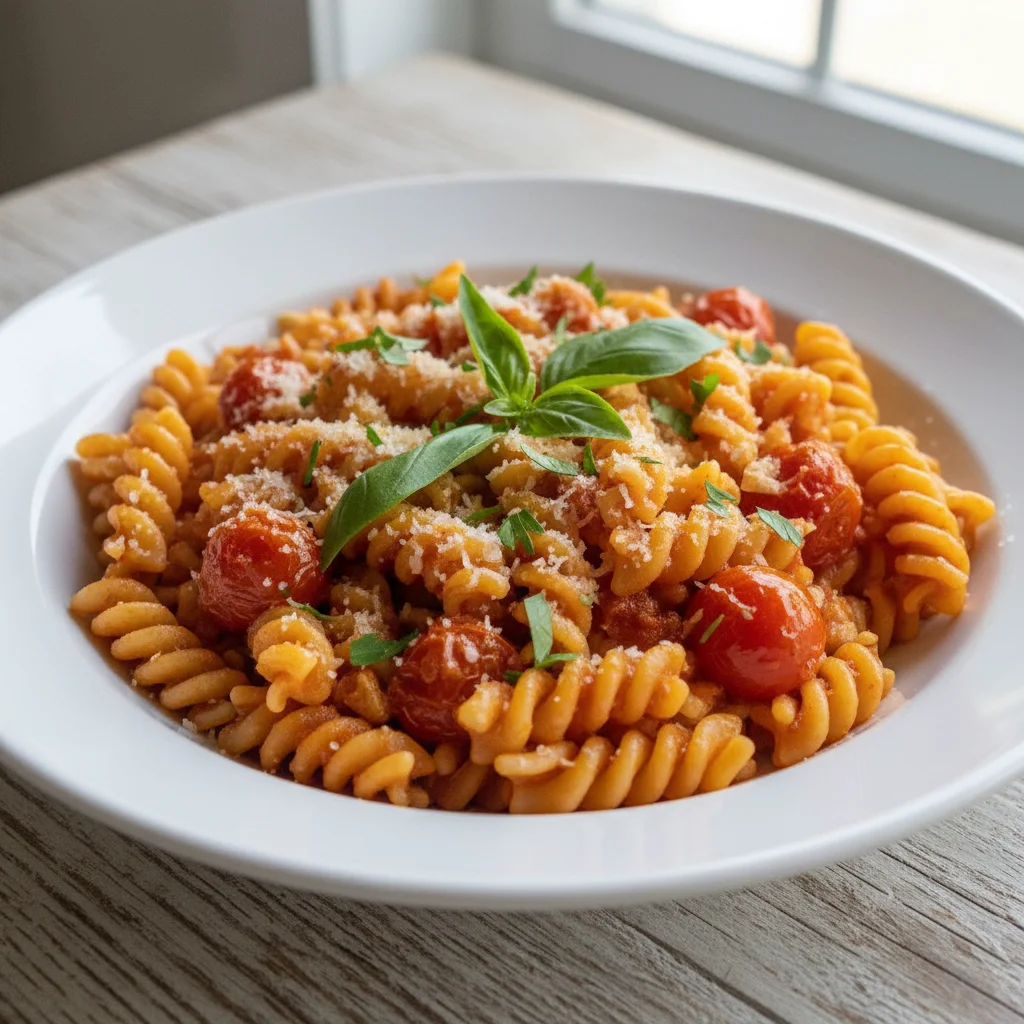
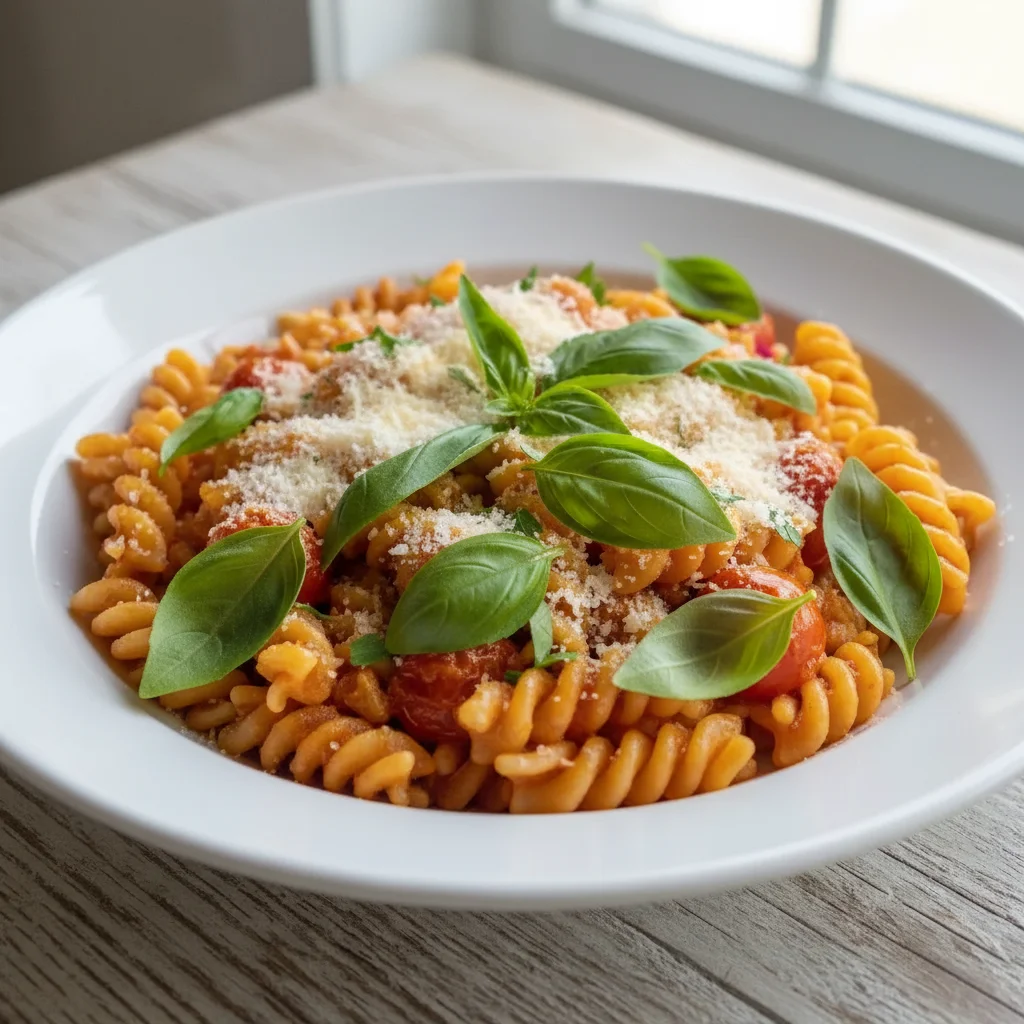
Color enhancement for pasta dish
A pasta dish shot in dim restaurant lighting. Colors enhanced to look vibrant and appetizing while remaining natural.
enhance the food colors to look vibrant and appetizing, make it look fresh and delicious while keeping colors natural
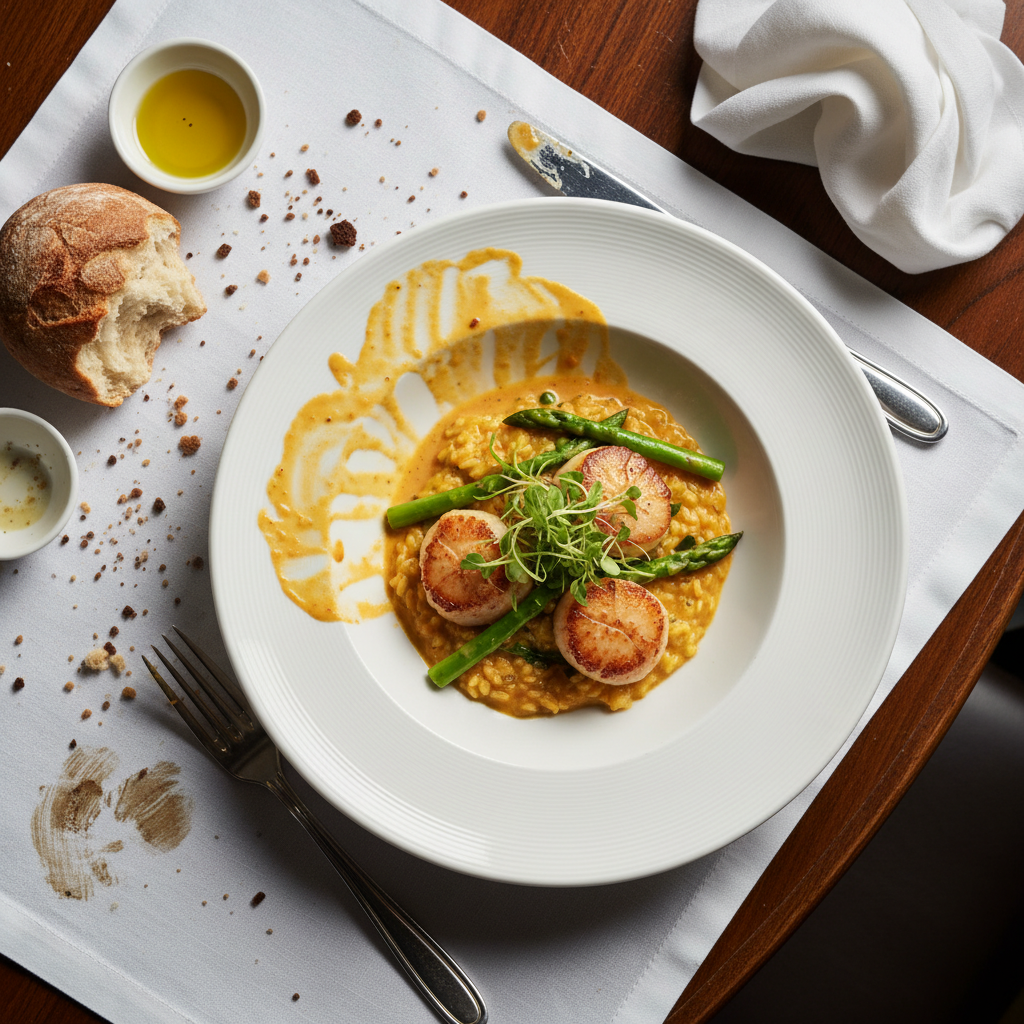
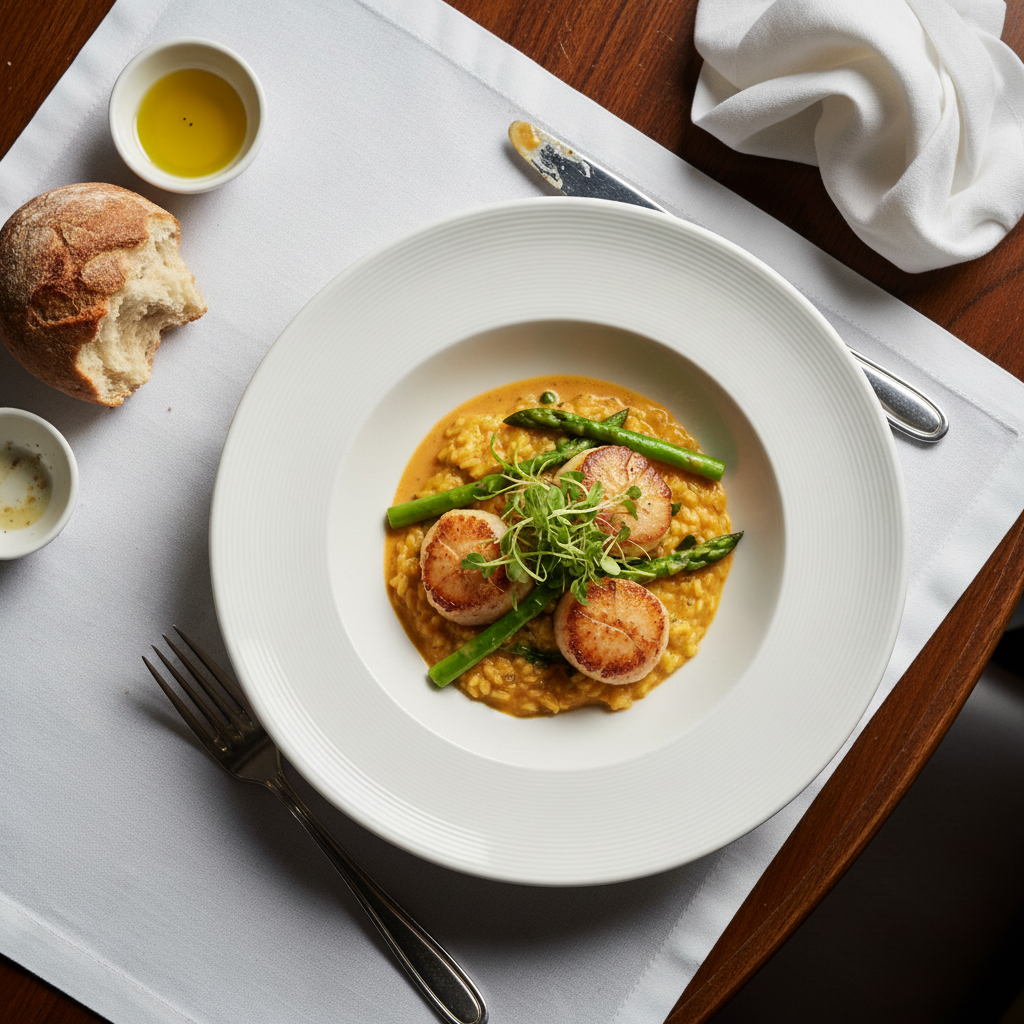
Plate cleanup for menu shot
A beautifully plated dish with sauce drips and crumbs. Cleaned up for professional menu use.
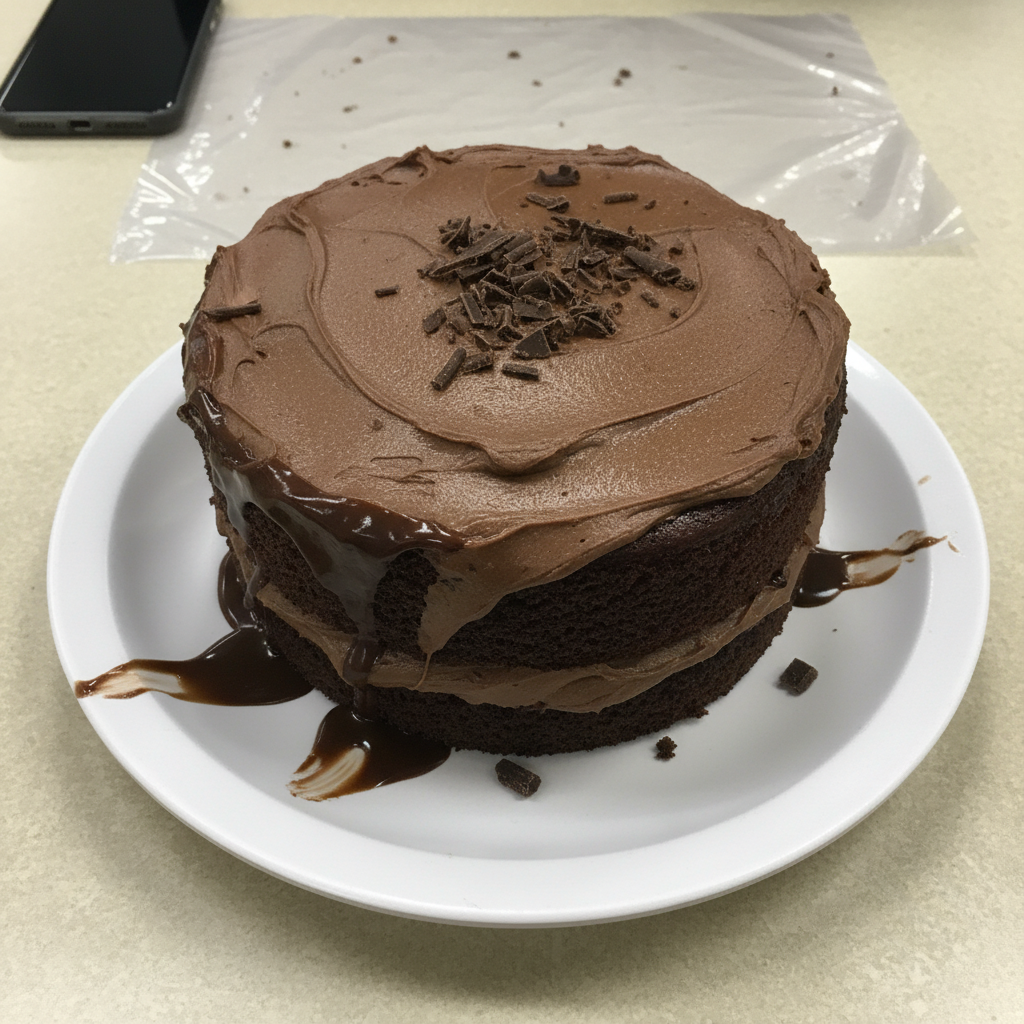
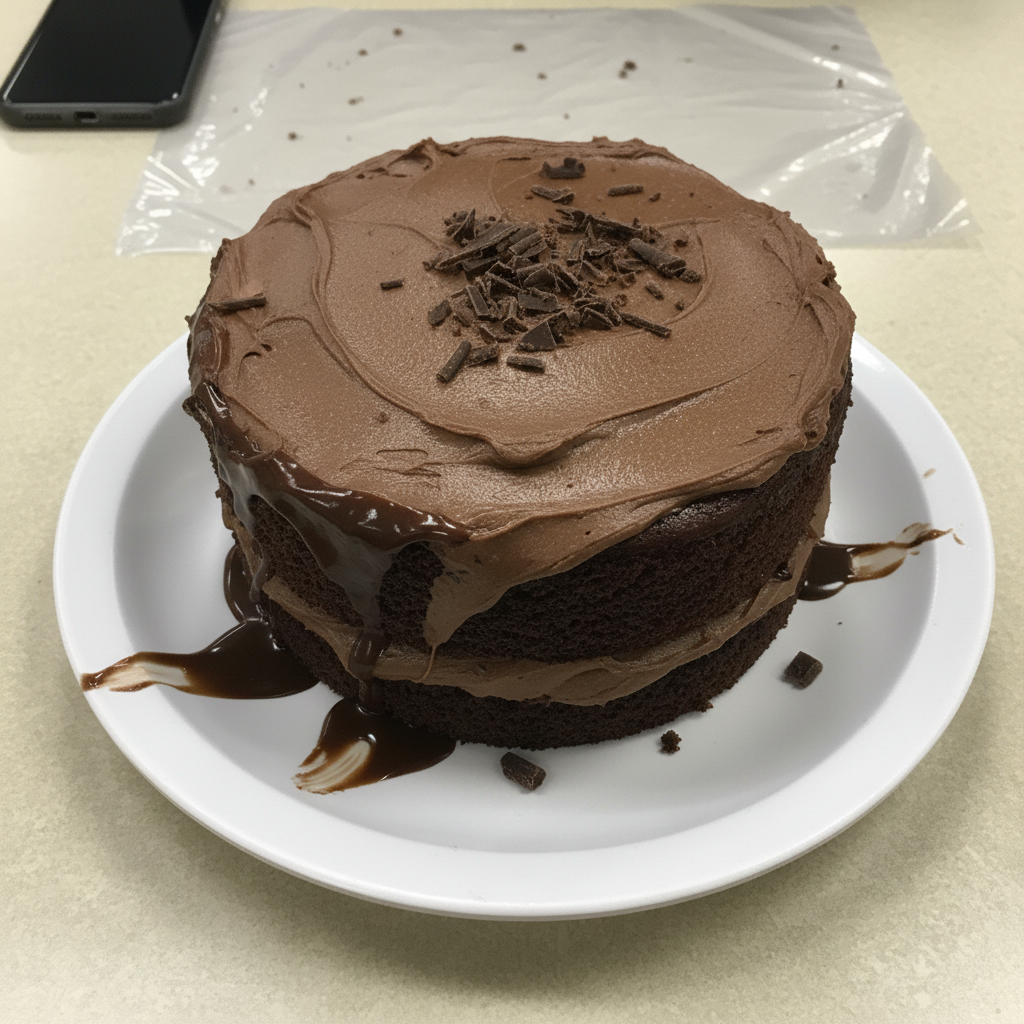
Lighting fix for dessert photo
A chocolate dessert looking flat under harsh overhead lighting. Enhanced to look rich and indulgent.
brighten the image with soft natural lighting, make the chocolate look rich and glossy
When Things Go Wrong
Colors look over-saturated and unnatural
Why: The AI may interpret 'vibrant' too aggressively, especially with already colorful foods.
enhance colors subtly, keep the food looking natural and realistic, not over-processed
Words like 'subtle' and 'natural' dial back intensity while still improving the image.
Food texture looks smoothed out
Why: Some enhancement algorithms can reduce texture detail in favor of color improvement.
'Preserve texture' is key for foods where texture is important - grilled items, bread crust, salad greens.
Cleanup removed the wrong thing
Why: Without specific guidance, the AI may interpret 'crumbs' or 'mess' too broadly.
Tap a marker on the specific item to remove, then: remove only this item, keep everything else
Markers let you point exactly at what should go - essential for complex food scenes.
White balance still looks off
Why: Mixed lighting (daylight + artificial) creates color casts that need explicit correction.
correct the white balance to neutral, make whites look pure white and food colors accurate
Start with white balance correction before color enhancement for best results.
Frequently Asked Questions
Will it make my food look fake or overly edited?
Not if you include 'natural' or 'realistic' in your prompts. EditThisPic enhances what's there rather than completely transforming it. The goal is making food look as good as it does in person - not creating artificial perfection. You control the intensity with your word choices.
Can it add steam or make food look hot?
The tool is designed for editing existing photos, not adding elements that weren't there. It can enhance visible steam or moisture, but generating realistic steam from scratch requires careful prompting and may not always produce natural results. Best to capture steam while the food is actually hot.
Does it work for flat lay food photos?
Flat lays work great. The AI handles overhead angles well for color enhancement, cleanup, and background adjustments. Common flat lay edits include removing hands, cleaning up styling props, and evening out lighting across the entire frame.
Can I use it for restaurant menu photos?
Absolutely. Restaurant menu photos are a primary use case. Enhance dish colors, clean up plating imperfections, fix restaurant lighting issues, and ensure consistent look across multiple menu items. The free download has no watermark, so images are print-ready.
What about dark moody food photography?
Dark and moody styles work well. Instead of 'brighten,' you can enhance contrast, deepen shadows, or add dramatic lighting. The AI understands different aesthetic styles - just describe the mood you want: 'enhance with dark moody restaurant ambiance' vs. 'bright airy natural light.'
Can it fix out-of-focus food photos?
Minor softness can be sharpened with 'enhance details and sharpness.' However, significantly out-of-focus photos are difficult to fully recover. The AI can improve them but can't recreate detail that was never captured. For blurry shots, try 'sharpen the food and enhance detail' - you may be surprised.
Is EditThisPic's AI photo editor for food photos really free?
Yes — you get 1 free edit per week, no account needed. Plans start at $4.99/month for 15 edits.
Can I food photos on my phone?
Yes. EditThisPic works in any mobile browser — iPhone, Android, tablet. No app download needed.
Popular use cases
Ready to make your food photos irresistible?
Free to try. No signup required. No watermarks.
Upload Your Food PhotoTrusted by 15,000+ users