AI Photo Editor for Furniture Photos
Last updated
Transform furniture photos from cluttered garage shots into buyer-ready listings in seconds. No staging props needed.
Drop your photo here
"remove the garage clutter, boxes, and junk around the furniture piece, clean empty space around it"
Release to upload
Built for Furniture Sellers
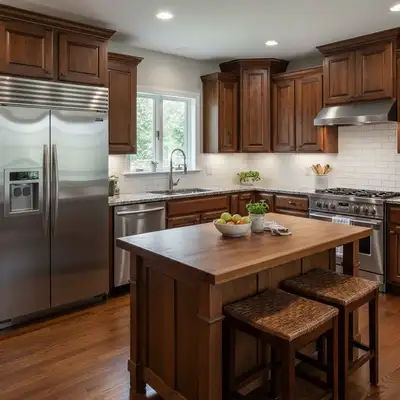
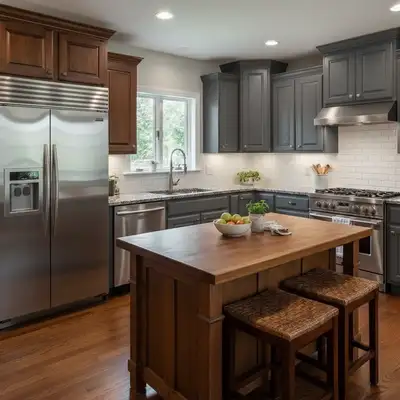
Selling furniture means photographing where the piece actually is - garages, basements, cluttered living rooms. EditThisPic lets you virtually stage furniture without moving it. Clean up messy backgrounds, add lifestyle context, or create professional-looking listings from any location.
Tools Furniture Sellers Use Most
Remove Clutter
Clean up boxes, junk, and mess around furniture pieces
Replace Background
Virtual staging - add living room, bedroom, or lifestyle context
Blur Background
Hide garage or storage unit while keeping authentic feel
Enhance Lighting
Brighten furniture photographed in dim garages or basements
Create Professional Furniture Listing Photos
-
Upload your furniture photo
Drop your furniture image into EditThisPic. JPG, PNG, and WebP up to 7MB. Phone camera photos from any angle work great. Capture the piece where it currently sits - no need to move heavy furniture.
Simple cleanup (blur background, remove visible clutter): 15-20 seconds. Virtual staging with new background: 20-30 seconds, may need 2-3 refinements for perfect placement. -
Describe your ideal background
Type 'clean up the messy garage background' or 'replace background with staged modern living room' or 'blur background to focus on the furniture.' The AI understands furniture staging without you marking anything. Be specific about style: 'mid-century living room' or 'minimalist bedroom setting.'
Match the staging to your furniture style - mid-century pieces look best in retro settings, farmhouse furniture in rustic rooms. -
Review staging and details
Check that the furniture piece looks natural in the new setting. Verify lighting matches, shadows look realistic, and the scale feels right. Zoom in on edges to ensure clean separation from background.
Look at where the furniture meets the floor - this is where virtual staging often needs refinement. -
Refine edges or staging if needed
If the furniture edges look cut-out or the staging feels off, tap markers on problem areas and regenerate. For complex furniture shapes (ornate legs, curved backs), refinement may help.
Markers are optional. Most furniture staging works on the first try - the AI handles standard shapes well.
Furniture Photo Prompts That Work
remove the garage clutter, boxes, and junk around the furniture piece, clean empty space around it
Best for when you want to keep the authentic setting but remove distractions. Works great for Craigslist and Facebook Marketplace.
replace background with clean staged living room, hardwood floors, neutral walls, natural window light
Creates lifestyle context without moving the furniture. Add style descriptors like 'modern' or 'traditional' to match the piece.
replace background with staged bedroom setting, soft neutral carpet, warm ambient lighting
Perfect for dressers, nightstands, and bedroom furniture. Helps buyers visualize the piece in their home.
blur the messy background to focus on the furniture, keep natural depth and lighting
Quick way to hide clutter while keeping authentic feel. Good middle ground between cleanup and full staging.
Show 4 more prompts
enhance lighting to show wood grain and upholstery details, bright and clear like photographed near window
Fixes the #1 problem with garage photos - dark, unflattering lighting that hides furniture quality.
remove the storage unit shelving and other items visible, replace with clean neutral backdrop
Storage units make furniture look like unwanted junk. Clean backdrop shows the piece is valued.
furniture photos — keep it looking natural and realistic. I want to share this on social media right away
Upload the highest resolution version of your photo for the best editing results
replace background with mid-century modern living room, clean lines, statement wall, period-appropriate decor
Match the staging era to the furniture - mid-century buyers want to see the piece in context.
| Edit Type | Prompt | Time | |
|---|---|---|---|
| Remove garage clutter | remove clutter and boxes around the furniture |
15s | Try This → |
| Virtual stage living room | replace background with staged living room setting |
25s | Try This → |
| Blur messy background | blur background to focus on furniture piece |
15s | Try This → |
| Enhance dim lighting | enhance lighting to show wood grain and details |
15s | Try This → |
Furniture Photo Examples
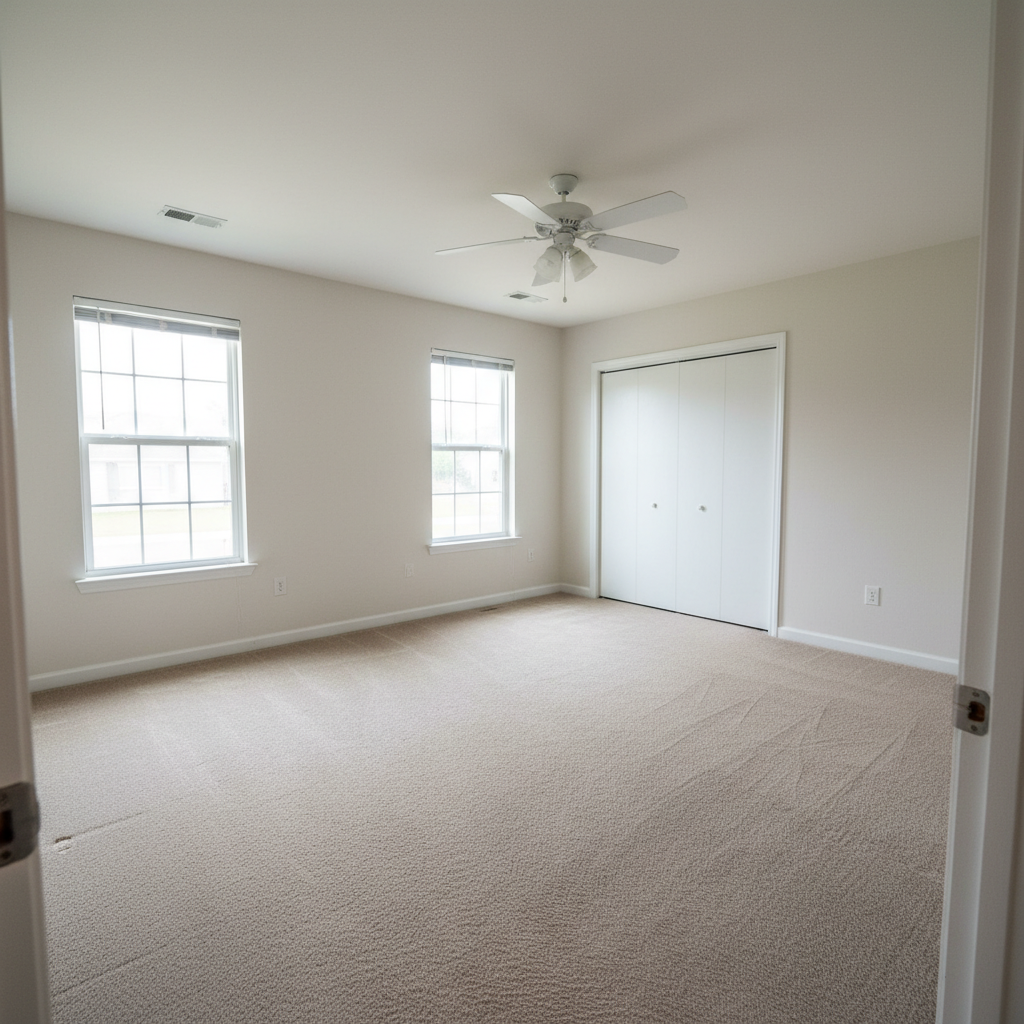
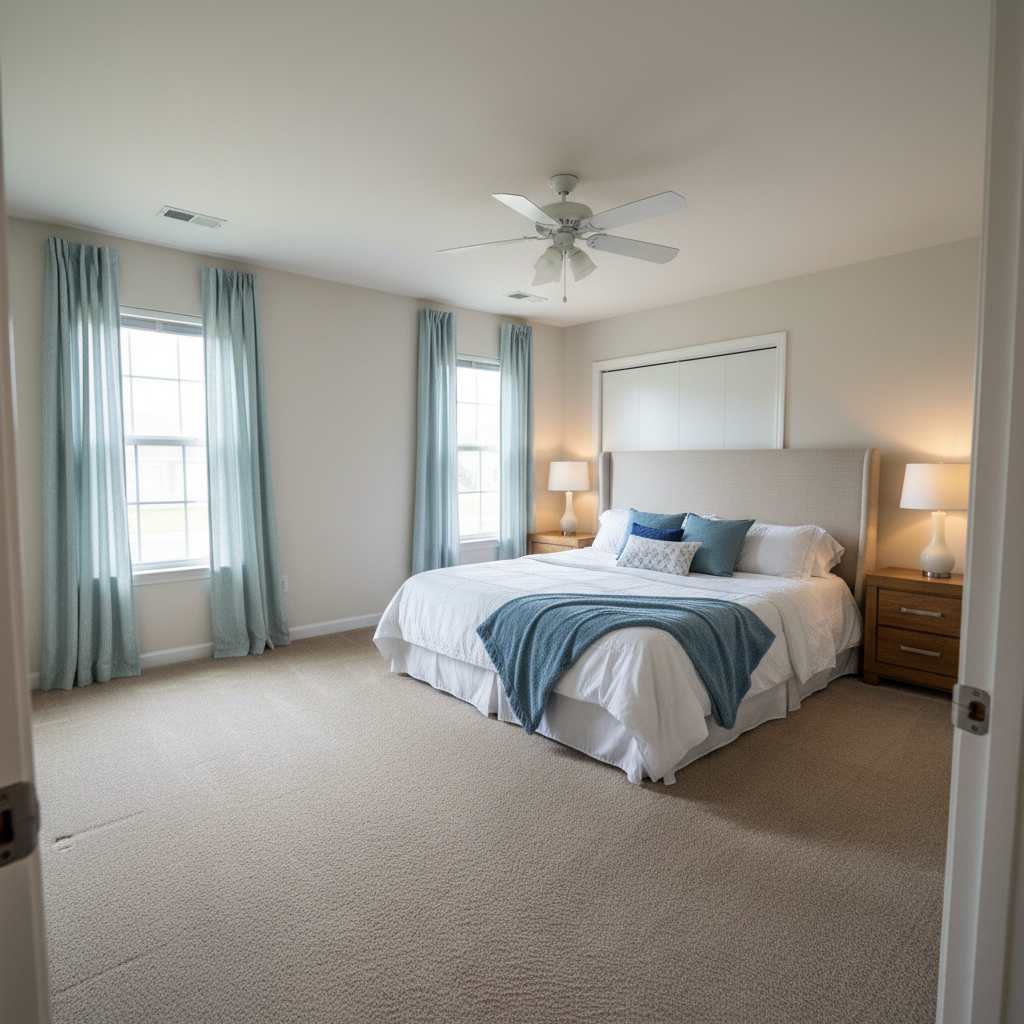
Dresser from cluttered garage
Mid-century walnut dresser photographed in a packed garage. Virtual staging created a bedroom lifestyle shot.
replace background with clean staged bedroom, soft carpet, neutral walls, natural morning light from window
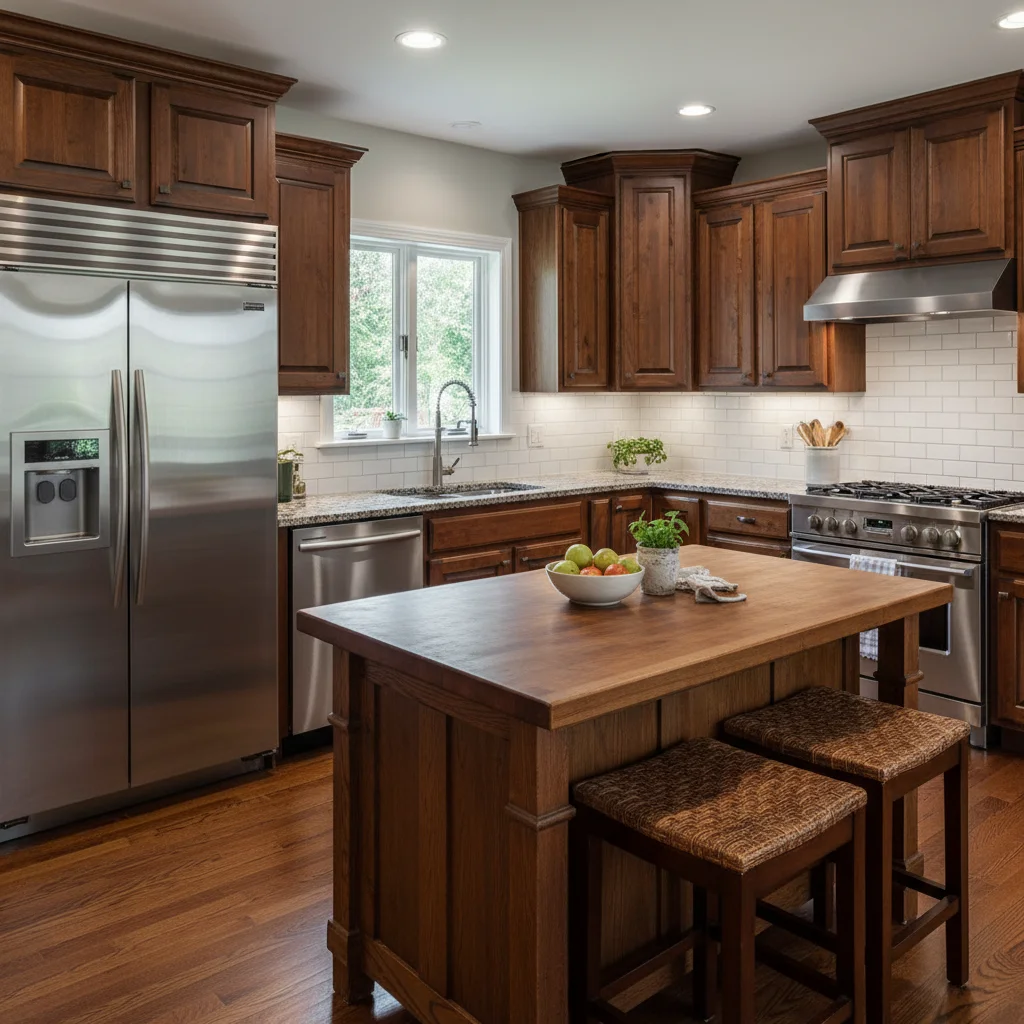
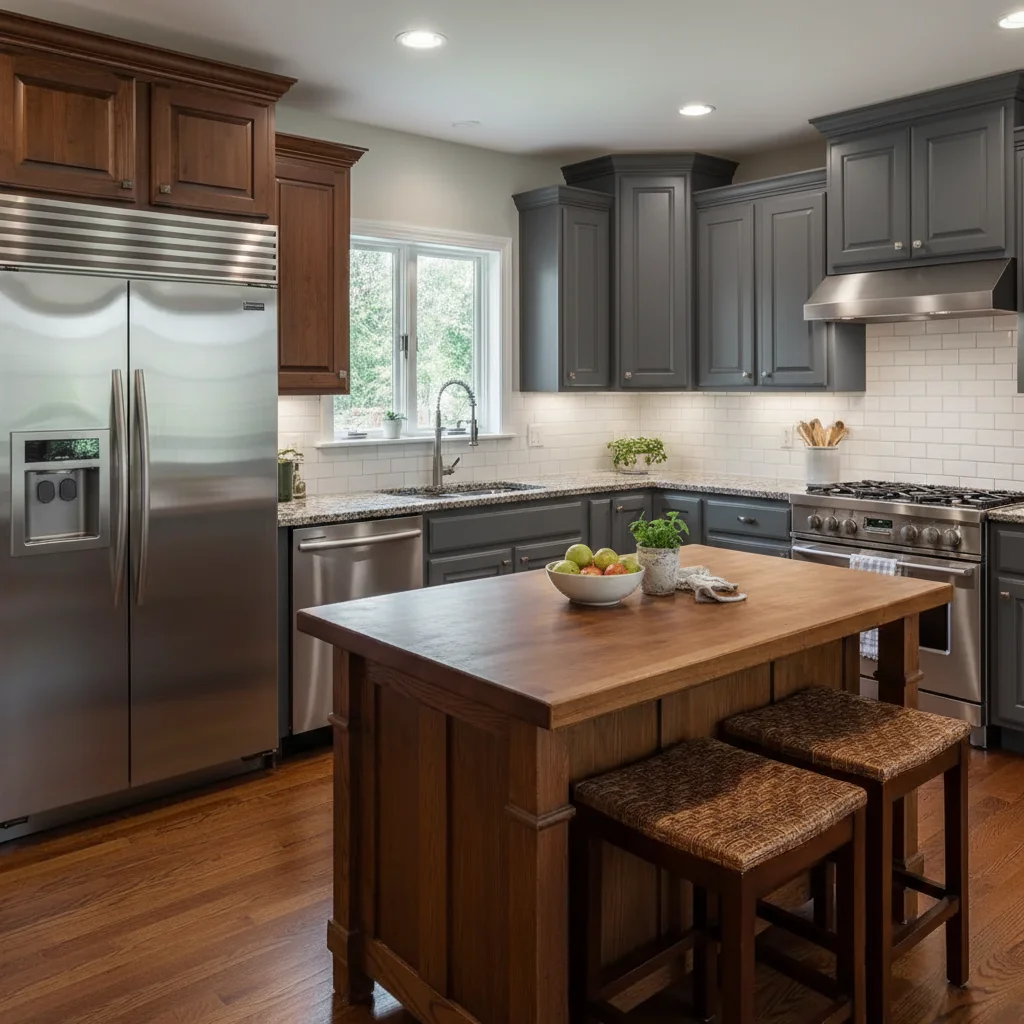
Dining table with messy room
Solid oak dining table photographed in messy living room during estate sale. Background clutter removed.
remove the clutter and other furniture visible around the dining table, clean open space
Common Furniture Photo Issues
Virtual staging looks unrealistic or pasted-on
Why: The AI couldn't match lighting direction or scale, or the background style clashes with the furniture.
replace background with [room type] setting, match lighting direction from the furniture, realistic shadows on floor
Mention where the light comes from in your original photo: 'window light from the left' helps the AI match it.
Furniture edges look cut-out or jagged
Why: Complex furniture shapes (carved legs, tufted backs) are harder for AI to separate cleanly from background.
Ornate furniture with lots of curves may need 2-3 refinements. Simple rectangular pieces usually work first try.
Floor doesn't match after staging
Why: The AI staged a new background but the original floor is still visible or clashing.
replace the background AND floor with [room type] setting, furniture sitting naturally on [floor type]
Include floor type in your prompt: 'hardwood floors', 'neutral carpet', or 'clean white tile'.
Clutter removal left weird artifacts
Why: The AI had to reconstruct complex areas behind removed clutter.
clean up remaining artifacts in the background, smooth natural surface where clutter was removed
If clutter is extreme, full background replacement may give cleaner results than removal.
Lighting enhancement washed out wood grain
Why: Aggressive lighting adjustment lost the subtle tones that show wood quality.
enhance lighting moderately, preserve wood grain texture and natural color variation
Adding 'preserve texture' helps the AI show off quality materials without overprocessing.
AI changed the furniture color or style
Why: The staging process altered the furniture piece itself, not just the background.
Tap a marker on the furniture piece to protect it, then regenerate with your staging prompt
Markers tell the AI 'keep THIS exactly as is' while changing everything around it.
Furniture Photography Questions
Do I need to mark the furniture before staging or cleanup?
No! Just describe what you want: 'replace background with living room' or 'remove the garage clutter.' The AI understands what 'furniture' and 'background' mean without marking. Only use markers if the AI changed the furniture itself, or if edges need refinement after your first attempt.
Is there a free furniture photo editor that does virtual staging?
Yes. EditThisPic provides free virtual staging for furniture photos - just describe the room setting you want and the AI creates it. No signup required. Professional virtual staging services charge $15-50 per photo. This tool gives you unlimited tries free.
Will virtual staging help my furniture sell faster on Marketplace?
Yes. Staged furniture photos get significantly more interest because buyers can visualize the piece in a real room. Photos taken in garages or cluttered spaces make items look like junk being dumped. Staging signals quality and helps justify higher prices.
Can I photograph heavy furniture where it sits and fix the background later?
Absolutely. That's the main use case. Photograph your dresser in the garage, your couch in storage, your table in the cluttered estate sale house. EditThisPic cleans up or replaces the background so you never have to move heavy furniture for photos.
What's the best approach for Facebook Marketplace vs. higher-end platforms like Chairish?
For Marketplace and Craigslist, blur or cleanup often works best - keeps the authentic peer-to-peer feel. For Chairish, 1stDibs, or Etsy vintage, full virtual staging with lifestyle rooms commands higher prices and matches buyer expectations.
Is EditThisPic's AI photo editor for furniture photos really free?
Yes — you get 1 free edit per week, no account needed. Plans start at $4.99/month for 15 edits.
Can I furniture photos on my phone?
Yes. EditThisPic works in any mobile browser — iPhone, Android, tablet. No app download needed.
What photo formats does the AI photo editor for furniture photos support?
JPG, PNG, WebP, and HEIC. Upload any common photo format and EditThisPic handles the rest.
Popular use cases
Ready to stage your furniture photos?
Free virtual staging. No signup required. Sell faster.
Start EditingTrusted by 15,000+ users