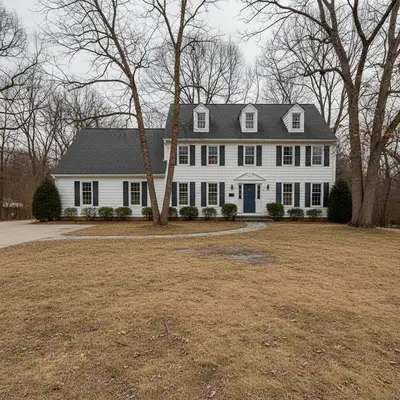
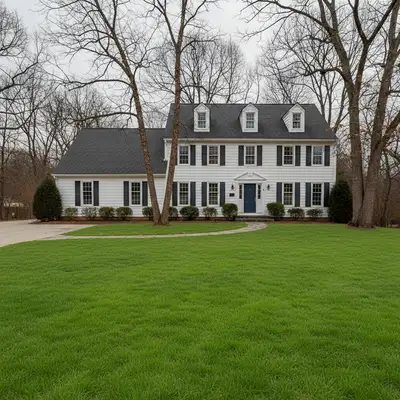
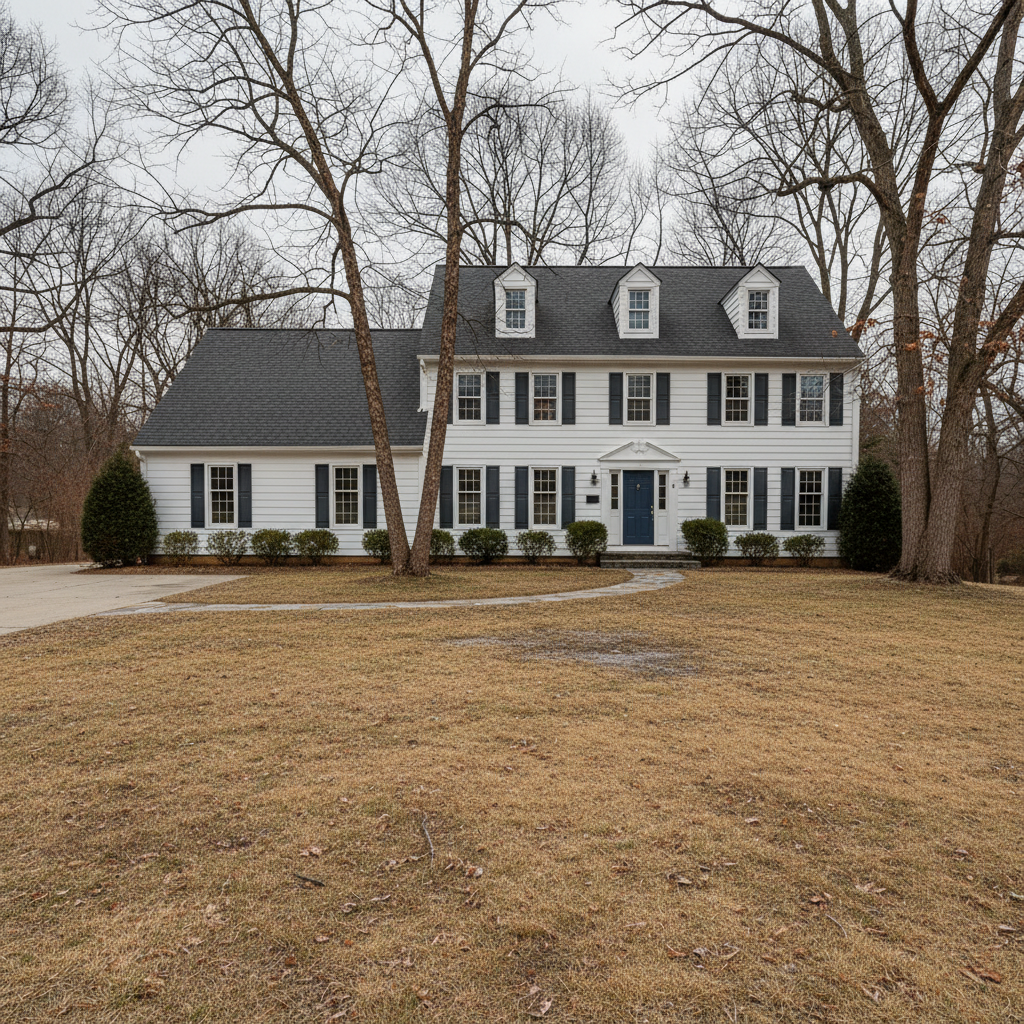
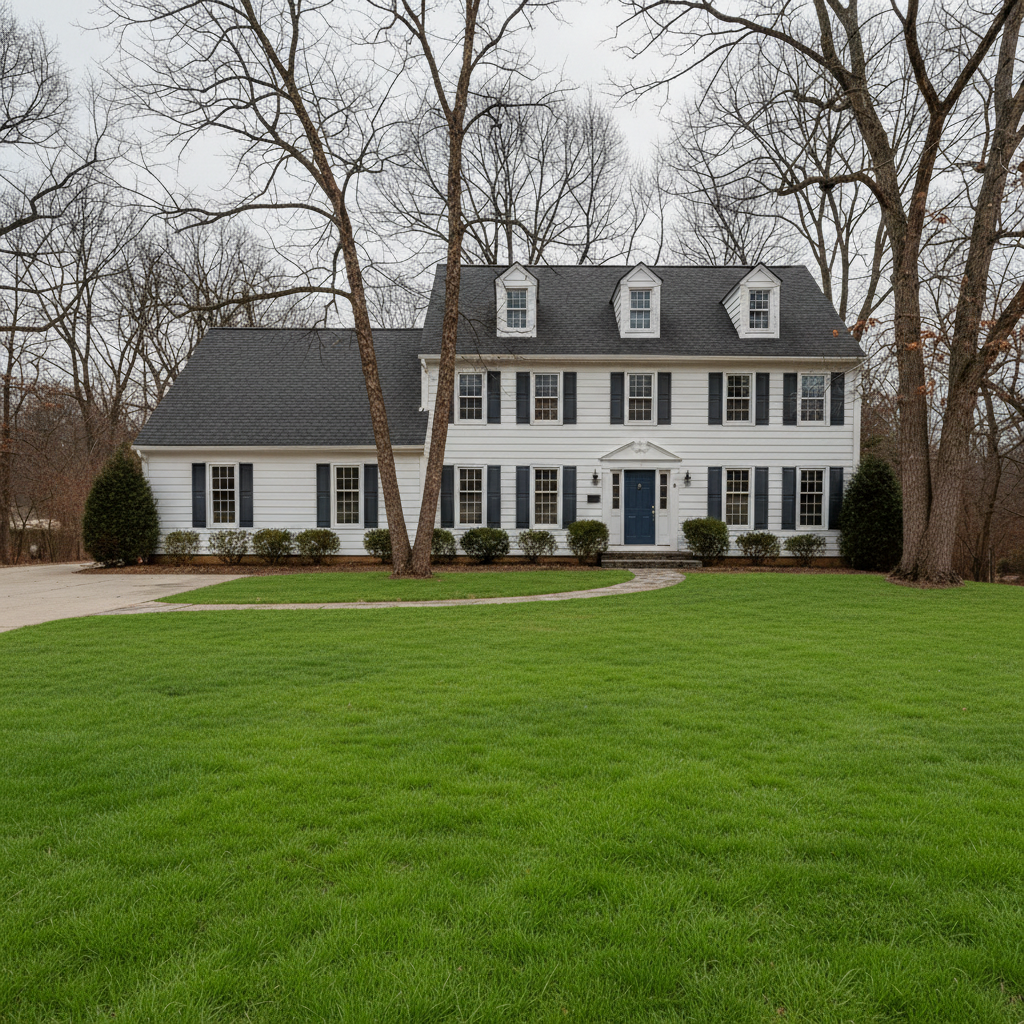
Do I need to mark the lawn before describing the change?
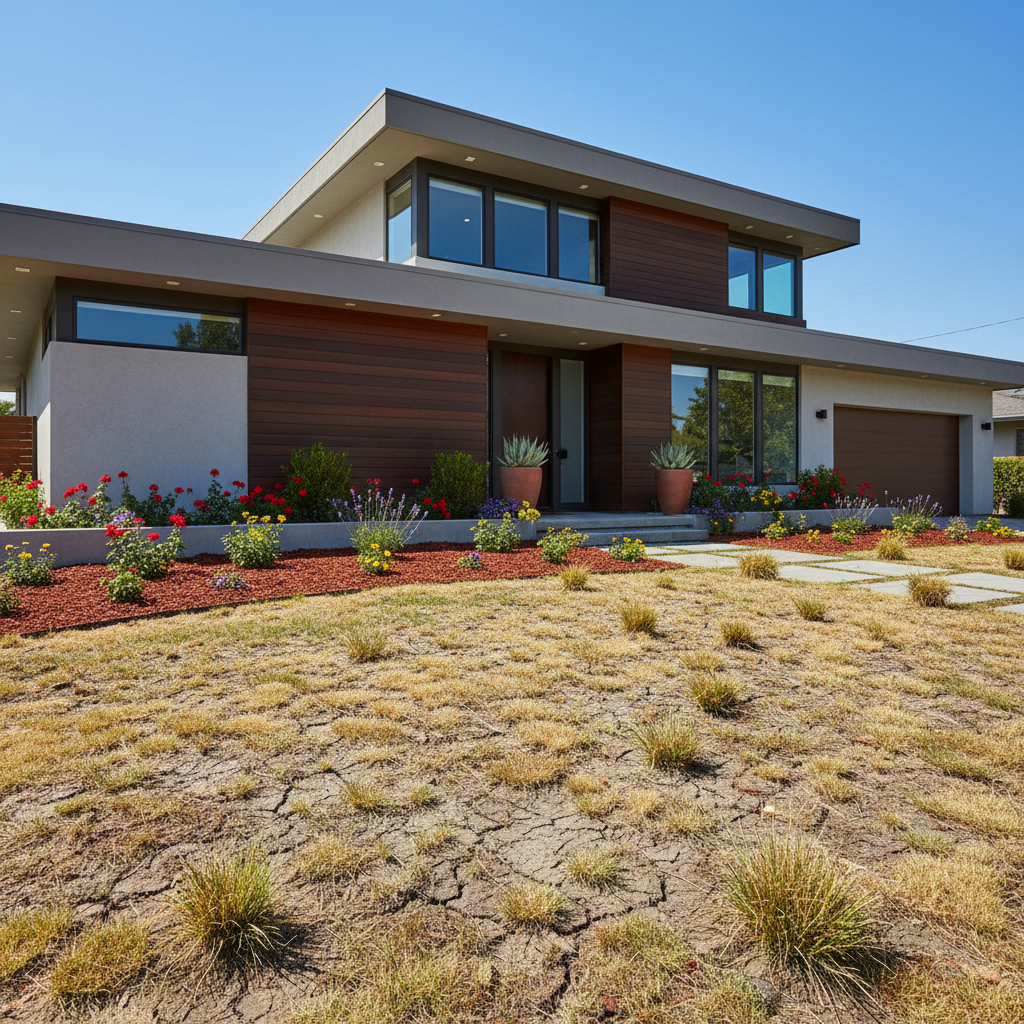
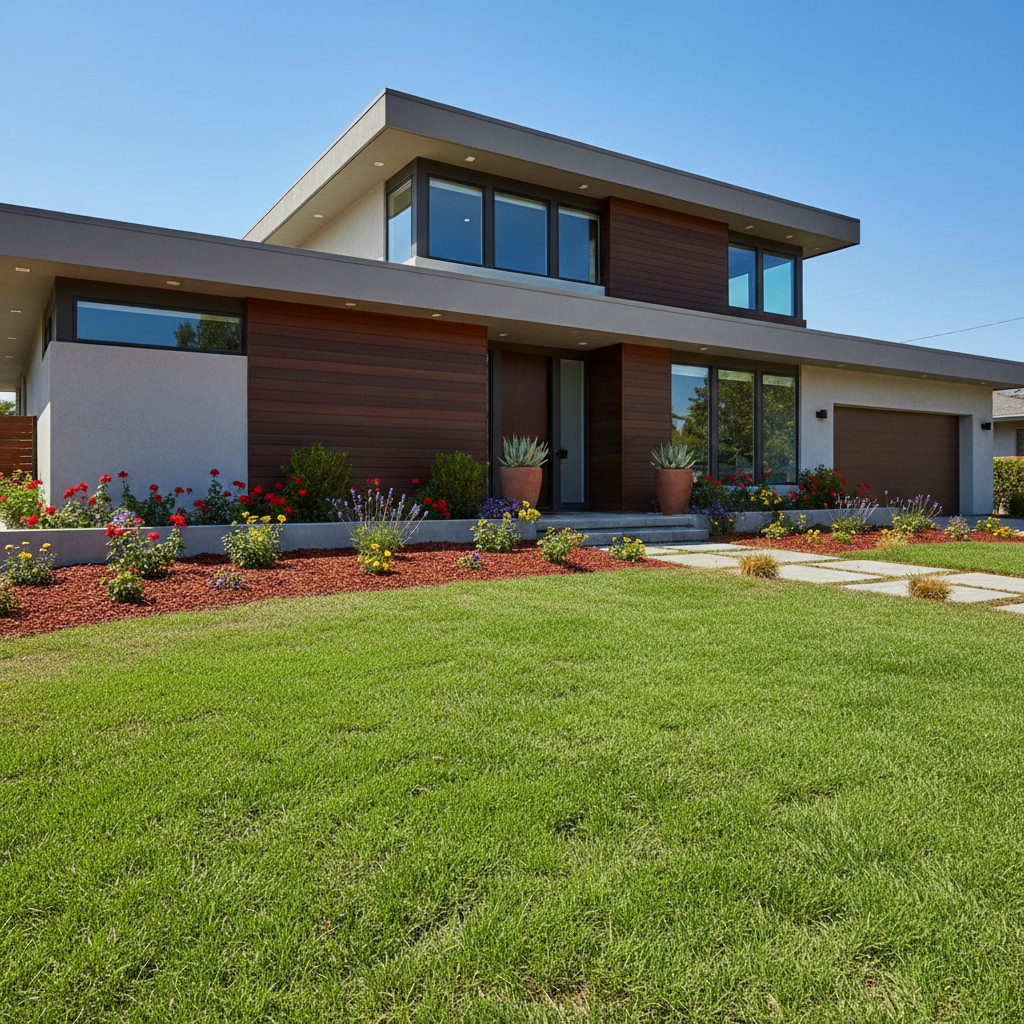
No! Just describe what you want: 'make the lawn vibrant green' or 'transform brown grass to healthy green.' The AI understands what 'lawn' means and where grass is located. Only use markers if you need to refine specific edges or protect certain areas like flower beds.
Will it affect my flower beds, mulch, or landscaping?
The AI is trained to recognize lawn vs. landscaping, but to be safe, add 'keep flower beds and mulch unchanged' to your prompt. This ensures only grass areas are enhanced. You can always refine afterward if any landscaping was accidentally affected.
How natural does the enhanced lawn look?
Very natural when you specify the right shade. Use words like 'natural spring green' or 'match the season in the photo' rather than just 'bright green.' The AI matches lighting and adds realistic texture variation. For real estate, this level of enhancement is standard practice - just disclose virtual enhancement per local regulations.
Can I make the lawn greener than it would realistically be?
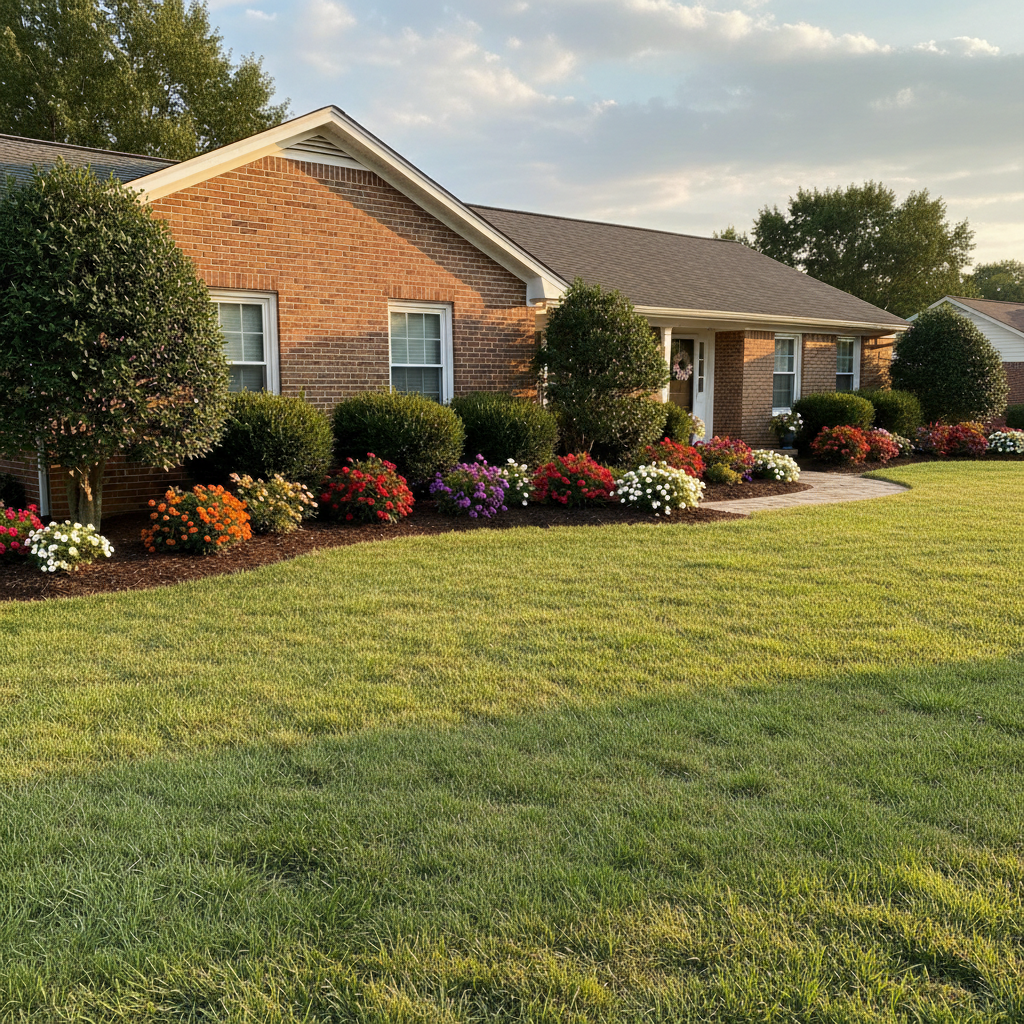
Yes, but it may look artificial. For believable results, match the green shade to your climate and season. Summer listings can handle deep green, while winter photos with bare trees need more muted tones. The goal is curb appeal that looks achievable, not artificial turf.
Is there a free lawn enhancement tool that doesn't require an account?
Yes. EditThisPic is completely free to try with no signup required. Upload your photo, describe the lawn enhancement you want, and download the result. No watermarks on the free version. Perfect for homeowners and real estate agents who need quick curb appeal improvements.
Is EditThisPic's AI lawn enhancer really free?
Yes — you get 1 free edit per week, no account needed. Plans start at $4.99/month for 15 edits.
Can I enhance lawn on my phone?
Yes. EditThisPic works in any mobile browser — iPhone, Android, tablet. No app download needed.
What photo formats does the AI lawn enhancer support?
JPG, PNG, WebP, and HEIC. Upload any common photo format and EditThisPic handles the rest.
How much does EditThisPic cost?
You get 1 free edit per week — no account needed. After that, credit packs start at $1.99 for 3 edits. Monthly plans start at $4.99/mo for 15 edits with unused credits rolling over. All edits are full resolution with no watermark.