Free โ€ข No signup Add Golden hour lighting ยท Free

Add Golden Hour Lighting to Photo

Transform any photo with warm, flattering sunset lighting.

Portrait with harsh midday lighting
Before
โ†’
Same portrait with warm golden hour glow
After

Add Golden Hour Lighting to Photo Free (2026)

Drop your photo here

or click to browse

Release to upload

Free โ€ข No signup

Advertisement
Popular use cases:
  • portrait photography
  • landscape photos
  • Instagram photos
  • wedding photography
  • engagement photos
  • travel photos
  • outdoor portraits

Cost
Free No signup required
Time
Instant results in 15-30 seconds
Works on
Any device - browser, phone, tablet, desktop
Powered by
AI-powered photo editing
Scenario Prompt Time
Portrait golden hour add warm golden hour, soft glow 25s
Directional sunset golden light from the left 30s
Subtle warmth subtle natural golden warmth 25s
Dramatic sunset dramatic golden hour lighting 30s

How it works

  1. Upload your photo

    Drop your image into EditThisPic. JPG, PNG, WebP up to 7MB. Works on portraits, landscapes, architecture, and any scene you want to warm up.

    Expect: Standard golden hour effect: 25-35 seconds. Complex scenes with multiple light sources: may need 2-3 refinements.
  2. Describe the lighting you want

    Type your instruction: 'add warm golden hour lighting with soft sun glow' or 'transform to sunset lighting from the left side.' Specify the direction and intensity of the sun for more control.

    Tip: Include sun direction: 'golden light from the right' creates more realistic directional lighting

    Copy one of these to get started:

    Classic golden hour portrait add warm golden hour lighting with soft sun glow, flattering portrait light
    Directional sunset light add golden hour lighting from the left side, warm directional sunlight with soft shadows
    Subtle warm tones add subtle golden warmth like late afternoon sun, keep it natural looking
    Dramatic sunset glow add dramatic golden hour lighting with strong warm highlights and rich colors
    4 more prompts
    Backlit golden effect add golden hour backlighting behind the subject with warm sun flare
    Landscape sunset transform to golden hour landscape with warm horizon glow and long shadows
    Indoor golden window light add golden hour light streaming through windows, warm indoor atmosphere
    Soft morning golden add soft early morning golden light, gentle warmth like sunrise
  3. Review the result

    Check that the warm tones look natural, not orange or over-saturated. Verify the light direction makes sense with existing shadows. Look for natural highlight placement on faces and surfaces.

  4. Refine if needed

    If the effect is too strong, too weak, or the light direction seems off, refine with a more specific prompt. Tap markers on areas that need more or less effect.

    Tip: Use 'subtle golden warmth' for a natural look or 'dramatic golden hour' for Instagram impact.
Try it free โ†“

Add Golden Hour Lighting to Photo Free (2026)

Drop your photo here

or click to browse

Release to upload

Free โ€ข No signup

"Shot at noon but posted looking like sunset. No one knew it wasn't actually golden hour. The warm tones are so natural." @golden_hour_faker

See it in action

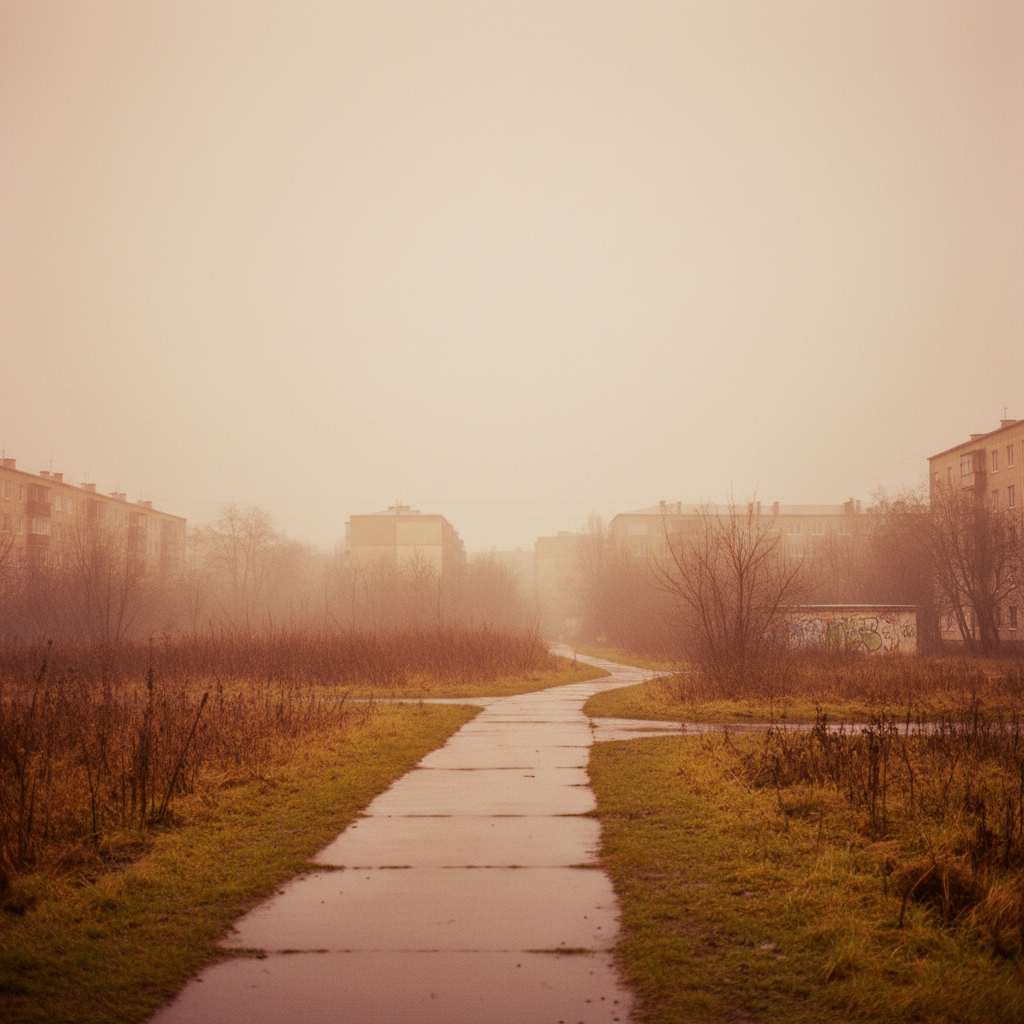
Portrait with harsh midday lighting
Before
->
Same portrait with warm golden hour glow
After

Midday portrait to golden hour magic

Harsh noon lighting transformed into flattering sunset warmth. Face glows naturally.
Prompt: add warm golden hour lighting with soft sun glow from the right side
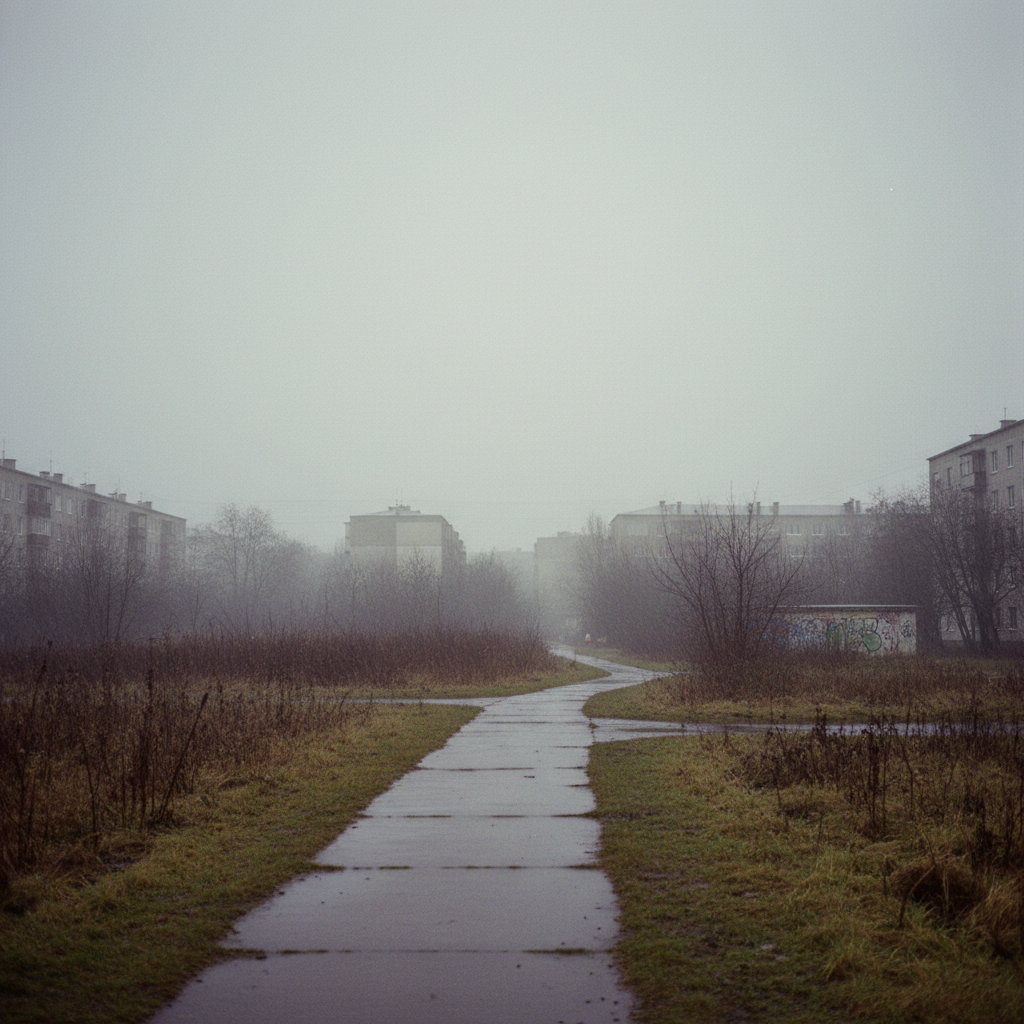
Photo with flat overcast lighting
Before
->
Photo transformed with golden sunset warmth
After

Cloudy day to sunset warmth

Overcast gray day given beautiful sunset color grading. Mood completely transformed.
Prompt: add golden hour lighting with warm sunset tones, soft directional light
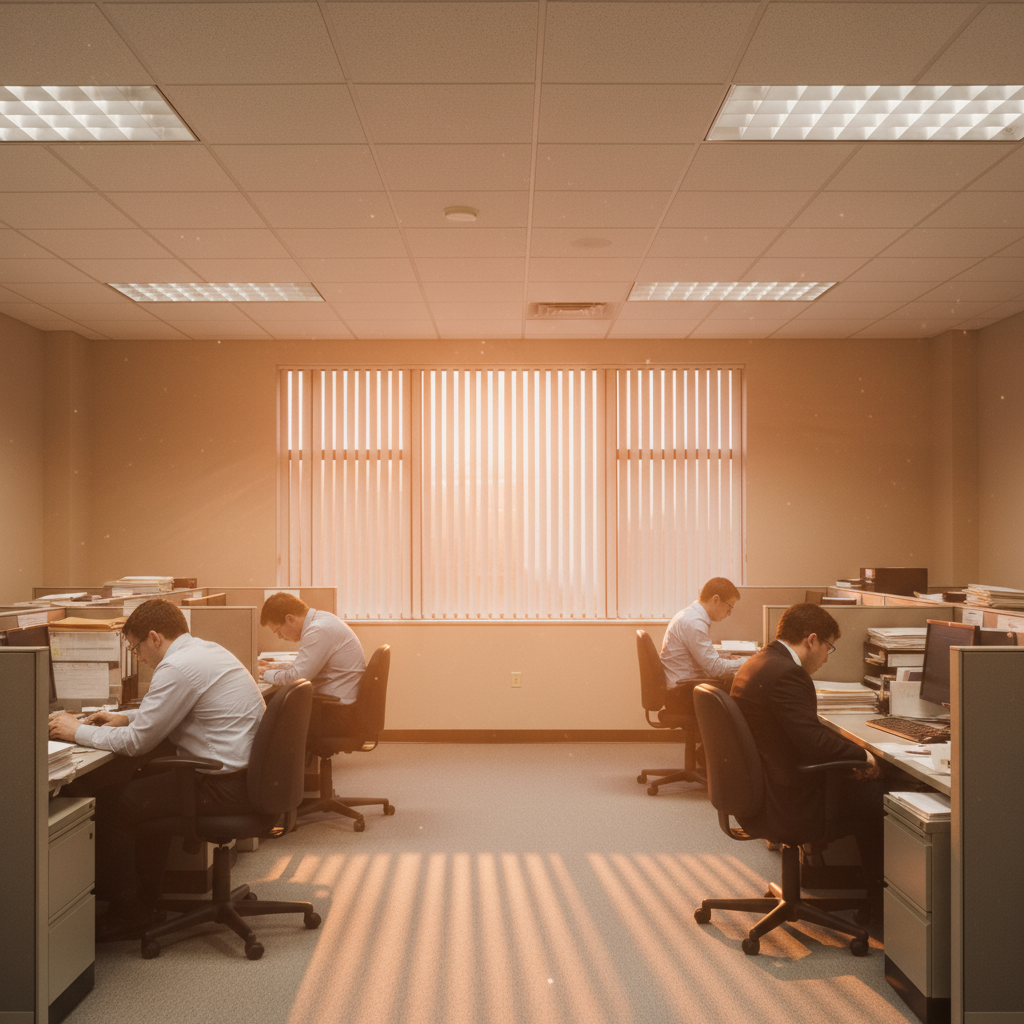
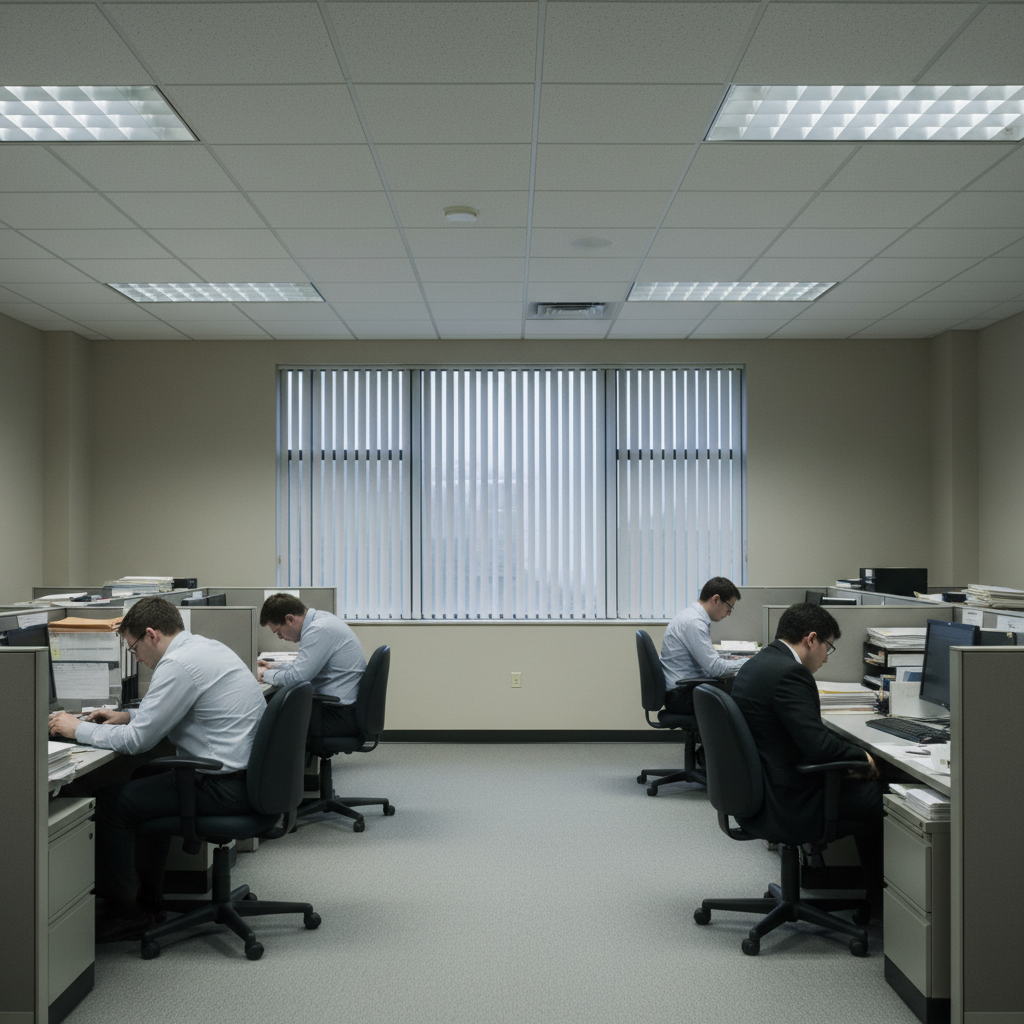
Indoor photo with flat artificial lighting
Before
->
Indoor photo with warm golden window light
After

Indoor shot with golden window light

Boring indoor photo enhanced with warm light streaming effect. Creates cozy atmosphere.

Prompt: add golden hour light streaming from the window, warm cozy indoor atmosphere
Advertisement

If something looks off

Photo looks too orange or unnatural

Why: The AI over-saturated the warm tones beyond realistic golden hour colors.

Try: redo with more subtle natural golden warmth, not too orange

Tip: 'Subtle' and 'natural' prevent the over-processed sunset filter look.

Light direction doesn't match existing shadows

Why: The AI added golden light from a direction that conflicts with original shadow placement.

Try: add golden hour light from the [direction that matches existing shadows]

Tip: Look at where shadows fall in your original photo and specify that direction.

Skin tones look unnatural or too warm

Why: The effect was applied too heavily to skin areas.

Try: add golden hour lighting but keep skin tones natural and flattering

Tip: Specifically mentioning skin tones helps the AI preserve realistic complexions.

AI changed wrong area or affected the whole image unevenly

Why: The AI couldn't determine how to apply light naturally across the scene.

Try: Tap markers on areas that need more or less golden light, then regenerate

Tip: Markers help guide light distribution across different parts of the image.

Effect is too subtle, barely noticeable

Why: The AI was too conservative with the golden hour effect.

Try: add stronger more visible golden hour lighting, warmer tones throughout

Tip: 'Stronger' and 'more visible' increase the effect intensity.

Indoor lighting looks unrealistic without a light source

Why: Golden light needs a believable source like windows.

Try: add golden hour light as if streaming through a window from the [side]

Tip: Reference a window or doorway to make indoor golden light believable.

Quick answers

Do I need to mark anything before adding golden hour lighting?

No! Just describe 'add golden hour lighting' and the AI applies it intelligently across the scene. It understands how natural sunlight should fall. Only use markers if you want more or less effect on specific areas.

Will it look fake or like a filter?

Not if you use natural language like 'subtle golden warmth' or 'natural golden hour.' The AI adds realistic light direction and warmth, not just an orange overlay. Specify 'natural' to avoid the over-processed look.

Is there a free golden hour lighting tool without signup?

Yes, EditThisPic adds golden hour lighting for free with no account needed. Upload your photo, describe the effect, download. No watermarks on your result.

Can I specify which direction the sun should come from?

Absolutely! Include direction in your prompt: 'golden hour light from the left' or 'sunset glow from behind the subject.' This creates realistic directional lighting that matches or enhances existing shadows.

Does it work on indoor photos?

Yes! Reference a window for believable results: 'golden hour light streaming through the window.' This makes the warm light source logical even in indoor settings. The AI will create realistic window-light effects.

Ready to add that golden hour magic?

Free to try. No signup required.

Try it free โ†’