How do I fix someone blinking in a photo?
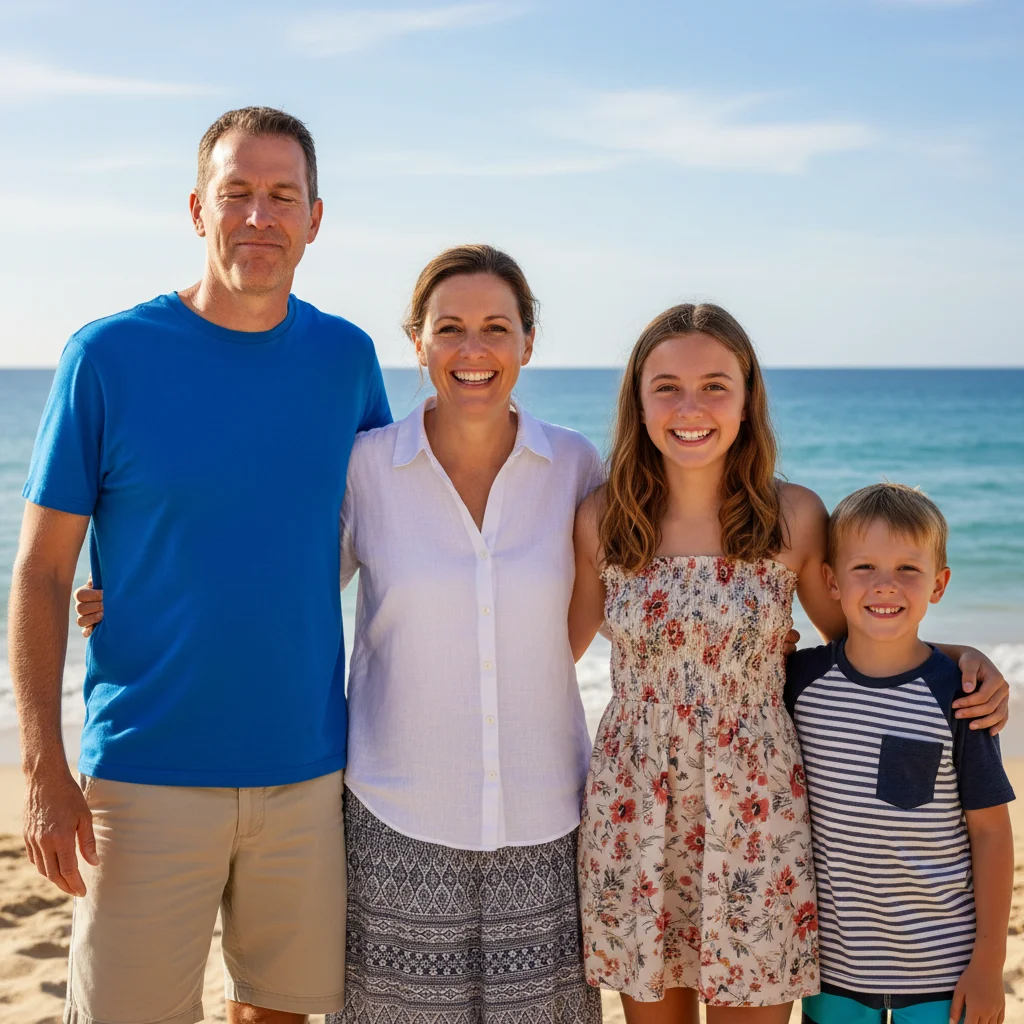
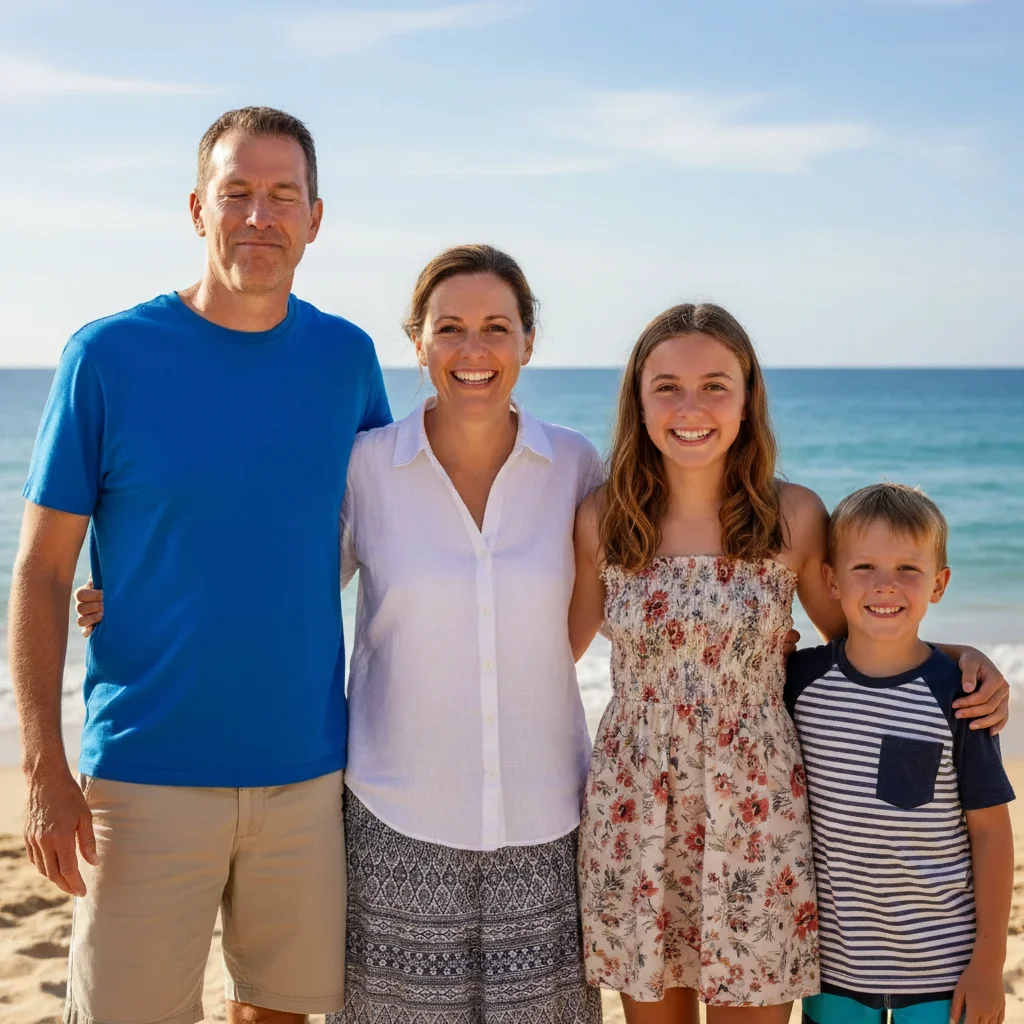
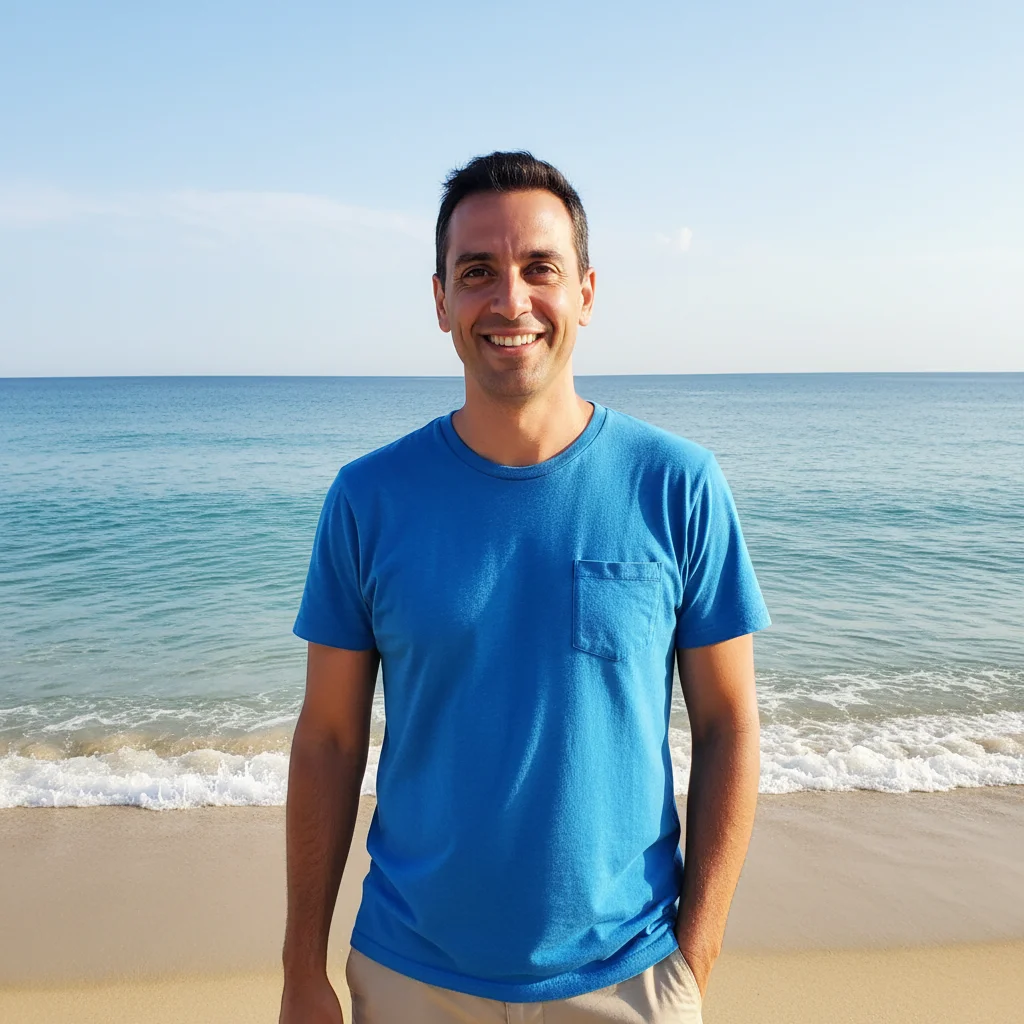
Upload the photo where they blinked, click '+ Add reference image' to add a photo where their eyes are open, then describe 'replace their expression from photo 1 with photo 2 where eyes are open.' The AI swaps just the expression while keeping everything else the same.
Can I combine the best parts from multiple photos?
Yes! Upload your preferred base photo, add a reference photo with the better element, then describe what to swap: 'replace the smile,' 'use the eyes from photo 2,' or 'swap the expression.' You can combine best faces from multiple shots into one perfect photo.
How do I create one perfect photo from many similar shots?
Work through fixes one at a time. Fix the first person's expression, download the result, then use that as your new base photo to fix the next person. This gives you control over each swap and builds toward a perfect final image.
Do I need to mark the face before swapping?
No! Just describe which person: 'replace the woman in red dress from photo 1 with her expression from photo 2.' The AI understands facial recognition. Only use markers when you have multiple similar-looking people.
Does this work on group photos?
Yes! This is one of the most common uses. Identify the person clearly: 'the man in blue on the left' and mention 'keep everyone else unchanged.' Fix multiple people by processing them one at a time.
How many reference photos can I use?
One reference photo per edit, but you can chain edits. Fix one person, download the result, then use that as your new base and add a different reference photo to fix the next person. Repeat for each fix needed.
Will the lighting match after combining?
The AI automatically adjusts to match the lighting from your base photo (photo 1). For best results, use reference photos from the same session or with similar lighting conditions. You can also add 'match lighting from photo 1' to your prompt.
Can I fix multiple people's expressions at once?
You can try describing multiple swaps, but doing one person at a time usually gives better results. The AI can focus more precisely on each individual swap, and you can verify each fix before moving to the next.
Does this work on wedding photos?
Yes! Wedding photos are a perfect use case. Photographers take many shots - find the ones where different people look best and combine them. Works for ceremony shots, formal portraits, and candid moments.
How do I choose which expression to use?
Look through all your photos to find where that person looks best - eyes open, natural smile, looking at camera. That becomes your reference photo. Describe what's better about it: 'where she's smiling naturally' or 'where his eyes are open.'
Can I combine photos taken at different times?
Yes, but results are best when photos are close in time. Same-session photos match lighting, clothing, and hair perfectly. Photos from different days or events can work but may need extra blending instructions.
Is this better than Photoshop for combining expressions?
For most people, yes. Photoshop requires manual masking, color matching, and careful blending - skills that take years to develop. EditThisPic does it in one prompt. Photoshop gives more control for edge cases, but AI handles 90% of expression swaps faster and easier.