Pricing Visualize Barn door · Free

AI Barn Door Visualizer

← Browse all creative effects

Last updated

Describe a sliding barn door and see it on your own doorway. Free, no account.
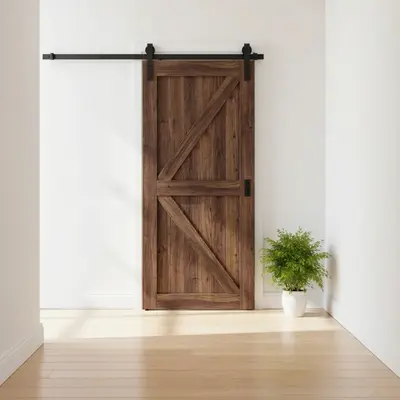
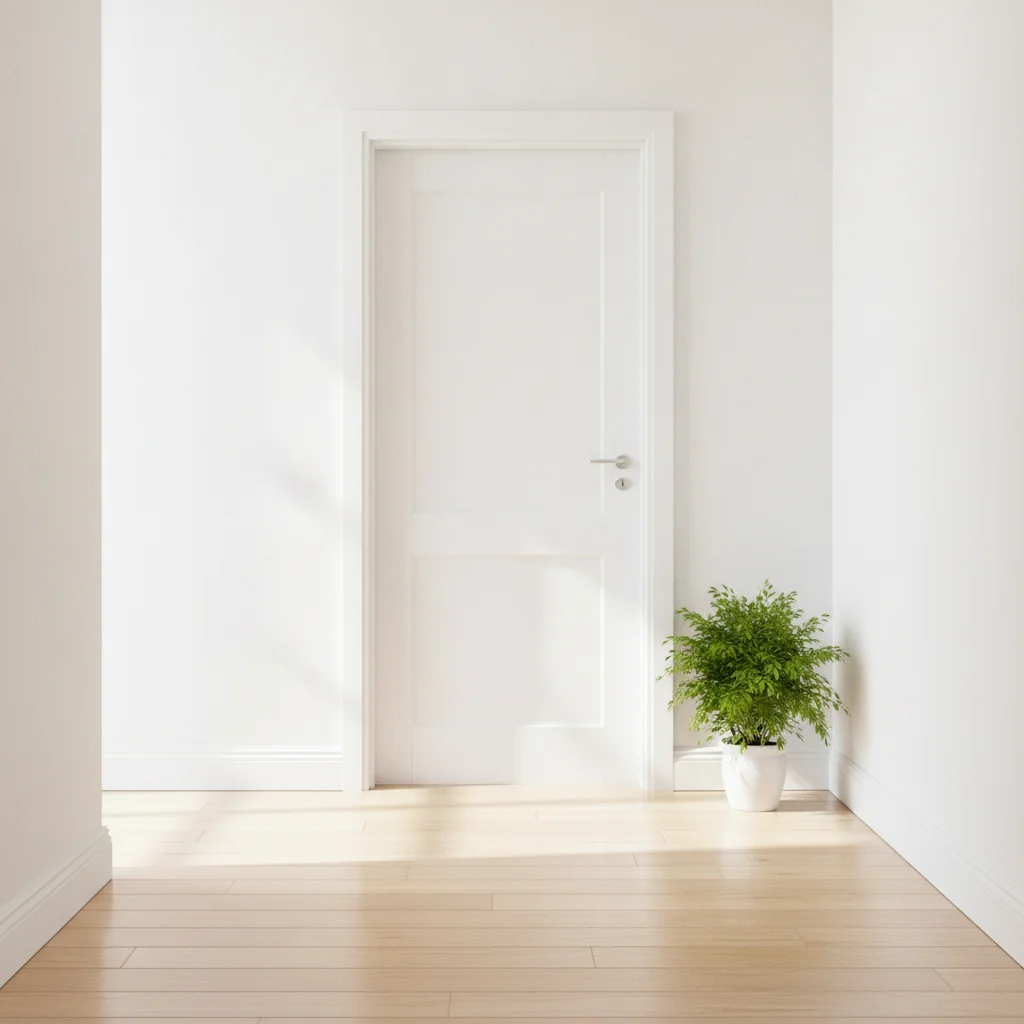
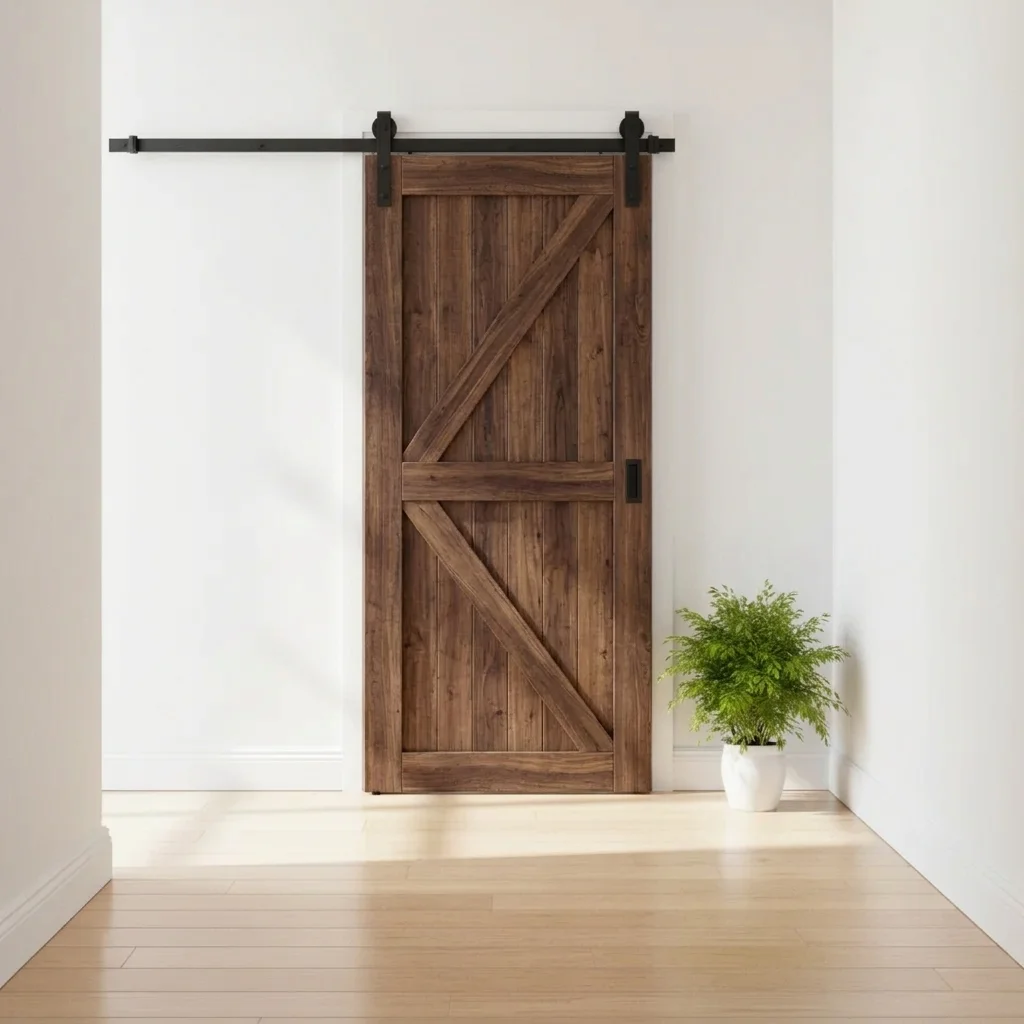
Hallway with a white panel door and a green plant Same hallway with a dark walnut barn door on a black rail

Upload photo to visualize barn door

"replace the door with a white painted shaker style sliding barn door on a matte black rail, keep the hallway unchanged"

Free to try · no sign-up · never used for AI training

Release to upload

<30stypical edit
1 freeedit weekly
Photo on your phone? Scan to open this editor there — free edit works on your phone too.

1 free edit every week·paid packs after

How it works

  1. Upload a photo of your doorway

    Photograph the doorway straight on, from a few steps back, so the whole door, the frame and some wall on both sides are visible. A barn door needs wall space beside the opening, so include it in the photo.

    Expect: Simple changes usually finish quickly. Detailed patterns or several elements at once may need a second try.
  2. Describe what you want to see

    Describe the door: wood or paint, panel style and the hardware. For example: 'replace the door with a sliding barn door in dark walnut with a Z-brace pattern, black flat track rail above, sliding to the left.' No marking needed.

    Tip: Name the sliding side and the hardware colour. Black rail, brushed steel and brass all change the feel of the doorway.

    Copy one of these to get started:

    Dark wood Z-brace barn door replace the door with a sliding barn door in dark walnut with a Z-brace pattern, black flat track rail above the opening, sliding to the left, keep the walls and floor unchanged
    White shaker barn door replace the door with a white painted shaker style sliding barn door on a matte black rail, keep the hallway unchanged
    Glass panel barn door for an office replace the door with a sliding barn door with a black metal frame and frosted glass panels, black rail above, keep the room unchanged
    Natural oak barn door in a bedroom replace the bedroom door with a natural oak sliding barn door with vertical planks and brushed steel rail hardware
    3 more prompts
    Rustic reclaimed wood door replace the door with a rustic reclaimed wood sliding barn door with visible knots and a black strap hinge look, black rail
    Barn door covering a closet replace the closet doors with one wide sliding barn door in grey painted wood on a black rail, keep the wall unchanged
    Double barn doors on a wide opening replace the doorway with double sliding barn doors in white with black X-brace pattern on a long black rail
  3. Review the preview

    Check the rail runs level above the opening and the door hangs just in front of the wall. Wood grain and colour are usually convincing. The door size relative to the opening is the part to check by eye.

  4. Refine with markers if needed

    If the AI changes the wrong door or removes the frame, tap a marker on the door you want and regenerate. Markers are optional.

    Tip: Markers are for precision refinement, not a required step. Most previews work from the description alone.

See it in action

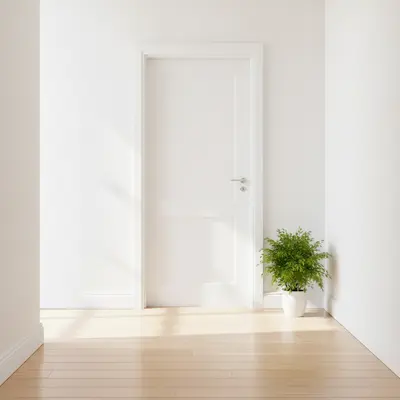
Hallway with a white panel door and a green plant
Before
->
Same hallway with a dark walnut barn door on a black rail
After

Panel door to dark Z-brace barn door

A homeowner wanted to see whether a barn door would look right at the end of a hallway.

Prompt: replace the door with a sliding barn door in dark walnut with a Z-brace pattern on a black rail, sliding left
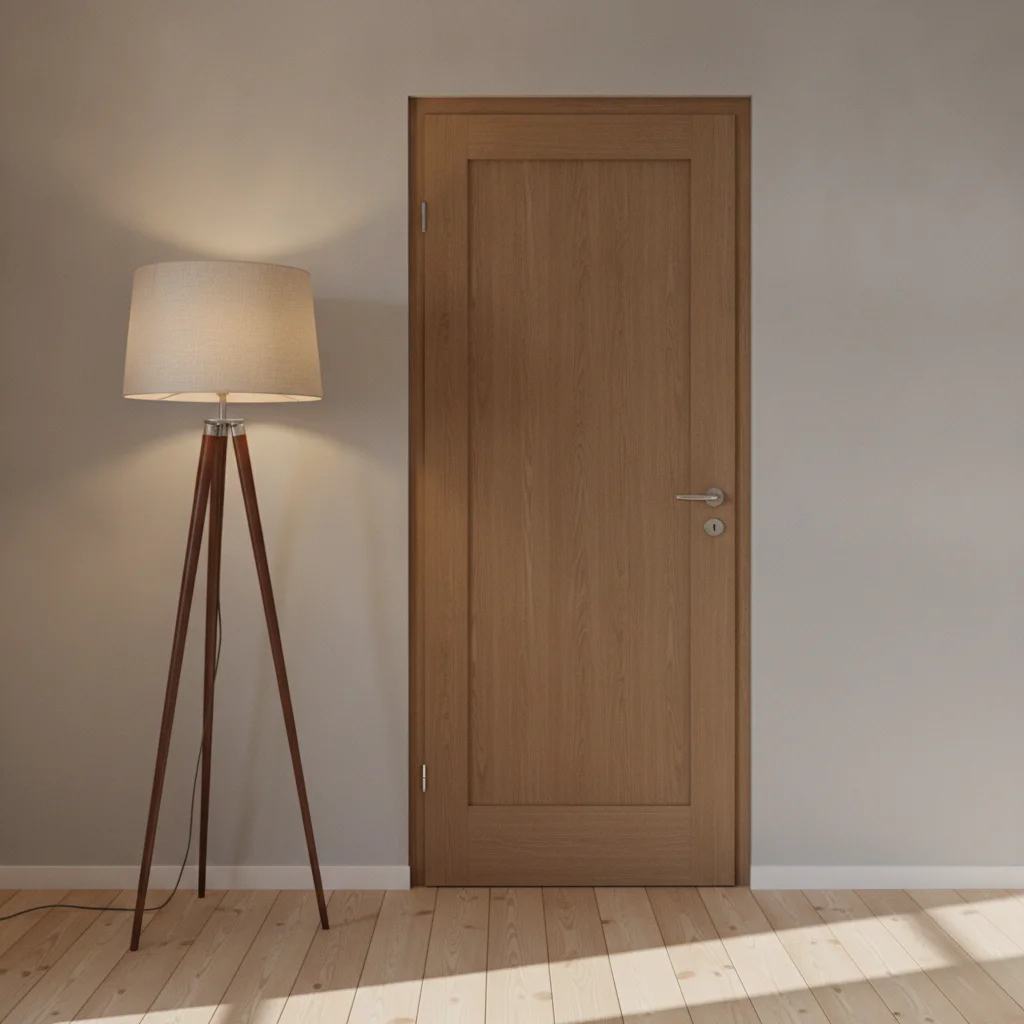
Home office entrance with a plain wooden door
Before
->
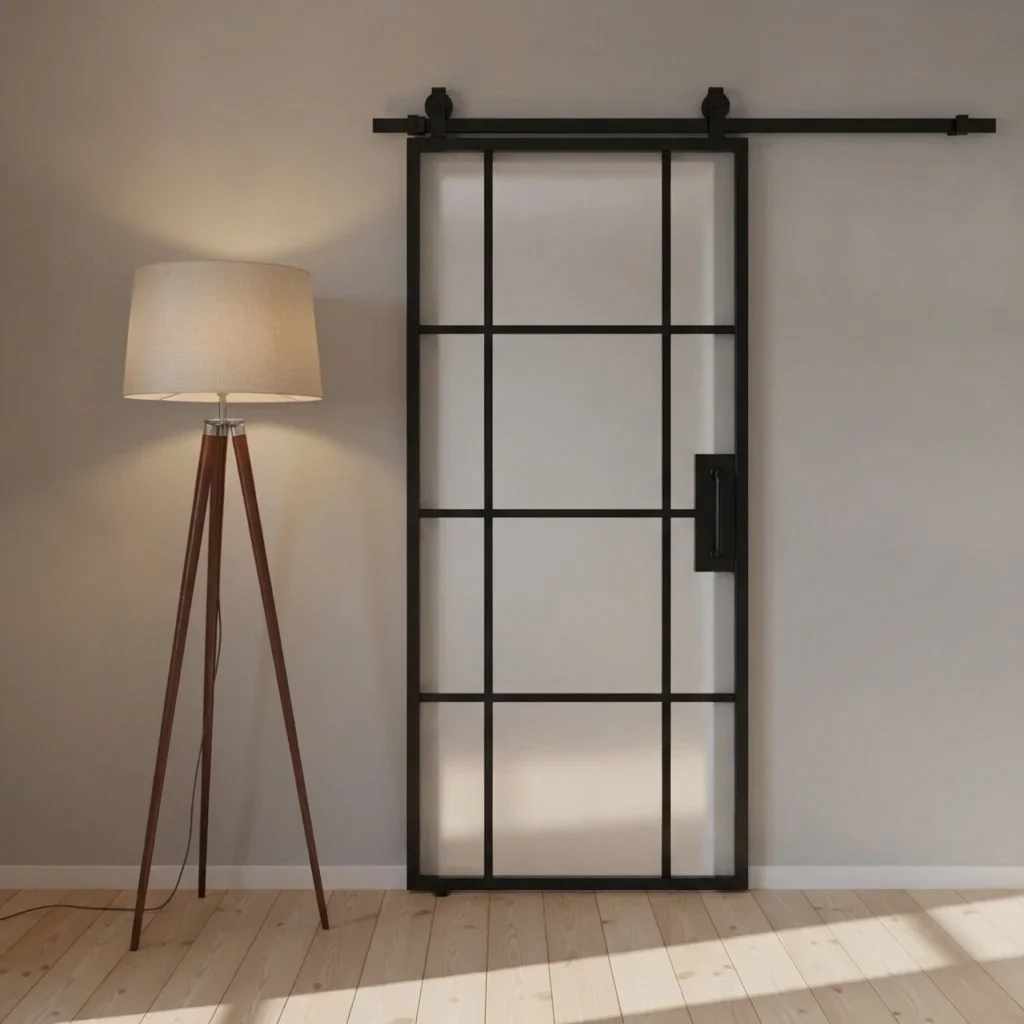
Same entrance with a black-framed frosted glass barn door
After

Office door to frosted glass barn door

A home office door previewed in black-framed frosted glass.

Prompt: replace the door with a sliding barn door with black metal frame and frosted glass panels on a black rail
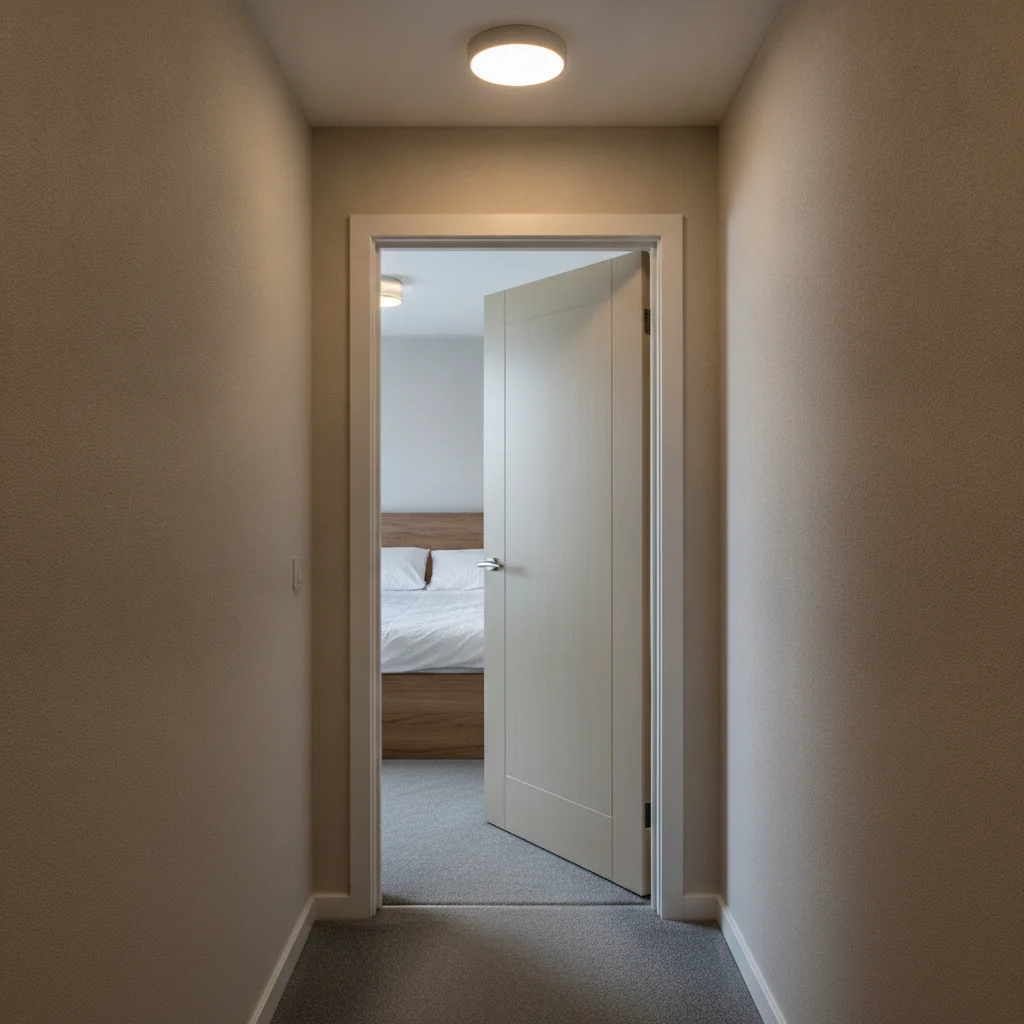
Hallway with a beige bedroom door
Before
->
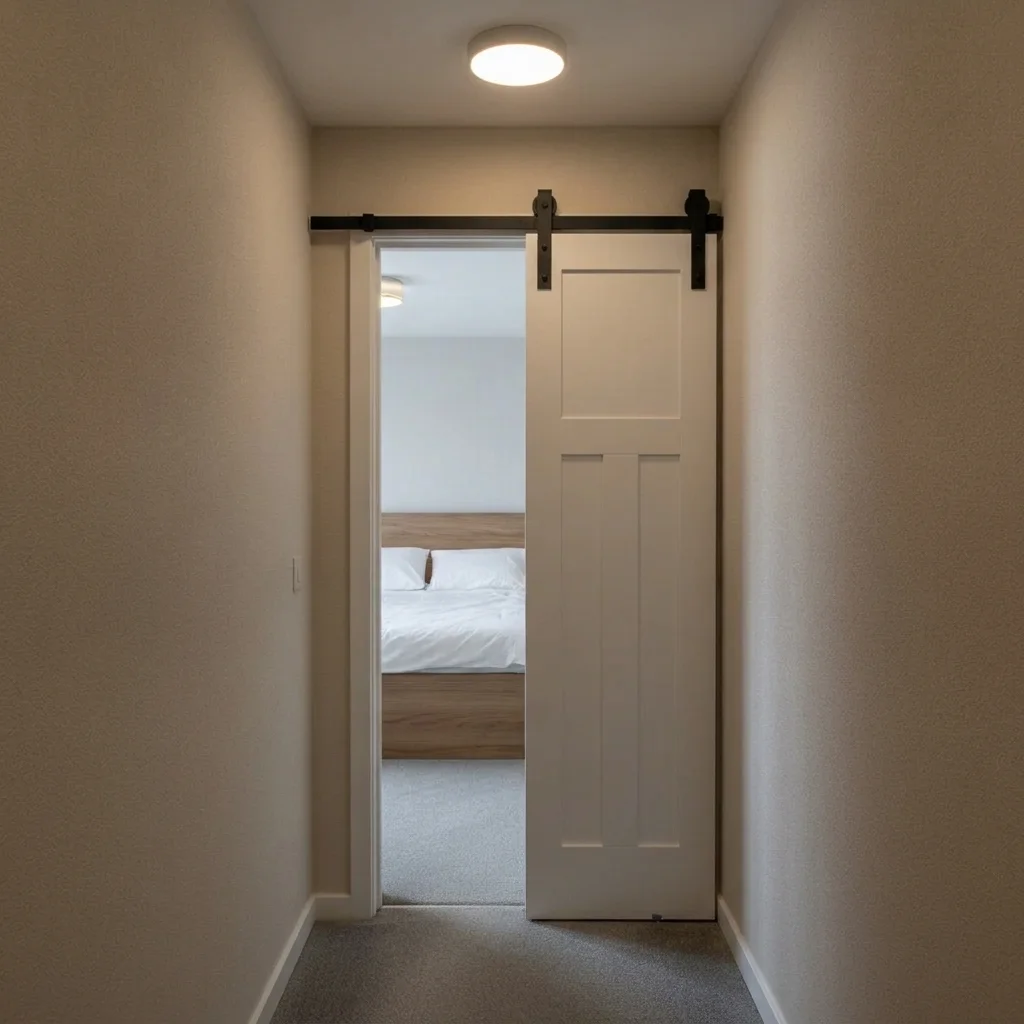
Same doorway with a white barn door on a black rail
After

Bedroom door to white barn door

A small bedroom doorway previewed with a white sliding door.

Prompt: replace the door with a white shaker sliding barn door on a matte black rail, sliding to the right

Quick answers

Do I need to mark the door before changing it to a barn door?

No. Describe the barn door and where it goes, for example 'replace the door with a dark walnut sliding barn door on a black rail.' The AI finds the doorway in the photo. Use a marker only if it picks the wrong door.

Is there a free barn door visualizer with no signup?

Yes. EditThisPic gives you a free preview edit with no account and no watermark. Upload a photo of your doorway, describe the change, and look at the result. It is a mock-up to help you decide, not a quote or a plan.

Does it check if I have enough wall space for a barn door?

No. It is a style preview only. A real barn door needs clear wall beside the opening and suitable support. Check the space and fixing with your installer.

Can I try different woods and colours?

Yes. Run the same photo with different finishes, such as dark walnut, natural oak or white paint, and compare.

Can it show barn door hardware choices?

Yes, in a general way. You can ask for black, brushed steel or brass rail hardware. Fine details may need a retry.

Does it work for closets and pantries?

Yes. Say which opening, and whether you want one wide door or two. Check the result and use markers if the wrong door changes.

How much does EditThisPic cost?

You get 1 free Standard edit per week — no account needed. After that, one-time credit packs start at $4.99 for 10 credits, valid 12 months, no subscription. A Standard edit uses 1 credit, Pro 2 and Ultra 3. Purchased downloads are clean with no watermark.

Ready to preview a barn door on your doorway?

Free to try. No signup required.

1 free edit included·paid credit packs after