Pricing Enhance Coin photo · Free

AI Coin Photo Enhancer

← Browse all enhance tools

Last updated

Even out lighting and clean up the background around your coin. The coin itself is left as it is. Free, no signup.
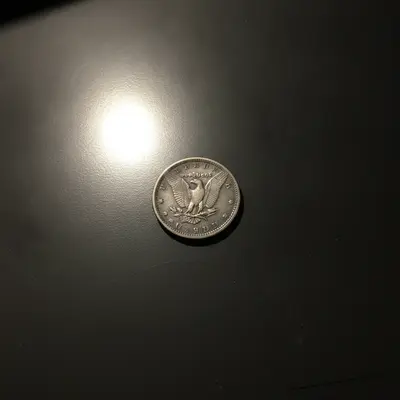
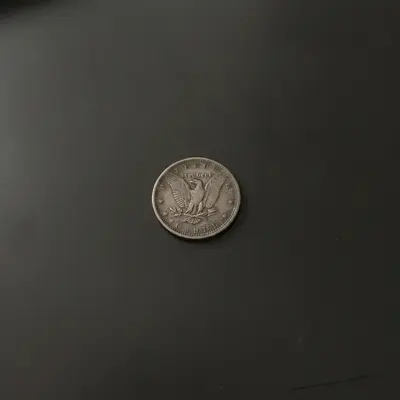
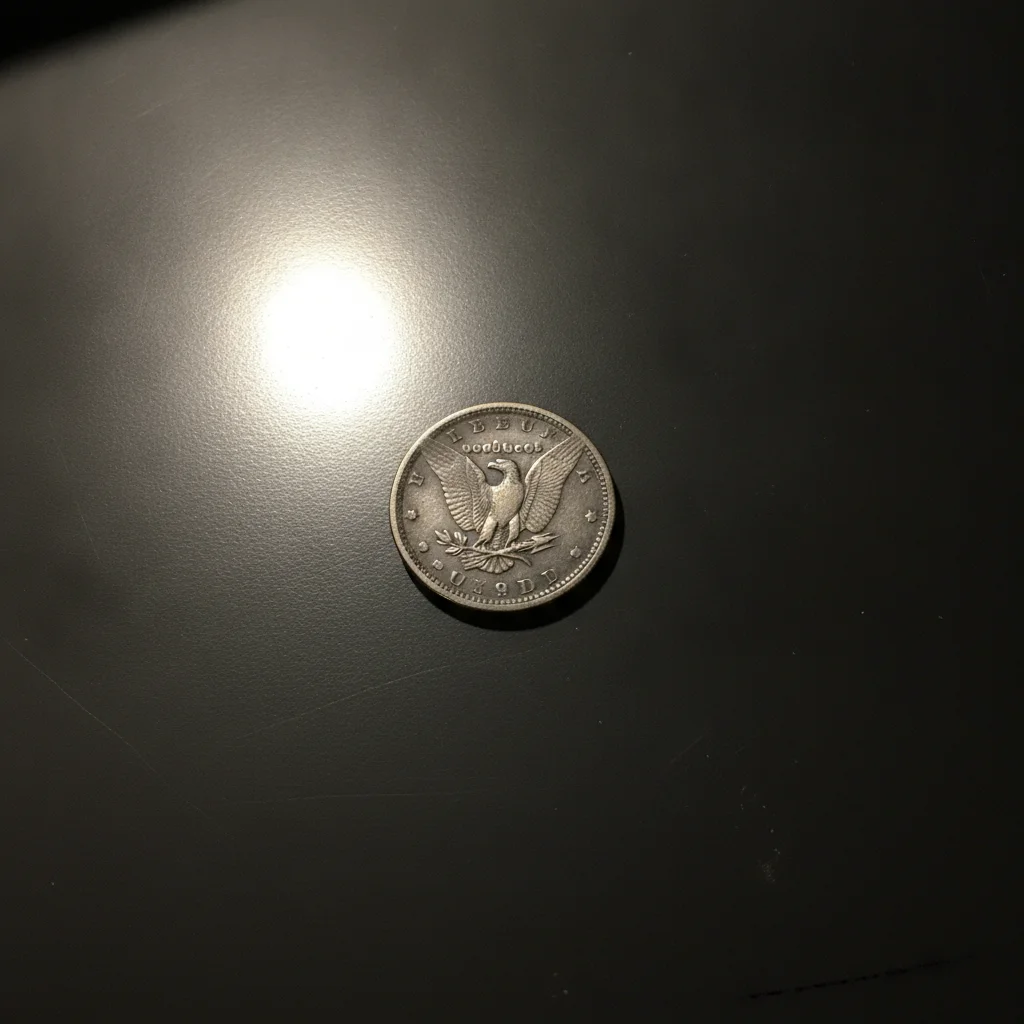
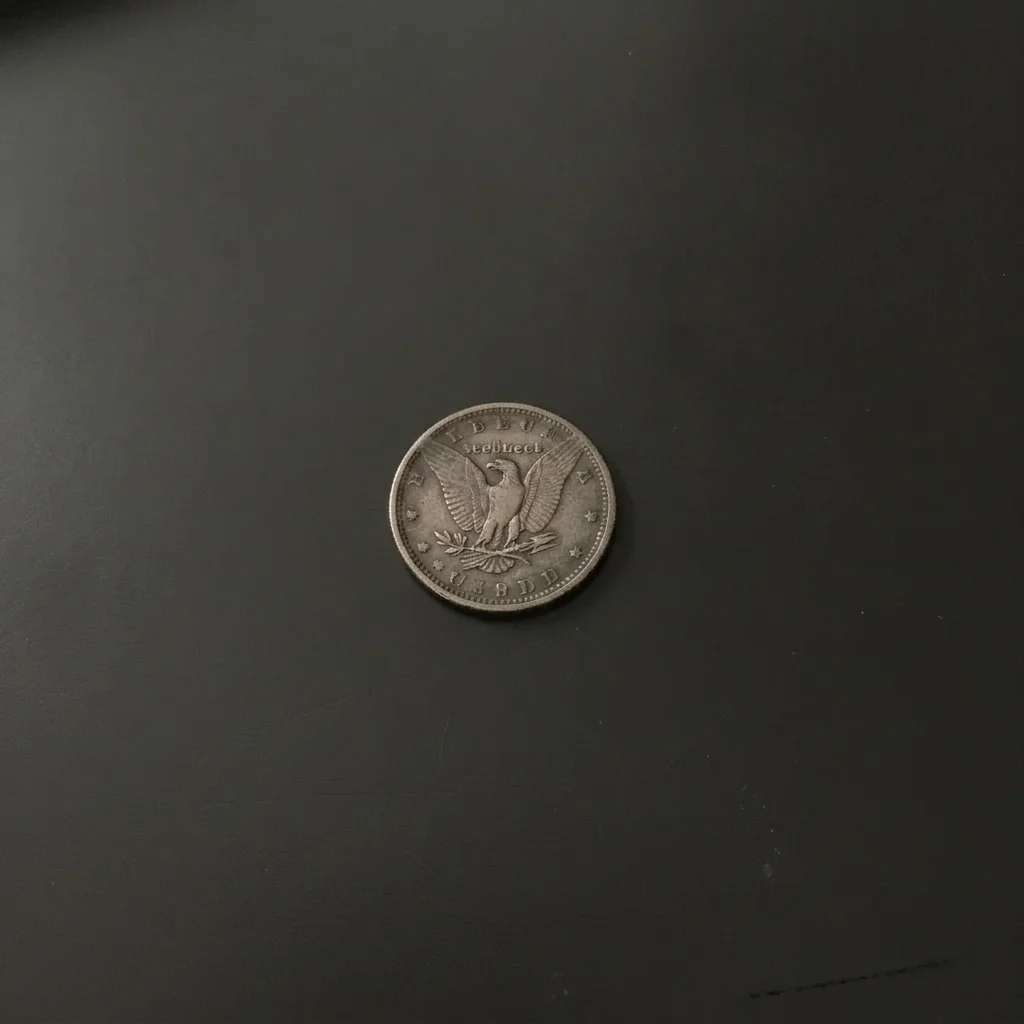
Silver coin on a cluttered wooden desk Same coin on a plain grey background

Upload photo to enhance coin photo

"even out the lighting across this coin photo and soften the harsh shadows on the table, do not alter the coin's surface, date or marks"

Free to try · no sign-up · never used for AI training

Release to upload

<30stypical edit
1 freeedit weekly
Photo on your phone? Scan to open this editor there — free edit works on your phone too.

1 free edit every week·paid packs after

How it works

  1. Upload your photo

    Upload a straight-on photo of the coin in focus, front or back. Good natural light from a window and a plain surface give the AI the most to work with.

    Expect: Simple fixes usually finish in under a minute. Heavier damage or busy detail can take a little longer and may need a second pass.
  2. Describe what you want

    Describe the lighting and background, and say the coin must not change. For example: 'even out the lighting, reduce the glare spot, put the coin on a plain neutral grey background, do not change the coin's surface, date, mint marks, scratches or toning.' No marking needed.

    Tip: Always include the line 'do not change the coin.' Honest coin photos must show the coin as it is.

    Copy one of these to get started:

    Clean background for a listing place this coin on a clean plain light grey background and remove the clutter, do not change the coin itself, its date, marks, scratches or toning
    Even out harsh lighting even out the lighting across this coin photo and soften the harsh shadows on the table, do not alter the coin's surface, date or marks
    Reduce a glare spot reduce the bright glare spot on the coin's surface so more of the surface is visible, do not alter the date, mint mark or wear
    Neutral colour balance correct the yellow colour cast in this coin photo so the background is neutral grey, keep the coin's natural toning as it is
    3 more prompts
    Soft shadow under the coin add a soft natural shadow under the coin on a plain white background, keep the coin exactly as photographed
    Remove dust and lint around the coin remove dust specks and lint from the background around the coin, do not touch the coin
    Edge-to-edge consistency for a set make the lighting and background of this coin photo clean and neutral, keep the coin unchanged
  3. Review the result

    Zoom in on the date, mint mark, scratches and toning and compare with your original. The coin should look identical. If any detail looks changed, do not use the result.

  4. Refine with markers if needed

    If glare remains or an edge looks off, tap a marker on that area and regenerate. Keep the instruction that the coin stays unchanged.

    Tip: Markers are for precision refinement, not a required step. Most edits work from the description alone.

See it in action

Silver coin on a cluttered wooden desk
Before
->
Same coin on a plain grey background
After

Silver coin on a messy desk

A silver dollar photographed on a cluttered desk.

Prompt: even out the lighting on this coin and remove the flash glare, keep the exact same coin, design, date and wear, keep the grey desk background
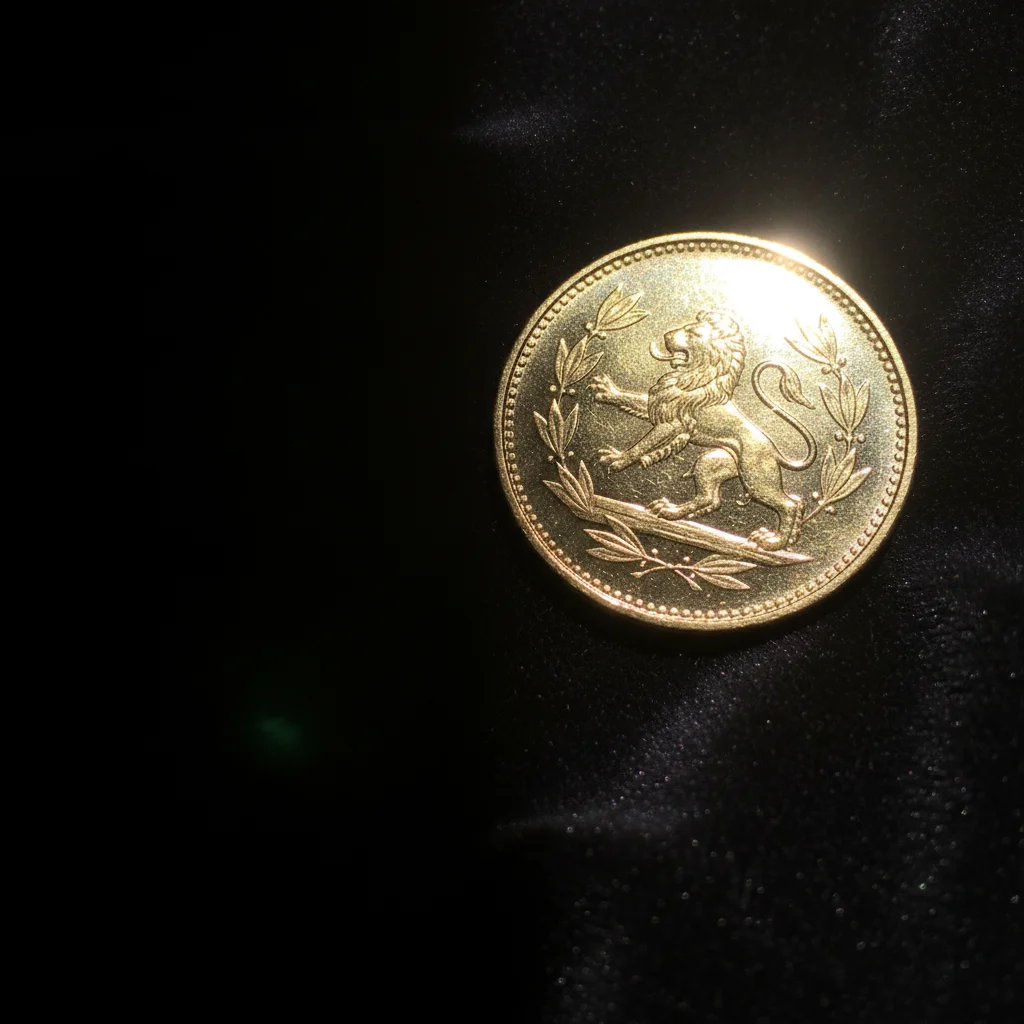
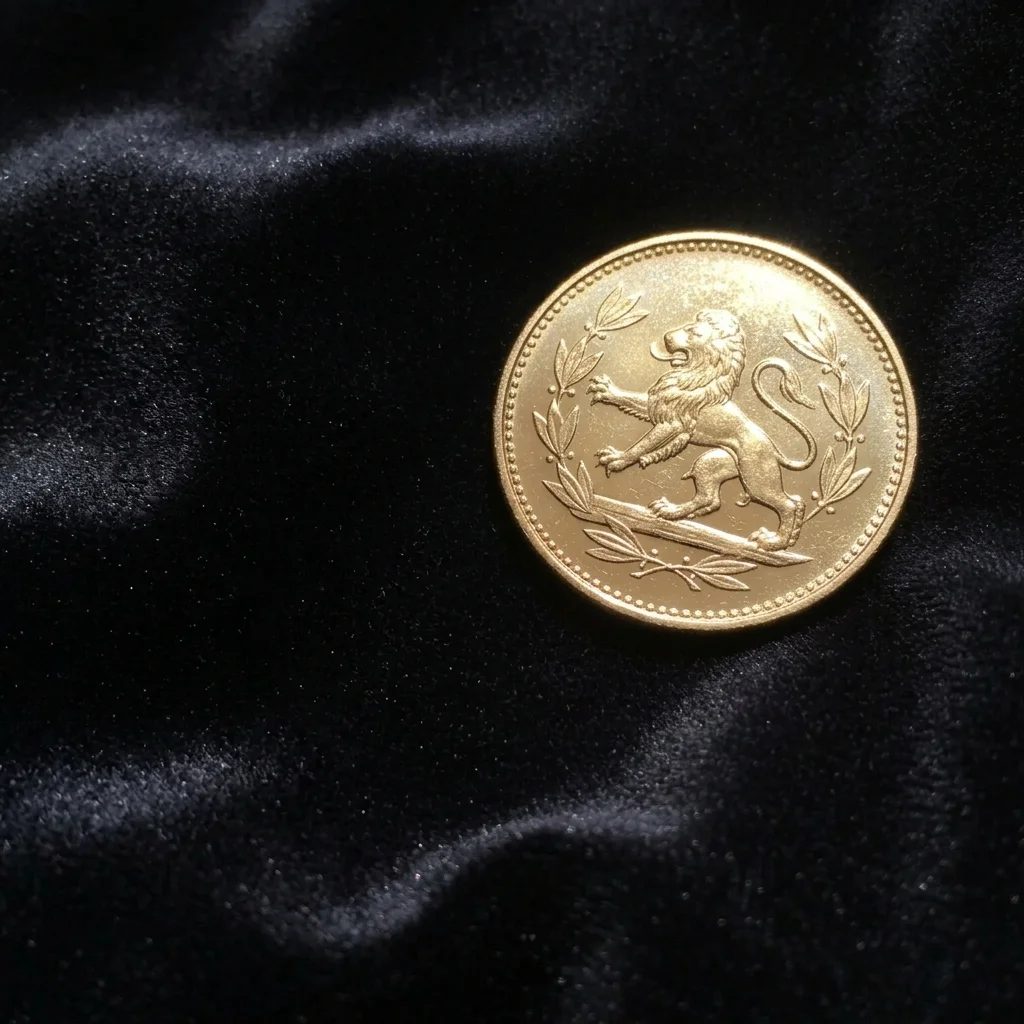
Gold coin with a bright lamp glare and a hard shadow
Before
->
Same coin with softer even lighting
After

Glare on a gold coin

A gold coin with a bright overhead glare.

Prompt: even out the lighting across this coin photo and soften the harsh shadows on the table, do not alter the coin's surface, date or marks
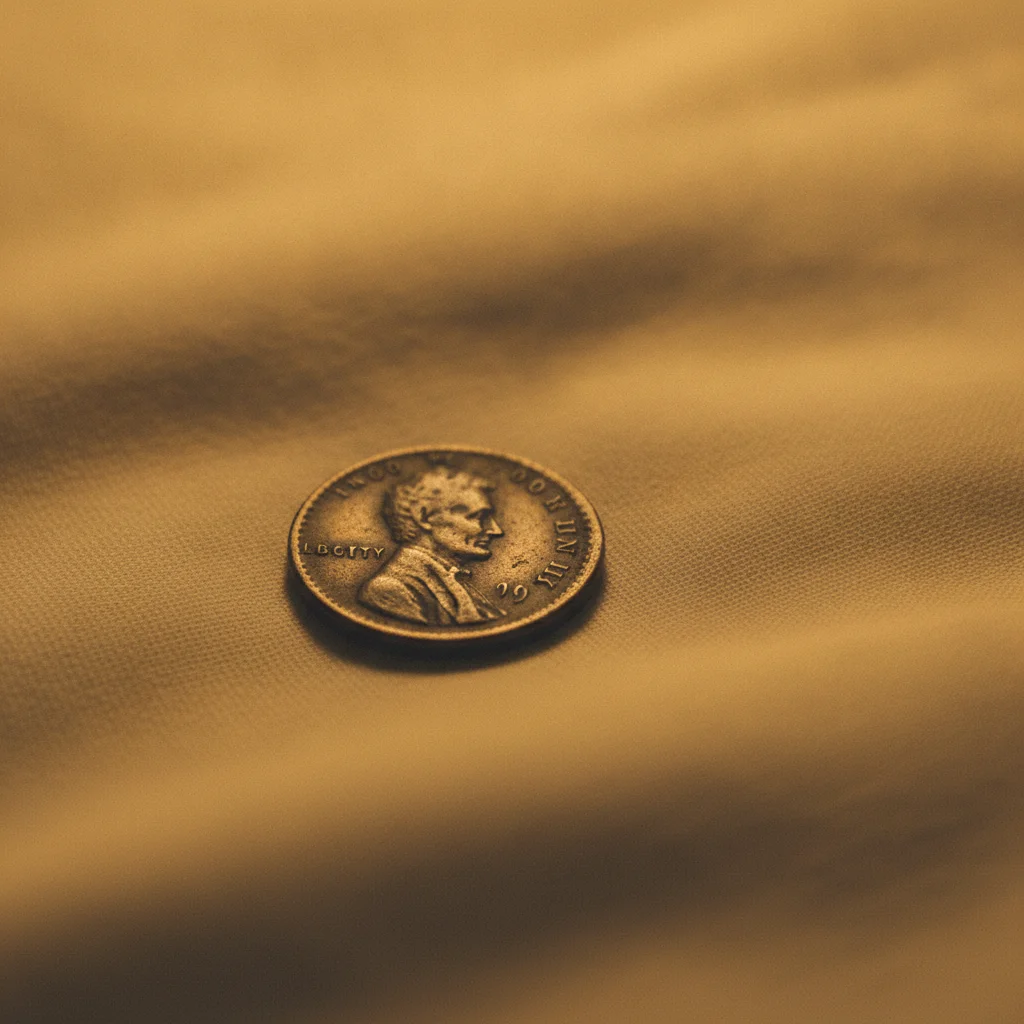
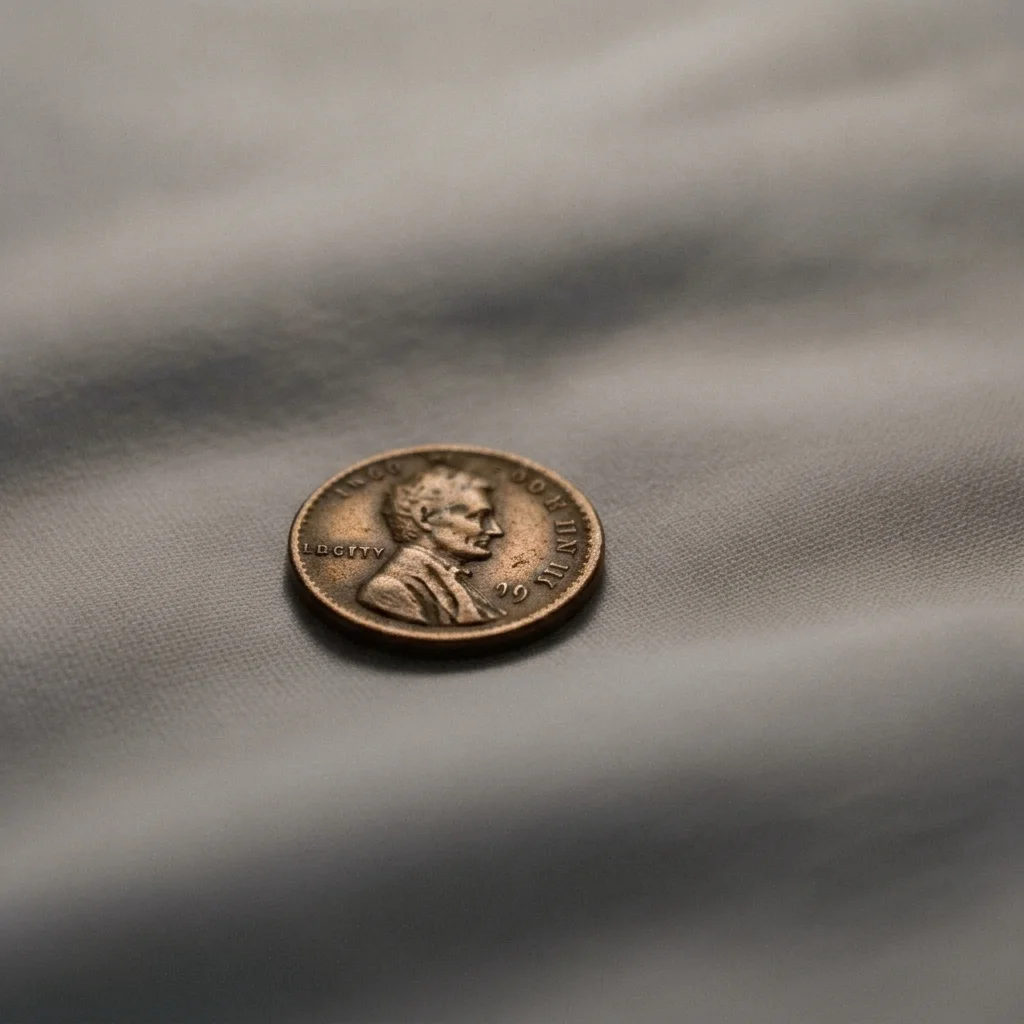
Copper coin photographed with a yellow tint
Before
->
Same coin with a neutral background
After

Copper coin yellow cast

A copper coin photographed under a warm lamp.

Prompt: correct the yellow colour cast in this coin photo so the background is neutral grey, keep the coin's natural toning as it is

Quick answers

Do I need to mark the coin before describing what I want?

No. Describe the lighting and background and say the coin must not change. Markers only help if the AI edits near the coin edge.

Can I improve coin photos for free?

Yes. Upload the coin photo, describe the lighting and background you want, and download the preview. The free edit is a preview, with no signup and no watermark.

Will it change the coin's condition, date or marks?

It should not, and you should tell it not to. This tool is for lighting and background only. Never use it to hide wear, scratches, cleaning or other flaws. Always check the result against the original.

Is it fine to use for a sales listing?

Use it only for lighting and background, and show buyers the coin honestly. Changing the coin itself could mislead buyers. Many sellers also include an unedited photo.

Can it make a coin look better graded?

No, and it should not. Grading is about the coin itself, which this tool does not edit.

What's the best photo to start from?

A sharp, straight-on photo in soft window light on a plain surface.

How much does EditThisPic cost?

You get 1 free Standard edit per week — no account needed. After that, one-time credit packs start at $4.99 for 10 credits, valid 12 months, no subscription. A Standard edit uses 1 credit, Pro 2 and Ultra 3. Purchased downloads are clean with no watermark.

Ready to improve your coin photo?

Free to try. No signup required.

1 free edit included·paid credit packs after