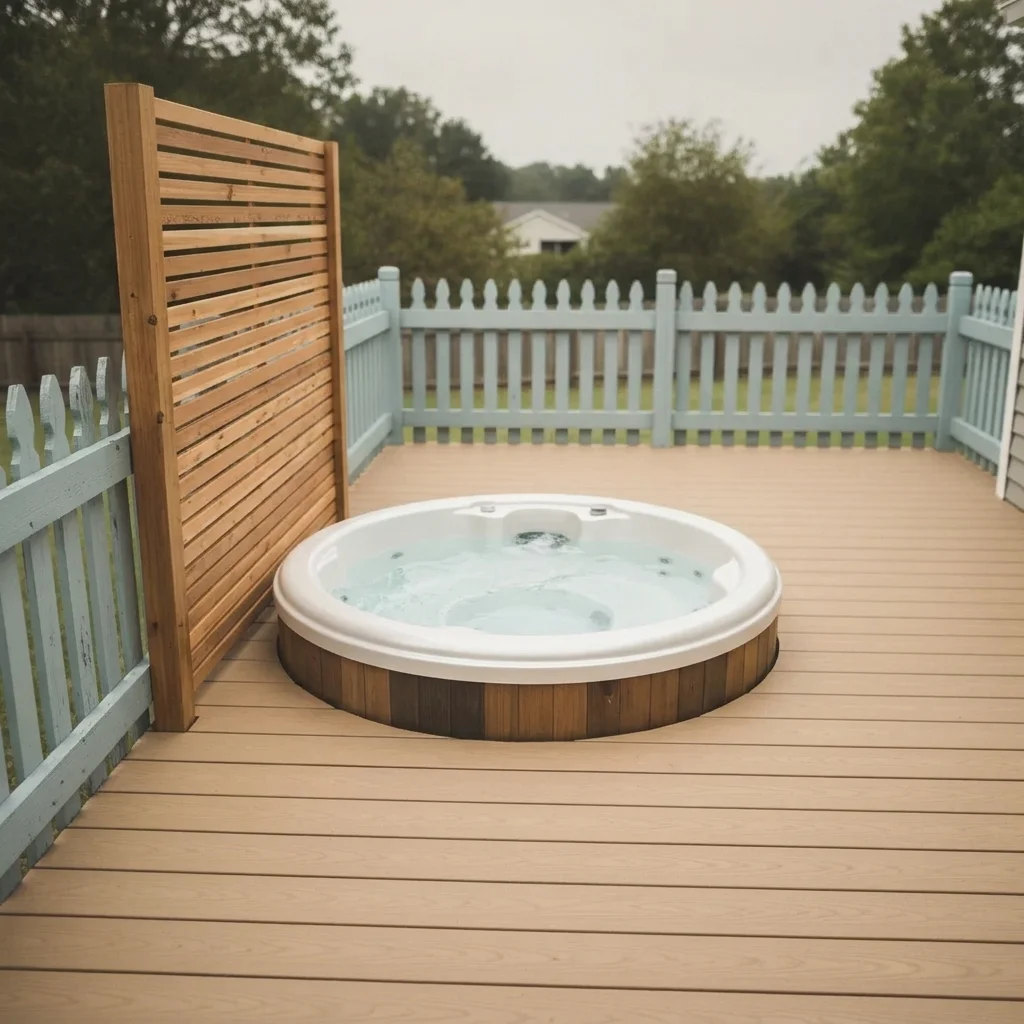
Pricing Visualize Hot tub · Free

AI Hot Tub Visualizer

← Browse all creative effects

Last updated

Describe a hot tub or swim spa and see it placed on your own deck or patio photo.
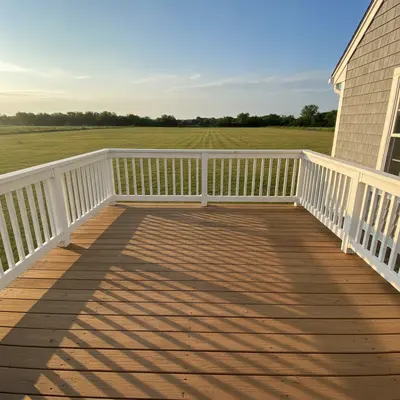
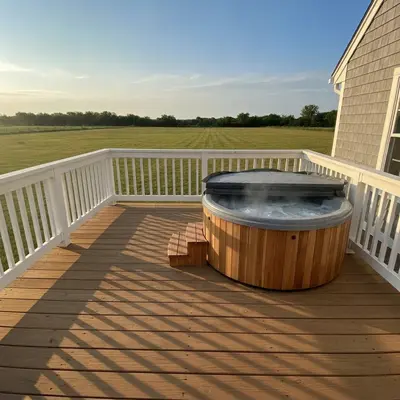
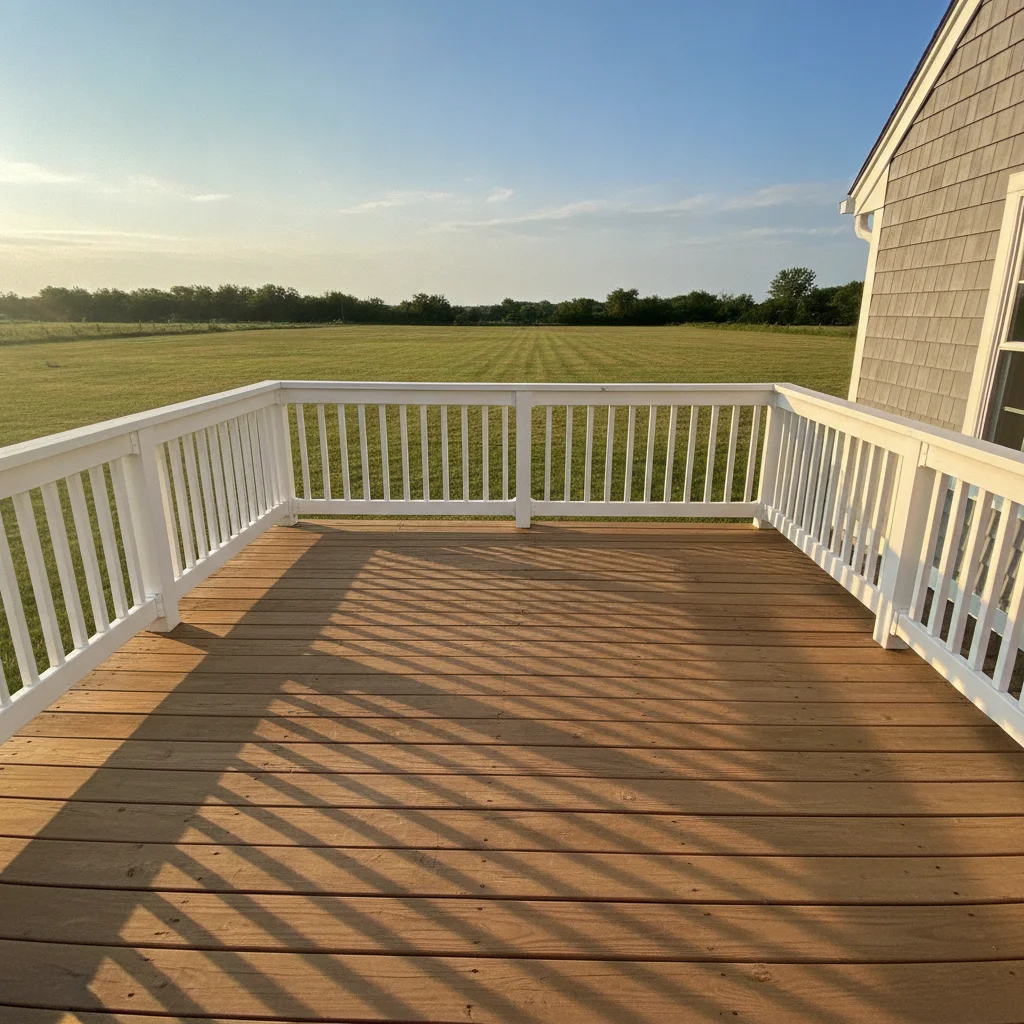
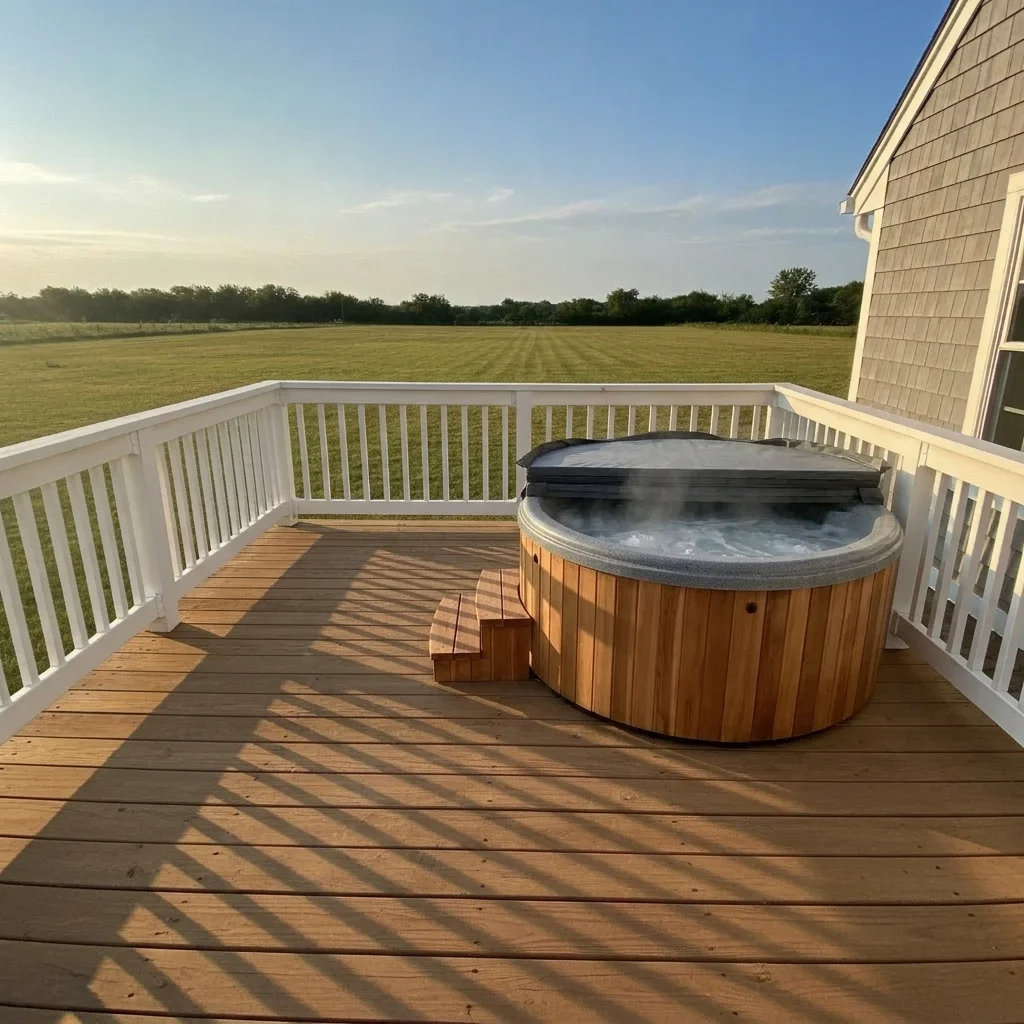
Empty wooden deck with a white railing Same deck with a round gray hot tub and a cedar surround

Upload photo to visualize hot tub

"add a square charcoal hot tub with steps on one side in the far corner of the patio, keep the patio and fence unchanged"

Free to try · no sign-up · never used for AI training

Release to upload

<30stypical edit
1 freeedit weekly
Photo on your phone? Scan to open this editor there — free edit works on your phone too.

1 free edit every week·paid packs after

How it works

  1. Upload a photo of the deck or patio

    Photograph the area from a spot that shows the floor space and any railing or house wall. A level, mostly clear surface gives the best result. Daytime photos work best.

    Expect: A clear deck usually works on the first try. If furniture is in the way, expect one refinement.
  2. Describe the hot tub you want

    Name the shape (round, square, rectangular), the shell colour, the cabinet or surround material (cedar, gray composite, stone), and the extras such as steps, a cover or a privacy screen. For a swim spa, say long rectangular and set it along one side. No marking needed.

    Tip: Describe the cabinet and the shell separately, for example 'white shell with a dark gray cabinet'.

    Copy one of these to get started:

    Round hot tub with cedar surround add a round gray hot tub with a cedar wood surround and a dark cover leaning on its side on the deck, keep the railing and house unchanged
    Square tub in the corner add a square charcoal hot tub with steps on one side in the far corner of the patio, keep the patio and fence unchanged
    Swim spa along the patio add a long rectangular swim spa with a gray cabinet running along the right side of the patio, keep the lawn and house unchanged
    Sunken hot tub in a deck add a round hot tub set flush into the wooden deck with a stone coping edge, keep the deck boards and railing unchanged
    3 more prompts
    Hot tub with privacy screen add a round white-shell hot tub with a slatted cedar privacy screen on the side facing the neighbors, keep the rest of the deck unchanged
    Hot tub under a pergola add a round dark hot tub under a cedar pergola with string lights on the patio, keep the patio and house unchanged
    Cabinet colour change only change the existing hot tub cabinet from brown to light gray, keep the shell, cover and deck unchanged
  3. Check size and surroundings

    Look at how much deck space is left around the tub and whether it feels in proportion with the railing and house. This is a rough visual impression, not a measurement or a load check.

  4. Refine with markers if needed

    Markers are optional. If the tub appears in the wrong corner or the AI changes the railing, tap a marker where the tub should sit and regenerate.

    Tip: One marker on the floor where the tub should be centered is usually enough.

See it in action

Empty wooden deck with a white railing
Before
->
Same deck with a round gray hot tub and a cedar surround
After

Round hot tub on a wooden deck

A homeowner wanted to confirm a hot tub would still leave room for seating.

Prompt: add a round gray hot tub with a cedar wood surround on the deck, keep the railing and house unchanged
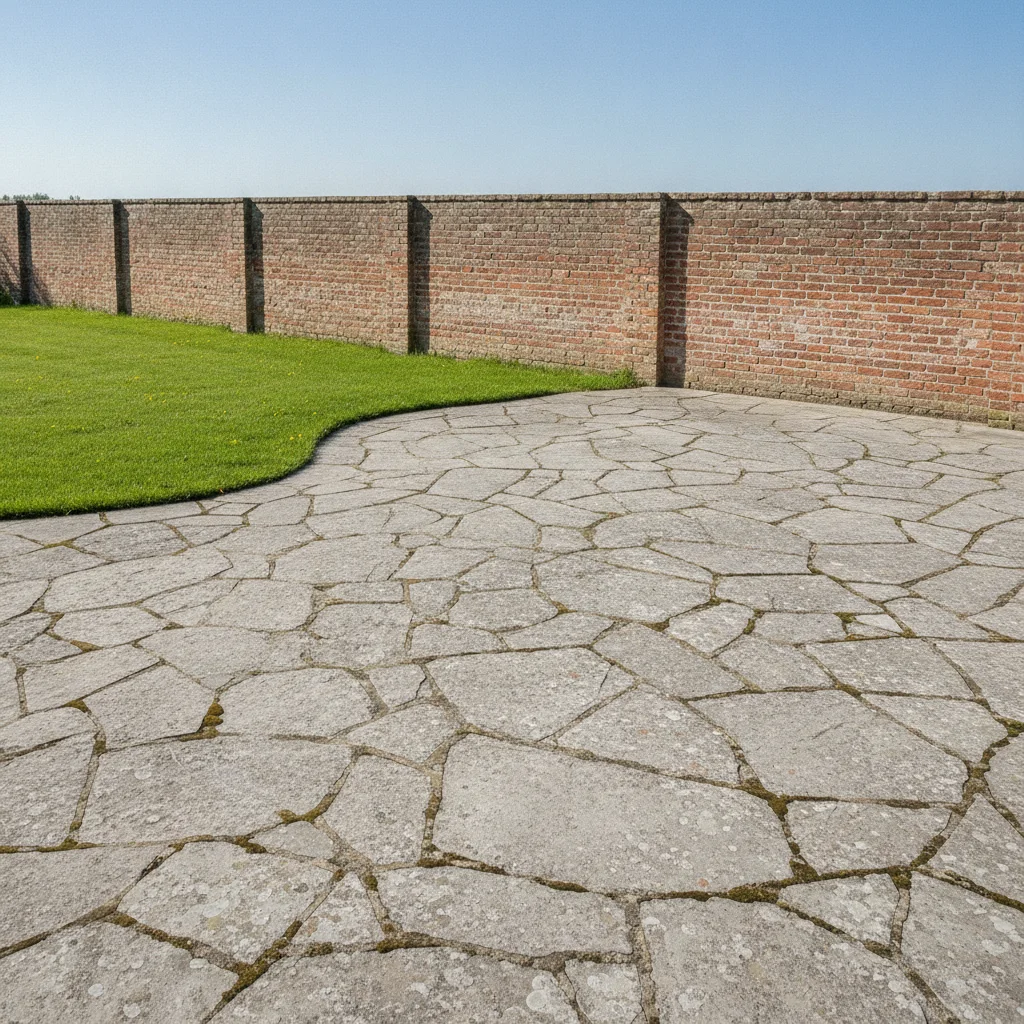
Wide stone patio beside a lawn and brick wall
Before
->
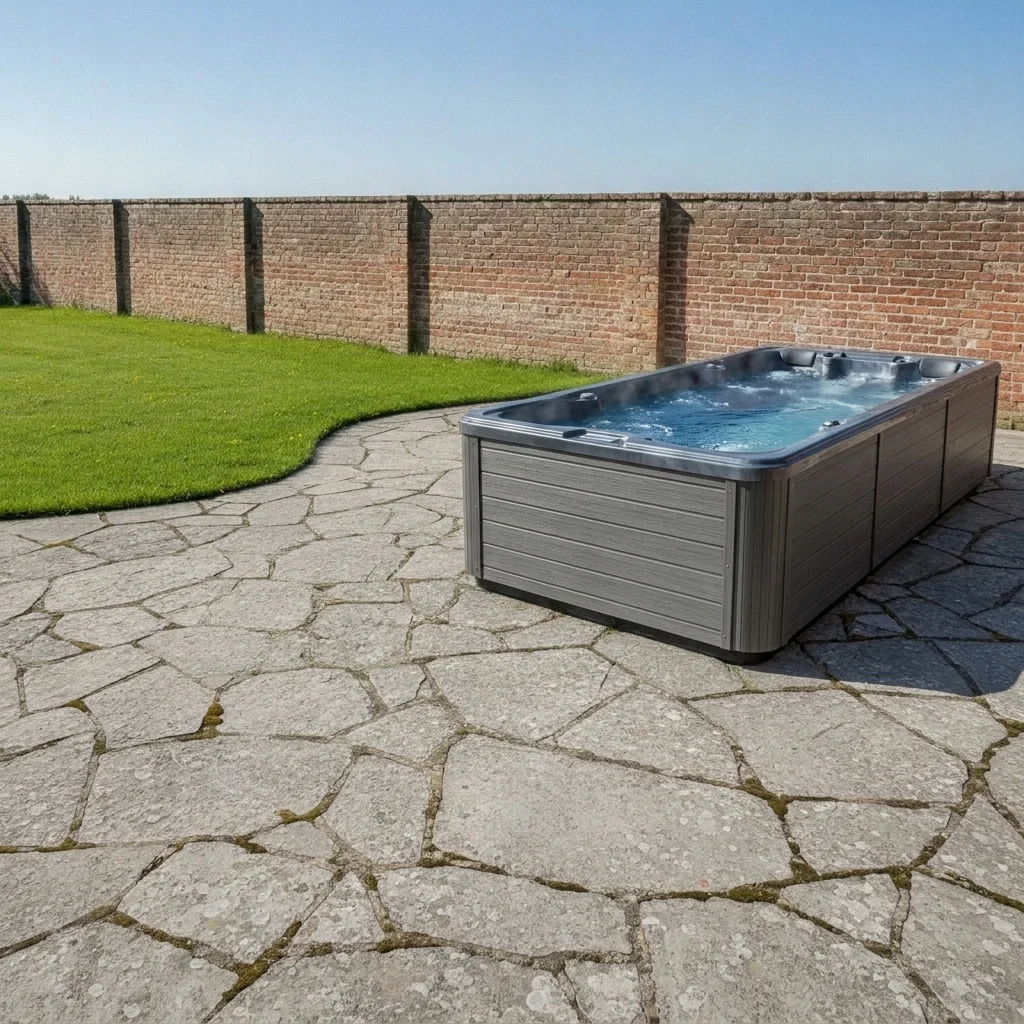
Same patio with a long gray swim spa along the right side
After

Swim spa along a patio edge

A family wanted a swim spa on their patio without losing the lawn.

Prompt: add a long rectangular swim spa with a gray cabinet running along the right side of the patio, keep the lawn and house unchanged
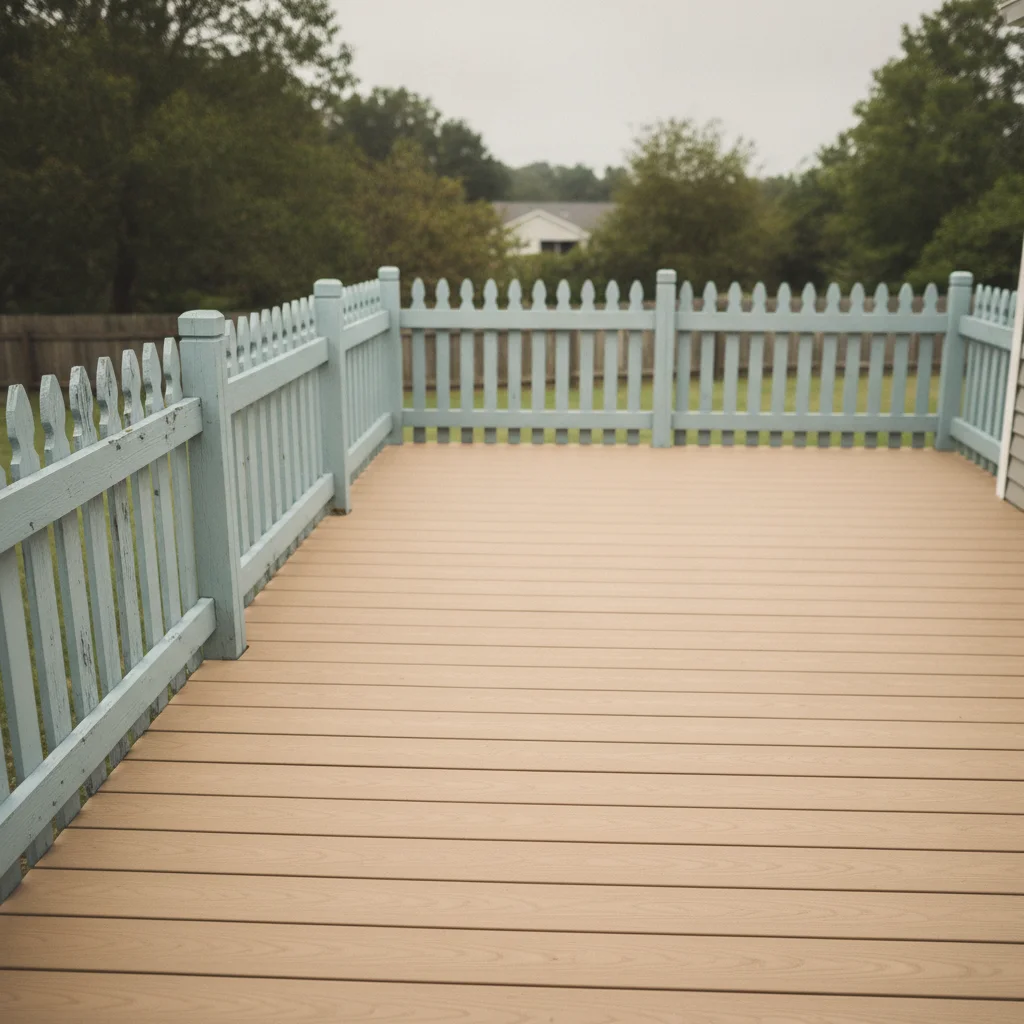
Small composite deck beside a neighbor's fence
Before
->
Same deck with a white hot tub and a cedar slat screen
After

Hot tub with privacy screen

A townhouse owner needed a tub that felt private.

Prompt: add a round white-shell hot tub with a slatted cedar privacy screen on the left side, keep the rest of the deck unchanged

Quick answers

Do I need to mark where the hot tub goes?

No. Describe the tub and where it should sit, such as 'in the far corner of the deck'. Markers are optional and help only if the AI picks the wrong spot.

Is there a free hot tub visualizer with no login?

Yes. EditThisPic gives you a free preview edit with no signup and no watermark. Upload your deck or patio photo, describe the tub and view the result in your browser.

Can it tell me whether my deck can hold a hot tub?

No. It only shows how a tub might look. Structural support, electrical and permit questions need a qualified installer and local advice.

Does it work for swim spas too?

Yes. Describe a long rectangular swim spa and where it runs, such as along one side of the patio. Treat the result as a style and placement idea.

Can I compare tub colours and surrounds?

Yes. Keep the same photo and change one detail each run, such as a gray shell with a cedar surround versus a white shell with a stone surround.

How much does EditThisPic cost?

You get 1 free Standard edit per week — no account needed. After that, one-time credit packs start at $4.99 for 10 credits, valid 12 months, no subscription. A Standard edit uses 1 credit, Pro 2 and Ultra 3. Purchased downloads are clean with no watermark.

Ready to see a hot tub on your deck?

Free to try. No signup required.

1 free edit included·paid credit packs after