Pricing Colorize Newspaper photo · Free

AI Newspaper Photo Colorizer

← Browse all enhance tools

Last updated

Add colour to an old newspaper photo and reduce the print dots.
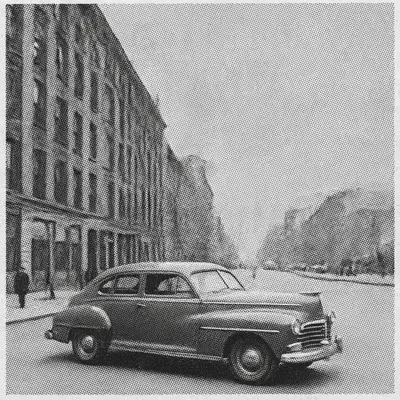
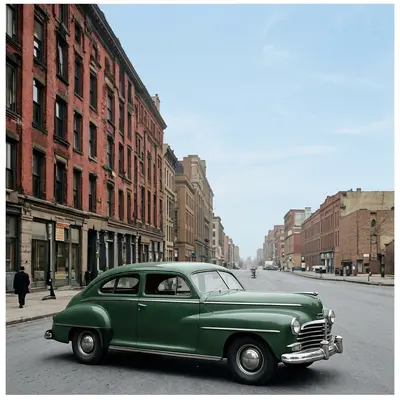
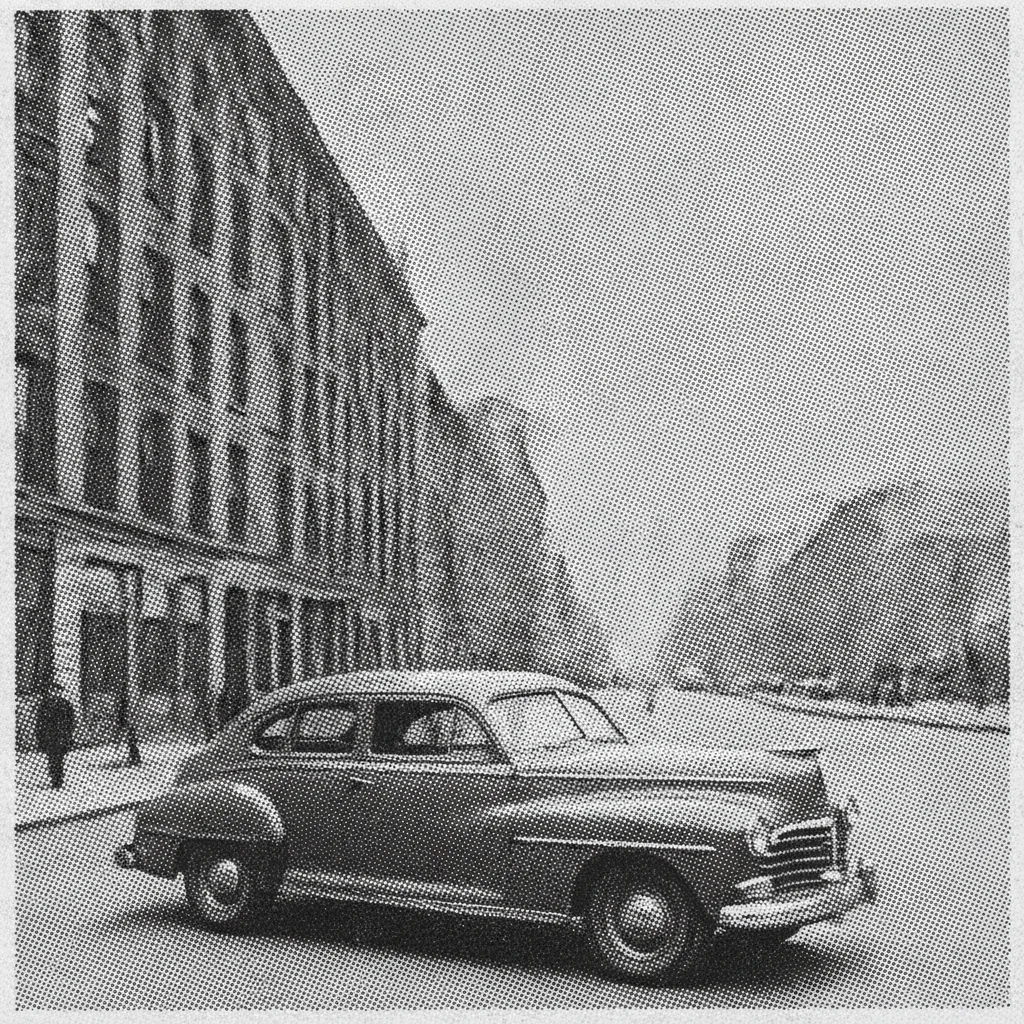
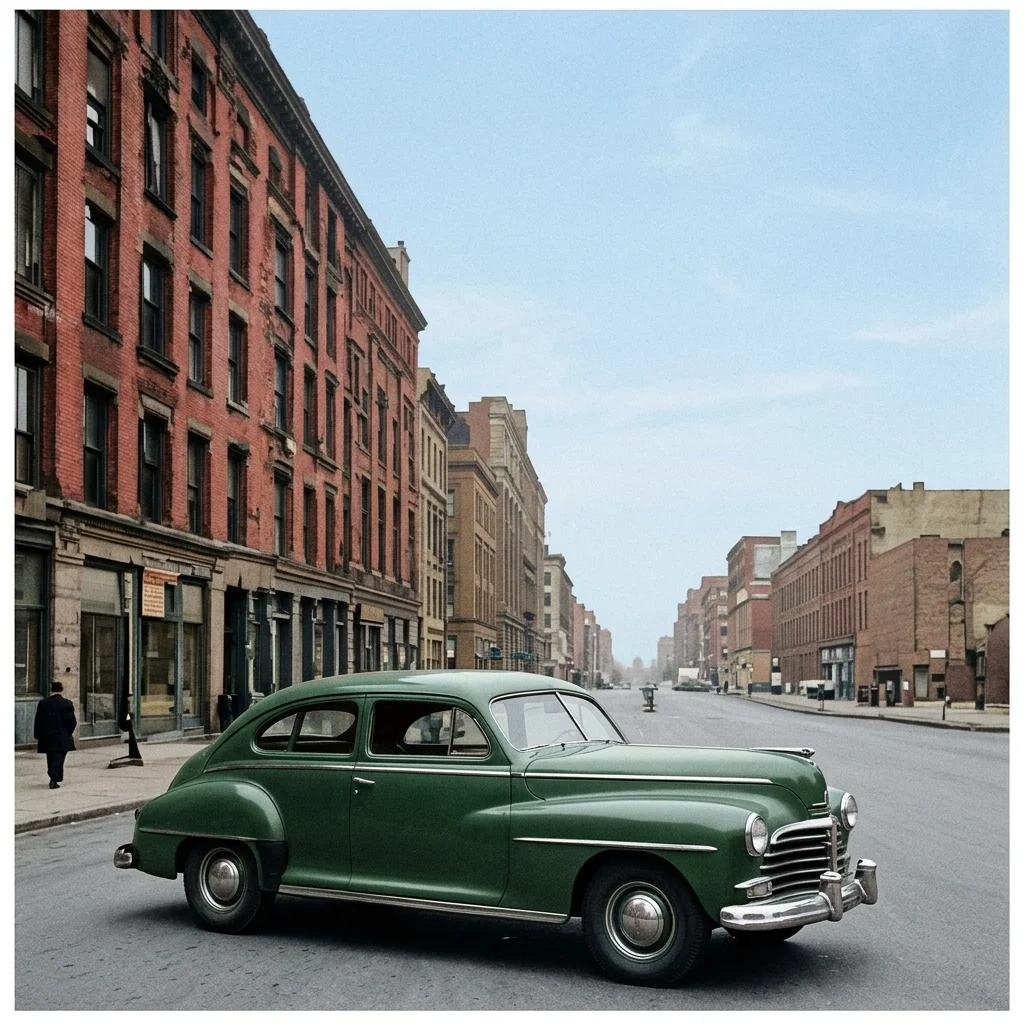
Grey halftone street with an old car Same street in colour: brick buildings, blue sky, green car

Upload photo to colorize newspaper photo

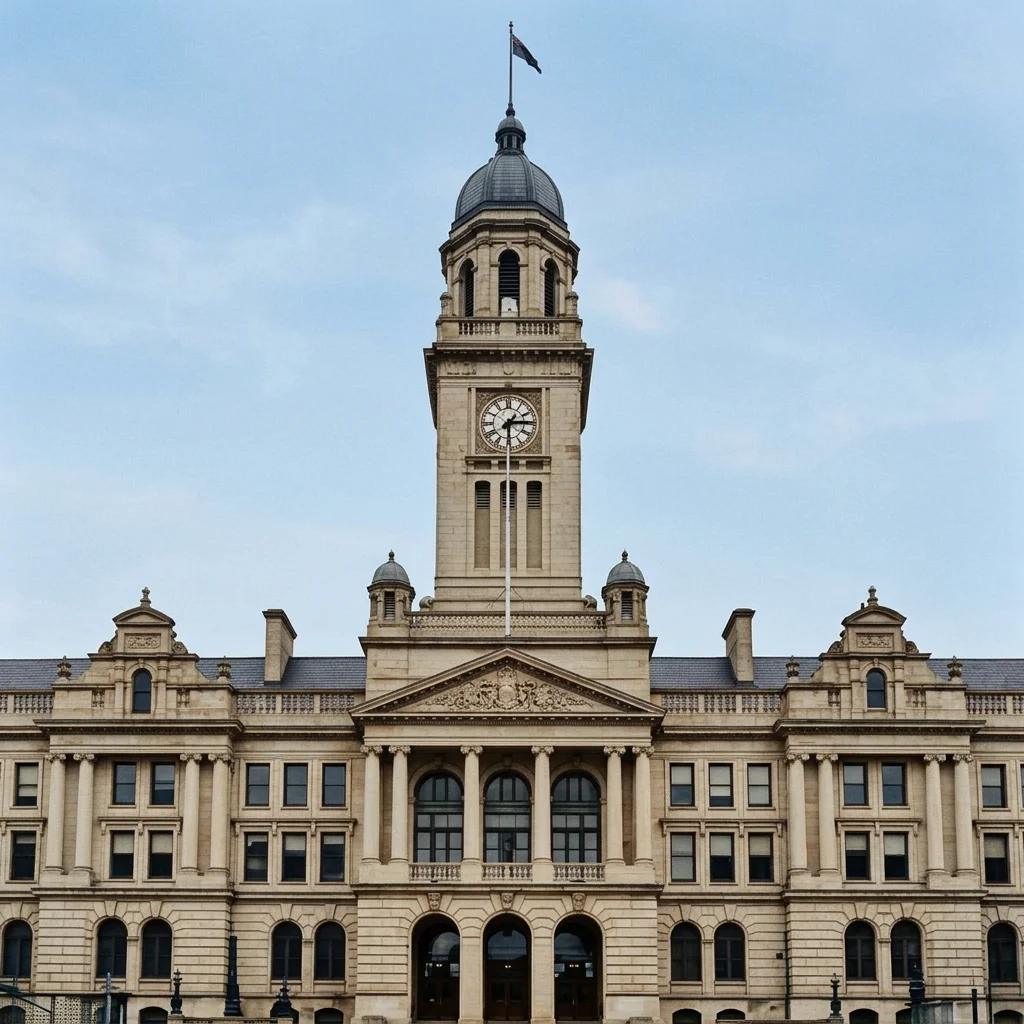
"reduce the halftone dots and colorize this photo of a stone building with cream stone walls, a dark slate roof and a blue sky"

Free to try · no sign-up · never used for AI training

Release to upload

<30stypical edit
1 freeedit weekly
Photo on your phone? Scan to open this editor there — free edit works on your phone too.

1 free edit every week·paid packs after

How it works

  1. Upload your photo

    Scan or photograph the clipping flat and in even light. Crop to the picture itself if you can, since the headline text around it can confuse the AI. Sharper scans give cleaner results.

    Expect: Usually about 30 seconds. Coarse print dots or low contrast clippings may need a second pass.
  2. Describe what you want

    Describe the colours you expect: brick red buildings, a pale blue sky, a green or black car. First ask for the print dots to be reduced. Colours are the AI's guess unless you know the real ones. No marking needed.

    Tip: Say 'reduce the halftone dots' and then list colours for the main buildings, vehicles and sky. Real details you know make it more believable.

    Copy one of these to get started:

    Street scene reduce the print dots, then colorize this old street scene with red brick buildings, a pale blue sky, a green car and a grey road
    Old building reduce the halftone dots and colorize this photo of a stone building with cream stone walls, a dark slate roof and a blue sky
    Vintage cars reduce the print dots, then colorize the cars in this street photo as a red car, a black car and a cream car, with a grey road
    Bridge reduce the print dots and colorize this bridge photo with a grey steel bridge, brown river water and a pale sky
    3 more prompts
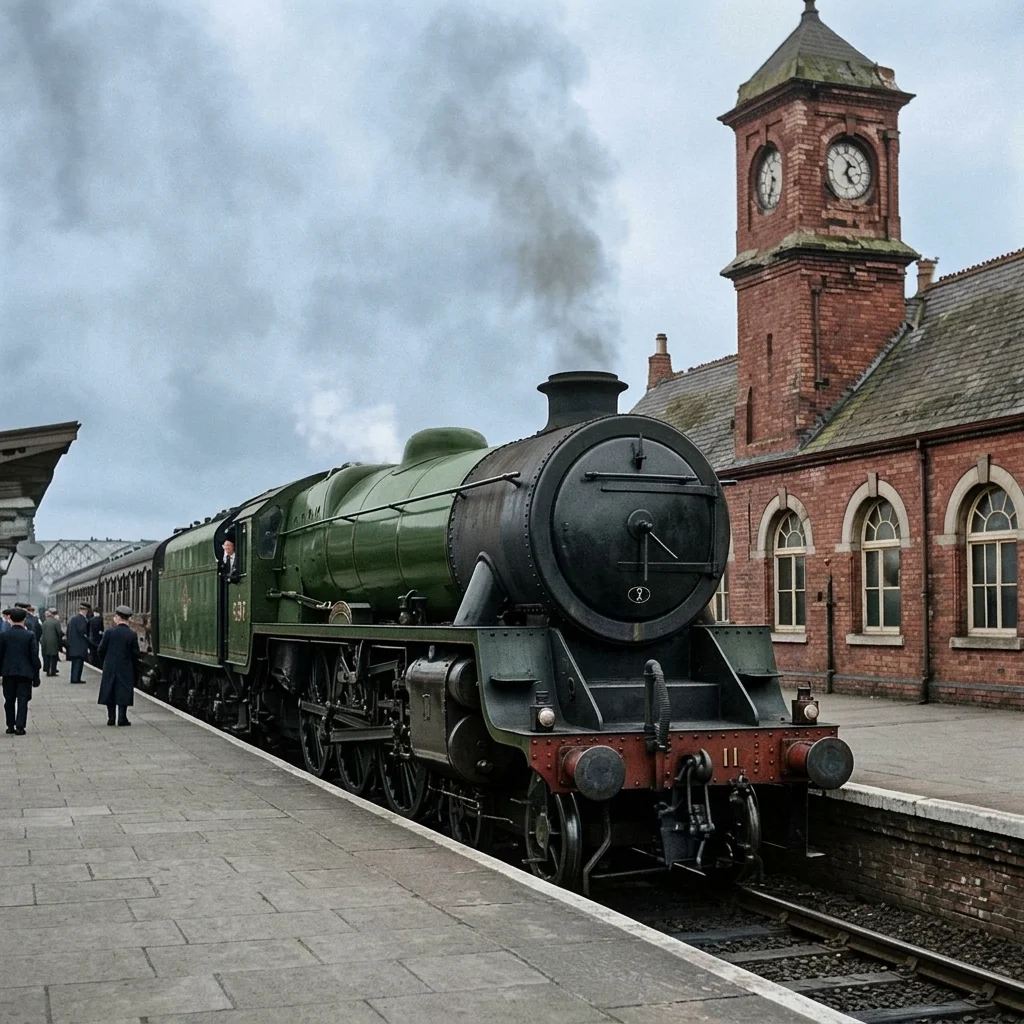
    Railway station reduce the halftone dots and colorize this railway station with red brick walls, a green train and a grey platform
    Shopfront row reduce the print dots, then colorize this row of shopfronts with a blue shop sign, a red awning and a yellow brick wall
    Harbour reduce the print dots and colorize this harbour with blue water, white boats with red stripes and a pale grey sky
  3. Review the result

    Check that the colours look plausible: sky, brick and cars each in a sensible colour. Look for leftover dot patterns and areas where colour has bled over edges.

  4. Refine with markers if needed

    If colour spills across edges or a car or building gets the wrong colour, tap a marker on it and regenerate with the colour you want. Markers are optional.

    Tip: Markers are for precision refinement, not a required step.

See it in action

Grey halftone street with an old car
Before
->
Same street in colour: brick buildings, blue sky, green car
After

1950s street with parked cars

A grey newspaper street photo with print dots, softened and coloured.

Prompt: reduce the print dots, then colorize this street scene with red brick buildings, a pale blue sky, a green car and a grey road
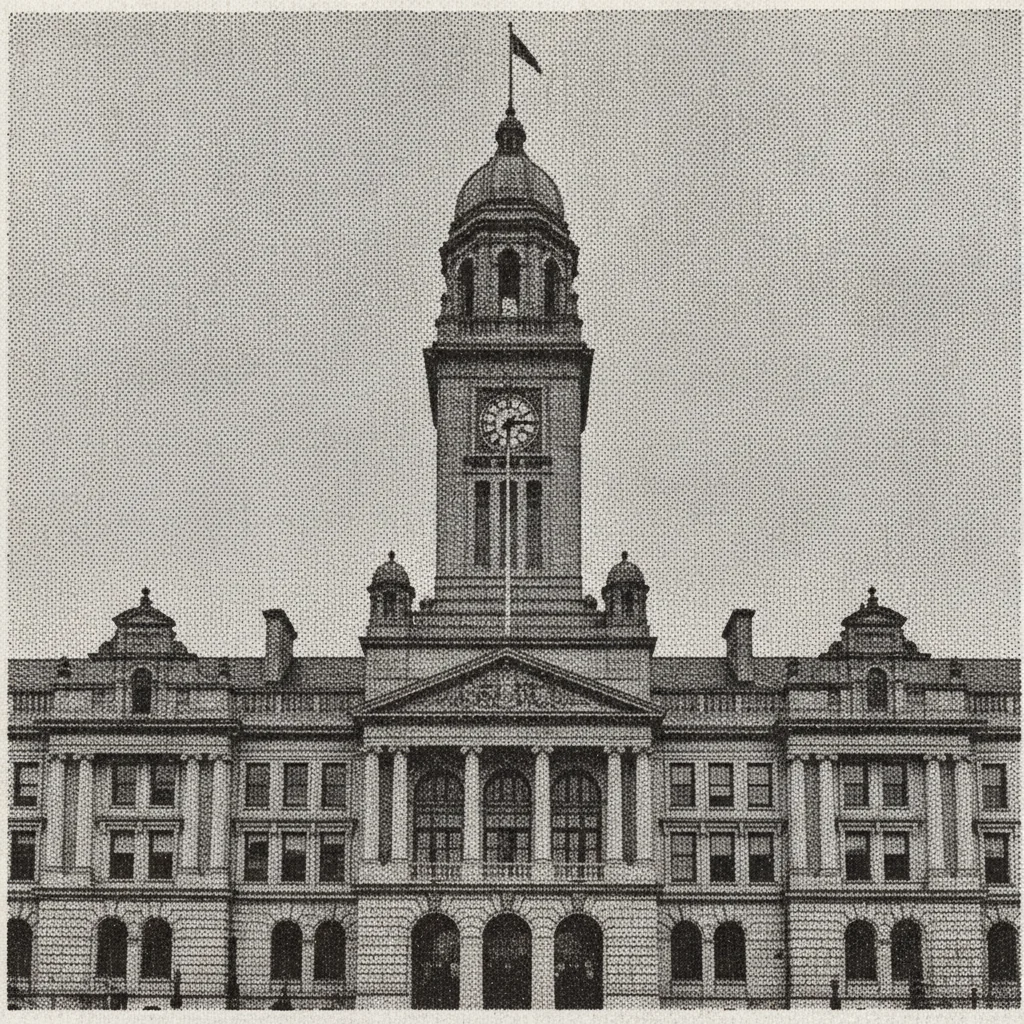
Grey halftone town hall with a clock tower
Before
->
Same town hall with cream stone, slate roof and blue sky
After

Old stone town hall

A newspaper picture of a town hall coloured in.

Prompt: reduce the halftone dots and colorize this stone town hall with cream stone walls, a dark slate roof and a blue sky
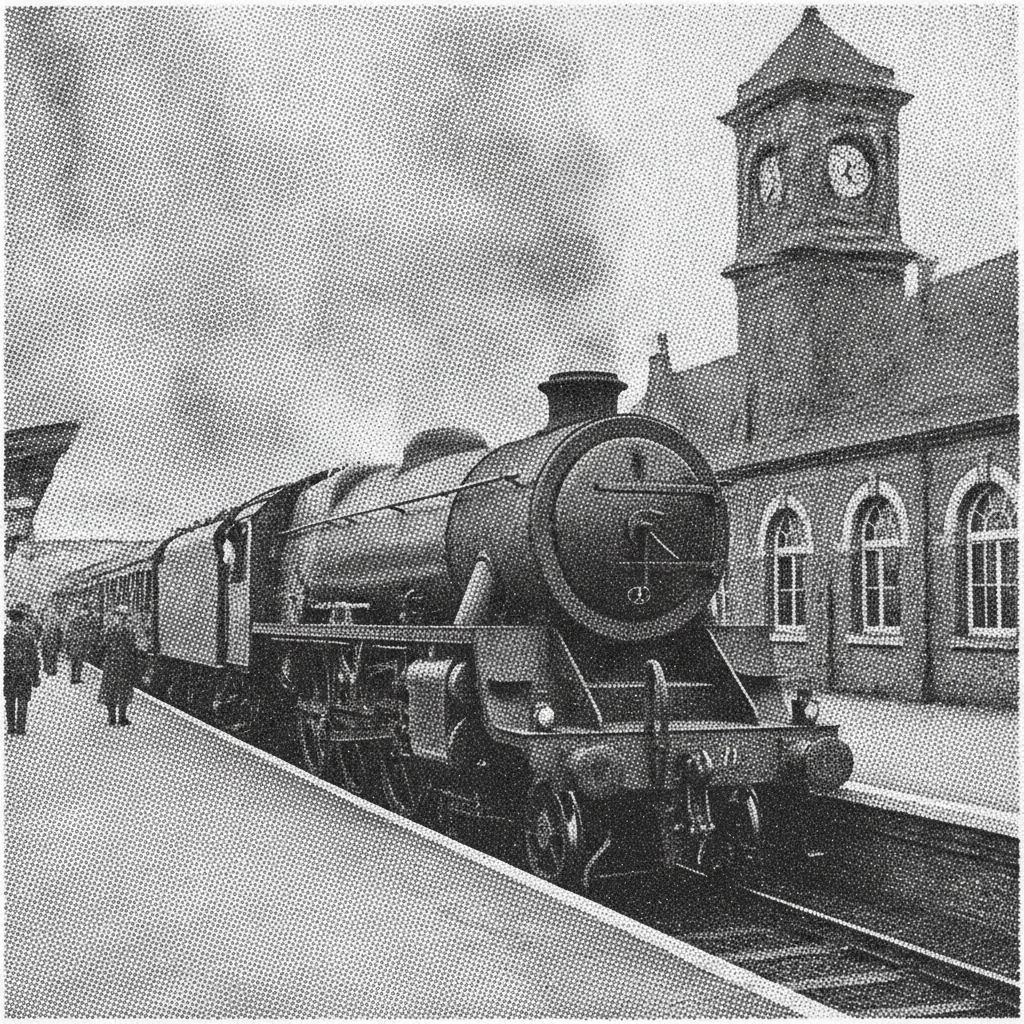
Grey halftone train at a station platform
Before
->
Same station in colour with a green train and brick walls
After

Railway station and train

A grey railway scene colourised with a green train.

Prompt: reduce the print dots and colorize this railway station with red brick walls, a green train and a grey platform

Quick answers

Do I need to mark objects before colorizing?

No. Describe the scene and the colours you expect. The AI finds the buildings, vehicles and sky itself. Use markers only if a colour lands on the wrong object.

How do I colorize a newspaper photo for free?

Upload a scan or photo of the clipping to EditThisPic, ask for the print dots to be reduced and describe the colours, and review. It is free with no signup and no watermark.

Will the colours be historically accurate?

Not necessarily. The colours are the AI's best guess unless you tell it the real ones. Treat the result as an illustration.

Can it remove the dots completely?

It softens them, but heavy halftone patterns may leave some texture. A cleaner scan helps.

What if the clipping has text and a headline?

Crop to the picture first. Text near the photo can get altered or confuse the result.

How much does EditThisPic cost?

You get 1 free Standard edit per week — no account needed. After that, one-time credit packs start at $4.99 for 10 credits, valid 12 months, no subscription. A Standard edit uses 1 credit, Pro 2 and Ultra 3. Purchased downloads are clean with no watermark.

Ready to colorize your newspaper photo?

Free to try. No signup required.

1 free edit included·paid credit packs after