Pricing Visualize Pantry design · Free

AI Pantry Design Visualizer

← Browse all creative effects

Last updated

Preview shelves, bins and baskets in your own pantry photo.
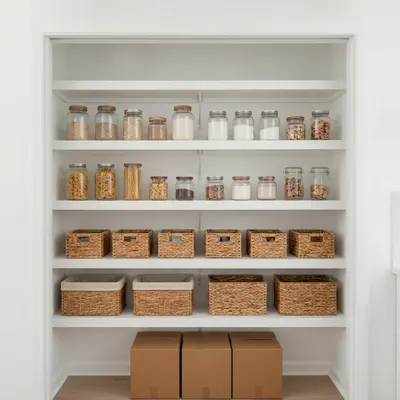
Pantry with bare wire shelves and boxes Pantry with white wood shelves, woven baskets and glass jars

Upload photo to visualize pantry design

"organise this pantry with matching clear stacking bins, neat rows of canned goods and a pull-out wire basket on the bottom shelf, keep the shelves and walls the same"

Free to try · no sign-up · never used for AI training

Release to upload

<30stypical edit
1 freeedit weekly
Photo on your phone? Scan to open this editor there — free edit works on your phone too.

1 free edit every week·paid packs after

How it works

  1. Upload your photo

    Open the pantry door fully and photograph straight on so every shelf is visible. A tidy or empty pantry is easiest, but a cluttered one works too.

    Expect: Simple changes usually finish in well under a minute. Detailed or multi-part changes can take a little longer and may need a refinement.
  2. Describe what you want

    Describe the shelving material and colour, how many shelves, and what goes on them, such as clear jars, woven baskets or labelled bins without text. Add 'keep the walls and door the same'.

    Tip: Name the storage items (glass jars, woven baskets, stacking bins). The AI then fills the shelves with matching shapes.

    Copy one of these to get started:

    Open wood shelving with baskets replace the wire shelves with white painted wood shelves, add woven baskets on the lower shelves and clear glass jars with pasta and rice on the upper shelves, keep the walls and door the same
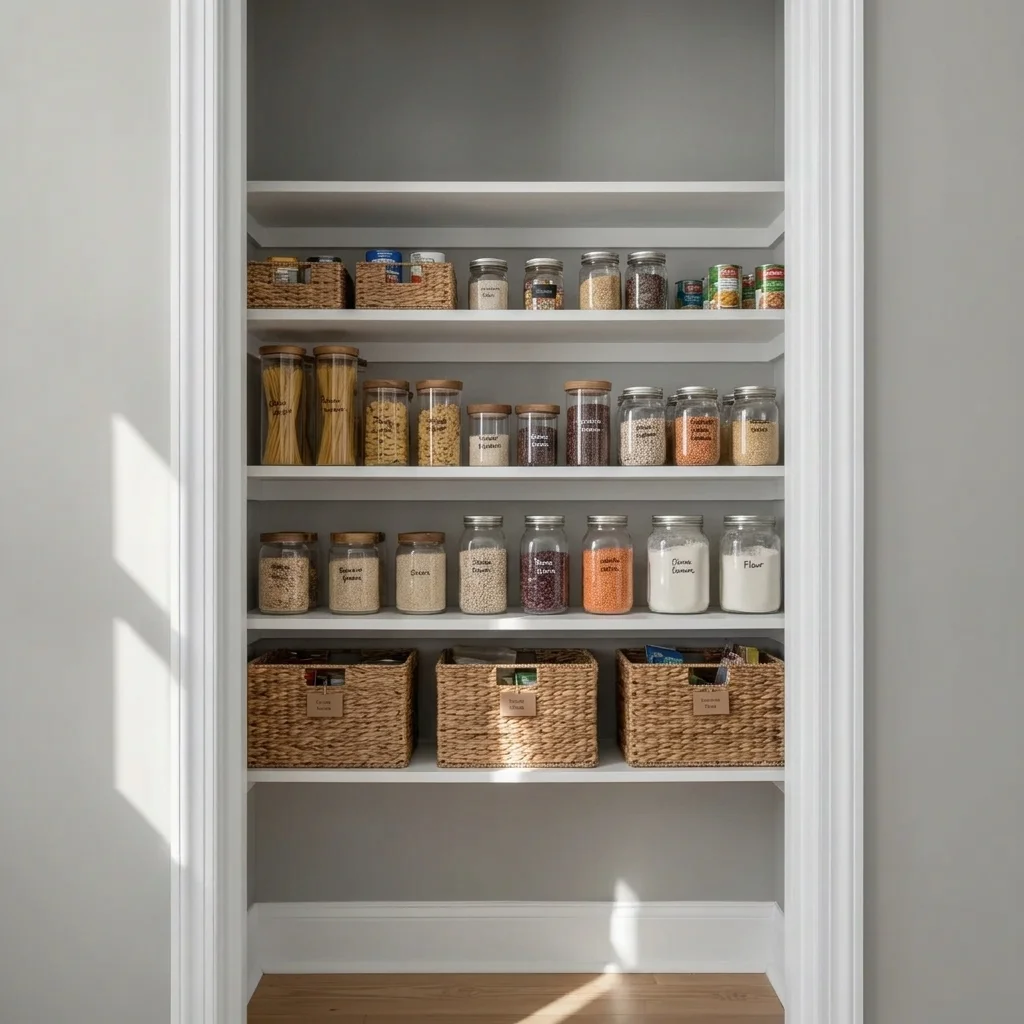
    Fully organised pantry organise this pantry with matching clear stacking bins, neat rows of canned goods and a pull-out wire basket on the bottom shelf, keep the shelves and walls the same
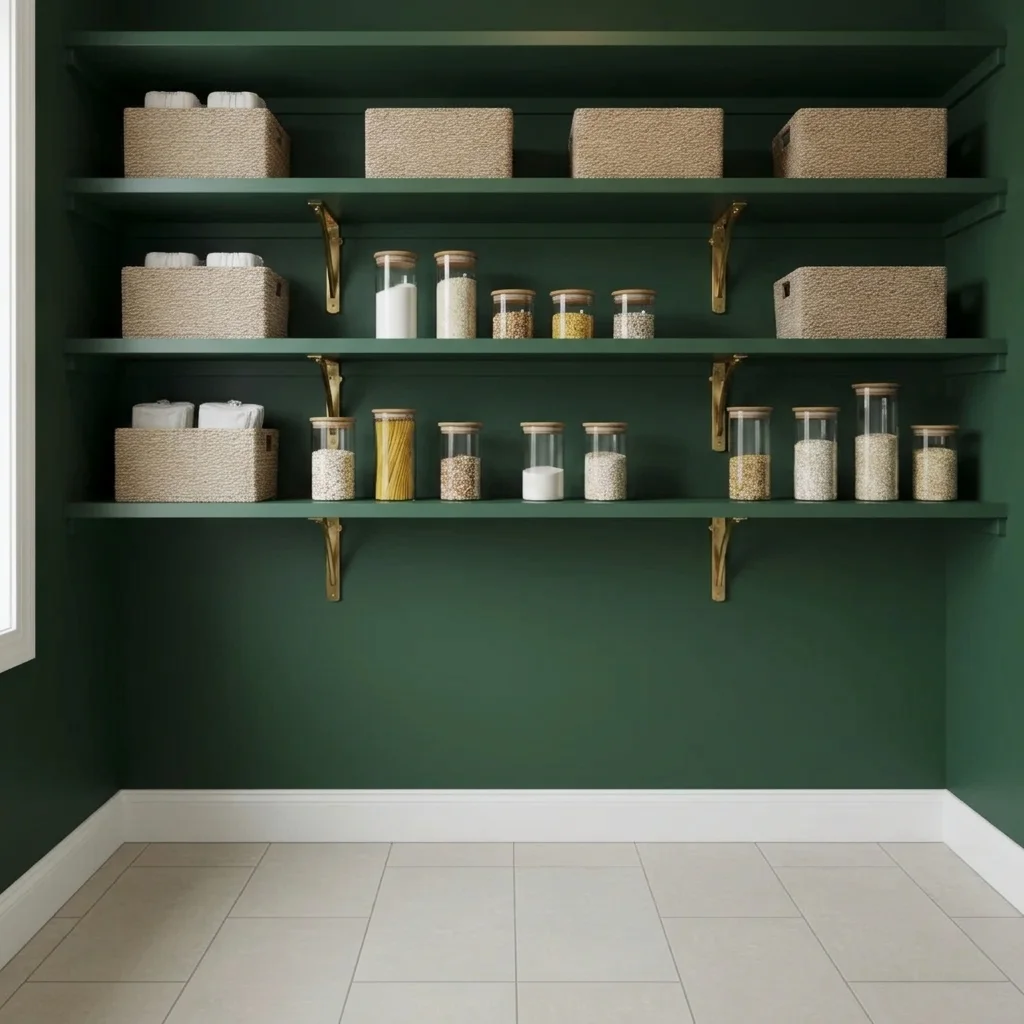
    Dark moody pantry paint the pantry walls and shelves deep forest green with brass shelf brackets and cream storage canisters, keep the floor the same
    Add a pantry door add a glass-panel barn door in black metal frame to this pantry opening, keep the walls and floor unchanged
    3 more prompts
    Walk-in pantry with countertop add a butcher block countertop shelf along the back wall at counter height with small appliances on it, keep the shelves on both sides
    Under-shelf lighting add warm LED strip lighting under each shelf in this pantry, keep the shelves and items the same
    Closet turned into pantry turn this empty closet into a pantry with five white wood shelves, plain storage baskets and glass jars of dry goods
  3. Review the result

    Check that shelves run level, fit the width of the pantry and that the items look plausible. Use the preview for style, then measure your space before buying.

  4. Refine with markers if needed

    If the AI changed the wall colour or the door, tap a marker on the shelves you want changed and regenerate with the same description.

    Tip: Markers are for precision refinement, not a required step.

See it in action

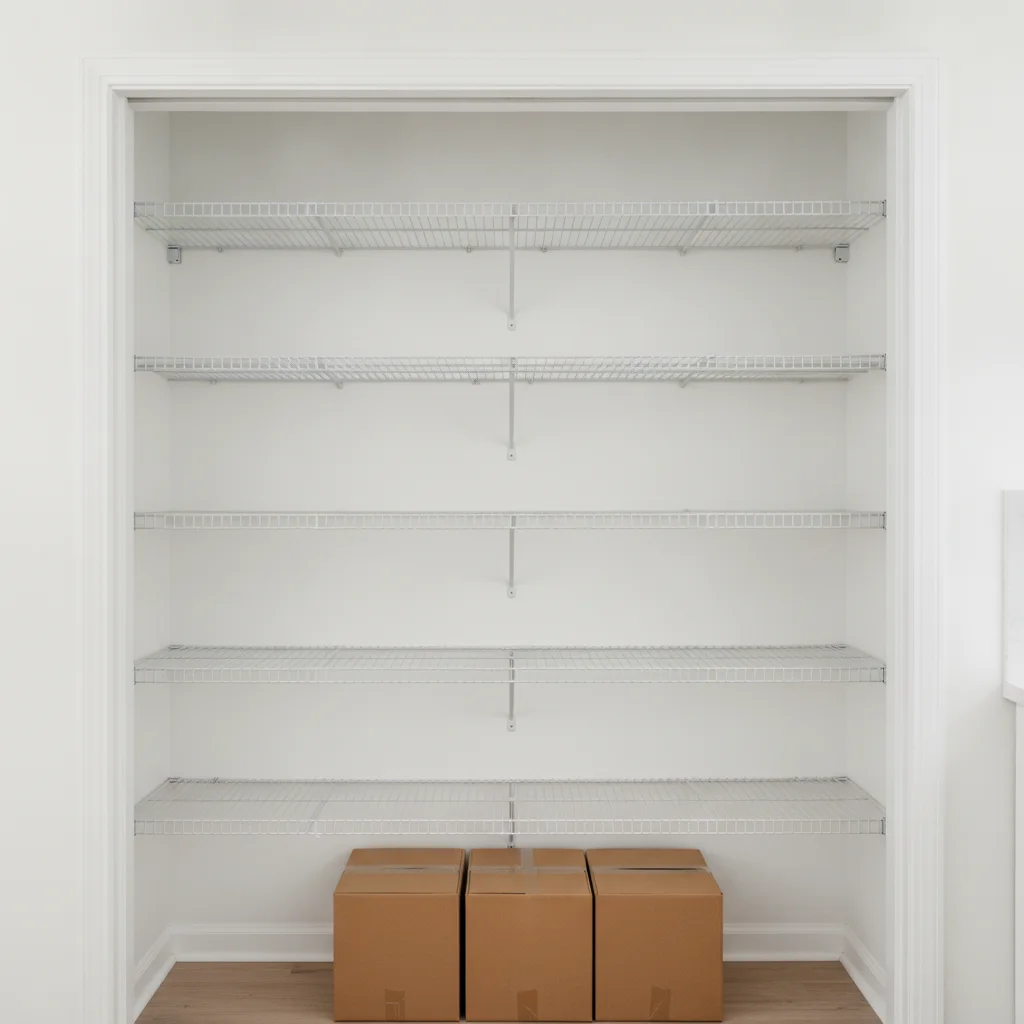
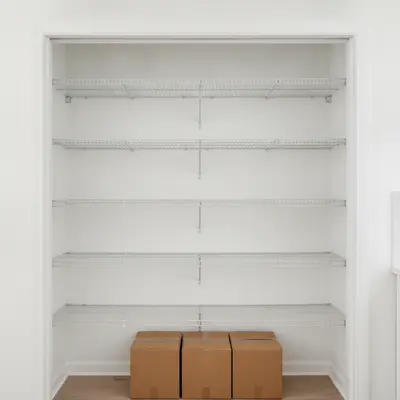
Pantry with bare wire shelves and boxes
Before
->
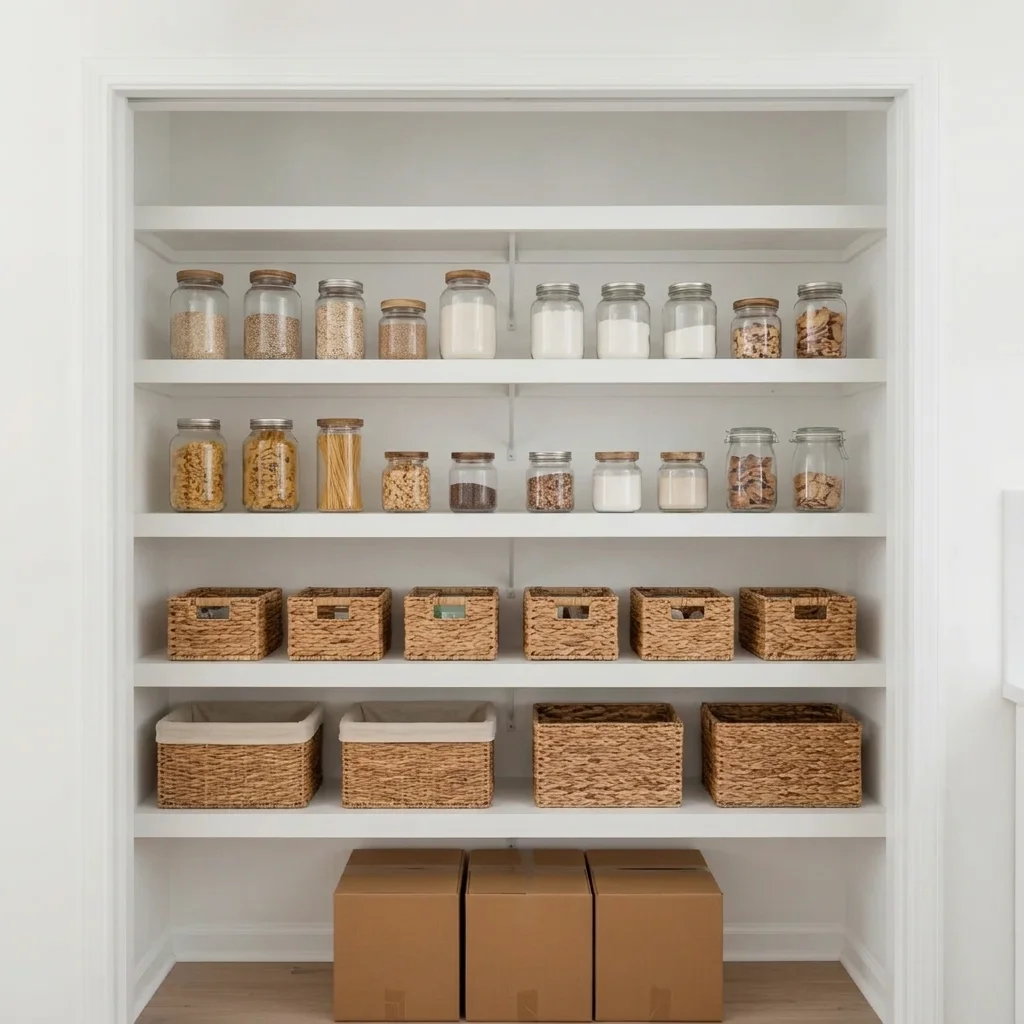
Pantry with white wood shelves, woven baskets and glass jars
After

Wire shelves to white wood with baskets

A pantry previewed with new wood shelves and storage.

Prompt: replace the wire shelves with white painted wood shelves, add woven baskets on the lower shelves and clear glass jars on the upper shelves, keep the walls and door the same
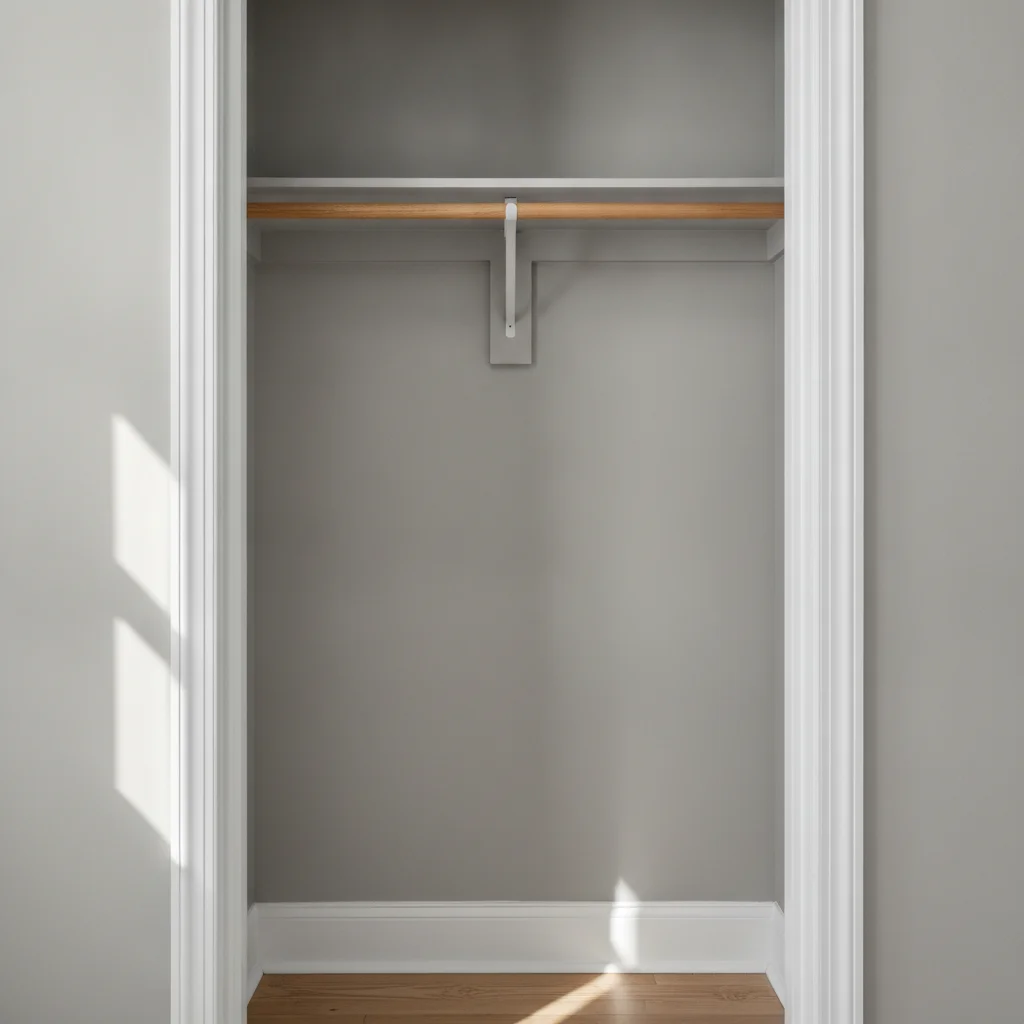
Empty narrow closet with bare walls
Before
->
Closet previewed as a pantry with shelves, baskets and jars
After

Empty closet to organised pantry

A spare closet previewed as a stocked pantry.

Prompt: turn this empty closet into a pantry with five white wood shelves, woven storage baskets and glass jars of dry goods
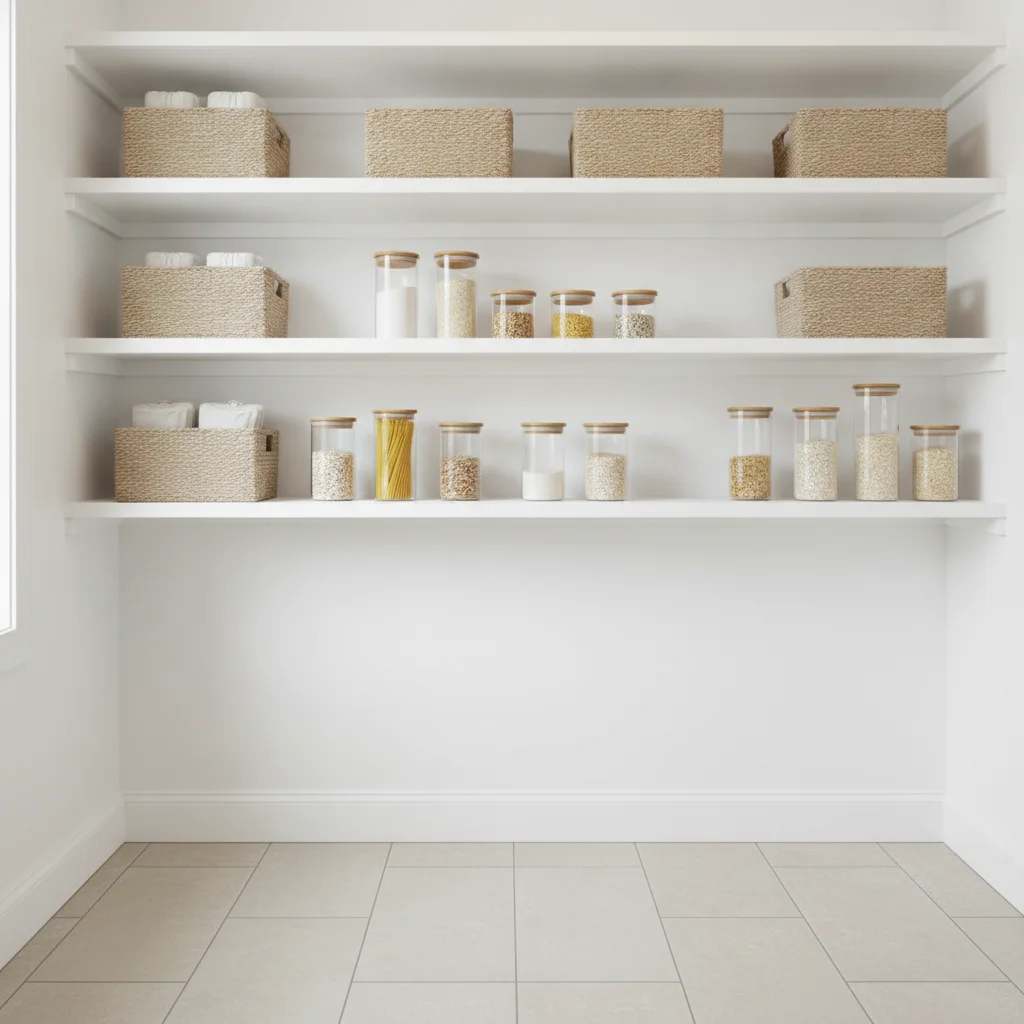
White pantry with baskets and jars
Before
->
Pantry with deep green walls and shelves and brass brackets
After

White pantry painted forest green

Paint colour preview for pantry walls and shelves.

Prompt: paint the pantry walls and shelves deep forest green with brass shelf brackets, keep the floor and the items the same

Quick answers

Do I need to mark the pantry shelves before describing what I want?

No. Just describe the change in a sentence and the AI finds the pantry shelves in your photo. Markers are optional; use one only if the AI picks the wrong spot.

How do I preview pantry shelving for free?

Upload a photo of the pantry to EditThisPic, describe the shelves and storage you want, and get a free preview with no signup and no watermark. Try wood, wire or painted versions.

Is there a free pantry design visualizer that doesn't require login?

Yes. EditThisPic is free to try with no account needed. You get a free preview edit with no signup and no watermark, so you can test ideas before you commit to anything.

Can I plan sizes with the preview?

No. It is a style and layout mock-up, not a measured plan. Measure your pantry before ordering shelving.

Does it work for a closet I want to convert?

Yes. Photograph the empty closet and describe it as a pantry with shelves and storage.

How much does EditThisPic cost?

You get 1 free Standard edit per week — no account needed. After that, one-time credit packs start at $4.99 for 10 credits, valid 12 months, no subscription. A Standard edit uses 1 credit, Pro 2 and Ultra 3. Purchased downloads are clean with no watermark.

Ready to preview your pantry?

Free to try. No signup required.

1 free edit included·paid credit packs after