Pricing Visualize Pool liner · Free

AI Pool Liner Visualizer

← Browse all real estate photography

Last updated

Upload a pool photo, describe the liner or finish, and preview the water color. Free, no account.
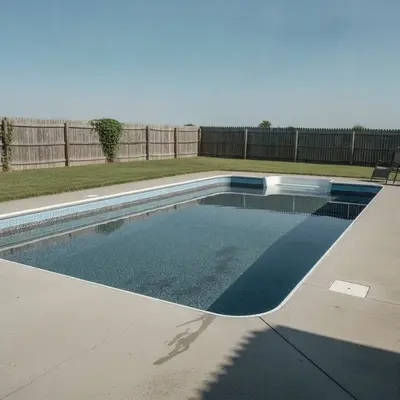
Rectangular backyard pool with a faded light blue liner Same pool with a dark gray liner and light blue tile border

Upload photo to visualize pool liner

"change the pool liner to a medium blue vinyl liner with a subtle mosaic pattern, keep the deck, steps, and surroundings unchanged"

Free to try · no sign-up · never used for AI training

Release to upload

<30stypical edit
1 freeedit weekly
Photo on your phone? Scan to open this editor there — free edit works on your phone too.

1 free edit every week·paid packs after

How it works

  1. Upload a clear photo of the pool in daylight

    Take the photo from the deck or a corner so most of the pool floor and walls are visible. Calm water and sunlight on the surface show liner color best. Avoid glare, and if you can, take it when the water is clear, not green or cloudy.

    Expect: Most single-surface previews come back in well under a minute. Busy photos with lots of overlapping objects may need a second pass.
  2. Describe the liner color, pattern or finish

    Type what you want the pool to look like, for example: 'change the pool liner to a dark gray pattern with a light blue tile border, keep the deck, water clarity, and surroundings unchanged.' Name the type: vinyl liner pattern, plaster, pebble, or tile. No marking needed.

    Tip: Say 'keep the water clear and bright'. Without it, the AI may make the water cloudy or change the sky reflection.

    Copy one of these to get started:

    Dark gray liner with a tile border change the pool liner to a dark gray pattern with a light blue tile border at the waterline, keep the deck, water clarity, and surroundings unchanged
    Classic blue vinyl liner change the pool liner to a medium blue vinyl liner with a subtle mosaic pattern, keep the deck, steps, and surroundings unchanged
    Pebble finish in deep blue change the pool finish to a deep blue pebble surface, clear bright water, keep the deck, coping, and yard unchanged
    White plaster with bright turquoise water change the pool finish to white plaster with bright turquoise water, keep the deck and surroundings unchanged
    3 more prompts
    Tan liner with a stone-look pattern change the pool liner to a tan stone-look pattern with a darker brown border, clear water, keep the deck and surroundings unchanged
    Dark lagoon look change the pool finish to a dark charcoal lagoon style with deep green-blue water, keep the deck and surroundings unchanged
    Mosaic steps and bench accent change the pool steps and bench to light gray tile while keeping the main pool floor medium blue, keep the deck unchanged
  3. Check the water line, steps and shading

    Look at the tile border near the water line, the steps, and the deeper end. Liner patterns should follow the pool's shape, and the color should shift naturally with depth rather than look flat everywhere.

  4. Refine with markers if needed

    If the AI changed the deck, the sky reflection, or the grass, tap a marker on the pool interior and regenerate with the same prompt. Markers pin the target so the surroundings stay untouched.

    Tip: Markers are for precision refinement, not a required step.

See it in action

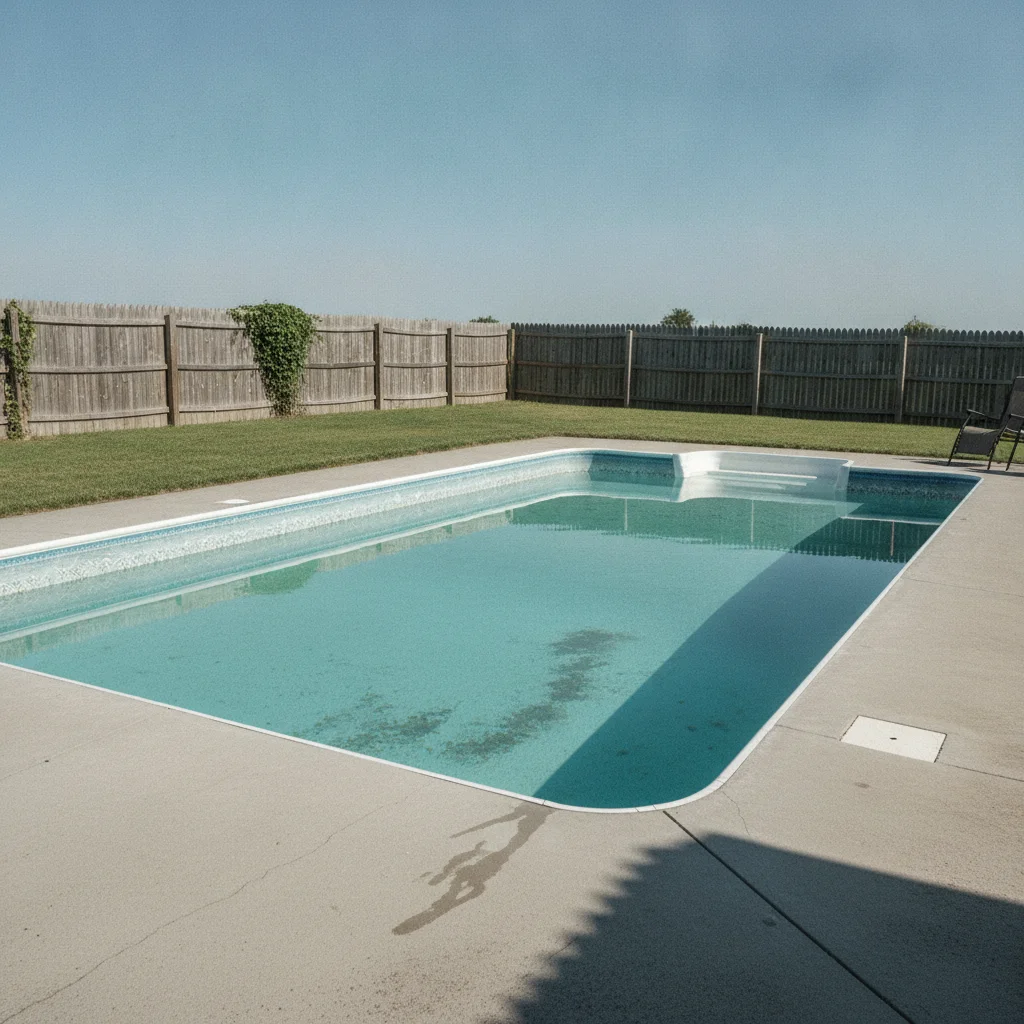
Rectangular backyard pool with a faded light blue liner
Before
->
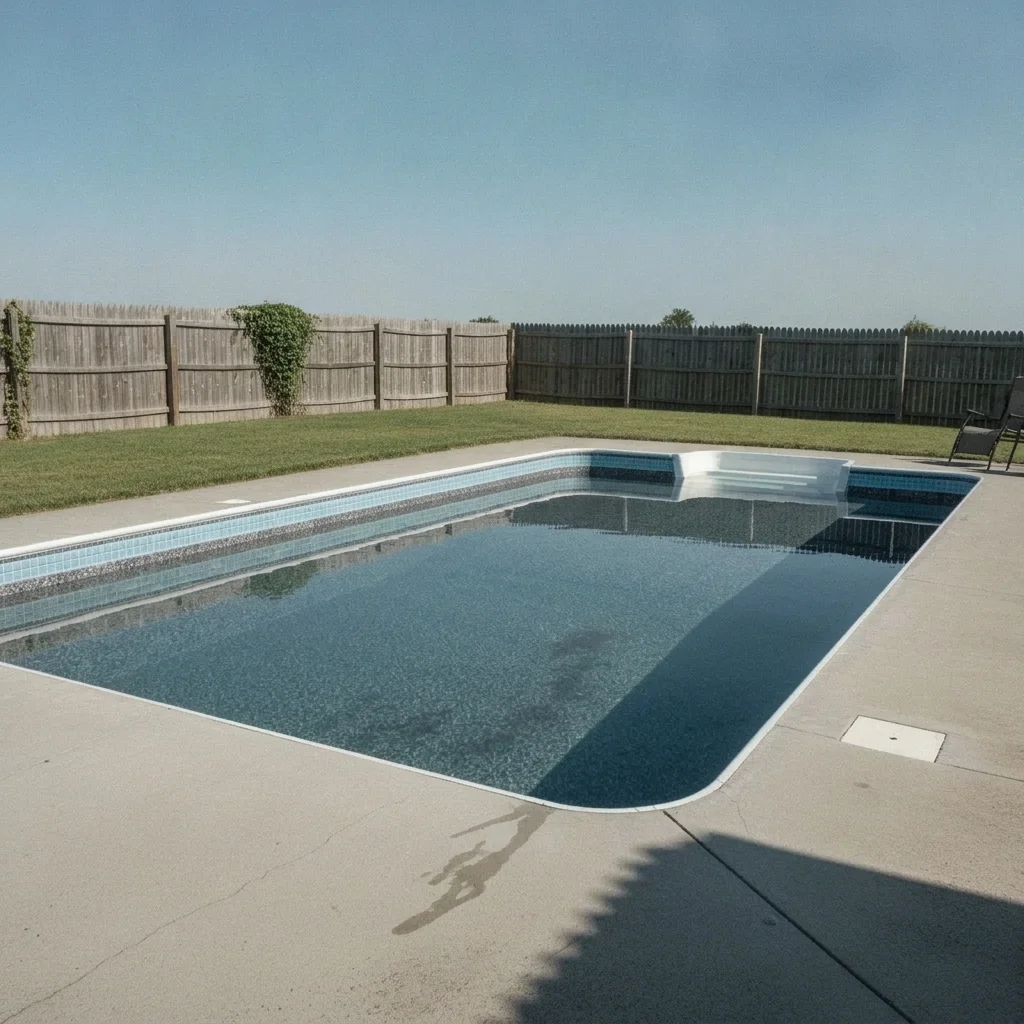
Same pool with a dark gray liner and light blue tile border
After

Faded blue vinyl to dark gray

A backyard pool with a sun-faded light blue liner. The homeowner previewed a dark gray pattern before a liner replacement quote.

Prompt: change the pool liner to a dark gray pattern with a light blue tile border at the waterline, keep the deck, water clarity, and surroundings unchanged
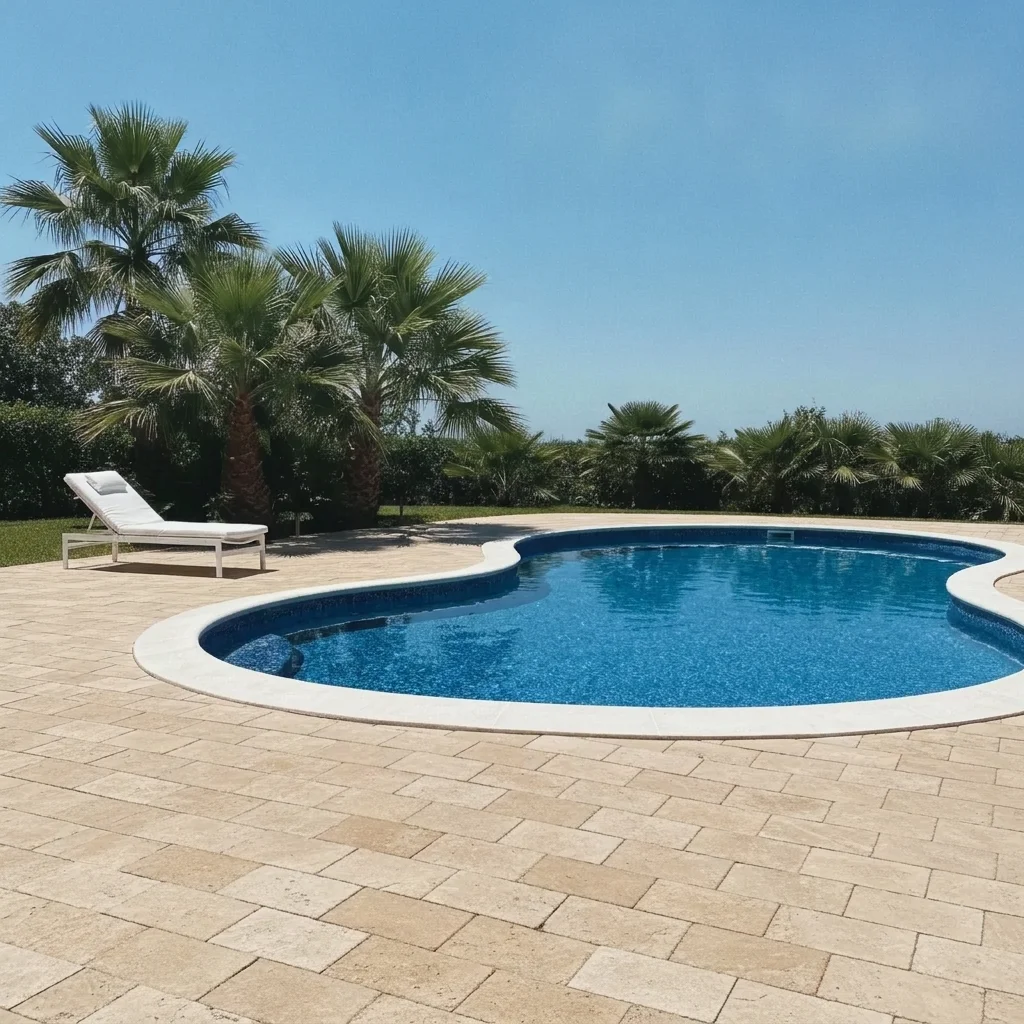
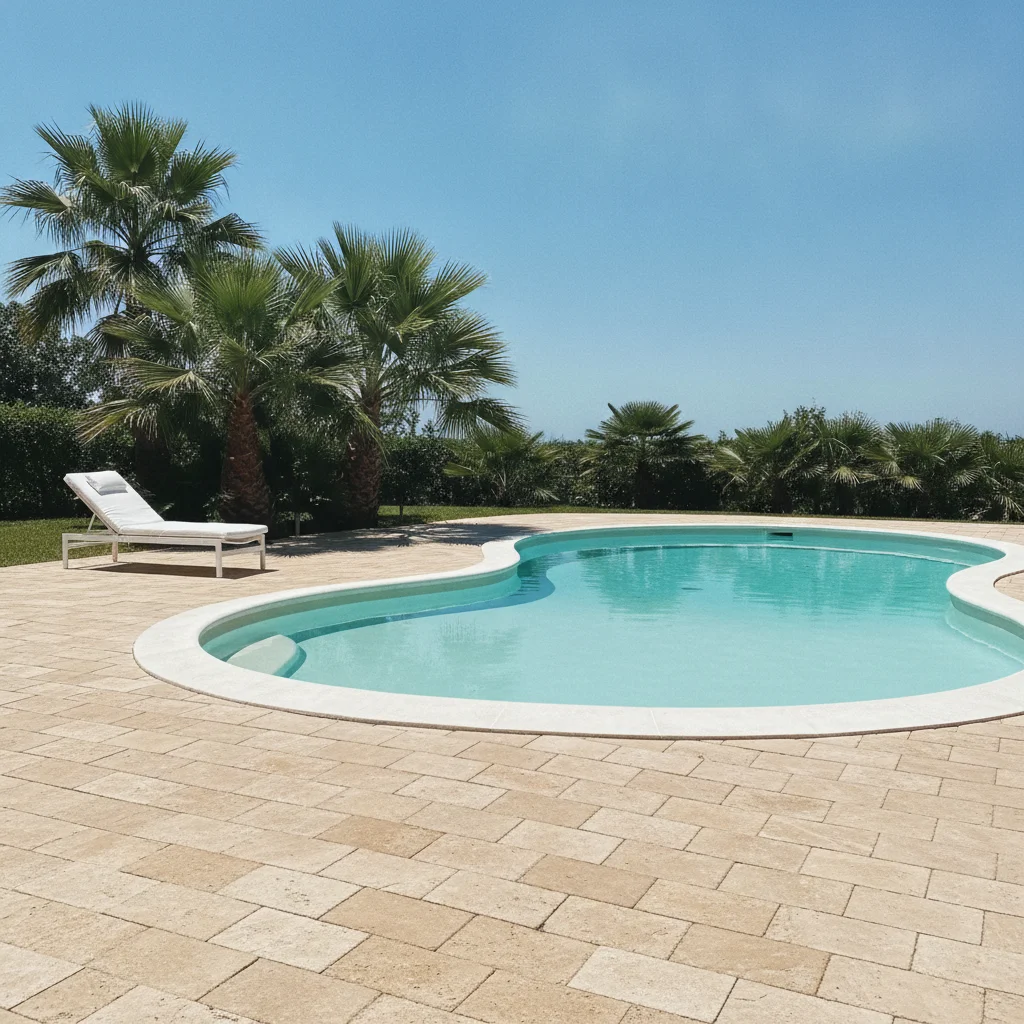
Kidney-shaped pool with white plaster and a paver deck
Before
->
Same pool with a deep blue pebble finish and rich blue water
After

Plaster pool to deep blue pebble

An older pool with white plaster. A pool builder previewed a pebble finish as an option for the owner.

Prompt: change the pool finish to a deep blue pebble surface, clear bright water, keep the deck, coping, and yard unchanged
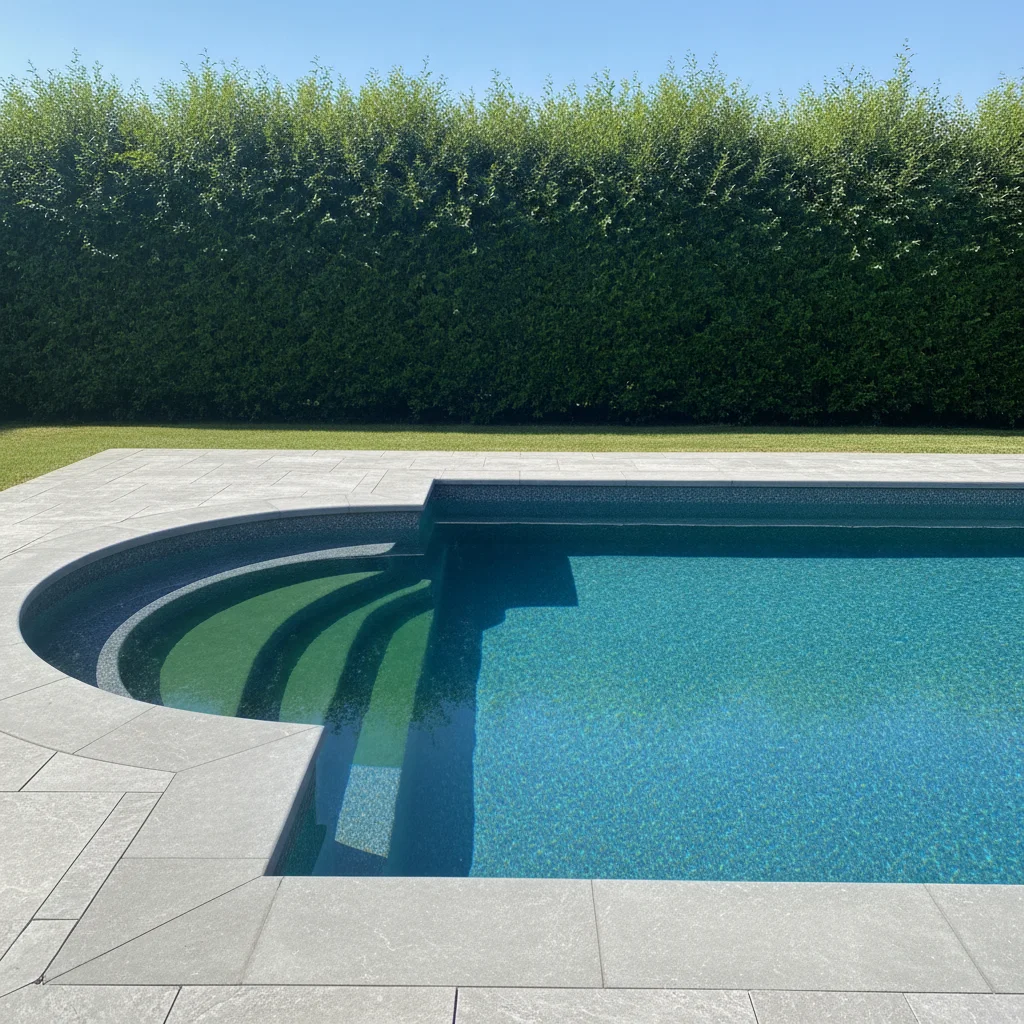
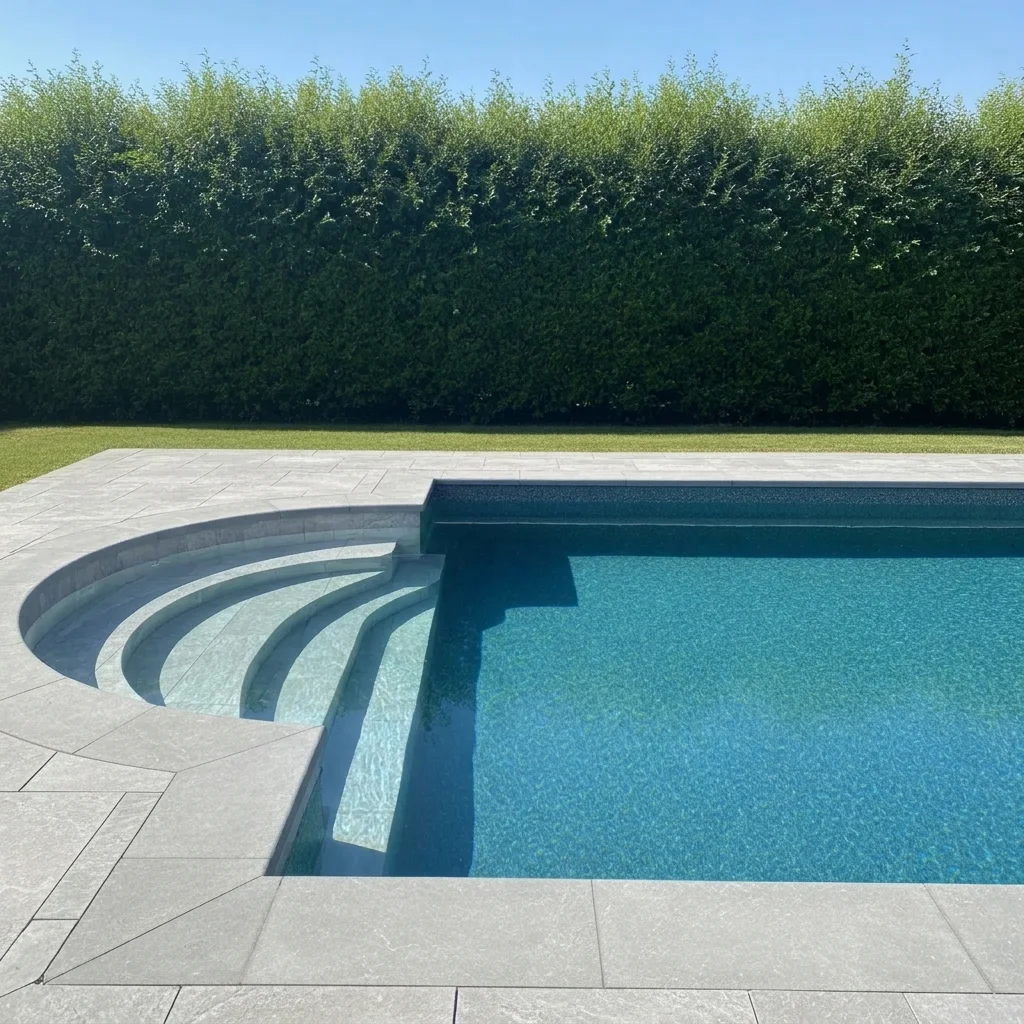
Pool with a curved steps area and blue liner
Before
->
Same pool with light gray tile steps and a blue floor
After

Pool steps and bench in light tile

A pool with a plain steps area. Owner previewed light gray tile on the steps while keeping the rest.

Prompt: change the pool steps and bench to light gray tile while keeping the main pool floor medium blue, keep the deck unchanged

Quick answers

Do I need to mark the pool before changing the liner?

No. Describe the liner or finish, such as 'dark gray liner with a light blue tile border'. The AI finds the pool. Use markers only if it changes the wrong area.

Is there a free pool liner visualizer with no signup?

Yes. EditThisPic gives you a free preview edit with no account and no watermark. Upload a pool photo and describe the finish.

Can I compare several liners or finishes on one photo?

Yes. Run the same photo with a gray liner, a blue mosaic, and a pebble finish and compare. Pool builders can use it to talk through options with clients.

Will it show the exact product and how it ages?

No. It is a mock-up of the look. It cannot match a specific liner or finish, show how it will wear, or judge fit. Check real samples in water with your installer.

Can I change the water color too?

Yes. Water color depends on the finish, so describe both, such as 'deep blue pebble with bright turquoise water'. It is still a visual idea, not a promise.

How much does EditThisPic cost?

You get 1 free Standard edit per week — no account needed. After that, one-time credit packs start at $4.99 for 10 credits, valid 12 months, no subscription. A Standard edit uses 1 credit, Pro 2 and Ultra 3. Purchased downloads are clean with no watermark.

Ready to preview your pool liner?

Free to try. No signup required.

1 free edit included·paid credit packs after