Pricing Visualize Sport court · Free

AI Sport Court Visualizer

← Browse all creative effects

Last updated

Describe the court and see it laid out in your own yard or driveway.
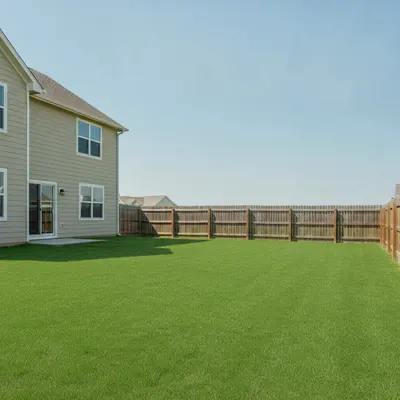
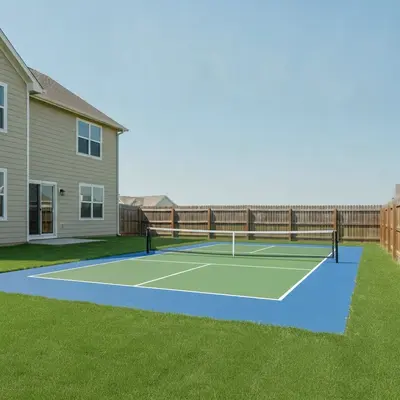
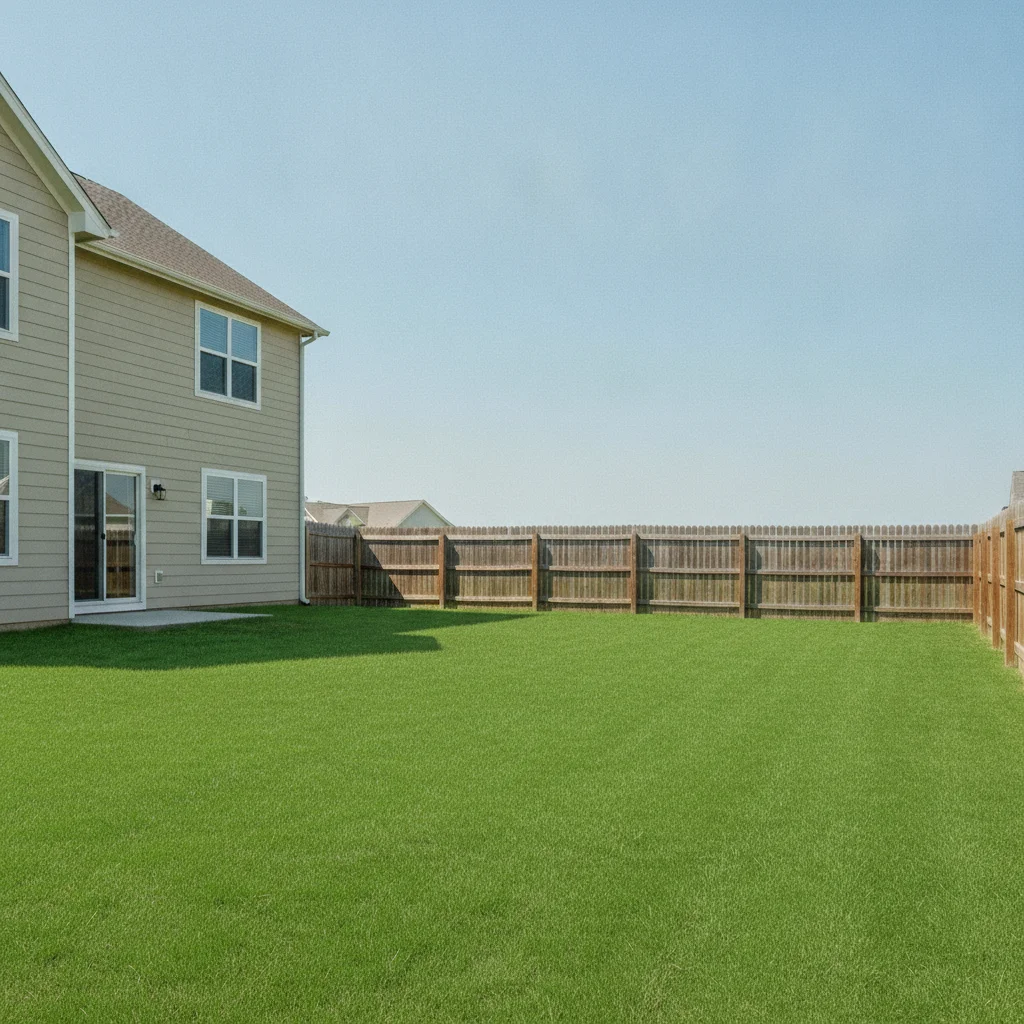
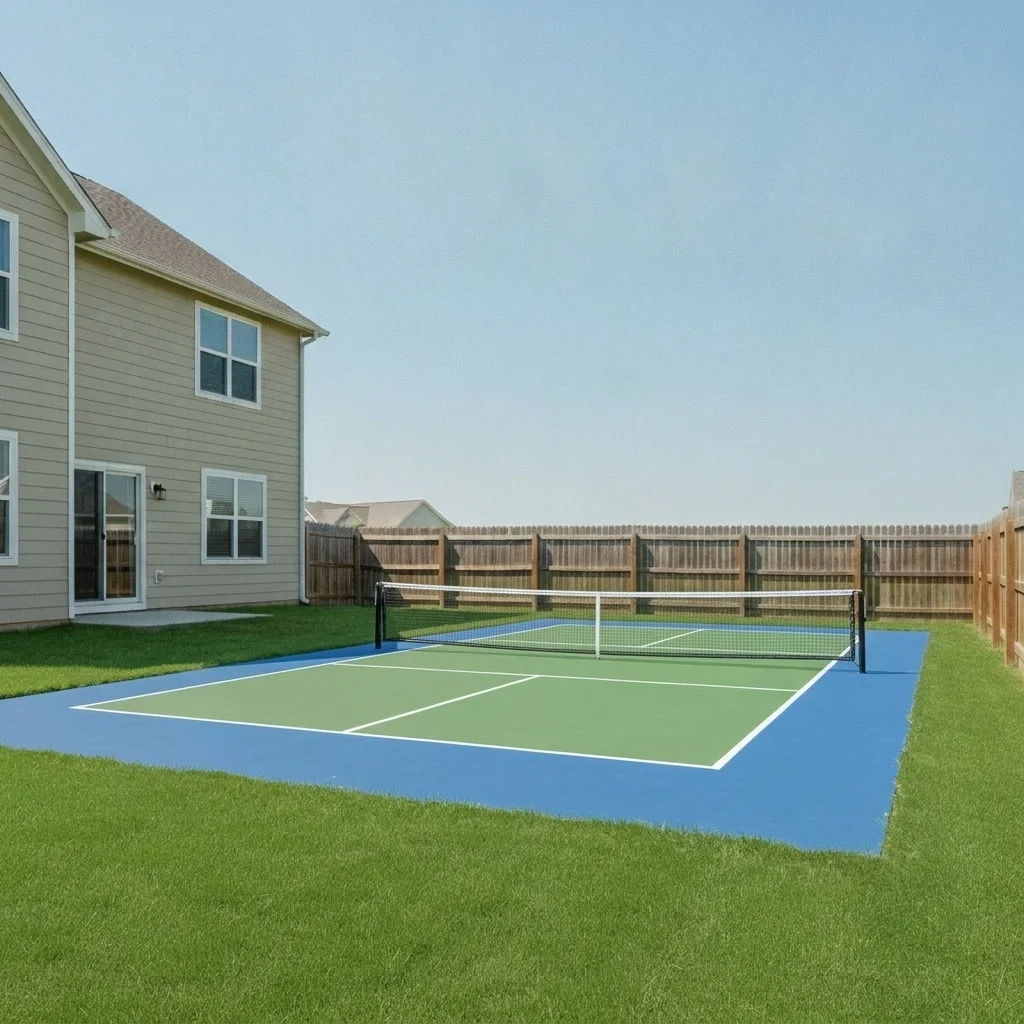
Flat empty backyard lawn with a beige house at left Same lawn with a blue and green pickleball court and white net

Upload photo to visualize sport court

"add a basketball half court with a black pole and backboard, a dark green surface and white lines next to the garage, keep the house unchanged"

Free to try · no sign-up · never used for AI training

Release to upload

<30stypical edit
1 freeedit weekly
Photo on your phone? Scan to open this editor there — free edit works on your phone too.

1 free edit every week·paid packs after

How it works

  1. Upload your photo

    Upload a daytime photo of the flat area where you might build the court, such as a lawn, an empty slab or a driveway. Shoot from a slightly raised angle so the ground is easy to see.

    Expect: Most previews finish in under a minute. Busy scenes can take a little longer and may need a second try.
  2. Describe what you want

    Describe the sport, surface colors, lines and extras. For example, 'add a blue and green pickleball court with white lines and a net on the flat lawn' or 'add a basketball half court with a black hoop and red key area.'

    Tip: Name the sport, the two main surface colors and any hoop or net. Surface color and markings are what make a court read clearly in the picture.

    Copy one of these to get started:

    Pickleball court — most common add a blue and green pickleball court with white lines and a net on the flat lawn area, keep the house and fence unchanged
    Basketball half court add a basketball half court with a black pole and backboard, a dark green surface and white lines next to the garage, keep the house unchanged
    Full basketball court add a full-size basketball court with a gray surface, white lines and a hoop at each end on the flat yard area
    Tennis court add a green and red tennis court with white lines, a net across the middle and a tall black fence around it on the open lawn
    3 more prompts
    Multi-sport court with a hoop and net add a blue multi-sport court with a basketball hoop on one side and a pickleball net in the middle, white lines on the surface
    Driveway basketball hoop add a black basketball hoop on a pole at the edge of the driveway with a white painted free-throw line on the concrete
    Backyard volleyball court add a sand volleyball court with a white net and boundary lines in the flat lawn area, keep the rest of the yard unchanged
  3. Review the result

    Check that the court sits flat on the ground and the lines run straight. The AI does well with colored surfaces and hoops. Line placement, net height and court size are approximate, so do not use the picture as a layout.

  4. Refine with markers if needed

    If the court covers the wrong area or the house, tap a marker where the surface should go and regenerate. Markers help when the photo has a lawn, a patio and a driveway.

    Tip: Markers are for precision refinement, not a required step. Most previews work from the description alone.

See it in action

Flat empty backyard lawn with a beige house at left
Before
->
Same lawn with a blue and green pickleball court and white net
After

Flat lawn to pickleball court

A blue and green court with net on a lawn.

Prompt: add a blue and green pickleball court with white lines and a net on the flat lawn area, keep the house and fence unchanged
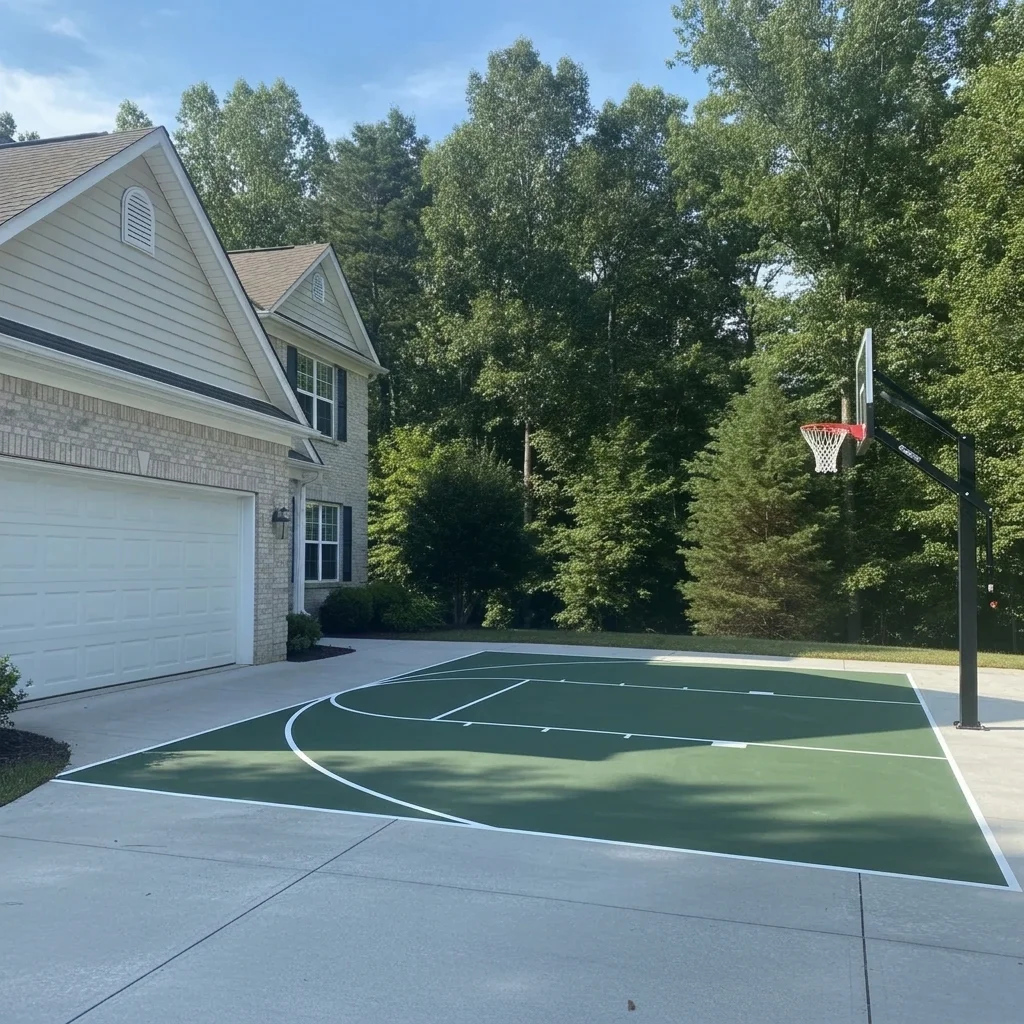
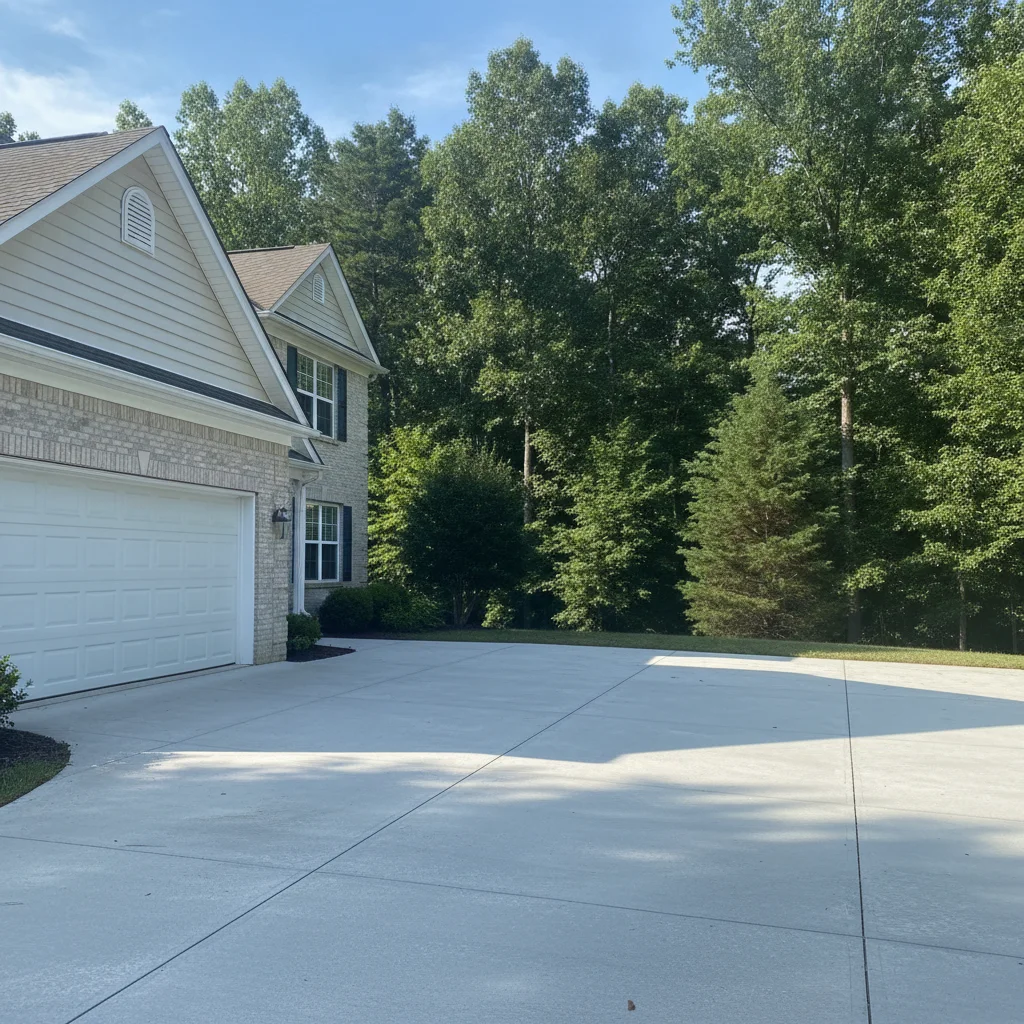
Concrete area beside a white garage door
Before
->
Same area as a dark green basketball half court with a black hoop
After

Garage side to basketball half court

A green half court with hoop beside a garage.

Prompt: add a basketball half court with a black pole and backboard, a dark green surface and white lines next to the garage, keep the house unchanged
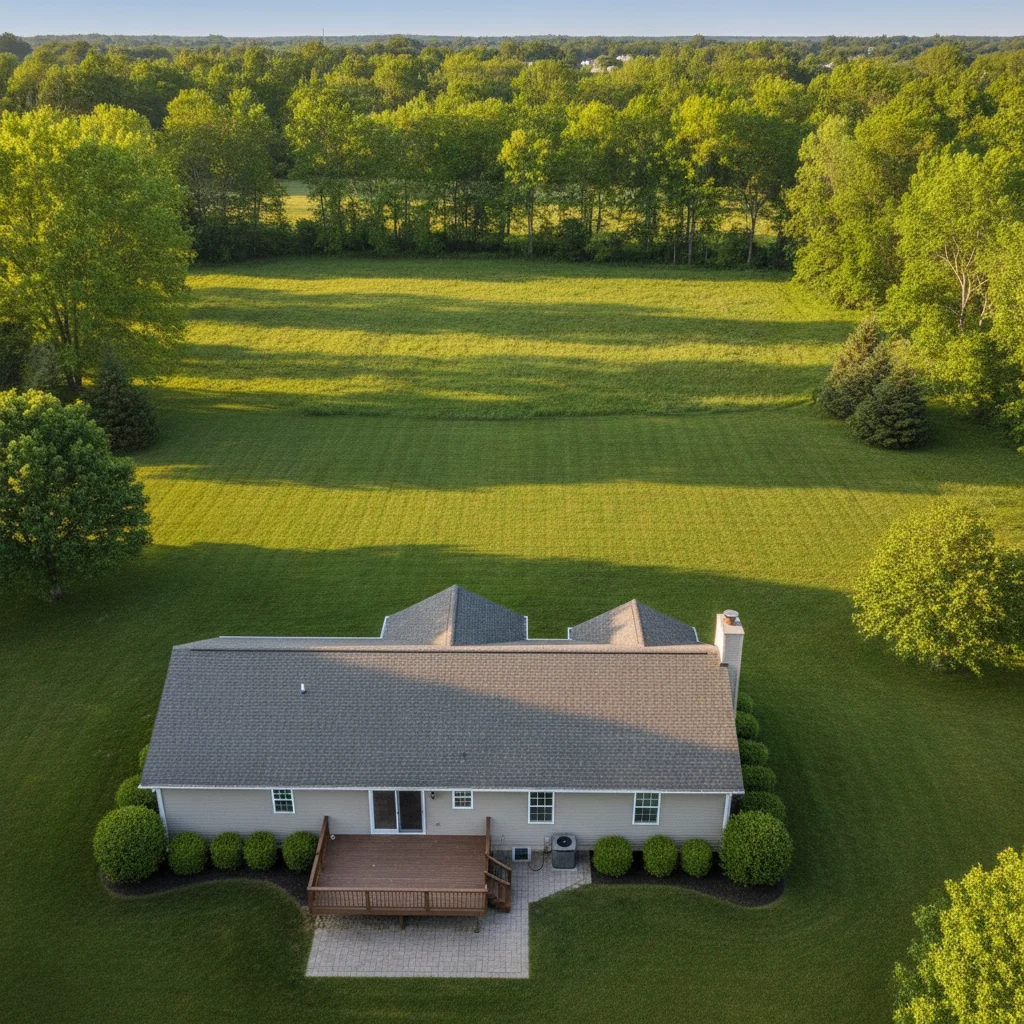
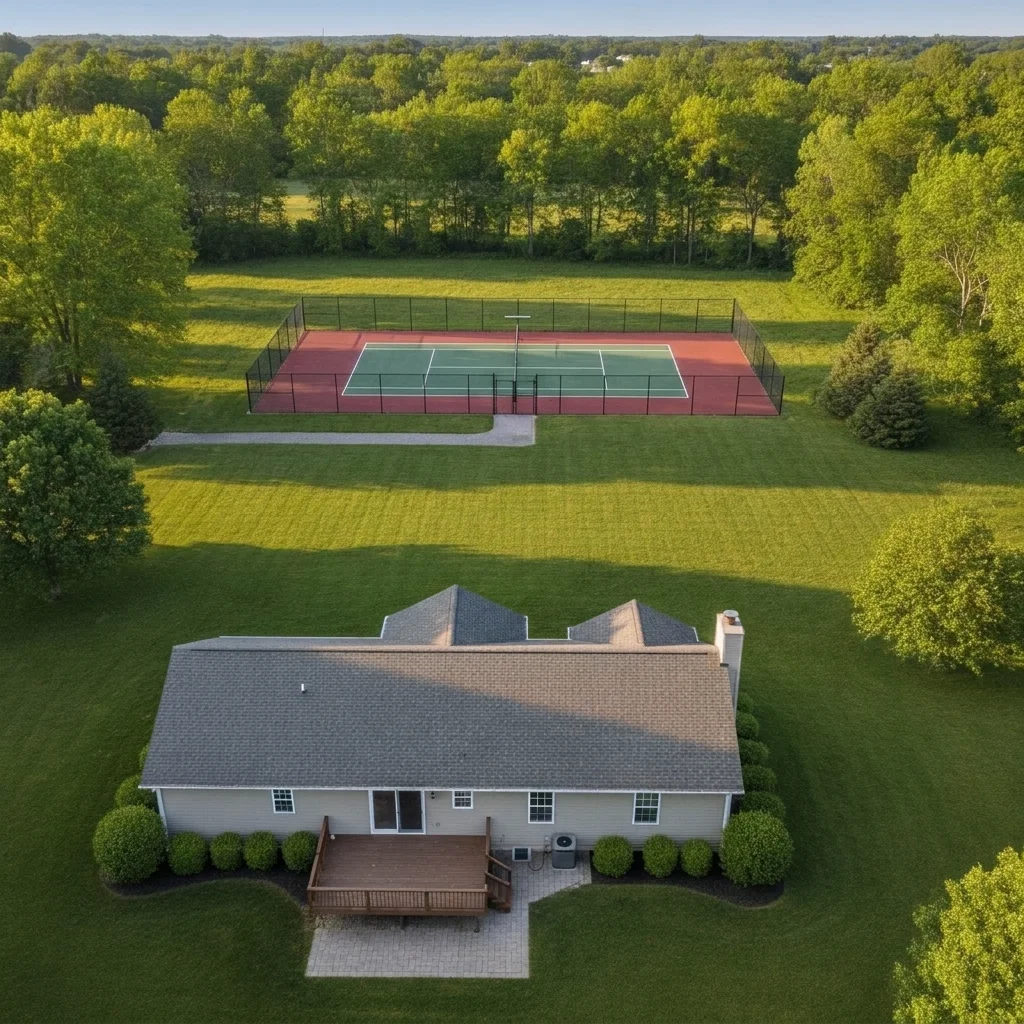
Large flat grass field behind a house
Before
->
Same field as a green and red tennis court with a net and fence
After

Empty slab to tennis court

A green tennis court with a net and fence.

Prompt: add a green and red tennis court with white lines, a net across the middle and a tall black fence around it on the open lawn

Quick answers

Do I need to mark the area for the court before describing what I want?

No. Just describe the change, for example 'add a blue and green pickleball court with white lines and a net on the flat lawn area'. The AI finds the right area from your words and the photo. Markers are optional and only help when the result lands in the wrong place.

Is there a free ai sport court visualizer with no signup?

Yes. EditThisPic gives you a free preview edit with no signup and no watermark. Upload your photo, describe the change, and look at the result in your browser.

Can it tell me if a full-size court fits in my yard?

No. It shows a look only and is not to scale. Measure the real space and ask a court builder what size and clearances you need.

Which sports can I preview?

Basketball, pickleball, tennis, volleyball or a multi-sport court. Name the sport and the colors so the AI draws the right hoop, net and surface.

Can I try different surface colors?

Yes. Try blue and green, all green, red and gray or a simple gray slab and compare the results on the same photo.

How much does EditThisPic cost?

You get 1 free Standard edit per week — no account needed. After that, one-time credit packs start at $4.99 for 10 credits, valid 12 months, no subscription. A Standard edit uses 1 credit, Pro 2 and Ultra 3. Purchased downloads are clean with no watermark.

Ready to preview your sport court?

Free to try. No signup required.

1 free edit included·paid credit packs after