Pricing Visualize Trellis · Free

AI Trellis Visualizer

← Browse all creative effects

Last updated

Describe the trellis and the climbing plants and see them on your own wall, fence or path.
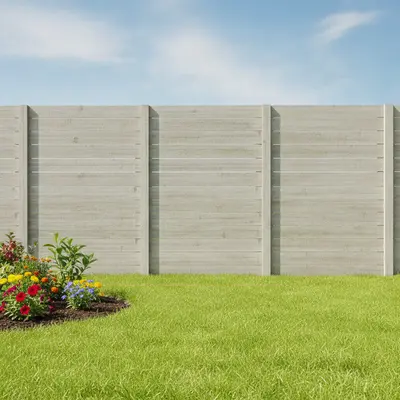
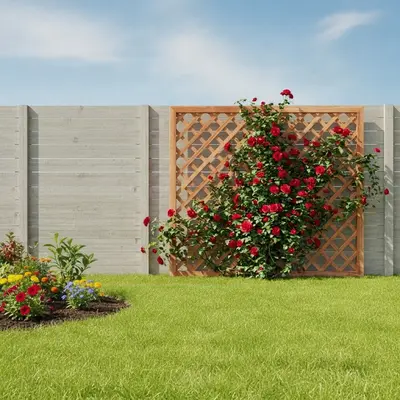
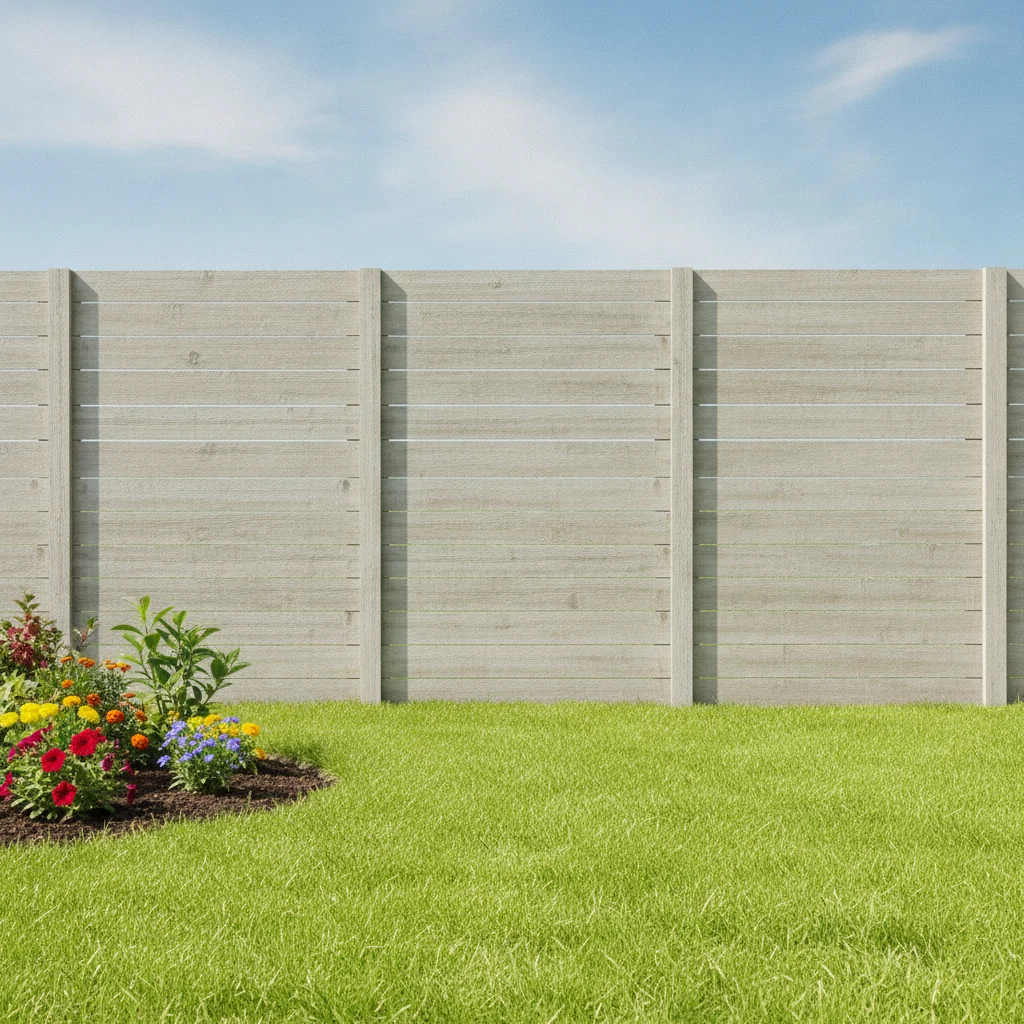
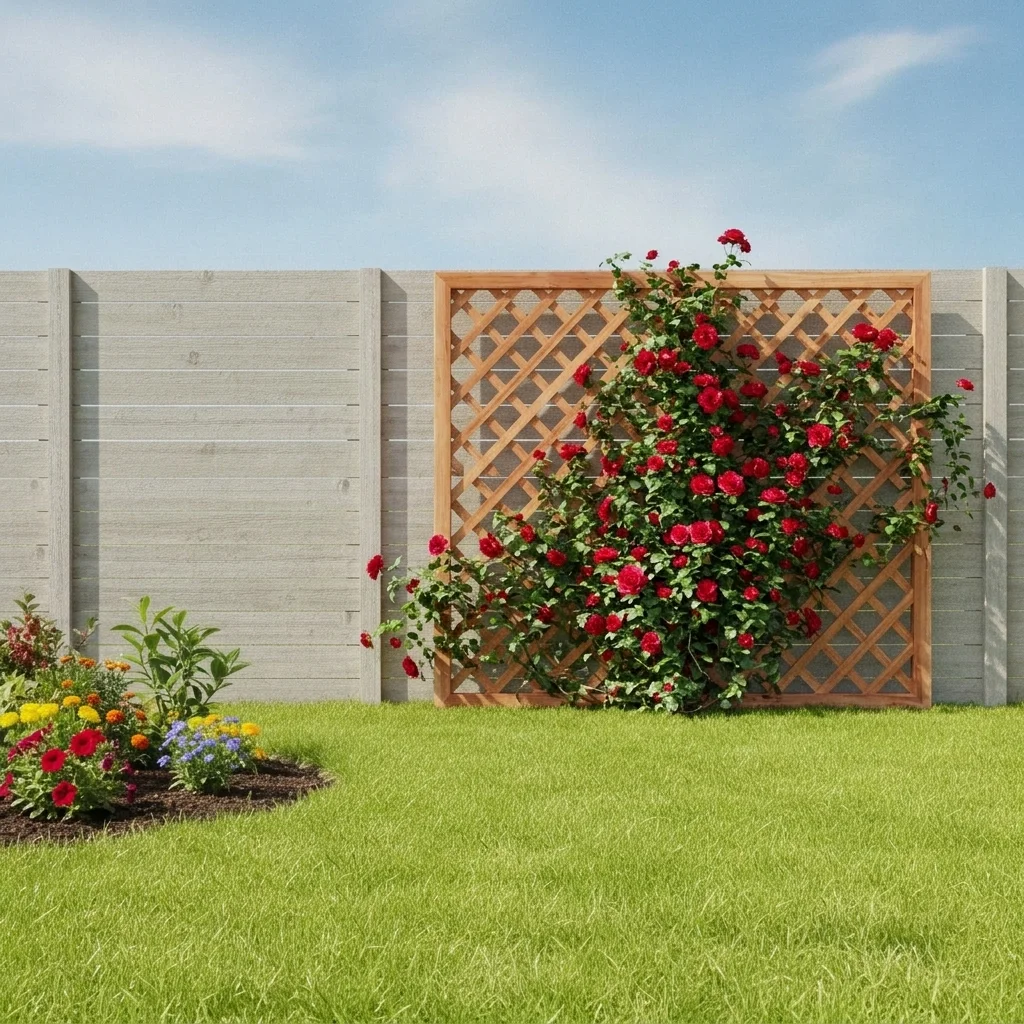
Plain gray wooden fence behind a green lawn Same fence with a cedar lattice trellis covered in red roses

Upload photo to visualize trellis

"add a black metal trellis with climbing white jasmine on the blank wall beside the path, keep the rest unchanged"

Free to try · no sign-up · never used for AI training

Release to upload

<30stypical edit
1 freeedit weekly
Photo on your phone? Scan to open this editor there — free edit works on your phone too.

1 free edit every week·paid packs after

How it works

  1. Upload your photo

    Upload a daytime photo of the wall, fence, gate or path where the trellis would go. Face it fairly straight on so the flat surface is easy to see, and keep the whole area in frame.

    Expect: Most previews finish in under a minute. Busy scenes can take a little longer and may need a second try.
  2. Describe what you want

    Describe the structure, material, color and the plant. For example, 'add a cedar lattice trellis with climbing red roses against the blank fence' or 'add a black metal arbor over the garden path with purple wisteria.'

    Tip: Say whether it is a flat trellis on a wall or a free-standing arbor over a path, and name the plant. Those two details change the picture the most.

    Copy one of these to get started:

    Trellis with climbing roses — most common add a cedar lattice trellis with climbing red roses against the blank fence, keep the garden and lawn unchanged
    Black metal wall trellis add a black metal trellis with climbing white jasmine on the blank wall beside the path, keep the rest unchanged
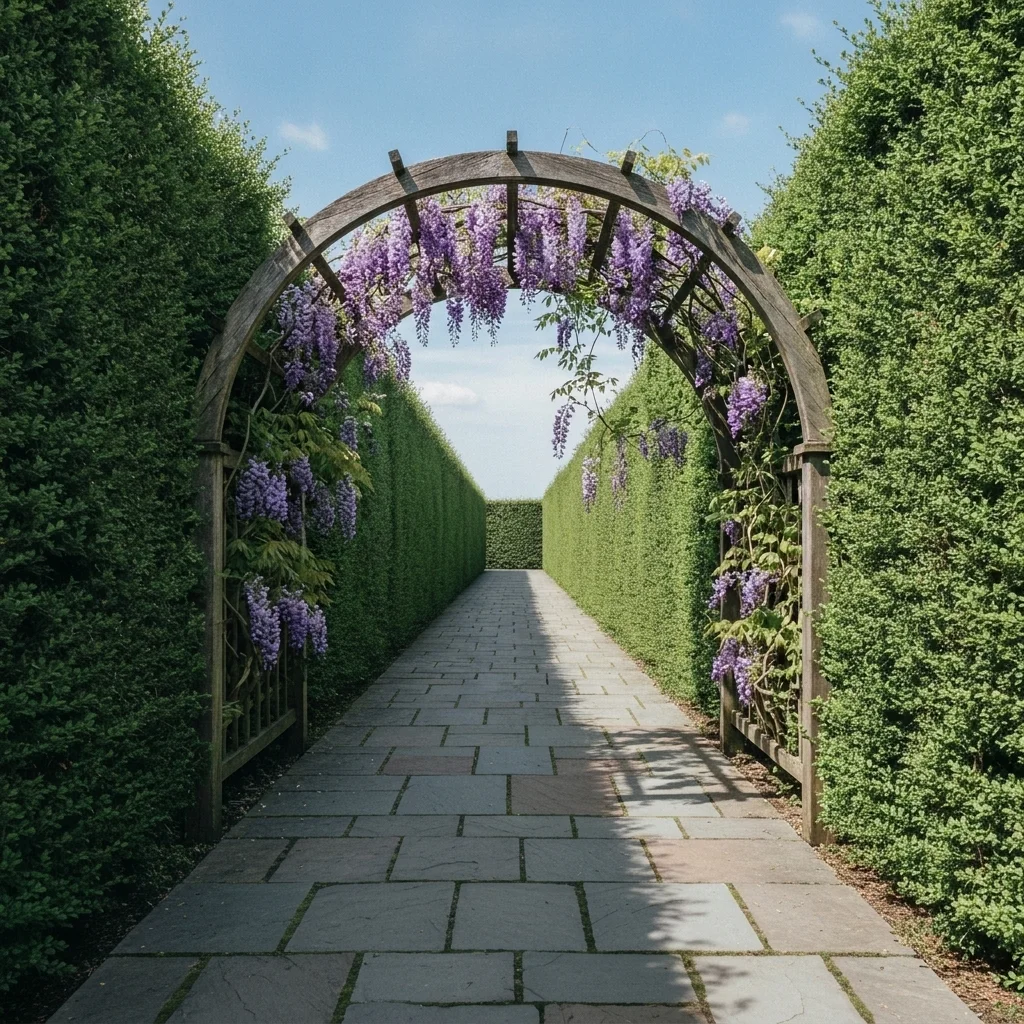
    Arched arbor over a path add a wooden arched arbor over the garden path with purple wisteria hanging from it, keep the path and plants as they are
    Arbor over a garden gate add a white painted arbor over the side gate with green climbing ivy and small pink flowers
    3 more prompts
    Trellis for vegetables add a tall wooden trellis with green climbing beans and cucumbers beside the raised bed, keep the bed and fence unchanged
    Privacy trellis screen add a tall dark wooden trellis screen with climbing green vines along the patio edge for privacy, leave the patio furniture unchanged
    Modern slat trellis add a modern horizontal slat trellis in charcoal with climbing star jasmine against the back wall
  3. Review the result

    Check that the trellis sits on the surface you meant and that the plants look like they climb it. The AI does well with overall shape and foliage. Fine lattice lines and leaf detail may be softened, so judge the style and proportion.

  4. Refine with markers if needed

    If the trellis lands on the wrong wall or covers too much, tap a marker on the spot you want and regenerate. Markers help when the photo shows several walls, fences or doors.

    Tip: Markers are for precision refinement, not a required step. Most previews work from the description alone.

See it in action

Plain gray wooden fence behind a green lawn
Before
->
Same fence with a cedar lattice trellis covered in red roses
After

Blank fence to cedar trellis with roses

A bare fence panel with a lattice trellis and red roses.

Prompt: add a cedar lattice trellis with climbing red roses against the blank fence, keep the garden and lawn unchanged
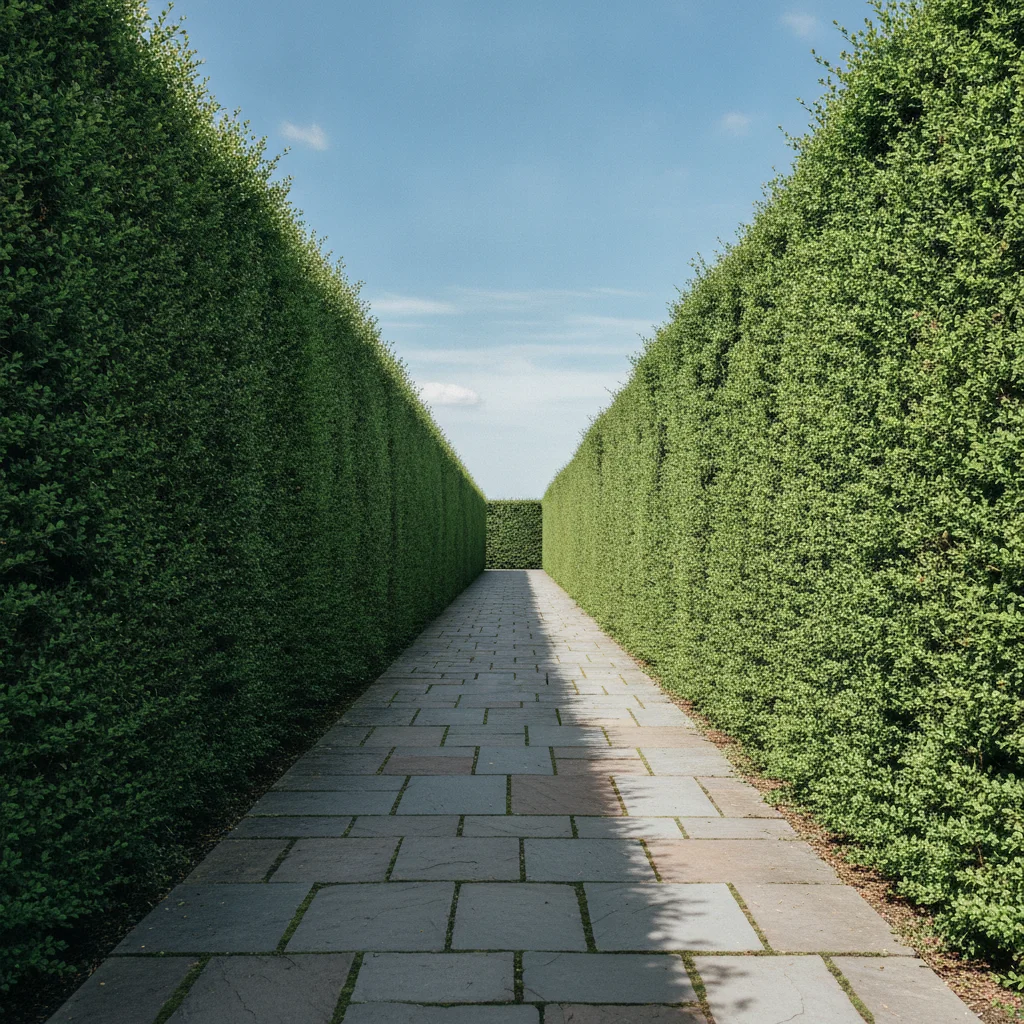
Gray stone path between green hedges with open sky above
Before
->
Same path with a wooden arched arbor and purple wisteria
After

Garden path with a wisteria arbor

An open stone path given an arched arbor with wisteria.

Prompt: add a wooden arched arbor over the garden path with purple wisteria hanging from it, keep the path and plants as they are

Plain white stucco wall beside a terracotta path
Before
->
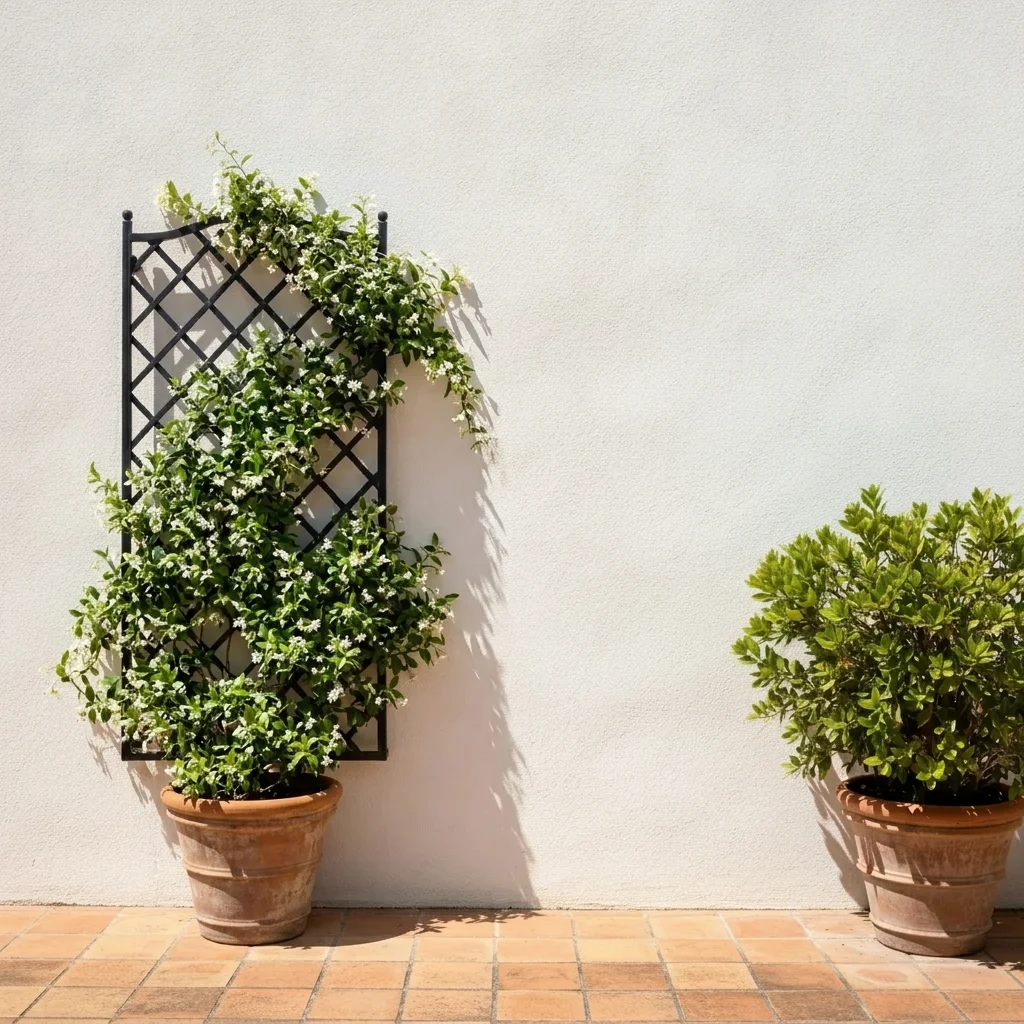
Same wall with a black metal trellis and white jasmine
After

Black trellis on a white wall

A plain white wall with a metal trellis and jasmine.

Prompt: add a black metal trellis with climbing white jasmine on the blank wall beside the path, keep the rest unchanged

Quick answers

Do I need to mark the wall, fence or path before describing what I want?

No. Just describe the change, for example 'add a cedar lattice trellis with climbing red roses against the blank fence'. The AI finds the right area from your words and the photo. Markers are optional and only help when the result lands in the wrong place.

Is there a free ai trellis visualizer with no signup?

Yes. EditThisPic gives you a free preview edit with no signup and no watermark. Upload your photo, describe the change, and look at the result in your browser.

Which climbing plants can I preview?

Roses, clematis, jasmine, wisteria, climbing ivy, grape vines and many others. Name the plant and its flower color for the clearest result. Whether a plant suits your climate is something to check separately.

Can I preview a freestanding arbor over a path?

Yes. Describe the arbor shape, material and where it spans, for example a wooden arched arbor over the garden path, and the AI places it in your photo.

Does it show how the plants will look after years of growth?

No. It shows one look. Real plants take time to grow, so choose how mature you want the plants to appear in the description.

How much does EditThisPic cost?

You get 1 free Standard edit per week — no account needed. After that, one-time credit packs start at $4.99 for 10 credits, valid 12 months, no subscription. A Standard edit uses 1 credit, Pro 2 and Ultra 3. Purchased downloads are clean with no watermark.

Ready to preview your trellis or arbor?

Free to try. No signup required.

1 free edit included·paid credit packs after