Remove a Person from a Couple Photo
← Browse all body & person toolsLast updated
Turn a two-person photo into a solo portrait. Describe who stays and who goes, and the AI erases the second person and continues the background — the person you keep is unchanged.
Upload photo to remove second person in couple photo
"remove the person on the left and their arm from around the other person's shoulders, rebuild the shoulder and jacket underneath and continue the background; keep the remaining person's face, hair, and pose unchanged"
Free to try · no sign-up · photos are never shared
Release to upload
How it works
See it in action
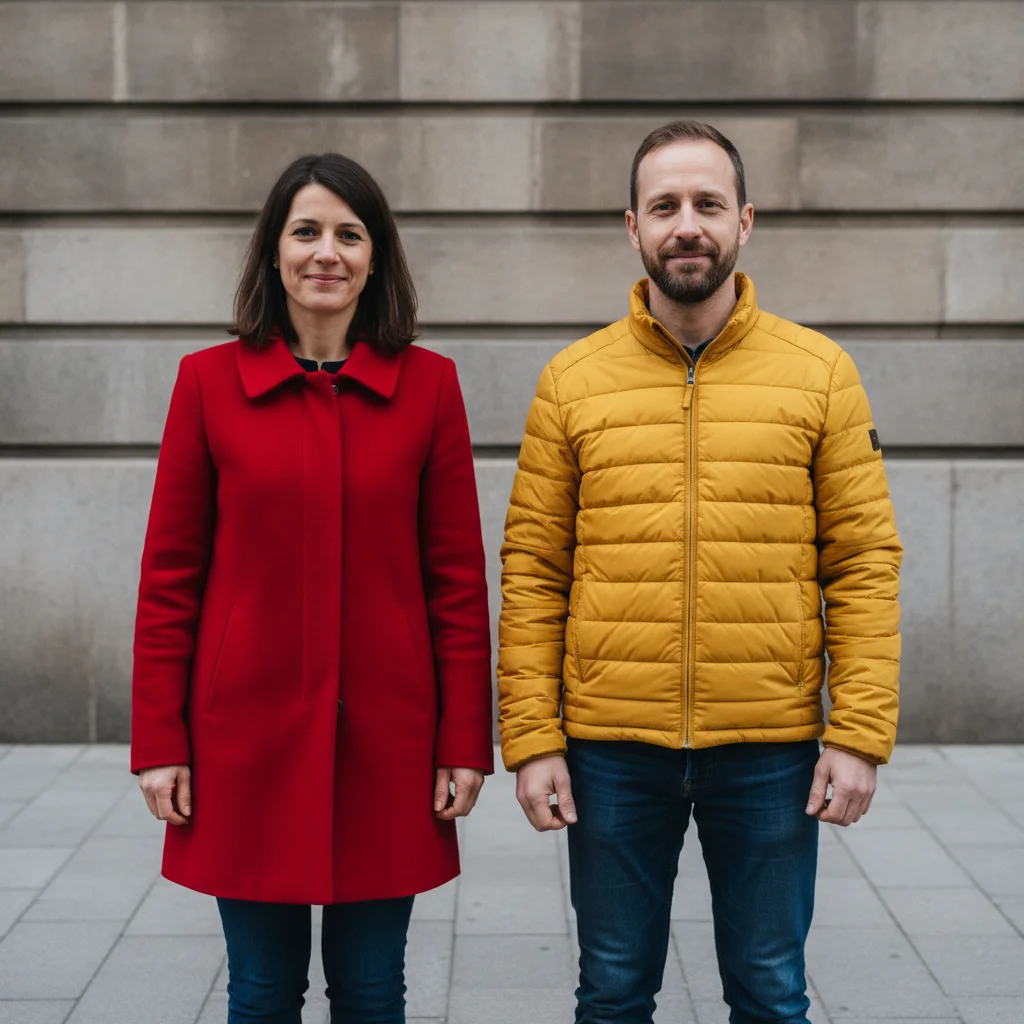
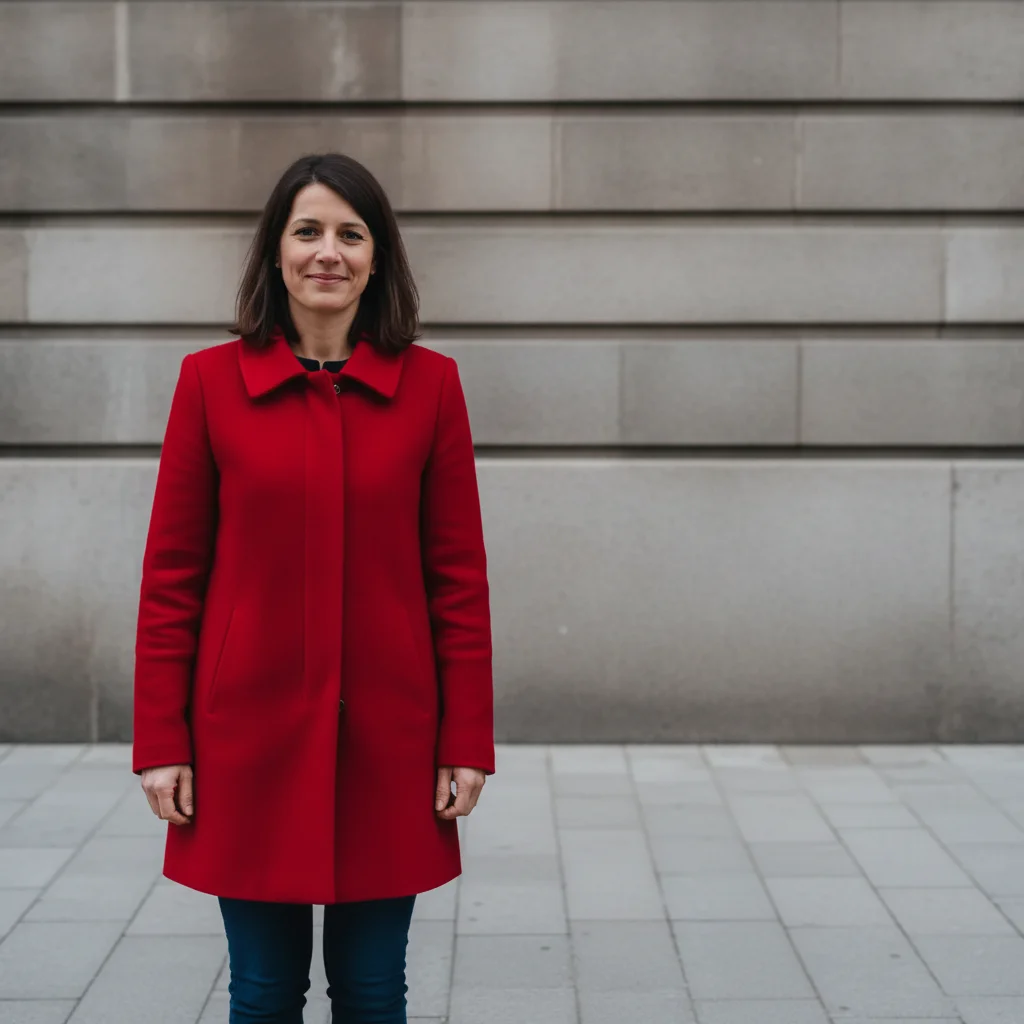
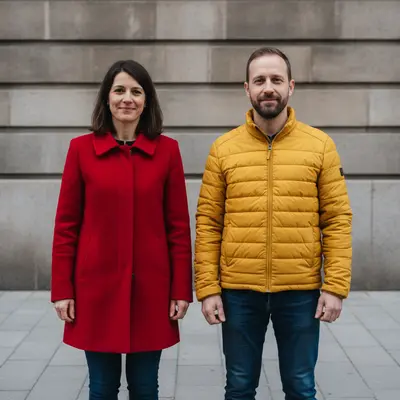
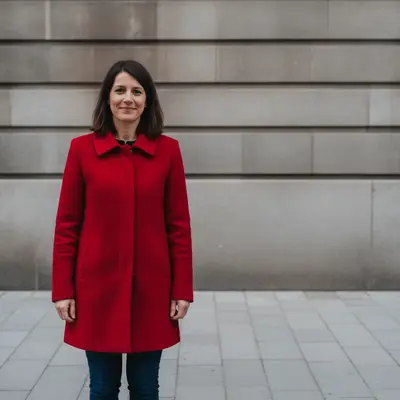
Couple photo turned into a solo street portrait
The man on the right erased and the stone wall continued; the woman's face, coat, and pose are as shot.
remove the man in the bright yellow jacket on the right and continue the plain grey stone wall and pavement where he was; keep the woman in the red coat on the left exactly as she is, her face, hair, and pose unchanged


Solo park portrait from a two-person photo
A park photo of two people turned into a solo portrait of the man; the hedge and lawn continue naturally where the second person stood.
remove the woman in the bright pink jacket on the right and continue the green hedge and lawn where she was; keep the man in the blue sweater on the left exactly as he is, his face, hair, and pose unchanged
Quick answers
You might also like
Popular use cases
Ready to turn your couple photo into a solo portrait?
Free to try. No signup required.