Remove Person from Photo
← Browse all body & person toolsLast updated
A photobomber, an ex, a whole crowd — describe who to remove and AI rebuilds the background in 15–30 seconds.
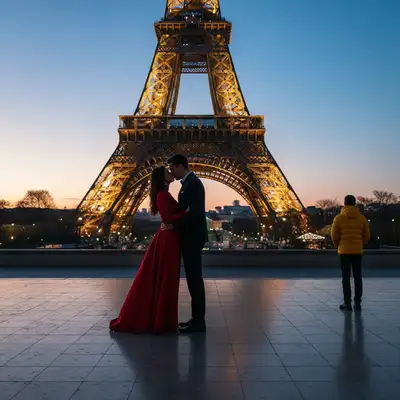
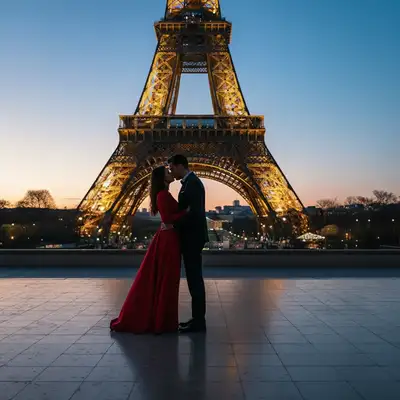
Upload photo to remove person
"remove the stranger in the background and fill the space with the scene behind them, keep the main people exactly as they are"
Free to try · no sign-up · never used for AI training
Release to upload
Watch it happen: one sentence, one edit
How it works
See it in action
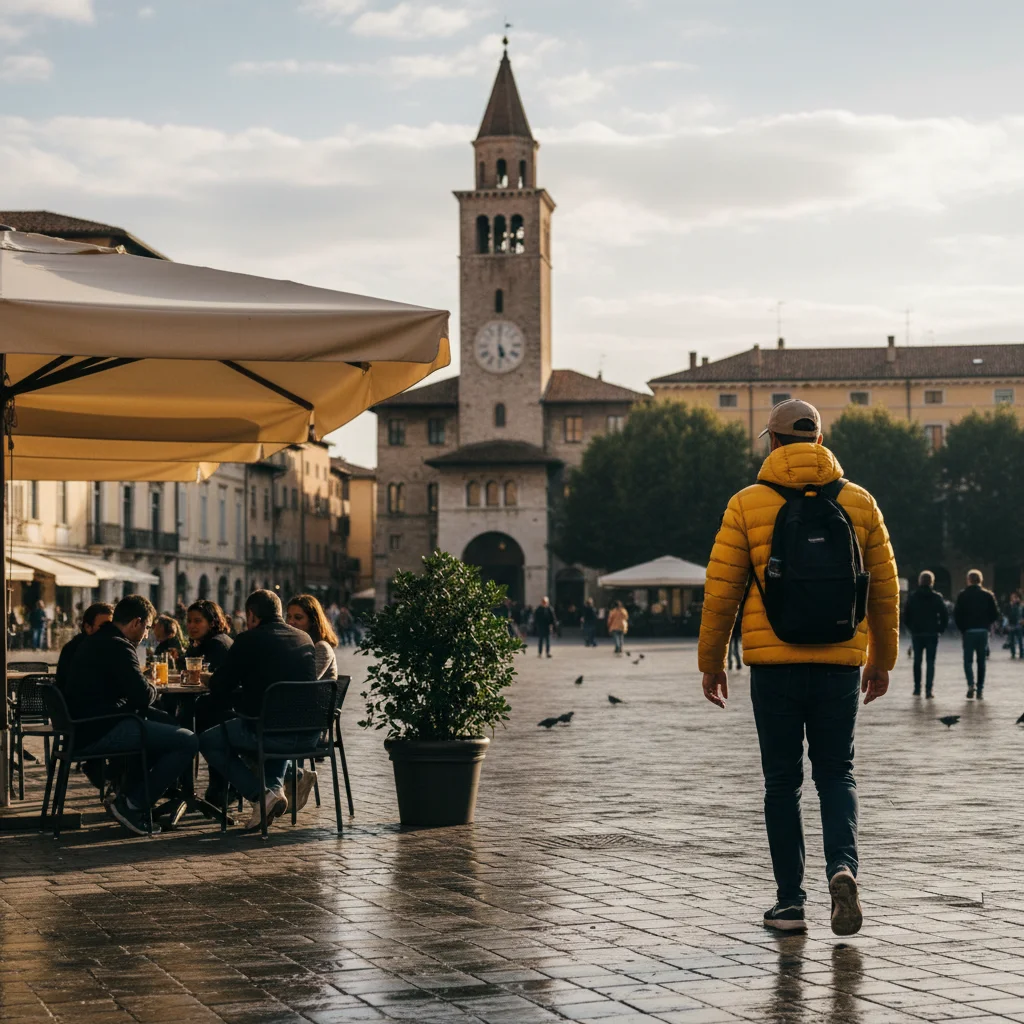
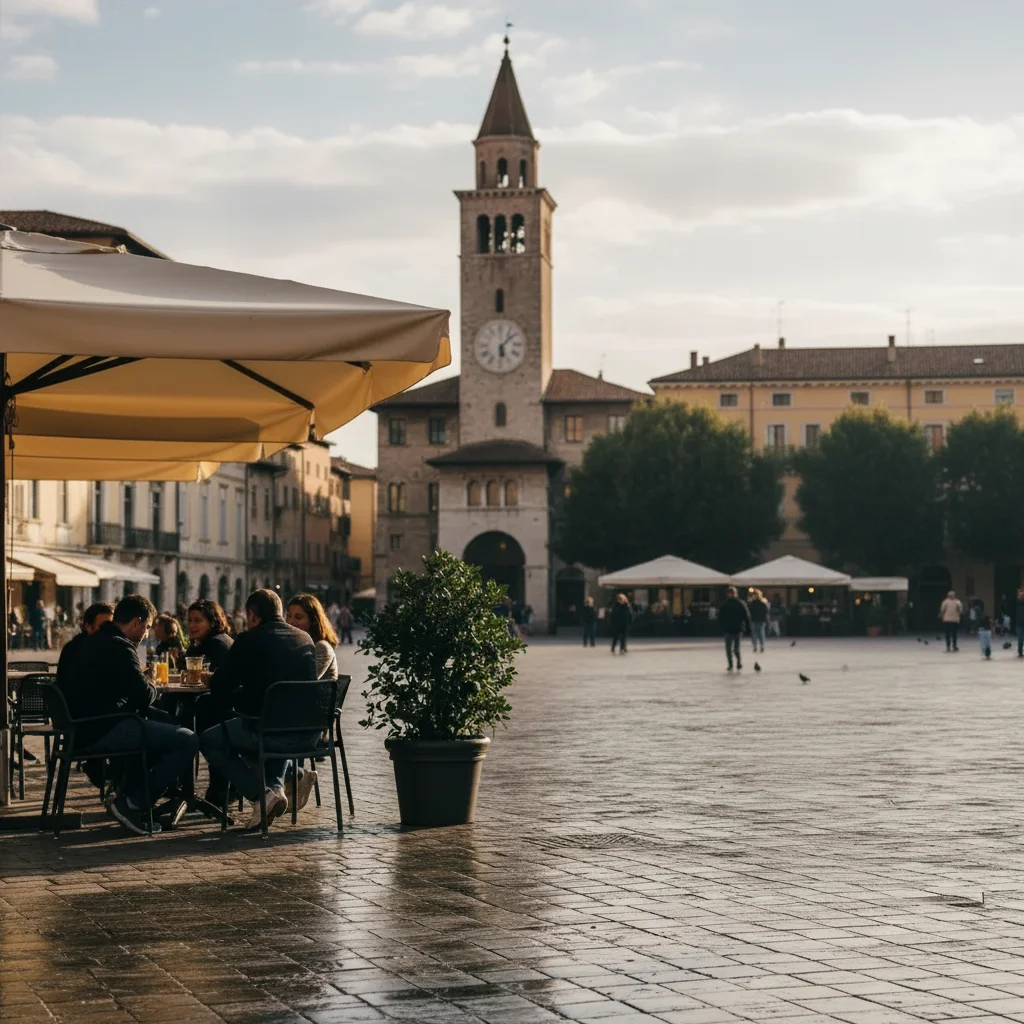
Stranger removed from Eiffel Tower photo
An evening portrait on the paved terrace facing the Eiffel Tower had a bystander in a yellow puffer jacket standing at the right of the frame. One prompt removed them and filled the paving stones behind them.
remove the person in the yellow puffer jacket standing on the right side of the terrace and fill with the paving stones behind them
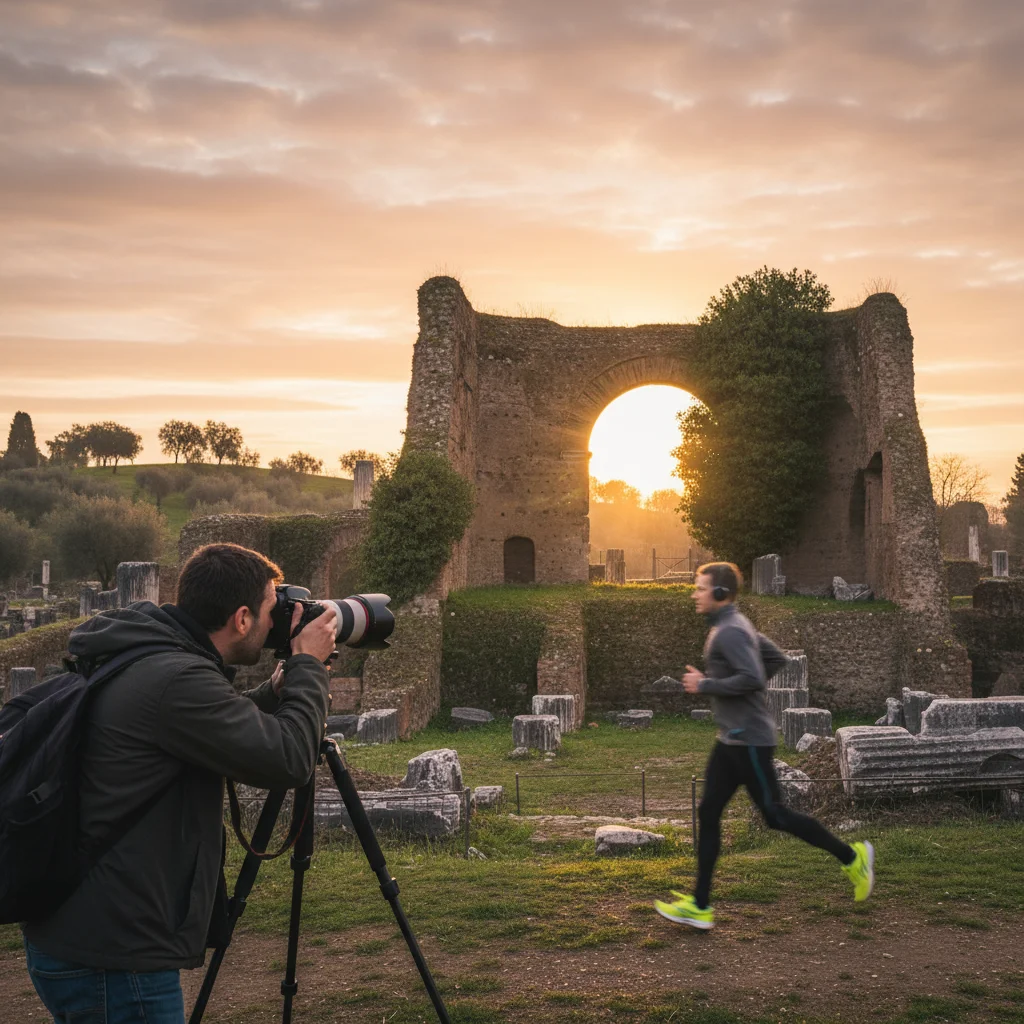

Jogger removed from a beach sunset shot
A sunset photo over the ocean had a jogger running along the shoreline at the left of the frame. The AI removed the jogger and rebuilt the wet sand and the surf line in their place.
remove the jogger running along the shoreline on the left and fill with the wet sand and surf behind them
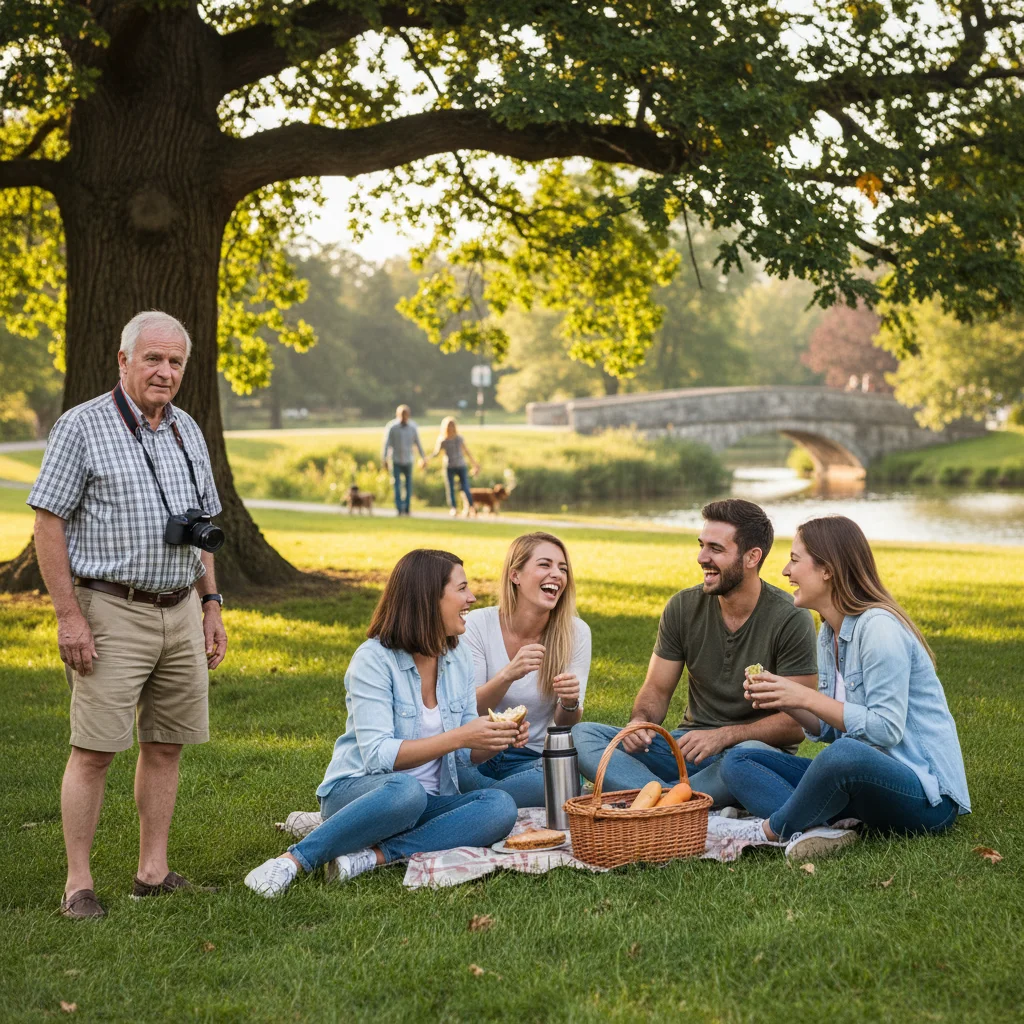
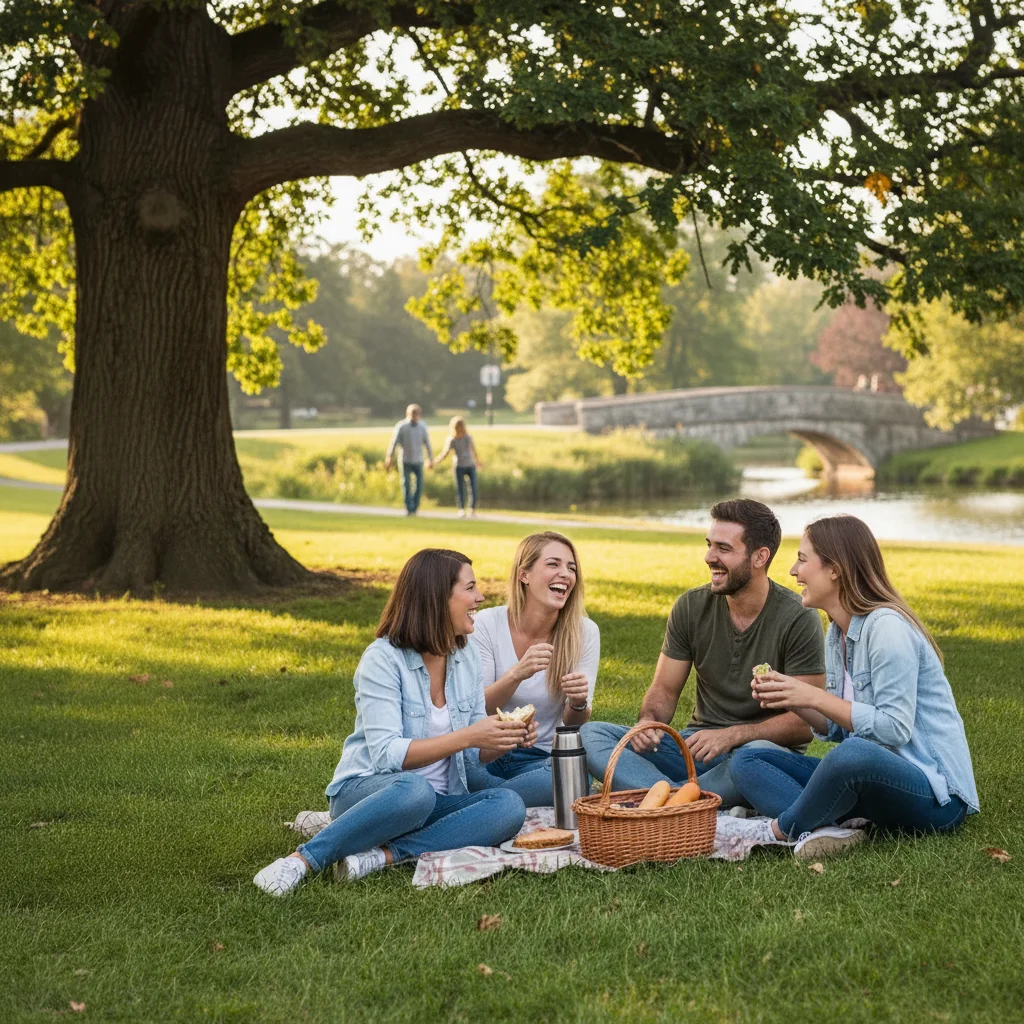
Guest removed from a wedding first-dance photo
A first-dance photo had a wedding guest standing against the wall at the left edge. The AI removed him and filled the wall and wooden floor back in behind him.
remove the man in the grey suit standing against the wall at the left edge and fill with the wall and wooden floor behind him
More before-and-after examples
Each pair shows the photo going in and the result EditThisPic produced from a one-line prompt.
-
 Before
 After
After
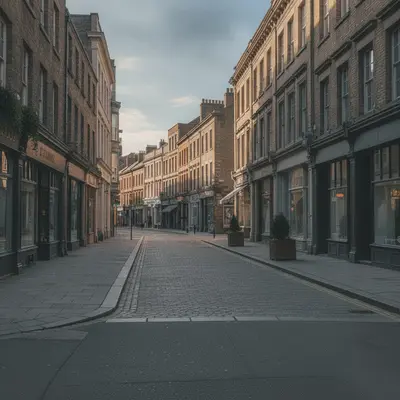
Street photo with pedestrian removed -
 Before
 After
After
Stranger removed from a garden portrait -
 Before
 After
After
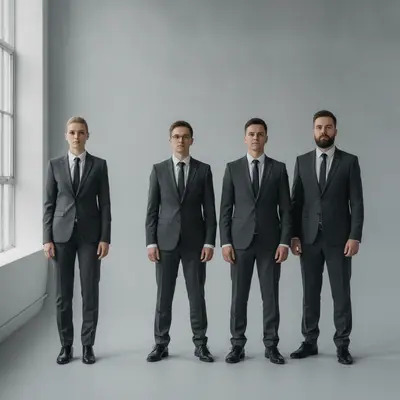
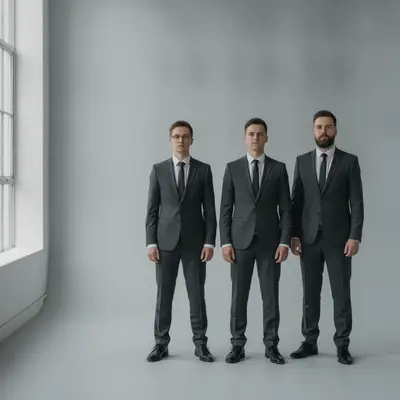
Person removed from the end of a group lineup -
 Before
 After
After
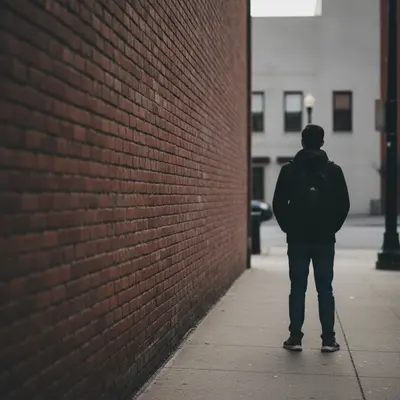
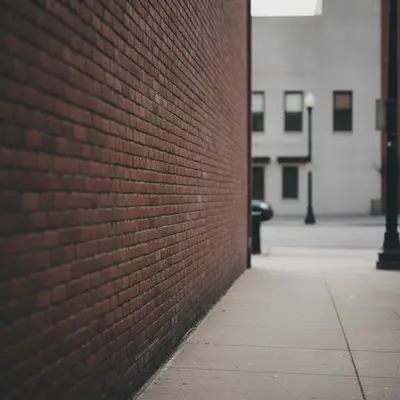
Passerby removed from a city alley -
 Before
 After
After
Group photo reduced to two people -
 Before
 After
After
Person removed from an office desk shot -
 Before
 After
After
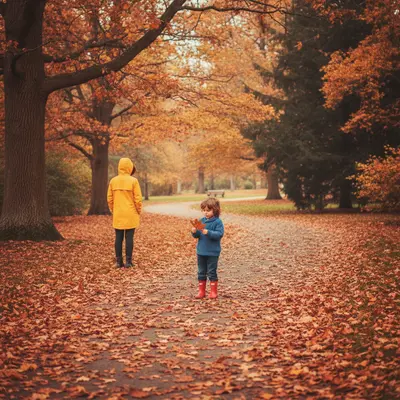
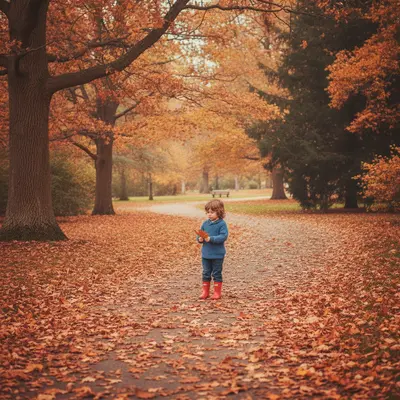
Person removed from autumn path -
 Before
 After
After
Travel photo with background stranger removed -
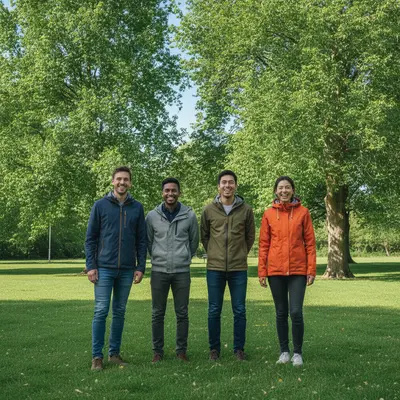 Before
 After
After
Group photo reduced by one person -
 Before
 After
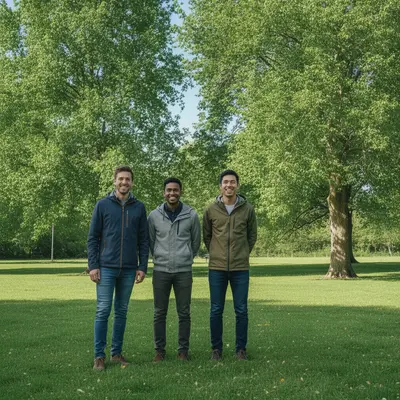
After
Two-person photo trimmed to one
What it can and can’t do
- You describe who to remove (position plus a visible detail like clothing); there is no brush or selection box.
- It removes people, not backgrounds; to cut a person out and keep them, use a background tool.
- The AI rebuilds what was behind the person. Plain backgrounds work well; crowds, fences, text or busy patterns behind them are harder.
- If the person overlaps someone you want to keep, results can blend the two; say who must stay unchanged.
- Because the AI redraws the picture, faces of the people who remain can drift slightly. Compare with the original.
- One free edit per week with no account; more attempts use credits.
Prompt-based vs. brush-based person removers
Typing who to remove is the fast route; a brush gives finer control.
| Prompt-based (EditThisPic) | Brush-based removers | |
|---|---|---|
| How you choose | Type what to remove and where it is | Paint over it with a brush |
| Precision | Good for clearly describable targets; may pick the wrong item when several look alike | Exact: only the pixels you paint are changed |
| Learning curve | None; one sentence | Brush size and edge care take a few tries |
| Several targets at once | Name them all in one prompt | Usually one stroke at a time |
| Rest of the image | Re-rendered by AI, so small details elsewhere can shift | Typically untouched outside the painted area |
Quick answers
Ready to remove that person from your photo?
Free to try. No signup required.