Pricing Restore Mold-damaged photo · Free

Restore a Mold-Damaged Photo

← Browse all restore tools

Last updated

Clear mold spots, mildew staining, and foxing from a print that spent years stored somewhere damp.
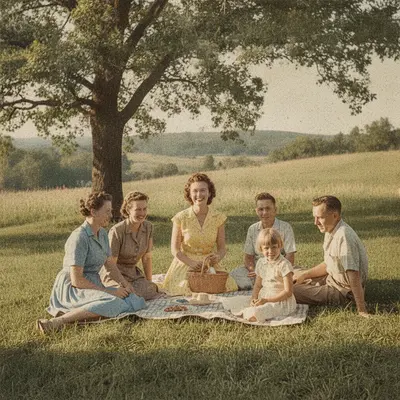
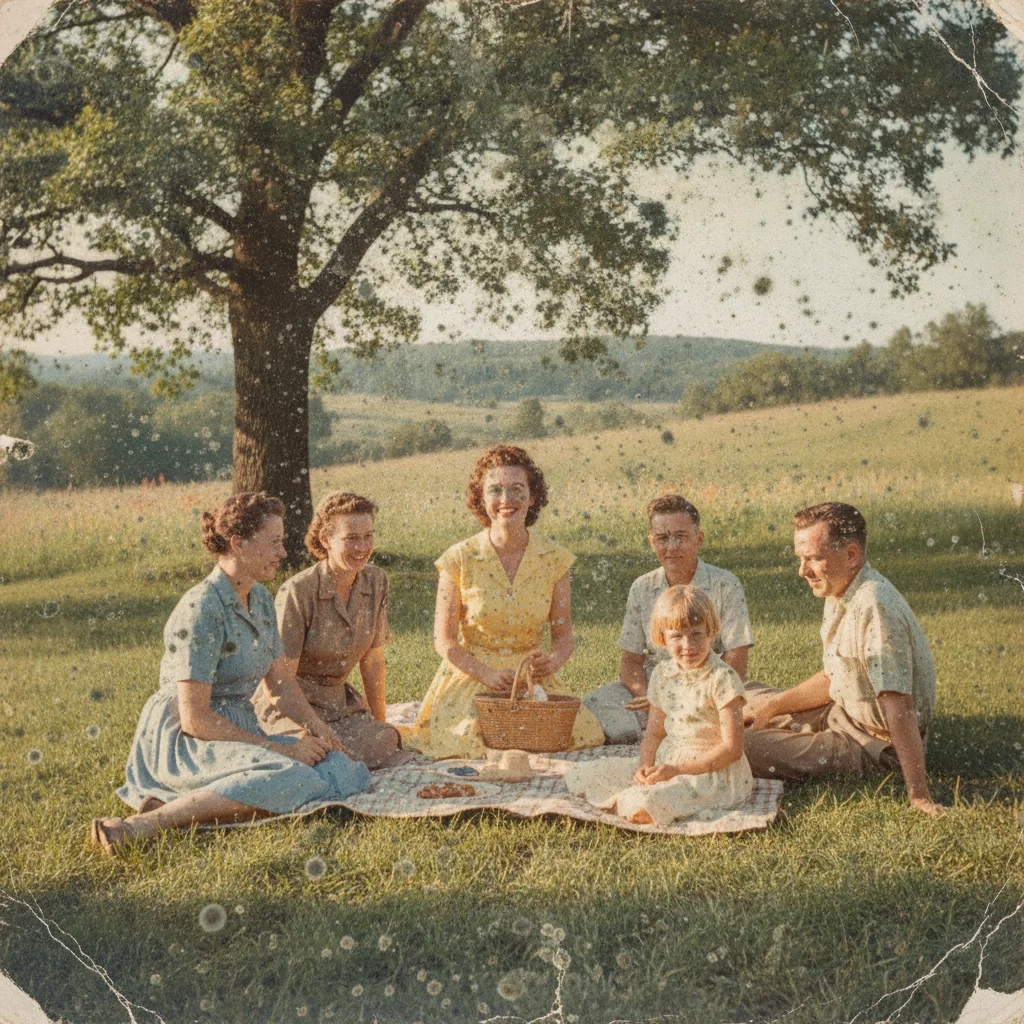
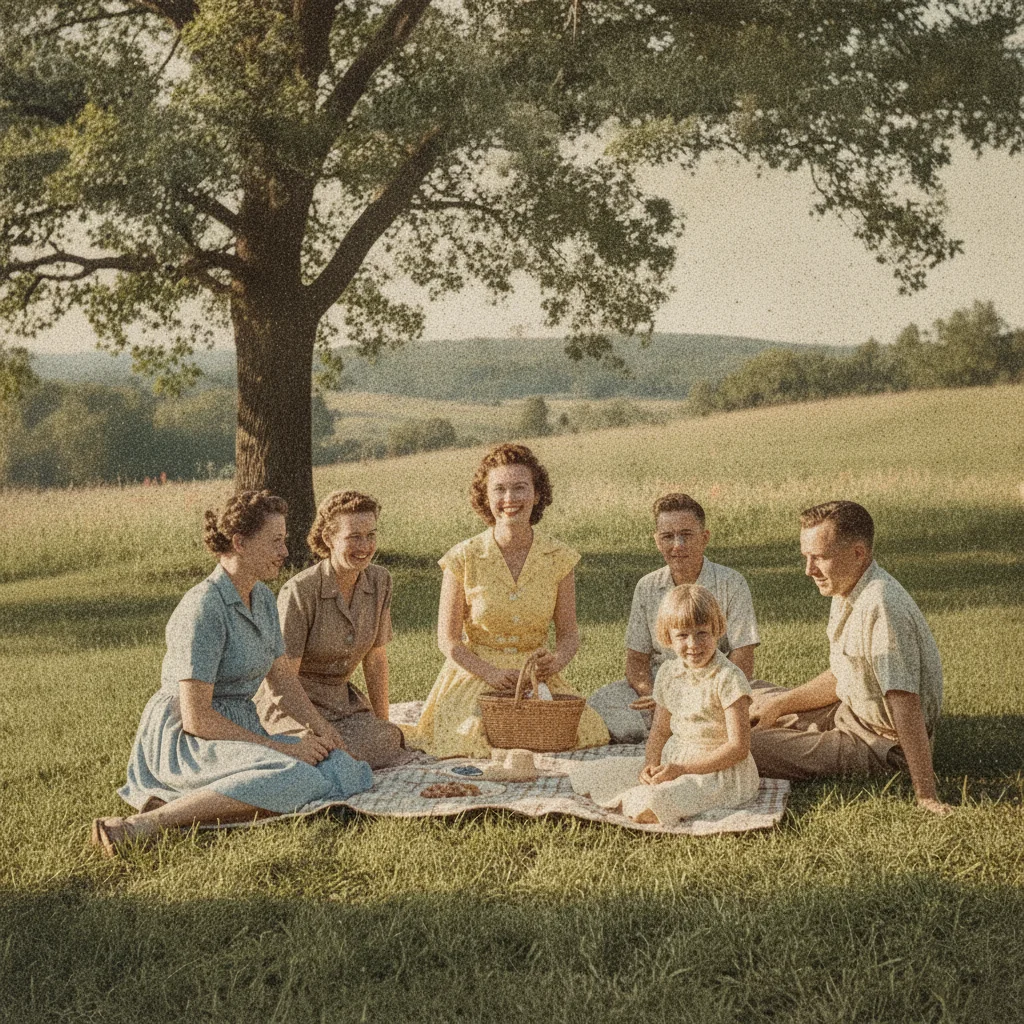
Old photo with mold spots scattered across the print Old photo restored with the mold spots removed

Upload photo to restore mold-damaged photo

"remove the brown foxing spots from this old photo and even out the surrounding tone naturally"

Free to try · no sign-up · photos are never shared

Release to upload

<30stypical edit
1 freeedit weekly
Photo on your phone? Scan to open this editor there — free edit works on your phone too.

1 free edit every week·paid packs after

How it works

  1. Upload or scan the affected print

    Scan the photo if you can, or photograph it flat in even daylight with no glare — JPG, PNG, or WebP up to 7MB. Handle a moldy print carefully and in a well-ventilated space, and scan it before the damage progresses further.

    Expect: Mold spots, mildew staining, and light foxing clear up well. Where mold has eaten through the print's surface entirely, that area is a rebuilt approximation rather than a recovery.
  2. Describe the restoration

    Type what you want fixed: 'remove the mold spots and foxing stains across the photo, rebuild the affected area to match the surrounding detail, keep the face natural.' Mention if the spotting is scattered or concentrated in one area.

    Tip: Foxing (small brown-orange age spots) and active mold spotting can look similar — describe the color and pattern so the AI targets the right kind of blemish.

    Copy one of these to get started:

    Scattered mold spots remove the mold spots scattered across this photo and restore the natural color and detail underneath
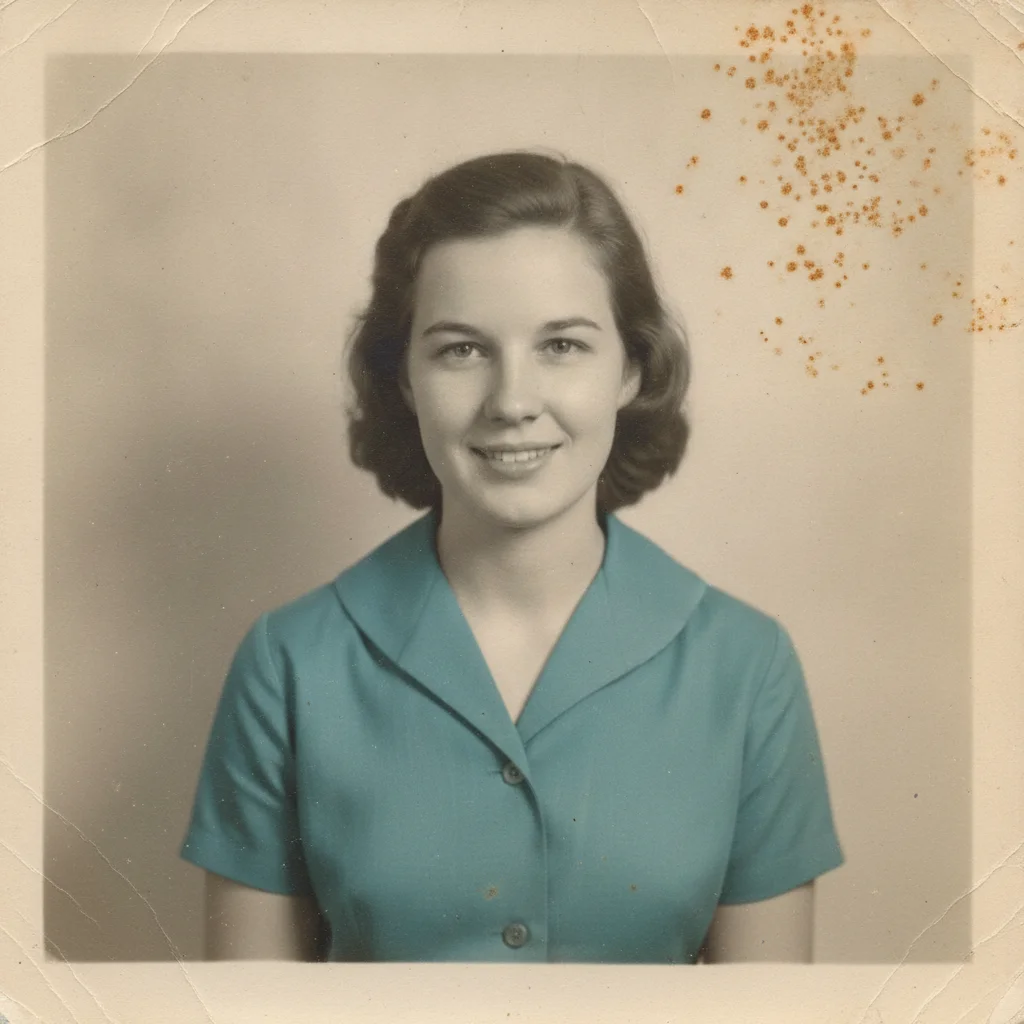
    Foxing stains remove the brown foxing spots from this old photo and even out the surrounding tone naturally
    Heavy mildew staining remove the mildew staining and discoloration from this photo and rebuild the affected area to match the rest of the print
    Mold near a face remove the mold damage near the face in this photo and restore the features naturally, keeping the rest of the photo unchanged
    3 more prompts
    Mold plus general fading remove the mold spots and restore the overall fading and contrast of this old photo together
    Light spotting, minimal touch gently remove the light mold spotting from this photo while keeping the original print texture and character
    Full restoration pass restore this mold-damaged photo completely — remove mold spots and foxing, rebuild affected areas, and even out the tone across the print
  3. Review closely

    Zoom in on the areas where mold or foxing was heaviest, and on any faces nearby. Mold damage is often scattered across the whole print, so check more than one spot before you rely on the result.

  4. Refine with a marker if needed

    If one spot still shows discoloration or a rebuilt area looks off, tap a marker on that exact spot and describe it. Markers are optional and useful for cleaning up scattered mold spots one at a time.

See it in action

Old photo with mold spots scattered across the print
Before
->
Old photo restored with the mold spots removed
After

Restore a Mold-Damaged Photo — Scattered Spots

A photo with mold spots scattered across the print, cleared back to natural detail.

Prompt: remove the mold spots scattered across this photo and restore the natural color and detail underneath
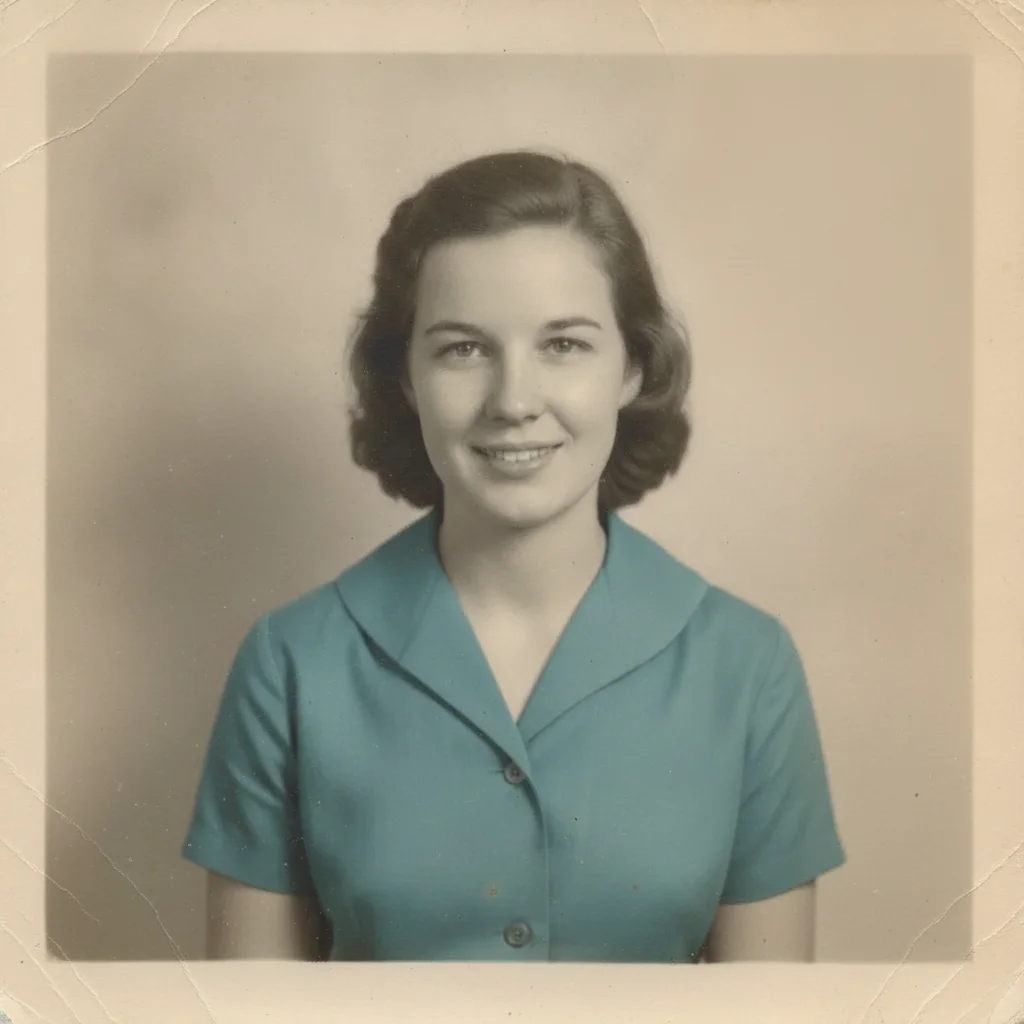
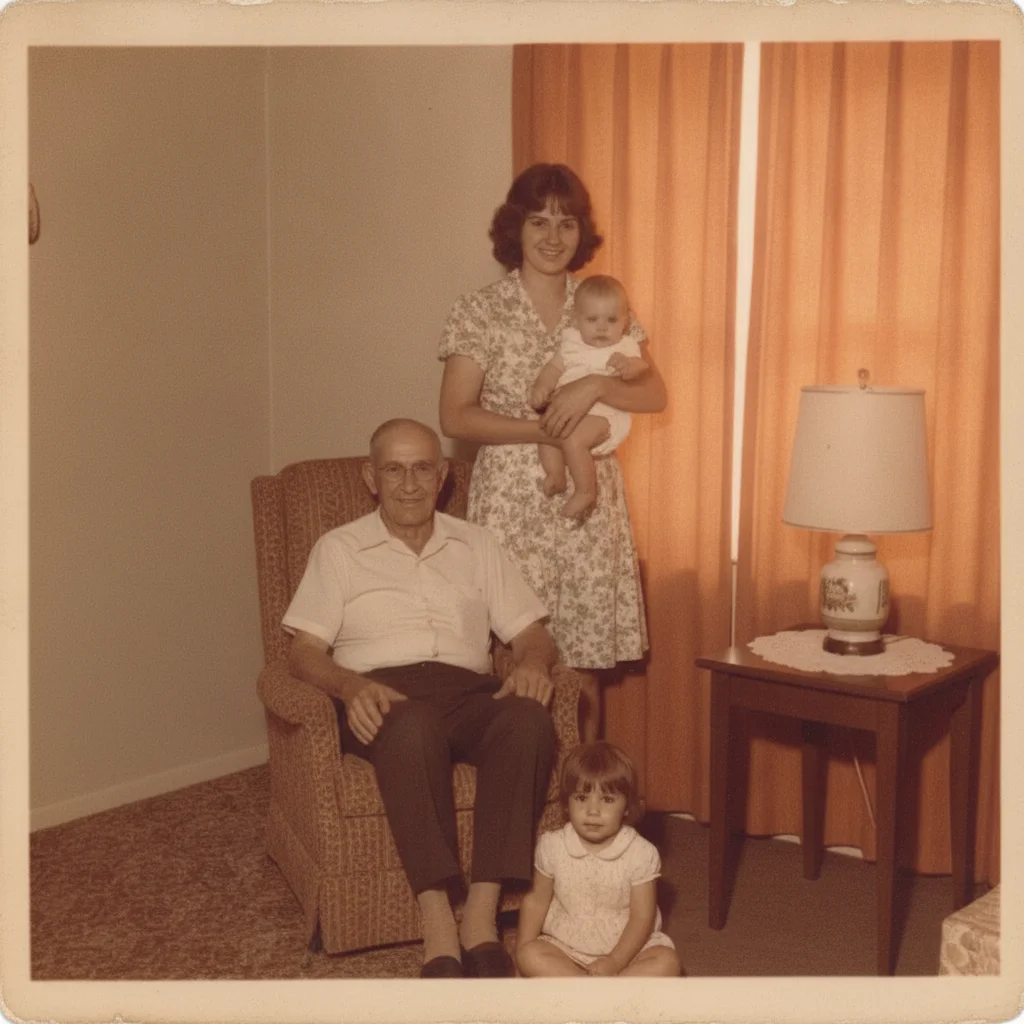
Old photo with brown foxing spots in the upper right
Before
->
Old photo restored with the foxing spots removed
After

Restore a Mold-Damaged Photo — Foxing Stains

A photo with classic brown foxing spots, evened out to its original tone.

Prompt: remove the brown foxing spots from this old photo and even out the surrounding tone naturally
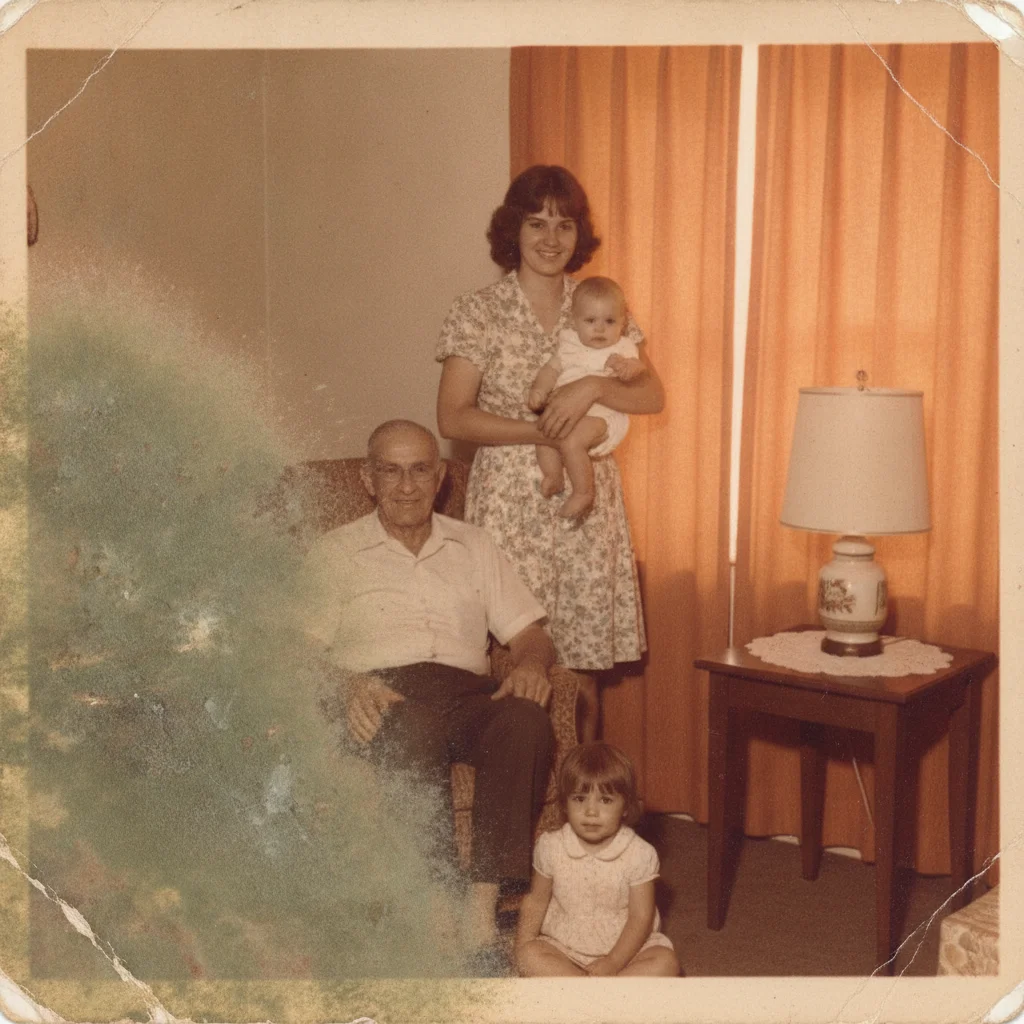
Old photo with a large mildew-stained patch in the lower left
Before
->
Old photo restored with the mildew-stained area rebuilt
After

Restore a Mold-Damaged Photo — Heavy Mildew

A photo with a large mildew-stained section, rebuilt to match the surrounding image.

Prompt: remove the mildew staining and discoloration from this photo and rebuild the affected area to match the rest of the print

Quick answers

Do I need to mark or select the mold spots before restoring the photo?

No. Describe the spotting in plain language — 'remove the mold spots and foxing stains' — and the AI locates it across the print. Tap markers are only for cleaning up one specific spot afterward.

Is restoring a mold-damaged photo free?

Yes. EditThisPic restores a mold-damaged photo for free with one Fast edit per week, no signup or credit card required. Credit packs and a subscription are available for more edits.

Can AI really remove mold spots and foxing?

Yes, for light-to-moderate spotting where the underlying image is still mostly intact beneath the discoloration. The AI clears the staining and evens out the tone from what's visible.

What if mold ate through part of the photo entirely?

The AI rebuilds that area plausibly from the surrounding image. This is a careful reconstruction, not a recovery of what was physically destroyed by the mold, so treat it as an approximation.

Should I digitize a moldy photo right away?

Yes. Digitizing a moldy print before the damage spreads further preserves as much detail as possible for the AI to work from, and protects other photos stored nearby from cross-contamination.

What photo formats can I upload?

JPG, PNG, and WebP up to 7MB. The restored photo downloads in the same format you uploaded.

How much does EditThisPic cost?

You get 1 free edit per week — no account needed. After that, one-time credit packs start at $4.99 for 10 edits, valid 12 months, no subscription. Power users who edit daily can pick Studio Membership, a monthly workspace at $49.99/mo for 300 edits. Purchased downloads are clean with no watermark.

Ready to restore that mold-damaged photo?

Free to try. No signup required.

1 free edit included·paid credit packs after