AI Photo Editor for Album Cover Art
Last updated
Turn any photo into release-ready album artwork without hiring a designer.
Drop your photo here
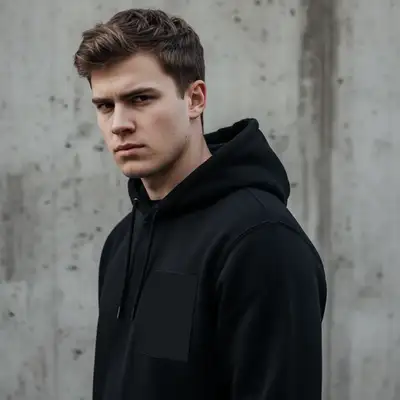
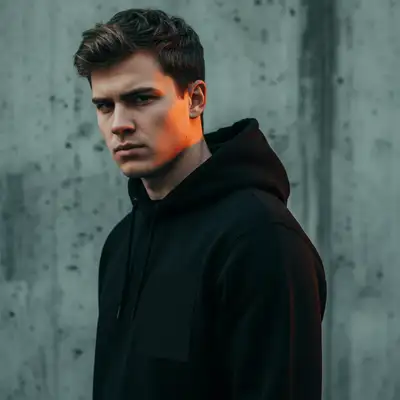
"replace background with bold gradient from deep red to black, high contrast dramatic lighting on face, gritty urban album cover vibe"
Release to upload
Built for Independent Musicians and Artists
Your album cover is the first thing listeners see when scrolling through Spotify or Apple Music. It needs to grab attention at thumbnail size and represent your sound. Designers charge hundreds and take weeks. EditThisPic lets you transform any photo into genre-appropriate, streaming-ready artwork in seconds. Stand out in the feed without the design budget.
Tools for Album Cover Art
Replace Background
Swap casual backgrounds for artistic gradients and textures
Enhance Colors
Make colors bold and genre-appropriate for streaming visibility
Remove Background
Create clean cutouts for compositing over custom backgrounds
Blur Background
Create depth and focus attention on the artist
How to AI Photo Editor for Album Cover Art
-
Choose a photo that captures your sound
Pick a photo that represents your music's vibe. Artist portraits work great for singer-songwriters. Band photos for groups. Abstract or atmospheric shots for electronic producers. Even phone photos from live shows can become great covers with the right edits.
Background replacement: 25-30 seconds. Color enhancement: 15-20 seconds.Square photos work best since streaming platforms use 3000x3000 pixels. Start with square or plan to crop. -
Describe your album art vision
Type what you want: 'replace background with dark moody gradient from black to deep blue' or 'enhance colors for vintage vinyl aesthetic with warm tones.' Think about your genre - hip-hop often uses bold colors, indie prefers muted tones, electronic goes for neon.
Combine edits: 'replace background with grainy texture, enhance colors to be desaturated and cinematic, add subtle vignette' -
Check thumbnail visibility
Preview your cover at small size - that's how listeners see it on Spotify and Apple Music playlists. Can you tell what the image is at 100x100 pixels? Does it stand out in a grid of other albums? If not, increase contrast.
-
Refine and export at full resolution
If edges need cleanup or colors need adjustment, use markers on specific areas and regenerate. Download at high resolution - Spotify requires 3000x3000 pixels minimum. Keep the same style for singles from an album for visual consistency.
Create variations with different color schemes for singles while maintaining the same overall aesthetic.
Copy-Paste Prompts for Album Covers
replace background with bold gradient from deep red to black, high contrast dramatic lighting on face, gritty urban album cover vibe
Bold contrasting colors and dramatic lighting define hip-hop cover aesthetics
replace background with grainy film texture in muted earth tones, desaturated colors, vintage indie album aesthetic with subtle light leak
Grain and muted colors give that authentic indie feel that connects with alternative audiences
replace background with bright gradient from hot pink to electric blue, enhance all colors to be extremely vibrant and saturated, pop star album aesthetic
Pop covers need to be eye-catching and energetic - don't be afraid to go bold with saturation
replace background with dark black, add neon purple and cyan glow effects around the subject, futuristic electronic music aesthetic
Neon glow against dark backgrounds is the signature look for electronic and dance music
Show 4 more prompts
replace background with smooth gradient from deep purple to midnight blue, soft dramatic lighting, sensual R&B album cover mood
Rich purples and blues with soft lighting create the intimate vibe R&B covers are known for
replace background with dark smoky texture in black and red, high contrast dramatic shadows, intense rock album aesthetic
Dark backgrounds with red accents and heavy contrast capture rock and metal energy
replace background with soft warm sunset gradient in orange and gold, enhance colors to feel warm and inviting, acoustic folk album aesthetic
Warm earth tones and natural lighting reflect the organic feel of folk music
remove background completely, replace with solid color that complements the subject, clean minimal album cover with lots of negative space
Sometimes simple solid backgrounds with strong subjects create the most memorable covers
| Edit Type | Prompt | Time | |
|---|---|---|---|
| Hip-hop bold style | replace with gradient from red to black, dramatic contrast |
25s | Try This → |
| Indie lo-fi aesthetic | replace with grainy texture, muted desaturated colors |
25s | Try This → |
| Electronic neon glow | black background, neon cyan and magenta glow |
30s | Try This → |
| Color enhancement | enhance colors for genre-appropriate album aesthetic |
15s | Try This → |
Real Examples
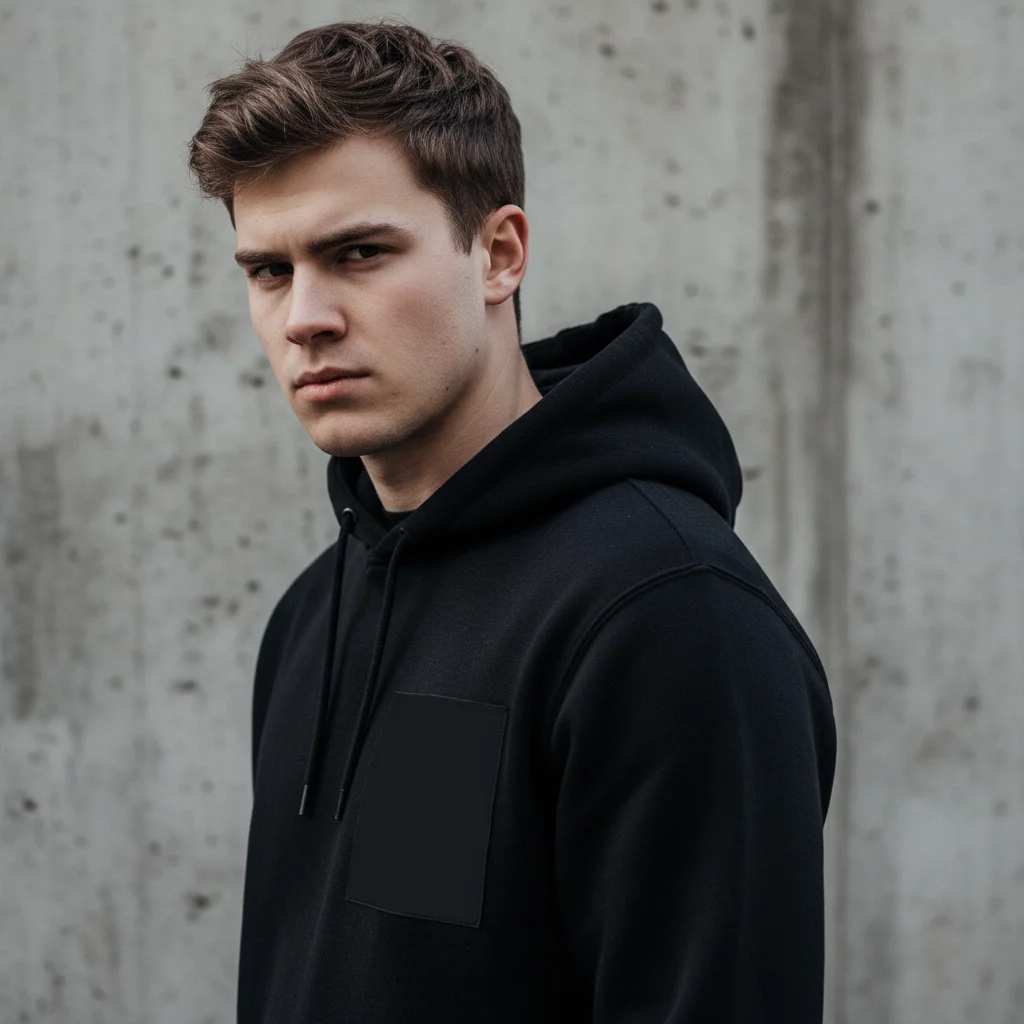
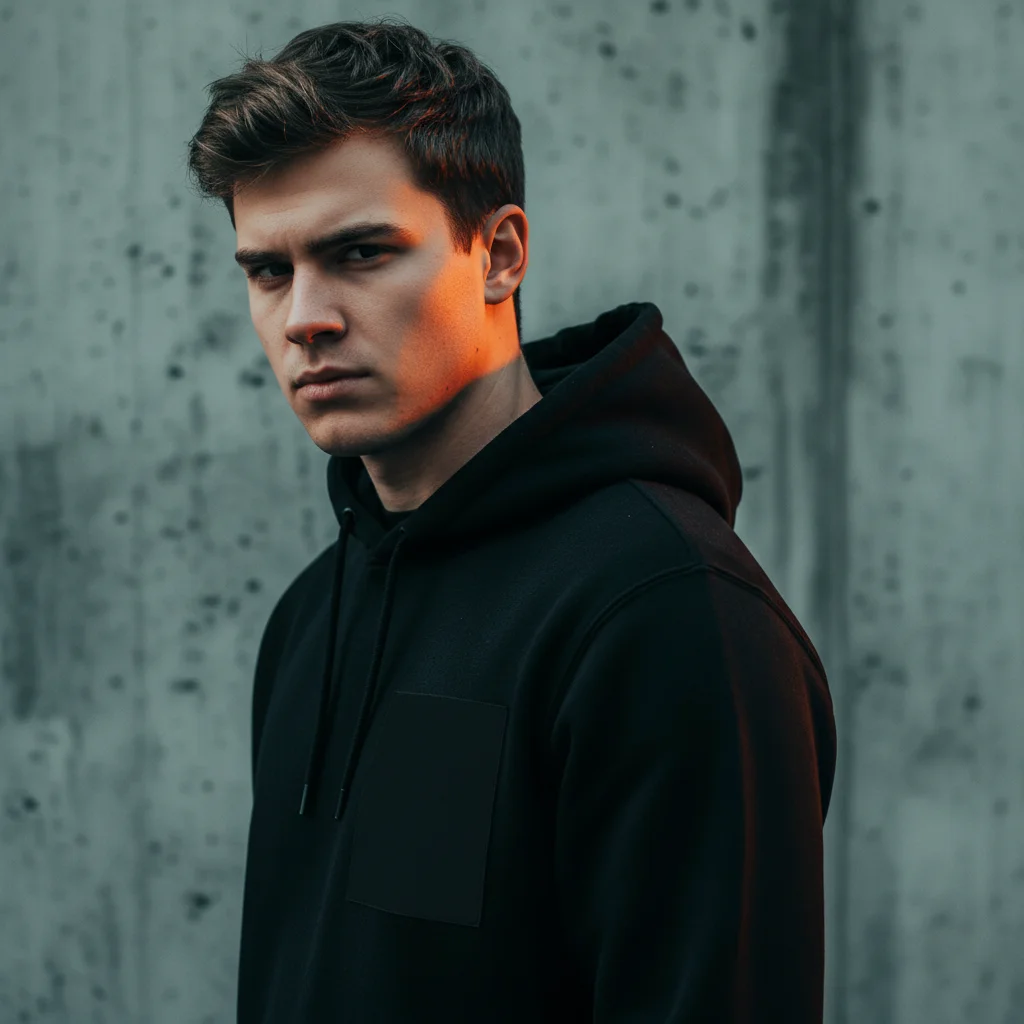
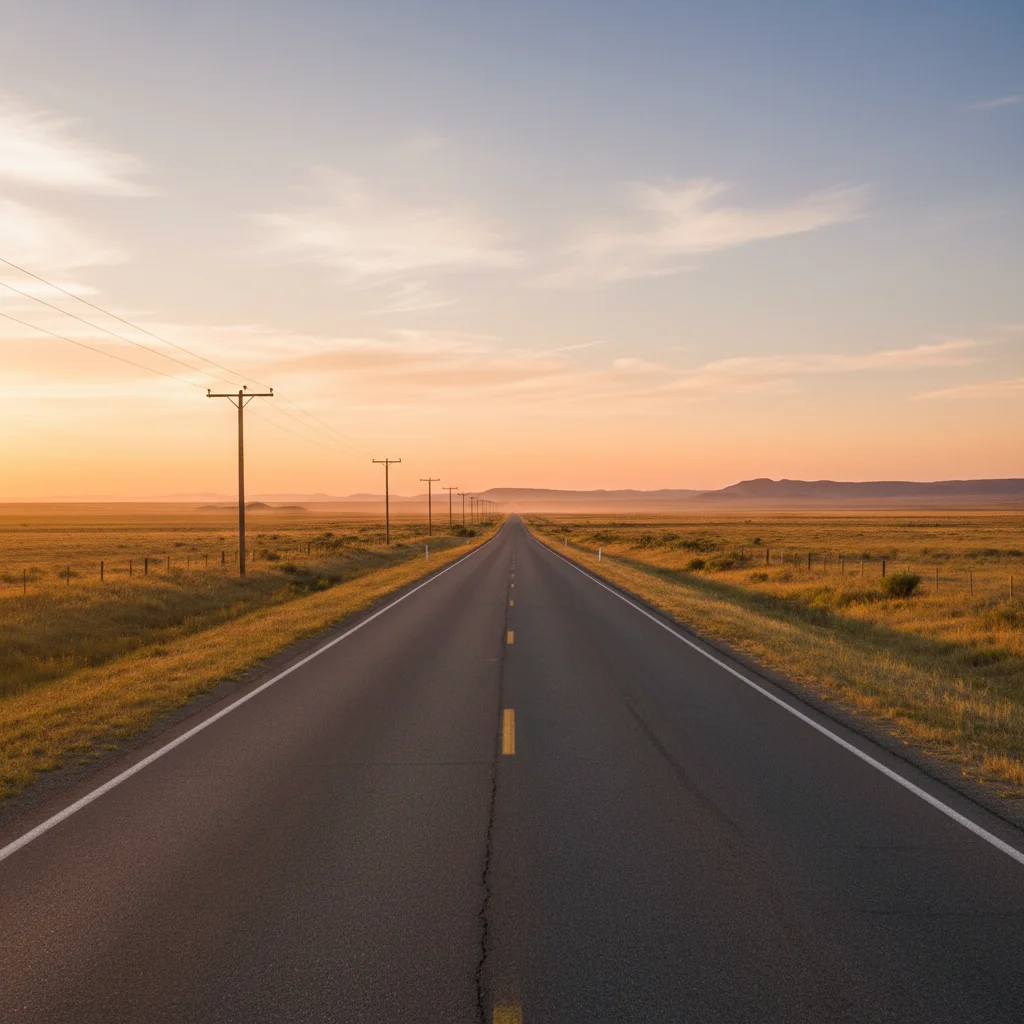
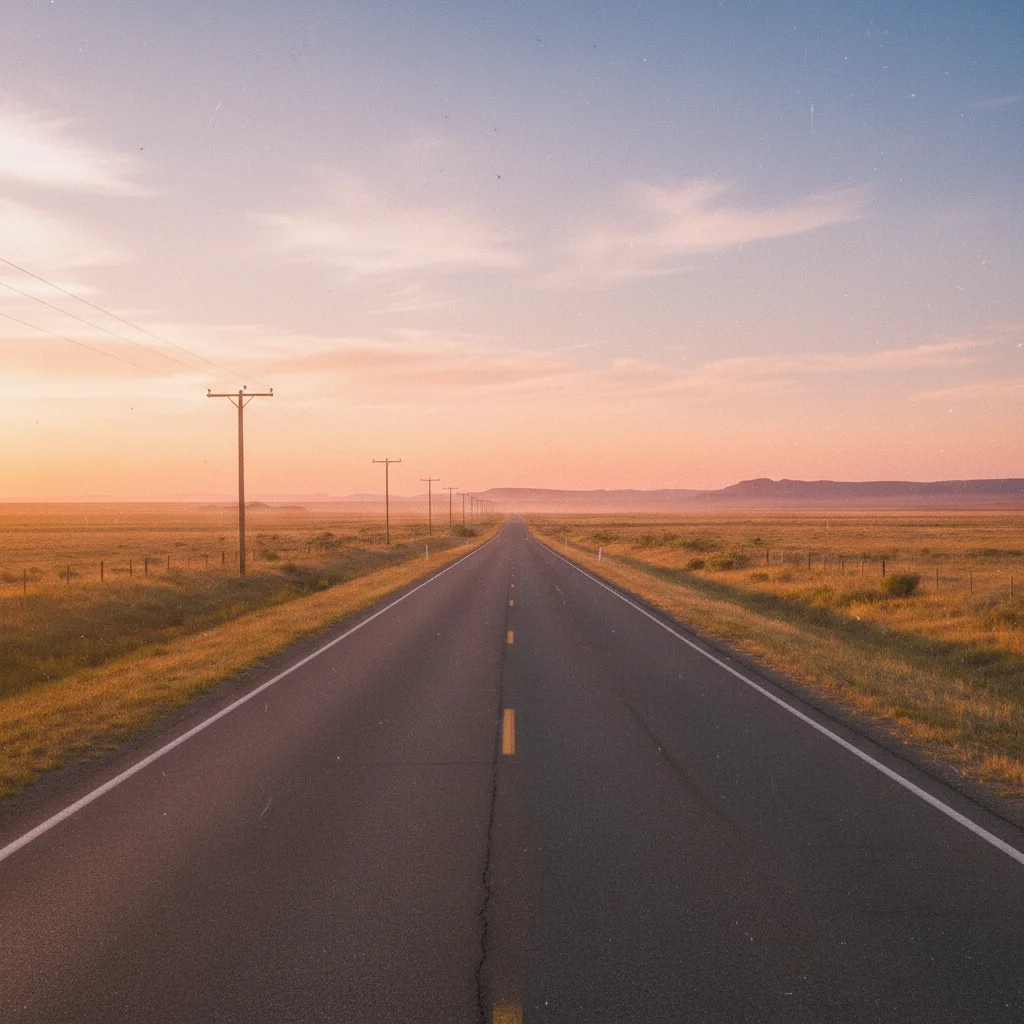
Live show photo to hip-hop cover
Concert photo transformed into bold album artwork with dramatic gradient and high contrast.
replace background with bold gradient from crimson red to black, dramatic high contrast lighting, gritty hip-hop album cover aesthetic
Casual band photo to indie aesthetic
Group photo from rehearsal transformed into lo-fi indie album cover with film grain and muted tones.
replace background with grainy film texture in muted brown and olive tones, desaturated colors, vintage indie album aesthetic with light leak effect
When Things Go Wrong
Cover looks great full-size but unrecognizable as thumbnail
Why: Album covers display at 300x300 or smaller in most streaming apps. Fine details disappear at small sizes.
increase contrast dramatically, simplify the background, make the subject larger and more prominent
Zoom out to check your cover at thumbnail size before finalizing. If you can't tell what it is at 100 pixels, simplify it.
Colors don't match my music's genre
Why: Different genres have different visual conventions that listeners expect and respond to.
Specify the genre in your prompt: 'hip-hop aesthetic' or 'indie folk vibe' or 'electronic EDM style'
Look at top albums in your genre on Spotify and note common color palettes and moods.
AI changed the wrong area or something I didn't want changed
Why: The AI couldn't determine exactly which area you meant from description alone. This happens with ambiguous requests.
Tap a marker on the specific area you want to change, then regenerate with the same prompt
Markers tell the AI 'I mean THIS one specifically.' Use them when description alone is ambiguous.
Gradient background has visible banding
Why: Some gradient transitions don't render smoothly, especially with compressed output.
replace background with smoother gradient, add subtle noise or grain texture to prevent banding
Adding 'with subtle grain texture' to gradient prompts prevents visible banding and adds artistic character.
Image isn't perfectly square for streaming
Why: The source image wasn't square to begin with, and AI editing preserves aspect ratio.
Use the extend feature to add content to shorter sides, or crop in post before uploading
Start with a square crop of your source image, or shoot with square format in mind.
Hair or clothing edges have halos against new background
Why: Fine details from the original background weren't cleanly separated.
Tap markers on problem edges, then: blend edges naturally with new background, smooth transition
Dark hair against dark backgrounds hides edge issues better than light hair against bold colors.
Frequently Asked Questions
What size should my album cover be for Spotify and Apple Music?
Both Spotify and Apple Music require 3000x3000 pixels minimum, 1:1 square aspect ratio. JPEG or PNG format works. Start with the highest resolution photo you have and export at full size. EditThisPic works with any input size, but bigger input means better output quality.
Do I need to mark areas before describing changes?
No! For most edits like background replacement or color enhancement, just describe what you want. The AI understands 'replace background' and 'enhance colors.' Only use markers when you need precision - like specifying a particular area to edit when multiple options exist.
How do I make my cover stand out in Spotify playlists?
High contrast is key since covers display small. Use bold colors appropriate to your genre. Keep compositions simple with one clear focal point. Test by zooming out - if you can't tell what it is at thumbnail size, simplify. Also consider how it looks next to other albums in your genre.
Can I add my artist name and album title to the cover?
AI image editors struggle with readable text. For covers with text, use EditThisPic to create the visual artwork, then add text in Canva, Photoshop, or another tool. This gives you precise control over typography that AI can't match.
What makes a good source photo for album covers?
Clear subject with good lighting. The background doesn't matter since you'll replace it. High resolution (1500+ pixels minimum) gives better results. Live show photos, studio shots, and even phone photos work great. Avoid extreme angles or heavy shadows unless that's intentional for your aesthetic.
Should I use different covers for singles vs the full album?
Many artists use variations of the same aesthetic - same color scheme or visual style with slight changes for each single, then a more elaborate version for the full album. This builds visual recognition. EditThisPic makes creating consistent variations easy.
Is EditThisPic's AI photo editor for album cover art really free?
Yes — you get 1 free edit per week, no account needed. Plans start at $4.99/month for 15 edits.
How long does it take to album cover?
Usually 15-30 seconds. Upload your photo, describe what you want, and the AI delivers the result.
Popular use cases
Ready to create your album cover?
Free to try. No signup required. No watermarks.
Create Your Cover ArtTrusted by 15,000+ users