Pricing Convert Image to 4K · Free

4K Image Converter

Last updated

Describe the 4K conversion you need for your photo — the AI rebuilds sharp detail, no editing software required.

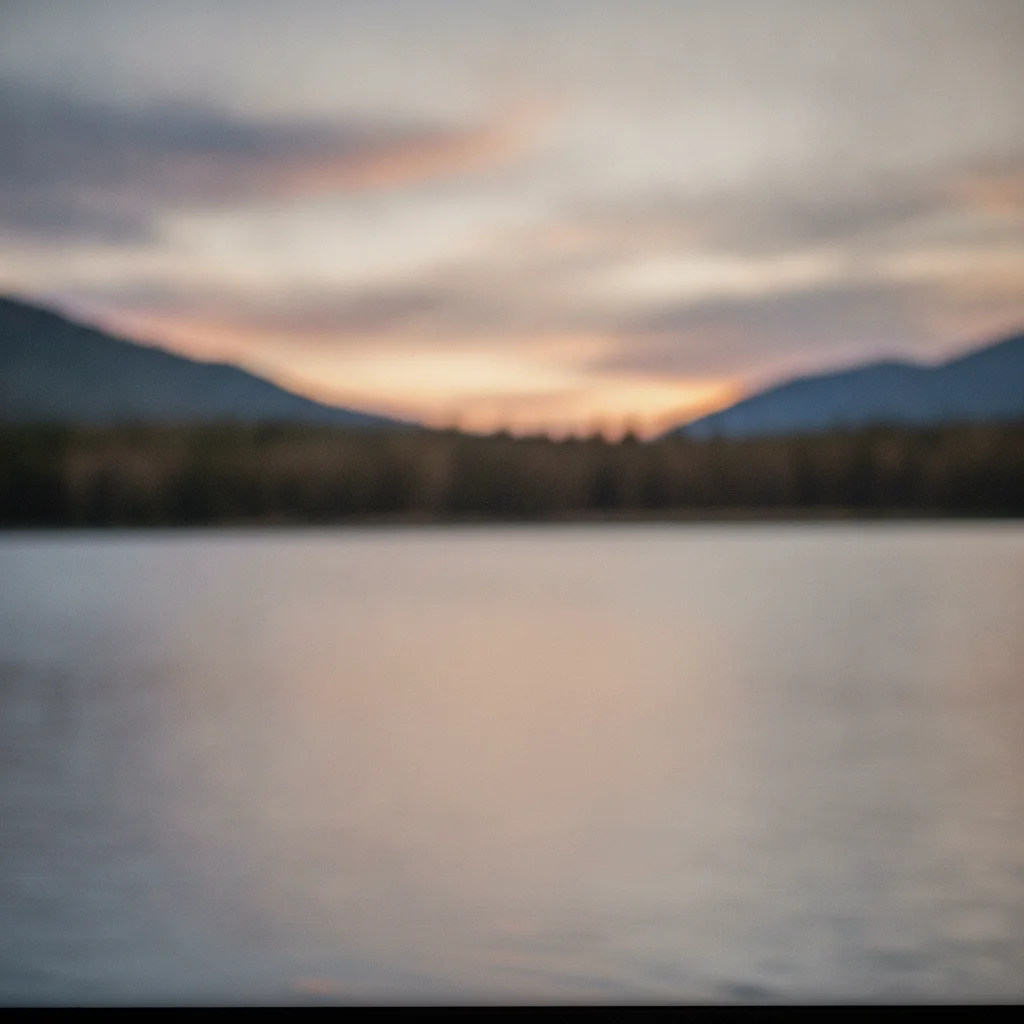
Soft, muted-color mountain lake sunset photo lacking fine detail at full screen size Same mountain lake sunset photo converted to 4K quality with sharp ripple, foliage, and cloud detail and vivid color

Upload photo to convert image to 4K

"convert this photo to 4K resolution for use as a desktop wallpaper, sharpen fine detail and keep colors vivid"

Free to try · no sign-up · photos are never shared

Release to upload

<30stypical edit
1 freeedit weekly
Photo on your phone? Scan to open this editor there — free edit works on your phone too.

1 free edit every week·packs from $4.99

How it works

  1. Upload your photo

    Drop in the JPG, PNG, or WebP you want converted, up to 7MB. Note: this tool converts still photos and images to 4K quality — it does not process or upscale video files.

    Expect: Standard photos: 20-30 seconds to convert to 4K quality. Photos with lots of fine texture or a busy scene may take 30-40 seconds or need a second pass.
  2. Describe the 4K conversion

    Type your instruction: "convert this photo to 4K resolution, add sharp fine detail across the whole image, keep it looking natural." Mention the end use — "for a 4K wallpaper" or "for a 4K display" — so the AI weights detail reconstruction toward the right viewing distance and scale.

    Tip: For photos you'll view up close on a 4K monitor, add "sharpen fine texture and edges" — 4K's extra pixel density shows texture that lower resolutions hide.

    Copy one of these to get started:

    General photo-to-4K conversion — most common convert this photo to 4K resolution, add sharp fine detail across the whole image, keep it looking natural and not blurry
    Converting a photo for use as a 4K wallpaper convert this photo to 4K resolution for use as a desktop wallpaper, sharpen fine detail and keep colors vivid
    Old photo converted to a 4K-quality digital copy convert this old photo to 4K resolution, rebuild fine detail while preserving the original film grain and warm color tone
    Product photo converted for a large 4K listing image convert this product photo to 4K resolution, sharpen edges and surface texture, keep the background clean and uniform
    3 more prompts
    Portrait converted for a 4K display or presentation convert this portrait photo to 4K resolution, focus fine detail on the face and eyes, keep the background softer
    Landscape or scenic photo converted to 4K convert this landscape photo to 4K resolution, add fine detail to the sky, foliage, and terrain without introducing artifacts
    Screenshot or low-quality capture converted toward 4K convert this screenshot to 4K resolution, remove compression artifacts and add sharp, clean detail
  3. Generate and review at full zoom

    Click Generate. Zoom in to 100% and check that detail looks dense and natural rather than smeared or artificially sharpened. A second pass naming any still-soft area cleans up remaining spots.

See it in action

Soft, muted-color mountain lake sunset photo lacking fine detail at full screen size
Before
->
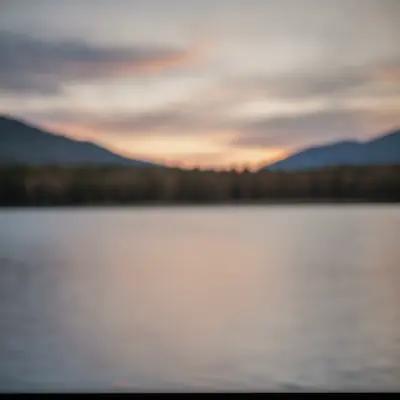
Same mountain lake sunset photo converted to 4K quality with sharp ripple, foliage, and cloud detail and vivid color
After

Standard photo converted to a 4K desktop wallpaper

A scenic photo saved at standard resolution looked flat and soft when set as a monitor background. Converting it toward 4K quality sharpened the detail and made colors pop.

Prompt: convert this photo to 4K resolution for use as a desktop wallpaper, sharpen fine detail and keep colors vivid
Soft-edged black leather wallet product photo lacking visible stitching or texture detail
Before
->
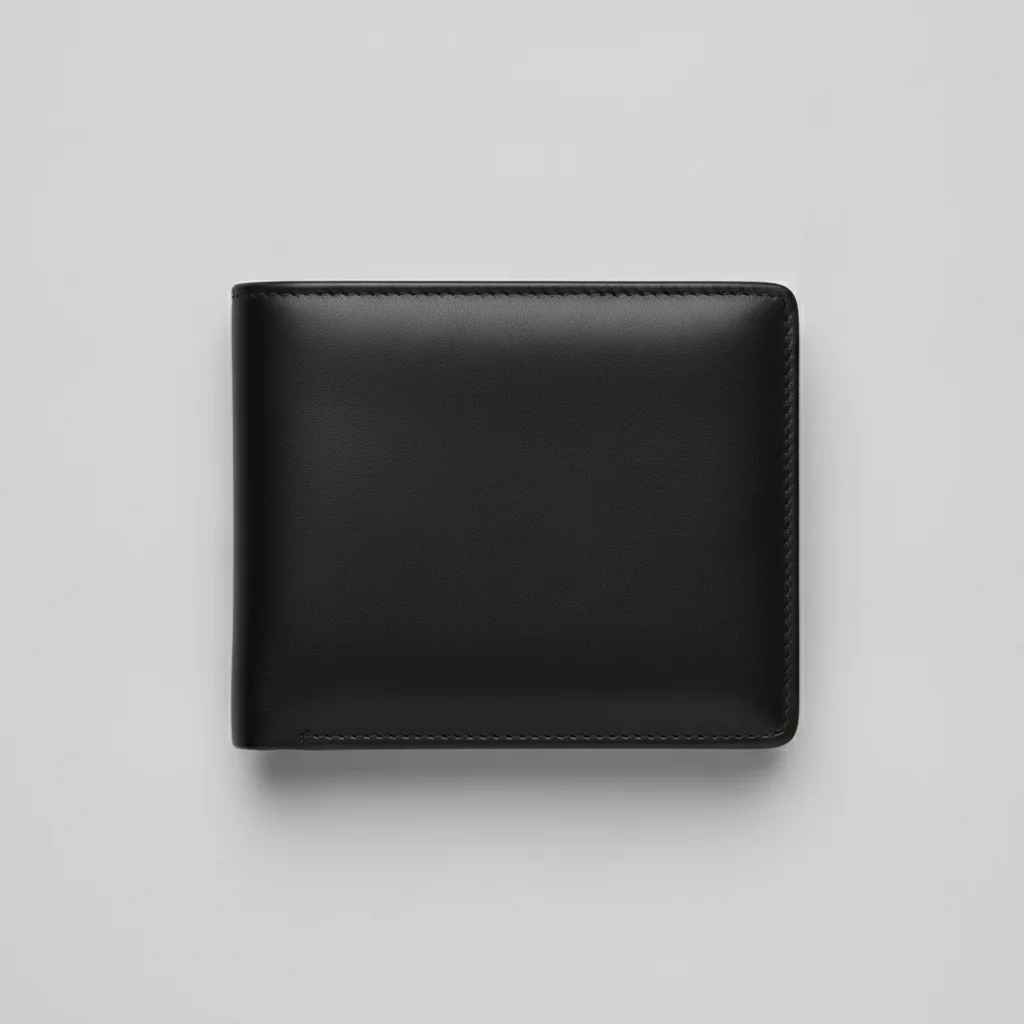
Same wallet product photo converted to 4K quality with sharp stitching, leather grain, and crisp edges
After

Product photo converted to 4K for a marketplace listing

A standard-resolution product photo lacked the surface detail shoppers expect when zooming into a listing image. Converting it to 4K quality revealed clean, crisp texture.

Prompt: convert this product photo to 4K resolution, sharpen edges and surface texture, keep the background clean and uniform
Soft, pixelated old family dinner photo with warm faded film tone and low detail
Before
->
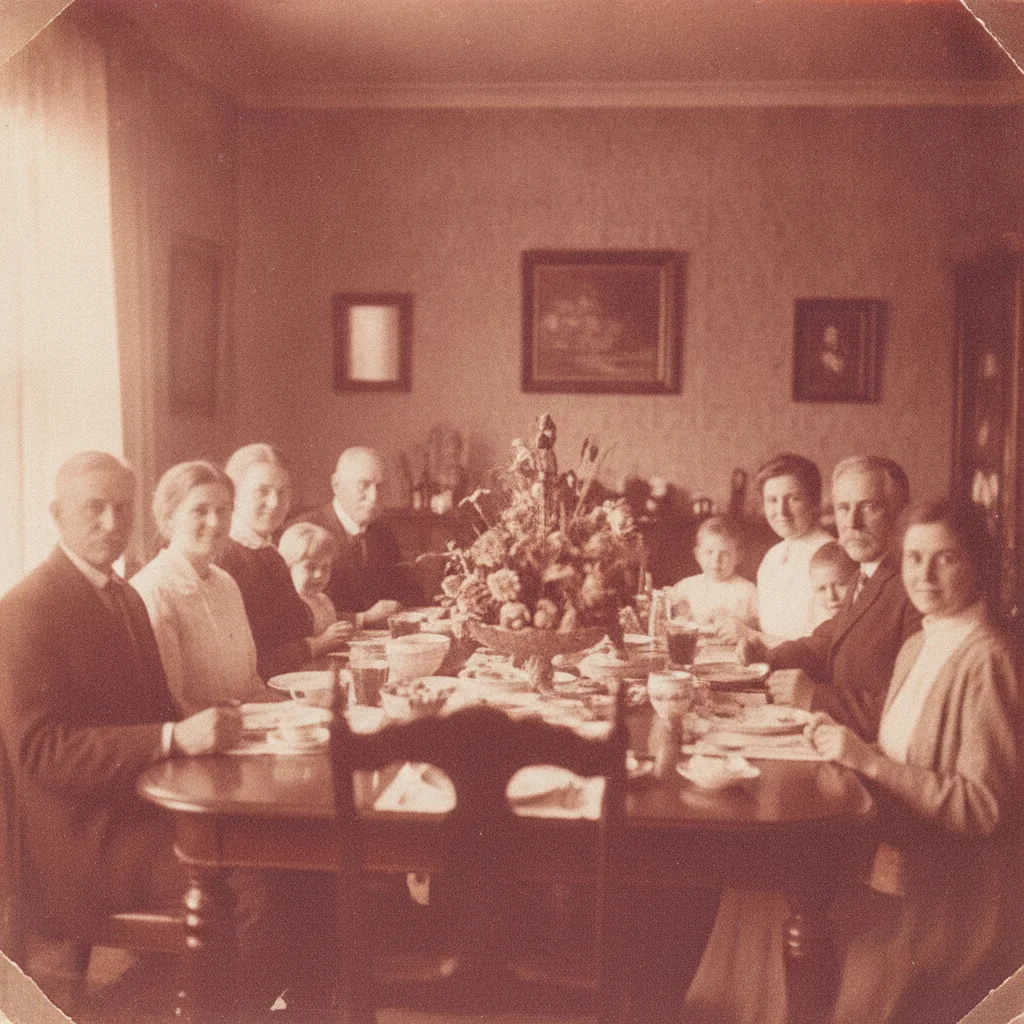
Same family dinner photo converted to 4K quality with sharp facial and clothing detail and preserved warm film tone
After

Old family photo converted to a 4K-quality digital copy

An older photo digitized at low resolution looked soft compared to modern images. Converting it to 4K quality preserved the original film character while adding real detail.

Prompt: convert this old photo to 4K resolution, rebuild fine detail while preserving the original film grain and warm color tone

Quick answers

Do I need to mark or select anything before converting to 4K?

No. Just describe what you want in plain text — "convert this photo to 4K resolution, add sharp fine detail, keep it looking natural" — and the AI processes the whole image. There's no selection tool or manual cropping step required.

How do I convert a photo to 4K resolution for free?

Upload your photo to EditThisPic, type "convert this photo to 4K resolution, add sharp fine detail, keep it looking natural," and click Generate. The AI upscales and sharpens the image in 20-40 seconds. Free with no account required — one free Fast edit per week. Additional edits from $4.99 for a 10-pack.

Does this 4K converter work on video, or just photos?

This tool converts still photos and images only — it does not upscale or convert video files. If you need a specific frame from a video at 4K quality, export that frame as a still image first (PNG or JPG), then upload it here.

Is there a free 4K photo converter with no signup?

Yes. EditThisPic converts still photos toward 4K quality with one free preview edit per week, no account or signup required. Purchased downloads are clean, full quality.

What is the best way to convert a photo to 4K for a wallpaper?

Use a prompt that names the wallpaper use case: "convert this photo to 4K resolution for use as a desktop wallpaper, sharpen fine detail and keep colors vivid." Wallpapers are viewed up close on large monitors, so vivid color plus fine detail matters more than for a smaller use case.

Will converting to 4K make my photo look artificial?

It shouldn't if you include "natural" and "photographic" in your prompt. Without that guidance, aggressive detail reconstruction can occasionally look over-sharpened — adding those words keeps the AI from overdoing it.

Can a very small or low-quality photo actually become 4K quality?

There's a real limit based on how much detail exists in the source. A moderately sized photo typically converts to sharp 4K-level detail in one pass. Extremely tiny or heavily compressed images may need a second pass on the already-converted result.

Does this preserve the original look of an old photo when converting to 4K?

Yes, if you ask it to. Add "preserve the original film grain and color tone" to your prompt so an older photo's character stays intact rather than being flattened into a modern digital look.

Can I convert a photo to 4K on my phone?

Yes. EditThisPic works in any mobile browser — Safari on iPhone, Chrome on Android — with nothing to install. Upload from your camera roll, type your instruction, and download the result. An iOS app is also available on the App Store.

What file formats and sizes are supported?

JPG, PNG, and WebP up to 7MB. The free run gives you a preview; purchased results download in the same format as your upload, clean and full quality.

How much does EditThisPic cost?

You get 1 free edit per week — no account needed. After that, one-time credit packs start at $4.99 for 10 edits, valid 12 months, no subscription. Power users who edit daily can pick Studio Membership, a monthly workspace at $49.99/mo for 300 edits. Purchased downloads are clean with no watermark.
Ready to convert your photo to 4K?

Free to try. No signup required.

1 free edit included·Credit packs from $4.99