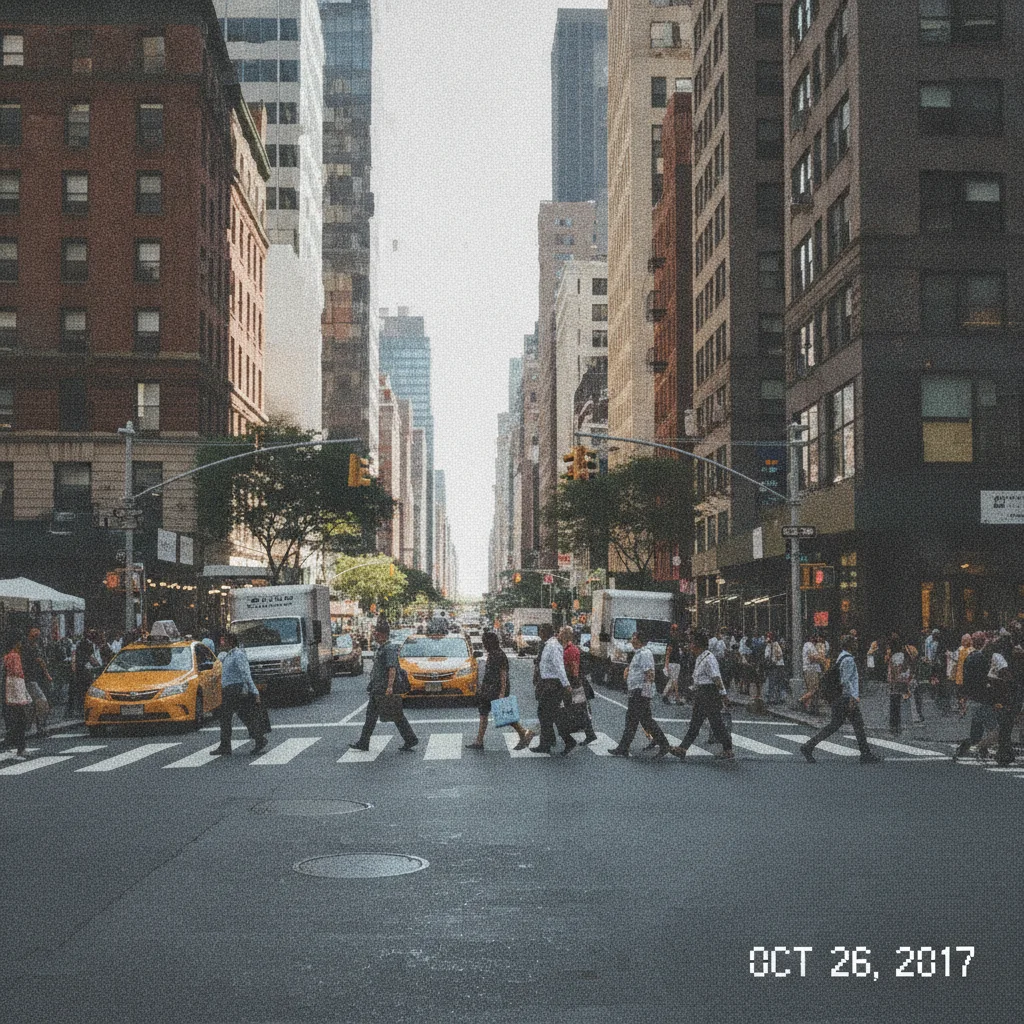
Do I need to mark or select the blurry area before converting to HD?
No. Just describe what you want in plain text — "convert this photo to HD quality, sharpen detail and reduce blur, keep it looking natural" — and the AI processes the whole image. There's no selection tool or manual retouching step.
How do I convert a photo to HD for free?
Upload your photo to EditThisPic, type "convert this photo to HD quality, sharpen detail and reduce blur, keep it looking natural," and click Generate. The AI sharpens the image in 20-40 seconds. Free with no account required — one free Fast edit per week. Additional edits from $4.99 for a 10-pack.
Can AI convert an old, faded photo to HD quality?
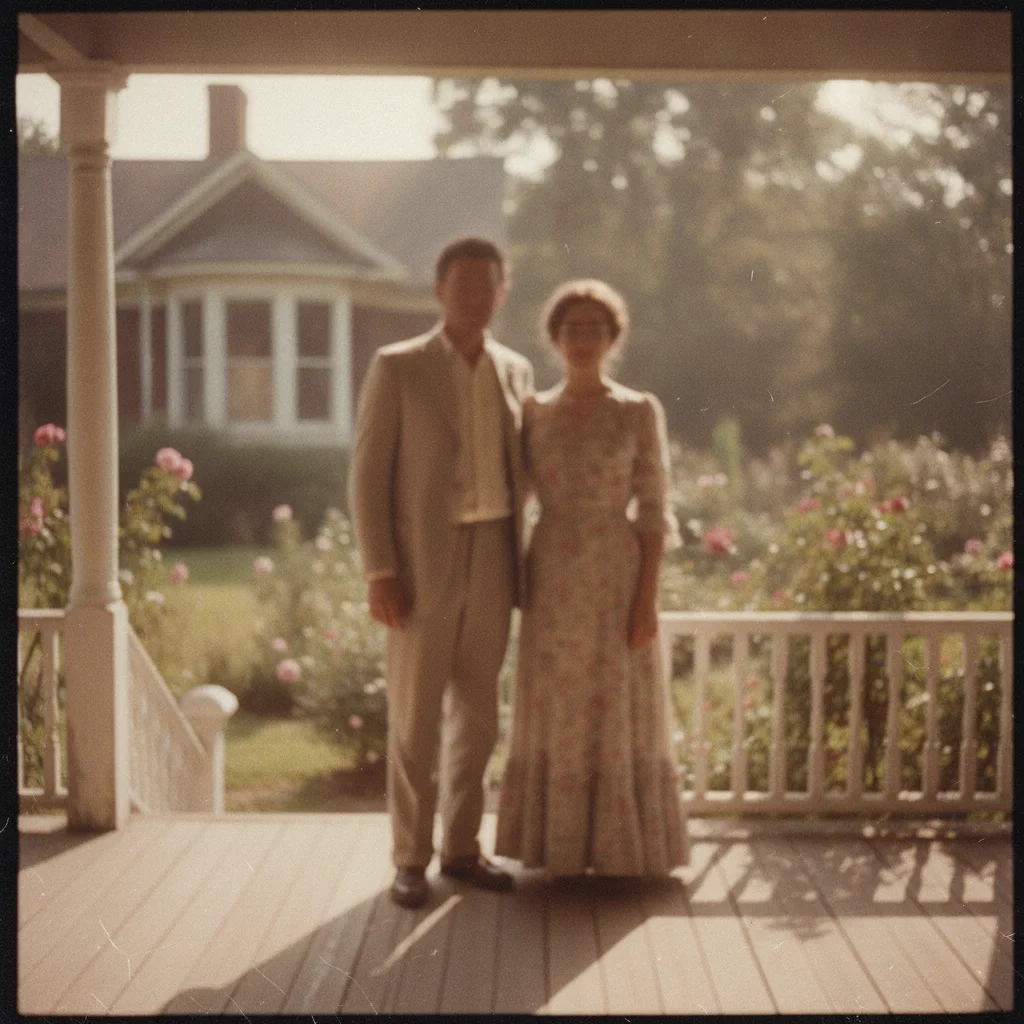
Yes. Type "convert this old scanned photo to HD quality, sharpen fine detail while preserving the original film grain and color tone." This sharpens the image without stripping away the original film character.
Is this HD photo converter for images or for video?
This tool converts still photos and images only — it does not upscale or process video files. If you want a specific frame from a video at HD quality, export that frame as a still image (PNG or JPG) first, then upload it here.
Is there a free HD photo converter with no signup?
Yes. EditThisPic converts photos to HD quality with one free preview edit per week, no account or signup required, and a clean download when you buy.
Can this fix a blurry phone photo?
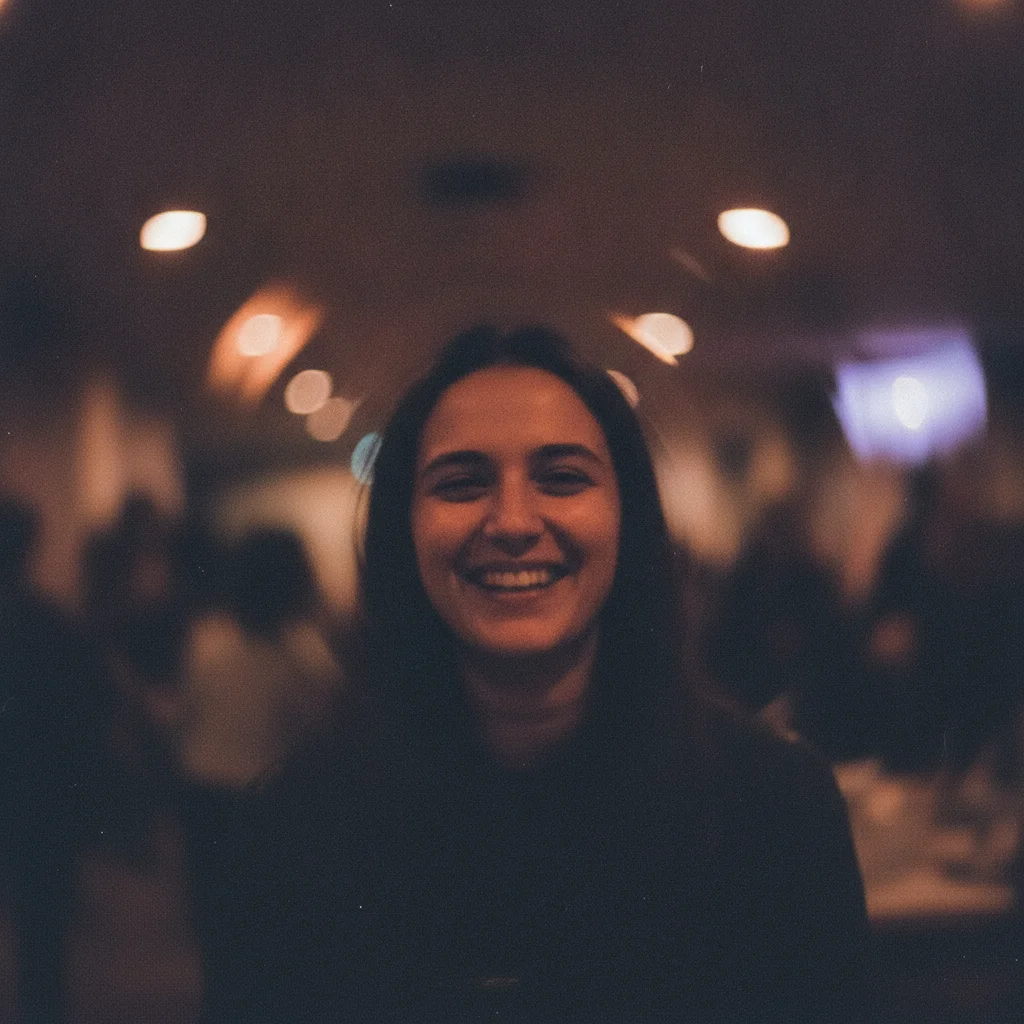
Yes. Type "convert this photo to HD quality, reduce the motion blur and low-light noise, sharpen faces and edges." Naming the specific issue — motion blur, low light — helps the AI target the right fix.
Will converting to HD make my photo look fake or over-processed?
It shouldn't if you include "natural" and "photographic" in your prompt. Without that guidance, aggressive sharpening can occasionally look artificial — adding those words keeps the result believable.
How much can a very low-quality photo actually be improved?
There's a real limit tied to how much detail exists in the source. Moderately blurry or low-quality photos typically convert to sharp HD-level detail in one pass. Extremely degraded images may need a second pass on the already-converted result.
Can I convert a photo to HD on my phone?
Yes. EditThisPic works in any mobile browser — Safari on iPhone, Chrome on Android — with nothing to install. Upload from your camera roll, type your instruction, and download the result.
What file formats and sizes are supported?
JPG, PNG, and WebP up to 7MB. Purchased downloads are a standard PNG or JPG with no EditThisPic watermark.
How much does EditThisPic cost?
You get 1 free edit per week — no account needed. After that, one-time credit packs start at $4.99 for 10 edits, valid 12 months, no subscription. Power users who edit daily can pick Studio Membership, a monthly workspace at $49.99/mo for 300 edits. Purchased downloads are clean with no watermark.