Pricing Add Blue sky · Free

AI Blue Sky Adder

← Browse all add & replace tools

Last updated

Replace a grey or overcast sky with a clear blue sky — great for real estate listings, landscape photos, and vacation shots taken on a cloudy day.

01Photo 1
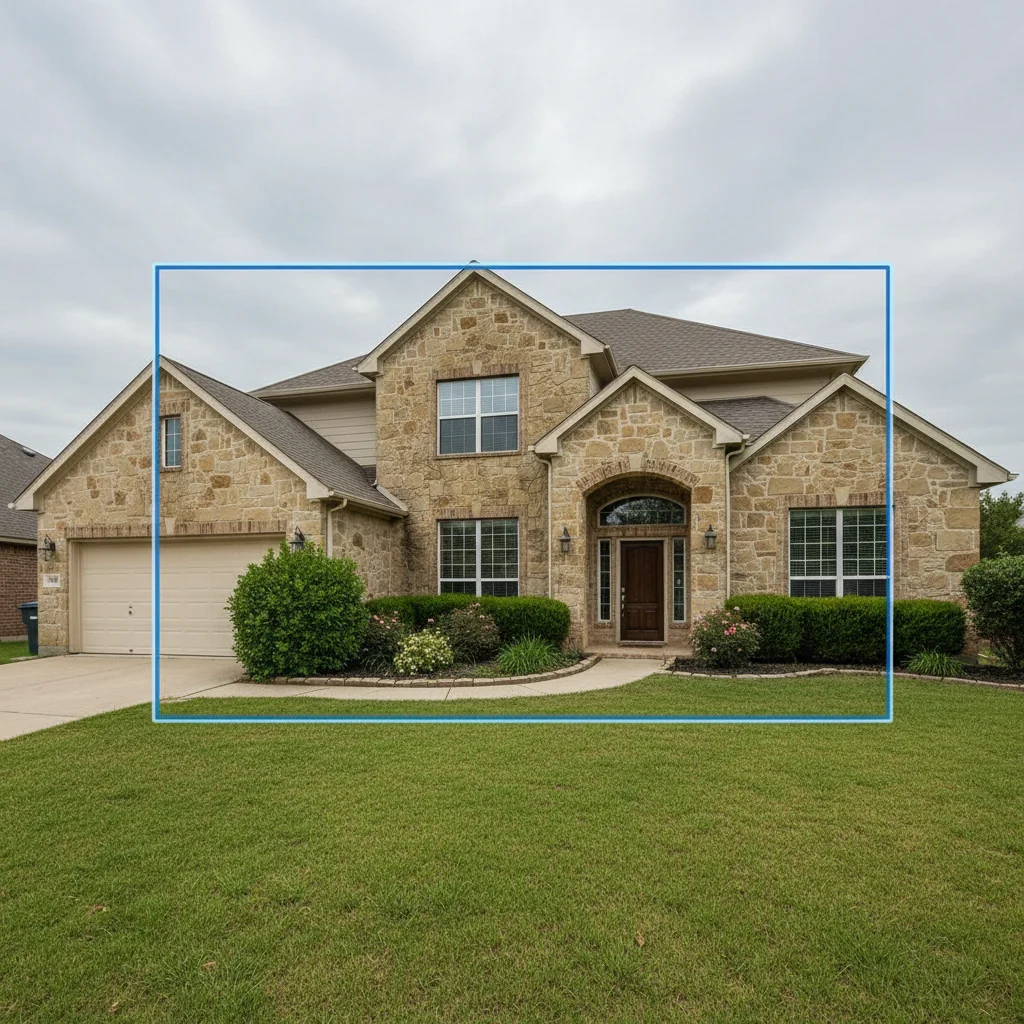
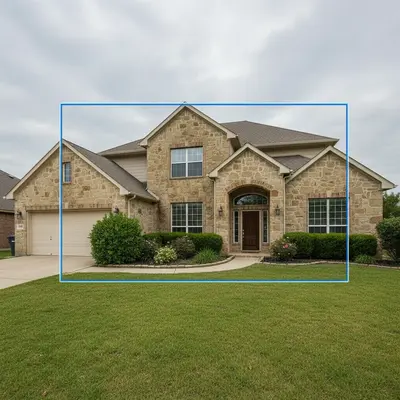
House exterior with grey overcast sky
02Photo 2
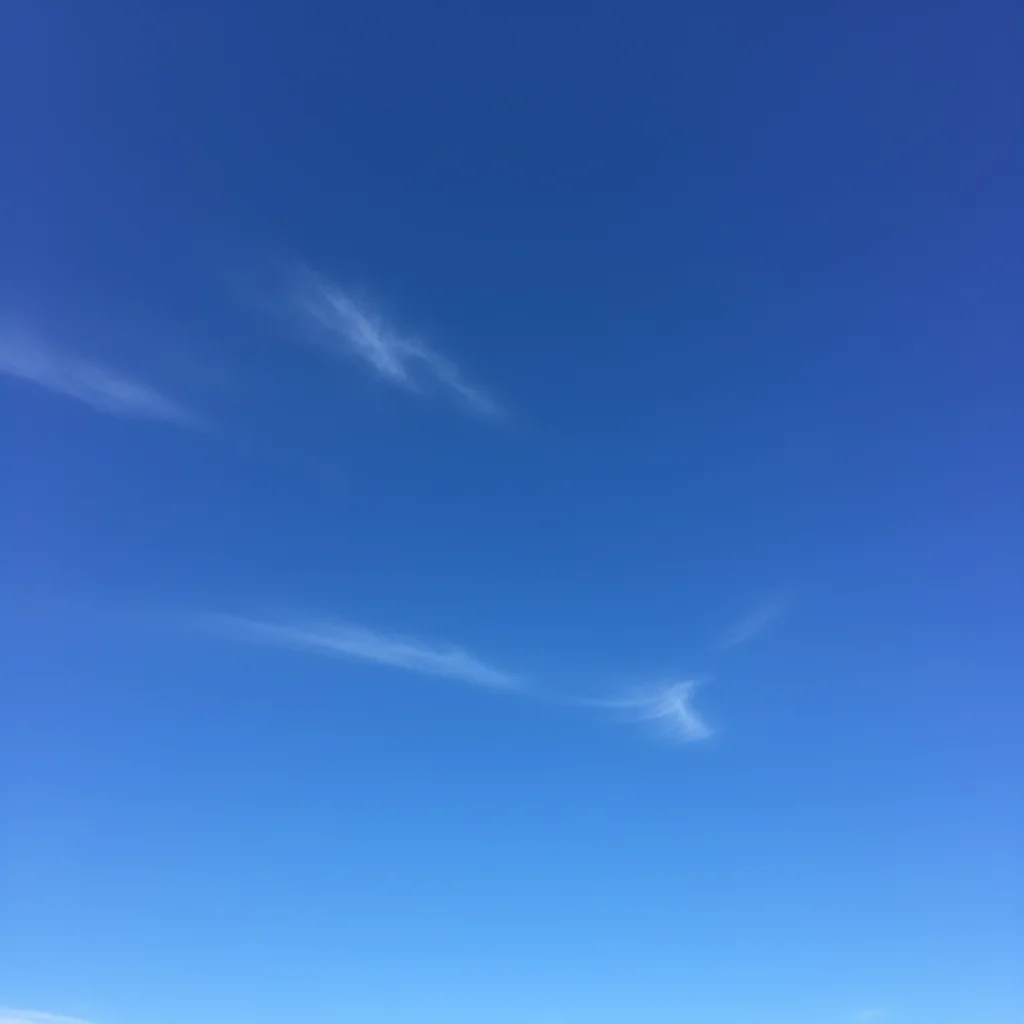
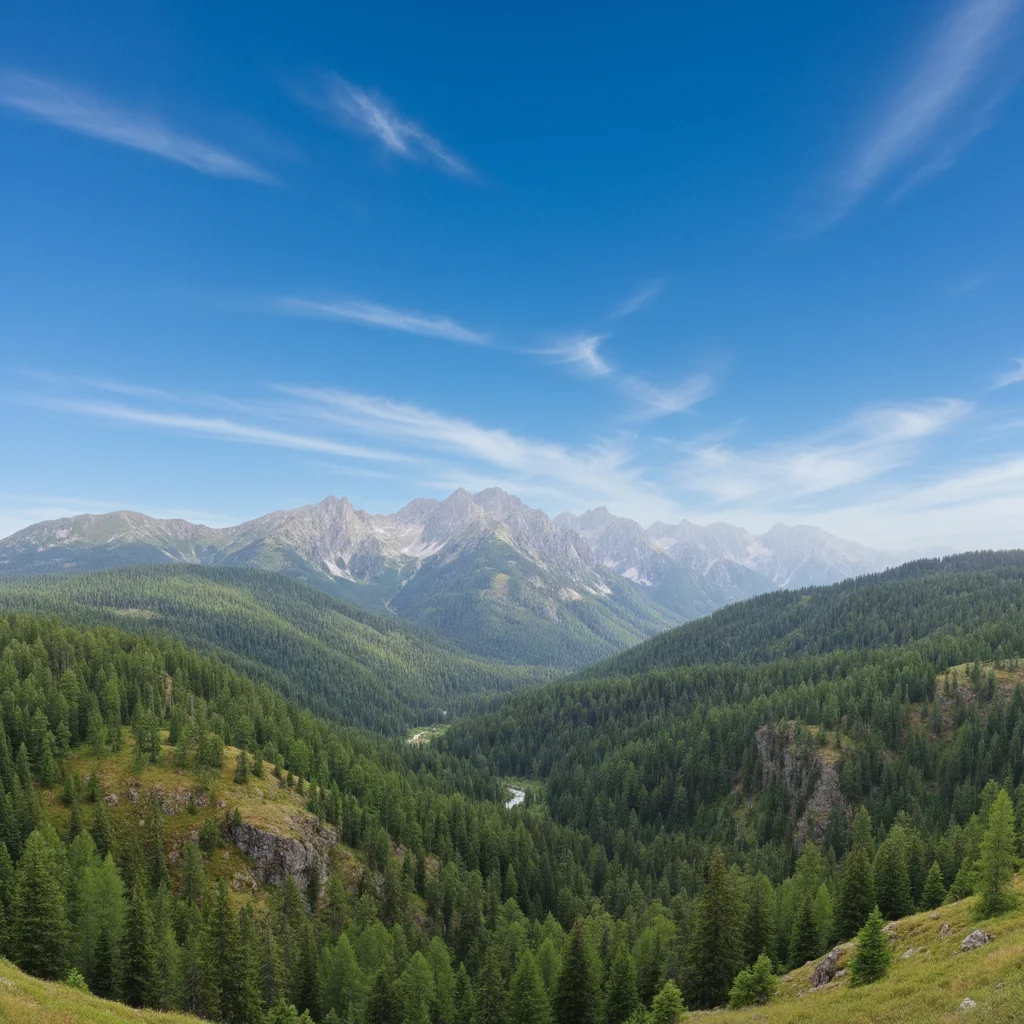
Reference photo of clear blue sky with white clouds
03Result
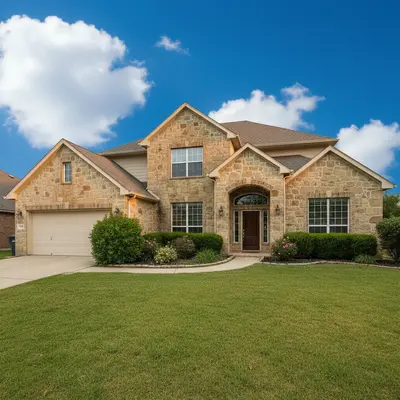
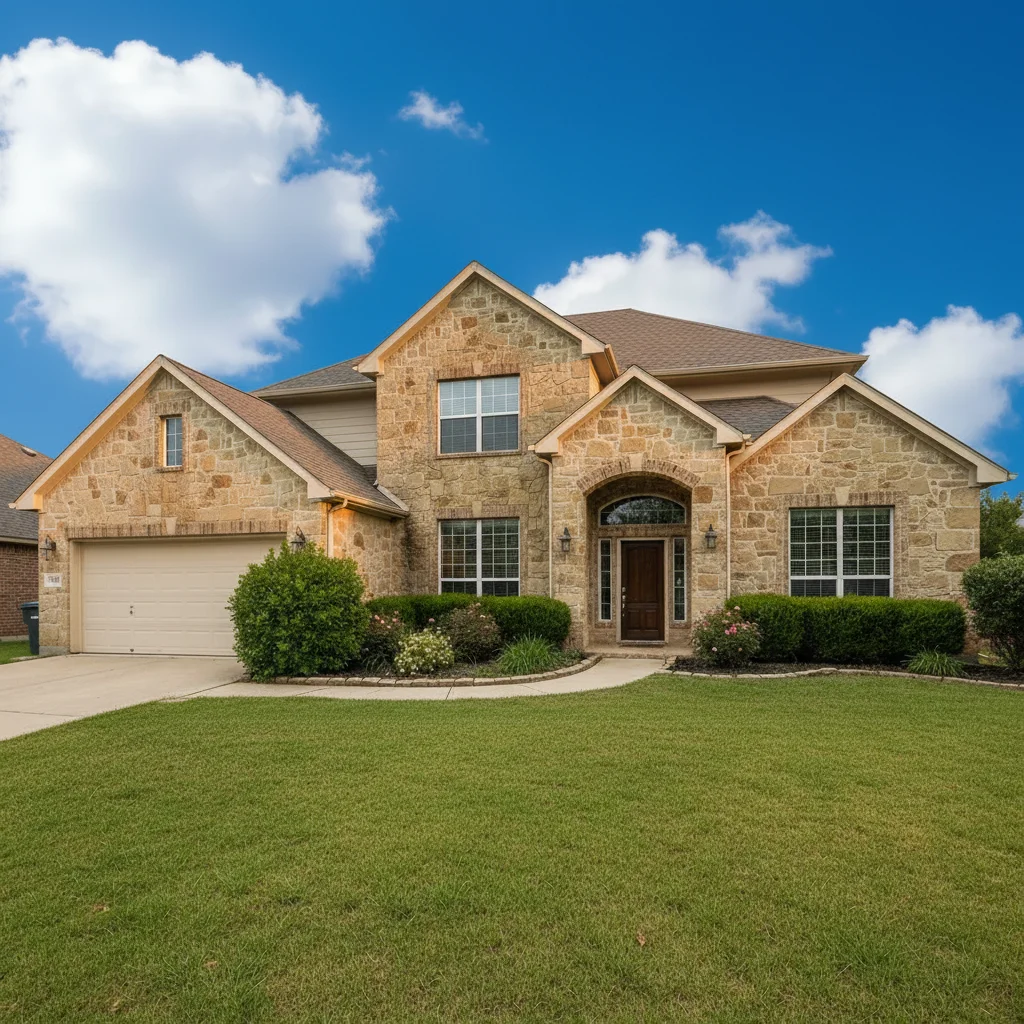
Same house exterior with clear blue sky and warm afternoon lighting

Upload photo to add blue sky

"replace the sky with a bright clear blue sky with a few white fluffy cumulus clouds, warm afternoon sunlight matching the light already in the scene"

Free to try · no sign-up · photos are never shared

Release to upload

<30stypical edit
1 freeedit weekly
Photo on your phone? Scan to open this editor there — free edit works on your phone too.

1 free edit every week·packs from $4.99

How it works

  1. Upload your two photos

    Drop your landscape, real estate, or outdoor photo into EditThisPic, then click '+ Add reference photo' to upload a sky reference image. The reference gives you exact control over the cloud pattern, blue tone, and atmospheric feel — especially useful for real estate listings where a specific look matters. If you don't have a reference, you can describe the sky in text instead. JPG, PNG, WebP up to 7MB.

    Expect: Simple sky swap: 20–30 seconds. Sky with complex horizon blending: 30–45 seconds.
  2. Describe the sky replacement

    Tell the AI what to do: 'replace the grey sky with the clear blue sky from the reference image, adjusting the lighting to match naturally' or simply 'replace the sky with a bright clear blue sky with a few white fluffy clouds, matching the warm light direction of the scene.' A reference photo gives exact cloud matching; a text description gives more freedom.

    Tip: For real estate photos, add 'preserve the building's natural tone and ensure consistent light direction' — this prevents the building from looking artificially lit after the sky change.

    Copy one of these to get started:

    Replace grey sky with clear blue using reference replace the grey sky with the clear blue sky from the reference image, adjusting the scene lighting to match naturally, preserve the building/landscape tone
    Add bright blue sky with white clouds (no reference) replace the sky with a bright clear blue sky with a few white fluffy cumulus clouds, warm afternoon sunlight matching the light already in the scene
    Real estate exterior sky replacement replace the overcast sky with a clear sunny blue sky from the reference image, matching the light direction from the right side, preserve the natural building color without adding a color cast
    Add dramatic golden-hour blue sky replace the flat white sky with a warm golden-hour blue sky — deep blue at the top fading to warm orange and yellow near the horizon, matching the reference photo
    2 more prompts
    Deep blue tropical sky for vacation photo replace the washed-out sky with a deep tropical blue sky with a few scattered white clouds, bright and vivid like the reference image, matching the sunny beach scene below
    Consistent sky across multiple listing photos replace the grey sky with the same clear blue sky from the reference image that I'm using across all exterior photos — consistent cloud pattern, same light direction, preserve the exterior colors
  3. Check horizon line and lighting consistency

    The horizon line where sky meets landscape is the critical area. Check that it blends naturally with no harsh edge. Also verify that the light direction on the main subject (building, landscape, people) is consistent with the new sky — a bright blue sky should cast warm directional light, not flat overcast light.

See it in action

House exterior with grey overcast sky
Main Photo
Reference photo of clear blue sky with white clouds
Reference
Same house exterior with clear blue sky and warm afternoon lighting
Result

Real estate exterior with grey sky replaced

Property listing photo on an overcast day — reference sky showed a clear blue afternoon sky. AI swapped the sky, adjusted the light direction, and preserved the warm stone exterior tone.

Prompt: replace the grey overcast sky with the clear blue sky from the reference image, warm afternoon light from the right, preserve the natural stone building color
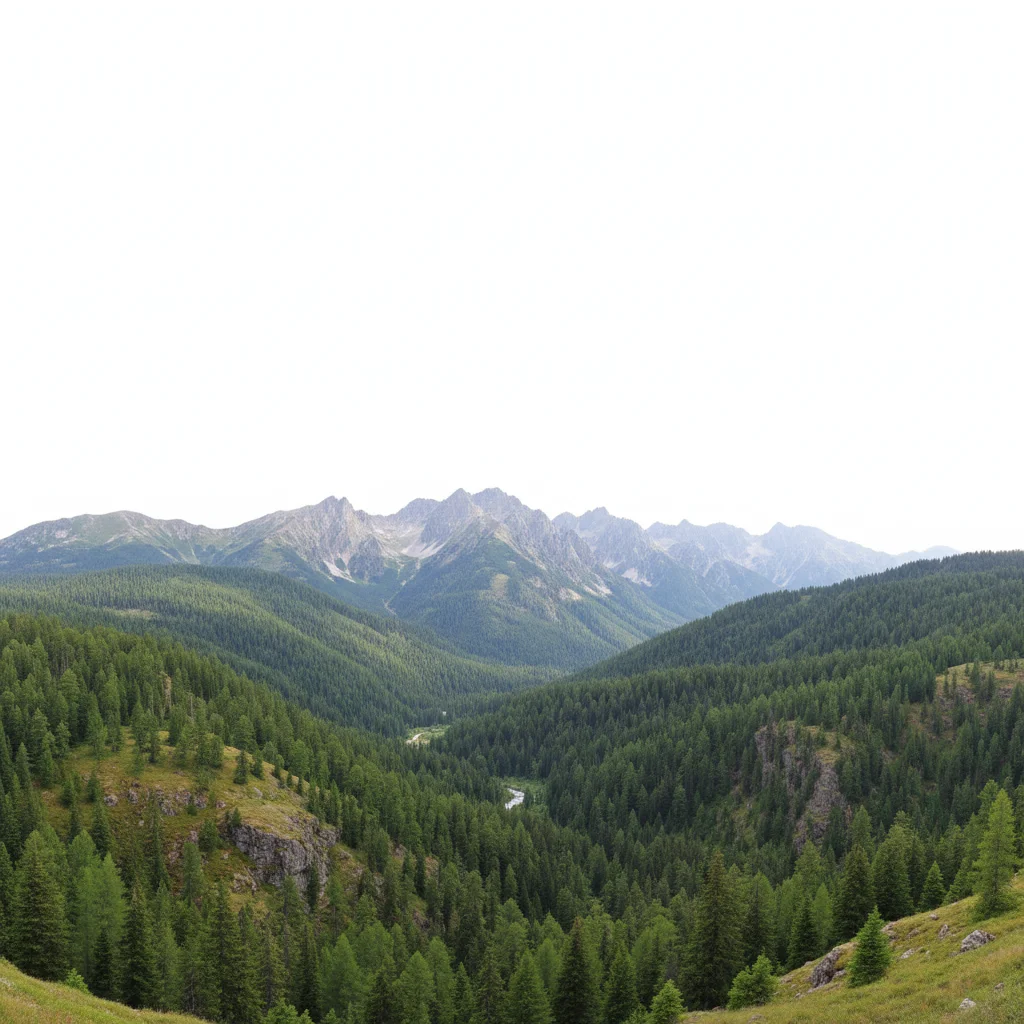
Mountain landscape with blown-out white sky
Main Photo
Reference image for AI Blue Sky Adder
Reference
Same mountain landscape with a deep blue sky added
Result

Vacation landscape with blown-out sky

Mountain landscape with a white washed-out sky — reference showed a deep blue alpine sky. AI added the vivid sky and blended it naturally with the mountain ridgeline.

Prompt: Replace the blown-out white sky in my photo with the deep blue alpine sky from the reference photo. Please blend it naturally at the mountain ridgeline.

Beach scene with overcast grey sky
Main Photo
Reference image for AI Blue Sky Adder
Reference
Same beach scene with vivid tropical blue sky added
Result

Beach vacation photo with overcast sky

Beach scene with an overcast sky that flattened the color — AI replaced it with a tropical blue sky with scattered clouds, making the vacation photo match the actual sunny day experienced.

Prompt: Replace the grey, overcast sky in my photo with the beautiful blue sky from the reference photo, and match the lighting.

Quick answers

Do I need TWO photos — my main photo AND a reference sky photo?

A reference sky photo is optional but recommended for exact control. If you upload a reference sky, the AI matches that specific cloud pattern, blue tone, and atmospheric feel. If you don't have a reference, you can describe the sky: 'clear blue sky with a few white clouds, warm afternoon light.' Both work well — the reference gives more precision, the description gives more flexibility.

Can I use this for real estate listing photos taken on a cloudy day?

Yes — this is one of the most common uses. Upload the exterior listing photo, optionally add a reference sky photo that matches the property's architectural style and region, and replace the overcast sky. Add 'preserve the natural building color and consistent light direction' in your prompt to avoid adding color casts to the exterior. Works for single-family homes, multi-unit buildings, and drone shots.

Will the AI adjust the lighting to match the new sky?

Yes — the AI automatically adjusts ambient lighting when replacing the sky. A bright blue sky will cast warmer, more directional light than the original flat overcast. For the most natural result, describe the light direction in your prompt: 'warm afternoon light from the left matching the shadows in the scene.' If the light looks off after the first try, specify the correction in a second prompt.

What kind of reference sky photo should I upload?

Use a clear, unobstructed sky photo with good color depth — ideally shot from a similar elevation as your main photo. A sky photographed from the same geographic region or climate looks most natural (tropical blue sky on a beach photo; alpine blue on a mountain). The resolution of the reference doesn't need to match your main photo.

Can I replace a sky in a photo with people in it?

Yes. The AI handles sky replacement in portraits, group photos, and scenes with people. Make sure to describe 'adjust the skin-tone lighting to match the new sky' so the people don't look artificially lit. People photos may need one refinement pass more than landscape-only shots to get natural skin lighting.

How much does EditThisPic cost?

You get 1 free edit per week — no account needed. After that, one-time credit packs start at $4.99 for 10 edits, valid 12 months, no subscription. Power users who edit daily can pick Studio Membership, a monthly workspace at $49.99/mo for 300 edits. Purchased downloads are clean with no watermark.

Fix your overcast sky now

Upload your photo and an optional reference sky. Free, no account required.

1 free edit included·Credit packs from $4.99