Pricing Add Sky · Free

AI Sky Expander for Buildings

← Browse all add & replace tools

Last updated

Expand the sky above any building for better composition — ideal for real estate exteriors cropped too tight at the top, or landscape crops needing more breathing room.
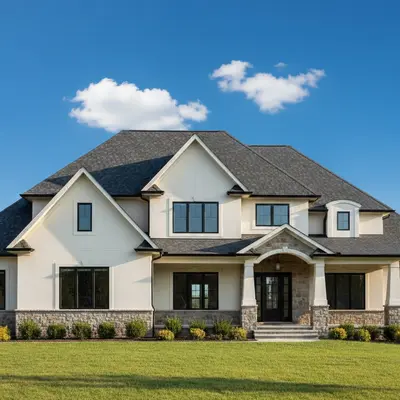
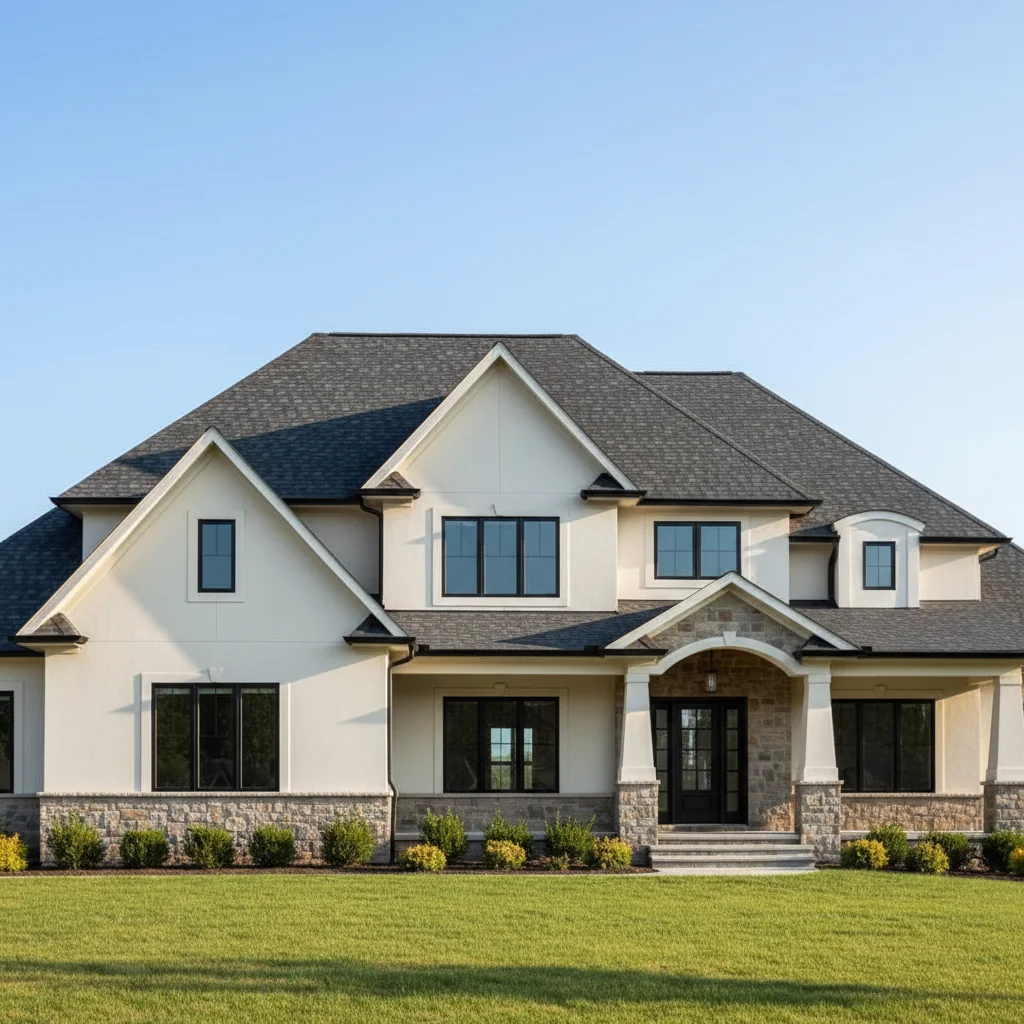
01Photo 1
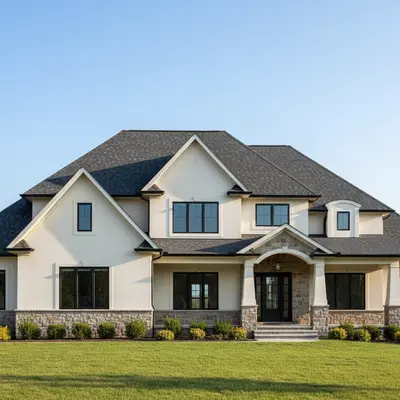
House exterior with roofline cropped tight to top of frame
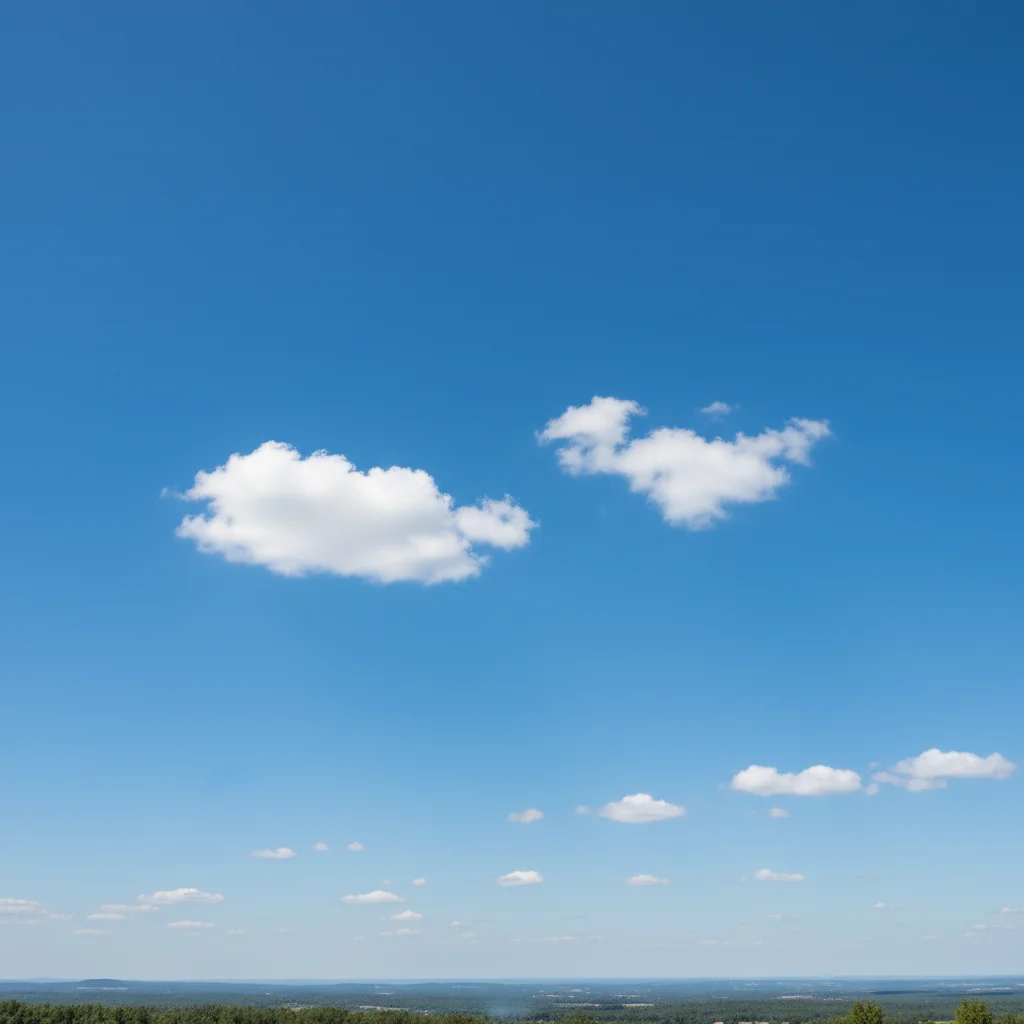
02Photo 2
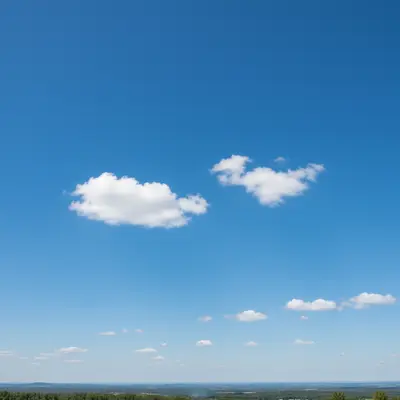
Reference photo of blue sky with clouds for matching
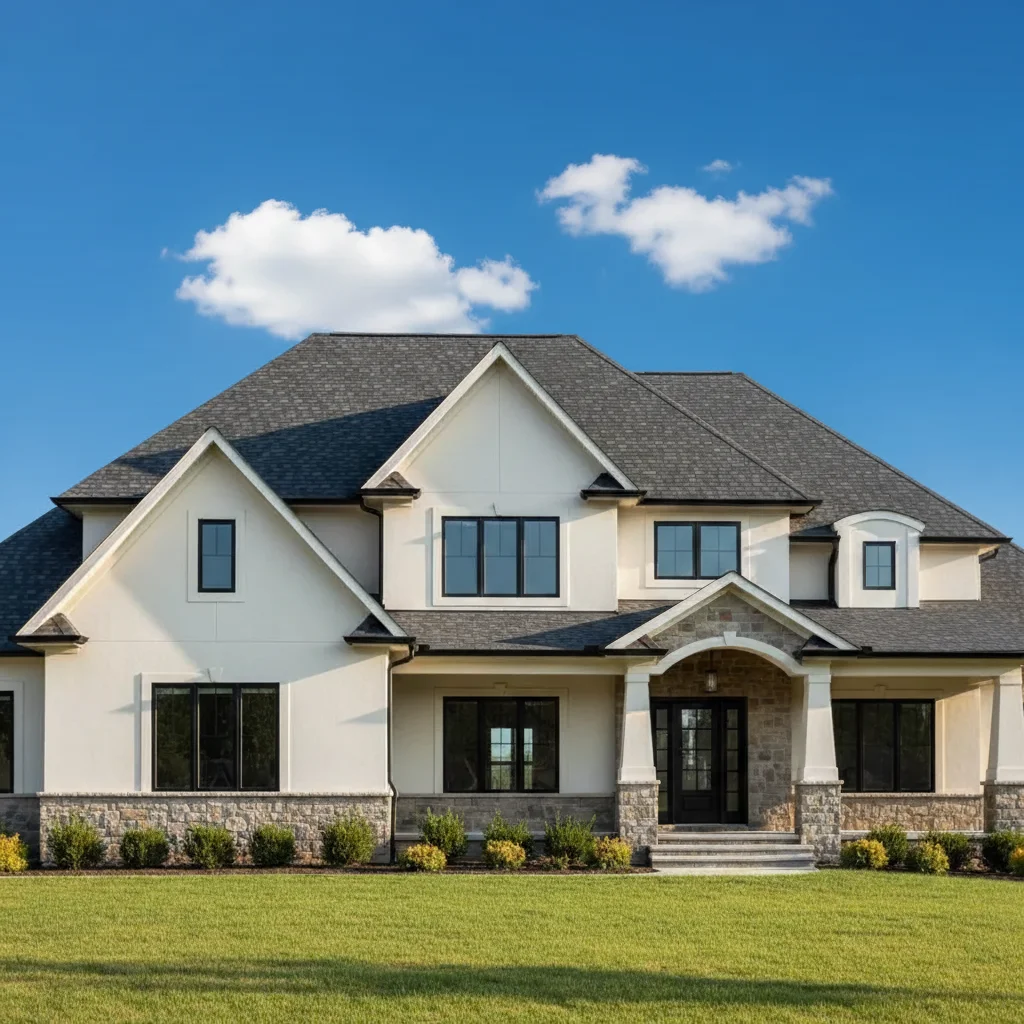
03Result
Same house exterior with generous blue sky added above the roof

Upload photo to add sky

"add more sky above the building using the reference sky photo — extend the frame upward by 25-30%, blending the reference sky naturally with the existing sky at the roofline"

Free to try · no sign-up · photos are never shared

Release to upload

<30stypical edit
1 freeedit weekly
Photo on your phone? Scan to open this editor there — free edit works on your phone too.

1 free edit every week·packs from $4.99

How it works

  1. Upload your two photos

    Drop your building photo into EditThisPic, then optionally click '+ Add reference photo' to upload a reference sky image. A reference sky gives you exact control over the cloud density and blue tone that fills the expanded area above the roof — useful when you want the sky to match a specific look or match other photos in a set. Without a reference, the AI continues the existing sky naturally upward. JPG, PNG, WebP up to 7MB.

    Expect: Simple sky extension above building: 20–30 seconds. Complex cloud pattern matching from reference: 30–40 seconds.
  2. Describe the sky extension

    Tell the AI what to add: 'add more sky above the building extending upward, continuing the existing blue sky naturally with matching cloud patterns' or 'extend the sky above the building using the reference sky photo — add about 30% more height above the roofline.' Mention how much sky to add and whether to match the existing sky or the reference.

    Tip: For real estate photos, specifying 'about 30% more height above the roofline' gives a concrete target. For artistic crops, describe the ratio: 'equal sky and building height' or '60% sky, 40% building.'

    Copy one of these to get started:

    Add more sky above building — continue existing sky add more sky above the building, extending the frame upward by about 30%, continuing the existing blue sky naturally with matching cloud patterns and blue tone
    Add sky from reference above the building add more sky above the building using the reference sky photo — extend the frame upward by 25-30%, blending the reference sky naturally with the existing sky at the roofline
    Real estate listing — expand for landscape ratio extend the sky above the house to create a balanced landscape composition — add sky above the roofline so sky takes up about 40% of the total image height, matching the existing blue sky naturally
    Add dramatic cloudy sky above building add more sky above the building — extend upward and add a dramatic blue sky with large cumulus clouds from the reference photo, seamlessly blending with the existing sky at the roofline
    2 more prompts
    Expand sky for print crop expand the sky above the building to fill a 4:3 aspect ratio — add sky above the roofline continuing the golden-hour sky colors, matching the warm tones already in the photo
    Church or monument — add sky for scale add more sky above the church/monument — extend the frame upward to add a large amount of sky, creating a sense of scale and grandeur, continuing the existing blue sky naturally
  3. Check roofline blending and sky continuity

    The key check is whether the added sky above the roofline blends seamlessly with the existing sky visible in the original photo. The clouds, blue tone, and atmospheric depth should look continuous — you shouldn't be able to tell where the original photo ended and the AI-added portion began.

See it in action

House exterior with roofline cropped tight to top of frame
Main Photo
Reference photo of blue sky with clouds for matching
Reference
Same house exterior with generous blue sky added above the roof
Result

Real estate exterior — tight crop expanded

House photo where the roofline was only a few pixels from the top edge — AI added about 35% more sky above the roofline, continuing the existing blue sky naturally, with cloud patterns that matched the existing sky perfectly.

Prompt: Add more sky above the house, using the sky from the reference photo to fill the new space.
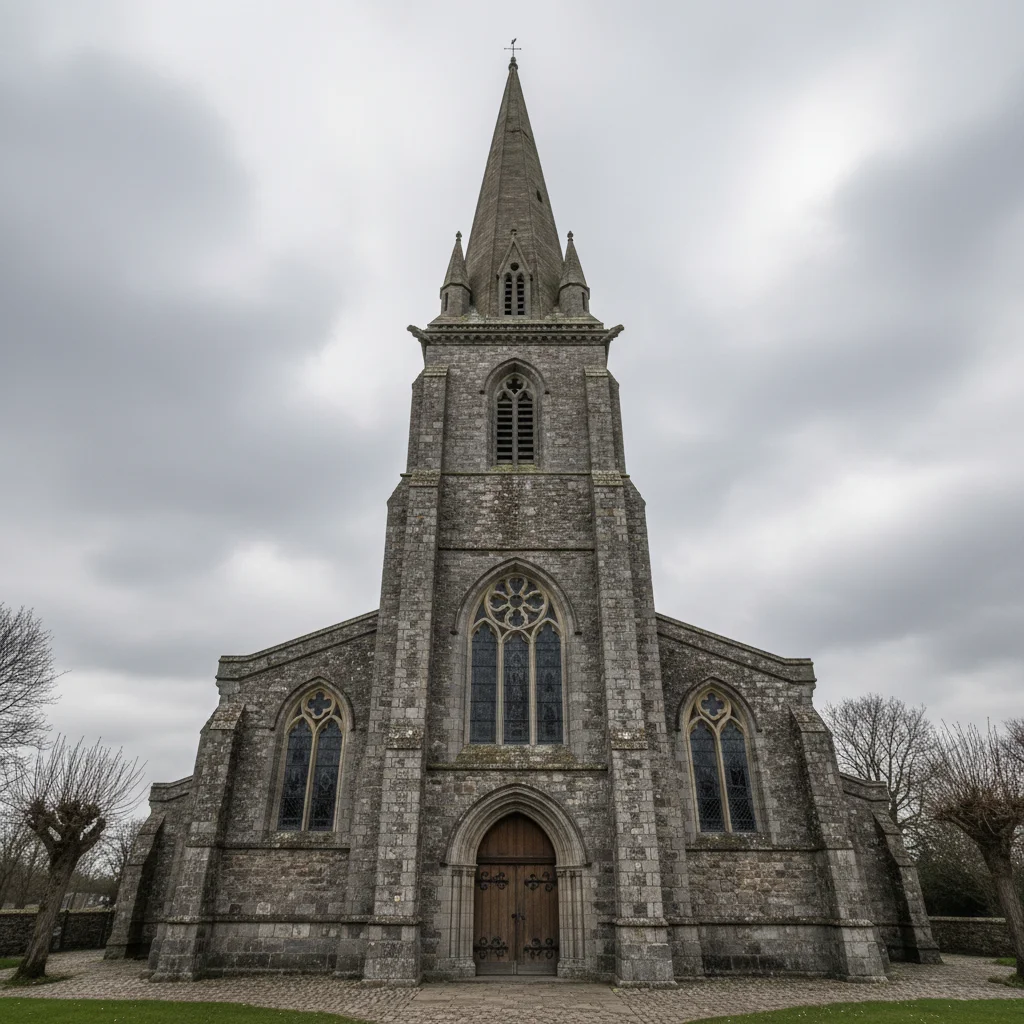
Church with spire cropped close to top of frame
Main Photo
Reference image for AI Sky Expander for Buildings
Reference
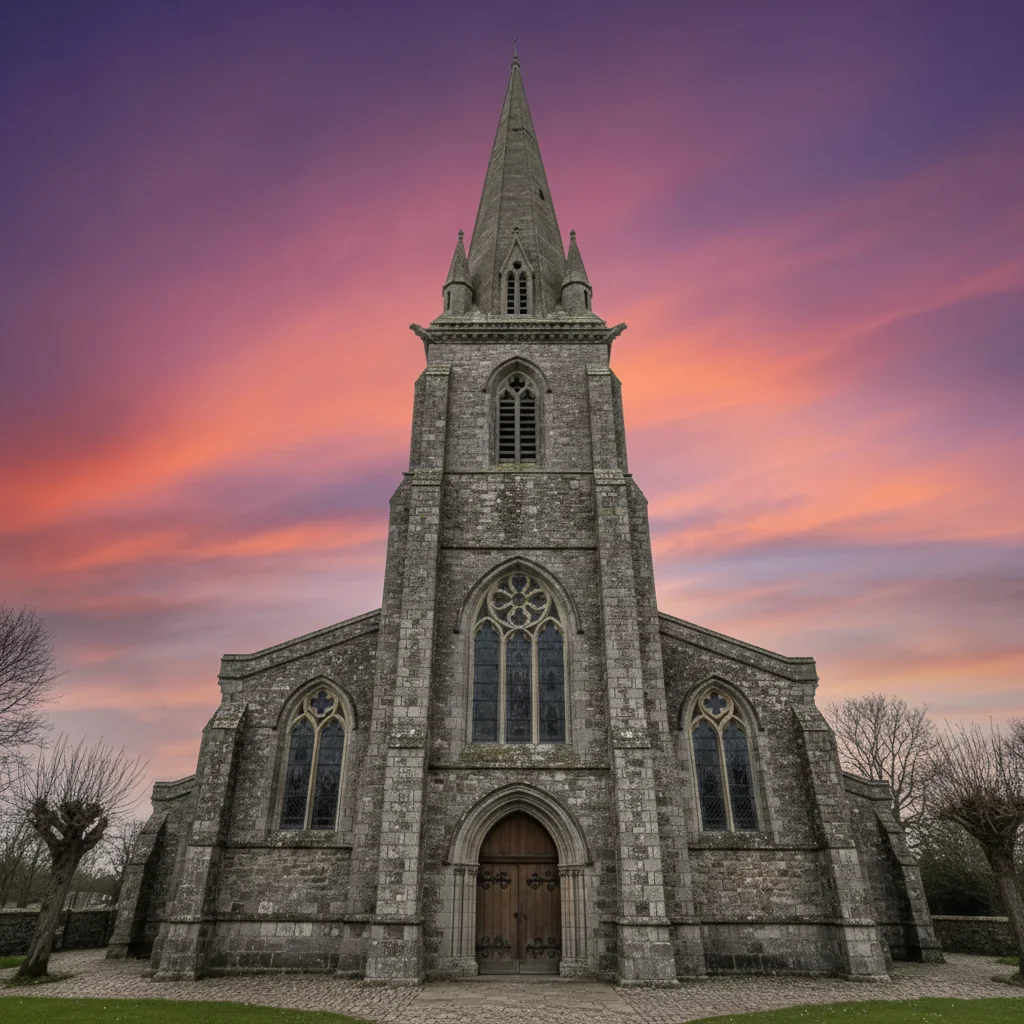
Same church with dramatic sky added above the spire
Result

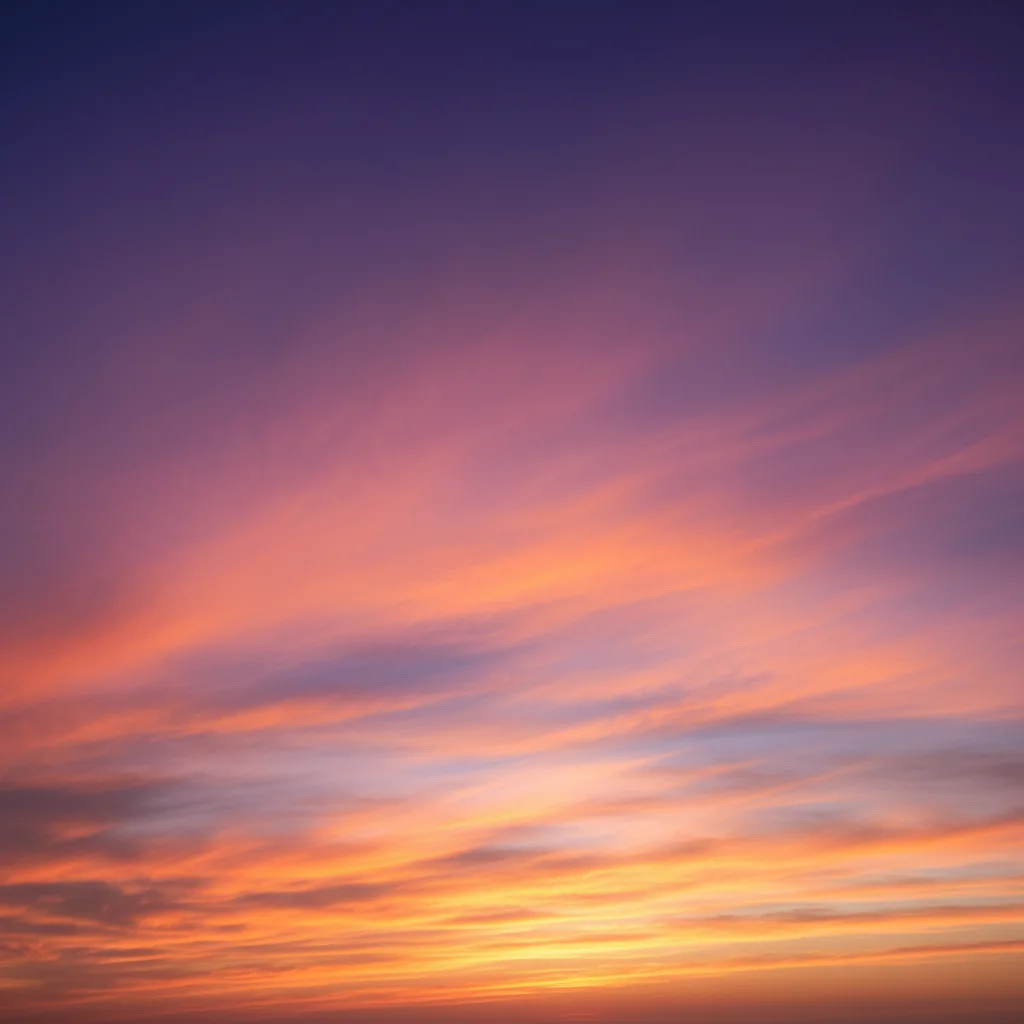
Church spire with dramatic sky

Church exterior photo where the spire was cropped close to the top — AI added a substantial sky above to show the full architectural context and added dramatic cloud formations from the reference.

Prompt: add more sky above the church extending upward to create dramatic scale, use the reference sky for the cloud pattern, seamless transition at the steeple top
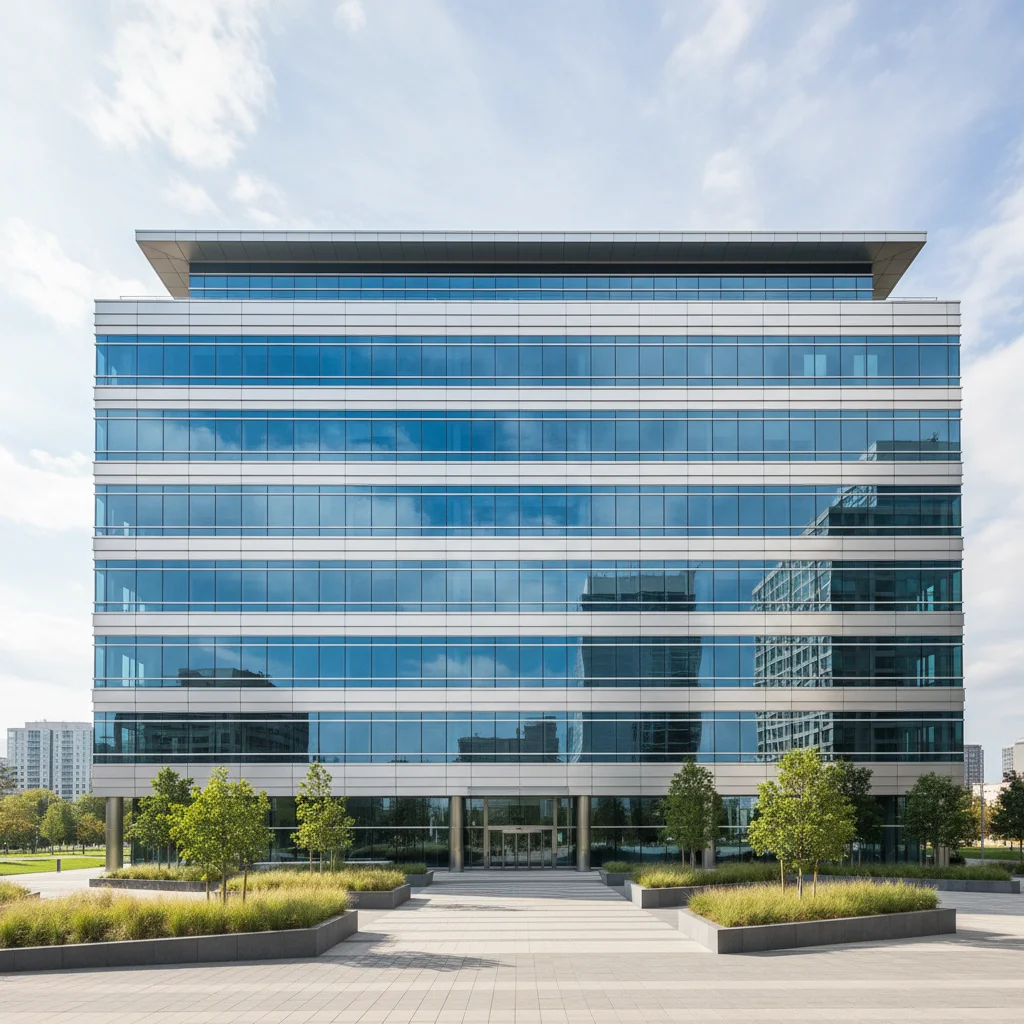
Office building with limited sky above the roofline
Main Photo
Reference image for AI Sky Expander for Buildings
Reference
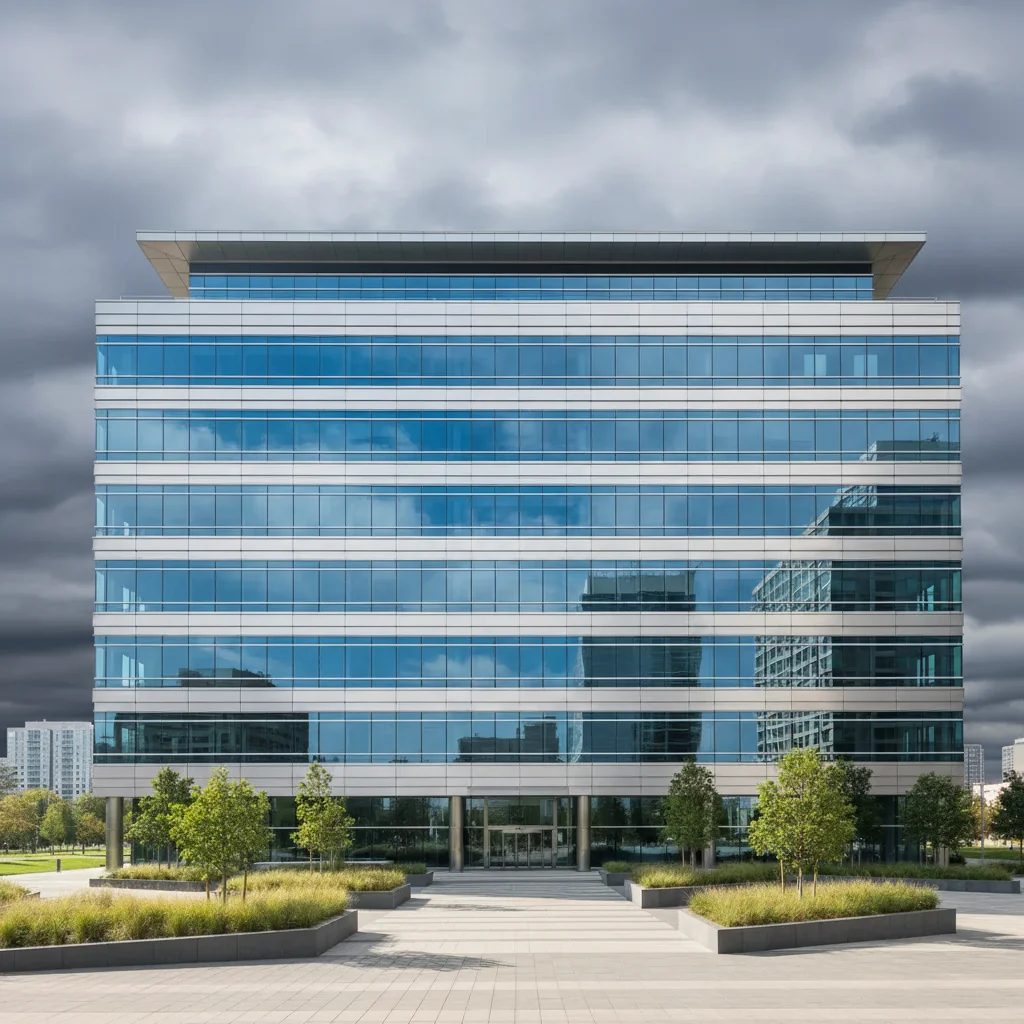
Same office building with expanded sky for widescreen 16:9 composition
Result

Commercial building — widescreen crop enabled

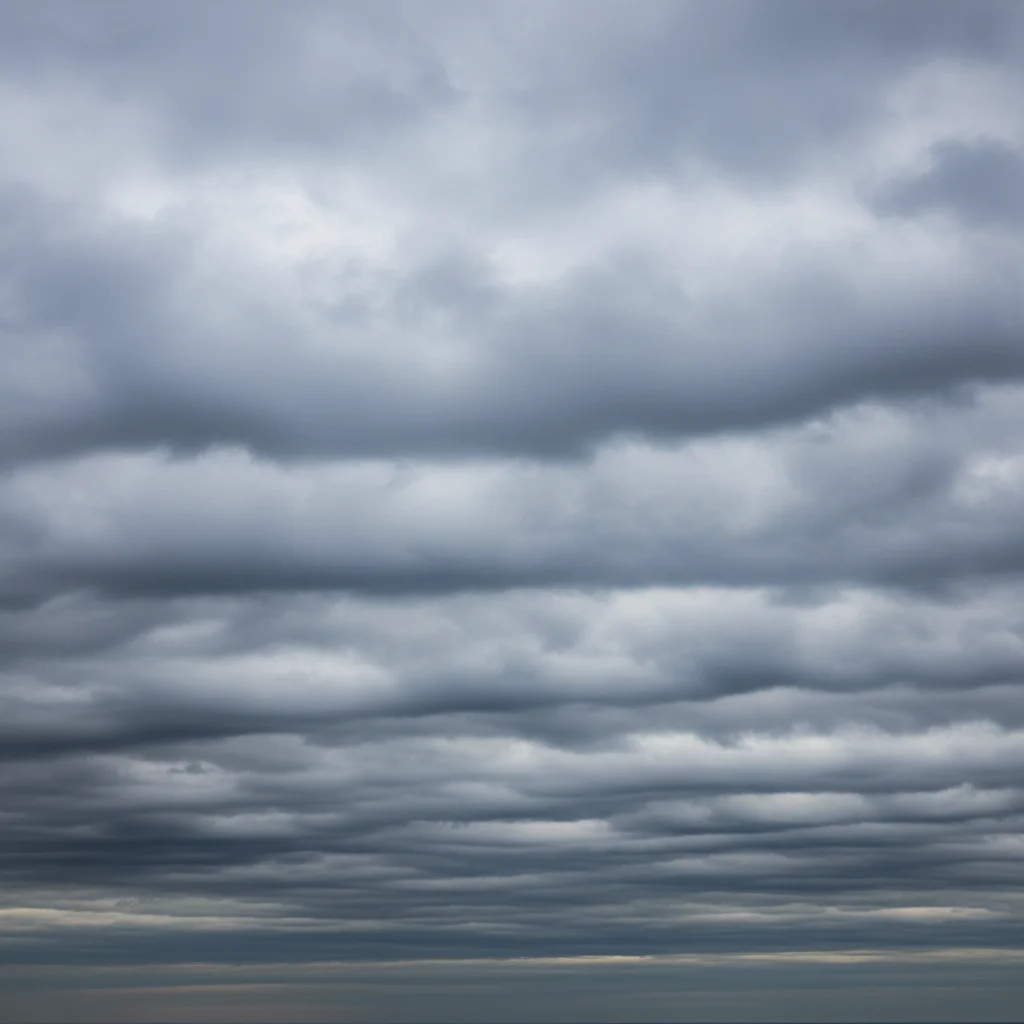
Office building photo that needed a 16:9 landscape ratio for a website header — AI extended the sky above the building to create the right ratio with seamless sky continuation.

Prompt: Add the sky from the reference photo above the building to extend the image into a 16:9 aspect ratio.

Quick answers

Do I need TWO photos — my building photo AND a reference sky photo?

A reference sky photo is optional but recommended when you need exact control over the cloud pattern in the added sky area. If you upload a reference, the AI fills the expanded sky area using that reference as the guide. If you don't have a reference, the AI continues the existing sky naturally upward — which works well for simple clear blue skies. For complex cloud patterns or matching other photos in a set, a reference is worth uploading.

Why would I need to add more sky above a building photo?

Three main reasons: (1) The original shot was taken from a low angle or with a wide lens, leaving the roof cropped too close to the top edge — adding sky creates a more balanced composition. (2) You need a specific aspect ratio (16:9 for web banners, 4:3 for print) that requires more vertical space above the building. (3) You want to create a more dramatic, airy architectural feel with sky as a major compositional element.

Can I use this for real estate listing photos to improve the composition?

Yes — this is the most common use case. Real estate photos taken from the street often have the roof very close to the top of the frame. Adding 25–35% more sky above the roofline creates a more professional, balanced composition without reshooting. For consistent listing photos, upload the same reference sky across all your exterior shots so they share a unified look.

How much sky can I add above the building?

The AI can add a significant amount — up to doubling the height of the sky area in the original photo. For the best results, be specific about the amount: '25% more height above the roofline' or 'sky should take up 40% of the total image height.' Very large extensions (tripling the sky) may need two passes to look fully natural.

Will the added sky match the existing sky in my photo?

Yes — when you describe the existing sky or use a reference, the AI matches the blue tone, cloud density, and atmospheric depth of the original. The most common issue is a slight tone or cloud pattern mismatch at the expansion boundary.

How much does EditThisPic cost?

You get 1 free edit per week — no account needed. After that, one-time credit packs start at $4.99 for 10 edits, valid 12 months, no subscription. Power users who edit daily can pick Studio Membership, a monthly workspace at $49.99/mo for 300 edits. Purchased downloads are clean with no watermark.

Give your building photo more sky

Upload your photo and an optional reference sky. Free, no account required.

1 free edit included·Credit packs from $4.99