AI Add Missing Person to Family Photo
← Browse all add & replace toolsLast updated
Every family photo should show everyone. Add the person who is missing — whether they couldn't attend or are no longer with you — using a reference image. The family is complete.
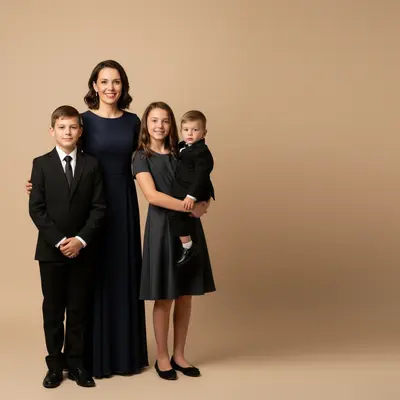

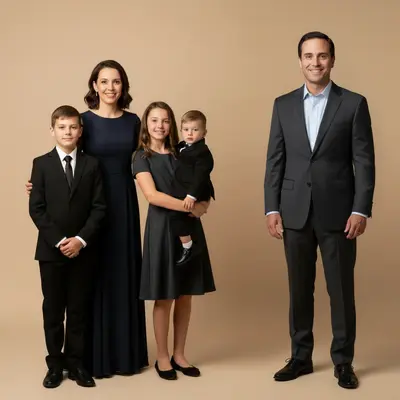
Upload photo to add missing family member
"add this person standing alongside the family with a gentle, peaceful expression, matching the warm indoor lighting, naturally blended into the scene"
Free to try · no sign-up · never used for AI training
Release to upload
How it works
See it in action
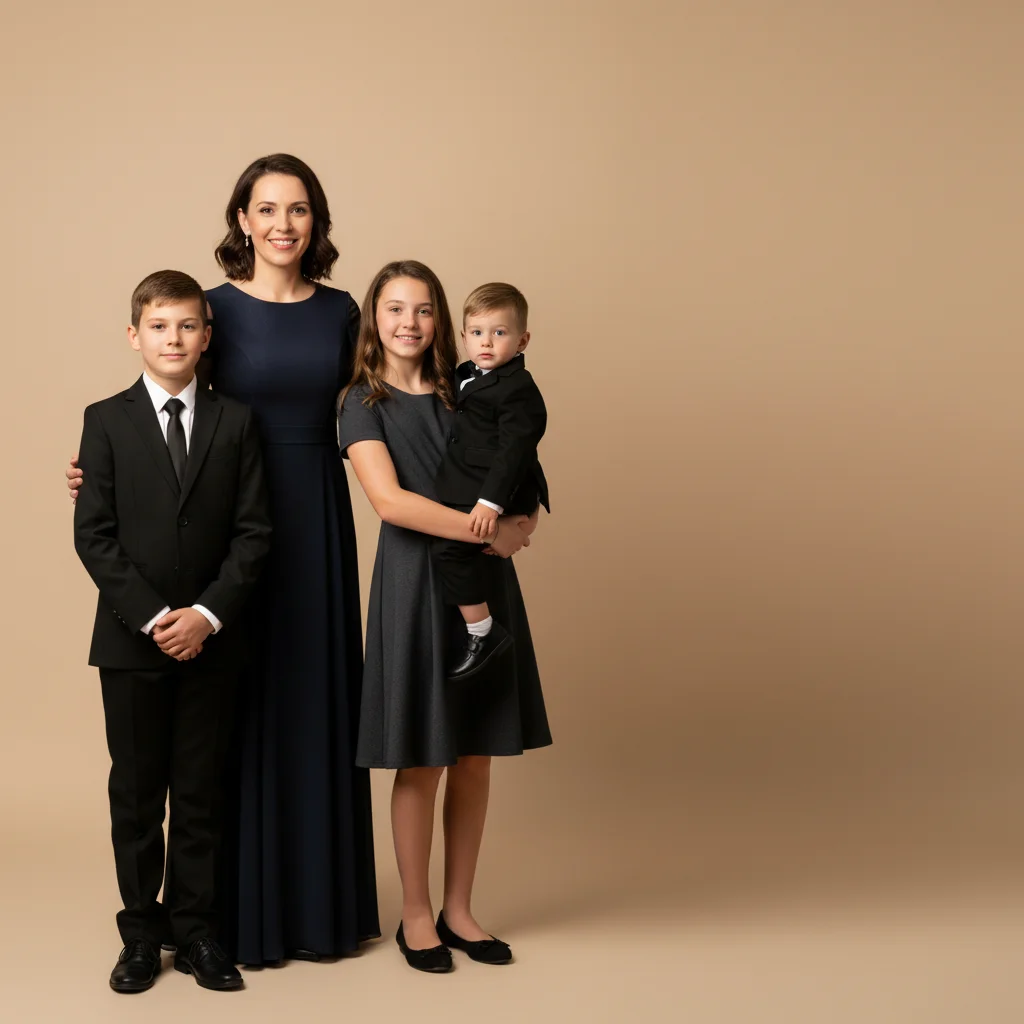

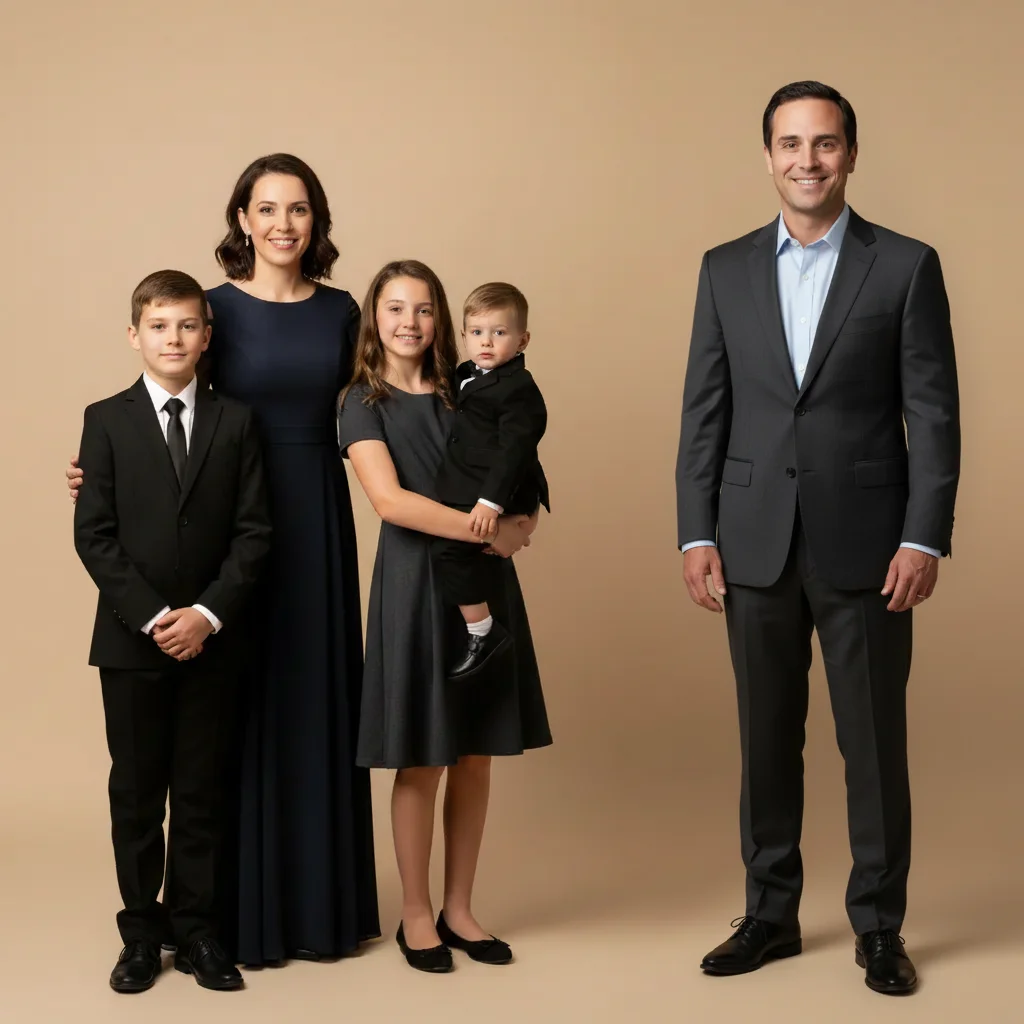
Missing parent added to family portrait
Formal family portrait with a mother and three children but a visible space on the right — AI added the father from a reference photo, matching the formal indoor lighting and the family's matching attire.
Add the man from the reference photo to stand at the right end of the family. Make sure he matches the warm, soft portrait lighting of the main photo.
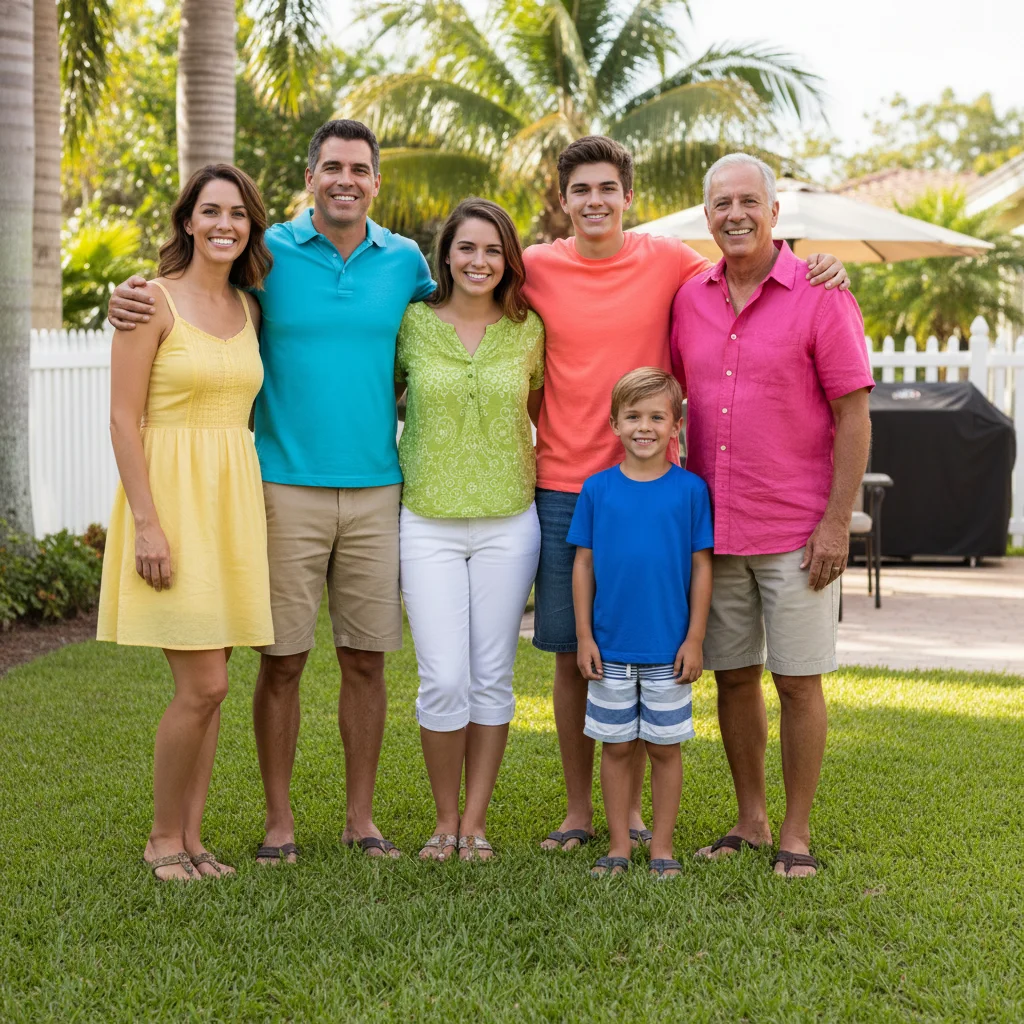

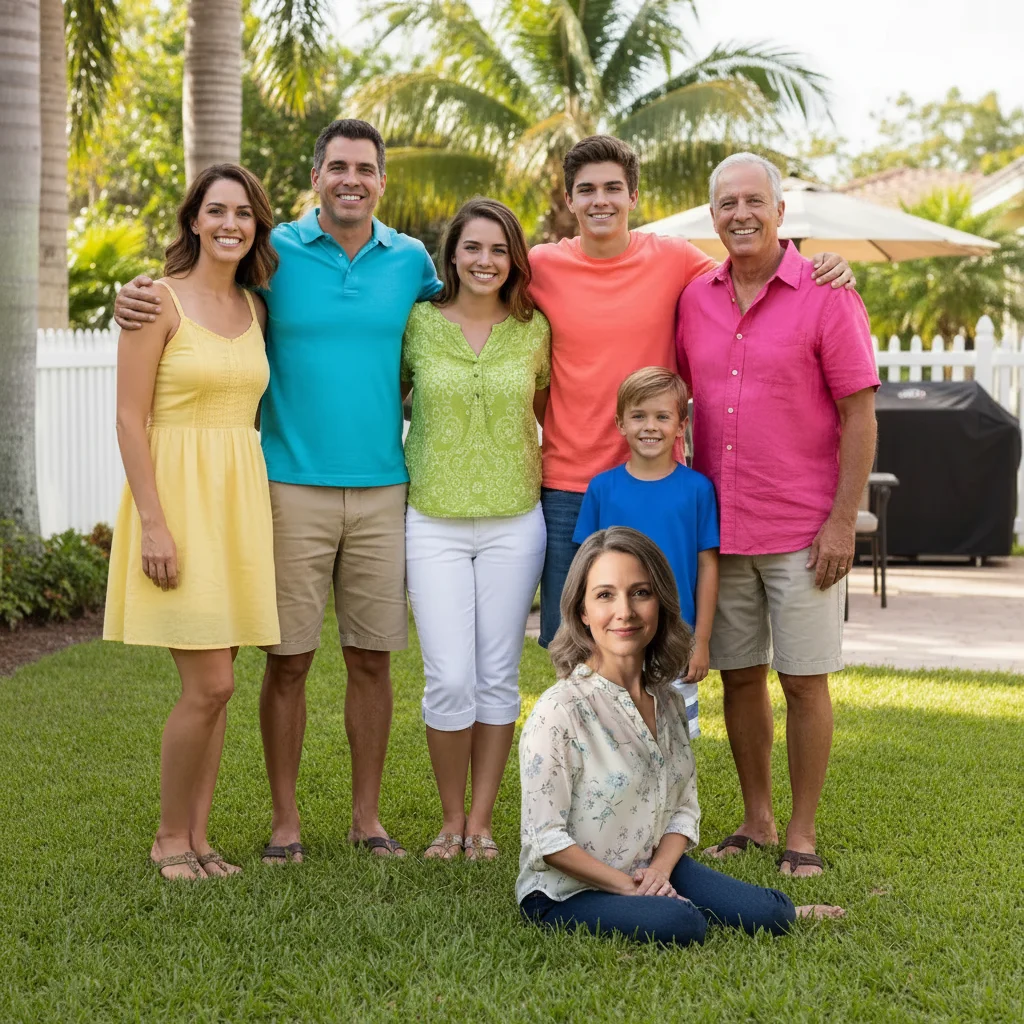
Grandparent added to family reunion photo
Backyard family reunion photo — AI added the missing grandmother from a reference portrait, placing her seated in front of the family to match her typical position, with the outdoor afternoon lighting.
add this person from the reference photo, seated in front of the family group on the right. Match the warm outdoor afternoon lighting and her gentle relaxed expression.
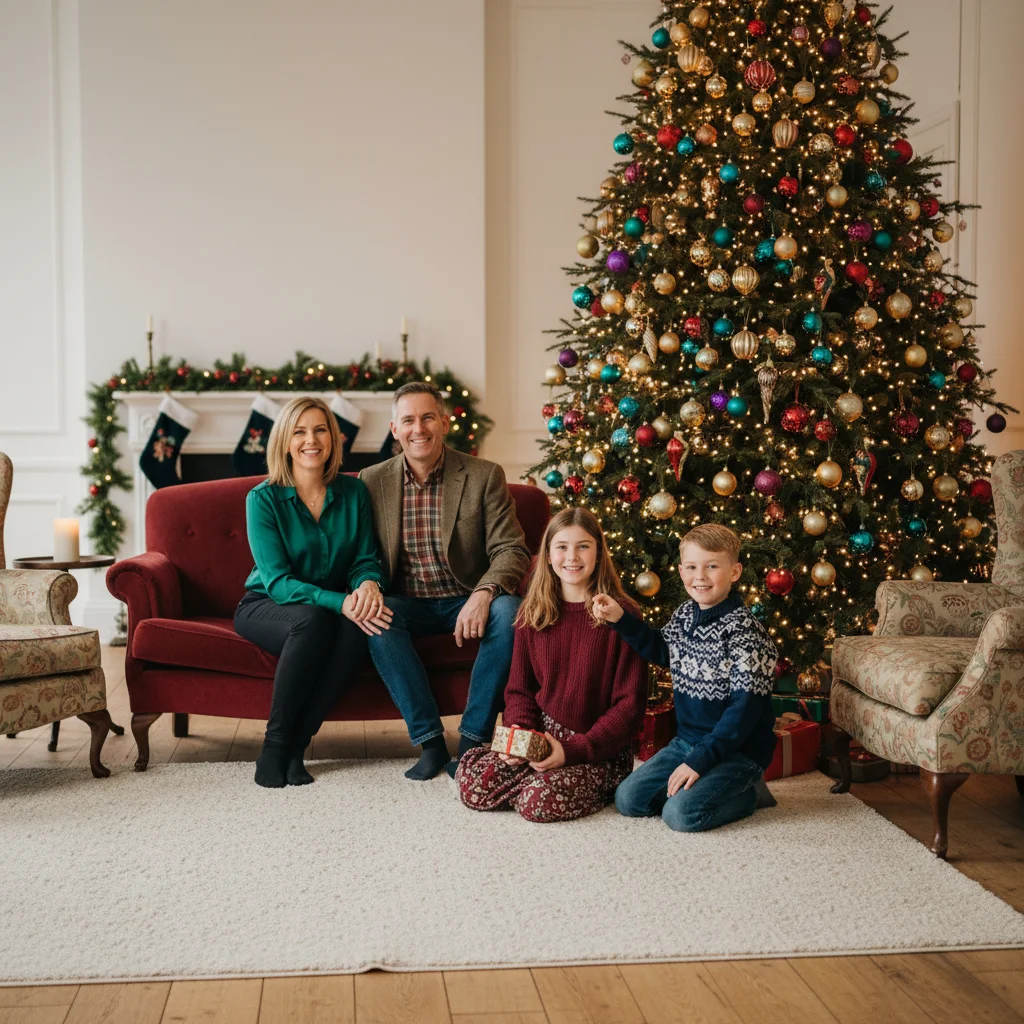

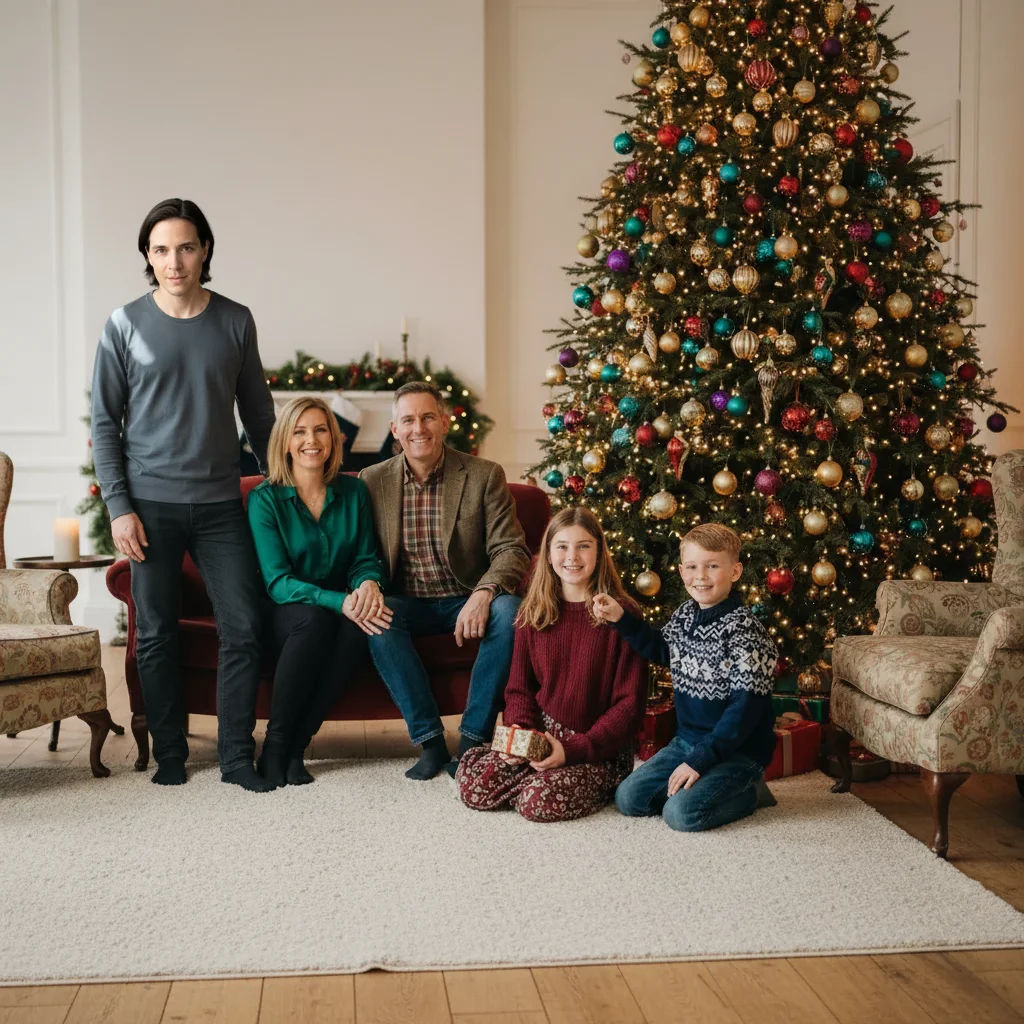
Loved one remembered in holiday family photo
Holiday living room family photo — AI added a loved one who had passed, placing them gently alongside the family, with a peaceful expression matching the warm Christmas lighting.
add this person standing gently alongside the family on the left side, with a warm peaceful expression, soft warm Christmas tree lighting, naturally and gently blended into the scene
Quick answers
You might also like
Ready to make your family photo complete?
Upload two photos. Free, no signup required.