Pricing Add Stars to sky · Free

Add Stars to a Sky in a Photo

← Browse all add & replace tools

Last updated

Describe the starry sky you want and the AI adds it above your scene. No marking needed.
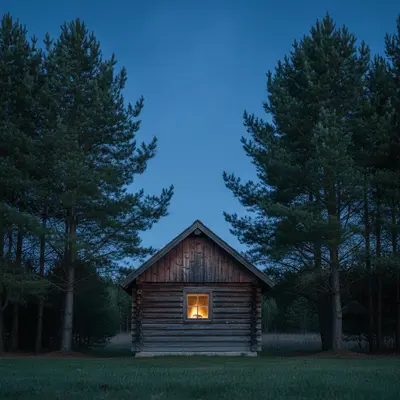
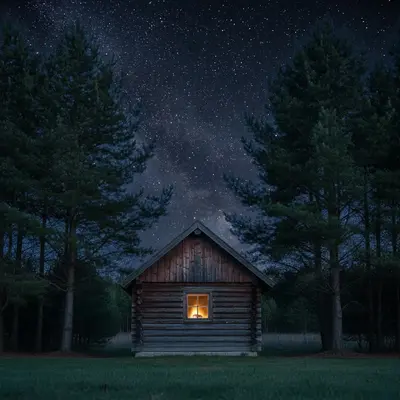
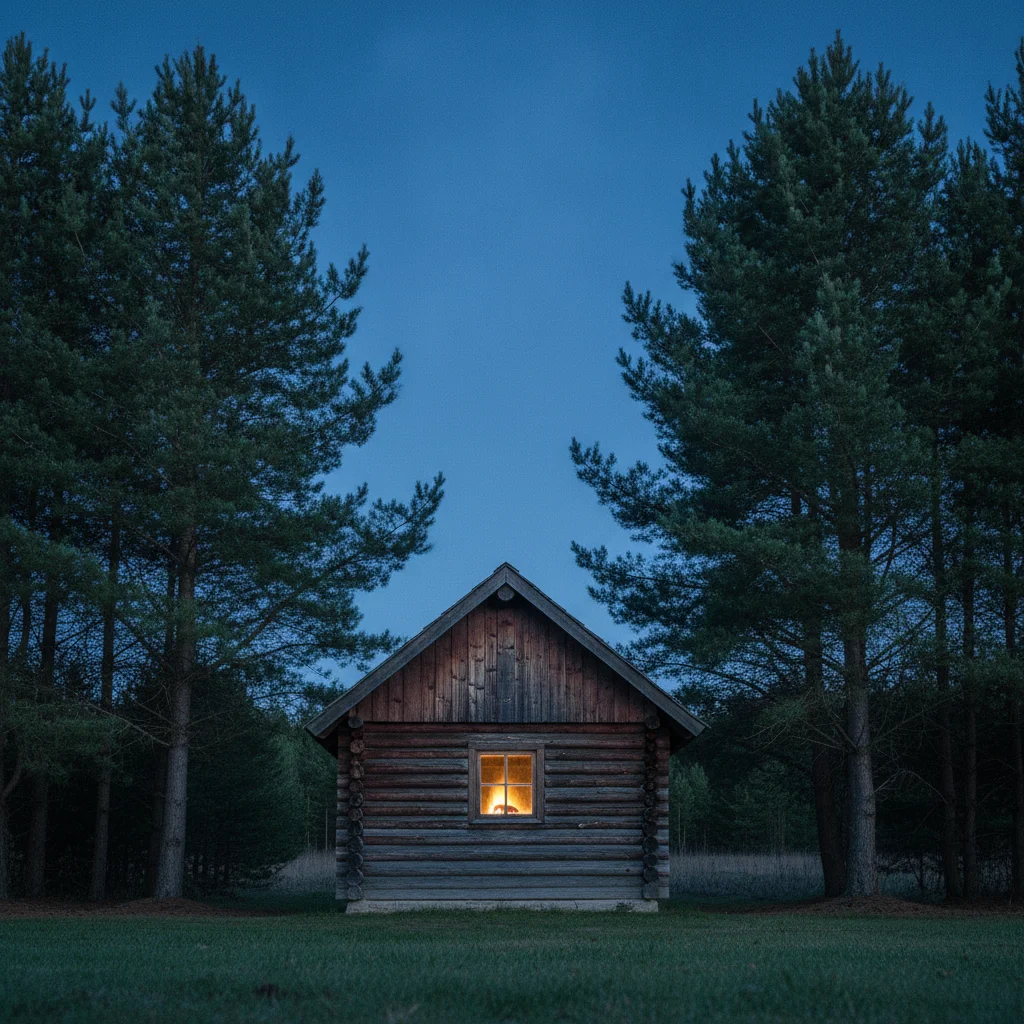
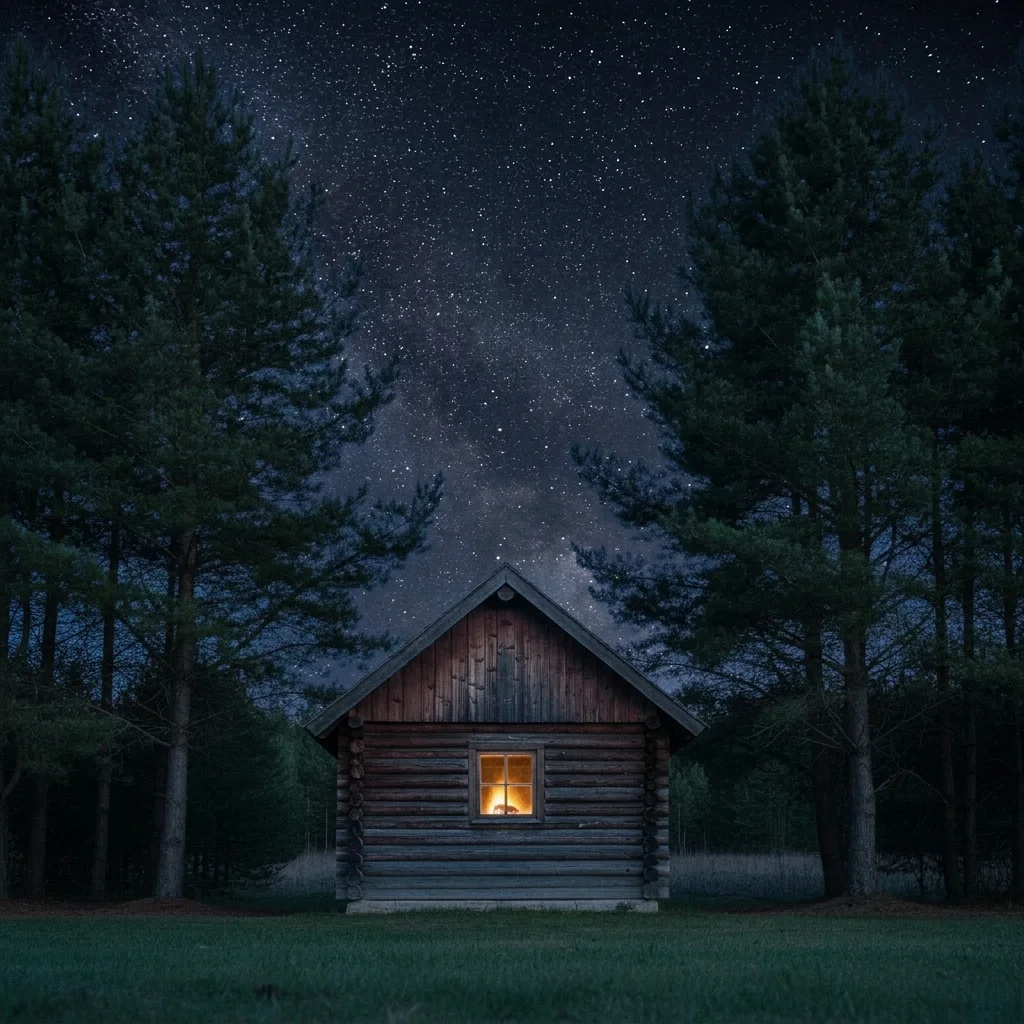
Cabin at dusk with a plain empty dark blue sky Same cabin under a sky full of small white stars

Upload photo to add stars to sky

"add a dark night sky full of small stars with a faint Milky Way band running diagonally, keep the tent and the people unchanged"

Free to try · no sign-up · never used for AI training

Release to upload

<30stypical edit
1 freeedit weekly
Photo on your phone? Scan to open this editor there — free edit works on your phone too.

1 free edit every week·paid packs after

How it works

  1. Upload an evening or night photo with a visible sky

    Pick a photo where a clear patch of sky is visible, such as dusk, twilight or a dark night. A sky that is plain dark blue or black works best. A bright daytime sky is a much bigger change, so start with something already dark.

    Expect: Dusk and night photos give the most natural results because the sky is already dark enough to show stars.
    Tip: Photos where the sky meets a clean skyline of roofs or trees are easier than photos with lots of branches across the sky.
  2. Describe the stars you want

    Type the sky in plain words: 'add a starry night sky with many small white stars and a faint Milky Way band, keep the house and the trees unchanged.' Say how dense the stars should be, whether you want a Milky Way, and what to keep. No marking required.

    Tip: Say 'small' and 'sharp' for stars. Big glowing dots tend to look fake.

    Copy one of these to get started:

    Starry night sky behind a house add a clear starry night sky with many small white stars above the house, keep the house, roof, trees and ground exactly as they are
    Stars with a faint Milky Way add a dark night sky full of small stars with a faint Milky Way band running diagonally, keep the tent and the people unchanged
    Evening sky turning into night change the evening sky to a deep blue night sky with soft stars appearing, keep the warm glow on the horizon and the buildings unchanged
    Stars above a lake add many small stars to the sky above the lake and a faint reflection of them in the water, keep the dock and shoreline unchanged
    3 more prompts
    Sparse, subtle stars add a few small faint stars to the dark sky, a subtle natural look, keep everything else unchanged
    Starry sky for a campsite photo add a bright starry night sky with a visible Milky Way above the campsite, keep the tent, the campfire and the trees unchanged
    Starry background for a card or invitation add a deep navy night sky filled with small white stars above the cabin, leave empty dark space at the top of the sky for text
  3. Check the skyline edges and the light

    Zoom into where the sky meets the trees or roofline. Stars should stop cleanly at the edge, and the sky brightness should fit the scene. If a lit window or lamp is in the frame, the stars should not be brighter than it.

  4. Use markers if stars appear in the wrong place

    If stars show up over a roof, through branches or on a lake you wanted untouched, tap a marker on the sky region and run the prompt again. Markers are optional, and only needed when the first result puts stars where they do not belong.

    Tip: Place the marker in the middle of the open sky area.

See it in action

Cabin at dusk with a plain empty dark blue sky
Before
->
Same cabin under a sky full of small white stars
After

Plain dusk sky above a cabin becomes a starry night

A cabin with a smooth empty dark blue sky. The prompt fills it with small stars without touching the building.

Prompt: add a clear starry night sky with many small white stars above the cabin, keep the cabin and the pine trees unchanged
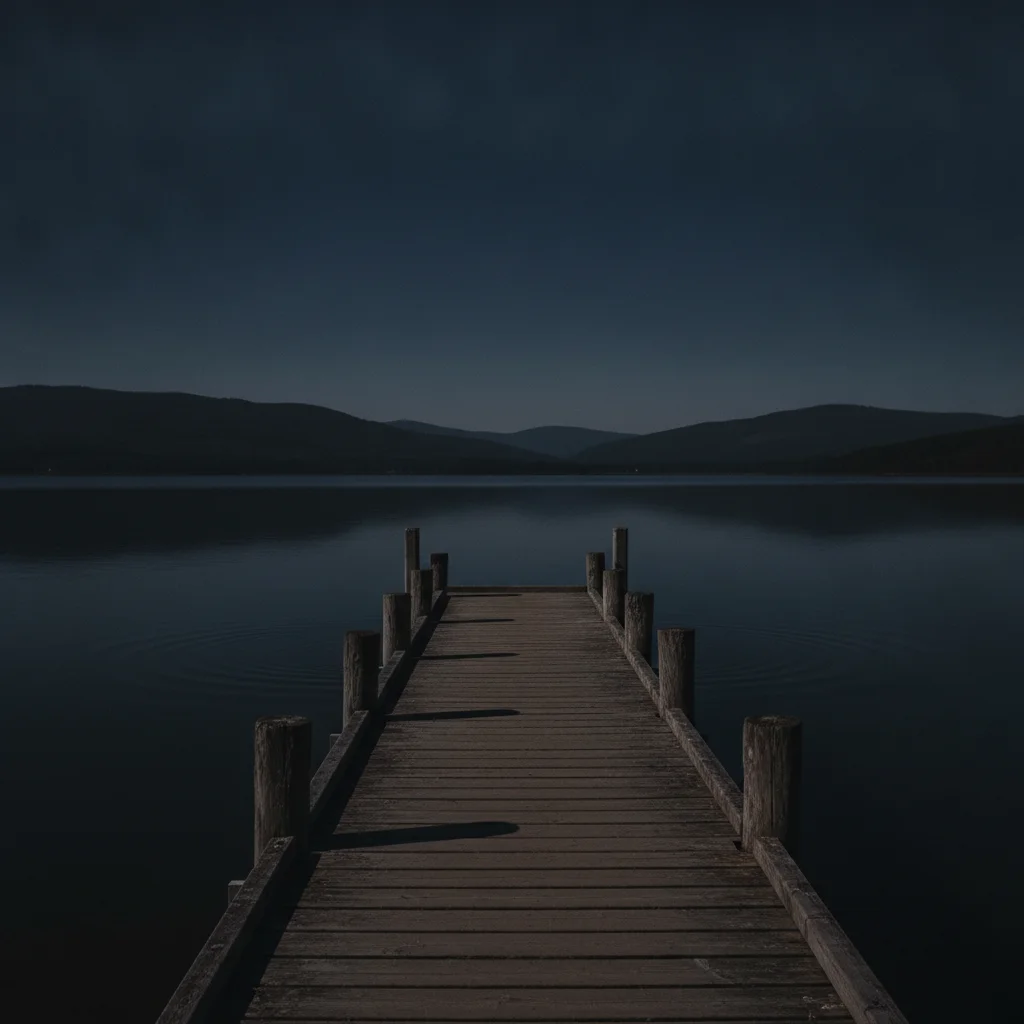
Jetty on a lake under a plain dark sky
Before
->
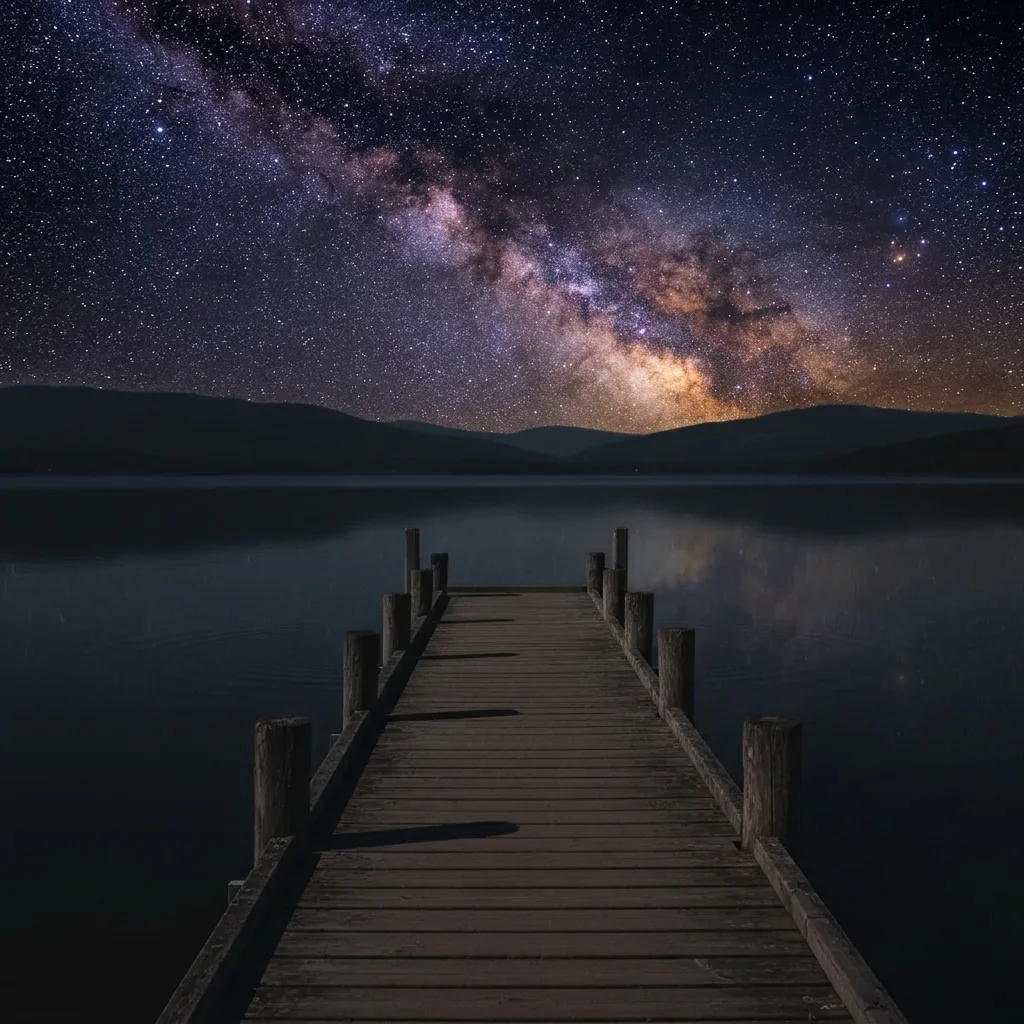
Same scene under a sky full of bright stars
After

Lakeside evening photo with stars and reflection

A calm lake at dusk with a dark empty sky. Stars are added above and reflected in the water.

Prompt: replace the plain dark sky with a sky full of bright stars and a visible Milky Way band, keep the lake and jetty unchanged

Quick answers

Do I need to mark the sky before adding stars?

No. Describe it, like 'add a starry sky above the house, keep the house unchanged.' The AI finds the sky from the photo. Markers are optional and help only if stars land on a roof or tree.

Is there a free way to add stars to a photo with no login?

Yes. Upload your photo, describe the starry sky and get a free preview edit with no signup and no watermark. Results are AI generated, so check the edges of the sky before using it.

Will the stars look real?

They can look natural on dusk and night photos with a clean skyline. This is a creative edit, not an astronomical one, so the star positions are not a real star map.

Can I add a Milky Way too?

Yes. Add it to your prompt, such as 'a faint Milky Way band running diagonally.' It looks best on a dark photo with a wide open sky.

Will it work on a daytime photo?

It works best on dusk and night photos. A bright daytime scene would also need its lighting changed to match, so use a day-to-night edit first, then add stars.

How much does EditThisPic cost?

You get 1 free Standard edit per week — no account needed. After that, one-time credit packs start at $4.99 for 10 credits, valid 12 months, no subscription. A Standard edit uses 1 credit, Pro 2 and Ultra 3. Purchased downloads are clean with no watermark.

Ready to add stars to your sky?

Free to try. No signup required.

1 free edit included·paid credit packs after