Pricing Visualize Awning · Free

AI Awning Visualizer

← Browse all creative effects

Last updated

Upload a photo, describe the awning, and preview it over your window, door or patio. Free, no account.
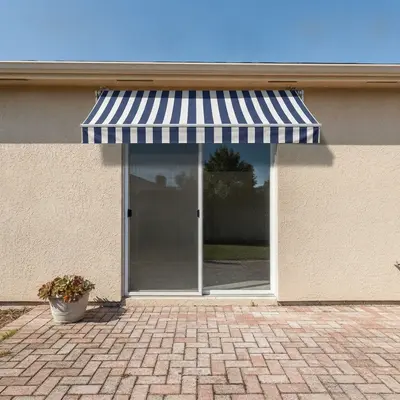
Tan house with sliding patio door and no awning, brick patio Same door with a navy and white striped awning above it

Upload photo to visualize awning

"add a solid forest green fixed canvas awning with a scalloped front edge above the front window, keep the siding and shutters the same"

Free to try · no sign-up · never used for AI training

Release to upload

<30stypical edit
1 freeedit weekly
Photo on your phone? Scan to open this editor there — free edit works on your phone too.

1 free edit every week·paid packs after

How it works

  1. Upload a photo of the window, door or patio

    Pick a straight-on or slight-angle photo taken in daylight, with the whole opening visible and some wall above it. Awnings need room to appear, so avoid tight crops that cut off the wall above the window or door.

    Expect: Most simple previews finish in under a minute. Photos with busy rooflines or heavy shadows may take a second try.
  2. Describe what you want to see

    Type the awning you imagine: the color or stripe pattern, whether it is fixed or retractable, and where it goes. For example, 'add a retractable cream canvas awning over the sliding patio door, keep everything else the same.' You do not need to mark anything first.

    Tip: Name the exact opening ('over the left kitchen window', 'over the storefront entrance') and say how far out it extends, such as 'a shallow awning' or 'a deep awning covering the seating area.'

    Copy one of these to get started:

    Striped awning over a patio door add a navy and white vertical-striped retractable awning over the sliding patio door, sloped slightly outward, keep the house and patio unchanged
    Solid canvas awning over a window add a solid forest green fixed canvas awning with a scalloped front edge above the front window, keep the siding and shutters the same
    Storefront entrance awning add a black retractable awning with white lettering-free valance across the whole storefront entrance, keep the glass door and sidewalk unchanged
    Metal awning over a front door add a charcoal gray standing-seam metal door canopy awning over the front door, shallow slope, keep the door and steps unchanged
    3 more prompts
    Deep awning over a seating area add a wide tan retractable awning extending over the back patio seating area, mounted to the house wall, keep the furniture and lawn unchanged
    Awning color over every window add matching burgundy fabric awnings over each of the three front windows, same size and angle, keep the brick wall unchanged
    Remove an old awning remove the faded green awning over the kitchen window and show the plain wall and window frame underneath
  3. Check the awning shape, attachment and shadow

    Zoom in where the awning meets the wall and along its front edge. Look for a believable angle, even stripes, and a soft shadow underneath. Treat the result as a preview of the look, not a drawing with true size or mounting detail.

  4. Refine with markers if needed (optional)

    If the awning landed over the wrong window or the shape looks off, tap a marker on the wall area where it should attach, then regenerate with the same prompt. The marker pins the spot without redoing the whole photo.

    Tip: Markers are for precision, not a required step. Describe first, mark only if the first result misses.

See it in action

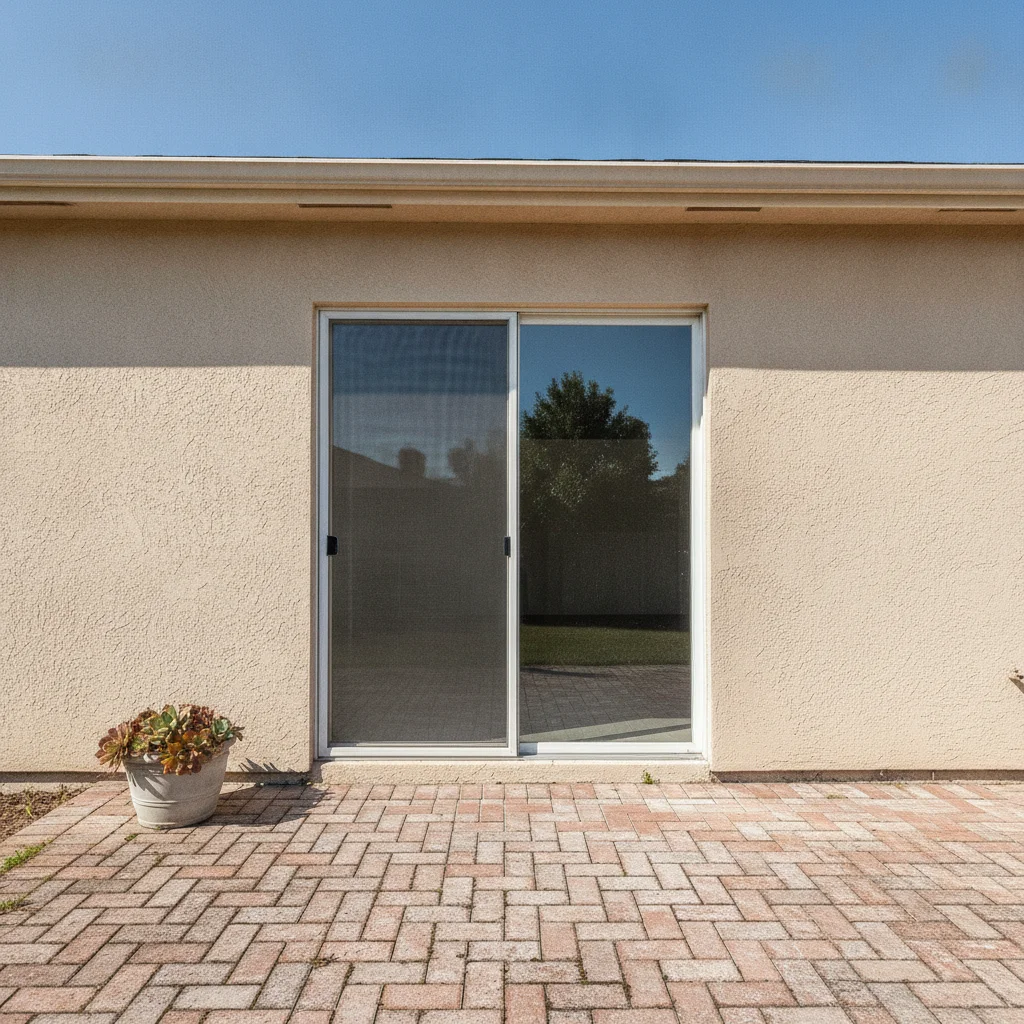
Tan house with sliding patio door and no awning, brick patio
Before
->
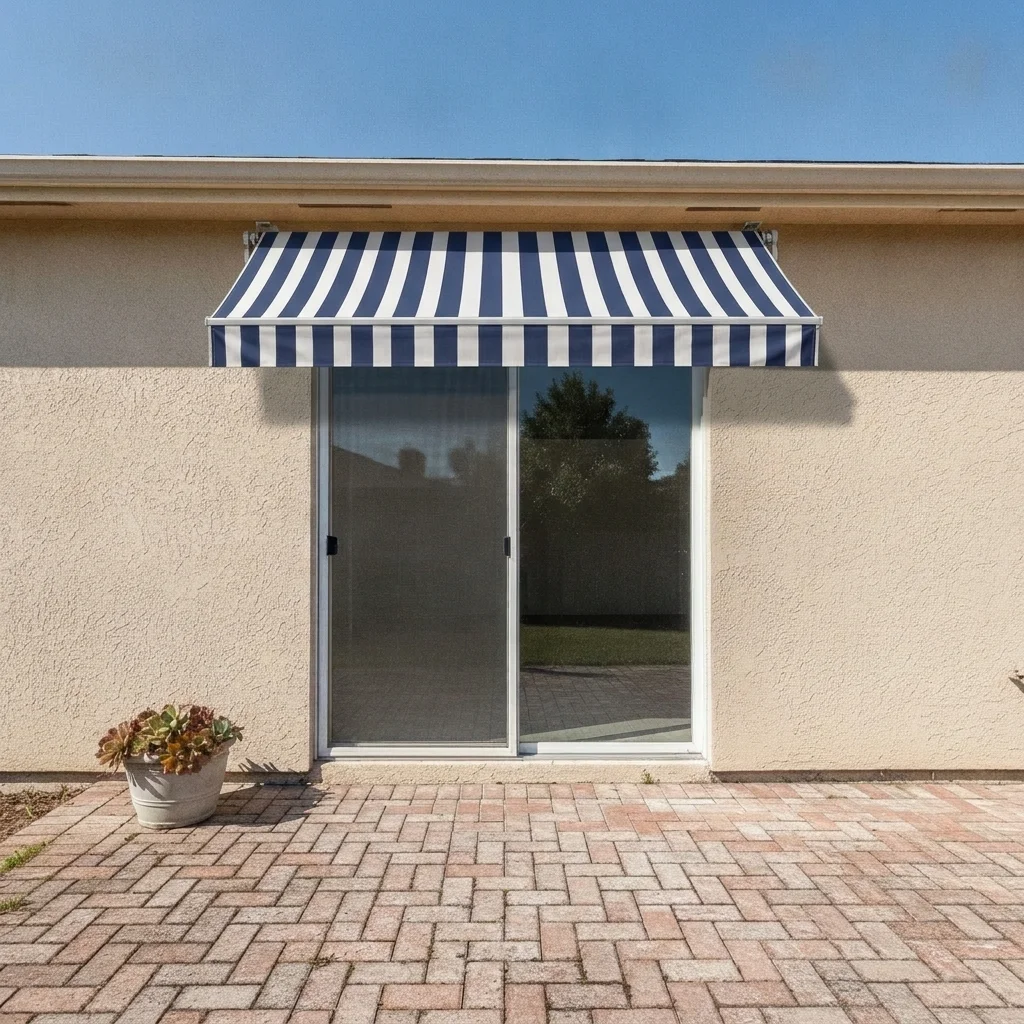
Same door with a navy and white striped awning above it
After

Bare patio door to striped retractable awning

A homeowner wanted shade over a sliding patio door and wasn't sure stripes would suit a tan house. The preview showed navy and white stripes sitting above the door.

Prompt: add a navy and white vertical-striped retractable awning over the sliding patio door, sloped slightly outward, keep the house and patio unchanged
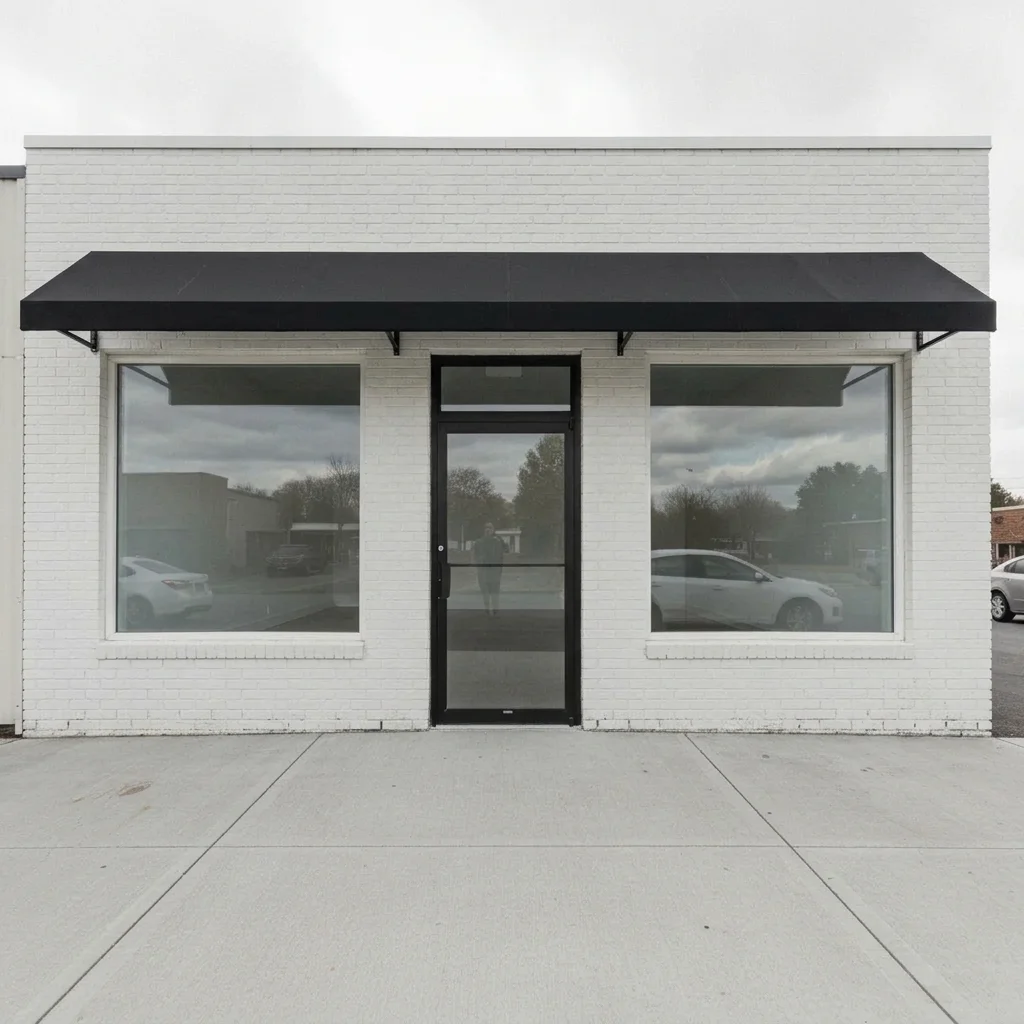
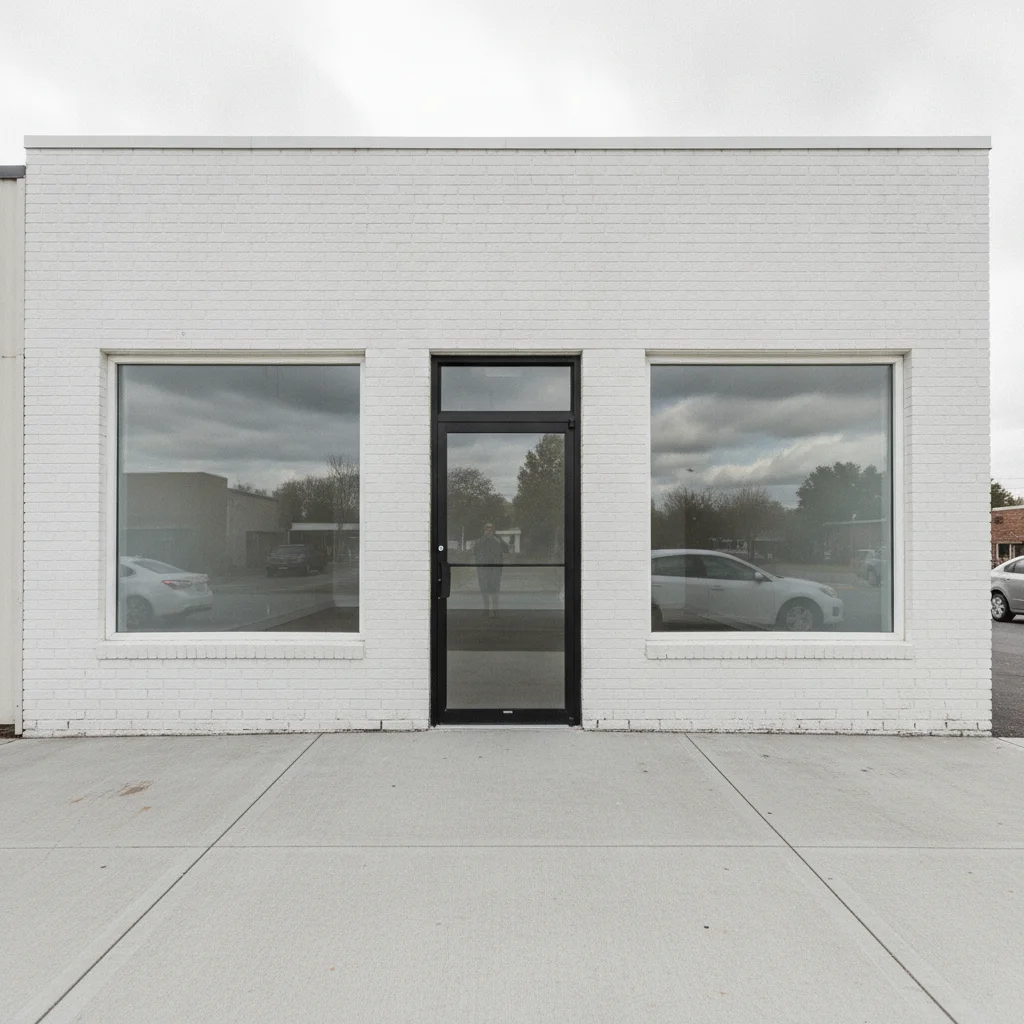
White brick storefront with a glass door and no awning
Before
->
Same storefront with a black awning across the entrance
After

Storefront entrance gets a black awning

A small shop owner wanted to see a dark awning over a glass entrance before talking to a sign company. The preview showed how a black awning changes the storefront.

Prompt: add a black retractable awning with a plain valance across the whole storefront entrance, keep the glass door and sidewalk unchanged
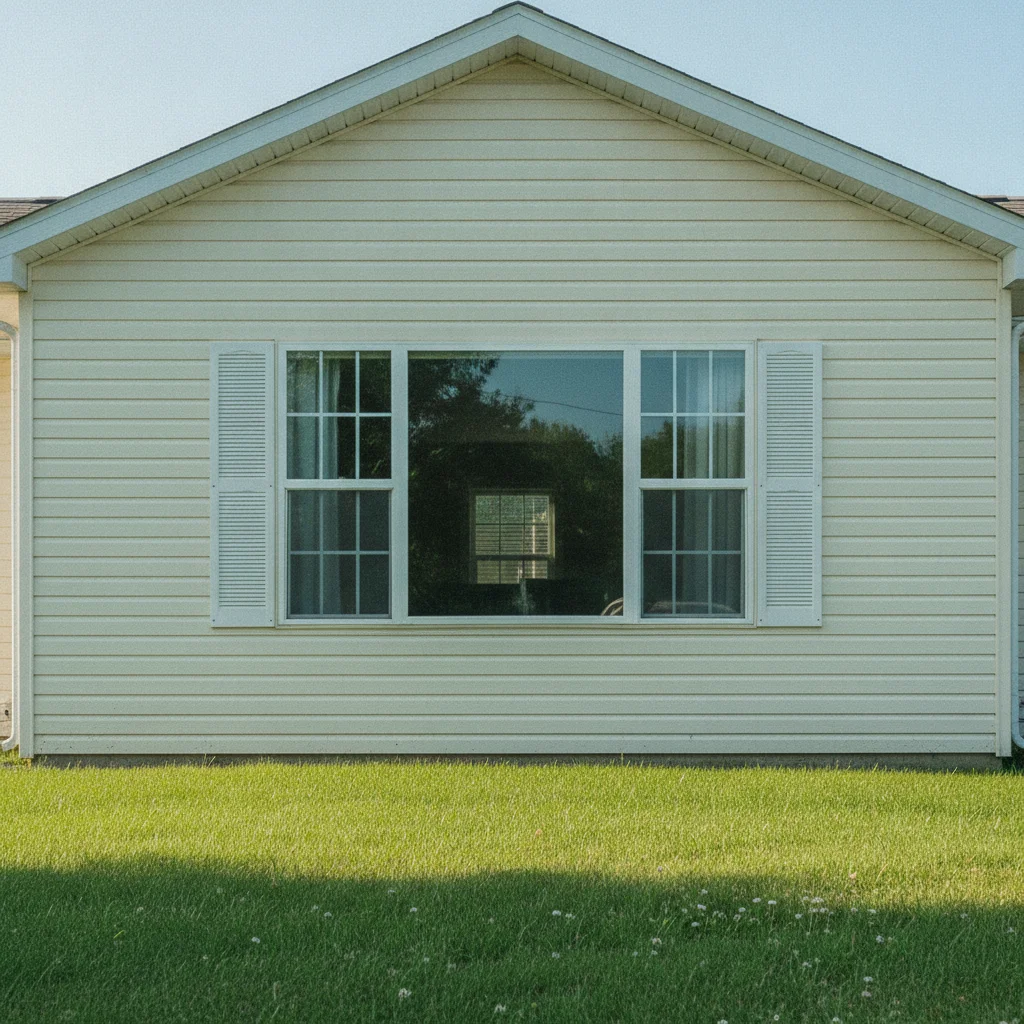
Cream house with a kitchen window and no awning
Before
->
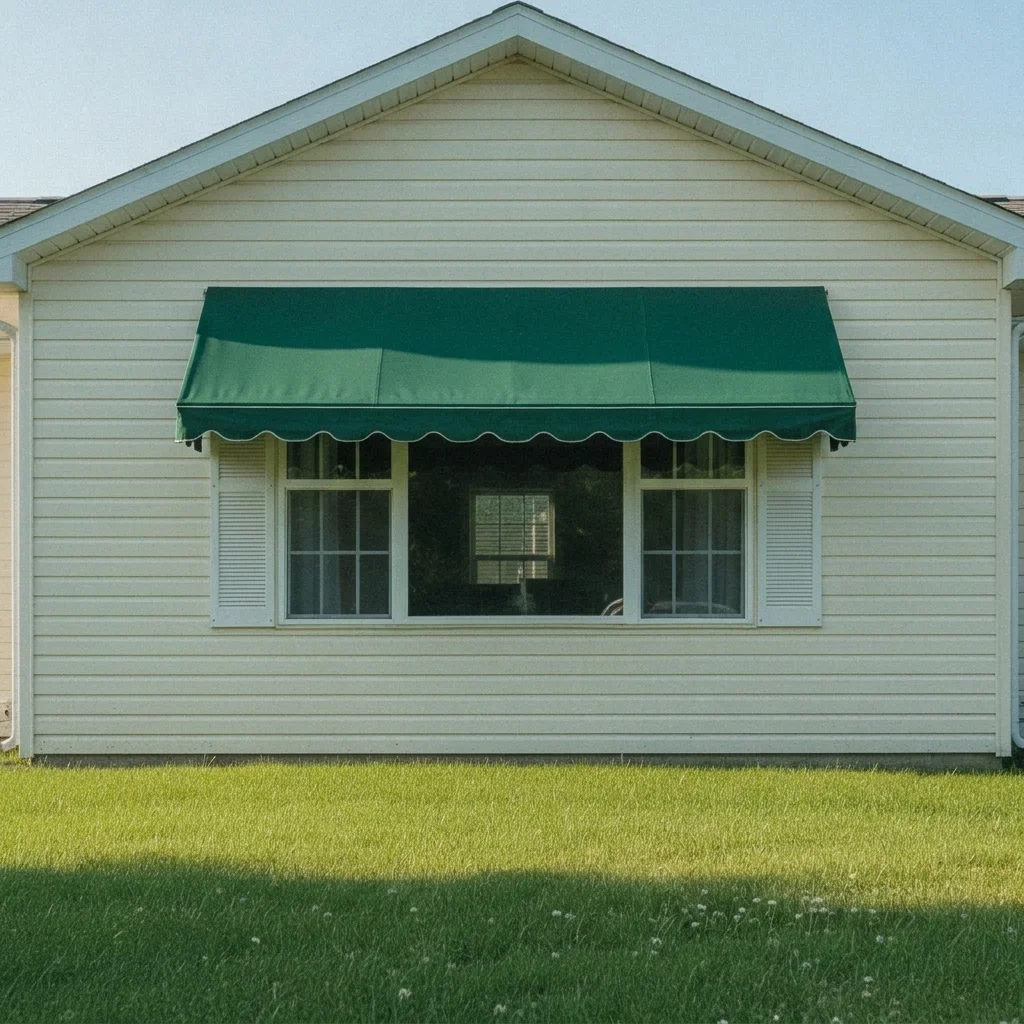
Same window with a forest green scalloped awning
After

Kitchen window gets a green awning

A couple tested a green canvas awning over a sunny kitchen window to cut the afternoon glare, keeping the rest of the siding as it was.

Prompt: add a solid forest green fixed canvas awning with a scalloped front edge above the kitchen window, keep the siding and shutters the same

Quick answers

Do I need to mark the window or door before adding an awning?

No. Describe the awning and name the opening, like 'over the sliding patio door.' The AI finds it from the photo. Use a marker only if the awning lands over the wrong opening.

Is there a free awning visualizer with no login?

Yes. EditThisPic gives you a free preview edit with no signup and no watermark. Upload a photo, describe the awning, and look at the result in your browser.

Can I try different awning colors on the same photo?

Yes. Run the same photo with a different color or stripe in your prompt each time and compare the previews side by side.

Does it work for storefronts as well as houses?

Yes. Storefronts, patios and home windows all work. Say what the building is and which entrance or window gets the awning.

Will the awning match what a company installs?

Treat it as a preview. It shows how a color, pattern and style might look on your building, which you can show a supplier or installer. Actual products, sizes and fabrics will differ.

How much does EditThisPic cost?

You get 1 free Standard edit per week — no account needed. After that, one-time credit packs start at $4.99 for 10 credits, valid 12 months, no subscription. A Standard edit uses 1 credit, Pro 2 and Ultra 3. Purchased downloads are clean with no watermark.

Ready to preview an awning on your own photo?

Free to try. No signup required.

1 free edit included·paid credit packs after