Pricing Visualize Bathroom vanity · Free

AI Bathroom Vanity Visualizer

← Browse all creative effects

Last updated

Upload your bathroom, describe the new vanity, and preview it. Free, no account.
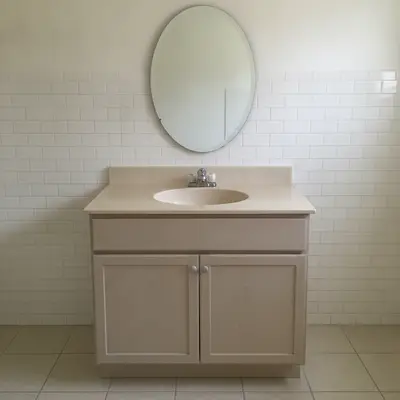
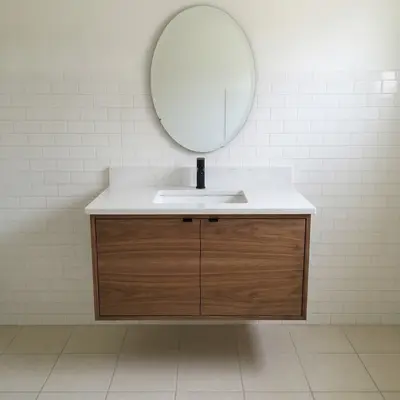
Bathroom with a beige builder-grade vanity and oval mirror Same bathroom with a floating walnut vanity and white top

Upload photo to visualize bathroom vanity

"change the vanity cabinet color to deep navy blue, keep the countertop, faucet, mirror and walls unchanged"

Free to try · no sign-up · never used for AI training

Release to upload

<30stypical edit
1 freeedit weekly
Photo on your phone? Scan to open this editor there — free edit works on your phone too.

1 free edit every week·paid packs after

How it works

  1. Upload a clear photo

    Photograph the vanity straight on or at a slight angle so the cabinet, top, sink and mirror are all visible. Turn on the lights and avoid a flash that blows out the mirror.

    Expect: Most previews take well under a minute. Busy photos with many similar surfaces can take longer or need a second try.
  2. Describe the change you want

    Say whether to restyle or replace, then describe the vanity: color, material, floating or standing, top and faucet. For example, 'replace the vanity with a navy blue shaker vanity with a white quartz top and brushed gold faucet.'

    Tip: Say 'keep the mirror, tile and walls' so only the vanity changes.

    Copy one of these to get started:

    Floating walnut vanity replace the vanity with a floating walnut vanity with a white quartz countertop and a matte black faucet, keep the mirror, tile and walls unchanged
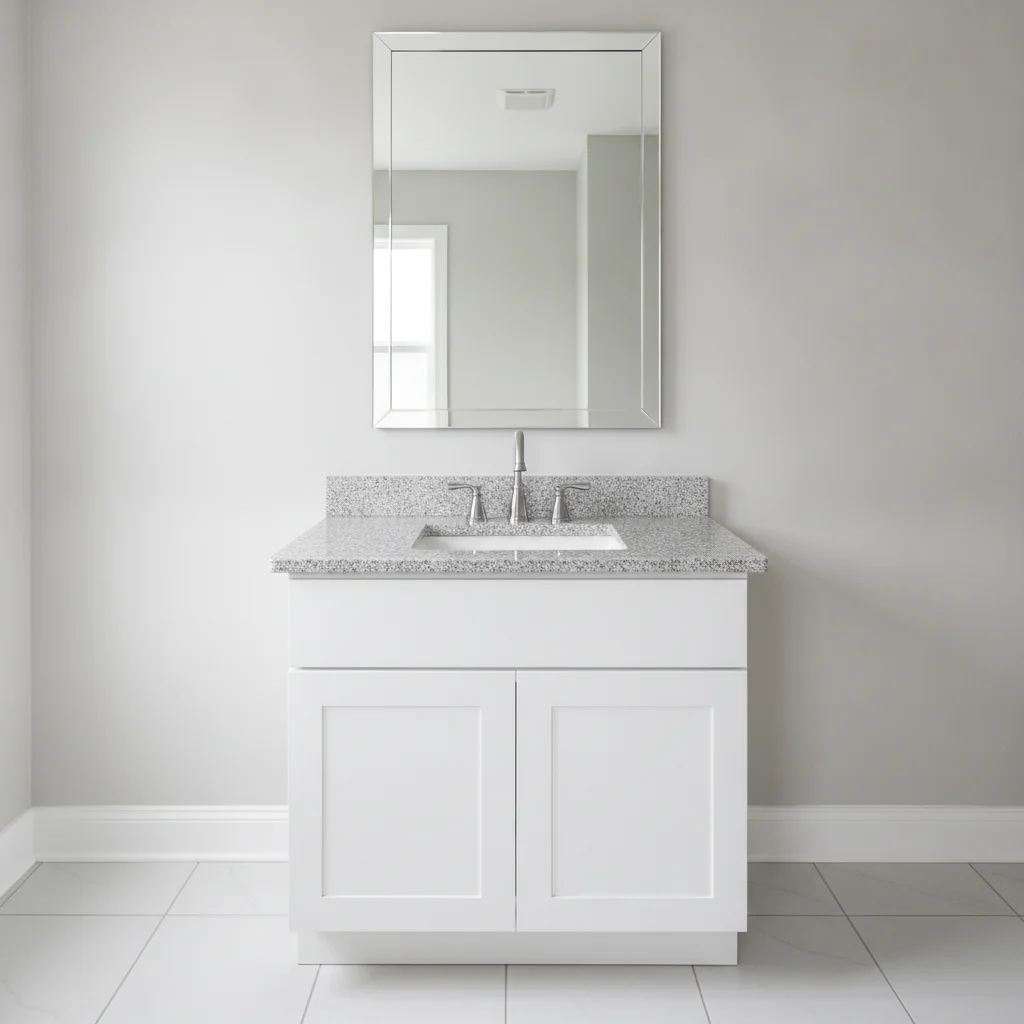
    Paint existing vanity navy change the vanity cabinet color to deep navy blue, keep the countertop, faucet, mirror and walls unchanged
    Sage green shaker vanity replace the vanity with a sage green shaker-style vanity with brushed brass knobs and a white countertop, same width as the original
    Double vanity replace the single vanity with a double vanity in white with two sinks and two matching faucets, filling the same wall
    3 more prompts
    Light oak vanity for small bath replace the vanity with a light oak vanity with open towel shelf below, white top, keep the walls and mirror unchanged
    Black modern vanity replace the vanity with a matte black modern slab-door vanity with a white countertop and chrome faucet
    Vintage furniture-style vanity replace the vanity with a vintage furniture-style vanity on legs in dark gray with a marble-look top and a bridge faucet
  3. Review the preview

    Look at the sink and faucet, the cabinet's footprint, and where the vanity meets the wall and floor. The AI cannot know plumbing locations or true dimensions, so use the preview to judge style and color only.

  4. Refine with markers if needed

    If the AI changes the mirror or tile, or the vanity is placed oddly, place a marker on the vanity and regenerate. Markers are useful when a mirror reflects another vanity-like shape.

    Tip: Markers are optional. Most previews work from the description alone; use them only when the AI picks the wrong area.

See it in action

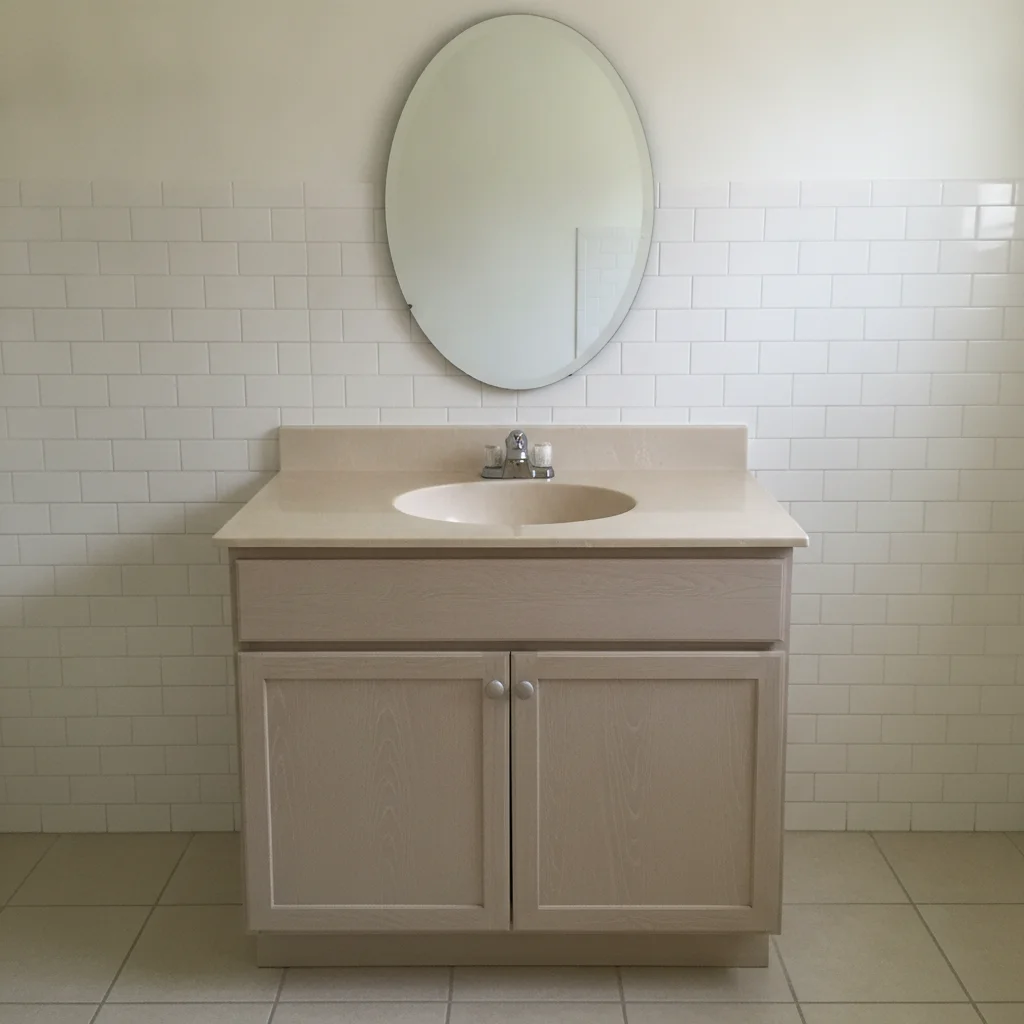
Bathroom with a beige builder-grade vanity and oval mirror
Before
->
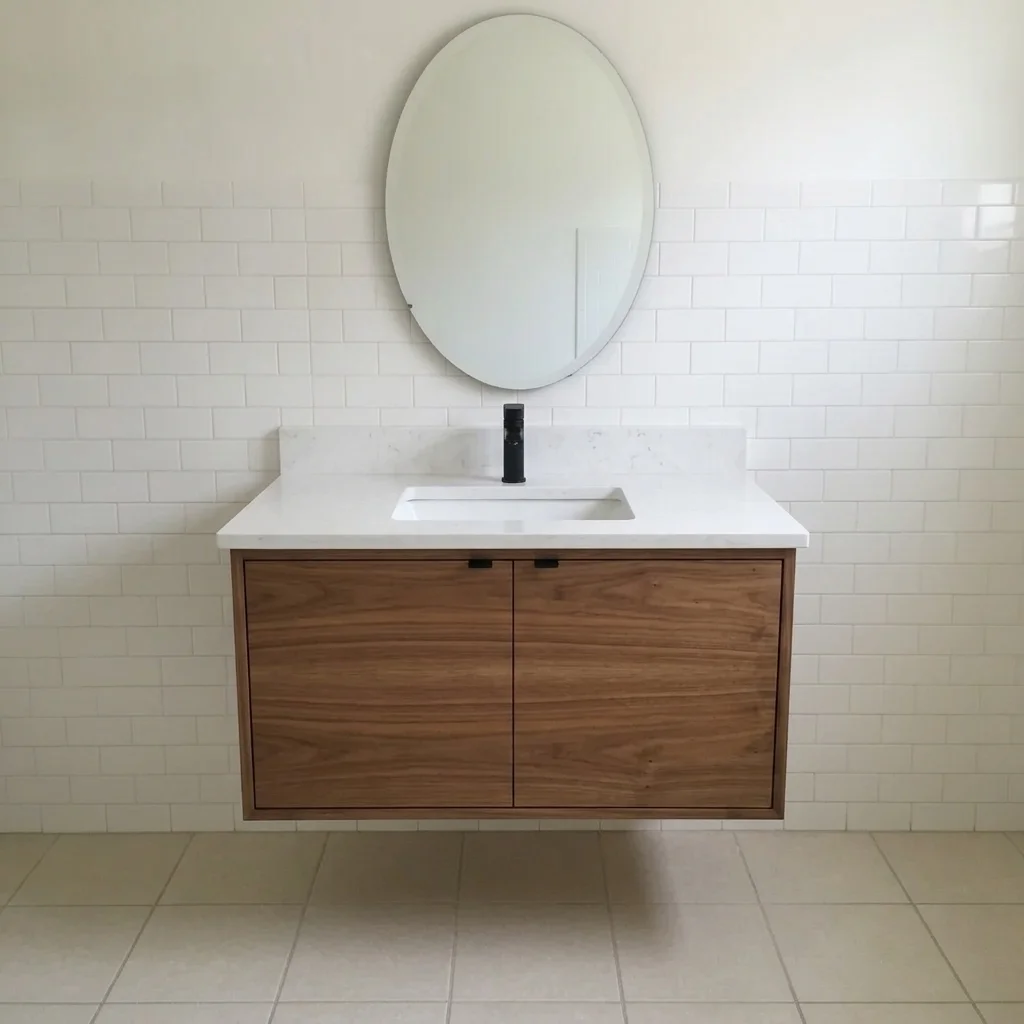
Same bathroom with a floating walnut vanity and white top
After

Beige builder vanity to floating walnut

A homeowner pictured a modern refresh before talking to a remodeler.

Prompt: replace the vanity with a floating walnut vanity with a white quartz countertop and a matte black faucet, keep the mirror, tile and walls unchanged
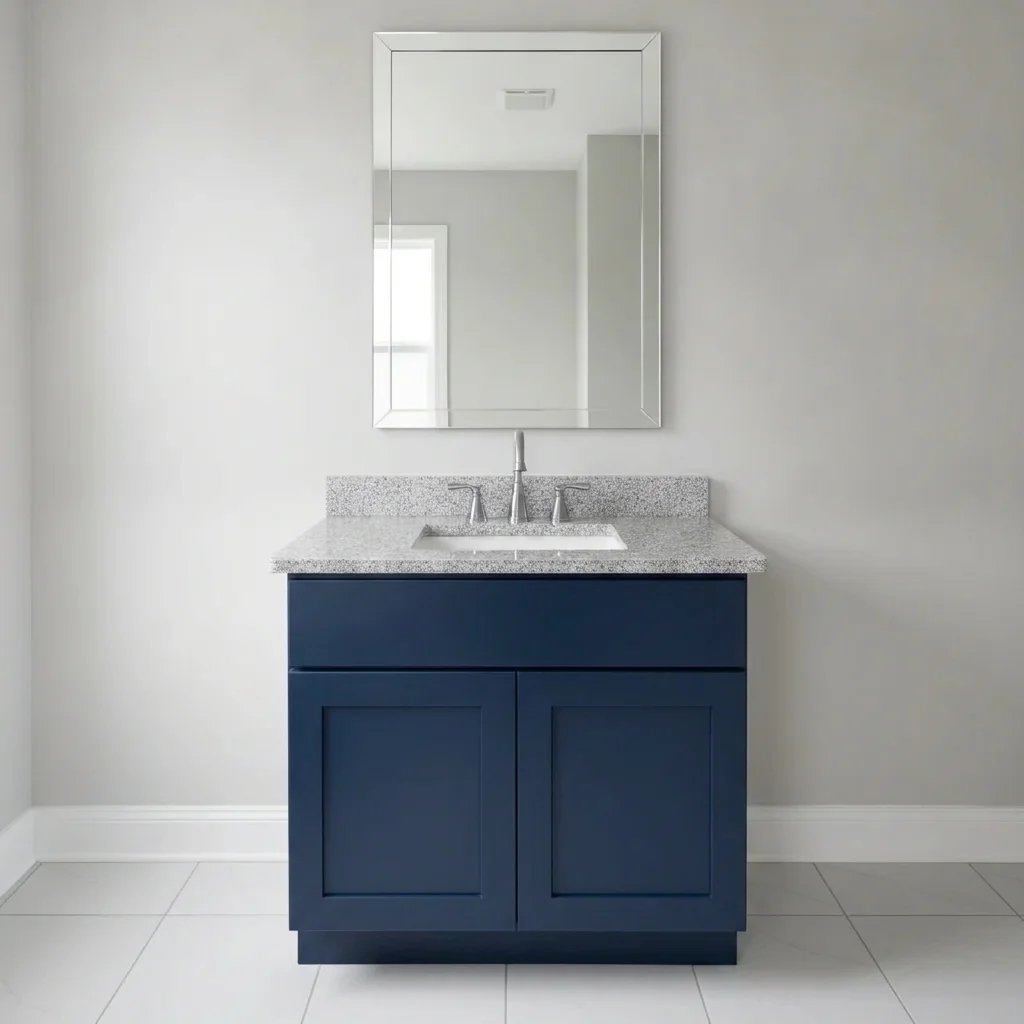
Bathroom with a white shaker vanity
Before
->
Same vanity painted deep navy blue
After

White vanity painted deep navy

A quick color test before buying paint.

Prompt: change the vanity cabinet color to deep navy blue, keep the countertop, faucet, mirror and walls unchanged

Quick answers

Do I need to mark the vanity before changing it?

No. Describe the new vanity and say what to keep. Use markers only if the AI changes the mirror, tile or another surface.

Is there a free bathroom vanity visualizer with no signup?

Yes. EditThisPic offers a free preview edit, no account and no watermark. Upload your bathroom photo, describe the vanity and view the preview.

Will the preview tell me if a vanity fits?

No. It is a visual mock-up and does not know your plumbing or measurements. Measure the space and confirm with your installer before ordering.

Can I try only a color change instead of a new vanity?

Yes. Say 'change the vanity cabinet color to navy and keep everything else unchanged.' It is the most reliable kind of preview.

Can I compare floating and standing vanities?

Yes. Run the same photo twice, once asking for a floating vanity and once for one that sits on the floor, and compare how open the room looks.

How much does EditThisPic cost?

You get 1 free Standard edit per week — no account needed. After that, one-time credit packs start at $4.99 for 10 credits, valid 12 months, no subscription. A Standard edit uses 1 credit, Pro 2 and Ultra 3. Purchased downloads are clean with no watermark.

Ready to preview your bathroom vanity?

Free to try. No signup required.

1 free edit included·paid credit packs after