Pricing Remove Branches · Free

AI Branch Remover

← Browse all remove tools

Last updated

Describe the branch and what is behind it, and the AI fills it in. Free, no account.
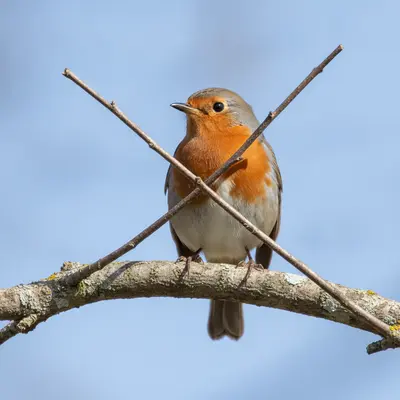
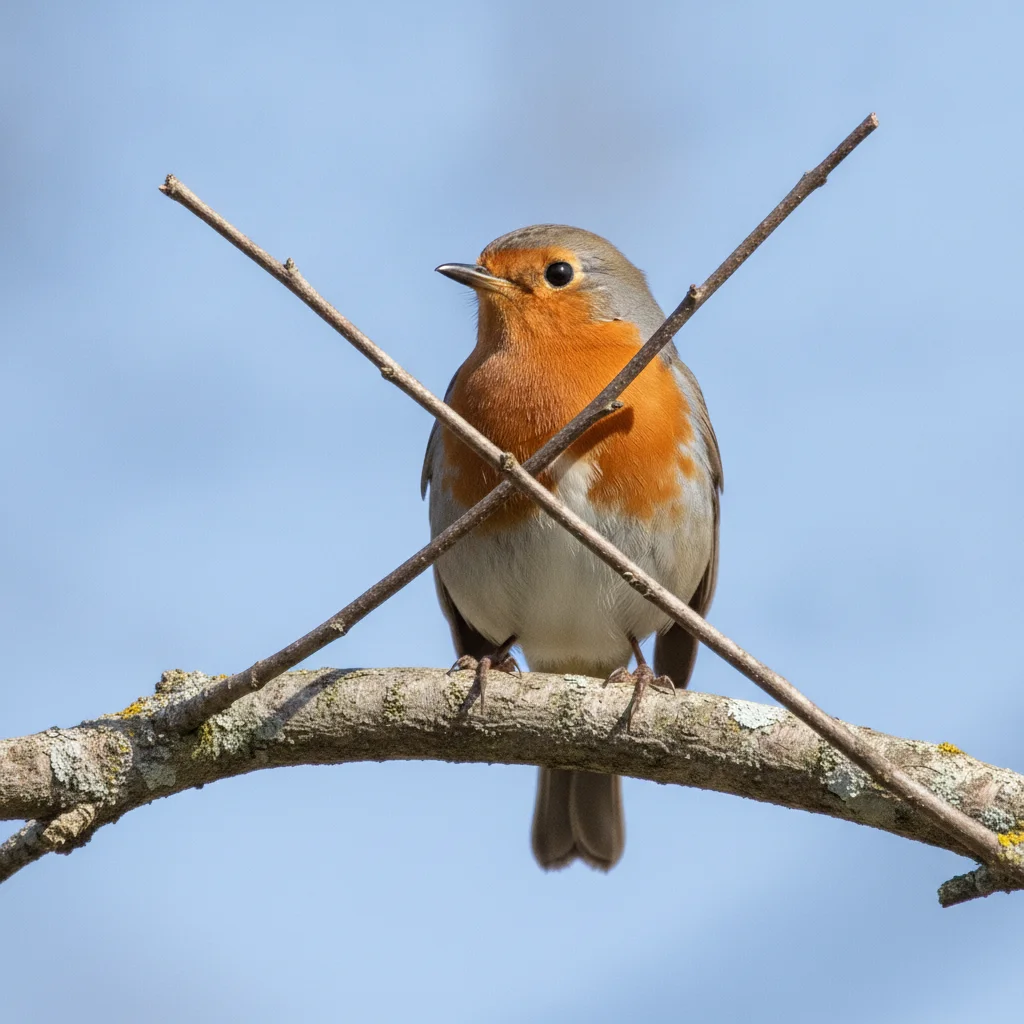
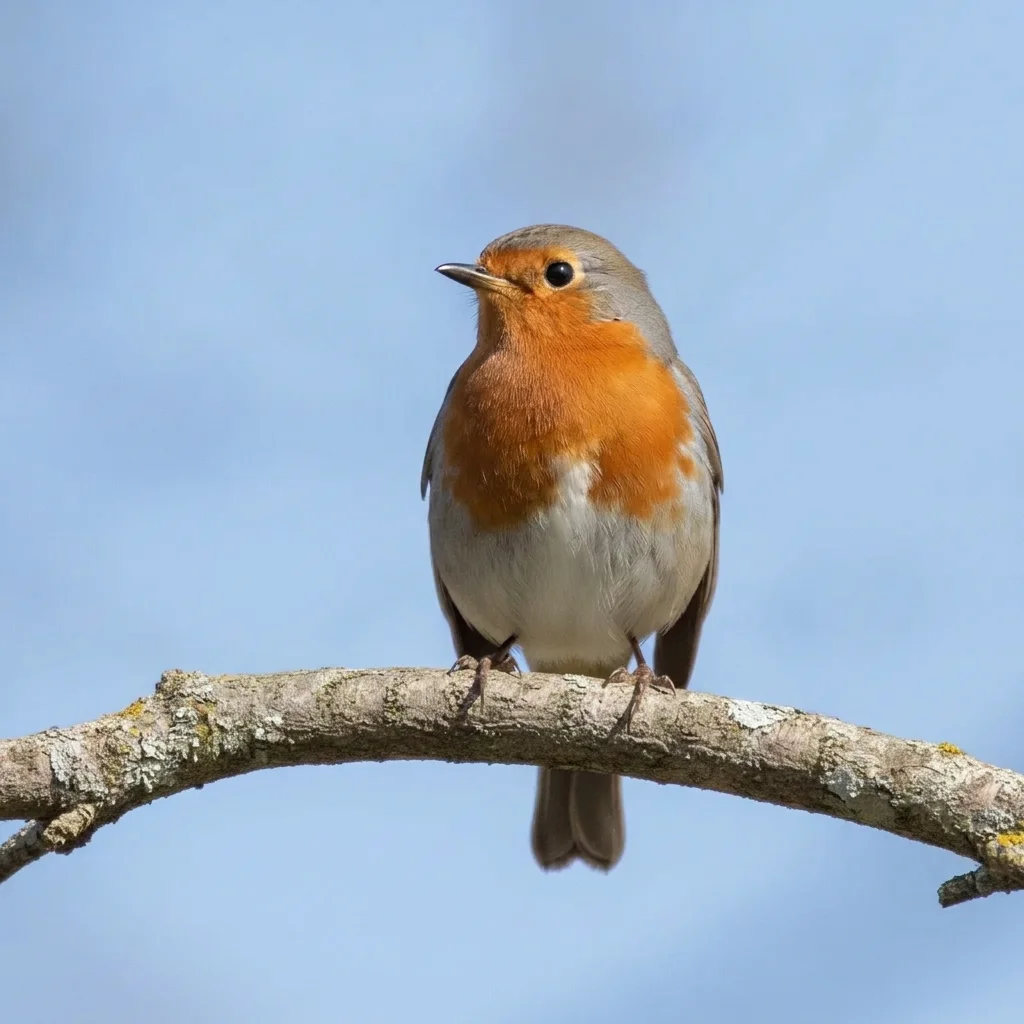
Robin with two thin brown twigs crossing in front of it Same robin with the front twigs removed, blue sky behind

Upload photo to remove branches

"remove the tree branches hanging in front of the house and fill in the white wall and windows behind them, keep the house unchanged"

Free to try · no sign-up · never used for AI training

Release to upload

<30stypical edit
1 freeedit weekly
Photo on your phone? Scan to open this editor there — free edit works on your phone too.

1 free edit every week·paid packs after

How it works

  1. Upload a photo with the branches in view

    Use the sharpest version of the photo. Thin branches over a plain background such as sky are easiest. Thick branches over a detailed background are harder because the AI has to guess more of what was behind.

    Expect: Most edits finish in roughly half a minute. Busy or low-resolution photos can take a little longer and may need one retry.
  2. Describe what you want

    Describe the branch, where it is and what is behind it. For example: 'remove the thin branches crossing in front of the bird and fill in the plain blue sky behind them. Keep the bird unchanged.' No marking is required.

    Tip: Always say what is behind the branch, such as sky, wall or leaves. It helps the AI fill in the right thing.

    Copy one of these to get started:

    Branch in front of a bird remove the thin branches crossing in front of the bird and fill in the blue sky behind them, keep the bird unchanged
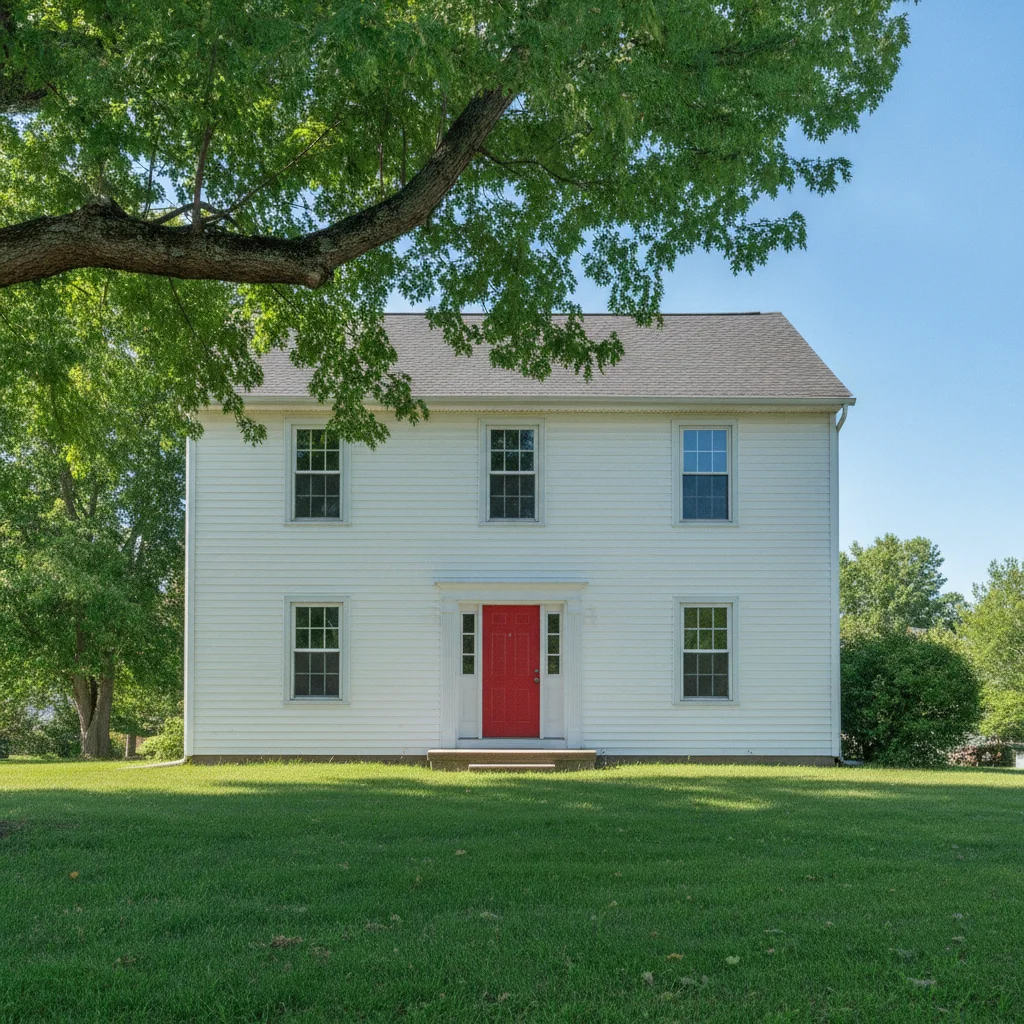
    Branch across a house remove the tree branches hanging in front of the house and fill in the white wall and windows behind them, keep the house unchanged
    Branch over a view remove the dark branch at the top of the photo and fill in the sky and mountains behind it, keep the scene unchanged
    Twigs across a sunset remove the black twigs crossing the sunset and fill in the orange sky behind them
    3 more prompts
    Branches over a window remove the branches in front of the window and show the room behind, keep the window frame and curtains unchanged
    Leafy branch from the foreground remove the green leafy branch in the foreground at the left and fill in the lawn and fence behind it
    Winter branches over a building remove the bare tree branches crossing the front of the brick building and fill in the brick wall and windows, keep the building unchanged
  3. Review the result

    Zoom in on where the branch was. Look for smeared patches, leftover twig fragments and any change to the subject. Straight lines such as roof edges should still be straight.

  4. Refine with markers if needed

    If a twig remains or the AI changed the wrong thing, tap a marker on the branch and regenerate. Markers help when many branches cross each other.

    Tip: Markers are for precision, not a required step. Most edits work from the description alone.

See it in action

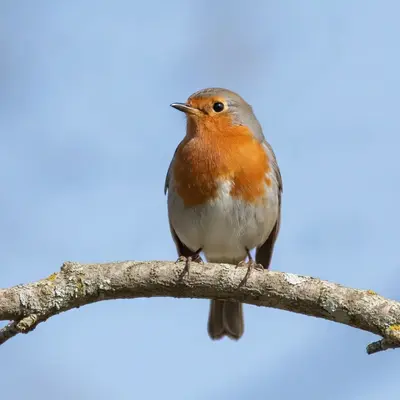
Robin with two thin brown twigs crossing in front of it
Before
->
Same robin with the front twigs removed, blue sky behind
After

Twigs removed from in front of a bird

A bird watcher wanted a clean shot of a robin without twigs across its body.

Prompt: remove the thin branches crossing in front of the bird and fill in the blue sky behind them, keep the bird unchanged
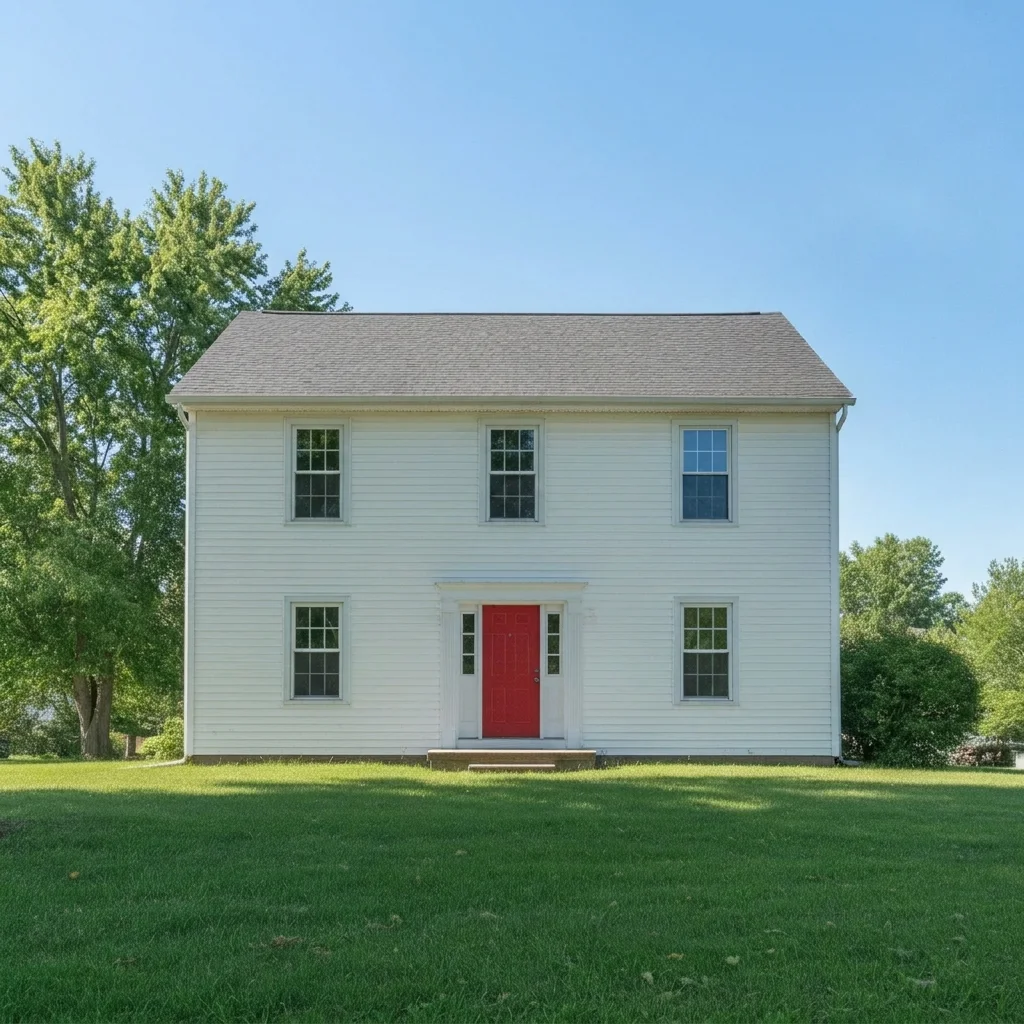
White house with a leafy tree branch across the upper left
Before
->
Same house with the branch gone and the wall and windows clear
After

Branch removed from in front of a house

A seller wanted the house front to be visible in the listing.

Prompt: remove the tree branches hanging in front of the house and fill in the white wall and windows behind them
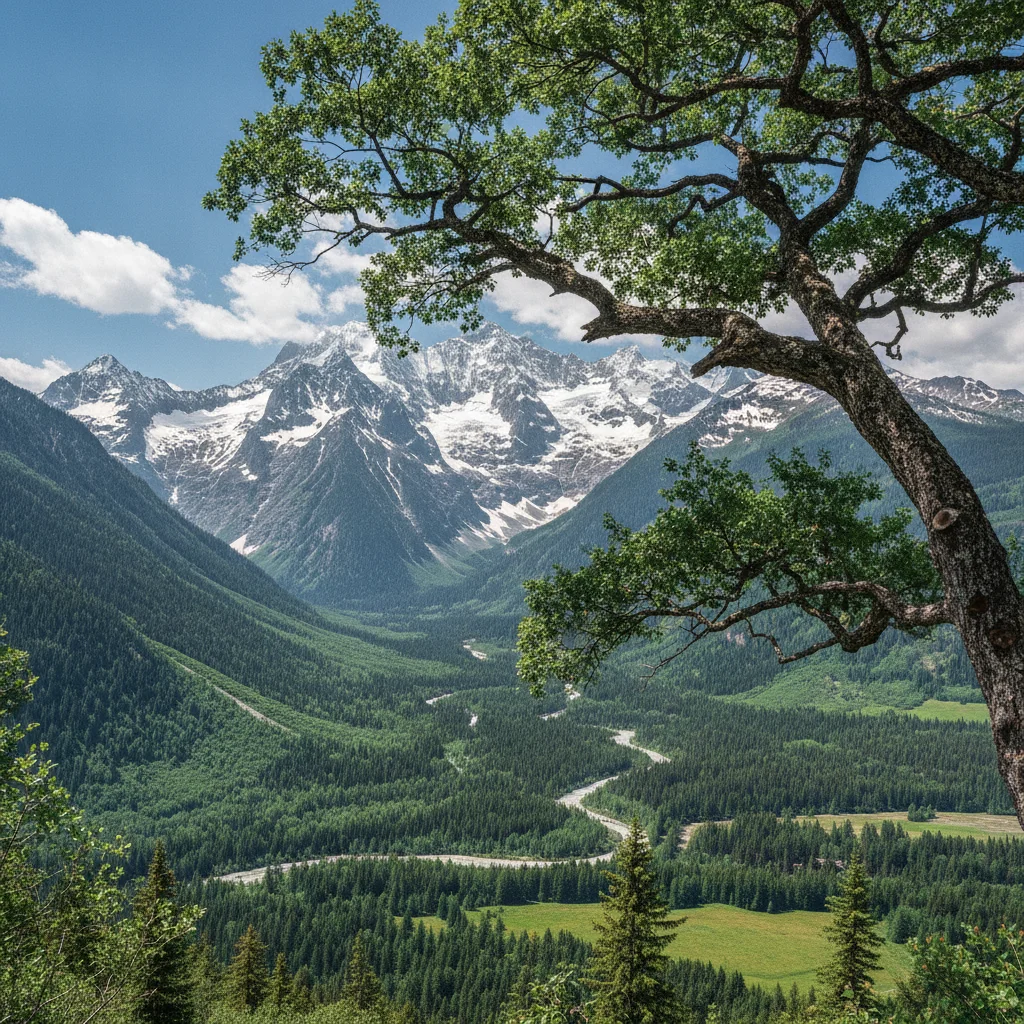
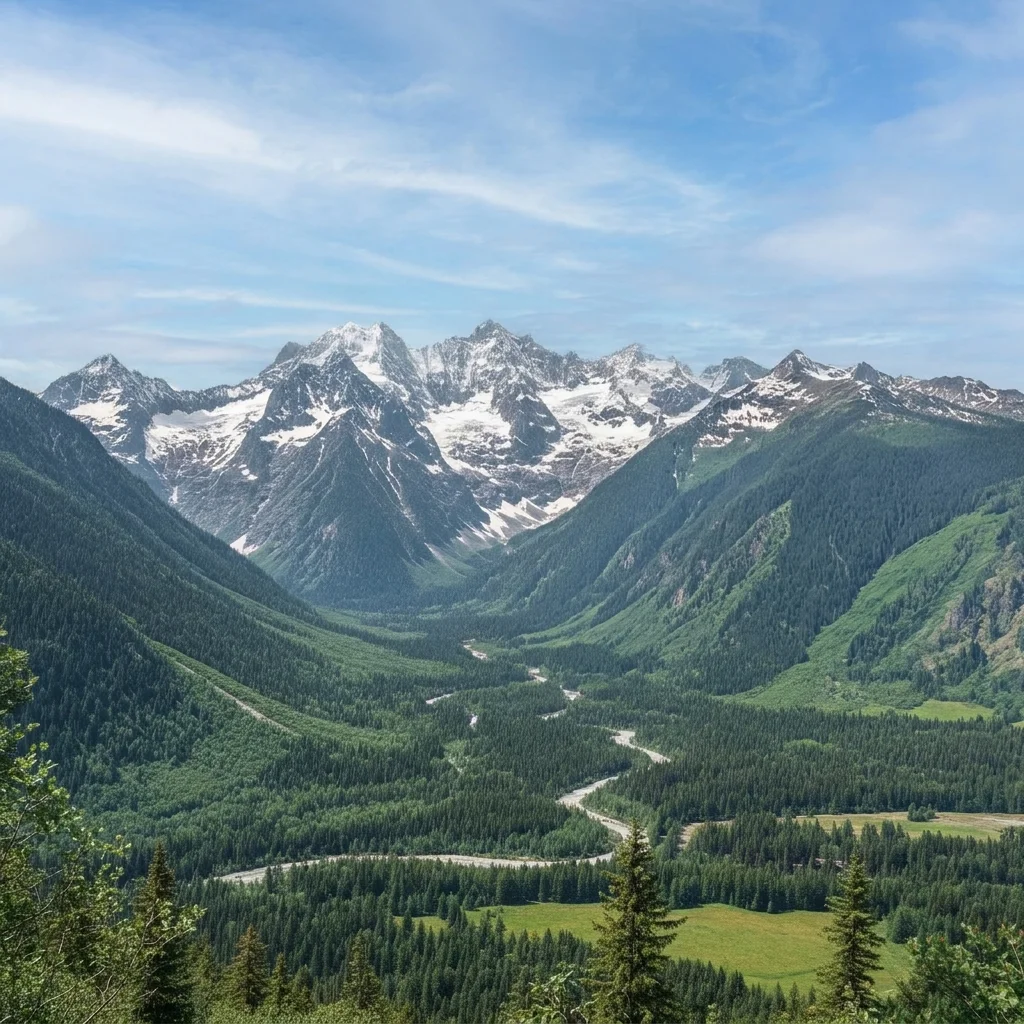
Mountain view with a dark branch across the top right
Before
->
Same mountain view with a clear sky in the top right
After

Dark branch removed from a view

A hiker wanted a clean mountain view without the branch at the top.

Prompt: remove the dark branch at the top of the photo and fill in the sky and mountains behind it

Quick answers

Do I need to mark the branches before removing them?

No. Describe them, for example 'remove the thin branches crossing in front of the bird.' Use markers only if a twig is left or the AI changes the wrong area.

How do I remove branches from a photo for free?

Upload the photo to EditThisPic, describe the branches and what is behind them, and run the edit. The free edit is a preview with no signup and no watermark.

Can it remove many branches at once?

Yes, but dense or overlapping branches work better in steps. Remove the biggest ones first, then repeat.

Will the background behind the branch be real?

No. The AI fills it in. Over sky or a plain wall it looks natural. Over detailed scenes it is a best guess.

Does it work for property photos?

Yes, as a preview. Show the real photo too, since the filled-in area is AI-generated.

How much does EditThisPic cost?

You get 1 free Standard edit per week — no account needed. After that, one-time credit packs start at $4.99 for 10 credits, valid 12 months, no subscription. A Standard edit uses 1 credit, Pro 2 and Ultra 3. Purchased downloads are clean with no watermark.

Ready to remove branches from your photo?

Free to try. No signup required.

1 free edit included·paid credit packs after